# RUAL Documentation: full documentation
> Generated from https://docs.rual.nl, one markdown document with the key pages. Curated overview: https://docs.rual.nl/llms.txt. Block catalog: https://docs.rual.nl/llms-blocks.txt
---
title: "Build websites, APIs and automations in blueprints · RUAL Documentation"
description: "Build web apps in weeks with RUAL: explore the blocks, blueprints, cluster APIs and guides in the official RUAL documentation."
canonical: https://docs.rual.nl/
language: en
---
# Build websites, APIs and automations in blueprints
RUAL is a visual platform: you connect blocks on a canvas, and it runs as your backend and your website. This is everything you need to know to build on it.
[Start the quickstart](https://docs.rual.nl/getting-started/quickstart) [Build a web page](https://docs.rual.nl/web/overview)
**2,000+** blocks **52** REST APIs **44** integrations
## Latest releases
## What do you want to build?
- [A website](https://docs.rual.nl/web/first-page)
- [A webshop](https://docs.rual.nl/web/build-a-shop)
- [A REST API](https://docs.rual.nl/tutorials/rest-api)
- [A login](https://docs.rual.nl/tutorials/login-page)
- [A dashboard](https://docs.rual.nl/tutorials/dashboard-charts)
- [Email](https://docs.rual.nl/tutorials/email-system)
- [AI features](https://docs.rual.nl/tutorials/ai-endpoints)
- [Home automation](https://docs.rual.nl/home-automation/introduction)
Documentation
## Find your way around
Start with a guide when you are learning, and come back to the reference when you know what you are looking for.
- [Web Pages New](https://docs.rual.nl/web)
- [Cluster and API](https://docs.rual.nl/cluster): Everything around the cluster itself: getting an account, managing who may do what, and exposing your own REST endpoints.
- [Blueprints](https://docs.rual.nl/blueprints): The visual programming model: how flows execute, how storage works, and the patterns that keep large blueprints readable.
- [Blueprint Language](https://docs.rual.nl/engine): Blueprint Language is the text form of a RUAL blueprint: edit it by hand, with an AI agent or in the Studio code view, and stage the change on the canvas.
- [Integrations](https://docs.rual.nl/integrations): Connect RUAL to the services you already use: payments, mail, messaging, AI, cloud storage, shipping, accounting and single sign-on.
- [Studio](https://docs.rual.nl/interfaces): The cluster management interface: signing in, the canvas context menu, and how to replace the login and system pages that ship by default.
- [Tutorials](https://docs.rual.nl/tutorials): End-to-end builds. Each tutorial starts from an empty blueprint and ends with something running: APIs, logins, dashboards, email, uploads and AI.
- [Home Automation](https://docs.rual.nl/home-automation): Run the building the node sits in: Zigbee, Thread/Matter, Z-Wave, Hue and Daikin devices in one vocabulary, automated by blueprints with no vendor cloud.
- [Examples](https://docs.rual.nl/examples): Reference applications. Each one shows the document design first, then the flows that read and write it: a blog, a shop, bookings, stock and tasks.
- [Reference](https://docs.rual.nl/reference): Lookup material. Short pages you come back to rather than read once: blocks, API endpoints, system settings, component props, error codes and more.
- [Architecture](https://docs.rual.nl/architecture): Decisions you make once per project, and the reasoning behind them: which approach fits, versions and upgrades, Core Nano versus a cluster, and scaling.
- [Troubleshooting](https://docs.rual.nl/troubleshooting): When something does not do what you expect, start here: common issues and their fixes, and how to debug a blueprint with the console and simulation.
In three steps
## From an empty canvas to a live page
Everything in RUAL is a blueprint: a canvas of blocks, connected into flows.
- 1 Place the blocks
A [`web_page`](https://docs.rual.nl/block-types/web/web_page) with a URL and a [`web_render`](https://docs.rual.nl/block-types/web/web_render) with your template. An API or a scheduled job starts the same way.
- 2 Connect your data
Read from a [storage](https://docs.rual.nl/blueprints/storage), call an [outside service](https://docs.rual.nl/integrations) and wire the values into the blocks that need them.
- 3 Activate it
Activating makes the blueprint live on your cluster, with nothing to build and nothing to deploy by hand.
Integrations
## Connect what you already use
## Bring your assistant
Every page here has a markdown twin, and [llms.txt](https://docs.rual.nl/llms.txt) gives an AI agent the whole map, including every block and its pins. See [Building with AI](https://docs.rual.nl/web/with-ai).
## Stuck?
Most problems are one of a few. Check the common fixes first, and tell us if the docs let you down: there is a link at the bottom of every page.
---
---
title: "Quickstart · RUAL Documentation"
description: "Build your first RUAL blueprint in 15 minutes: create a Hello World page, activate it, then expose a JSON API endpoint and call it with curl."
canonical: https://docs.rual.nl/getting-started/quickstart
language: en
---
# Quickstart: Your First Blueprint in 15 Minutes
Go from cluster login to a live Hello World page and a JSON API endpoint. You create two blueprints, press Save and Activate, and both answer on your cluster, without backend code.
In short
- A page is a [`web_page`](https://docs.rual.nl/block-types/web/web_page) block whose flow reaches a [`web_render`](https://docs.rual.nl/block-types/web/web_render) with a template. State pages are [deprecated](https://docs.rual.nl/web/overview).
- Pick `Build a Web Page` in the new-blueprint dialog and Studio places the blocks. Studio 3.3.0 and older do not have this option: build the page [from source](#from-source) there.
- A page or API without a scope is not public. Give it `*public` when anyone may open it.
- Saving publishes your changes. `Activate` turns the blueprint on.
## You need a cluster URL and a Studio login
- **A cluster URL**: the address of the RUAL cluster you build on.
- **A username and password** authorized for RUAL Studio. If you have no account yet, an existing administrator creates one for you. See [Getting Access](https://docs.rual.nl/cluster/getting-access).
You work in [RUAL Studio](https://docs.rual.nl/interfaces/rual-studio), the web application at [rual.at](https://rual.at). Log in with your cluster URL and credentials to open your cluster.
## Create a blueprint and pick Build a Web Page
All logic in RUAL lives in blueprints: large canvases where you place blocks and connect them into flows. One blueprint per component is the convention, similar to assigning a single class to a file in traditional coding.
- Create it
Open the blueprints overview in RUAL Studio and create a new blueprint.
- Name it
Type a clear name, for example `Hello World Page`, and press `Next step`.
- Pick the type
Studio asks *What type of blueprint would you like*. Pick `Build a Web Page`. Studio places the blocks of a page, already wired, and opens the URL field. When your list has no such option, your Studio does not include it yet: close the dialog with the `×` in its corner and build the page [from source](#from-source).
> **Why not Build a UI Page?** That option, at the end of the list, seeds a [`state_page`](https://docs.rual.nl/block-types/state%20ui/state_page), the deprecated way to build a page. Use it only to maintain a page you already have. The other types in the dialog are current: `Build a Function`, `Build an API endpoint`, `Build an API Form`, `Database event` and `Time based event`.
## Build the page from one web_page and one web_render
A page flow starts at a URL and ends in a rendered template. These are all the blocks it needs:
| Block | Display name | Role |
| --- | --- | --- |
| [`web_page`](https://docs.rual.nl/block-types/web/web_page) | new web page | Starts the flow when someone opens `/hello-world`. |
| [`web_render`](https://docs.rual.nl/block-types/web/web_render) | web render | Renders the template on the server and answers with the finished HTML. |
| [`httpconnection_current_request`](https://docs.rual.nl/block-types/http%20connection/httpconnection_current_request) | current request | Hands the incoming request to the render block. |
| [`value_default`](https://docs.rual.nl/block-types/value/value_default) | value | Holds fixed text: the title and the description. |
Studio placed the first three for you. Finish them on the canvas:
- Set the URL
The URL field is already open. Type `hello-world` and press `Save`. Leave out the leading slash.
- Set the scope
Click the lock icon on the `new web page` block and pick `*public`.
- Write the template
Press `Write template` on the `web render` block, paste this in the editor that opens and press `Save Changes`.
```
{{title}}
Rendered on the server by a blueprint.
```
- Add the title and description
Drag out of the `title` pin into an empty area and add a `value` block holding `Hello World`. Do the same for `description`, with `My first RUAL web page`.
- Save
Press `Save` in the bottom bar, or `Cmd/Ctrl + S`.
Three things to know about what you just set:
- **The URL is the block's `event` setting**, without the leading slash. A segment like `tasks/:guid` arrives on the block's `params` out-pin.
- **The scopes say who may open it.** `*public` is everyone. A page with no scopes at all opens for developers only, and other visitors are sent to sign in.
- **`{{title}}` is a template variable.** See [Template Syntax](https://docs.rual.nl/web/templates) for conditions, loops and filters.
You just used the two connection kinds every blueprint is built from. `flow` pins control *when* a block runs, the execution order. Data pins such as `value`, `object` and `array` carry *what* a block works on. You can only connect pins of compatible types. Read more in [Block Execution](https://docs.rual.nl/blueprints/block-execution).
## The same page from source
The [code view](https://docs.rual.nl/engine/studio-code-view) gives you the same blocks from a few lines of text. Use it when you prefer source, or when your Studio has no `Build a Web Page`. Start from an empty canvas: close the type dialog with the `×` in its corner.
- Switch to Code
Use the `Canvas` | `Code` switch in the blueprint header. When your header has no such switch, your Studio does not include the code view yet.
- Paste the source
Replace the text in the editor with the source below.
- Check
Press `Check` (`Cmd/Ctrl + Enter`). It should say *Compiles cleanly.*
- Stage to canvas
Press `Stage to canvas` (`Cmd/Ctrl + S`), then switch back to `Canvas` to see the blocks wired together.
- Save
Press `Save` in the bottom bar, or `Cmd/Ctrl + S`.
```
blueprint "Hello World Page"
flow page = web_page with {event: "hello-world", scopes: ["*public"]} {
web_render(
connection: page.connection,
template: "
{{title}}
Rendered on the server by a blueprint.
",
title: "Hello World",
description: "My first RUAL web page",
)
}
```
## Activate the blueprint, then open the URL
Pages, APIs and events are inactive by default. The switch at the right of the top bar reads `Inactive`: click it to activate the blueprint.
Now open `https:// /hello-world`. You should see your **Hello World** heading on a plain page. View the page source: the title, description, canonical link and Open Graph tags are already there, written by `web_render`.
| You see | Check this |
| --- | --- |
| A not found page | Did you save, and does the switch read `Active`? A page of an inactive blueprint holds no URL. |
| A login screen | The block has no `*public` scope. |
| "this page could not be rendered" | The template did not compile. Signed in as a blueprint developer, the page tells you why. |
Saving is what publishes: from that moment visitors get the new version. See [How to Deploy](https://docs.rual.nl/deployment/how-to-deploy). To try a change before it is live, run a [simulation](https://docs.rual.nl/troubleshooting/debugging) on your unsaved edits.
## Your first API endpoint is a blueprint too
Create a second blueprint, name it `Hello World API`, and this time pick `Build an API endpoint` in the dialog. That seeds an [`on_startup_register_uri_get`](https://docs.rual.nl/block-types/http%20connection/on_startup_register_uri_get) block, which exposes a GET URL under `/api/v1/`. The endpoint you are about to build answers on `/api/v1/hello-world`.
These are the blocks of the response flow:
| Block | Display name | Role |
| --- | --- | --- |
| [`on_startup_register_uri_get`](https://docs.rual.nl/block-types/http%20connection/on_startup_register_uri_get) | On API GET | Registers `GET /api/v1/hello-world` and starts the function on each request. |
| [`trigger_custom_function`](https://docs.rual.nl/block-types/globals/trigger_custom_function) | create | The function that runs on every request. |
| [`httpconnection_set_json`](https://docs.rual.nl/block-types/json/httpconnection_set_json) | reply in JSON | Sends the JSON body and status code back to the caller. |
| [`httpconnection_current_request`](https://docs.rual.nl/block-types/http%20connection/httpconnection_current_request) | current request | Reference to the incoming HTTP connection. |
| [`object_new_fields`](https://docs.rual.nl/block-types/object/object_new_fields) | new object | Builds the `{"message": ...}` object. |
| [`value_default`](https://docs.rual.nl/block-types/value/value_default) | value | The `Hello World` text. |
| [`number_default`](https://docs.rual.nl/block-types/number/number_default) | number | The `200` status code. |
Wire them on the canvas:
- Set the URL
Click the `no url given` button on the block and type `hello-world`. Leave out `/api/v1/`: the block adds it, with `v1` as the default version.
- Set the scope
Click the lock icon on the block and pick `*public`. A route without any scope is locked: it answers `403` with `ENDPOINT_NOT_PUBLIC`, whatever the lock icon looks like.
- Create the handler function
Drag from the `On Request` out-pin into an empty area and create a function. Name it, for example, `hello_world`. Its `flow` out-pin runs on every request.
- Add the reply block
Add a `reply in JSON` block and connect the function's `flow` out-pin to its `flow` in-pin. Connect a `current request` block to its `connection` in-pin.
- Set the status code
Add a `number` block with `200` and connect it to the `code` in-pin.
- Build the JSON body
Add a `new object` block with a field `message`, connect a `value` holding `Hello World` to that field, and connect the object to the `data` in-pin.
- Save and activate
Press `Cmd/Ctrl + S`, then click `Inactive` in the top bar.
The same endpoint is three lines in the [code view](https://docs.rual.nl/engine/overview), where `reply` stands for the reply block with its request, status and object:
```
blueprint "Hello World API"
route GET "hello-world" -> hello-world with {scopes: ["*public"]}
fn hello-world(connection, params, query, body) {
reply 200 {message: "Hello World"}
}
```
Call your endpoint from any terminal:
```
curl https:///api/v1/hello-world
```
```
{
"message": "Hello World"
}
```
To restrict an endpoint, replace `*public` with `*loggedin` or a scope of your own. See [Remote Access Control](https://docs.rual.nl/blueprints/remote-access-control). Your cluster also ships more than 240 built-in REST operations for managing blueprints, users and storage, documented under [Cluster APIs](https://docs.rual.nl/cluster/api).
## Next steps
You created two blueprints, connected flow and data pins, activated a page and an API, and tested both. Where to go from here:
- [Build Your First CRUD App](https://docs.rual.nl/getting-started/first-crud-app): A full tutorial: list, add, update, delete and search tasks with web blocks and built-in storage.
- [Web Pages](https://docs.rual.nl/web/overview): How pages, templates and actions fit together, and what they do for speed and SEO.
- [Core Concepts](https://docs.rual.nl/getting-started/core-concepts): Blueprints, blocks, pins, flows, storage and publishing: the mental model behind what you just did.
- [Tips & Tricks](https://docs.rual.nl/blueprints/tips-and-tricks): Work faster on the canvas: drag-to-connect, selection, search and the minimap.
## Frequently asked
**How do I create my first blueprint in RUAL?**
Open the blueprints overview in RUAL Studio, create a blueprint and pick Build a Web Page. Set its URL and scope, write the template on the web render block, save and activate. web_page starts the page flow, and web_render answers with the finished HTML. Studio 3.3.0 and older do not have that option: close the type dialog, switch to the code view and paste a web_page source.
**Why does my RUAL page or API not respond after I save it?**
Saving is not enough. A blueprint only starts responding after you press Activate in the top bar. Until then the page or endpoint stays silent, even though the blueprint is saved.
**How do I test a RUAL endpoint before it goes live?**
Simulate it in RUAL Studio, which writes nothing. There is no separate deploy step on a current core: saving publishes the blueprint, so anything you save in an active blueprint is live.
---
---
title: "Build Your First CRUD App · RUAL Documentation"
description: "Step-by-step RUAL tutorial: plan a schema-less task document, then create, list, update, delete, and search tasks with blueprint blocks, no code needed."
canonical: https://docs.rual.nl/getting-started/first-crud-app
language: en
---
# Build Your First CRUD App
Build a small Tasks manager with web blocks and built-in storage: a page that lists tasks, a form that adds them, buttons that update or delete one row in place, a detail page and a search. You write no backend code.
In short
- A [`web_page`](https://docs.rual.nl/block-types/web/web_page) renders the list on the server; [`web_foreach`](https://docs.rual.nl/block-types/web/web_foreach) gives every row a key.
- A button or form runs a [`web_action`](https://docs.rual.nl/block-types/web/web_action), which answers with only what changed: [`web_insert`](https://docs.rual.nl/block-types/web/web_insert), [`web_replace`](https://docs.rual.nl/block-types/web/web_replace), [`web_remove`](https://docs.rual.nl/block-types/web/web_remove) or [`web_errors`](https://docs.rual.nl/block-types/web/web_errors).
- [`web_template`](https://docs.rual.nl/block-types/web/web_template) renders one row again, from the same template the list uses.
- Storage is schema-less JSON: field names are lowercase, searches are case-sensitive, and timestamps live in `_meta`.
Before you start, make sure you have access to a cluster (see [Getting Access](https://docs.rual.nl/cluster/getting-access)) and have done the [Quickstart](https://docs.rual.nl/getting-started/quickstart), which shows the code view and the `Activate` switch.
## Plan your data: one document per task
RUAL storage is JSON-based and schema-less. You don't create tables or declare fields up front. The tradeoff is that there are no relationships between documents, so each document carries everything you want to display (denormalization). A task document looks like this:
```
{
"owner_guid": "a23575f49d0af385314c1f02280163374297e018a692e5e4ab85eb307ebf6ebc",
"owner_name": "joe doe",
"status": "open",
"title": "write the release notes"
}
```
- **Everything is lowercase.** Field names are always stored in lowercase, and searches are case-sensitive: storing searchable values in lowercase saves you from missed matches later.
- **The owner is denormalized.** Instead of only referencing a user, we embed `owner_name` so the list can show it without a second lookup. We keep `owner_guid` as the reference for when we do need the full user document.
- **There is no `created` field.** Creation and update timestamps live in `_meta` (`_meta.created`, `_meta.updated`), never in the document root. Do not set your own copy of them.
Every document automatically gets a `_meta` object with its unique `guid`, timestamps and removal state. For the full storage reference, see [Storage](https://docs.rual.nl/blueprints/storage).
## Set up a storage and an empty blueprint
- Create the blueprint
Create a blueprint named `Tasks` and close the *What type of blueprint would you like* dialog with its `×`: this tutorial writes its pages as source, so it starts from an empty canvas.
- Create the storage
Right-click the canvas, choose `Add new block` and add the storage `selector` block. In its storage popup, type `tasks` and confirm `Create storage`.
- Open the code view
Switch the header to `Code`. Every step below adds declarations to this source. After each step press `Check`, then `Stage to canvas`, then `Save` on the canvas. The order of declarations does not matter.
- Activate
Click `Inactive` in the top bar once. The blueprint then answers after every save.
> **Check warns about new fields** `Check` reports *field "title" is not in the field registry* for fields your cluster has not seen. That is a warning, not an error: it says *Compiles, with warnings on the marked lines.* and you can stage.
## List the tasks with web_foreach
The page flow searches the `tasks` storage and hands the documents to `web_foreach`, which repeats a row template and gives every row a `data-key`: the document's `_meta.guid`. That key is how a later action reaches exactly that row.
| Block | Purpose | Connects to |
| --- | --- | --- |
| [`web_page`](https://docs.rual.nl/block-types/web/web_page) (`tasks`) | Starts the flow on `/tasks`. Its scope `*loggedin` sends visitors without a session to sign in. | `function_search` (flow) |
| [`storage`](https://docs.rual.nl/block-types/globals/storage) (tasks) | Selects the storage to search. In the source, `search@tasks` says the same. | `function_search` (storage pin) |
| [`query_sort_field`](https://docs.rual.nl/block-types/query/query_sort_field) (`_meta.created`) | Newest tasks first: the order is descending unless its `asc` pin is true. | `function_search` (query pin) |
| [`number_default`](https://docs.rual.nl/block-types/number/number_default) (25) | Limits the result set. | `function_search` (limit pin) |
| [`function_search`](https://docs.rual.nl/block-types/storage/function_search) | Runs the search and outputs an `array` of documents. | `web_foreach` (items pin) |
| [`web_foreach`](https://docs.rual.nl/block-types/web/web_foreach) | Renders the row template once per document, or the `empty` template when there are none. | `web_render` (a custom pin `rows`) |
| [`web_render`](https://docs.rual.nl/block-types/web/web_render) | Renders the page around the rows and answers the request. | End of the flow |
This is the page template, spread over lines for reading. The rows print with triple braces because `web_foreach` has already escaped them.
```
{{title}}
Task
Status
Owner
{{{rows}}}
```
And the template of one row. A row's variables are the fields of its document, including `_meta`. Values are escaped for where they stand, so a title holding ` ` stays text.
```
```
In the source each template is one string, because a Blueprint Language string cannot span lines. The templates use single quotes for their attributes, so nothing needs escaping. Replace everything in the editor with this:
```
blueprint "Tasks"
let page_template = "
"
flow page = web_page with {event: "tasks", scopes: ["*loggedin"]} {
tasks = search@tasks(query: query_sort_field[_meta.created](), limit: 25)
web_render(
connection: page.connection,
template: page_template,
title: "Tasks",
description: "A small task manager built with web blocks.",
rows: web_foreach(items: tasks.array, template: task_row, empty: no_tasks).html,
) with {custom_pins: [{id: "rows", state: "rows", type: "value"}]}
}
```
Stage, save and open `https:// /tasks`: the page says *No tasks found.* The buttons and forms have nothing to run yet: the next steps add their actions.
The `rows` custom pin is what makes `{{{rows}}}` a template variable. On the canvas you add one with the `+ pin` button on the block. A template can also read any field of the object on the `data` pin. See [Lists and Tables](https://docs.rual.nl/web/lists).
### Showing only open tasks takes a term query
Queries are composed by connecting query blocks and feeding them into `function_search`. To list only open tasks, replace the `query` argument of the page's search:
```
query: query_and(query_bool_filter(term{status: "open"}), query_sort_field[_meta.created]())
```
| Block | Purpose | Connects to |
| --- | --- | --- |
| [`query_bool_term_fields`](https://docs.rual.nl/block-types/query/query_bool_term_fields) (status = open) | Match only open tasks | [`query_bool_filter`](https://docs.rual.nl/block-types/query/query_bool_filter) |
| [`query_bool_filter`](https://docs.rual.nl/block-types/query/query_bool_filter) | Wrap the term query in an efficient filter context | [`query_and`](https://docs.rual.nl/block-types/query/query_and) |
| [`query_sort_field`](https://docs.rual.nl/block-types/query/query_sort_field) (_meta.created) | Newest tasks first | [`query_and`](https://docs.rual.nl/block-types/query/query_and) |
| [`query_and`](https://docs.rual.nl/block-types/query/query_and) | Combine filter and sort into one query | `function_search` (query pin) |
## Add a task with a web action
The form carries `data-action="add"`, so submitting it runs the `web_action` whose `event` is `add`. The browser checks `required` itself and only sends a form that passes. The action checks what only the server can know, and answers with a new row.
```
flow add = web_action with {event: "add"} {
let {title} = add.form
let lower_title = value_to_lowercase(title)
existing = search@tasks(query: query_bool_filter(term{title: lower_title}), limit: 1)
guard not existing.has_hits else {
web_errors(errors: {title: "You already have a task with this title."})
}
let {_meta.guid as owner_guid, username} = user_current()
task = create@tasks(mutations{title: lower_title, status: "open", owner_guid: owner_guid, owner_name: username})
web_remove(target: "#no-tasks")
web_insert(
target: "#tasks",
position: "prepend",
html: web_template(template: task_row, data: task.object, key: task.guid).html,
)
}
```
| Block | What it does here |
| --- | --- |
| [`web_action`](https://docs.rual.nl/block-types/web/web_action) | Starts the flow. `add.form` is an object of the posted fields; `let {title} = add.form` reads one. |
| [`value_to_lowercase`](https://docs.rual.nl/block-types/value/value_to_lowercase) | Stores the title in lowercase, so a later exact match finds it. |
| [`web_errors`](https://docs.rual.nl/block-types/web/web_errors) | Shows the message in the form's `data-error-for="title"` element. It disappears as soon as the visitor edits the field. |
| [`user_current`](https://docs.rual.nl/block-types/users/user_current) | The signed-in user, for the denormalized owner fields. |
| [`function_create_document_from_mutations`](https://docs.rual.nl/block-types/storage/function_create_document_from_mutations) | Creates the document from the [`mutations_set_bp_field_multiple`](https://docs.rual.nl/block-types/mutations/mutations_set_bp_field_multiple) block that `mutations{...}` stands for. You never set a creation timestamp yourself: storage writes `_meta.created` for you. |
| [`web_template`](https://docs.rual.nl/block-types/web/web_template) | Renders the row template for the new document, with its guid as the row's key. |
| [`web_insert`](https://docs.rual.nl/block-types/web/web_insert) | Adds that row at the top of `#tasks`. [`web_remove`](https://docs.rual.nl/block-types/web/web_remove) first drops the *No tasks found.* row; when that row is not there, it does nothing. |
The create block returns the document, including the generated `_meta` with its `guid`, on its `object` out-pin, and the raw guid on its `guid` out-pin:
```
{
"_meta": {
"cms": 1752768000362,
"created": 1752768000,
"entity": 1,
"expiry": -1,
"guid": "b34686f50e1b04964250f13391274d85308c129a793c6ec97bc41870fc67081e",
"removed": 0,
"ums": 1752768000803,
"update_hash": "60e27209fa93063b5605e41605c2722ed428cae0",
"updated": 1752768000
},
"owner_guid": "a23575f49d0af385314c1f02280163374297e018a692e5e4ab85eb307ebf6ebc",
"owner_name": "joe doe",
"status": "open",
"title": "write the release notes"
}
```
> **Two things to know about this flow** A search can lag a write for a moment, so treat the duplicate check as a friendly message, not a guarantee (see [Common Pitfalls](https://docs.rual.nl/blueprints/common-pitfalls)). And the form keeps its text after an add: the runtime does not clear it. To empty it, answer with one more update that replaces the form.
## Show one task on a page with its guid in the URL
A second `web_page` in the same blueprint answers `/tasks/:guid`. The `:guid` segment arrives on the block's `params` out-pin and goes into [`function_get_document`](https://docs.rual.nl/block-types/storage/function_get_document).
```
let detail_template = "
"
flow detail = web_page with {event: "tasks/:guid", scopes: ["*loggedin"]} {
task = get@tasks(detail.params.guid)
guard task.accessible else {
web_render(connection: detail.connection, template: not_found_template, title: "Task not found", status: 404)
}
let {title, status, owner_name} = task.object
web_render(
connection: detail.connection,
template: detail_template,
title: title,
description: "One task of the task manager.",
data: {status: status, owner_name: owner_name},
)
}
```
Getting by guid is the fastest retrieval method and easier to cache than searching. The block's `accessible` out-pin is true when the document exists and is not removed, so the `guard` answers a `404` page for anything else. To load several tasks at once, use [`function_get_documents`](https://docs.rual.nl/block-types/storage/function_get_documents) with an array of guids.
## Update and delete one row in place
A button inside a row sends that row's `data-key` along, and the action receives it on its `key` out-pin. So each action knows which document to change and which row to change on the page.
```
flow done = web_action with {event: "done"} {
task = update@tasks(guid: done.key, mutations: mutations{status: "done"})
web_replace(key: done.key, html: web_template(template: task_row, data: task.object, key: done.key).html)
}
flow delete = web_action with {event: "delete"} {
remove@tasks(guid: delete.key)
web_remove(key: delete.key)
}
```
- **Done** updates the document, renders the row again with `web_template`, and [`web_replace`](https://docs.rual.nl/block-types/web/web_replace) swaps it in. Only that row travels over the network.
- **Delete** removes the document and [`web_remove`](https://docs.rual.nl/block-types/web/web_remove) takes the row off the page. `data-optimistic="remove"` on the button hides the row at once and brings it back if the action fails.
Updates go through mutations, RUAL's transaction-based update system: each update is processed sequentially, so two users editing the same task can't overwrite each other. The same mutation blocks you used at creation work here: increments, array adds, field removals. See [Updating Documents](https://docs.rual.nl/blueprints/storage#updating-documents) for the full list.
For deletion you have two options:
#### Remove: soft delete
[`function_remove_document`](https://docs.rual.nl/block-types/storage/function_remove_document) marks the document as removed and excludes it from search results. The data stays and can be brought back with [`function_restore_document`](https://docs.rual.nl/block-types/storage/function_restore_document).
#### Delete: permanent
[`function_delete_document`](https://docs.rual.nl/block-types/storage/function_delete_document) deletes the document for good (unless revisions are enabled on the storage). Its `very_sure` pin must be true or it refuses.
> **Best Practice** Use `remove` (soft delete) in most cases. It allows recovery when a user deletes a task by accident, and you can permanently purge removed documents later with a [repeating event](https://docs.rual.nl/blueprints/repeating-events) after a retention period.
## Search by title and update the list in place
The search form runs one more action. It builds a full-text query and answers with new contents for `#tasks`, using the same row template. The list page never reloads, and `Show all` is a plain link back to the page.
```
flow find = web_action with {event: "search"} {
let {q} = find.form
results = search@tasks(
query: query_and(
query_bool_simple_query_string_field[title](search: value_to_lowercase(q)),
query_sort_field[_meta.created](),
),
limit: 25,
)
web_update(target: "#tasks", html: web_foreach(items: results.array, template: task_row, empty: no_tasks).html)
}
```
| Block | Purpose | Connects to |
| --- | --- | --- |
| [`query_bool_simple_query_string_field`](https://docs.rual.nl/block-types/query/query_bool_simple_query_string_field) (field: title) | Full-text match of the user's input on `title` | [`query_and`](https://docs.rual.nl/block-types/query/query_and) |
| [`query_sort_field`](https://docs.rual.nl/block-types/query/query_sort_field) (_meta.created) | Keep the sorting | [`query_and`](https://docs.rual.nl/block-types/query/query_and) |
| [`query_and`](https://docs.rual.nl/block-types/query/query_and) | Combine text query and sort | [`function_search`](https://docs.rual.nl/block-types/storage/function_search) (query pin) |
| [`web_update`](https://docs.rual.nl/block-types/web/web_update) | Gives `#tasks` the new rows, keeping the element itself | End of the flow |
> **Case-Sensitive Searches** Storage searches are **case-sensitive**. Since we stored titles in lowercase, convert the user's input to lowercase before connecting it to the query block, as this flow does, or `Report` will not match `report`.
`query_bool_simple_query_string_field` handles common user search syntax and ignores invalid syntax instead of failing, which makes it the right choice for user-facing inputs. For autocomplete-style or typo-tolerant search, see the other text query blocks in [Full-Text Search](https://docs.rual.nl/blueprints/storage#full-text-search). To search while the visitor types, see `data-trigger="input"` in the [Markup Reference](https://docs.rual.nl/web/markup).
## The whole blueprint in one piece
All the steps together, ready to paste into the code view. Create the `tasks` storage first.
```
blueprint "Tasks"
let page_template = "
"
flow detail = web_page with {event: "tasks/:guid", scopes: ["*loggedin"]} {
task = get@tasks(detail.params.guid)
guard task.accessible else {
web_render(connection: detail.connection, template: not_found_template, title: "Task not found", status: 404)
}
let {title, status, owner_name} = task.object
web_render(
connection: detail.connection,
template: detail_template,
title: title,
description: "One task of the task manager.",
data: {status: status, owner_name: owner_name},
)
}
flow done = web_action with {event: "done"} {
task = update@tasks(guid: done.key, mutations: mutations{status: "done"})
web_replace(key: done.key, html: web_template(template: task_row, data: task.object, key: done.key).html)
}
flow delete = web_action with {event: "delete"} {
remove@tasks(guid: delete.key)
web_remove(key: delete.key)
}
flow find = web_action with {event: "search"} {
let {q} = find.form
results = search@tasks(
query: query_and(
query_bool_simple_query_string_field[title](search: value_to_lowercase(q)),
query_sort_field[_meta.created](),
),
limit: 25,
)
web_update(target: "#tasks", html: web_foreach(items: results.array, template: task_row, empty: no_tasks).html)
}
```
## Next steps
You now have a working CRUD app: a server-rendered list, documents created with mutations, read by guid, updated transactionally and soft-deleted, each answering with only the rows that changed.
- [Actions](https://docs.rual.nl/web/actions): Every update a web action can answer with, and how a button finds its row.
- [Forms and Validation](https://docs.rual.nl/web/forms): Browser checks, server errors next to the right field, and forms that work without JavaScript.
- [Storage](https://docs.rual.nl/blueprints/storage): Go deeper on query types, denormalization strategies, document lifecycle and caching.
- [Storage Events](https://docs.rual.nl/blueprints/storage-events): React to creates, updates and removals: for example to sync denormalized owner names.
- [Build Your First API](https://docs.rual.nl/cluster/api-quickstart): Expose the same tasks as JSON to other services.
## Frequently asked
**Where does RUAL store the creation date of a document?**
In the _meta object, as _meta.created, together with _meta.updated, _meta.guid and the removal state. Storage writes those fields for you, so you never add your own created field at the root of the document.
**Does RUAL storage support relationships between documents?**
No. Storage is JSON-based and schema-less, and there are no relationships between documents. Each document carries the values it needs to be displayed, which is why examples embed a name next to the referenced guid.
**Why are my RUAL storage searches not finding anything?**
Field names are always stored in lowercase and searches are case-sensitive. Store searchable values in lowercase when you write them, so the query matches later.
---
---
title: "Core Concepts · RUAL Documentation"
description: "The core concepts behind RUAL: blueprints, blocks, flows and storage, how flows work together, and how activation and deployment put your work live."
canonical: https://docs.rual.nl/getting-started/core-concepts
language: en
---
# Core Concepts
You build in RUAL by connecting blocks into flows on a blueprint. Flows render pages, answer APIs and react to events, documents live in built-in storage, and saving a blueprint publishes it.
In short
- A **blueprint** is a canvas that holds one piece of your system. A **block** is one step on it.
- A **flow** is a group of connected blocks. Its starting block decides what it is: a page, an API, a function or an event.
- **Storage** is schema-less JSON with full-text search, updated through mutations.
- `Activate` turns a blueprint on. `Save` makes your changes live.
## RUAL is a no-code platform you manage from one studio
RUAL is a no-code platform for building ERP/CRM systems, apps and websites. You build all backend logic by placing blocks on a visual canvas; there is no custom backend code. Pages are built the same way, with [Web Pages](https://docs.rual.nl/web/overview): a template rendered on the server by a flow.
You manage your system in [RUAL Studio](https://docs.rual.nl/interfaces/rual-studio), the web application at [rual.at](https://rual.at). From there you manage blueprints, traffic, queue, translations, templates and base settings for your cluster.
## A blueprint is a canvas for one component
A blueprint is a large canvas where you design workflows. You place blocks on it and connect them to create flows. Each blueprint is typically dedicated to a specific component: a page, an API or a set of functions, similar to assigning a single class to a file in traditional coding.
Multiple users can work on the same blueprint at the same time. Team members can add comments, group blocks with titles and copy blocks between blueprints. RUAL logs all blueprint modifications automatically, like git commits but with real-time collaboration.
- [Blueprint Introduction](https://docs.rual.nl/blueprints/introduction): Learn more about navigating blueprints, context menus and saving changes.
## Blocks do the work, and their pins say what connects
Blocks are the building units of every flow. There are over 2,000 available, from array and date operations to HTTP requests and Discord integrations. Each block has input pins (in-pins) and output pins (out-pins) that define what data goes in and what comes out.
### Pins have types, and only compatible types connect
The most common ones:
- `flow`: controls the execution order between blocks, determining *when* a block runs.
- `value`: a string value, such as a name, email or identifier.
- `object`: a JSON object with key-value pairs.
- [Browse All Blocks](https://docs.rual.nl/block-types): Explore the full block library, organized by group.
## A flow's starting block decides what it does
A flow is a group of connected blocks within a blueprint. Each flow has a starting block that determines its type and purpose. A single blueprint can contain multiple flows of different types.
### These are the flow types and their starting blocks
| Flow type | Starting block | Purpose |
| --- | --- | --- |
| **Page** | [`web_page`](https://docs.rual.nl/block-types/web/web_page) | Renders a page on the server from a template. Pages are reached through URLs and can be public or restricted with [scopes](https://docs.rual.nl/blueprints/remote-access-control). |
| **Web action** | [`web_action`](https://docs.rual.nl/block-types/web/web_action) | Runs when a button or form on a page of the same blueprint calls it, and answers with only the parts of the page that changed. |
| **Function** | [`trigger_custom_function`](https://docs.rual.nl/block-types/globals/trigger_custom_function) | Creates a reusable function that can be called from other flows or blueprints. Functions are private by default. |
| **API** | `on_startup_register_uri_{method}` | Registers an API endpoint (GET, POST, PUT, PATCH, DELETE or file upload) that can be called by external services or your frontend. |
| **Storage Event** | [`storage_event`](https://docs.rual.nl/block-types/storage/storage_event) | Executes when a document is created, updated or removed in a specific storage. |
| **Repeating Event** | [`schedule_repeating_event`](https://docs.rual.nl/block-types/events/schedule_repeating_event) | Executes at a recurring interval, similar to `setInterval()` or `crontab`. |
> **Existing pages may start at state_page** Older pages start at [`state_page`](https://docs.rual.nl/block-types/state%20ui/state_page), and older modals at [`state_flow_modal`](https://docs.rual.nl/block-types/state%20ui/state_flow_modal). They still run, but state pages and UI components are deprecated: new pages use [Web Pages](https://docs.rual.nl/web/overview). The [migration guide](https://docs.rual.nl/web/migrate-from-state-pages) shows which web block replaces what.
## Flows work together around your data
In a typical app:
- A page renders a form
A Page flow answers the URL with a server-rendered template.
- A web action handles the submit
It validates the input, creates a document in storage and answers with the one row that changed.
- A storage event reacts to the write
It picks up the new document and sends a confirmation email in the background.
- An API serves other systems
External services query the same data through an endpoint.
- A repeating event keeps statistics
Every hour it generates statistics and caches them in Redis.
Functions can be called from any flow type using the [`function_custom_execute`](https://docs.rual.nl/block-types/function%20execution/function_custom_execute) block. Public functions can be called across blueprints, while private functions are only accessible within their own blueprint.
## Storage is schema-less JSON, updated through mutations
RUAL includes a built-in, enterprise-scale storage system with full-text search. Storage is JSON-based and schema-less, so you don't need to predefine structures. It does not support relationships between entities, so include all necessary data within each document (denormalization).
Documents are updated using mutations, a transaction-based system that processes updates sequentially. This makes counters and array operations safe to use without race conditions.
- [Storage](https://docs.rual.nl/blueprints/storage): Learn how to create documents, build search queries, model data and manage document lifecycles.
## Activate turns a blueprint on, Save makes changes live
All elements of a blueprint are inactive by default. Before its pages, APIs or events respond, activate the blueprint with the switch in the top bar, which reads `Inactive` until you click it.
Your edits stay unsaved until you press `Save`. Saving publishes them: on a current core there is no separate deploy step. To try a change first, simulate your unsaved edits; a simulation writes nothing. See [How to Deploy](https://docs.rual.nl/deployment/how-to-deploy), also for clusters on an older core.
> **Getting Started Tip** If you are new to RUAL, start with the [Quickstart](https://docs.rual.nl/getting-started/quickstart), then read the [Blueprint Introduction](https://docs.rual.nl/blueprints/introduction) to learn how to navigate and work with blueprints, and the [Tips & Tricks](https://docs.rual.nl/blueprints/tips-and-tricks) for productivity shortcuts.
## Next steps
- [Build Your First CRUD App](https://docs.rual.nl/getting-started/first-crud-app): Put these concepts together: a page, web actions and storage.
- [Block Execution](https://docs.rual.nl/blueprints/block-execution): Learn how blocks execute, including parallel flows, dataflow and error handling.
- [Cluster APIs](https://docs.rual.nl/cluster/api): More than 240 built-in REST operations for managing your cluster.
## Frequently asked
**What is the difference between a blueprint and a block in RUAL?**
A blueprint is the canvas that holds one piece of logic, such as a page, an API endpoint or a scheduled job. A block is a single step inside it. You build a flow by connecting blocks on the blueprint.
**What is the difference between activating and saving in RUAL?**
Activating turns a blueprint on, so its pages, APIs and events respond at all, and you do it once. Saving publishes your edits. A current core has no separate deploy step; only cores from version 14 and earlier deploy separately.
---
---
title: "Support · RUAL Documentation"
description: "Get help with RUAL: the checks that solve most problems, what to include in a report, and where to go when you are still stuck."
canonical: https://docs.rual.nl/support
language: en
---
# Support
Something not working, or documentation that does not match what you see in RUAL Studio? Most issues are solved by the four checks below, and the rest reach us faster when you bring the right details.
- [A blueprint misbehaves](#self-check): Run the four checks, then report it with the details we need.
- [The documentation is wrong](#docs-issue): Send a note from the page itself, no account needed.
- [You have no account](https://docs.rual.nl/cluster/getting-access): An administrator inside your own organisation creates it.
## The documentation is wrong or unclear
Use the **Tell us what to improve** link at the bottom of any page. It opens a short form that sends the page you were reading along with your message, so we can fix the exact paragraph you were looking at. No account or ticket needed.
## Run four checks before you report a platform problem
These four checks resolve the majority of reports, and they are also the first four questions we would ask you:
- Is the blueprint activated?
A saved blueprint does not respond until you turn it on with the switch in the top bar. Endpoints and pages stay silent otherwise.
- Is your change saved?
Unsaved edits run only in a simulation. Visitors and API callers get the last saved version. See [How to Deploy](https://docs.rual.nl/deployment/how-to-deploy).
- What does the console say?
The blueprint console shows the executed path, the error pin and the values that flowed into it. See [Debugging Blueprints](https://docs.rual.nl/troubleshooting/debugging).
- Did it work before?
Compare against block revisions and the audit log to find the change that broke it. See [Common Issues & Fixes](https://docs.rual.nl/troubleshooting/common-issues).
> **Check the release notes first** A behaviour change after an upgrade is often documented. The [core versions](https://docs.rual.nl/core-versions) pages list what changed per release, and [Version Management](https://docs.rual.nl/architecture/version-guide) explains the channels and safe upgrade routines.
## Bring these details in a report
A report with these details is usually answered in one round instead of three:
| Detail | Why we need it |
| --- | --- |
| Cluster URL | Identifies the environment and its core version. |
| Core version | Your cluster answers it at `/api/v1/info`. The [core versions](https://docs.rual.nl/core-versions) pages say what is in each. |
| Blueprint name and `guid` | Lets us find the exact flow instead of guessing from a screenshot. |
| Timestamp of a failing run | Makes the run findable in the cluster logs and the API history. |
| Steps to reproduce | What you clicked or called, what you expected, what happened instead. |
| Error text or error pin output | The literal message, not a paraphrase. |
> **Never send credentials** Never send passwords, access tokens or refresh tokens. If a token is involved, send its `guid` from the token list instead of the token itself.
## Look here for the common failures
- [Common Issues & Fixes](https://docs.rual.nl/troubleshooting/common-issues): The failures we see most: blueprints that do not respond, scope errors, cache surprises, and how to fix each one.
- [Debugging Blueprints](https://docs.rual.nl/troubleshooting/debugging): Read the console, use the simulation popup, inspect error pins and block revisions.
- [Error Code Reference](https://docs.rual.nl/reference/error-code-reference): What each error code means and what usually causes it.
- [Getting Access](https://docs.rual.nl/cluster/getting-access): No cluster URL, username or password yet? An existing administrator creates your account.
## Still stuck? Contact the RUAL team
If the checks above did not resolve it, contact the RUAL team through [rual.nl/support](https://rual.nl/support) with the details from the table above. Access requests for a cluster you do not have an account on go through an administrator inside your own organisation, not through us.
## Frequently asked
**How do I report a problem with RUAL?**
Run the four checks first: is the blueprint activated, is your change saved, what does the console say, and did it work before. If it still fails, report it with the cluster URL, core version, blueprint guid, a timestamp of a failing run and the exact error text.
**How do I report an error in the RUAL documentation?**
Use the Tell us what to improve link at the bottom of any documentation page. It opens a short form that sends your message together with the page you were reading.
---
---
title: "Web Pages · RUAL Documentation"
description: "Build websites and webshops in a blueprint: pages rendered on the server from templates, with SEO built in, and actions that update only what changed."
canonical: https://docs.rual.nl/web
language: en
---
# Web Pages
Build websites and webshops in a blueprint: pages rendered on the server from templates, with SEO built in, and actions that update only what changed.
## Start
- [Overview](https://docs.rual.nl/web/overview): What a RUAL web page is: a template rendered on the server, a small script, and actions that answer with only the parts of the page that changed.
- [Your First Page](https://docs.rual.nl/web/first-page): Publish a web page in five minutes: add a web_page block, connect web_render, write the template, pass your data and open the URL.
- [Tutorial: A Small Webshop](https://docs.rual.nl/web/build-a-shop): A product list from a storage, a product page with a clean URL, a live search, an add-to-cart action and a checkout form, built step by step.
## Templates
- [Template Syntax](https://docs.rual.nl/web/templates): Values, conditions, loops, translations, comments and every filter of the web template engine: money, dates, numbers, text and lists.
- [Layouts and Partials](https://docs.rual.nl/web/layouts-and-partials): Store a template once and reuse it: partials for shared pieces, layouts that wrap the page, and the variables every template can read.
- [Lists and Tables](https://docs.rual.nl/web/lists): Render the documents of a storage search with web_foreach: keyed rows, an empty state, and the row key later actions use to reach exactly that row.
## Interaction
- [Actions](https://docs.rual.nl/web/actions): A button or form runs a web_action in the page's blueprint, which answers with updates: replace a row, remove it, insert one, update a counter or redirect.
- [Forms and Validation](https://docs.rual.nl/web/forms): Checks the browser runs before anything is sent, server errors next to the right field with web_errors, and forms that keep working without JavaScript.
- [Markup Reference](https://docs.rual.nl/web/markup): Every data attribute the web runtime reads: data-action, data-trigger, data-key, data-confirm, data-optimistic and data-toggle, with what each one does.
## Publishing
- [SEO and Sharing](https://docs.rual.nl/web/seo): The head tags web_render writes for you: title, description, canonical, Open Graph, Twitter cards and JSON-LD, and how to add or override your own.
- [Languages](https://docs.rual.nl/web/languages): One page in many languages: l10n URLs and domains of their own, hreflang and og:locale written for you, translations in templates and localized numbers.
- [Speed and Caching](https://docs.rual.nl/web/speed): Why web pages are fast: templates that compile once, answers that hold only what changed, ETags, shared caching and links that load before the click.
- [Escaping and Security](https://docs.rual.nl/web/security): Where a value lands decides how it is escaped, which templates refuse to compile and why, the Content Security Policy, and who may run which action.
## Going further
- [Building with AI](https://docs.rual.nl/web/with-ai): Let an AI agent write your pages: what to ask for, how stored templates and short flows keep its work reviewable, and the habits that keep pages consistent.
- [Migrating from State Pages](https://docs.rual.nl/web/migrate-from-state-pages): Move a state page to web blocks: which block replaces which, how state and modals become templates and actions, and a safe order to do it in.
---
---
title: "How Web Pages Work · RUAL Documentation"
description: "What a RUAL web page is: a template rendered on the server, a small script, and actions that answer with only the parts of the page that changed."
canonical: https://docs.rual.nl/web/overview
language: en
---
# Web Pages
A web page is a URL, a short flow and a template. The server sends finished HTML, and buttons and forms update only the part of the page that changed: one row, one counter, the errors of one form.
In short
- A [`web_page`](https://docs.rual.nl/block-types/web/web_page) block owns a URL. Its flow reaches a [`web_render`](https://docs.rual.nl/block-types/web/web_render), which turns a template into the whole page.
- A button with `data-action="delete"` runs the [`web_action`](https://docs.rual.nl/block-types/web/web_action) named `delete` in the same blueprint, which answers with only the changes.
- There is no frontend framework and no build step. The browser gets complete HTML and one small script, under 4 KB when compressed.
- Web pages replace state pages and UI components for new work.
## A page answers two kinds of request
Each kind starts its own flow in the same blueprint.
| Request | Starts | Answers with |
| --- | --- | --- |
| Opening the page (`GET /shop`) | [`web_page`](https://docs.rual.nl/block-types/web/web_page) | The whole page, from [`web_render`](https://docs.rual.nl/block-types/web/web_render). |
| Clicking a button or sending a form on that page (`POST /shop`) | The [`web_action`](https://docs.rual.nl/block-types/web/web_action) whose name the button carries | Only the changes: replace this row, remove that one, show these field errors. |
When a visitor deletes a row, this is all that crosses the network on the way back. The script in the page applies it, and nothing else on the page moves:
```
{"ops": [{"op": "remove", "key": "p1"}]}
```
An action is posted to the page's own URL, so the page's scopes decide first who may use it. An action can carry scopes of its own. An action without them is allowed only for visitors every page of the blueprint allows, so a public page is never the way in to an action meant for an admin page in the same blueprint. A request from another website is refused. [Escaping and Security](https://docs.rual.nl/web/security#who-may-run-an-action) has the rules.
[`web_render`](https://docs.rual.nl/block-types/web/web_render) also works outside a web page: in the flow of an API endpoint it answers that request with the finished HTML. That page has no script and no actions.
## What you get without building it
- **A page search engines can read.** The title, description, canonical link, Open Graph tags, Twitter card, hreflang links and structured data are in the HTML when it leaves the server. See [SEO and Sharing](https://docs.rual.nl/web/seo).
- **Escaping that follows your markup.** A value in text, a link, a script or a style attribute is written safely for that place, and a template that cannot be made safe refuses to compile. See [Escaping and Security](https://docs.rual.nl/web/security).
- **A Content Security Policy with a fresh nonce** on every page, so a string that sneaks into your HTML cannot run as a script.
- **Forms that check themselves.** Required fields, email addresses, patterns and lengths are judged in the browser, with no request. Your server's own messages land next to the right field. See [Forms and Validation](https://docs.rual.nl/web/forms).
- **Forms that survive without JavaScript.** A plain form post runs the same action and sends the visitor back to a page.
- **Loading states and small interactions.** Spinners, disabled buttons, confirm dialogs, optimistic removal and show or hide toggles come from a few attributes. See the [Markup Reference](https://docs.rual.nl/web/markup).
- **Speed on every request.** Templates compile once, unchanged pages answer with a 304, and links a visitor hovers load before the click. See [Speed and Caching](https://docs.rual.nl/web/speed).
- **One page in many languages.** A URL per language, hreflang and `og:locale` written for you, translations, and numbers and money in the page's language. See [Languages](https://docs.rual.nl/web/languages).
> **Web pages replace state pages and UI components for new work** State pages and UI components keep running, but new pages should be web pages. They hold no state on the server between requests and need no React and no WebSocket. Typing into a form costs nothing, because what the browser can judge never reaches the server. [Migrating from State Pages](https://docs.rual.nl/web/migrate-from-state-pages) shows which web block replaces what, what has no direct replacement, and a safe order to move a page in.
## Where to go in this section
- [Your First Page](https://docs.rual.nl/web/first-page): Publish a page in five minutes, from an empty blueprint to a working URL.
- [Tutorial: A Small Webshop](https://docs.rual.nl/web/build-a-shop): A product list, a product page, live search, a cart and a checkout form.
- [Template Syntax](https://docs.rual.nl/web/templates): Values, conditions, loops and every filter, each with an example.
- [Layouts and Partials](https://docs.rual.nl/web/layouts-and-partials): Store a template once and reuse it on every page.
- [Lists and Tables](https://docs.rual.nl/web/lists): Keyed rows from a storage search, so an action can reach exactly one row.
- [Actions](https://docs.rual.nl/web/actions): Who may run an action, and every block it can answer with.
- [Forms and Validation](https://docs.rual.nl/web/forms): Browser checks, server errors next to the field, and forms without JavaScript.
- [Markup Reference](https://docs.rual.nl/web/markup): Every attribute the script in the page reads, and the hooks for your CSS.
- [SEO and Sharing](https://docs.rual.nl/web/seo): The head tags written for you and how to add or override your own.
- [Languages](https://docs.rual.nl/web/languages): URLs and domains per language, hreflang and localized numbers.
- [Speed and Caching](https://docs.rual.nl/web/speed): ETags, shared caching, prefetching and what each of them leaves out.
- [Escaping and Security](https://docs.rual.nl/web/security): How values are escaped, what refuses to compile, the policy and the gates.
- [Building with AI](https://docs.rual.nl/web/with-ai): What to ask an agent for, and the habits that keep its pages consistent.
- [Migrating from State Pages](https://docs.rual.nl/web/migrate-from-state-pages): Which block replaces which, and a safe order to move a page in.
## Next steps
- [Your First Page](https://docs.rual.nl/web/first-page): From an empty blueprint to a working URL in five minutes.
- [Tutorial: A Small Webshop](https://docs.rual.nl/web/build-a-shop): Everything in this section used together, step by step.
- [Migrating from State Pages](https://docs.rual.nl/web/migrate-from-state-pages): Which web block replaces what, for pages you already have.
## Frequently asked
**Can I build a website or webshop with RUAL blueprints?**
Yes. A web_page block gives a URL a flow, and web_render renders its template on the server into a complete HTML page with title, meta description, canonical link, Open Graph and Twitter tags, hreflang links and JSON-LD. Templates use Mustache, the same syntax as mail templates, and shared pieces such as a layout, header or product card are stored templates used by name.
**Should I use web pages or state pages in RUAL?**
Web pages. State pages and UI components are deprecated: existing pages keep running, but new work should use the web blocks, which send a complete page from the server with its SEO tags already in it, and update only what changed. The migration guide shows which web block replaces what.
---
---
title: "Your First Web Page · RUAL Documentation"
description: "Publish a web page in five minutes: add a web_page block, connect web_render, write the template, pass your data and open the URL."
canonical: https://docs.rual.nl/web/first-page
language: en
---
# Your First Web Page
Five minutes: create a blueprint, pick `Build a Web Page`, give the [`web_page`](https://docs.rual.nl/block-types/web/web_page) a URL and the `*public` scope, write the template of the [`web_render`](https://docs.rual.nl/block-types/web/web_render), save, activate the blueprint and open the URL.
You need access to a cluster (see [Getting Access](https://docs.rual.nl/cluster/getting-access)) and the rights to edit blueprints.
> **No Build a Web Page in your Studio?** Studio 3.3.0 and older do not have this option and cannot set a web page's URL on the canvas. Build the same page [from source](#from-source) instead. A newer Studio hides the option only on a cluster without web pages.
## Create, set the URL, write the template, activate, open
- Create the blueprint
Open the blueprints overview in RUAL Studio and create a new blueprint. Type a name and press `Next step`. Studio asks *What type of blueprint would you like*: pick `Build a Web Page`. You get a `new web page`, a `web render` and a `current request` block, already wired, and the URL field opens.
- Set the URL
Type `hello` and press `Save`. Leave out the leading slash. The URL now shows on the block: press it to change it.
- Make it public
Click the lock icon on the `new web page` block and pick `*public`.
- Write the template
Press `Write template` on the `web render` block. Paste this in the editor that opens and press `Save Changes` (`Cmd/Ctrl + S`). That keeps the text on the block and publishes nothing yet.
```
{{title}}
{{greeting}}, this page was rendered on the server.
```
- Add the values
Drag out of the `title` pin into an empty area and add a `value` block holding `Hello`. Do the same for `description`, with `My first RUAL web page.` Then press `+ pin` on the render block for a custom pin named `greeting`, and give it a `value` block holding `Welcome`.
- Save
Press `Save` in the bottom bar, or `Cmd/Ctrl + S`. Saving is what publishes: from that moment visitors get the new version.
- Activate the blueprint
Pages are inactive by default. The switch at the right of the top bar reads `Inactive`: click it. A new blueprint needs this once, and a page holds its URL only while its blueprint is active.
- Open the URL
Open `https://your-cluster/hello`, or press `View` on the `new web page` block, and view the page's source. Your template is there, inside a complete document.
## What each setting does
- **The URL is the block's `event` setting**, without the leading slash. `hello` is `/hello`, `/` is the home page, and a segment like `products/:slug` arrives on the block's `params` out-pin. The URL field lowercases what you type, `:name` segments included, and refuses a URL that is already in use.
- **The scopes say who may open it.** `*public` is everyone. A page with no scopes at all is closed: it opens for developers only, and other visitors are sent to sign in.
- **[`web_render`](https://docs.rual.nl/block-types/web/web_render) answers the request.** Its `connection` comes from the `current request` block, and the flow reaches it from the page's flow output.
- **The template is HTML with `{{mustache}}` values.** `Write template` keeps it on the block itself, in its `html` setting. To share one between pages, [store the template](https://docs.rual.nl/web/layouts-and-partials) and set the block's `template` pin to `{{> its-name}}`. The text on the block is used only when that pin gives no value.
- **`title` and `description`** fill the head of the page for you, and the template can print them too.
- **`greeting` is a custom pin:** a value of your own. A custom pin named `greeting` is `{{greeting}}` in the template. Wire in what you need, such as a storage result. To hand over a whole object at once, wire it into the `data` pin: its fields become variables by name.
> **Adding a page to a blueprint you already have** Right-click the canvas, choose `Add new block`, search for `web page` and pick `new web page`. Studio places the `web render` and `current request` blocks with it and opens the URL field, as in the steps above.
## The same page from source
The [Studio Code View](https://docs.rual.nl/engine/studio-code-view) gives you the same blocks from a few lines of text. Use it when you prefer source, or when your Studio has no `Build a Web Page`.
- Create an empty blueprint
Create a new blueprint, type a name and press `Next step`. Close the *What type of blueprint would you like* dialog with the `×` in its corner. You now have an empty canvas.
- Switch to Code
Use the `Canvas` | `Code` switch in the blueprint header. When your header has no such switch, your Studio does not include the code view yet.
- Paste the source
Replace the text in the editor with this. `event` and `scopes` are the settings above, the template goes on the block's `template` pin here, and `custom_pins` lists the pins of your own.
```
blueprint "Hello page"
flow page = web_page with {event: "hello", scopes: ["*public"]} {
web_render(
connection: page.connection,
template: "
{{title}}
{{greeting}}, this page was rendered on the server.
",
title: "Hello",
description: "My first RUAL web page.",
greeting: "Welcome"
) with {custom_pins: [{id: "greeting", state: "greeting", type: "value"}]}
}
```
- Check
Press `Check` (`Cmd/Ctrl + Enter`). It should say *Compiles cleanly.*
- Stage to canvas
Press `Stage to canvas` (`Cmd/Ctrl + S`), then switch back to `Canvas` to see the blocks wired together. From here, save, activate and open the URL as in the steps above.
## The browser receives a complete document
Without a layout the page gets a plain HTML5 document around it, and the head tags are written for you from the pins:
```
Hello
Hello
Welcome, this page was rendered on the server.
```
Start the template with ` ` to write the whole document yourself, or name a [layout](https://docs.rual.nl/web/layouts-and-partials). The head tags are written for you in every case.
## When it does not work
| You see | Why | Do this |
| --- | --- | --- |
| `URL is already in use` in the URL field | Another page holds this URL. The message names its blueprint. | Pick another URL, or free this one first. |
| A login page, or a redirect to `/login` | The page has no `*public` scope, or no active page holds this URL yet. | Check the scopes and the URL, and check that the switch reads `Active`. |
| A not found page while you are signed in | No active page holds this URL. | Did you save, and does the switch read `Active`? A page of an inactive blueprint holds no URL. |
| `you do not have access to this page` | You are signed in, without a scope the page asks for. | Add the scope to your user, or to the page. |
| `this page's flow does not reach a web render block` | The flow ended without a [`web_render`](https://docs.rual.nl/block-types/web/web_render), a [`web_redirect`](https://docs.rual.nl/block-types/web/web_redirect) or an `httpconnection` answer. | Connect the flow output of the page to the render block. |
| `This page could not be rendered` | The template does not compile, or there is no template. | Open the page signed in as a blueprint developer: the reason is shown to you, and only to you. |
| A value stays empty | The name in `{{...}}` does not match a custom pin or a field of `data`. | A missing value prints nothing and is not an error. Compare the names. |
## Next steps
- [Tutorial: A Small Webshop](https://docs.rual.nl/web/build-a-shop): Storages, lists, a product page, live search, a cart and a checkout.
- [Template Syntax](https://docs.rual.nl/web/templates): Conditions, loops, filters and the variables a template sees.
- [Actions](https://docs.rual.nl/web/actions): Make a button change one row without reloading the page.
## Frequently asked
**How do I make a public web page in RUAL?**
Add a web_page block and set its event field to the URL without the leading slash, for example shop. Give it the scope *public, connect its flow to a web_render block, write the template there, and activate the blueprint.
**Why does my RUAL web page answer a 500?**
A page flow that ends without an answer is a 500 that says so. Check that the flow reaches web_render, or answers another way through an httpconnection block or web_redirect, and read the message if you are signed in as a blueprint developer: visitors only see that it failed.
---
---
title: "Tutorial: A Small Webshop · RUAL Documentation"
description: "A product list from a storage, a product page with a clean URL, a live search, an add-to-cart action and a checkout form, built step by step."
canonical: https://docs.rual.nl/web/build-a-shop
language: en
---
# Tutorial: A Small Webshop
Build a working shop in one blueprint: a product list from a storage, a product page at a clean URL, a live search, an add-to-cart button that updates a counter, and a checkout form that shows the server's answer next to the right field.
What you build
- Four pages: `/shop`, `/shop/:slug`, `/checkout` and `/thanks`.
- Three actions: search as you type, add to cart, place the order.
- One shared layout and one shared product card, stored once and used by the page and its actions alike.
Do [Your First Page](https://docs.rual.nl/web/first-page) first if you have not: it covers the blueprint, the code view, saving and activating. Every flow below is [Blueprint Language](https://docs.rual.nl/engine/blueprint-language) source for the [Studio Code View](https://docs.rual.nl/engine/studio-code-view), because a whole shop is quicker to paste than to place block by block. In this source, `pin: value` wires a block into a pin, and `pin = value` stores the value on the pin itself.
## Start with three storages and a few products
Create these in **Manage Storages** in Studio. A storage holds JSON documents and needs no schema up front; see [Storages](https://docs.rual.nl/blueprints/storage). **Check** in the code view warns about a field name that is not listed in **Manage Fields**: add the fields there to keep things tidy, or read past the warning, as the flows run either way.
| Storage | A document holds |
| --- | --- |
| `products` | `name`, `slug`, `price`, `description` and optionally `image` (a `/path` or an https URL) |
| `carts` | `items` (a list of name and price), `count`, `total` |
| `orders` | `name`, `email`, `address`, `items`, `total` |
Fill `products` with a throwaway flow in a blueprint of its own. It has no scopes, so it is closed to everyone but developers. Save it, activate it, open `/shop-seed` once, then delete the blueprint. Keep it out of the shop's blueprint: an action without scopes must be allowed by every page of its blueprint, and this page would close them all to the public.
```
blueprint "Shop seed"
flow seed = web_page with {event: "shop-seed"} {
create@products(mutations{name: "Green tea", slug: "green-tea", number price: 4.5, description: "Light and grassy."})
create@products(mutations{name: "Black tea", slug: "black-tea", number price: 3.95, description: "Strong enough for breakfast."})
create@products(mutations{name: "Teapot", slug: "teapot", number price: 24, description: "Holds four cups."})
web_redirect(url = "/shop")
}
```
## Store the shared pieces once
A page and its actions must render a product the same way, so the card is a stored template and not a copy. The same goes for the document around every page.
```
{{{head}}}
ShopCart0
{{{body}}}
```
```
```
- **The small script** gives a new visitor a random cart id in a cookie. The [`httpconnection_get_cookie`](https://docs.rual.nl/block-types/http%20connection/httpconnection_get_cookie) block reads cookies with a `ui-` prefix, so the block's name `cart` reads the cookie `ui-cart`. An inline script needs `nonce="{{nonce}}"` or the browser refuses it.
- **The counter** fills itself with an action when the page loads. That keeps the page itself the same for everyone, which is what lets you cache it below. It stands next to the link and not inside it, because a click on anything with `data-action` runs the action.
- **The card** has no `data-key`. [`web_foreach`](https://docs.rual.nl/block-types/web/web_foreach) adds it to the ` `, and the button's action receives it as `key`.
Store each one as a **Web Template** in **Manage Templates**, or with the `POST /api/v1/blueprinttemplates` endpoint and the type `web`. See [Layouts and Partials](https://docs.rual.nl/web/layouts-and-partials#store-a-template) for both.
```
curl -X POST https://your-cluster/api/v1/blueprinttemplates \
-H "Authorization: Bearer $RUAL_TOKEN" \
-H "Content-Type: application/json" \
-d '{"type": "web", "name": "product-card", "html": "
...
"}'
```
## The product list is a search, a web_foreach and a render
Create a new blueprint named `Shop`, close the type dialog and switch to `Code`. All the remaining flows go in this one file.
```
blueprint "Shop"
flow shop = web_page with {event: "shop", scopes: ["*public"]} {
found = search@products(query: query_sort_field[name](asc: true), limit: 48)
web_render(shop.connection,
rows: web_foreach(items: found.array, template = "{{> product-card}}", empty = "
Nothing here yet.
"),
title = "Shop",
description = "Tea and everything to make it with.",
layout = "shop-layout",
cache = 60,
template = "{{> shop-page}}"
) with {custom_pins: [{id: "rows", state: "rows", type: "value"}]}
}
```
```
{{title}}
{{{rows}}}
```
- [`function_search`](https://docs.rual.nl/block-types/storage/function_search) (written `search@products`) outputs the documents on `array`.
- [`web_foreach`](https://docs.rual.nl/block-types/web/web_foreach) renders the card once per document. Each document's fields are the card's variables, and its `_meta.guid` becomes the row's `data-key`.
- `{{{rows}}}` has triple braces because the rows are already finished HTML.
- `cache = 60` lets browsers and shared caches keep this page for a minute. The answer varies on `Cookie`, so a visitor with a cart cookie gets a copy of their own, and a visitor without one shares a copy with others. No copy holds anyone's cart, as the count arrives through the load action, and a signed-in visitor never gets a public copy.
Check, stage and save, click `Inactive` in the top bar to activate the blueprint, and open `/shop`. Your three products are there. From here on, each new flow goes live when you save it.
## The product page reads its slug from the URL
The `:slug` in the URL arrives on the page's `params` out-pin. A product that does not exist answers a real 404, with its own small template.
```
flow product_page = web_page with {event: "shop/:slug", scopes: ["*public"]} {
let {slug} = product_page.params
found = function_search_single_result@products(query: query_bool_filter(term{slug: slug}))
guard found.has_hits else {
web_render(product_page.connection,
status = 404,
title = "Not found",
layout = "shop-layout",
template = "
```
The `title`, `description` and `image` pins also become the page's Open Graph tags, so a shared link shows the product. [SEO and Sharing](https://docs.rual.nl/web/seo) adds structured data. The `data-key` on ` ` gives the button a `key` here too, so the same action works on both pages.
## Live search answers with new rows only
The search box in `shop-page` has `data-trigger="input"`, so it runs the action while the visitor types, 250 milliseconds after the last key. An earlier request still running is cancelled. The action renders the same card and replaces the contents of the list.
```
flow find = web_action with {event: "search"} {
let {q} = find.form
found = search@products(
query: query_branch(
then: query_bool_must(query_bool_match_phrase_prefix[name](value: q)),
else: query_sort_field[name](asc: true),
condition: condition_not_empty_value(q)
),
limit: 48
)
web_update(
target = "#products",
html: web_foreach(items: found.array, template = "{{> product-card}}", empty = "
Nothing found.
")
)
}
```
[`query_bool_match_phrase_prefix`](https://docs.rual.nl/block-types/query/query_bool_match_phrase_prefix) is the search-as-you-type query. An empty box matches nothing with it, so [`query_branch`](https://docs.rual.nl/block-types/query/query_branch) shows the whole list again when the box is cleared. [`web_update`](https://docs.rual.nl/block-types/web/web_update) keeps the ` ` and gives it new contents.
## Add to cart updates one counter
The button sits in a row with a `data-key`, so the action knows which product was clicked without any extra field.
```
flow add = web_action with {event: "add-to-cart"} {
product = get@products(guid: add.key)
guard product.accessible else {
log("Add to cart for a product that is gone")
}
cart = function_upsert_document_from_mutations@carts(
guid_seed: httpconnection_get_cookie(add.connection, name = "cart"),
mutations: mutations_add(
mutations_1: mutations_add_to_custom_array_non_unique(
field = "items",
object: {name: product.object.name, number price: product.object.price}
),
mutations_2: mutations_increment_by_field[number count](1),
mutations_3: mutations_increment_by_field[number total](product.object.price)
)
)
web_update(target = "#cart-count", html: cart.object.count)
}
flow count_items = web_action with {event: "cart-count"} {
cart = get@carts(guid: guid(seed: httpconnection_get_cookie(count_items.connection, name = "cart")))
guard cart.accessible else {
log("A new visitor has no cart yet")
}
web_update(target = "#cart-count", html: cart.object.count)
}
```
- [`function_upsert_document_from_mutations`](https://docs.rual.nl/block-types/storage/function_upsert_document_from_mutations) creates the cart the first time and updates it after that. `guid_seed` turns the cookie into the document's guid.
- [`mutations_add`](https://docs.rual.nl/block-types/mutations/mutations_add) combines the three changes into one write: one more item, the count up by one, the total up by the price.
- `cart.object` is the document after the write, so the answer holds the true count. Only the counter changes in the browser.
- [`function_get_document`](https://docs.rual.nl/block-types/storage/function_get_document) continues whether the document exists or not, so check `accessible`. A new visitor has no cart: the load action then answers no updates at all, and the page keeps its `0`.
## Checkout checks in the browser, then on the server
The page lists the cart and shows the form. A visitor without a cart has no `cart.count`, and the template's `{{else}}` handles that.
```
flow checkout = web_page with {event: "checkout", scopes: ["*public"]} {
cart = get@carts(guid: guid(seed: httpconnection_get_cookie(checkout.connection, name = "cart")))
web_render(checkout.connection,
cart: cart.object,
title = "Checkout",
description = "Your cart and your details.",
layout = "shop-layout",
template = "{{> checkout-page}}"
) with {custom_pins: [{id: "cart", state: "cart", type: "object"}]}
}
```
```
{{/if}}
```
The browser runs the `required` and `type="email"` checks before anything is sent, and shows your `data-msg-*` text next to the field. Only a form that passes reaches the action, which checks what only the server can know:
```
flow order = web_action with {event: "place-order"} {
let {name, email, address} = order.form
let check = condition_validate_email(email)
guard check.valid else {
web_errors(errors: {email: "This address cannot receive mail."})
}
let cart_guid = guid(seed: httpconnection_get_cookie(order.connection, name = "cart"))
cart = get@carts(guid: cart_guid)
guard cart.accessible else {
web_redirect(url = "/checkout")
}
create@orders(mutations{
name: name,
email: email,
address: address,
array/object items: cart.object.items,
number total: cart.object.total
})
function_delete_document@carts(guid: cart_guid, very_sure: true)
web_redirect(url = "/thanks")
}
flow thanks = web_page with {event: "thanks", scopes: ["*public"]} {
web_render(thanks.connection,
title = "Thank you",
description = "Your order is on its way.",
layout = "shop-layout",
template = "
{{title}}
{{description}}
"
)
}
```
- [`condition_validate_email`](https://docs.rual.nl/block-types/condition/condition_validate_email) looks the domain up, which no browser check can do. [`web_errors`](https://docs.rual.nl/block-types/web/web_errors) writes the message next to the `email` field and marks it invalid, and the message goes away when the visitor edits the field.
- The cart is deleted for good with [`function_delete_document`](https://docs.rual.nl/block-types/storage/function_delete_document). A soft remove would come back with its old items at the next upsert on the same guid, because the visitor keeps the same cookie.
- [`web_redirect`](https://docs.rual.nl/block-types/web/web_redirect) sends the browser to the thank-you page.
## Try the whole shop
- Save
Stage the source, review it on the canvas and save. The blueprint is already active, and saving is what publishes.
- Browse
Open `/shop`, type in the search box and watch the list change. In the network panel of your browser each search is one short request.
- Add to the cart
Press **Add to cart** on a card, then open a product and add it from there. The counter goes up each time and the page does not reload.
- Check out
Open `/checkout`, leave the email empty and submit: the message appears with no request. Use an address on a domain that does not exist: the server's message appears in the same place. Fix it and you land on `/thanks`.
## Where to take it next
- **Translate it.** Give the pages `l10n` URLs and replace the text with `{{t "shop.add"}}`. See [Languages](https://docs.rual.nl/web/languages).
- **Add structured data.** Wire a Product object into `json_ld` on the product page. See [SEO and Sharing](https://docs.rual.nl/web/seo#json-ld).
- **Work without JavaScript.** This cart needs the script for its cookie. To set it from the server instead, send a `Set-Cookie` through the `headers` pin of [`web_render`](https://docs.rual.nl/block-types/web/web_render).
- **Keep the prices honest.** Read the price again when the order is placed if your prices change often, and take stock into account.
## Next steps
- [Actions](https://docs.rual.nl/web/actions): Every update block, with its pins and rules.
- [Forms and Validation](https://docs.rual.nl/web/forms): All the browser checks, and forms that work without JavaScript.
- [Layouts and Partials](https://docs.rual.nl/web/layouts-and-partials): How stored templates are found, and how saving one takes effect.
---
---
title: "Template Syntax · RUAL Documentation"
description: "Values, conditions, loops, translations, comments and every filter of the web template engine: money, dates, numbers, text and lists."
canonical: https://docs.rual.nl/web/templates
language: en
---
# Template Syntax
Web templates are Mustache, the same syntax as mail templates and page templates, with the platform's additions: `{{name}}` writes a value, `{{if}}` and `{{for}}` decide and repeat, and `{{price | money "EUR"}}` formats. A template that does not compile is an error the block reports, not an empty page.
In short
- A value is escaped for where it stands in your markup. Triple braces write it as it is.
- A name that is not there prints nothing and is not an error. A filter that does not exist is an error when the template compiles.
- A template sees the fields of `data`, every custom pin by name, and the `web` object.
## Values are escaped unless you ask otherwise
| Write | Does |
| --- | --- |
| `{{name}}`, `{{user.email}}` | A value, escaped for where it stands (see [Escaping and Security](https://docs.rual.nl/web/security#where-a-value-lands)). A missing name prints nothing. |
| `{{.}}`, `{{this}}` | The current item itself, for a list of plain values. |
| `{{{html}}}`, `{{& html}}` | A value written as it is. Only for HTML you built yourself, such as the output of [`web_foreach`](https://docs.rual.nl/block-types/web/web_foreach). |
| `{{items.0.name}}` | An item of a list by its position, counting from 0. |
| `{{items.length}}`, `{{name.length}}` | How many items a list has, or how many characters a text has. |
| `{{@root.title}}` | A name read from the outermost data, past any loop or section. |
| `{{! a comment }}` | A comment. It leaves nothing in the page. |
| `\{{` | Literal braces. |
A name is looked up from the innermost context outward, the Mustache way, so inside a section the outer values are still visible. Numbers print without a needless `.0`, and a list or object prints as JSON. Changing the delimiters with `{{=...=}}` is not supported.
## Conditions compare and combine
```
{{if status == 'paid'}}
Paid
{{else if status == 'open' && total > 0}}
Open
{{else}}
Nothing to pay
{{/if}}
```
- **Operators:** `==` `!=` `>` ` =` `<=`, combined with `&&`, `||` and `!`.
- **Literals:** `'text'`, `"text"`, numbers, `true`, `false` and `null`.
- **Filters work in a condition:** `{{if items | length > 3}}`.
- **Closing:** `{{/if}}`, `{{end}}`, or the name for a single value, as in `{{if user}} ... {{/user}}`. `{{elseif c}}` is the same as `{{else if c}}`.
- **A comparison section** also works: `{{#n == 2}} ... {{/n == 2}}`, and `{{^n == 2}}` for its opposite.
A bare value counts as false when it is missing, `null`, `false`, `0`, an empty text or an empty list. Anything else counts as true, including an empty object and the text `"0"`.
Numbers compare as numbers, also when one side is a text that holds a number, so `{{if qty > 3}}` works on a form field. Two texts compare as text, so `"10" > "9"` is false: compare with a number when you mean a number.
> **A branch must end where it began** Open and close a tag inside one branch. ` ` does not compile, because the branch ends in the middle of an attribute. Write ` `. [What refuses to compile](https://docs.rual.nl/web/security#what-refuses-to-compile) has the rule.
## Loops repeat, and know where they are
```
{{for product in products}}
{{@number}}. {{product.name}}
{{else}}
Nothing here yet.
{{/for}}
{{#tags}}{{.}}{{/tags}}
{{^tags}}No tags{{/tags}}
{{for tags}}{{.}}{{/tags}}
```
| Write | Does |
| --- | --- |
| `{{for item in items}} ... {{else}} ... {{/for}}` | A loop with a name for the item. `{{else}}` renders when the list is empty. Also closes with `{{end}}`. |
| `{{for v in object}} ... {{/for}}` | The values of an object, in the order of their keys. `{{@key}}` is the key. |
| `{{#items}} ... {{/items}}` | A Mustache section: a list repeats and each item becomes the context, an object becomes the context, a true value shows the contents. It may hold `{{else}}`. |
| `{{^items}} ... {{/items}}` | An inverted section: shows when the value counts as false. |
| `{{for items}} ... {{/items}}` | The section form, as the platform's older templates write it. Closes with `{{/for}}` too. |
Inside a named loop, read the item by its name. `{{.}}` there is the context around the loop, not the item.
| Inside a loop | Is |
| --- | --- |
| `{{@index}}` | The position, counting from 0. |
| `{{@number}}` | The position, counting from 1. |
| `{{@first}}`, `{{@last}}` | True on the first or the last item. |
| `{{@odd}}`, `{{@even}}` | True on odd or even positions, counted from `{{@index}}`: the first item is even. |
| `{{@length}}` | How many items there are. |
| `{{@key}}` | The key, when looping over an object. |
## Partials print another template
| Write | Does |
| --- | --- |
| `{{> product-card}}` | Another template by name, with the current data. |
| `{{> product-card p}}` | The same, with `p` as its context. |
| `{{define "badge"}} ... {{/define}}` | A small template local to this one, used with `{{> badge}}`. |
A partial may stand only where text goes: not inside a tag, an attribute or a ` `. [Layouts and Partials](https://docs.rual.nl/web/layouts-and-partials) covers storing them.
## Translations come from your translation keys
| Write | Does |
| --- | --- |
| `{{t "cart.items" count=cart.count}}` | A translation in the page's language; `{count}` in the text is filled in and escaped. |
| `{{t key}}`, `{{key \| t}}` | The same, with the key read from a value. |
| `{{translate}}cart.title{{/translate}}` | The platform's older form. |
[Languages](https://docs.rual.nl/web/languages#translations) explains the fallback order and where the keys live.
## Filters change a value before it is written
A filter follows a pipe: `{{price | money "EUR"}}`. They chain from left to right, and an argument may be a value too: `{{price | times qty | money "EUR"}}`. Naming a filter that does not exist is an error when the template compiles, so a typo never reaches a visitor as an empty value.
### Numbers, money and dates
Numbers and money follow the page's language, so the same template writes `€ 1.234,50` on the Dutch page and `€1,234.50` on the English one.
| Filter | Example | Writes |
| --- | --- | --- |
| `money "EUR"` | `{{1234.5 \| money "EUR"}}` | `€1,234.50` in English, `€ 1.234,50` in Dutch, `1.234,50 €` in German, `1 234,50 €` in French. Without a code it is EUR. JPY, KRW, ISK and HUF have no decimals, and a currency without a symbol prints its code. |
| `number` | `{{1234.5 \| number}}` | `1,234.5`: thousands grouped, up to 6 decimals as the number has them. |
| `number 2` | `{{1234.5 \| number 2}}` | `1,234.50`: a fixed number of decimals, 0 to 10. |
| `date` | `{{created \| date}}` | `2026-03-04`. Reads Unix seconds, milliseconds or an ISO date, and writes in the entity's time zone. |
| `date "DD-MM-YYYY HH:mm"` | `{{created \| date "D/M/YY"}}` | `4/3/26`. Tokens: `YYYY YY MM M DD D HH H mm ss`. |
| `plus`, `minus` | `{{qty \| plus 1}}` | Arithmetic. A value that is not a number, or a division by 0, gives an empty value. |
| `times`, `divide` | `{{cents \| divide 100 \| money "EUR"}}` | For amounts held in cents, as `money` takes whole units. |
| `round`, `round 2` | `{{1234.567 \| round 2}}` | `1234.57`. Without an argument it rounds to a whole number. |
### Text
| Filter | Example | Writes |
| --- | --- | --- |
| `upper`, `lower` | `{{name \| upper}}` | `ADA LOVELACE` |
| `capitalize` | `{{name \| capitalize}}` | `Ada lovelace`: the first letter only. |
| `trim` | `{{name \| trim}}` | Whitespace taken off both ends. |
| `truncate 80` | `{{text \| truncate 9}}` | `The quick…`. A second argument replaces the `…`: `{{text \| truncate 9 "..."}}`. |
| `default "-"` | `{{nickname \| default "-"}}` | The fallback when the value counts as false. That includes `0`: `{{count \| default "-"}}` writes `-` for 0. |
| `nl2br` | `{{description \| nl2br}}` | The text escaped, with line breaks as ` `. No triple braces needed. |
| `slug` | `{{title \| slug}}` | `héllo-wörld` for `Héllo Wörld!`: lower case, with dashes between words. |
| `urlencode` | `{{name \| urlencode}}` | `ada+lovelace`. A value after a `?` in a link is already encoded for you, so adding this there encodes it twice. |
| `t` | `{{status_key \| t}}` | The translation of a key held in a value. |
### Lists and data
| Filter | Example | Writes |
| --- | --- | --- |
| `length` | `{{items \| length}}` | How many items a list or object has, or the characters in a text. Also in conditions: `{{if items \| length > 3}}`. |
| `join ", "` | `{{tags \| join " / "}}` | `a / b / c`. Without an argument the separator is a comma and a space. |
| `first`, `last` | `{{tags \| first}}` | The first or the last item. |
| `json` | `{{cart \| json}}` | The value as JSON. A value in a ` ` is written as JSON anyway, so you need this only to show JSON as text. |
## The variables a template sees
The fields of the `data` pin come first, then every custom pin by its name, which wins over a field of the same name. On top of that, [`web_render`](https://docs.rual.nl/block-types/web/web_render) adds the document's own values for the page template and its layout.
| Name | Is | Available in |
| --- | --- | --- |
| Your custom pins and `data` fields | Whatever you wire in. | Every template |
| `web.language` | The language this render runs in. | Every template |
| `web.nonce` | The response's nonce, for inline scripts. | Every template |
| `web.url` | The page's URL without its query. | Every template |
| `web.path`, `web.origin` | The path alone, and the scheme and host alone. | Every template |
| `web.action` | The name of the running action, empty on a page request. | Every template |
| `web.signed_in` | Whether the visitor is signed in. | Every template |
| `title`, `description` | The render block's pins, unless `data` or a custom pin already has that name. | Page and layout |
| `nonce`, `language` | The same as `web.nonce` and `web.language`. | Page and layout |
| `viewport` | `width=device-width, initial-scale=1` | Page and layout |
| `head`, `tags` | Where the generated head tags go. Print with `{{{head}}}`. | Page and layout |
| `body` | The rendered page. Print with `{{{body}}}`. | Layout |
A [`web_template`](https://docs.rual.nl/block-types/web/web_template) or a [`web_foreach`](https://docs.rual.nl/block-types/web/web_foreach) sees your values and `web` only, so write `{{web.nonce}}` and `{{web.language}}` there. Partials see whatever the template around them sees.
## Whitespace and limits
- A block tag standing alone on a line leaves no blank line behind, as in Mustache.
- One render may write at most 16 MB. Partials may nest 48 levels deep, so a partial that includes itself fails with a message and does not hang.
- An error names its line and column, for example `line 2 col 1: this block is never closed`.
## Next steps
- [Layouts and Partials](https://docs.rual.nl/web/layouts-and-partials): Store a template once and use it on every page.
- [Escaping and Security](https://docs.rual.nl/web/security): How a value is written in each place, and what refuses to compile.
- [Lists and Tables](https://docs.rual.nl/web/lists): When to use a web for each block and when a template loop.
## Frequently asked
**Which template syntax do RUAL web pages use?**
Mustache, the same syntax as mail templates, plus named loops with for and else, conditions that compare values with if, partials, translations with t, and filters. A template that does not compile is an error the block reports, not an empty page.
**How do I format a price or date in a RUAL web template?**
With a filter: {{price | money "EUR"}} or {{created | date "DD-MM-YYYY"}}. Numbers and money follow the page language, so the same template writes the amount the Dutch way on the Dutch page and the English way on the English one. A date writes the digits you ask for, in the entity's time zone.
---
---
title: "Layouts and Partials · RUAL Documentation"
description: "Store a template once and reuse it: partials for shared pieces, layouts that wrap the page, and the variables every template can read."
canonical: https://docs.rual.nl/web/layouts-and-partials
language: en
---
# Layouts and Partials
Store a template once with the type `web` and a name. `{{> name}}` prints it inside another template, the `layout` pin wraps a page in it, and saving it takes effect everywhere at once.
In short
- Stored templates live in the templates store, the same place mail templates live.
- A partial is used inside another template. A layout wraps the page and prints it with `{{{body}}}` and the head tags with `{{{head}}}`.
- A page and its actions that use the same stored row can never drift apart.
## A stored template has a type and a name
In **Manage Templates** in [RUAL Studio](https://docs.rual.nl/interfaces/rual-studio#user-interfaces), create a template and pick the **Web Template** type. Give it a name and press `Create`: it starts empty and opens on its files, where you write its HTML, its stylesheet and its script.
You can also create one through the [cluster API](https://docs.rual.nl/cluster/api-guide). Your token needs the `blueprinttemplates create` scope.
```
{
"type": "web",
"name": "product-card",
"html": "
{{name}}: {{price | money \"EUR\"}}
"
}
```
A template also has a `stylesheet` and a `script` field. One you create this way shows up in **Manage Templates** too, where you can edit all three.
> **No Web Template in your Studio?** Studio 3.3.0 and older have no web type in the create dialog of **Manage Templates**. A name no web template has is also looked up among all other templates, so an **Email Template** you create there and give the same name works as a partial or a layout, too. Replace its starting HTML with your own.
## A partial is a shared piece
Print it with `{{> name}}`. It sees the data around it, or the value you hand it:
```
{{> site-header}}
{{for p in products}}
{{> product-card p}}
{{/for}}
```
- **Where it may stand:** only where text goes, and it must end there too. Inside a tag, an attribute or a ` ` it does not compile, because a partial is compiled on its own and could not be escaped for the place it lands in.
- **A name that does not exist** fails the render with a message naming it. The visitor reads that the page failed, and a blueprint developer reads why.
- **A partial that includes itself** fails at 48 levels deep with a message.
- **Only a layout's stylesheet and script are linked.** Those fields of a partial are not, so put a partial's styles in the layout or the page.
For a small template used in one place only, keep it in the template itself:
```
{{define "badge"}}{{.}}{{/define}}
{{title}} {{> badge status}}
```
## A layout wraps the page
Press `Set Layout` on the [`web_render`](https://docs.rual.nl/block-types/web/web_render) block and pick the template, which stores it in the block's `template_guid` setting. You can also set the block's `layout` pin to the template's name or GUID: the setting is used when the pin is empty.
```
{{{head}}}
{{> site-header}}
{{{body}}}
{{> site-footer}}
```
- `{{{body}}}` is the page, rendered first. `{{{head}}}` is where the generated [head tags](https://docs.rual.nl/web/seo) go. Without it they go right before ` `.
- The layout sees the same data as the page: `data`, the custom pins, `title`, `nonce` and the rest.
- The layout's own stylesheet and script are linked automatically, after the other head tags.
- A name is looked up among web templates first and then among all others, so a mail layout can be a page's layout too.
## Three ways a page gets its document
| The render block has | The document is |
| --- | --- |
| A layout | The layout, with the page in `{{{body}}}`. |
| No layout, and a template that starts with ` order-row}}`, so an edited row looks the same as a loaded one.
#### Copy it
The same row typed into the list block and into the action's render block. The first change you make to one of them is a bug the visitor sees only after they edit something.
## Next steps
- [Lists and Tables](https://docs.rual.nl/web/lists): Rows from a stored template, each with its own key.
- [SEO and Sharing](https://docs.rual.nl/web/seo): What goes into the head of every page.
- [Email System](https://docs.rual.nl/tutorials/email-system): Mail templates: the same template store and syntax, used for email.
---
---
title: "Lists and Tables · RUAL Documentation"
description: "Render the documents of a storage search with web_foreach: keyed rows, an empty state, and the row key later actions use to reach exactly that row."
canonical: https://docs.rual.nl/web/lists
language: en
---
# Lists and Tables
[`web_foreach`](https://docs.rual.nl/block-types/web/web_foreach) renders a row template once per item of a list and gives every row a `data-key`, so a later action can replace or remove exactly that row. Wire its `html` into a custom pin of the render block and print it with triple braces.
## A table in three parts
A search, a row template and a page template. The row knows nothing about the page around it, which is what lets an action render the same row again later.
```
blueprint "Products admin"
flow page = web_page with {event: "admin/products", scopes: ["*loggedin"]} {
found = search@products(query: query_sort_field[name](asc: true), limit: 100)
let list = web_foreach(items: found.array, template = "{{> product-row}}", empty = "
```
Each ` ` arrives with its key, for example ` `. [Actions](https://docs.rual.nl/web/actions#patterns) shows the delete and edit flows those buttons run.
## The pins of web for each
It is a data block with no flow pins. It runs when something reads its `html`, so put a search in the flow before it.
| Pin | Is |
| --- | --- |
| `items` (in) | The list to render, such as the `array` of a [`function_search`](https://docs.rual.nl/block-types/storage/function_search). Required. |
| `template` (in) | The template of one row. Leave it unwired to use the template stored on the block. |
| `key` (in) | The item field that identifies a row, as a dotted path if needed. |
| `empty` (in) | A template to render instead when there are no items. |
| `data` (in) | An object whose fields every row can read too. Custom pins do the same, one value at a time. |
| `html` (out) | All rows joined, ready to print. |
| `count` (out) | How many rows were rendered, 0 for an empty list. |
| `success`, `error` (out) | A template error gives an empty `html`, `success` false and the message on `error`. The flow carries on, so check it if the list matters. |
## A row reads its own fields first
Inside a row, the item is the context, so a document's `name` is `{{name}}`. Behind it are the `data` fields, the custom pins and `web`. A row can read a shared value such as `{{currency}}` as long as the item has no field of that name.
The loop variables work as in any loop: `{{@index}}`, `{{@number}}`, `{{@first}}`, `{{@last}}`, `{{@odd}}`, `{{@even}}` and `{{@length}}`. For a list of plain values, the value itself is `{{.}}`.
## Every row gets a data-key
The key goes on the row's first element. This is the order it is decided in:
| Situation | The key is |
| --- | --- |
| The row's first element already has `data-key` | That one. It is kept. |
| The `key` pin names a field | That field's value. If the item has no such value, the row's position. |
| No `key` pin | The first of `_meta.guid`, `guid`, `id` and `key` the item has. A stored document therefore gets its guid. |
| None of those | The row's position, counting from 0. |
- **A row without a first element**, plain text or text in front of a tag, is wrapped in a ` `. Start table rows with their ` `, as a ` ` does not belong in a table.
- **Keys must be unique on the page.** An update finds its element by key, and the first match wins. Mind this when one page shows two lists of the same documents.
- **A position is only a fallback.** Positions move when a row is removed, so give rows that actions change a real key.
A button inside a row sends that row's key along, and the action receives it on its `key` out-pin. The closest element with a `data-key` decides.
## Print the rows with triple braces
The output is finished HTML, with every value in it already escaped. Normal braces would escape it again and show the tags to the visitor.
#### Write
` {{{rows}}} `
#### Not
` {{rows}} ` prints the markup as text.
## An empty list has its own template
With an empty list, or an `items` value that is not a list, the block renders the `empty` template with the shared data and `count` is 0. Without an `empty` template the result is an empty string. The empty template gets no key, as there is no item to take one from.
## Use web for each for rows that change
#### web_foreach
Rows an action changes later. It keys every row, its row template can be rendered again by an action, and it has `count` and `empty`.
#### {{for}} in the template
Anything that only shows: the items of an order, a list of tags, a list inside a row. It is less wiring, but the rows have no key unless you write one with `data-key="{{item.id}}"`.
## Load more is an insert
The list above stops after one `limit`. For the next rows, a button carries the offset and the action adds rows to the end of the list. Add a custom pin `next` with the value 100 to the render block, and put this below the table:
```
{{> load-more}}
{{! The stored template load-more: }}
```
```
flow more = web_action with {event: "more"} {
let {offset} = more.form
found = search@products(query: query_sort_field[name](asc: true), limit: 100, offset: offset)
web_insert(
target = "#products",
html: web_foreach(items: found.array, template = "{{> product-row}}")
)
web_update(
target = "#more",
html: web_template(next: number_plus(offset, 100), template = "{{> load-more}}") with {custom_pins: [{id: "next", state: "next", type: "number"}]}
)
}
```
[`web_insert`](https://docs.rual.nl/block-types/web/web_insert) appends by default, and [`web_update`](https://docs.rual.nl/block-types/web/web_update) gives the button its next offset. Once `found.hits` is below the limit there is nothing more to load: branch on that and answer with a [`web_remove`](https://docs.rual.nl/block-types/web/web_remove) of `#more` instead.
## Next steps
- [Actions](https://docs.rual.nl/web/actions): Replace, remove and insert the rows you just rendered.
- [Storages](https://docs.rual.nl/blueprints/storage): Searching, creating and updating the documents a page shows and its actions change.
- [Layouts and Partials](https://docs.rual.nl/web/layouts-and-partials): Store the row template so a page and an action share it.
---
---
title: "Web Actions · RUAL Documentation"
description: "A button or form runs a web_action in the page's blueprint, which answers with updates: replace a row, remove it, insert one, update a counter or redirect."
canonical: https://docs.rual.nl/web/actions
language: en
---
# Web Actions
A button with `data-action="delete"` posts to the page's own URL, the blueprint runs its [`web_action`](https://docs.rual.nl/block-types/web/web_action) named `delete`, and that flow answers with update blocks: replace a row, remove it, insert one, update a counter or redirect. Only those parts of the page change.
In short
- The action's name is its `event` field. It belongs to the page's blueprint.
- The action receives the form's fields on `form` and the row that was clicked on `key`.
- Updates apply in the order the blocks ran. A [`web_render`](https://docs.rual.nl/block-types/web/web_render) in an action answers with a whole page instead.
- An action with no update blocks leaves the page as it is.
## The action block receives what the button sent
A [`web_action`](https://docs.rual.nl/block-types/web/web_action) is reached only by a `POST` to the URL of a [`web_page`](https://docs.rual.nl/block-types/web/web_page) in the same blueprint, with the field `_action` set to its name. The script in the page sends that for you. Give each action a name of its own within its blueprint. The name is the block's `event` setting. On the canvas, type it in the field that opens when you add the block, or press the block's `no name given` button. Capitals count, so it has to match the button's `data-action` exactly, and Studio refuses a name another action in the blueprint already has. In the [code view](https://docs.rual.nl/engine/studio-code-view), the only way in Studio 3.3.0 and older, it reads `flow delete_row = web_action with {event: "delete"} {`.
| Out-pin | Is |
| --- | --- |
| `form` | The fields the form or button sent. A repeated name, or a name ending in `[]`, is a list. `_action` and `_key` are taken out. See [Forms](https://docs.rual.nl/web/forms#what-arrives). |
| `key` | The `data-key` of the closest element around the button: which row was clicked. Empty when there is none. |
| `connection` | The request, for the `httpconnection` blocks such as cookies and headers. |
| `params` | The `:name` segments of the page's URL. |
| `query` | The page's query string. |
| `language` | The language of the page. |
## An action has gates of its own
- The scopes of the page it was posted to must admit the visitor.
- If the action has `scopes`, those must admit the visitor too.
- If it has none, the scopes of **every** [`web_page`](https://docs.rual.nl/block-types/web/web_page) in the blueprint must admit the visitor.
- A request from another website is refused, whatever the scopes say.
The third rule means a public page is never the way in to an action written for the admin page next to it. It also means that a public action in a blueprint that also has an admin page needs `scopes: ["*public"]` of its own, or the public cannot use it. [Escaping and Security](https://docs.rual.nl/web/security#who-may-run-an-action) says what the visitor sees when refused.
## Six blocks answer the browser
They apply in the order they ran. Anywhere inside the action's flow counts, including a function the action calls.
| Block | Does in the browser | Its pins |
| --- | --- | --- |
| [`web_replace`](https://docs.rual.nl/block-types/web/web_replace) | Swaps an element for new HTML. The usual answer to an edit. | `key` or `target`, `html` |
| [`web_remove`](https://docs.rual.nl/block-types/web/web_remove) | Removes an element after a short fade. The usual answer to a delete. | `key` or `target` |
| [`web_insert`](https://docs.rual.nl/block-types/web/web_insert) | Adds HTML at the end or start of an element, or before or after it. | `key` or `target`, `html`, `position` |
| [`web_update`](https://docs.rual.nl/block-types/web/web_update) | Gives an element new contents and keeps the element: a cart counter, a total. | `key` or `target`, `html` |
| [`web_errors`](https://docs.rual.nl/block-types/web/web_errors) | Shows messages next to the form's fields. | `errors`, `message`, `target` |
| [`web_redirect`](https://docs.rual.nl/block-types/web/web_redirect) | Sends the visitor to another page. | `url`, `status` |
### An update needs a key or a target
- `key` finds `[data-key="..."]`. This is the way to reach a row.
- `target` is a CSS selector, such as `#cart-count`, used when `key` is empty.
- **Neither one is an error that stops the flow.** The action fails, and the answer tells a blueprint developer why.
- An element that is not on the page is not an error. The browser logs `no element for update` in its console and carries on, and a [`web_remove`](https://docs.rual.nl/block-types/web/web_remove) stays silent.
- These blocks work only in a flow started by [`web_action`](https://docs.rual.nl/block-types/web/web_action), and fail anywhere else. In a simulation there is no browser, so they do nothing.
### web_replace swaps the element itself
The new markup is the element, outer tag included. When the old element has a `data-key` and the new markup is a single element without one, the browser keeps the old key on it. A row stays reachable after an edit, even if its template does not mention the key.
### web_update keeps the element and its attributes
The contents become `html`. It is HTML, also when you meant plain text: pass user input through a [`web_template`](https://docs.rual.nl/block-types/web/web_template) first, so it gets escaped. A number from a stored document is fine as it is.
### web_insert has four positions
| `position` | The new HTML lands |
| --- | --- |
| `append` (default) | Inside the element, as its last child. |
| `prepend` | Inside the element, as its first child. |
| `before` | Right before the element, as a sibling. |
| `after` | Right after the element, as a sibling. |
Any other position is an error. Give an inserted row a `data-key` through the `key` pin of [`web_template`](https://docs.rual.nl/block-types/web/web_template), so later actions can reach it.
### web_errors writes next to the fields
`errors` is an object of field name to message, and `message` is for the form as a whole. [Forms and Validation](https://docs.rual.nl/web/forms#server-errors) has the details.
### web_redirect accepts paths and http(s) URLs
- **Allowed:** a path on this site (`/thanks`, `?page=2`, `#top`) or an `http://` or `https://` URL.
- **Refused with an error that stops the flow:** `javascript:` and any other scheme, and `//host` or `/\host`, which are another host dressed as a path.
- **In an action** the browser navigates there. Without JavaScript it is a `303`.
- **On a page request** the answer is a real redirect, `302` unless the `status` pin says 301, 303, 307 or 308. This is the one update block that also works in a [`web_page`](https://docs.rual.nl/block-types/web/web_page) flow.
## Render a row again with web_template
To answer an edit, render the same row template with [`web_template`](https://docs.rual.nl/block-types/web/web_template), hand it the updated document and its key, and pass its `html` to [`web_replace`](https://docs.rual.nl/block-types/web/web_replace). For a stored row, the template is just `{{> product-row}}`.
- **Delete:** `web_action(delete)`, storage remove by `key`, `web_remove(key)`.
- **Edit:** `web_action(save)`, storage update, [`web_template`](https://docs.rual.nl/block-types/web/web_template) of the row with the updated document, `web_replace(key, html)`.
- **Add:** `web_action(add)`, storage create, [`web_template`](https://docs.rual.nl/block-types/web/web_template) of the new row with its guid as key, `web_insert(target "#products")`.
```
blueprint "Products admin"
flow page = web_page with {event: "admin/products", scopes: ["*loggedin"]} {
web_render(page.connection, title = "Products", template = "{{> products-page}}")
}
flow delete_row = web_action with {event: "delete"} {
remove@products(guid: delete_row.key)
web_remove(key: delete_row.key)
}
flow save_row = web_action with {event: "save"} {
let {name, price} = save_row.form
updated = update@products(guid: save_row.key, mutations: mutations{name: name, number price: price})
web_replace(
key: save_row.key,
html: web_template(data: updated.object, key: save_row.key, template = "{{> product-row}}")
)
}
flow add_row = web_action with {event: "add"} {
let {name, price} = add_row.form
created = create@products(mutations{name: name, number price: price})
web_insert(
target = "#products",
html: web_template(data: created.object, key: created.guid, template = "{{> product-row}}")
)
}
```
[`web_template`](https://docs.rual.nl/block-types/web/web_template) is a data block with no flow pins. With `key`, the fragment's first element gets that `data-key`, and one that already has its own keeps it. Plain text is wrapped in a ` ` so it can still be reached. A template error gives an empty `html`, `success` false and the message on `error`.
## A web_render in an action answers with a whole page
For an order confirmation, or anything where most of the page changes, end the action in a [`web_render`](https://docs.rual.nl/block-types/web/web_render).
- **With JavaScript** the browser takes the page's title and body, and scrolls to the top. The ` ` stays as it was, and scripts in the new body do not run.
- **Without JavaScript** it is simply the page the visitor gets.
- Update blocks that ran before it apply first, and then the page replaces the body.
- Choose this over a redirect when the page shows a result you do not want to store under a URL. Choose [`web_redirect`](https://docs.rual.nl/block-types/web/web_redirect) when a reload should not send the form again.
## An action with no updates leaves the page alone
It answers an empty list, and the page stays as it is. That is the right answer for something like logging a click or a load action that found nothing. Without JavaScript the visitor is sent back to the page with a `303`.
## A failed action tells the visitor little and you everything
A flow error answers a short message and logs the reason. The browser writes it to the console, brings back a row that `data-optimistic` hid, and fires a `rual:web-error` event. If the form has a `[data-error-for="_form"]` element, the message appears there: your form's `data-msg-failed` text if it has one. For a blueprint developer the answer also holds the full reason. If the visitor's session has run out, the answer is a `401` and the page reloads, which leads to the login.
## Limits
- **HTML an action returns is inserted as markup only.** Its scripts do not run. Put behaviour in data attributes, or in a script the page already loads.
- **Actions take form fields and JSON.** Upload files through the [upload endpoints](https://docs.rual.nl/tutorials/file-upload-processing) and pass the result to the action.
- **An action belongs to the page's blueprint.** A page cannot run another blueprint's actions directly. Call a shared function from the action instead: update blocks inside it still answer the same request.
- **A blueprint with pages of different scopes** needs scopes on each action, as an action without them requires what every page requires.
## Next steps
- [Forms and Validation](https://docs.rual.nl/web/forms): What the browser checks, and how server errors reach the right field.
- [Markup Reference](https://docs.rual.nl/web/markup): Triggers, confirmations, loading text and optimistic removal.
- [Common Blueprint Patterns](https://docs.rual.nl/blueprints/common-patterns): Flows you will combine with web pages: validation, branching, calling functions.
## Frequently asked
**How do I update one row of a page without reloading it in RUAL?**
Give the button data-action="name" and add a web_action block with that name to the page's blueprint. The action runs only for visitors its page (and its own scopes) allow, receives the row's data-key and answers with update blocks: web_remove removes the row, web_replace swaps it for a row rendered again with web_template, web_insert adds a new one. Only that piece of HTML is sent back.
**What can a RUAL web action answer with?**
Updates, applied in order: web_replace swaps an element, web_remove removes one, web_insert adds HTML, web_update changes an element's contents, web_errors shows messages on a form and web_redirect sends the visitor elsewhere. A web_render in an action answers with a whole new page, and an action with no updates leaves the page as it is.
---
---
title: "Forms and Validation · RUAL Documentation"
description: "Checks the browser runs before anything is sent, server errors next to the right field with web_errors, and forms that keep working without JavaScript."
canonical: https://docs.rual.nl/web/forms
language: en
---
# Forms and Validation
A form with `data-action` checks itself in the browser before anything is sent. Your action checks what only the server can know and answers with [`web_errors`](https://docs.rual.nl/block-types/web/web_errors), which puts each message next to its field. A plain form keeps working without JavaScript.
```
```
## The browser checks first, without a request
A form with `data-action`, or with a submit button that has one, uses the checks HTML already has: `required`, `type="email"` and the other input types, `pattern`, `minlength`, `maxlength`, `min`, `max` and `step`.
- **On submit** every field is judged, every message appears next to its field, and the first bad field gets the focus. Only a form that passes reaches your action.
- **On leaving a field** that holds a bad value, its message appears.
- **While fixing a field** its message goes as soon as the value is valid. A message from your server goes too, the moment the visitor edits that field.
All of that costs no request. To turn it off for one form, add the standard `novalidate` attribute: the form then posts as it is and your action does all the checking.
### Write your own message per failed check
By default the visitor reads the browser's own message, in the browser's language. A `data-msg-*` attribute on the field replaces it.
| Attribute | Shown when |
| --- | --- |
| `data-msg-required` | A required field is empty. |
| `data-msg-type` | The value does not fit the input's type, such as an email without an at sign, or text in a number field. |
| `data-msg-pattern` | The value does not match `pattern`. |
| `data-msg-minlength`, `data-msg-maxlength` | The value is too short or too long. |
| `data-msg-min`, `data-msg-max` | The number or date is below `min` or above `max`. |
| `data-msg-step` | The number does not fit `step`. |
### A message goes where you say, or right after the field
` ` marks the place for the field `email`. `_form` is the place for a message about the whole form. Without such an element, the browser creates one with the class `rual-web-error` and `role="alert"`, right after the field or its ` `. For `_form`, it goes at the top of the form. A field with a message gets `aria-invalid="true"`, and an empty place takes no room.
## The action checks what only the server can know
Is this email already registered? Is this product still in stock? Check it in the action and answer with [`web_errors`](https://docs.rual.nl/block-types/web/web_errors).
| Pin | Is |
| --- | --- |
| `errors` | An object of field name to message. Empty messages are dropped, and an empty object clears earlier messages. |
| `message` | A message for the whole form, shown in `[data-error-for="_form"]`. |
| `target` | A CSS selector for the form, when it is not the one that sent the action. |
```
flow subscribe = web_action with {event: "subscribe", scopes: ["*public"]} {
let {email} = subscribe.form
found = function_search_single_result@subscribers(query: query_bool_filter(term{email: email}))
guard not found.has_hits else {
web_errors(errors: {email: "This address is already subscribed."})
}
create@subscribers(mutations{email: email})
web_replace(target = "form[data-action=subscribe]", html: "
Thanks for subscribing.
")
}
```
Each answer clears the form's earlier messages first, so a second attempt never shows an old one.
> **The browser checks are a convenience, not a gate** A visitor can switch them off, and a script can post anything. If a value matters, check it again in the action, or in a [`httpconnection_fieldvalidation`](https://docs.rual.nl/block-types/http%20connection/httpconnection_fieldvalidation) block.
## What arrives on the form pin
| The form has | The `form` pin holds |
| --- | --- |
| One field `email` | `email` as a text. Every value of a form post is a text, numbers too. |
| Two or more fields with the same name, or a multiple select with several chosen | That name as a list. |
| A field named `tags[]` | `tags` as a list, also with one value. Use this when one value must not turn into a plain text. |
| A checkbox that is not checked | Nothing for that name, as in any HTML form. |
| A `data-param-size="xl"` on the form or button | `size` with the value `xl`. It wins over a field of the same name. Attribute names are lower case in HTML, so the field name is too. |
| A submit button with a `name` | That name and the button's value, as in any HTML form. |
| A file input | Nothing: see the next section. |
`_action` and `_key` belong to the request and are taken out. `_key` arrives on the action's `key` pin. To put an error on a `name[]` field, use the name as it stands in the markup: `tags[]`.
## Bodies are small, and files go elsewhere
- A body may be at most **1 MiB**. A larger one is answered with `413`.
- An action takes urlencoded fields, as every form sends, or a JSON object from a script of your own. In JSON, `_action` and `_key` are keys of the object.
- **Multipart is refused with `415`.** The script in the page leaves file inputs out of what it sends. Upload files through the [upload endpoints](https://docs.rual.nl/tutorials/file-upload-processing), then pass the result to the action.
## A button can bring its own action
- A submit button with its own `data-action` runs that action with the form's fields, after the browser checks. Two submit buttons can do two different things.
- A `type="button"` with `data-action` inside a form sends the form's fields **without** the checks, which suits a "Save draft".
- `data-loading-text` changes the button's text while the action runs, and the button is disabled meanwhile.
- `data-msg-failed` on the form is the text shown in `[data-error-for="_form"]` if the request itself fails, such as when the network drops.
## Forms keep working without JavaScript
A plain form with a hidden `_action` field posts the same way. Write it so it works both ways:
```
```
The field must be in the body: an `_action` in the query string is ignored. For a row, add a hidden `_key`. Without JavaScript, the update blocks have no browser script to apply them, so the answer depends on what the flow did:
| The flow ran | The visitor gets |
| --- | --- |
| A [`web_render`](https://docs.rual.nl/block-types/web/web_render) | That page. |
| A [`web_redirect`](https://docs.rual.nl/block-types/web/web_redirect) | A `303` to its URL. |
| Anything else | A `303` back to the page. |
The `303` means a reload does not send the form again. [`web_errors`](https://docs.rual.nl/block-types/web/web_errors) shows nothing here, as there is no script to place the messages. If a form must show its errors without JavaScript, answer the failure with a [`web_render`](https://docs.rual.nl/block-types/web/web_render) of the same page that prints the message: that works with and without JavaScript. A `required` attribute still works either way, as the browser itself checks it.
## Next steps
- [Markup Reference](https://docs.rual.nl/web/markup): Every attribute in one place, with the hooks for your CSS.
- [Actions](https://docs.rual.nl/web/actions): The other blocks an action can answer with.
- [File Upload and Processing](https://docs.rual.nl/tutorials/file-upload-processing): Where files go, since a web action does not take them.
## Frequently asked
**Do RUAL web pages validate forms without a request to the server?**
Yes. A form with data-action checks required, type=email, pattern, minlength and min/max in the browser and shows the message next to the field without a request. The action only checks what the server knows and answers with web_errors; those messages disappear as soon as the visitor edits the field.
**Can a RUAL web action receive file uploads?**
No. Actions take form fields and JSON up to 1 MiB, and a multipart body is refused with a 415. Upload the file through the upload endpoints and pass the result to the action.
---
---
title: "Markup Reference · RUAL Documentation"
description: "Every data attribute the web runtime reads: data-action, data-trigger, data-key, data-confirm, data-optimistic and data-toggle, with what each one does."
canonical: https://docs.rual.nl/web/markup
language: en
---
# Markup Reference
Every attribute the script in a web page reads, grouped by what it is for, and the hooks it leaves for your CSS. These attributes work on any element, and everything marked "no request" happens in the browser alone.
## Running an action
| Attribute | Does |
| --- | --- |
| `data-action="name"` | Runs the [`web_action`](https://docs.rual.nl/block-types/web/web_action) of that name. A button or link runs it on click, a form on submit, an input, select or textarea on change. |
| `data-trigger="input"` | On a field: runs while typing, for live search. An earlier request from the same field still running is cancelled. |
| `data-debounce="300"` | With `data-trigger="input"`: how many milliseconds after the last key to run. The default is 300. |
| `data-trigger="load"` | Runs once when the element appears, also when an update puts it on the page later. |
| `data-trigger="every 10s"` | Runs repeatedly while the page is visible and the last request has finished. Units are `ms`, `s` and `m`, and the shortest interval is 1 second. It stops when the element leaves the page. |
| `data-key="..."` | Identifies a row. The closest one around the element is sent as the action's `key`, and update blocks find their element by it. [`web_foreach`](https://docs.rual.nl/block-types/web/web_foreach) writes it for you. |
| `data-param-size="xl"` | An extra field `size=xl` for the action. It works on the element and on the button that submitted a form, and wins over a form field of the same name. |
| `data-confirm="Sure?"` | Asks before running. Triggers that run by themselves (typing, load, repeat) do not ask. |
## While an action runs
| Attribute | Does |
| --- | --- |
| `data-loading-text="Saving"` | The button's text while the action runs. The old text comes back afterwards. |
| `data-optimistic="remove"` | Hides the row at once. It comes back if the action fails, or if the answer neither removed nor replaced it, for example because the server answered with [`web_errors`](https://docs.rual.nl/block-types/web/web_errors). |
## No request: toggles and dismissals
| Attribute | Does |
| --- | --- |
| `data-toggle="#menu"` | Shows or hides another element through its `hidden` attribute, and sets `aria-expanded` on the element you clicked. No request. It takes priority over a `data-action` on the same element. |
| `data-dismiss` | Removes the closest row, the nearest element with a `data-key`. No request. |
| `data-dismiss="#notice"` | Removes the given element instead. No request. |
```
We use one cookie, for your cart.
```
## Forms
| Attribute | Does |
| --- | --- |
| `data-error-for="email"` | Where the message for the field `email` goes. `_form` is for the whole form. Left out, the place is created right after the field. |
| `data-msg-required="..."` | Your own message per failed check: `required`, `type`, `pattern`, `minlength`, `maxlength`, `min`, `max`, `step`. |
| `data-msg-failed="..."` | On the form: the text shown in its `_form` place when the request itself fails. Without it the place shows the server's short message. |
[Forms and Validation](https://docs.rual.nl/web/forms) explains when each one appears.
## Prefetching and default styles
| Attribute | Does |
| --- | --- |
| `data-no-prefetch` | On a link: never load it ahead of the click. A link with `data-action` or `rel="nofollow"` is left alone too. See [Speed and Caching](https://docs.rual.nl/web/speed#prefetch). |
| `data-web-no-style` | On ` `: the script adds none of its default styles. |
## Hooks for your CSS
The script sets these while it works. Its default styles have no weight at all, so any rule of yours wins without extra effort.
| Hook | Is there | Default look |
| --- | --- | --- |
| `[data-loading]`, `[aria-busy="true"]` | On the button, its form and its row while an action runs. Buttons are also disabled meanwhile. | A progress cursor, 60% opacity on buttons, forms and rows, and a small spinner on buttons. |
| `[data-removing]` | On an element [`web_remove`](https://docs.rual.nl/block-types/web/web_remove) is about to take away, for 150 milliseconds. | A fade out. |
| `.rual-web-error` | On a message element the browser created. | Small red text. |
| `[data-error-for]:empty` | On any message place without a message. | Hidden. |
| `[aria-invalid="true"]` | On a field with a message. | A red outline. |
```
```
Requests made by typing, by `load` and by a repeat are silent: they set no loading state and show no confirm.
## Hooks for your own scripts
Web pages need no script of your own, but one fits in easily. Give an inline script `nonce="{{nonce}}"`.
| Hook | Is |
| --- | --- |
| `rual:web-updated` | An event on `document` after each answer is applied. `event.detail.ops` holds the updates. |
| `rual:web-error` | An event that bubbles from the element when an action fails. `event.detail` holds `action` and `error`. |
| `RUALWeb.action("name", {element, silent})` | Runs an action from your script, and answers with a promise. `element` decides the key, the form and the parameters that go along, and `silent` skips the confirm and the loading state. |
| `RUALWeb.apply(ops)` | Applies a list of updates you got some other way, for example over your own WebSocket. |
> **Scripts in returned HTML do not run** HTML that an action sends back is inserted as markup only. Put behaviour in data attributes or in a script the page already loads. Attributes in new HTML work at once: a form is set up for its checks, and a `data-trigger="load"` runs as soon as it arrives.
## Next steps
- [Actions](https://docs.rual.nl/web/actions): The blocks that answer these attributes.
- [Forms and Validation](https://docs.rual.nl/web/forms): Checks, messages and forms without JavaScript.
- [Escaping and Security](https://docs.rual.nl/web/security): Why onclick is blocked, and what the policy allows.
---
---
title: "SEO and Sharing · RUAL Documentation"
description: "The head tags web_render writes for you: title, description, canonical, Open Graph, Twitter cards and JSON-LD, and how to add or override your own."
canonical: https://docs.rual.nl/web/seo
language: en
---
# SEO and Sharing
Every web page is complete HTML when it leaves the server, so search engines and link previews see exactly what visitors see. [`web_render`](https://docs.rual.nl/block-types/web/web_render) writes the title, description, canonical link, Open Graph tags, Twitter card and structured data from its pins, and leaves alone any tag your own markup already has.
In short
- Wire `title` and `description` and you have a page that shares well. Add `image` for a large card.
- The canonical link is the page's URL without its query, unless you set `canonical`.
- Add anything else with the `meta` pin, and structured data with `json_ld`.
- A tag your layout writes is not written twice.
## Each pin becomes head tags
| Pin | Writes | Good to know |
| --- | --- | --- |
| `title` | ` ` and `og:title` | The template can print it as `{{title}}`. |
| `description` | ` ` and `og:description` | The template can print it as `{{description}}`. |
| `image` | `og:image` | A `/path` becomes an absolute URL on the page's own host. With an image, `twitter:card` becomes `summary_large_image`. |
| `canonical` | ` ` and `og:url` | Defaults to the page's URL without its query. A `/path` becomes absolute. |
| `meta` | Any tag, from an object of name to content | See [below](#meta). |
| `json_ld` | ` ` | See [below](#json-ld). |
Some tags need no pin at all: `og:type` is `website`, `twitter:card` is `summary`, and `og:locale` and the `hreflang` links come from the page's language and its `l10n` URLs. See [Languages](https://docs.rual.nl/web/languages#hreflang).
The head tags read these pins, not the template's variables. A `title` field in the `data` object prints in your template, but it writes no ` `.
```
Green tea
```
## The meta pin adds or overrides any tag
It takes an object of name to content, and writes one tag per key:
```
{
"robots": "noindex",
"og:type": "product",
"twitter:image": "https://shop.example.com/images/green-tea.jpg"
}
```
- A key starting with `og:`, `article:` or `product:` is written as ` `. Any other as ` `.
- A key that matches a generated tag replaces its value, such as `og:type` above.
- The pins write `twitter:card` and no other Twitter tag. Add `twitter:image` here if you want one.
- A tag with an empty value is left out.
## Structured data goes on the json_ld pin
Wire an object into `json_ld`, and it lands in the head as JSON-LD. The data cannot close its own script element, because ` ` and `&` in it are written as escapes. An empty object writes nothing.
```
{
"@context": "https://schema.org",
"@type": "Product",
"name": "Green tea",
"description": "Light and grassy.",
"offers": {"@type": "Offer", "price": "4.50", "priceCurrency": "EUR"}
}
```
You can also write it into your template, where the same safety applies: a value in a ` ` is written as JSON, so it takes no quotes.
```
```
## Status and headers are pins too
| Pin | Is |
| --- | --- |
| `status` | The HTTP status, 200 by default. Answer a missing product with a real `404` and its own template, so it does not get indexed as a page. |
| `headers` | Extra response headers as `[{"key": "...", "value": "..."}]`, or an object of name to value. One value per name. |
| `cache` | How many seconds shared caches may keep the page. See [Speed and Caching](https://docs.rual.nl/web/speed#cache-seconds). |
A header you set wins. That goes for `Content-Type`, `Cache-Control`, `Referrer-Policy` and `X-Content-Type-Options`, and for `Content-Security-Policy`: see [Escaping and Security](https://docs.rual.nl/web/security#csp) before you replace that one.
A flow can also skip [`web_render`](https://docs.rual.nl/block-types/web/web_render) and answer with an `httpconnection` block. That is how a [`web_page`](https://docs.rual.nl/block-types/web/web_page) with the event `sitemap.xml` can answer XML through [`httpconnection_set_xml`](https://docs.rual.nl/block-types/xml%2Chttp%20connection/httpconnection_set_xml).
## A tag your layout writes is not written twice
The block looks at the part of the document before ` ` and skips what it finds there. The layout can write its own title and still get everything else:
```
{{title}} | My Shop
{{{head}}}
{{{body}}}
```
- It looks for `"
)
}
```
The `params` pin holds `category` on all four URLs, and [`web_action`](https://docs.rual.nl/block-types/web/web_action) blocks work on all of them. An action posts to the URL it was clicked on, so it runs in the same language. The page's `language` out-pin tells the flow which one it got.
## A localized URL always renders in its own language
A request on an `l10n` URL forces that entry's language for the whole render and every function it calls. The URL says what the visitor asked for, so it wins over everything else.
On any other URL, the language is worked out in this order, each later step overriding the one before when it has an answer:
- `language_default`, or `en` if none is set.
- The browser's `Accept-Language`, if `language_browser_enabled` is on. Its first language counts, without the region.
- The signed-in user's own language, if `language_user_enabled` is on.
- A `?language=nl` in the URL or a `language` cookie, if `language_query_enabled` is on.
These are [system settings](https://docs.rual.nl/blueprints/system-settings-reference). Because an anonymous visitor's language can come from a header or a cookie, a publicly cached page [varies on both](https://docs.rual.nl/web/speed#cache-seconds).
## Every entry becomes an hreflang link
With the page above, a request on `/nl/winkel/tea` gets these tags in its head:
```
```
- **The `event` URL is `x-default`,** the page for a visitor no language matches. It gets no language of its own, so give the default language an entry of its own if you want it listed by name. That entry may have the same URL as `event`, but then that URL always renders in that language.
- **The current request's `:name` values are filled in,** so each link points at the same product or category. An entry whose required value is missing is left out, and an optional `:name?` is dropped from the URL.
- **A page with no `l10n` gets no `hreflang` links.**
- **If your own head already has `hreflang` links,** none are written.
## A route can name its own host
For a language on a domain of its own, start the route with the hostname. The link is written on that host, and the page answers there. The domain must be pointed at your cluster: see **Manage Domains** in [RUAL Studio](https://docs.rual.nl/interfaces/rual-studio).
```
blueprint "Shop"
flow page = web_page with {
event: "shop.example.com/en/:slug",
scopes: ["*public"],
l10n: [
{language: "en", url: "shop.example.com/en/:slug"},
{language: "nl", url: "shop.example.com/nl/:slug"},
{language: "de", url: "shop.example.de/:slug"}
]
} {
web_render(page.connection, template = "
{{t \"shop.title\"}}
")
}
```
A hostname on its own is that site's home page: `shop.example.de` and `shop.example.de/` both mean `https://shop.example.de/`.
On a domain other than your main one, only routes that name that host answer. A bare route such as `about` belongs to the main domain. When a host-named route and a bare route both fit on the main domain, the host-named one wins.
### How a host is told from a path
A route looks the same to the router either way, so the first part of it is read like this, in order:
- **A wildcard host** (`*.example.fr/x`) has no single URL, so it is left out of the links. The page still answers there.
- **The host of the current request** is always a host.
- **One of your entity's own domains** is always a host, however it is spelled.
- **Anything else goes by its spelling:** it has a dot and ends in two or more letters. With a slash after it, that makes it a host. Standing alone, it is a host unless it names a file a site serves at its root.
| In `l10n` | On a request to `shop.example.com`, the link is | Because |
| --- | --- | --- |
| `nl/winkel` | `https://shop.example.com/nl/winkel` | A path. |
| `shop.example.com/nl` | `https://shop.example.com/nl` | The request's own host. |
| `shop.example.de` | `https://shop.example.de/` | Spelled like a host, standing alone: that site's home page. |
| `shop.example.de/nl` | `https://shop.example.de/nl` | Spelled like a host, with a slash after it. |
| `shop.example.md/` | `https://shop.example.md/` | The slash makes it a host, though `.md` is a file ending too. |
| `winkel.example.md` | `https://winkel.example.md/` | One of your entity's own domains, so never a file. |
| `sitemap.xml`, `robots.txt`, `en.md` | `https://shop.example.com/sitemap.xml` | A root file standing alone is a path. |
| `v1.2/notes` | `https://shop.example.com/v1.2/notes` | A dot does not make a host: `2` is not two letters. |
| `*.example.fr` | Left out | A wildcard host has no single URL. |
The file endings counted as root files are `xml`, `txt`, `json`, `html`, `htm`, `md`, `js`, `mjs`, `css`, `ico`, `png`, `jpg`, `jpeg`, `gif`, `svg`, `webp`, `avif`, `webmanifest`, `rss`, `atom`, `pdf`, `csv`, `map`, `woff`, `woff2` and `wasm`. For a domain on such an ending that is not your entity's own, write the slash.
## og:locale is written as language and territory
Facebook reads `nl_NL`, not a bare `nl`, so the page's language is spelled out:
| Page language | `og:locale` | Rule |
| --- | --- | --- |
| `en-GB`, `pt_PT` | `en_GB`, `pt_PT` | A language with a region keeps it. |
| `nl`, `en`, `pt` | `nl_NL`, `en_US`, `pt_BR` | A bare language takes the territory it most likely means. |
| A language with no known territory | No tag | Better no tag than one that is not read. |
The page's other languages each get one `og:locale:alternate`, never its own language and never `x-default`. Set `og:locale` in the [`meta` pin](https://docs.rual.nl/web/seo#meta) to override it.
## Translations follow the page's language
Keep the text in **Manage Translations** in [RUAL Studio](https://docs.rual.nl/interfaces/rual-studio#user-interfaces) and print it with `{{t}}`:
```
{{t "shop.title"}}
{{t "cart.items" count=cart.count}}
```
- **Fallback:** the page's language, then the entity's default language, then the key itself.
- **Keys** are lower case and trimmed: `{{t "Cart.Title"}}` is `cart.title`.
- **Values:** `{count}` in the text is filled from `count=...`, and the value is escaped.
- **The text itself is yours,** so in page text it may hold markup: `Read our [terms](https://docs.rual.nl/terms)`. Inside an attribute everything is escaped.
- **A key read from data** (`{{t key}}` or `{{key | t}}`) is escaped if nobody translated it, as it did not come from you.
## Numbers and money follow it too
The same template writes each language's own way:
| Language | `{{1234.5 \| money "EUR"}}` | `{{1234.5 \| number 2}}` |
| --- | --- | --- |
| `en` | `€1,234.50` | `1,234.50` |
| `nl` | `€ 1.234,50` | `1.234,50` |
| `de` | `1.234,50 €` | `1.234,50` |
| `fr` | `1 234,50 €` | `1 234,50` |
A language the platform has no number style for reads as English. `date` writes digits in the pattern you give it and in the entity's time zone, so the pattern is yours to vary: `{{if language == 'en'}}{{d | date "M/D/YYYY"}}{{else}}{{d | date "D-M-YYYY"}}{{/if}}`.
The current language is `{{language}}` in a page or layout and `{{web.language}}` everywhere, which is also what to give ` `.
## Next steps
- [SEO and Sharing](https://docs.rual.nl/web/seo): The rest of the head tags, and how to override them.
- [Template Syntax](https://docs.rual.nl/web/templates#translations): The forms of the translation tag and every filter.
- [System Settings Reference](https://docs.rual.nl/blueprints/system-settings-reference): The language settings that decide the language on other URLs.
## Frequently asked
**How do I publish a RUAL web page in more than one language?**
List its language versions in the page's l10n field as language and url pairs. A request on such a URL renders in that language, and web_render lists every version as an hreflang link with the main URL as x-default, and writes og:locale and og:locale:alternate.
**Can a language version of a RUAL web page live on its own domain?**
Yes. Name the host in the l10n URL, as in shop.example.com/nl, or give the hostname alone for that site's home page. A wildcard host has no single URL, so it is left out of the hreflang links.
---
---
title: "Speed and Caching · RUAL Documentation"
description: "Why web pages are fast: templates that compile once, answers that hold only what changed, ETags, shared caching and links that load before the click."
canonical: https://docs.rual.nl/web/speed
language: en
---
# Speed and Caching
Web pages are fast because templates compile once, an action sends back only what changed, an unchanged page is a 304, and what the browser can judge never leaves the browser. Set cache seconds on a public page and shared caches do the rest.
## Templates compile once
A template is compiled the first time its text is seen, and the compiled form is reused until the text changes. Rendering it reads your data directly. A 50-row product table, with a link, an image, a price and a condition in each row, compares like this on one laptop:
| Engine | One render | Allocations |
| --- | --- | --- |
| Web templates | about 16 µs | 39 |
| The Mustache engine mail templates used | about 43 µs | 1,623 |
| Go's own HTML templates | about 130 µs | 3,274 |
That makes it more than twice as fast as the first and about eight times as fast as the second, while it also escapes each value for its place in the HTML.
## An action renders only its answer
Editing a row renders that row, not the page, and sends only that row back. The script that applies it is small too: under 4 KB compressed, cached for good under a name that changes when its contents do.
## An unchanged page is a 304
Every page answer carries a weak ETag. A browser that already has the page sends it back, and gets a `304` with no body.
Every response has a fresh nonce for its Content Security Policy, which would make every page look different. So the ETag is computed with the nonce taken out, and the `304` carries no policy: the browser keeps the one that matches the body it already has. This holds for `GET` and `HEAD` answers with status 200.
## Cache seconds let shared caches keep a page
The `cache` pin of [`web_render`](https://docs.rual.nl/block-types/web/web_render) says how long a shared cache may keep the page, in seconds.
| The request | `Cache-Control` |
| --- | --- |
| Anonymous, status 200, `cache` above 0 | `public, max-age=N, stale-while-revalidate=N`, with `Vary: Accept-Language, Cookie` |
| Anonymous, without `cache` | `no-cache`: browsers revalidate with the ETag every time |
| A signed-in visitor, whatever `cache` says | `private, no-cache` |
| The answer to a `POST`, and any redirect | `no-store` |
- **Never for a signed-in visitor,** so a page rendered for one person cannot end up in a shared cache.
- **It varies on `Accept-Language` and `Cookie`,** because an anonymous visitor's language can come from either. A site that sets cookies on anonymous visitors gets a copy per cookie value.
- **A cached copy carries one nonce for everyone who gets it.** That is sound: its body is fixed, so nothing injected later can be in that copy.
- **Your own `Cache-Control`** in the `headers` pin wins over all of this.
Keep a page cacheable by leaving personal parts out of it: render the page for everyone, and fetch a cart count or a greeting with a `data-trigger="load"` action, as [the webshop tutorial](https://docs.rual.nl/web/build-a-shop#templates) does.
## Links load before the click
Every page carries speculation rules: links on your own site that a visitor hovers are fetched ahead of the click, in browsers that support this. Others ignore it. These links are never fetched ahead:
- a link with `data-action`, because it runs an action;
- a link with `rel="nofollow"`;
- a link with `data-no-prefetch`.
Mark a link that changes something on a plain `GET`, such as a sign-out link, with `data-no-prefetch`. Better yet, make it an action.
## Typing costs nothing
Validation, loading states, toggles and clearing errors happen in the browser. A form field does not talk to the server while the visitor types, unless you ask for that with `data-trigger="input"`. Even then, only the last keystroke after the pause sends a request, and an earlier one still running is cancelled.
## Next steps
- [Escaping and Security](https://docs.rual.nl/web/security): The policy and the nonce behind that ETag.
- [Markup Reference](https://docs.rual.nl/web/markup): Triggers, debounce and prefetch attributes.
- [SEO and Sharing](https://docs.rual.nl/web/seo): The other pins on the render block.
## Frequently asked
**Can RUAL web pages be cached?**
Yes. Every page carries an ETag, so an unchanged page answers 304, and setting cache seconds on web_render lets shared caches keep it. A page rendered for a signed-in visitor is never cached publicly.
---
---
title: "Escaping and Security · RUAL Documentation"
description: "Where a value lands decides how it is escaped, which templates refuse to compile and why, the Content Security Policy, and who may run which action."
canonical: https://docs.rual.nl/web/security
language: en
---
# Escaping and Security
Where a value lands decides how it is escaped, and that is read from your template's own markup, so data can never escape its place. A template that cannot be made safe does not compile. On top of that, every page has a Content Security Policy with a fresh nonce, and every action passes its gates.
In short
- `{{value}}` is safe wherever you write it. `{{{value}}}` is your own responsibility.
- Three shapes do not compile: a partial anywhere but in text, branches that end in different places, and a link whose scheme comes from data.
- Inline scripts need `nonce="{{nonce}}"`. `onclick` and friends are blocked, and `data-action` replaces them.
- Actions are refused from other websites, and pass the page's scopes and their own.
## Where a value lands decides how it is written
The context of each value is worked out once, when the template compiles, from the HTML you wrote around it. Data cannot choose its own context, because the context is your markup.
| The value stands in | It is written as |
| --- | --- |
| Text, ` `, ` `, or an attribute | HTML-escaped. An unquoted attribute value also gets its spaces and `=` escaped. |
| `href`, `src`, `action`, `formaction`, `srcset`, `poster` and other URL attributes | Only `http`, `https`, `mailto`, `tel`, `sms`, relative URLs and `data:` images (png, jpeg, gif, webp, avif) pass. A link that would run script, such as `javascript:`, is replaced by a harmless one. After a `?` the value is URL-encoded. |
| Code in a ` `, including JSON-LD | JSON, safe inside the script. Write `var cart = {{cart}};` without quotes. |
| A string, template text, comment or regex inside a ` ` | Every character but letters, digits and `_` as an escape, which reads back as the value there. |
| A `style` attribute or ` ` | Only characters a CSS value needs. Anything else becomes `unsafe`. Inside `url(...)` it is checked as a URL. |
| Between attributes, ` ` | Attribute names, or an object of attributes, each escaped for its kind. Never an event handler, and anything else is dropped. |
| An HTML comment | HTML-escaped, and `--` is broken up so it cannot end the comment. |
The same data in each place, with a value that tries to break out:
```
{{evil}}
A linkSearch
```
With `evil` as `"> alert(1) `, `link` as `javascript:alert(1)` and `color` as `red;background:url(javascript:alert(1))`, the script never runs: the link becomes `about:invalid#unsafe-url`, the color becomes `unsafe`, and the rest is inert text.
**Triple braces opt out.** `{{{value}}}` and `{{& value}}` write the value as it is, wherever they stand. Use them only for HTML you built yourself, such as the output of [`web_foreach`](https://docs.rual.nl/block-types/web/web_foreach) or [`web_template`](https://docs.rual.nl/block-types/web/web_template), whose values are escaped already. Never for something a visitor typed.
The same goes for the `html` pin of [`web_update`](https://docs.rual.nl/block-types/web/web_update), [`web_replace`](https://docs.rual.nl/block-types/web/web_replace) and [`web_insert`](https://docs.rual.nl/block-types/web/web_insert): it is HTML. Run a visitor's text through a [`web_template`](https://docs.rual.nl/block-types/web/web_template) first.
## Some templates refuse to compile, with a message that says why
No single escaping is right for these shapes, so they are errors and not risks.
### A partial anywhere but where text goes
A partial compiles on its own, starting in text, and must end in text too.
#### Does not compile
` part}}">` ` const x = {{> part}}; ` `{{define "p"}} {{/define}}`
#### Compiles
` {{> part}} ` ` const x = {{value}}; `
### A branch that ends somewhere else
The next value would otherwise be escaped for a place it may not be in. With an `{{else}}`, the branches must agree with each other. Without one, or in a section or a loop that may run zero or many times, the block must end where it began.
#### Does not compile
`{{if a}} {{/if}}{{v}}` `{{if a}} {{/if}}` `{{#items}} `
#### Compiles
`{{if a}} {{else}} {{/if}}` ` ` ` ` ` `
The fourth one catches most people. A bare `checked` leaves the block in the middle of an attribute name, and `checked="checked"` ends where it began. ` ` with an object of attributes is the other way to write it.
### A link whose scheme would come from data
A value followed by a `:` in your text could build `javascript:` out of the two.
#### Does not compile
` ` ` `
#### Compiles
` ` ` ` ` `, checked as a whole when it renders
A value that may be the scheme is checked together with the text before it, so `{{a}}{{b}}` cannot build `javascript:` either.
### And the plain mistakes
A filter that does not exist, a block that is never closed, a closing tag for the wrong block, a second `{{else}}`, changed delimiters and a `{{define}}` used twice for one name are all errors with their line and column, too. So a typo shows up the first time the page renders, for you, and is never a blank spot for a visitor to find.
## Every page has a Content Security Policy with a fresh nonce
Every page response carries this policy, with a new random nonce each time:
```
default-src 'self';
script-src 'self' 'nonce-RANDOM' https:;
style-src 'self' 'unsafe-inline' https:;
img-src 'self' data: blob: https:;
font-src 'self' data: https:;
media-src 'self' blob: https:;
connect-src 'self' https: wss:;
frame-src 'self' https:;
form-action 'self' https:;
frame-ancestors 'self';
base-uri 'self';
object-src 'none'
```
| You want | What the policy says |
| --- | --- |
| An inline script | It needs `nonce="{{nonce}}"`. Without it, the browser refuses it. |
| `onclick` and other handler attributes | Blocked, as they cannot carry a nonce. `data-action` and an event listener in your own script replace them. |
| A script from a CDN or analytics | Allowed: your own files and anything over `https:`. |
| Inline styles and ` ` | Allowed, also over `https:`. |
| Images, fonts and media | Allowed from your own site and `https:`. Images and fonts also from `data:`, images and media from `blob:`. |
| Fetching from a script | Your own site, `https:` and `wss:`. |
| Showing a frame, or posting a form elsewhere | Your own site and `https:`. |
| Being framed by another site | Refused. Only your own site may frame the page. |
| A ` ` pointing elsewhere, or a plugin | Refused. |
In short, a page may load what a website loads, and is refused what an injected string would need. To set your own policy, send `Content-Security-Policy` through the `headers` pin of [`web_render`](https://docs.rual.nl/block-types/web/web_render): yours then replaces this one, nonce included, so you take over keeping the runtime script allowed.
Next to the policy, a page gets `X-Content-Type-Options: nosniff` and `Referrer-Policy: strict-origin-when-cross-origin` unless you set them yourself.
## Scopes decide who may open a page
A [`web_page`](https://docs.rual.nl/block-types/web/web_page) is gated like every other page: `*public` for anyone, `*loggedin` for any signed-in user, a scope of your own, or `*ip:` for addresses. With no scopes at all it opens for developers only. See [Remote access control](https://docs.rual.nl/blueprints/remote-access-control).
| The visitor | Gets |
| --- | --- |
| Not signed in, opening a page | A redirect to `/login?redirect=...`, back to the page afterwards. |
| Not signed in, running an action | `401`. The page reloads, which leads to the login. |
| Signed in, without the scope | `403`, with a short message. |
## An action passes more gates than its page
- **Another website is refused.** A `POST` the browser marks as coming from another site, or whose `Origin` is another host, gets a `403`. That includes other subdomains of your domain. The session cookie on such a request is the visitor's, but the intent is not.
- **The page's scopes** must admit the visitor, as for opening it.
- **The action's own scopes** must admit the visitor, if it has any.
- **Without scopes of its own,** the scopes of every [`web_page`](https://docs.rual.nl/block-types/web/web_page) in the blueprint must admit the visitor.
A blueprint with a public page and an admin page therefore cannot leak the admin actions through the public page. The reverse is the catch: an action the public page uses needs `scopes: ["*public"]` of its own in that blueprint, and a page without scopes closes every action without scopes to anyone but developers.
An action name means nothing outside its blueprint, and a name the blueprint does not have is a `404`. A script outside a browser sends none of the headers above and passes the first gate, so never treat it as authentication: the scopes do that job.
## A failure tells the visitor little
A visitor who reaches a broken page reads that it failed. Why it failed goes to the log, and on the page or in the action's answer only to the entity's blueprint developers: sessions with the `setting_blueprint_view_all` permission. So a template error never shows a stranger how the page is built, and you can debug a live page by opening it signed in.
On the block, a template error sets `success` to false and puts the message on `error`, and the page answers with status 500.
## Next steps
- [Remote access control](https://docs.rual.nl/blueprints/remote-access-control): All the scopes a page or action can carry.
- [Actions](https://docs.rual.nl/web/actions): The gates at work, and what an action can answer.
- [Template Syntax](https://docs.rual.nl/web/templates): The rest of what a template can say.
## Frequently asked
**How does a RUAL web template stop script injection?**
Where a value lands decides how it is escaped, and that is read from the template's own markup when it compiles: text and attributes are HTML-escaped, links refuse schemes that run script, script contents get JSON. Data cannot choose its place. Triple braces write a value as it is, so use those only for HTML you built yourself.
**Why does my RUAL web template refuse to compile?**
It holds something no single escaping is right for: a partial inside a tag, attribute or script, an if whose branches end in different places, or a link whose scheme would come from data. The error says which. Open and close tags inside each branch, and write https://{{host}} rather than {{scheme}}://{{host}}.
---
---
title: "Building with AI · RUAL Documentation"
description: "Let an AI agent write your pages: what to ask for, how stored templates and short flows keep its work reviewable, and the habits that keep pages consistent."
canonical: https://docs.rual.nl/web/with-ai
language: en
---
# Building with AI
Web pages are designed to be written by an AI agent as easily as by hand: a page is a template plus a short flow, and every web block carries a precise description of what it does in the block catalog. Ask for the result you want, and review the page and the flow it stages.
## Templates and short flows suit an agent
- **A template is plain text in a syntax agents already know,** HTML with Mustache. There are no component trees to wire block by block.
- **A flow stays short.** A search, a render, an action or two: little enough to read in full when you review it.
- **Mistakes stop early.** A template that does not compile says so with its line and column, and a bad block or pin fails the [dry run](https://docs.rual.nl/engine/editing-with-ai).
- **Escaping is not its job.** The engine escapes each value for its place, so a page written quickly is still safe, as long as it stays away from triple braces around visitor input.
- **The page is the backend.** The agent does not write a frontend that calls an API. The page's own request is the backend and the frontend at once, so there is one thing to build and to check.
## Ask for the result, and name the data
Describe what the visitor sees and does, and which storages hold the data. The agent can create the stored templates through the API and write the blueprint with the web blocks.
#### Ask for this
"A product page at `/products/:slug` for every product in the `products` storage, with a reviews list and an add-to-cart form. Public. Reuse the `main` layout. Show field errors next to the form."
#### Not this
"Add a web_page, then a function_search, then wire array into items." That asks the agent to draw a canvas, and takes away what it is good at. Say what the page is for, and review the blocks it picks.
Things worth saying out loud, because an agent cannot guess them:
- who may open the page, and who may run each action;
- the URL, and the languages if there is more than one;
- which existing layout and partials to use;
- what a page should do when the document is not there: a 404, for most.
## Point the agent at the docs and the catalog
- **[/llms.txt](https://docs.rual.nl/llms.txt)** is the index of these docs for an agent, and every page here also has a Markdown version.
- **The block catalog** describes every web block for an agent: what each pin means, the rules that fail, and what the block answers. The same text is what you read under each block in the [block reference](https://docs.rual.nl/block-types).
- **[Editing with an AI Agent](https://docs.rual.nl/engine/editing-with-ai)** is the way in: export the source, edit it, dry run it, stage it. The source API cannot make a change live: the save in RUAL Studio does that, so you always review it first.
- **[Blueprint Language](https://docs.rual.nl/engine/blueprint-language)** is what the agent reads and writes. [The webshop tutorial](https://docs.rual.nl/web/build-a-shop) is a full example in it to show the agent.
## Three habits keep its pages consistent
### Keep shared pieces in stored templates
The header, the footer, a product card, a table row: store them as `web` templates, so a page and its actions render them identically. An agent that copies a row into an action's render block gets it right today, and it drifts the first time someone edits one of the two. Tell it which [stored pieces](https://docs.rual.nl/web/layouts-and-partials) exist, and ask it to add new shared ones there.
### Give everything an action changes a data-key or an id
An update block finds its element by `data-key` or by a CSS selector. A row from [`web_foreach`](https://docs.rual.nl/block-types/web/web_foreach) has its key already. For a counter, a total or a message place, ask for an `id` that says what it holds, such as `#cart-count`. An update aimed at an element that is not there is not an error on the server, so this is the first thing to check when nothing seems to happen.
### Prefer one action per intent
Ask for `add`, `save` and `delete`, not one action with a switch on a `mode` field. Each flow stays short enough to read, each can carry its own scopes, and a button says what it does.
## What to check when you review
- **Scopes.** Is every page and action open to exactly who should use it? A public action in a blueprint with an admin page needs its own `*public`, and one that changes data probably should not be public.
- **Triple braces.** Each `{{{x}}}` must hold HTML the flow built, never something a visitor typed.
- **Checks in the action.** Browser checks are a convenience: anything that matters is checked again on the server.
- **The page's source.** Open it and read the head: title, description and canonical tell you quickly whether the pins were wired.
## Next steps
- [Editing with an AI Agent](https://docs.rual.nl/engine/editing-with-ai): Export, edit, dry run and stage: the source API step by step.
- [Tutorial: A Small Webshop](https://docs.rual.nl/web/build-a-shop): A complete blueprint to give an agent as an example.
- [Layouts and Partials](https://docs.rual.nl/web/layouts-and-partials): Where the shared pieces live.
---
---
title: "Migrating from State Pages · RUAL Documentation"
description: "Move a state page to web blocks: which block replaces which, how state and modals become templates and actions, and a safe order to do it in."
canonical: https://docs.rual.nl/web/migrate-from-state-pages
language: en
---
# Migrating from State Pages
Move one page at a time: build the web page at a new URL next to the old one, compare the two, then move the URL over. State pages and UI components keep running, so nothing has to happen at once. The tables below show which web block replaces which, and what has no direct replacement.
In short
- A component tree becomes a template. Client state becomes server values, sent back as HTML. Event handlers become actions.
- Your storages, functions, translations and scopes stay as they are. Web pages use the same ones.
- Live push over a WebSocket, the built-in datatable and custom React components have no one-to-one replacement.
- Start with a page that mostly shows things, and keep the old blueprint until the new one has proven itself.
## What actually changes
| | State page | Web page |
| --- | --- | --- |
| What the browser gets | A React application that builds the page | Finished HTML and a script under 4 KB compressed |
| The markup comes from | A tree of blocks, one per element | A template, usually one block |
| Interaction runs over | A WebSocket, with state held between requests | A plain `POST`. The server holds nothing between requests |
| Typing into a form | Goes through state | Stays in the browser |
| An answer holds | State updates the page reacts to | Pieces of HTML to put in place |
## Which web block replaces which
### Pages and rendering
| State or UI component block | Becomes |
| --- | --- |
| [`state_page`](https://docs.rual.nl/block-types/state%20ui/state_page), [`uicomponent_page`](https://docs.rual.nl/block-types/User%20Interface/uicomponent_page) | [`web_page`](https://docs.rual.nl/block-types/web/web_page). The same `event`, `scopes` and `l10n`, and the same `connection`, `params` and `query` pins. |
| [`state_render_page`](https://docs.rual.nl/block-types/state%20ui/state_render_page), [`uicomponent_page_render`](https://docs.rual.nl/block-types/User%20Interface/uicomponent_page_render) | [`web_render`](https://docs.rual.nl/block-types/web/web_render), with a `template` where the `content` pin was. |
| [`state_div`](https://docs.rual.nl/block-types/state%20ui/state_div), [`state_h1`](https://docs.rual.nl/block-types/state%20ui/state_h1), [`state_button`](https://docs.rual.nl/block-types/state%20ui/state_button) and every other element block | The plain tag in the template: ` `, ` `, ` `. |
| [`state_html`](https://docs.rual.nl/block-types/state%20ui/state_html) | Plain markup in the template, or `{{{value}}}` for HTML a flow built. |
| State templates in **Manage Templates** | A stored `web` template used as a [layout](https://docs.rual.nl/web/layouts-and-partials#layouts), with `{{{body}}}` and `{{{head}}}`. |
| [`uicomponent_update_meta_tags`](https://docs.rual.nl/block-types/User%20Interface/uicomponent_update_meta_tags) | The `title`, `description`, `image` and `meta` pins. See [SEO and Sharing](https://docs.rual.nl/web/seo). |
### Lists and tables
| State or UI component block | Becomes |
| --- | --- |
| [`state_foreach_div`](https://docs.rual.nl/block-types/state%20ui/state_foreach_div), [`state_foreach_ul`](https://docs.rual.nl/block-types/state%20ui/state_foreach_ul), [`state_foreach_ol`](https://docs.rual.nl/block-types/state%20ui/state_foreach_ol), [`state_foreach_tr`](https://docs.rual.nl/block-types/state%20ui/state_foreach_tr), [`state_foreach_tbody`](https://docs.rual.nl/block-types/state%20ui/state_foreach_tbody), [`state_foreach_thead`](https://docs.rual.nl/block-types/state%20ui/state_foreach_thead), [`uicomponent_foreach`](https://docs.rual.nl/block-types/user%20interface/uicomponent_foreach) | [`web_foreach`](https://docs.rual.nl/block-types/web/web_foreach) when an action changes the rows later, or `{{for item in items}}` in the template when they only show. See [Lists and Tables](https://docs.rual.nl/web/lists#foreach-or-for). |
| [`state_datatable`](https://docs.rual.nl/block-types/state%20ui/state_datatable), [`state_advanced_datatable`](https://docs.rual.nl/block-types/state%20ui/state_advanced_datatable) | [`web_foreach`](https://docs.rual.nl/block-types/web/web_foreach) into a ` `, plus an action for each thing the table does. See [below](#no-replacement). |
| [`state_set_datatable_refresh`](https://docs.rual.nl/block-types/state%20ui/state_set_datatable_refresh), [`state_datatable_push`](https://docs.rual.nl/block-types/state%20ui/state_datatable_push) | [`web_replace`](https://docs.rual.nl/block-types/web/web_replace) and [`web_insert`](https://docs.rual.nl/block-types/web/web_insert) of just that row. |
### Events and state
| State or UI component block | Becomes |
| --- | --- |
| [`stateevents_onclick`](https://docs.rual.nl/block-types/state%20events/stateevents_onclick), [`stateevents_onchange`](https://docs.rual.nl/block-types/state%20events/stateevents_onchange), [`stateevents_onenter`](https://docs.rual.nl/block-types/state%20events/stateevents_onenter) | `data-action="name"` on the element, and a [`web_action`](https://docs.rual.nl/block-types/web/web_action) with that name. A button or link fires on click, a field on change, and a form on submit, Enter included. |
| [`state_on_state_change`](https://docs.rual.nl/block-types/state%20ui/state_on_state_change) | A field with `data-action`, adding `data-trigger="input"` to run while typing. |
| [`state_trigger_custom_function`](https://docs.rual.nl/block-types/globals%2Cstate%20execution/state_trigger_custom_function) and its [`state_inline_function_execute`](https://docs.rual.nl/block-types/function%20execution/state_inline_function_execute) | A [`web_action`](https://docs.rual.nl/block-types/web/web_action). A shared piece of logic becomes an ordinary function that the action calls. |
| [`state_backend_request`](https://docs.rual.nl/block-types/state%20ui/state_backend_request) | Nothing: the action is already on the server. To fill a part of the page after it loads, use `data-trigger="load"`. |
| [`state_update_state`](https://docs.rual.nl/block-types/state%20ui/state_update_state), [`state_update_state_fields`](https://docs.rual.nl/block-types/state%20ui/state_update_state_fields), [`state_return_state`](https://docs.rual.nl/block-types/state%20ui/state_return_state), [`state_increment_state`](https://docs.rual.nl/block-types/state%20ui/state_increment_state), global state | A value on the server, usually in a storage, and a [`web_update`](https://docs.rual.nl/block-types/web/web_update) or [`web_replace`](https://docs.rual.nl/block-types/web/web_replace) of the place that shows it. Read [the section below](#state-to-html). |
| [`state_is_true`](https://docs.rual.nl/block-types/state%20ui/state_is_true), [`state_is_empty`](https://docs.rual.nl/block-types/state%20ui/state_is_empty), [`state_branch`](https://docs.rual.nl/block-types/state%20ui/state_branch) | `{{if}}` in the template, or a branch in the flow when the server decides. |
### Forms, navigation and the rest
| State or UI component block | Becomes |
| --- | --- |
| [`state_form`](https://docs.rual.nl/block-types/state%20ui/state_form), [`state_input`](https://docs.rual.nl/block-types/state%20ui/state_input), [`state_submit_button`](https://docs.rual.nl/block-types/state%20ui/state_submit_button) | A plain ` ` with plain inputs. See [Forms and Validation](https://docs.rual.nl/web/forms). |
| [`state_form_get`](https://docs.rual.nl/block-types/state%20ui/state_form_get) | The `form` out-pin of [`web_action`](https://docs.rual.nl/block-types/web/web_action). |
| Field validation shown in the form | `required`, `pattern` and the like in the markup, and [`web_errors`](https://docs.rual.nl/block-types/web/web_errors) for what only the server knows. |
| [`state_flow_modal`](https://docs.rual.nl/block-types/state%20ui/state_flow_modal), [`state_return_modal`](https://docs.rual.nl/block-types/state%20ui/state_return_modal), [`state_close_flow_modal`](https://docs.rual.nl/block-types/state%20ui/state_close_flow_modal), [`uicomponent_modal`](https://docs.rual.nl/block-types/User%20Interface/uicomponent_modal) | Markup that is on the page already, opened with `data-toggle="#dialog"` with no request. For content the server must build, either a page of its own, or an action that answers [`web_replace`](https://docs.rual.nl/block-types/web/web_replace) of a hidden placeholder with the visible dialog. |
| [`state_translate_key`](https://docs.rual.nl/block-types/translations/state_translate_key), [`state_translate_dynamic`](https://docs.rual.nl/block-types/translations/state_translate_dynamic) | `{{t "key"}}` and `{{t key}}`. Your translation keys stay as they are. See [Languages](https://docs.rual.nl/web/languages#translations). |
| [`state_redirect`](https://docs.rual.nl/block-types/state%20ui/state_redirect), [`state_redirect_to_page`](https://docs.rual.nl/block-types/state%20ui/state_redirect_to_page), [`uicomponent_go_to_page`](https://docs.rual.nl/block-types/User%20Interface/uicomponent_go_to_page) | [`web_redirect`](https://docs.rual.nl/block-types/web/web_redirect), with a path you write out. |
| [`state_refresh_page`](https://docs.rual.nl/block-types/state%20ui/state_refresh_page) | A [`web_redirect`](https://docs.rual.nl/block-types/web/web_redirect) to the page's own path, or a [`web_render`](https://docs.rual.nl/block-types/web/web_render) in the action. |
| [`state_script`](https://docs.rual.nl/block-types/state%20ui/state_script), [`state_custom_function_execution`](https://docs.rual.nl/block-types/state%20ui/state_custom_function_execution) | Your own ` `, or a file the layout links. |
| [`state_set_cookie`](https://docs.rual.nl/block-types/state%20ui/state_set_cookie) | A `Set-Cookie` in the `headers` pin of [`web_render`](https://docs.rual.nl/block-types/web/web_render), or a line in your script. Reading stays [`httpconnection_get_cookie`](https://docs.rual.nl/block-types/http%20connection/httpconnection_get_cookie), which reads the `ui-` prefix for you. |
| [`state_input_file`](https://docs.rual.nl/block-types/state%20ui/state_input_file), [`state_get_uploaded_file`](https://docs.rual.nl/block-types/state%20ui/state_get_uploaded_file) | The [upload endpoints](https://docs.rual.nl/tutorials/file-upload-processing), with the result passed to the action. A web action refuses files. |
## State becomes a value on the server and a piece of HTML
This is the one change in thinking. On a state page the browser holds state and the page reacts to it. On a web page the page shows what the server rendered, and an action changes something on the server and sends back what now looks different.
#### State page
A click updates `cart_count` in global state, and every component that reads it renders again.
#### Web page
A click runs an action that writes the cart to a storage and answers `web_update(target "#cart-count", html: count)`. If two places show the count, the action answers two updates, or the places share one element.
Purely visual state needs no server at all: `data-toggle` for show and hide, and a few lines of your own script for the rest.
## What has no one-to-one replacement
| On a state page | On a web page |
| --- | --- |
| **Live updates pushed over a WebSocket**, such as [`state_broadcast_subscribe`](https://docs.rual.nl/block-types/state/state_broadcast_subscribe) | A web page has no WebSocket of its own. Poll with `data-trigger="every 10s"`, which pauses while the page is not visible. For true push, open a socket in your own script and call `RUALWeb.apply(ops)`. A chat or a live dashboard may be better off staying a state page for now. |
| **The built-in datatable:** sorting, filtering, paging and selection out of the box | You write what you need: a search with a sort from `query` or a `data-param-*`, links or an action for paging, and checkboxes in a form for selection. It is more work up front, and every part is plain HTML you control. A heavy admin table is a fair thing to migrate last. |
| **Client state shared between components** | Rendered by the server, or held in your own script. A page that behaves like a spreadsheet or an editor is mostly client state, and suits this model least. |
| **Custom React components** | Your own script with a nonce, mounted on an element in the template. There is no hydration step. You bring and load the library yourself, from your own files or over `https:`. |
| **Modals as flows of their own,** opened by name from anywhere | No registry of modals. A dialog is markup on the page, a page, or the answer of an action in this blueprint. |
| **Actions across blueprints** | An action belongs to its page's blueprint. Put shared logic in a function and call it from an action in each. |
## A safe order to move one page in
- Write down what the page does
List what it reads, what each click and form does, who may open it, and what it shows search engines. This list is your test later. Start with a page that mostly shows things, and leave the most interactive ones for last.
- Build the web page at a new URL
Make a new blueprint with a [`web_page`](https://docs.rual.nl/block-types/web/web_page) at a URL nobody uses yet, such as `new/pricing`, with the same scopes as the old page. Set both on the block, as in [Your First Page](https://docs.rual.nl/web/first-page), or in the [code view](https://docs.rual.nl/engine/studio-code-view) in Studio 3.3.0 and older. Keep this URL out of search with the `meta` pin: `{"robots": "noindex"}`. The old page is untouched, so nothing can break yet.
- Move what it shows first
Turn the shell into a stored layout and the elements into a template, and call the same functions and storages. Compare the rendered result with the old page, in each language and both signed in and signed out.
- Then its actions, one at a time
One [`web_action`](https://docs.rual.nl/block-types/web/web_action) per intent. Test each with real data in a test document. If the new blueprint has pages with different scopes, give each action its own.
- Compare, side by side
Go through your list on both URLs. Check `view source` for the title, description and canonical, and test a form with bad input and with JavaScript off if that matters for this page.
- Move the URL over
In one sitting: give the old page another URL or deactivate its blueprint, set the web page's `event` and `l10n` to the old URLs, remove the `noindex`, save and activate. Studio's URL field refuses a URL an active page still holds, so the old page goes first. Do not leave two active pages on one URL, because which one answers is not something to rely on. The address stays the same, so links and search results keep working.
- Watch, and keep the way back open
Keep the old blueprint for a while. To go back, swap the URLs again and save: saving is what publishes. Remove the old blueprint only when you are sure.
> **State pages keep running** Nothing here forces a move. Existing state pages and UI components keep working next to web pages on the same cluster, so you can move pages when it suits you, and in any order.
## Next steps
- [Your First Page](https://docs.rual.nl/web/first-page): Get a feel for the blocks on a small page first.
- [Tutorial: A Small Webshop](https://docs.rual.nl/web/build-a-shop): Lists, actions and forms working together.
- [Actions](https://docs.rual.nl/web/actions): Where your state handlers end up.
## Frequently asked
**Are RUAL state pages being removed?**
They are deprecated, not removed: existing state pages and UI components keep running. New work should use the web blocks, and the migration guide gives a safe order to move a page across.
**What replaces state_page and state_render_page?**
web_page and web_render. Where a state page keeps state in the browser and re-renders it, a web page renders on the server and answers an action with only the parts that changed: web_foreach for lists, web_action for buttons and forms, and web_replace, web_remove, web_insert and web_update for the updates.
---
---
title: "Cluster and API · RUAL Documentation"
description: "Everything around the cluster itself: getting an account, managing who may do what, and exposing your own REST endpoints."
canonical: https://docs.rual.nl/cluster
language: en
---
# Cluster and API
Everything around the cluster itself: getting an account, managing who may do what, and exposing your own REST endpoints.
## Access
- [Getting Access](https://docs.rual.nl/cluster/getting-access): How you receive a cluster URL, username and password, and what to do on first login.
- [User Access](https://docs.rual.nl/cluster/user-access-management): Create users, hand out scopes, reset access and read the activity trail.
- [User Roles Explained](https://docs.rual.nl/cluster/user-roles-explained): What each role may do, how authentication groups combine, and which scope covers which action.
- [Token Device Data](https://docs.rual.nl/cluster/user-token-info): What a token stores about the device and session, and how to read the token list.
- [How to Deploy](https://docs.rual.nl/deployment/how-to-deploy): On a current core saving publishes a blueprint: what that means, how to test before you save, and how older cores deploy separately.
## REST API
- [Build Your First API](https://docs.rual.nl/cluster/api-quickstart): Register a versioned GET endpoint, return JSON from storage, validate input and lock it behind a scope.
- [API Guide](https://docs.rual.nl/cluster/api-guide): How the cluster APIs are structured: authentication, versioning, paging and error shapes.
- [All Cluster APIs](https://docs.rual.nl/cluster/api): The generated reference for every built-in REST endpoint on your cluster.
---
---
title: "Getting Access to a Cluster · RUAL Documentation"
description: "Learn how to get access to a RUAL cluster: request an account from an administrator, log in for the first time, understand cluster URLs, and get an API token."
canonical: https://docs.rual.nl/cluster/getting-access
language: en
---
# Getting Access to a Cluster
RUAL clusters have no public sign-up: an administrator of the cluster creates your account and sends you a cluster URL, a username and a password. With those you sign in to RUAL Studio, and there is nothing to install.
In short
- Ask an administrator of the cluster for an account. If you don't know who that is, ask whoever invited you.
- Your first login is on the cluster URL, and may ask you to change your password or set up two-factor authentication.
- You work in [rual.at](https://rual.at). Your cluster URL serves what you build.
- API calls use an `access_token` from the login APIs, valid for 14 days and extended while you use it.
## An administrator creates your account
Every RUAL cluster is its own secured environment. Accounts are created by an existing administrator through [User Access Management (UCM)](https://docs.rual.nl/cluster/user-access-management), who also decides which permissions your account gets.
- Request an account
Contact an administrator of the cluster you want to work on. If you are new to the organization and don't know who manages the cluster, ask the person or team that invited you to the project.
- The administrator creates your user
They use the `Users` section of RUAL Studio and assign the permissions for your role.
- You receive three things
The **cluster URL**, your **username** and a **password**. Keep these private: they identify you in the cluster's audit log.
## Your first login happens on the cluster URL
- Open your cluster URL
You are greeted by the cluster login screen.
- Sign in
Enter your username and password.
- Finish the setup
Depending on how your cluster is configured, you may be asked to change your password or set up two-factor authentication. Follow the on-screen instructions.
- Land in RUAL Studio
The menu items you see reflect the permissions on your account.
> **Locked Out by a Custom Login Page?** Clusters can replace the default login page with a custom one built in blueprints. If that page breaks and you can no longer reach the login form, open `/login?studio=1` on your cluster to get the default login page back. See [Login Escape Hatch](https://docs.rual.nl/interfaces/login-escape-hatch).
## You work on one URL, and your cluster serves another
| URL | What it serves |
| --- | --- |
| [rual.at](https://rual.at) | RUAL Studio: the cluster management application where you build blueprints and manage your cluster. |
| ` ` | The pages and APIs you build, as your end users see them. |
| ` /login?studio=1` | Forces the default login page, used to recover from a broken custom login page. Any non-empty value works. |
Pressing `Save` in a blueprint publishes it to the cluster URL. Unsaved edits stay in Studio. See [How to Deploy](https://docs.rual.nl/deployment/how-to-deploy), which also covers the `?development` parameter Studio adds to the URLs it opens.
## Studio is for building, tokens are for API calls
RUAL runs in the cloud, so there is nothing to install. You need a modern web browser, your cluster URL, and your username and password. There are two distinct ways to work with a cluster, and it helps to separate them early:
| Access type | Used for | Authenticated by |
| --- | --- | --- |
| **RUAL Studio access** | Building blueprints, managing users and storage through the browser. | Username and password authorized for RUAL Studio. |
| **API access** | Calling cluster APIs from custom frontends, scripts or external services. | An `access_token` obtained through the login APIs. |
To get an API token, a user logs in through the [login APIs](https://docs.rual.nl/cluster/api-guide#workflows) of the cluster, which return an `access_token`. Tokens are valid for 14 days and are extended automatically while actively used. You can pass a token as an `Authorization: Bearer` header, as `x-authtoken` or `x-token`, as a cookie named `access_token`, or in the URL as `?access_token=`. See [Cluster APIs](https://docs.rual.nl/cluster/api) for the full authentication reference.
## Scopes decide what you can see and do
Administrators add scope values to the `custom_scopes` array on your user document, or assign you to [user groups](https://docs.rual.nl/cluster/user-access-management#user-groups) that bundle scopes for a role such as Sales or Support. Account settings such as `is_root_user` for cluster administrators control security-sensitive behavior. The full permission list is documented in [User Access Management](https://docs.rual.nl/cluster/user-access-management).
Security best practices for administrators and users alike:
- **Least privilege**: grant only the scopes a user needs for their role, preferably through user groups instead of individual scopes.
- **Protect credentials**: treat passwords and access tokens as secrets; never commit them to code or share them between users.
- **Use the audit log**: sensitive actions such as removing blueprints and accessing secured system settings are logged. Review the log regularly.
## Next steps
- [Quickstart](https://docs.rual.nl/getting-started/quickstart): Build your first working page and API on the cluster in minutes.
- [Core Concepts](https://docs.rual.nl/getting-started/core-concepts): The key ideas behind RUAL: blueprints, blocks, flows, storage and publishing.
- [User Access Management](https://docs.rual.nl/cluster/user-access-management): Full permission list, user groups and account security settings.
## Frequently asked
**How do I get access to a RUAL cluster?**
RUAL clusters have no public sign-up. An existing administrator creates your account in User Access Management and assigns the permissions for your role. You then receive three things: the cluster URL, your username and a password.
**I lost my RUAL cluster URL, where do I find it?**
The cluster URL is issued together with your account, so ask an administrator of that cluster. Every cluster is its own secured environment, and the URL identifies which one you are signing in to.
---
---
title: "Cluster - User Access Management · RUAL Documentation"
description: "Within your cluster, you have the capability to create various types of users, each specifically tailored for roles such as developers, customers, or visitors."
canonical: https://docs.rual.nl/cluster/user-access-management
language: en
---
# User Access Management (UCM)
Cluster administrators create and manage users in RUAL Studio, under Cluster Settings, Users. Each account combines a group, permissions, scopes and user groups, and everything an account does can be audited afterwards.
In short
- There is no public sign-up: an account needs an administrator with `Manage user permissions` or full access.
- Permissions decide what an account may do in Studio. Scopes in `custom_scopes` and user groups decide which pages and APIs it reaches.
- Prefer user groups over individual scopes, so access stays reviewable.
- `Reset` unlocks a user after too many wrong passwords. `Delete` is permanent.
Within your cluster you can create users for developers, customers or visitors. This guide is written for cluster administrators. If you need an account yourself, start with [Getting Access](https://docs.rual.nl/cluster/getting-access). For how roles and permissions fit together, see [User Roles Explained](https://docs.rual.nl/cluster/user-roles-explained).
## The Users list shows every account
In [RUAL Studio](https://docs.rual.nl/interfaces/rual-studio), open `Users` under `Cluster Settings` in the left-side menu for a list of all active users within your cluster. Users with an `admin` badge possess full access to all resources within the cluster, subject to any specific settings enabled or disabled on their accounts.
## Create a user in the Users list
RUAL clusters have no public sign-up. Every account is created by an administrator. Creating and editing users requires the `Manage user permissions` permission or full (`*`) access.
- Open the list
Open [RUAL Studio](https://docs.rual.nl/interfaces/rual-studio), select your cluster and go to `Users` under `Cluster Settings`.
- Click Create User
This opens the create dialog.
- Fill in the details
A **username** and a **password**, plus any profile fields your cluster uses. Share the credentials with the user privately: [Getting Access](https://docs.rual.nl/cluster/getting-access) describes what a new user needs for their first login.
- Save the user
The account is created immediately and appears in the `Users` list.
- Fine-tune the account
Open the new user from the list to enable [permissions](#permissions), set [account settings](#settings), add [custom scopes](#giving-user-permission) or assign [user groups](#user-groups).
Every user is stored as a document in the cluster, so anything you can set in the dialog can also be managed from blueprints or through the [cluster APIs](https://docs.rual.nl/cluster/api).
## Permissions come in five sections
A user's detail page first asks for a `Group`: `Admins`, `Developers`, `Employee` or `User`. Only cluster admins can assign admins. The group decides which permissions the page offers, so a `User` sees fewer rows than a `Developer`.
| Section | Permission | What it allows |
| --- | --- | --- |
| Account level | `Cluster Admin` | General all-access, which settings can still limit. Admins can only be appointed by admins. |
| `Wildcard Scope` | The scope `*`: access to any custom API and custom page created in RUAL. Developers mostly always need it. | |
| Blueprints | `Blueprints: Access All` | Manage and view blueprints and storages of other users. |
| `Staging Developer` | View, modify and simulate blueprints. Their changes can only be saved by developers with save access. | |
| `Production Developer` | Modify and save blueprints into production. This allows full control over blueprints. | |
| `Blueprints: Production Run` | Use the `Run production` button in blueprints. It only disables the button: pages still run for visitors. | |
| `Blueprints: Activate blueprints` | Activate and deactivate blueprints, which affects storage events, repeating events and pages. | |
| `Blueprints: Remove` | Remove blueprints, recorded in the audit log. Removed blueprints only expire after 48 hours. | |
| System & Cluster | `Manage cluster settings` | View, create and modify cluster settings. |
| `Manage cluster updates` | View, update and roll back nodes. | |
| `Manage system settings` | View, create and modify system settings. Secure setting keys are audit logged on view. | |
| `Manage storages` | Edit and delete existing storages. | |
| `Manage domains` | Manage domains within the cluster. | |
| `Manage Custom Components` | Create and modify React components within the cluster. | |
| `Manage Cache` | View all cache keys, and modify keys and their values. | |
| `Manage Local Devices` | Manage and view local devices. | |
| `View Cluster Statistics` | View statistics of the cluster: traffic, CPU, memory, Elasticsearch and Redis usage. | |
| Users & Access | `Manage user permissions` | Manage other users: their passwords and permissions. Users without it cannot modify accounts with higher permissions, and only admins can promote to admins. |
| `Manage user groups` | Manage user groups and assign users to groups. | |
| `See user activity` | See the user activity within the cluster. | |
| Login & Authentication | `Available for login-as` | Lets admins, developers and employees log in as this user, to view pages and run actions as them. |
| `Allow passwordless login` | The user can log in with email or phone, without a password. | |
A Cluster Admin implicitly holds the Blueprints, System & Cluster and Users & Access sections. The other two do not follow from it: `Wildcard Scope` is a scope on the token, and the Login & Authentication settings cannot be stored alongside other enabled settings.
## Most accounts fit one of four access levels
Use these as a starting point and adjust to your team:
| Access level | Typical setup | What the user can do |
| --- | --- | --- |
| **Full-access administrator** | An `admin` account with `Cluster Admin` (the `is_root_user` setting) enabled | Everything: blueprints, user management and system settings. Reserve for one or two cluster owners. |
| **Production developer** | `Wildcard Scope`, `Staging Developer`, `Production Developer` and `Blueprints: Activate blueprints`, without `Manage user permissions` | Edit, save and activate blueprints, but not manage users or security settings. |
| **Read-only viewer** | No developer or manage permissions; only view scopes through `custom_scopes` (optionally `View Cluster Statistics`) | Sign in and view the pages, APIs and statistics their scopes allow, without modifying anything. |
| **API-only integration user** | A regular account with only the `custom_scopes` of the endpoints it needs to call | Authenticates through the login APIs and calls cluster APIs with an `access_token`. Never intended for RUAL Studio work. See [Getting Access](https://docs.rual.nl/cluster/getting-access#development-environment) and [Cluster APIs](https://docs.rual.nl/cluster/api). |
> **Start with the minimum** It is easier to grant a missing permission later than to clean up after an over-privileged account. Prefer [user groups](#user-groups) over individual scopes so access stays reviewable.
## A scope goes in the custom_scopes array
To give a user access to a page or API, add the scope name as a value in the `custom_scopes` array field within the user's document. On the user page these are the `Access Scope` rows, with `Add Scope`. Example of a user granted two scopes:
```
{
"custom_scopes": [
"view_customers",
"create_orders"
],
"username": "john.doe"
}
```
## User groups bundle scopes for many users
Instead of assigning scopes to each user individually, create groups with predefined scopes and assign users to them. Find them under `User Groups` in the side menu.
### A group has a name and a scope array
User groups are stored in the `usergroups` database. Each group contains:
- `name`: a descriptive name for the group (for example "Sales", "Finance", "Support").
- `scope`: an array of scope values that define all permissions for users in this group.
```
{
"name": "Sales",
"scope": [
"view_customers",
"create_orders",
"view_reports"
]
}
```
### Assign a user by adding the group's guid
To assign a user to one or more groups, add the group GUIDs to the `groups_guid` array field in the user's document. A user assigned to multiple groups receives all unique scopes from all groups they belong to.
| Group name | Example scopes | Use case |
| --- | --- | --- |
| `Sales` | `view_customers`, `create_orders`, `view_reports` | Sales team members who need access to customer data and order creation |
| `Finance` | `view_reports`, `manage_invoices`, `view_payments` | Finance team members who need access to financial data and reports |
| `Support` | `view_customers`, `view_tickets`, `create_notes` | Support team members who need to help customers and manage tickets |
Example of a user assigned to both Sales and Finance groups:
```
{
"custom_scopes": [],
"groups_guid": [
"94ad734891564818888bea7e2519aedd",
"1c5bfaf8fb034f8498d204c5072b554e"
],
"username": "john.doe"
}
```
This user receives all unique scopes from both groups, plus any individual scopes in their own `custom_scopes` field.
## Account settings add fine-grained control
Some settings align with the permissions above, and these are worth knowing by key:
| Key | Description |
| --- | --- |
| `allow_login_as_user` | When `on`, the [user signin as](https://docs.rual.nl/block-types/users/function_user_signin_as) function can be used for this account. Without it, blueprints cannot sign in as this account. It cannot be enabled for accounts with the `is_root_user` setting. |
| `is_root_user` | Enabled for accounts designated as cluster administrators. Such accounts enjoy additional security measures against login attacks, password forget requests and sign-in. |
| `setting_manage_users` | When `on`, the account may configure the `allow_login_as_user` setting for other accounts. If the target account already exists, only users with this setting can configure it. |
```
{
"settings": [
{
"key": "allow_login_as_user",
"value": "off"
},
{
"key": "is_root_user",
"value": "on"
}
]
}
```
## Edit, reset and remove users from the list
Click any user in the `Users` list to open their detail page, where you can change permissions, settings, custom scopes and group membership, then save. Users without `Manage user permissions` cannot modify accounts with higher permissions than their own.
Each row in the users table also has quick actions:
- `Activity`: opens the [User Activity](#auditing) page for that account, so you can review what the user has been doing in the cluster.
- `Reset`: clears the failed login attempt counters. RUAL blocks repeated unsuccessful authentication attempts, so use this to unlock a user who was locked out after too many wrong passwords.
- `Delete`: permanently removes the account and revokes the user's access to the cluster. Use this when someone leaves the project. It cannot be undone.
## Who to ask when you need access
You cannot create an account for yourself. An administrator of that cluster must create one for you.
- **You know an administrator:** send them your name and the role you need. [Getting Access](https://docs.rual.nl/cluster/getting-access) walks you through receiving credentials and your first login.
- **You don't know who manages the cluster:** ask the person or team that invited you to the project. They can point you to the cluster owner.
- **You are the administrator and locked out by a broken custom login page:** open `/login?studio=1` on the cluster to reach the default login page. See [Login Escape Hatch](https://docs.rual.nl/interfaces/login-escape-hatch).
## Keep access small and review it
- **Least privilege**: grant only the permissions a user needs for their role, preferably through [user groups](#user-groups) instead of individual scopes.
- **Limit full-access accounts**: keep the number of `admin` users small. `is_root_user` gives them additional protection against login attacks, password forget requests and sign-in abuse.
- **Be careful with `allow_login_as_user`**: it lets blueprints sign in as that account through the [user signin as](https://docs.rual.nl/block-types/users/function_user_signin_as) function. Enable it only for accounts that genuinely need impersonation (for example support flows), and control who may enable it with `setting_manage_users`. It can never be enabled on `is_root_user` accounts.
- **Review access regularly**: delete accounts of people who left the project, and unlock legitimate users with the `Reset` action instead of sharing accounts.
## User Activity and the audit log show what happened
The **User Activity** page shows what an individual account has been doing in the cluster. Open it through the `Activity` action on a user in the `Users` table. Activity data is also available through the cluster APIs with the `user_activity_view` scope, for example to feed an external monitoring tool.
Sensitive cluster actions are recorded in the audit log as well: every blueprint modification and removal, and every access to a secured system setting. Review the audit log after incidents and on a regular schedule; see [Audit log navigation](https://docs.rual.nl/troubleshooting/debugging#audit-log) for where to find it.
## Next steps
- [Getting Access](https://docs.rual.nl/cluster/getting-access): The new-user perspective: obtaining credentials, first login, cluster URLs and API tokens.
- [User Roles Explained](https://docs.rual.nl/cluster/user-roles-explained): How roles, permissions and scopes fit together across a cluster.
- [Access Token Device Information](https://docs.rual.nl/cluster/user-token-info): Device and browser details available on every access token.
- [Cluster APIs](https://docs.rual.nl/cluster/api): Authenticate API-only users and call cluster endpoints with access tokens.
## Frequently asked
**How do I create a user in RUAL?**
In RUAL Studio, open the Users section under cluster settings and use Create User. You set the account details and then assign the permissions or user group that fits the person's role.
**How do I reset a user's access in RUAL?**
The users table has a Reset action per row, next to Activity and Delete. Use Activity to see what that account has been doing before you change or remove access.
---
---
title: "User Roles & Permissions Explained · RUAL Documentation"
description: "How RUAL access control works: per-user permissions, scopes, settings and user groups mapped to admin, developer, API and visitor roles, with setup tips."
canonical: https://docs.rual.nl/cluster/user-roles-explained
language: en
---
# User Roles & Permissions Explained
RUAL has no fixed roles. What a user may do is composed from permission settings, scopes and optional user groups on their user document, and an administrator, developer, API user or visitor is a combination of those.
In short
- Permissions and settings decide what an account may do in RUAL Studio and through cluster APIs.
- Scopes in `custom_scopes` open specific pages and APIs. A token only reaches what its user's scopes cover.
- User groups are reusable bundles of scopes: the closest thing RUAL has to roles.
- Visitors have no account and only reach `*public` content.
## Access is composed from three layers
If you come from a system with fixed roles like "admin" or "editor", RUAL works differently: there are no predefined roles. What a user can do comes from three layers on their user document:
Mapped to the classic role mental model:
| You think of | In RUAL that is |
| --- | --- |
| **Cluster administrator** | An account with `Cluster Admin` (the `is_root_user` setting). In the `Users` list they carry an `admin` badge, and they possess full access to all resources within the cluster. |
| **Developer** | Blueprint permissions: `Wildcard Scope` to reach what they build, plus `Staging Developer` or `Production Developer` depending on how far they may go. |
| **API-only user** | An account that never opens RUAL Studio. It authenticates through the login APIs and its scopes decide which pages and APIs it can call. |
| **Visitor** | No account at all. They only reach content in the `*public` scope; anything scoped differently sends them to sign in. |
## These permissions are the ones you assign most
The full list is in [User Access Management](https://docs.rual.nl/cluster/user-access-management#permissions).
| Permission / setting | What it allows | Typical holder |
| --- | --- | --- |
| `Cluster Admin` (`is_root_user`) | General all-access, which settings can still limit, with extra security measures against login attacks and password forget requests. Admins can only be appointed by admins. | Cluster owners: grant to a select few. |
| `Wildcard Scope` | The scope `*`: access to any custom API and custom page created in RUAL. Being a Cluster Admin does not grant it. | Developers. |
| `Staging Developer` | View, modify and simulate blueprints. Their changes can only be saved by developers with save access. | Junior developers. |
| `Production Developer` | Modify and save blueprints, which is what publishes them. | Senior developers. |
| `Blueprints: Production Run` | Use the `Run production` button in a blueprint, which runs it for real on production data. Without it, pages still run for visitors as usual. | Developers debugging live behavior. |
| `Manage user permissions` (`setting_manage_users`) | Manage other users: their passwords, their permissions and the `allow_login_as_user` setting. Without it, you cannot modify accounts with higher permissions. | Administrators. |
| `Available for login-as` (`allow_login_as_user`) | Allows the account to be signed in as, using the user signin-as function in blueprints. Cannot be enabled for `is_root_user` accounts. | Support impersonation targets, off by default. |
Finer-grained blueprint permissions (`Blueprints: Access All`, `Blueprints: Activate blueprints` and `Blueprints: Remove`) let you tune exactly how far each developer may go. Cluster APIs use the same model with scope values such as `setting_manage_users` and `setting_edit_blueprints`.
## Studio access and API access are separate
| Access type | Used for | Authenticated by |
| --- | --- | --- |
| **RUAL Studio access** | Building blueprints, managing users and storage through the browser. | Username and password authorized for RUAL Studio. |
| **API access** | Calling cluster APIs from custom frontends, scripts or external services. | An `access_token` obtained through the login APIs. |
API tokens are valid for 14 days and extended automatically while actively used. Pass a token as an `Authorization: Bearer` header, as `x-authtoken` or `x-token`, as a cookie named `access_token`, or in the URL as `?access_token=`. See [Getting Access](https://docs.rual.nl/cluster/getting-access) for the onboarding flow and [Cluster APIs](https://docs.rual.nl/cluster/api) for the authentication reference.
For API access, the `custom_scopes` array on the user document is decisive: every page and API you build is protected by scopes, and a token only reaches the endpoints its user's scopes cover. An account with the scopes below can call pages and APIs scoped `view_customers` or `create_orders`, and nothing else:
```
{
"custom_scopes": [
"view_customers",
"create_orders"
],
"username": "jane.doe"
}
```
## User groups are the closest thing to roles
A group is a document in the `usergroups` database with a `name` and a `scope` array. Assign a user to a group by adding the group's guid to the `groups_guid` array on the user document: from then on, the user receives every scope in that group. A user can belong to multiple groups and receives all unique scopes from all of them, plus any individual scopes in their own `custom_scopes`.
Model your groups after the kinds of users your cluster serves:
| Group | Example scopes | Purpose |
| --- | --- | --- |
| `Sales` | `view_customers`, `create_orders`, `view_reports` | Team members who need customer data and order creation. |
| `Customers` | `view_orders`, `create_tickets` | End users who sign in to your app and reach its scoped pages and APIs. |
| `Support` | `view_customers`, `view_tickets`, `create_notes` | Staff who help customers without seeing everything. |
Visitors need no group: without an account they only see `*public` content. A user assigned to two groups looks like this:
```
{
"custom_scopes": [],
"groups_guid": [
"94ad734891564818888bea7e2519aedd",
"1c5bfaf8fb034f8498d204c5072b554e"
],
"username": "jane.doe"
}
```
## Give a team member access in five steps
- Open the users list
Sign in to [RUAL Studio](https://docs.rual.nl/interfaces/rual-studio) with an administrator account and open `Users` under `Cluster Settings` in the left-side menu.
- Create the user
Set a username and password, and share the cluster URL and credentials privately.
- Assign permissions
Assign what the work requires. For a developer, start with `Staging Developer` and add more only when needed.
- Add scopes
Add individual scopes to `custom_scopes`, or better: assign the user to a group via `groups_guid` so permissions follow the role, not the person.
- Let them sign in
The user signs in and completes first-time setup, including two-factor authentication when your cluster requires it.
## Keep access small and reviewable
- **Least privilege**: grant only the scopes and permissions a user needs, preferably through user groups instead of individual scopes.
- **Protect root accounts**: `is_root_user` accounts get extra protection against login attacks and password forget requests. Keep them few, and never enable `allow_login_as_user` for them (RUAL prevents this).
- **Guard system settings**: the `Manage system settings` permission controls who can view and change system settings; access to secured system settings is logged.
- **Review the audit log**: sensitive actions such as removing blueprints and changing permissions are recorded. Review the log regularly.
- **Use two-factor authentication**: users manage their active sessions and multi-factor options on the default `security` page.
> **Login-As-User with Caution** The `allow_login_as_user` setting lets an administrator sign in as that user from blueprints: powerful for support, easy to abuse. Only users with `setting_manage_users` can configure it, it cannot be set on `is_root_user` accounts, and you should enable it only where impersonation is truly needed.
RUAL also blocks mass multi-authentication attempts from the same IP address and repeated unsuccessful attempts against the same account by default.
## Next steps
- [Getting Access](https://docs.rual.nl/cluster/getting-access): Obtain cluster credentials, sign in for the first time and set up API tokens.
- [User Access Management](https://docs.rual.nl/cluster/user-access-management): The full permission list, user group examples and account settings reference.
- [Remote Access Control](https://docs.rual.nl/blueprints/remote-access-control): Scope your pages and APIs: public and logged-in scopes, rate limiting and throttling.
## Frequently asked
**Does RUAL have fixed user roles like admin and editor?**
No. RUAL composes access from per-user permission settings, scopes and optional user groups. What people call an administrator, developer, API user or visitor is a combination of those settings, not a fixed role.
**What is the difference between RUAL Studio access and API access?**
Studio access decides who may open and edit the cluster management interface. API access is granted through scopes on a token and decides which endpoints that token may call. A user can have one without the other.
---
---
title: "Access Token Device Information · RUAL Documentation"
description: "The access-token .device property: device, browser and application info for requests to your RUAL application, with desktop, mobile, tablet and bot examples."
canonical: https://docs.rual.nl/cluster/user-token-info
language: en
---
# Access Token Device Information
Every access token carries a `.device` object that says what kind of device, browser and application the token is used from, and whether the caller is a bot or an AI assistant.
> **Migration from .agent** The `.agent` property has been deprecated and replaced with `.device`.
## These are the fields of .device
| Property | Type | Description |
| --- | --- | --- |
| `device_type` | `string\|null` | Type of device: `"mobile"`, `"desktop"`, `"tablet"`, `"server"`, or `null` |
| `device_os` | `string\|null` | Operating system: `"mac"`, `"windows"`, `"linux"`, `"android"`, `"ios"`, `"chromeos"`, `"other"`, or `null` |
| `application` | `string\|null` | Application name (e.g., `"chrome-mac"`, `"safari-ios"`) or `null` |
| `browser` | `string\|null` | Browser engine: `"chrome"`, `"firefox"`, `"safari"`, `"edge"`, `"electron"`, or `null` |
| `browser_version` | `string\|null` | Version of the browser engine (e.g., `"120.0.0.0"`) or `null` |
| `device_version` | `string\|null` | Operating system version (e.g., `"10.15.7"`, `"18.3.2"`) or `null` |
| `is_mobile` | `boolean` | `true` if the device is a mobile phone |
| `is_tablet` | `boolean` | `true` if the device is a tablet |
| `is_desktop` | `boolean` | `true` if the device is a desktop or laptop |
| `is_bot` | `boolean` | `true` if the request comes from a bot or crawler |
| `is_ai` | `boolean` | `true` if the bot is an AI assistant or training bot |
| `ai_type` | `string\|null` | Type of AI bot: `"crawl"` (training/research) or `"user"` (user-initiated), or `null` |
## What a desktop browser looks like
### Chrome on macOS
```
{
"ai_type": null,
"application": "chrome-mac",
"browser": "chrome",
"browser_version": "140.0.0.0",
"device_os": "mac",
"device_type": "desktop",
"device_version": "10.15.7",
"is_ai": false,
"is_bot": false,
"is_desktop": true,
"is_mobile": false,
"is_tablet": false
}
```
### Safari on macOS
```
{
"ai_type": null,
"application": "safari-mac",
"browser": "safari",
"browser_version": "17.0",
"device_os": "mac",
"device_type": "desktop",
"device_version": "10.15.7",
"is_ai": false,
"is_bot": false,
"is_desktop": true,
"is_mobile": false,
"is_tablet": false
}
```
## What a mobile device looks like
### iPhone Safari
```
{
"ai_type": null,
"application": "safari-ios",
"browser": "safari",
"device_os": "ios",
"device_type": "mobile",
"device_version": "18.3.2",
"is_ai": false,
"is_bot": false,
"is_desktop": false,
"is_mobile": true,
"is_tablet": false
}
```
### Android Chrome
```
{
"ai_type": null,
"application": "chrome-android",
"browser": "chrome",
"browser_version": "114.0.0.0",
"device_os": "android",
"device_type": "mobile",
"device_version": "10",
"is_ai": false,
"is_bot": false,
"is_desktop": false,
"is_mobile": true,
"is_tablet": false
}
```
## What a tablet looks like
### iPad
```
{
"ai_type": null,
"application": "safari-ios",
"browser": "safari",
"browser_version": "17.0",
"device_os": "ios",
"device_type": "tablet",
"device_version": "17.0",
"is_ai": false,
"is_bot": false,
"is_desktop": false,
"is_mobile": false,
"is_tablet": true
}
```
## What bots and AI assistants look like
### Search engine bot
```
{
"ai_type": null,
"application": "googlebot",
"browser": "googlebot",
"device_os": null,
"device_type": "server",
"is_ai": false,
"is_bot": true,
"is_desktop": false,
"is_mobile": false,
"is_tablet": false
}
```
### AI assistant, user-initiated
```
{
"ai_type": "user",
"application": "chatgpt-user",
"browser": "chatgpt-user",
"browser_version": "1.0",
"device_os": null,
"device_type": "server",
"is_ai": true,
"is_bot": true,
"is_desktop": false,
"is_mobile": false,
"is_tablet": false
}
```
---
---
title: "How to deploy · RUAL Documentation"
description: "Deploy RUAL blueprints and components to production: the development view, Production Run, comparing with the deployed version and who may deploy."
canonical: https://docs.rual.nl/deployment/how-to-deploy
language: en
---
# How to Deploy
On a current RUAL core there is no separate deploy step: pressing Save publishes your changes to everyone. A separate deployment exists only on older cores, from version 14 and earlier.
In short
- Edits stay unsaved, visible in Studio, until you press `Save`. Then they are live.
- A blueprint also has to be activated before its pages, APIs and events respond.
- Test unsaved edits with a simulation, which writes nothing.
- Check your cluster with `GET /api/v1/info`: `flags.has_bp_deploy` says whether it still deploys.
## Three moves take a change live
- Edit
Change blocks on the canvas, or stage a change from the [code view](https://docs.rual.nl/engine/studio-code-view). These are your unsaved edits: other developers can see them on the canvas, visitors cannot. `Reset` in the bottom bar drops yours.
- Save
Press `Save` in the bottom bar, or `Cmd/Ctrl + S`. Your edits are now what every visitor and every event runs. Saving needs the `Production Developer` permission; a `Staging Developer` can edit and simulate, and someone with save access saves the work.
- Activate, once
A new blueprint is inactive. Click the switch in the top bar, which reads `Inactive`. This needs the `Blueprints: Activate blueprints` permission and only has to happen once, not after every save.
| State | Who runs it |
| --- | --- |
| Unsaved edits | Only a simulation in Studio. |
| Saved, blueprint inactive | Not reachable: pages and endpoints hold no URL, and events do not fire. |
| Saved, blueprint active | Every visitor, API caller and event. |
## Test before you save with a simulation
#### Simulation
Runs your unsaved edits in a sandbox. It writes nothing and reports what it skipped.
#### Production Run
Runs the saved blueprint for real from Studio: writes happen and mail goes out. Use it to debug with production data. It needs the `Blueprints: Production Run` permission; taking that away only disables the button, pages still run for visitors.
> **About ?development** [RUAL Studio](https://docs.rual.nl/interfaces/rual-studio) still adds `?development` to the URLs it opens. On a current core the parameter changes nothing: you get the saved version, the same as any visitor.
## Older cores keep a separate deployment
Ask your cluster which kind it is:
```
curl -s https:///api/v1/info
```
A current core answers `"has_bp_deploy": false` under `flags`. Studio treats a core that does not send the flag at all as an older one, from version 14 or earlier, and offers deployment there. On those cores, since [version 13.0.7](https://docs.rual.nl/core-versions/130007):
- Saving keeps changes in the development environment. To publish, open the Menu and select `Deployment`, where you find a list of recently modified blueprints, components and more to deploy.
- Pages opened with `?development` show the non-deployed blueprint when you are logged in with a RUAL Developer account. Everyone else gets the production blueprint.
- By default, only cluster owners may deploy. You can grant deployment permissions to your developers while managing [user access](https://docs.rual.nl/cluster/user-access-management#permissions).
- The `compare` button compares your deployed production blueprint with your development blueprint.
## Next steps
- [Debugging Blueprints](https://docs.rual.nl/troubleshooting/debugging): Run a flow in simulation with the console open, and read what it did.
- [Version Management](https://docs.rual.nl/architecture/version-guide): Core versions, stable and development releases, and how to upgrade safely.
- [Permissions](https://docs.rual.nl/cluster/user-access-management#permissions): Who may edit, save, activate and run blueprints.
## Frequently asked
**How do I deploy a RUAL blueprint to production?**
Press Save. On a current core saving publishes the blueprint, so there is no separate deploy step, and a new blueprint needs activating once. Only cores from version 14 and earlier deploy separately; flags.has_bp_deploy on GET /api/v1/info tells you which you have.
**Why do my changes not show up for users after saving?**
Check that the blueprint is active: saving publishes it, but an inactive blueprint does not respond at all. Then check for a cached query, and for a browser or shared cache holding the old page.
---
---
title: "Build Your First API · RUAL Documentation"
description: "Step-by-step RUAL tutorial: register a GET endpoint, search storage, reply in JSON, validate request parameters, secure it with scopes, and test with curl."
canonical: https://docs.rual.nl/cluster/api-quickstart
language: en
---
# Build Your First API
Build `GET /api/v1/tasks`: an endpoint that takes a status, searches the `tasks` storage and replies in JSON. On the way you validate the request, secure it with a scope and test it with curl.
In short
- An endpoint is a trigger block, a function and a reply. The URL you type is served under `/api/v1/`.
- A route without a scope is locked. Name one: `*loggedin`, a scope of your own, or `*public`.
- Check input before touching storage, and answer with a status that says what went wrong.
- Save and activate; saving is what makes it live.
This page picks up where the [Quickstart](https://docs.rual.nl/getting-started/quickstart#first-api-endpoint) left off. The quickstart shows the smallest possible endpoint; this page goes deeper into URLs, storage queries, validation and security. If you followed [Build Your First CRUD App](https://docs.rual.nl/getting-started/first-crud-app), you already have the `tasks` storage this endpoint reads from.
## Create the API blueprint
An API endpoint lives in its own blueprint. Open the blueprints overview in [RUAL Studio](https://docs.rual.nl/interfaces/rual-studio), create a new blueprint, and choose the type `Build an API endpoint`. This seeds the canvas with an [`on_startup_register_uri_get`](https://docs.rual.nl/block-types/http%20connection/on_startup_register_uri_get) block: the trigger that starts your flow on every incoming request.
Name the blueprint after what it serves, for example `Tasks API`. One blueprint per endpoint (or per small group of related endpoints) keeps flows readable, similar to assigning a single class to a file in traditional coding.
## Define the endpoint on the trigger block
The trigger block carries the endpoint definition. Click its `no url given` button and type `tasks`. The block exposes URLs under `/api/` with a version, `v1` by default, so your endpoint becomes `GET /api/v1/tasks`. Its `version` pin lets you introduce `v2` later without breaking existing consumers.
- **Other methods have their own trigger blocks**, for example [`on_startup_register_uri_post`](https://docs.rual.nl/block-types/http%20connection/on_startup_register_uri_post) for POST. A single blueprint can hold several of them when the endpoints belong together.
- **URLs can be multiple segments deep** and may include named parameters such as `tasks/:guid`. Read those with [`httpconnection_get_params`](https://docs.rual.nl/block-types/http%20connection/httpconnection_get_params).
- **Keep the URL lowercase and plural**: `tasks`, not `getTasks`. It is the public contract of your endpoint.
## Hand each request to a function
The trigger block does not contain logic itself. It hands each request to a function. Drag from the block's `On Request` out-pin into an empty area of the canvas and create a [`trigger_custom_function`](https://docs.rual.nl/block-types/globals/trigger_custom_function), naming it `list_tasks`. From then on, the function's `flow` out-pin runs on every request to `GET /api/v1/tasks`.
Functions are private to their blueprint by default and can be reused from other flows with [`function_custom_execute`](https://docs.rual.nl/block-types/function%20execution/function_custom_execute): handy when a web page and an API endpoint need the same query logic.
## Search the storage and reply in JSON
Inside the function, search the `tasks` storage and send the results back with [`httpconnection_set_json`](https://docs.rual.nl/block-types/json/httpconnection_set_json). Wire the blocks like this:
| Block | Purpose | Connects to |
| --- | --- | --- |
| [`storage`](https://docs.rual.nl/block-types/globals/storage) (tasks) | Selects the storage to search | `function_search` (storage pin) |
| [`query_bool_term_fields`](https://docs.rual.nl/block-types/query/query_bool_term_fields) (status = open) | Match only open tasks | [`query_bool_filter`](https://docs.rual.nl/block-types/query/query_bool_filter) |
| [`query_bool_filter`](https://docs.rual.nl/block-types/query/query_bool_filter) | Wrap the term query in an efficient filter context | [`query_and`](https://docs.rual.nl/block-types/query/query_and) |
| [`query_sort_field`](https://docs.rual.nl/block-types/query/query_sort_field) (_meta.created) | Newest tasks first | [`query_and`](https://docs.rual.nl/block-types/query/query_and) |
| [`query_and`](https://docs.rual.nl/block-types/query/query_and) | Combine filter and sort into one query | `function_search` (query pin) |
| [`number_default`](https://docs.rual.nl/block-types/number/number_default) (50) | Limit the result set | `function_search` (limit pin) |
| [`function_search`](https://docs.rual.nl/block-types/storage/function_search) | Runs the search; outputs an `array` of documents | `httpconnection_set_json` (data pin) |
| [`httpconnection_current_request`](https://docs.rual.nl/block-types/http%20connection/httpconnection_current_request) | Reference to the incoming request | `httpconnection_set_json` (connection pin) |
| [`number_default`](https://docs.rual.nl/block-types/number/number_default) (200) | The HTTP status code | `httpconnection_set_json` (code pin) |
Connect the function's `flow` out-pin to the `flow` in-pin of `function_search`, and from there to `httpconnection_set_json`. The flow pins control execution order, the data pins carry the results. Query composition is covered in depth under [Building Search Queries](https://docs.rual.nl/blueprints/storage#building-search-queries).
## Validate the request before touching storage
Real endpoints check their input first. Say the caller has to name a status: `GET /api/v1/tasks?status=open`. Read it with [`httpconnection_get_query`](https://docs.rual.nl/block-types/http%20connection/httpconnection_get_query): connect `httpconnection_current_request` to its connection in-pin, and it outputs a `query` object containing `status`.
- Check the value
Add a [`condition_not_empty_value`](https://docs.rual.nl/block-types/condition/condition_not_empty_value) block and connect the `status` value to it.
- Branch on it
Add a [`branch`](https://docs.rual.nl/block-types/flow/branch) block and connect the function's flow and the condition. It splits execution into `true` and `false` paths.
- Refuse on false
Reply with a second `httpconnection_set_json`: a `number_default` of `400` on the code pin and an [`object_new_fields`](https://docs.rual.nl/block-types/object/object_new_fields) with an `error` field such as `missing required parameter: status` on the data pin.
- Search on true
Run the search from the previous section, now using the value in the term query instead of a fixed one.
Blocks like `function_search` also expose `success` and `error` out-pins. Use them to return a `500` with a useful message instead of failing silently. When a flow misbehaves, [Debugging](https://docs.rual.nl/troubleshooting/debugging) shows how to trace execution inside the blueprint.
The whole endpoint in the [code view](https://docs.rual.nl/engine/studio-code-view), including the scope from the next section. You can paste it instead of wiring the blocks:
```
blueprint "Tasks API"
route GET "tasks" -> list-tasks with {scopes: ["*loggedin"]}
fn list-tasks(connection, params, query, body) {
guard condition_not_empty_value(query.status) else {
reply 400 {error: "missing required parameter: status"}
}
tasks = search@tasks(
query: query_and(query_bool_filter(term{status: query.status}), query_sort_field[_meta.created]()),
limit: 50,
)
guard tasks.success else {
reply 500 {error: tasks.error}
}
reply 200 array: tasks.array
}
```
## Name a scope, or the route stays locked
A route without any scope answers `403` with `ENDPOINT_NOT_PUBLIC` to everyone. Click the lock icon on the trigger block to open the Scopes Management Modal and choose:
| Scope | Who may call |
| --- | --- |
| `*public` | Anyone on the internet. |
| `*loggedin` | Users with a valid `access_token`. Tokens are issued by the login APIs, are valid for 14 days, and are extended automatically while actively used. |
| Custom scopes | Create your own (for example `tasks-read`) and assign it to only the users or groups that may call this endpoint. |
Callers can pass a token five ways: an `Authorization: Bearer` header, an `x-authtoken` or `x-token` header, an `access_token` cookie, or `?access_token=` in the query string.
The block also holds two per-endpoint protection switches: a **rate limit** (key type, max requests, timeframe in seconds: extra requests are blocked) and a **throttle** (key type plus a timeout: requests with the same key run one at a time). Both are explained in detail under [Remote Access Control](https://docs.rual.nl/blueprints/remote-access-control).
> **Your endpoint already has a baseline limit** An endpoint without a rate limit of its own falls under the cluster baseline: by default 1200 requests a minute per client address for anonymous callers, and 600 a minute per session for signed-in ones. See [Rate Limiting](https://docs.rual.nl/cluster/api-guide#rate-limiting).
## Activate it and test with curl
APIs are inactive by default. Save the blueprint (`Cmd/Ctrl + S`), then click the switch that reads `Inactive` in the top bar. Saving is what makes a change live, so the endpoint now answers everyone its scope allows:
```
curl -H "Authorization: Bearer YOUR_TOKEN" "https:///api/v1/tasks?status=open"
```
```
[
{
"_meta": {
"cms": 1752768000362,
"created": 1752768000,
"entity": 1,
"expiry": -1,
"guid": "b34686f50e1b04964250f13391274d85308c129a793c6ec97bc41870fc67081e",
"removed": 0,
"ums": 1752768000803,
"update_hash": "60e27209fa93063b5605e41605c2722ed428cae0",
"updated": 1752768000
},
"owner_guid": "a23575f49d0af385314c1f02280163374297e018a692e5e4ab85eb307ebf6ebc",
"owner_name": "joe doe",
"status": "open",
"title": "write the release notes"
}
]
```
A `401` means the token is missing or invalid; a `403` means the scope check failed. Verify the lock icon shows the intended scope and that your token is passed correctly. To try a change before saving it, [simulate](https://docs.rual.nl/troubleshooting/debugging) the function: a simulation runs your unsaved edits and writes nothing.
## Next steps
You registered a versioned GET endpoint, wired a storage query into a JSON reply, validated input with a branch, and secured the endpoint.
- [API Guide](https://docs.rual.nl/cluster/api-guide): Authentication, request conventions, error shapes and rate limits for every RUAL API.
- [Cluster APIs](https://docs.rual.nl/cluster/api): Your cluster ships more than 240 built-in REST operations for managing users, storage and blueprints.
- [Remote Access Control](https://docs.rual.nl/blueprints/remote-access-control): Scopes, the Scopes Management Modal, rate limiting and throttling in full detail.
- [Quickstart](https://docs.rual.nl/getting-started/quickstart): The 15-minute version: a Hello World page plus a minimal JSON endpoint.
## Frequently asked
**How do I build a REST API endpoint in RUAL?**
Register the route with an on_startup_register_uri_get block in its own blueprint, query storage in the flow, and reply with a JSON body. Then save and press Activate. Saving publishes it, and there is no separate deploy step on a current core.
**How do I secure a custom RUAL API endpoint?**
Assign a scope to the endpoint in the Scopes Management Modal. Callers then need a token carrying that scope. You can add a rate limit or a throttle per endpoint in the same modal.
**Do custom RUAL endpoints have a rate limit by default?**
Yes. An endpoint without a limit of its own falls under the cluster baseline: by default 1200 requests a minute per client address when anonymous, and 600 a minute per session when signed in. Add a rate limit or throttle per endpoint when you need something tighter.
---
---
title: "API Guide: Working with RUAL APIs · RUAL Documentation"
description: "Public vs private APIs, token authentication, request/response conventions, error codes, rate limits, and common workflows with curl examples."
canonical: https://docs.rual.nl/cluster/api-guide
language: en
---
# API Guide: Working with RUAL APIs
Every cluster serves REST APIs under `/api/v1`. Sign in at `/auth/login` for an `access_token`, send it as a bearer header, and read errors from the `error` field of the JSON answer. This page covers the rules that hold for all of them.
In short
- The APIs are the built-in [Cluster APIs](https://docs.rual.nl/cluster/api) plus any custom API you build with an [API blueprint](https://docs.rual.nl/cluster/api-quickstart).
- Tokens are valid for 14 days and extend themselves while used.
- An error is JSON with a machine-readable `error` and the HTTP status in `code`.
- On a `429`, back off and retry with jitter.
This guide covers how to call the APIs correctly. The [API reference](https://docs.rual.nl/cluster/api) lists every endpoint with its parameters and example responses.
## A scope decides whether an API is public
| | Public (`*public`) | Private (`*loggedin` / custom scopes) |
| --- | --- | --- |
| Authentication | None: anyone with the URL can call it | A valid `access_token` is required |
| Default for | Built-in cluster APIs marked public | Everything else. Your own API has to name a scope to open at all. |
| Typical use | Status pages, webhooks, public content | Anything reading or writing cluster data |
You set the audience per API block with its lock icon: `*public`, `*loggedin` (any valid token), or a custom scope you invent (for example `billing_read`) and then grant to selected users. A route without any scope answers `403` with `ENDPOINT_NOT_PUBLIC`. See [Remote Access Control](https://docs.rual.nl/blueprints/remote-access-control).
## Authenticate with an access token
API calls authenticate with an `access_token`, obtained through the [sign-in APIs](#workflows). Tokens are valid for **14 days** and automatically extend while actively used, so you do not need to log in again during normal operation.
The token is accepted in five equivalent locations. Pick one:
| Location | Example |
| --- | --- |
| `Authorization` header (recommended) | `Authorization: Bearer YOUR_TOKEN` |
| `x-authtoken` header | `x-authtoken: YOUR_TOKEN` |
| `x-token` header | `x-token: YOUR_TOKEN` |
| Cookie | `Cookie: access_token=YOUR_TOKEN` |
| Query parameter | `?access_token=YOUR_TOKEN` (handy for browser downloads) |
What a token may do is decided by the user's scopes: their `custom_scopes` plus those of their user groups. See [User Roles & Permissions Explained](https://docs.rual.nl/cluster/user-roles-explained). On clusters that enforce two-factor authentication, the login answer has `verified: false` and lists the available methods in `2fa`; complete it through the [verification endpoints](https://docs.rual.nl/cluster/api) such as `/auth/totp/verify`.
## Requests follow four conventions
- **Base URL**: `https:// /api/v1`. All endpoints live under it.
- **Content type**: send and receive `application/json` unless an endpoint documents otherwise (file upload uses `multipart/form-data`).
- **Search endpoints** accept Elasticsearch-style queries: `term` (exact match), `terms` (one of many), `match` (full-text), `range` (dates/numbers), plus `limit` and `offset` for pagination.
- **Documents**: every stored object carries a `_meta` object with `guid`, `created`, `updated` and removal state.
## Errors name a code and a status
An error returns JSON with a machine-readable code and the HTTP status. Some add a `message` or the fields that failed.
```
{
"code": 404,
"error": "DOCUMENT_NOT_FOUND"
}
```
| Status | Meaning | First thing to check |
| --- | --- | --- |
| `400` | Bad request: invalid body, params or file | Validate your JSON against the endpoint's parameter table. |
| `401` | Unauthenticated: `INVALID_ACCESS_TOKEN`, or 2FA required | Is the token present in an accepted location and not expired? |
| `403` | Forbidden: token valid, scope insufficient, or `ENDPOINT_NOT_PUBLIC` | The user's scopes against the endpoint's required scope ([scoping](https://docs.rual.nl/blueprints/remote-access-control)). |
| `404` | Not found: endpoint or document does not exist | A typo in the path; for custom APIs: is the blueprint [saved and activated](https://docs.rual.nl/deployment/how-to-deploy)? |
| `409` | Conflict: for example an update-hash mismatch | Re-read the document and retry with the current `update_hash`. |
| `422` | Unprocessable: validation failed | The response body names the failing rule. |
| `429` | Rate limited | Back off and retry with jitter; see rate limits below. |
| `500` | Server error | Retry once; if persistent, check the cluster logs in RUAL Studio. |
## Your endpoints fall under a baseline rate limit
An endpoint without a rate limit of its own is counted against the cluster baseline. Cluster settings named `http_default_rate_limit_*` can raise these, or set one to `0` to turn that tier off.
| Caller | Default budget | Counted per |
| --- | --- | --- |
| Anonymous | 1200 requests a minute | Client address, so everyone behind one NAT shares it |
| Signed in | 600 requests a minute | Session |
| Signed in, all sessions | Five times the session budget | Account |
A custom API can carry its own rate limit and a throttle (lock and wait), documented per block in [Remote Access Control](https://docs.rual.nl/blueprints/remote-access-control). When you receive a `429`, retry with exponential backoff and jitter; do not retry in a tight loop.
## Three calls you will use daily
### Sign in to get a token
```
curl -X POST "https://your-cluster.rual.dev/api/v1/auth/login" \
-H "Content-Type: application/json" \
-d '{"username": "you@example.com", "password": "..."}'
```
The response contains your `access_token`: reuse it for subsequent calls.
### Search the storages of a cluster
```
curl -X POST "https://your-cluster.rual.dev/api/v1/_system/storages/search" \
-H "Content-Type: application/json" \
-H "Authorization: Bearer YOUR_TOKEN" \
-d '{"limit": 10}'
```
### Call a custom blueprint API
```
curl "https://your-cluster.rual.dev/api/v1/tasks?access_token=YOUR_TOKEN"
```
Your own endpoints registered with an [`on api get`](https://docs.rual.nl/block-types/http%20connection/on_startup_register_uri_get) block behave like any other API on the cluster: same auth, same error shapes. See [Build Your First API](https://docs.rual.nl/cluster/api-quickstart).
## The endpoints you reach for most
| Endpoint | Method | Purpose |
| --- | --- | --- |
| `/api/v1/auth/login` | POST | Sign in, receive an access token |
| `/api/v1/auth/logout` | POST | Log out the current user |
| `/api/v1/users/me` | GET | The current user's profile |
| `/api/v1/users/search` | POST | List and search cluster users |
| `/api/v1/blueprints/search` | POST | List blueprints on the cluster |
| `/api/v1/blueprints/update/set/active/{guid}` | PUT | Activate a blueprint |
| `/api/v1/blueprintactions/search` | POST | Read the blocks inside a blueprint |
| `/api/v1/_system/storages/search` | POST | List storage collections |
| `/api/v1/_system/assets/search` | POST | Search uploaded assets |
| `/api/v1/_system/systemlogs/search` | POST | Read cluster system logs |
| `/api/v1/info` | GET | Cluster version, flags and host info (public) |
The full list with per-endpoint parameters, example responses and required scopes lives in the [Cluster API reference](https://docs.rual.nl/cluster/api).
## Next steps
- [Build Your First API](https://docs.rual.nl/cluster/api-quickstart): Register an endpoint, reply in JSON, validate input, test with curl.
- [Cluster API Reference](https://docs.rual.nl/cluster/api): Every endpoint with parameters, examples and required scopes.
- [Remote Access Control](https://docs.rual.nl/blueprints/remote-access-control): Scopes, rate limits and throttling for your own APIs.
## Frequently asked
**How do I authenticate against the RUAL API?**
Sign in through POST /api/v1/auth/signin to receive an access_token, then send it on every call, preferably as an Authorization: Bearer header. Tokens are valid for 14 days and extend automatically while actively used.
**What is the difference between public and private RUAL APIs?**
Public APIs (*public) need no authentication and default to 100 requests per second per endpoint. Private APIs require a valid access token, are rate limited per user, and have configurable limits per API. Your own APIs are private unless you open them.
**What do RUAL API error responses look like?**
A JSON object with the HTTP status, a machine-readable code and a message, for example {"error": "DOCUMENT_NOT_FOUND", "message": "The requested document does not exist."}. A 429 means rate limited: retry with exponential backoff and jitter, never in a tight loop.
**How do RUAL search endpoints work?**
They accept Elasticsearch-style queries: term for exact match, terms for one of many, match for full-text and range for dates and numbers, plus limit and offset for pagination.
---
---
title: "Cluster - API Categories · RUAL Documentation"
description: "Browse API categories to find the endpoints you need. Each category contains related API endpoints organized by functionality."
canonical: https://docs.rual.nl/cluster/api
language: en
---
# API Categories
Browse API categories to find the endpoints you need. Each category contains related API endpoints organized by functionality, making it easy to discover and integrate with cluster services.
## Authentication
Authentication is required for most of our APIs. You'll need to use the `access_token` provided after successful authentication to access these APIs. It's important to note that you cannot obtain the `access_token` directly within blueprints. Users must log in through the appropriate APIs within your application to obtain a token.
## Token Expiry
In order to streamline the user experience, we have automated the token expiry process. By default, tokens are valid for 14 days and are automatically extended when actively used. When you make API requests, access pages, or interact with modals created in blueprints, we will automatically update the user's last activity, last token activity, and token expiry. To extend the token's validity, multiple requests need to be made using the token.
## Public API Rate Limiting
Some of our APIs are public and come with default rate-limiting restrictions. These APIs have a default rate limit of `100` requests per second. It's not possible to modify the rate-limiting behavior for these APIs on a cluster level. However, if you encounter rate-limiting issues and cannot address them through conventional means, you have the option to build your own custom APIs within blueprinting to circumvent these limitations.
## API Content-Type
When making requests to system or cluster APIs, it is crucial to include a `Content-Type` in your request headers. For most APIs, the `Content-Type` should be `application/json`. However, for File API endpoints, you should use `multipart/form-data` and specify `Accept: application/json`.
## Adding Tokens to your requests
Once you have obtained an `access_token` through the appropriate APIs, you need to include this token in your request. You can achieve this in several ways, as outlined below:
- In the header, you can pass the token as `Authorization` using the `Bearer` scheme.
- In the header, you can pass the token as `x-authtoken`.
- In the header, you can pass the token as `x-token`.
- In the header, you can pass the token as a `cookie` with the name `access_token`.
- In the URL, you can pass the token as `?access_token=` in the query string.
### API Categories
- [API History](https://docs.rual.nl/cluster/api/api-history): Contains `2` API endpoints. API History related API endpoints
- [Audit Logs](https://docs.rual.nl/cluster/api/audit-logs): Contains `2` API endpoints. Audit Logs related API endpoints
- [Authentication](https://docs.rual.nl/cluster/api/authentication): Contains `13` API endpoints. Authentication related API endpoints
- [Authentication Groups](https://docs.rual.nl/cluster/api/authentication-groups): Contains `5` API endpoints. Authentication Groups related API endpoints
- [Blueprint Action Types](https://docs.rual.nl/cluster/api/blueprint-action-types): Contains `3` API endpoints. Blueprint Action Types related API endpoints
- [Blueprint Actions](https://docs.rual.nl/cluster/api/blueprint-actions): Contains `16` API endpoints. Blueprint Actions related API endpoints
- [Blueprint Activity](https://docs.rual.nl/cluster/api/blueprint-activity): Contains `2` API endpoints. Blueprint Activity related API endpoints
- [Blueprint Changes](https://docs.rual.nl/cluster/api/blueprint-changes): Contains `2` API endpoints. Blueprint Changes related API endpoints
- [Blueprint Comments](https://docs.rual.nl/cluster/api/blueprint-comments): Contains `3` API endpoints. Blueprint Comments related API endpoints
- [Blueprint Components](https://docs.rual.nl/cluster/api/blueprint-components): Contains `5` API endpoints. Blueprint Components related API endpoints
- [Blueprint Events](https://docs.rual.nl/cluster/api/blueprint-events): Contains `4` API endpoints. Blueprint Events related API endpoints
- [Blueprint Fields](https://docs.rual.nl/cluster/api/blueprint-fields): Contains `5` API endpoints. Blueprint Fields related API endpoints
- [Blueprint Flows](https://docs.rual.nl/cluster/api/blueprint-flows): Contains `1` API endpoints. Blueprint Flows related API endpoints
- [Blueprint Tags](https://docs.rual.nl/cluster/api/blueprint-tags): Contains `6` API endpoints. Blueprint Tags related API endpoints
- [Blueprint Templates](https://docs.rual.nl/cluster/api/blueprint-templates): Contains `11` API endpoints. Blueprint Templates related API endpoints
- [Blueprint Validation](https://docs.rual.nl/cluster/api/blueprint-validation): Contains `4` API endpoints. Blueprint Validation related API endpoints
- [Blueprints](https://docs.rual.nl/cluster/api/blueprints): Contains `23` API endpoints. Blueprints related API endpoints
- [Cache Management](https://docs.rual.nl/cluster/api/cache-management): Contains `4` API endpoints. Cache Management related API endpoints
- [Cluster Statistics](https://docs.rual.nl/cluster/api/cluster-statistics): Contains `4` API endpoints. Cluster Statistics related API endpoints
- [Entity Management](https://docs.rual.nl/cluster/api/entity-management): Contains `6` API endpoints. Entity Management related API endpoints
- [Feedback](https://docs.rual.nl/cluster/api/feedback): Contains `1` API endpoints. Feedback related API endpoints
- [IP Management](https://docs.rual.nl/cluster/api/ip-management): Contains `2` API endpoints. IP Management related API endpoints
- [Language](https://docs.rual.nl/cluster/api/language): Contains `1` API endpoints. Language related API endpoints
- [Language Management](https://docs.rual.nl/cluster/api/language-management): Contains `8` API endpoints. Language Management related API endpoints
- [Languages](https://docs.rual.nl/cluster/api/languages): Contains `2` API endpoints. Languages related API endpoints
- [Local Devices](https://docs.rual.nl/cluster/api/local-devices): Contains `5` API endpoints. Local Devices related API endpoints
- [Node Settings](https://docs.rual.nl/cluster/api/node-settings): Contains `3` API endpoints. Node Settings related API endpoints
- [Password Reset](https://docs.rual.nl/cluster/api/password-reset): Contains `2` API endpoints. Password Reset related API endpoints
- [Queue](https://docs.rual.nl/cluster/api/queue): Contains `4` API endpoints. Queue related API endpoints
- [React Components](https://docs.rual.nl/cluster/api/react-components): Contains `5` API endpoints. React Components related API endpoints
- [Redis Keys](https://docs.rual.nl/cluster/api/redis-keys): Contains `8` API endpoints. Redis Keys related API endpoints
- [Settings](https://docs.rual.nl/cluster/api/settings): Contains `5` API endpoints. Settings related API endpoints
- [Storage](https://docs.rual.nl/cluster/api/storage): Contains `7` API endpoints. Storage related API endpoints
- [Storage Events](https://docs.rual.nl/cluster/api/storage-events): Contains `1` API endpoints. Storage Events related API endpoints
- [System](https://docs.rual.nl/cluster/api/system): Contains `8` API endpoints. System related API endpoints
- [System - Languages](https://docs.rual.nl/cluster/api/system---languages): Contains `1` API endpoints. System - Languages related API endpoints
- [System Assets](https://docs.rual.nl/cluster/api/system-assets): Contains `3` API endpoints. System Assets related API endpoints
- [System Hints](https://docs.rual.nl/cluster/api/system-hints): Contains `4` API endpoints. System Hints related API endpoints
- [System Information](https://docs.rual.nl/cluster/api/system-information): Contains `1` API endpoints. System Information related API endpoints
- [System Key-Value](https://docs.rual.nl/cluster/api/system-key-value): Contains `4` API endpoints. System Key-Value related API endpoints
- [System Logs](https://docs.rual.nl/cluster/api/system-logs): Contains `2` API endpoints. System Logs related API endpoints
- [System Nodes](https://docs.rual.nl/cluster/api/system-nodes): Contains `1` API endpoints. System Nodes related API endpoints
- [System Security](https://docs.rual.nl/cluster/api/system-security): Contains `9` API endpoints. System Security related API endpoints
- [System Storages](https://docs.rual.nl/cluster/api/system-storages): Contains `5` API endpoints. System Storages related API endpoints
- [System Threads](https://docs.rual.nl/cluster/api/system-threads): Contains `2` API endpoints. System Threads related API endpoints
- [System Upgrades](https://docs.rual.nl/cluster/api/system-upgrades): Contains `3` API endpoints. System Upgrades related API endpoints
- [System Users](https://docs.rual.nl/cluster/api/system-users): Contains `1` API endpoints. System Users related API endpoints
- [User Activity](https://docs.rual.nl/cluster/api/user-activity): Contains `2` API endpoints. User Activity related API endpoints
- [User Groups](https://docs.rual.nl/cluster/api/user-groups): Contains `9` API endpoints. User Groups related API endpoints
- [User Logs](https://docs.rual.nl/cluster/api/user-logs): Contains `2` API endpoints. User Logs related API endpoints
- [Users](https://docs.rual.nl/cluster/api/users): Contains `12` API endpoints. Users related API endpoints
- [Well-Known](https://docs.rual.nl/cluster/api/well-known): Contains `3` API endpoints. Well-Known related API endpoints
## Frequently asked
**Where do I find the RUAL cluster API reference?**
The API Categories page lists every cluster API endpoint grouped by category, with parameters, example responses and required scopes per endpoint. Most APIs require an access_token obtained through sign-in; you cannot obtain one from within blueprints.
**How do I pass my access token to RUAL APIs?**
Five equivalent ways: the Authorization: Bearer header, the x-authtoken or x-token header, an access_token cookie, or the ?access_token= query parameter, which is handy for browser downloads.
**What is the rate limit of the public RUAL APIs?**
Public APIs carry a default rate limit of 100 requests per second, and that cannot be modified on a cluster level. If you hit that limit and cannot address it conventionally, you can build your own custom APIs within blueprinting to circumvent it.
**Which Content-Type do RUAL APIs expect?**
application/json for most APIs. File API endpoints use multipart/form-data and should specify Accept: application/json.
---
---
title: "Blueprints · RUAL Documentation"
description: "The visual programming model: how flows execute, how storage works, and the patterns that keep large blueprints readable."
canonical: https://docs.rual.nl/blueprints
language: en
---
# Blueprints
The visual programming model: how flows execute, how storage works, and the patterns that keep large blueprints readable.
## Foundations
- [Introduction](https://docs.rual.nl/blueprints/introduction): The canvas, blocks, pins and flow: creating a blueprint, connecting blocks, navigating the canvas and its menus, the vocabulary the rest of these pages assume.
- [Tips & tricks](https://docs.rual.nl/blueprints/tips-and-tricks): Navigate big blueprints, connect, select, group and copy blocks, stage and save, simulate functions, and use namespaces, block search and the minimap.
- [Best Practices](https://docs.rual.nl/blueprints/best-practices): Naming, namespaces, tags and structure that keep a blueprint maintainable: when to split one, reusable functions, performance and habits for teams.
- [Common Blueprint Patterns](https://docs.rual.nl/blueprints/common-patterns): Reusable blueprint shapes for form validation, API authentication, JSON API replies, mapping and transforming arrays, error handling and caching.
- [Common Pitfalls](https://docs.rual.nl/blueprints/common-pitfalls): The blueprint mistakes that bite most often: trusting real-time search results, misusing aggregations, storage event write loops and silent no-ops.
## How flows run
- [Block Execution](https://docs.rual.nl/blueprints/block-execution): The order blocks run in, how flow pins drive execution depth first, where values are resolved, precompiled data, error handling and debugging a run.
- [Object References and Copies](https://docs.rual.nl/blueprints/object-references): Objects are passed by reference: which blocks change the original, when to take a shallow or deep copy, and why storage documents follow the same rule.
- [Locking and Concurrency](https://docs.rual.nl/blueprints/locking): Document updates lock themselves, file actions do not. How and when to claim a lock yourself, and the pattern for safely updating a shared file.
- [Precompiling](https://docs.rual.nl/blueprints/precompiled): What a node's compiled copy of a blueprint holds, when a save rebuilds it, and what the green fast icon on a simulated value means.
## Storing data
- [Storages](https://docs.rual.nl/blueprints/storage): The JSON document model, _meta, transactional mutations and how to query documents: search queries, full-text search, expiry, removal and Redis caching.
- [Storage Events](https://docs.rual.nl/blueprints/storage-events): React to document creates and updates with storage events: the event payload, how rapid updates are combined, and how to keep flows out of write loops.
- [Storage Examples](https://docs.rual.nl/blueprints/storage-examples): Worked RUAL document designs for user profiles, product catalogs, order management and activity logs, plus how to shape documents for fast search.
- [Dates and Time Ranges](https://docs.rual.nl/blueprints/time-ranges): Dates are stored in seconds, three _meta fields are in milliseconds, and a filter in the wrong unit returns nothing without erroring.
- [Protected Storages](https://docs.rual.nl/blueprints/protected-storages): Keep a storage usable by a flow and by your users while its contents stay out of the studio: what protection withholds, who sees the data, how to turn it on.
- [Places and Geo Search](https://docs.rual.nl/blueprints/places): Search the built-in places dataset, filter by proximity, category and typed filters, and enrich your own documents with it, plus the geo point helpers.
## Background work
- [Repeating Events](https://docs.rual.nl/blueprints/repeating-events): Schedule blueprint work on an interval and keep repeated runs from overlapping: the requirements, creating a repeating event, and why one may not run.
- [Queue](https://docs.rual.nl/blueprints/queue): Hand slow or bursty work to the RUAL queue and track what each task did: which jobs suit it, how to queue work, auto postpone, monitoring and analytics.
## Platform features
- [Assets](https://docs.rual.nl/blueprints/assets): Upload, manage and serve files, and reference them from a blueprint: public versus private assets, protected files, folders, formats, file sizes and video.
- [System Settings](https://docs.rual.nl/blueprints/system-settings): Read and write cluster-wide settings from a blueprint: central configuration such as email tokens and reply-to addresses, secured values and default keys.
- [System Settings Reference](https://docs.rual.nl/blueprints/system-settings-reference): Every predefined system setting, its type and what changing it affects, secure versus non-secure values, custom keys and reading settings in a blueprint.
- [Remote access control](https://docs.rual.nl/blueprints/remote-access-control): Scopes, the scopes modal, rate limits and throttles on your own endpoints: how public and private pages differ and how to secure a RUAL API endpoint.
- [Service Providers](https://docs.rual.nl/blueprints/service-providers): Credentials for external services, held by the cluster so a key never sits on a pin: setting a provider up, what it may be used for and rotating a key.
---
---
title: "Introduction · RUAL Documentation"
description: "The canvas, blocks, pins and flow: creating a blueprint, connecting blocks, navigating the canvas and its menus, the vocabulary the rest of these pages assume."
canonical: https://docs.rual.nl/blueprints/introduction
language: en
---
# Introduction to blueprinting
A blueprint is a shared canvas of connected blocks that does one job: a page, an API, a set of functions or a scheduled event. Several people can edit the same canvas at once, and every change is logged.
In short
- Give each blueprint one job, the way you give one class one file.
- A new blueprint asks for a name and a type. The type only places the first block; the canvas stays free-form.
- Blocks connect through pins: flow pins decide the order, data pins carry the values.
- A new website starts from a [`web_page`](https://docs.rual.nl/block-types/web/web_page) block. See [Web Pages](https://docs.rual.nl/web/overview).
## A blueprint is a canvas for one component
On the canvas you arrange blocks into flows. A blueprint usually covers a single component: a page, a modal, an API, or a set of public functions, much like one class in one file. It can also hold scheduled events that call functions from other blueprints.
Blueprints are built for working together:
- **Live collaboration.** Several people can work on the same blueprint at the same time.
- **Clarity on the canvas.** Add comments, group blocks under a custom title, and copy blocks between blueprints.
- **An automatic audit log.** Every blueprint change and block interaction is recorded, like git commits but in real time.
## A new blueprint starts with a name and a type
- Name it
Fill in the name, and optionally a [namespace](https://docs.rual.nl/blueprints/tips-and-tricks#blueprint-namespace). Press `Next step`.
- Pick a type
The dialog asks *what type of blueprint you would like*. Your choice places the starting block on the canvas, so you do not wire everything from scratch.
- Keep building
The type only seeds the canvas. You can add, remove and combine blocks of any kind afterwards.
| Type | Starting block | Pick it when |
| --- | --- | --- |
| `Build a Web Page` | [`web_page`](https://docs.rual.nl/block-types/web/web_page) | Server-rendered pages, public or internal |
| `Build a Function` | [`trigger_custom_function`](https://docs.rual.nl/block-types/globals/trigger_custom_function) | Reusable logic shared between blueprints |
| `Build an API endpoint` | [`on_startup_register_uri_get`](https://docs.rual.nl/block-types/http%20connection/on_startup_register_uri_get) | REST endpoints for apps or integrations |
| `Build an API Form` | [`on_startup_register_uri_post`](https://docs.rual.nl/block-types/http%20connection/on_startup_register_uri_post) | API-driven forms, internal or public |
| `Database event` | [`storage_event`](https://docs.rual.nl/block-types/storage/storage_event) | Reactions to documents being created or updated (sync, notifications) |
| `Time based event` | [`schedule_repeating_event`](https://docs.rual.nl/block-types/events/schedule_repeating_event) | Schedules: digests, polling, cleanup |
| `Build a UI Page` | [`state_page`](https://docs.rual.nl/block-types/state%20ui/state_page) | Maintaining a state page. Deprecated for new pages. |
| `Build a UI Modal` | [`state_flow_modal`](https://docs.rual.nl/block-types/state%20ui/state_flow_modal) | Dialogs on a state page. Deprecated for new pages. |
| `Build a UI Component Page` | [`uicomponent_page`](https://docs.rual.nl/block-types/User%20Interface/uicomponent_page) | Maintaining a UI component page. Only listed on clusters that still allow UI components. |
> **Building a new page? Use a web page** Pick `Build a Web Page`. `Build a UI Page` seeds a state page, and state pages are deprecated, so it is there for apps that have not moved yet. [Your First Page](https://docs.rual.nl/web/first-page) takes it from there, and shows what to do when your Studio does not list the option yet.
Not sure which architecture fits? See [Choosing Your Approach](https://docs.rual.nl/architecture/choosing-approaches).
## Blocks connect through pins
- **`flow` pins** decide what runs after what.
- **`value`, `object` and `array` pins** pass data.
- **Special pins** (storage, httpconnection, state) carry their resource.
Drag from an out-pin to a matching in-pin. Or drag onto empty canvas and pick from the search results: the new block appears with the connection already made.
Every pin type and its colours is documented in [Core Concepts](https://docs.rual.nl/getting-started/core-concepts). The connection shortcuts (smart pins, distant connections, auto-created blocks) are in [Tips & Tricks](https://docs.rual.nl/blueprints/tips-and-tricks).
## Zoom with the scroll wheel or a pinch
- The mouse scroll wheel zooms in and out of the current location.
- On a trackpad, such as on a MacBook Pro, pinch to zoom.
## Right-click the canvas for the context menu
In [RUAL Studio](https://docs.rual.nl/interfaces/rual-studio), a `right-click` inside a blueprint opens this menu:
| Option | What it does |
| --- | --- |
| `Add new block` | Creates any block at this location, whatever the pin type. Type the name of the block you need. |
| `Add function` | Adds a new, [blank function](https://docs.rual.nl/block-types/globals/trigger_custom_function) block. Functions are private by default. |
| `User guid` | Generates a unique identifier (GUID) for the current user, to use elsewhere in the blueprint. |
| `Go to center` | Centers your view on the blueprint. You may need to zoom out if the view is still zoomed in. |
| `Add marker` | Places a marker at your position, useful when collaborating in the same blueprint. A sound plays when you add one. |
| `Add warning` | Adds a warning sign to prevent unintended changes when collaborating. |
| `Add comment` | [Adds a comment](https://docs.rual.nl/block-types/studio%20functions/comment_chat) at your position. Type directly into the new block. |
| `Reload` | Refreshes the blueprint view. Resolves display issues that browser behaviour such as auto-input focus sometimes causes. |
## The top bar finds, tags and activates
- `Explorer`: finds the different types of blocks in your blueprint. For instance, it groups all API blocks for easy navigation.
- `Tags`: manages tags, so a blueprint's purpose is clear from the overview.
- `Copy Link`: copies a link to this blueprint, and to the selected block if there is one.
- `Canvas` and `Code`: the same blueprint as blocks, or as [Blueprint Language](https://docs.rual.nl/engine/overview) source.
- `Feedback`: share suggestions or report issues about the blueprint with the team.
- `Activate`: when visible, activates the APIs, modals and pages in the blueprint. They stay inactive until you do.
- `Deactivate`: when visible, deactivates them. It asks for confirmation and is audit-logged.
## The bottom bar holds your unsaved changes
Its buttons become active as you make changes. They act on your own edits, not on those of the people working next to you.
| Button | What it does |
| --- | --- |
| `undo` | Steps back through your unsaved edits one change at a time. |
| `redo` | Re-applies a change you just undid. |
| `console` | Opens the console for the current blueprint. |
| `changes` | Shows how many unsaved changes are open. Expand it to review the blocks and their changes one by one. |
| `Reset` | Discards your unsaved changes and goes back to the most recent saved state. It asks you to confirm first. |
| `Save` | Saves your changes. `Cmd/Ctrl + S` does the same. |
Saving makes undo unavailable, refreshes the [precompiled](https://docs.rual.nl/blueprints/precompiled) blueprint on every node, and makes the change live on any page, API or event in an active blueprint. See [Staging and saving](https://docs.rual.nl/blueprints/tips-and-tricks#saving-blueprint).
## Next steps
- [Web Pages](https://docs.rual.nl/web/overview): Build a website in a blueprint: a template rendered on the server, and actions that update only what changed.
- [Tips and tricks](https://docs.rual.nl/blueprints/tips-and-tricks): Every canvas shortcut: connecting, selecting, saving, simulating and searching.
- [Block Execution](https://docs.rual.nl/blueprints/block-execution): The order blocks run in, and how they report a failure.
## Frequently asked
**What are the blueprint types in RUAL?**
When you create a blueprint, RUAL asks what type you would like: Build a UI Page, Build a UI Modal, Build a Function, Build an API endpoint, Build an API Form, Database event or Time based event. Each type pre-arranges the canvas with the right starting blocks for that job, and the canvas stays free-form afterwards.
**Can multiple people work on the same RUAL blueprint?**
Yes. Blueprinting supports real-time collaboration on a shared canvas, with comments, titled groups, markers and warnings to coordinate, and every modification is recorded in the audit log automatically.
**How do I undo a change in a RUAL blueprint?**
The bottom bar gathers your unsaved changes: undo steps back one edit at a time, the changes counter expands into a per-block review, and Reset discards all unsaved modifications back to the most recent saved state, including changes made by collaborators.
---
---
title: "Tips & tricks · RUAL Documentation"
description: "Navigate big blueprints, connect, select, group and copy blocks, stage and save, simulate functions, and use namespaces, block search and the minimap."
canonical: https://docs.rual.nl/blueprints/tips-and-tricks
language: en
---
# Tips and tricks
Drag from a pin to connect or create a block, right-drag to create the usual block for that pin, double-click a pin to reach a distant block, and press Cmd/Ctrl + S to save. Every canvas shortcut is on this page.
| To do this | Do this |
| --- | --- |
| [Connect two blocks](#connecting-blocks) | Left-drag from one pin to the other |
| [Create a connected block from a search](#connecting-blocks) | Left-drag from a pin to empty canvas |
| [Create the usual block for a pin](#auto-create-blocks) | Right-drag from a pin to empty canvas |
| [Connect to a block out of view](#far-away-connection) | Double-click the pin, pan, click the target pin |
| [Disconnect a pin](#disconnect-pins) | Right-click the pin |
| [Select several blocks](#selecting-blocks) | `Cmd/Ctrl` + click, or right-drag over them |
| [Remove selected blocks](#removing-a-block) | `backspace`, then save |
| [Save](#saving-blueprint) | `Cmd/Ctrl + S` |
| [Search for a block or value](#blueprint-block-searches) | `Ctrl + F` |
## Drag between pins to connect them
`left-click` an output pin and drag it into an input pin, or the other way around.
Drag out of a pin and release on empty canvas to get a search. Pick a block and it is created with the connection already made. The results favour blocks that match the type of the pin you dragged.
## Right-drag a pin to create the usual block
A `right-click` drag from an in-pin or out-pin to the blueprint background creates a block for you. It is used most with value pins, where it creates a [`custom value block`](https://docs.rual.nl/block-types/value/value_default).
| Pin type | Block created |
| --- | --- |
| `value` | [`value_default`](https://docs.rual.nl/block-types/value/value_default) |
| `array` | [`array_values_default`](https://docs.rual.nl/block-types/array/array_values_default) |
| `object` | [`object_new_fields`](https://docs.rual.nl/block-types/object/object_new_fields) (in-pin), [`object_update_fields`](https://docs.rual.nl/block-types/object/object_update_fields) (out-pin) |
| `condition` | [`condition_is_true`](https://docs.rual.nl/block-types/condition/condition_is_true) |
| `date` | [`date_currentdate`](https://docs.rual.nl/block-types/date/date_currentdate) |
| `file` | [`file_custom`](https://docs.rual.nl/block-types/files/file_custom) |
| `storage` | [`storage`](https://docs.rual.nl/block-types/globals/storage) |
| `fielddefinitions` | [`fielddefinitions_get_multiple`](https://docs.rual.nl/block-types/fields/fielddefinitions_get_multiple) |
| `user` | [`user_current`](https://docs.rual.nl/block-types/users/user_current) |
| `flow` | [`function_custom_execute`](https://docs.rual.nl/block-types/function%20execution/function_custom_execute) (out-pin) |
These pin types only occur on state pages and UI components, [which are deprecated](https://docs.rual.nl/web/overview):
| Pin type | Block created |
| --- | --- |
| `state` | [`state_text`](https://docs.rual.nl/block-types/state%20ui/state_text) |
| `uiclass` | [`uiclass_custom`](https://docs.rual.nl/block-types/ui%20class/uiclass_custom) |
| `uistyle` | [`uistyle_custom`](https://docs.rual.nl/block-types/styling/uistyle_custom) |
| `inpinfunction` | [`inpinfunction_select`](https://docs.rual.nl/block-types/modal%20functions/inpinfunction_select) |
## Hidden in-pins appear when you drag a matching wire
Blocks keep their less common in-pins hidden until they are needed. When you drag a connection out of an out-pin, every block on the canvas checks the type you are carrying and **reveals any hidden in-pin that can accept it**. Drop the connection straight onto it: there is no need to add the pin by hand first.
The wire takes the colour of the pin's type (for example `value`, `array` or `condition`), and a small label shows the pin's name and type. In-pins of incompatible types stay hidden, so you only see the connections that are valid.
## Click a block's header to select it
The header is usually the darker part of the block. A selected block gets an orange border.
- Hold `Cmd/Ctrl` and click another block to add it to the selection.
- Click a selected block to deselect it.
- `right-click` and drag to draw a dark selection area over the blocks you want.
## Double-click a pin to reach a block out of view
You cannot drag a connection directly to a block outside your viewport. Instead:
- Double-click the pin
A message confirms that the pin is waiting for its other end.
- Pan to the other block
Move the canvas until the target is in view.
- Click the target pin once
The connection is made.
## Right-click a pin to disconnect it
This cuts the connection on both ends. When the pin has several connections, a modal asks you to confirm first.
## A removed block is gone only after you save
Select one or more blocks and press `backspace`. The block turns opaque with a red dashed border: it is marked as removed but not yet deleted. Save the blueprint and it disappears for good.
## Staging and saving: a save is live
Press `Save` in the bottom bar or use `Cmd/Ctrl` + `S`. On core 15 a save goes live in an active blueprint: there is no separate deploy step. On core 14 and earlier a saved change stays in development until you [deploy it](https://docs.rual.nl/deployment/how-to-deploy).
To see your changes on a state page without saving each one, append `?staging` to the URL of the page. A web page does not read `?staging`: it always runs the saved blueprint, so save before you reload it.
## The three dots open a block's options
Click the three dots at the top of a block. The menu holds block-specific options, and always these:
- `Modify name`: changes the block's name, which documents a flow without needing a comment block.
- `Revisions`: opens the logbook for this block alone, so you can review recent changes to it.
- `Documentation`: opens the block's documentation in a new tab.
## Reorder a block's pins with Edit pin sorting
Blocks with several pins of the same type, such as the out-pins on a `private function` block, let you choose their order. Open the block's options menu and choose `Edit pin sorting`.
The popup lists each pin with its position number. Drag the handle on the left of a row up or down; the numbering updates as you go. After you save the blueprint, the pins follow the new order.
## The play icon runs a flow with values you choose
Blocks at the beginning of a flow have a play icon. It opens a popup where you pick a mode, set values and start the run. In the example below, `key` is an out-pin whose value you can set; during the run it is passed to the connected blocks.
| Mode | What runs |
| --- | --- |
| `Simulation` (default) | Nothing is executed for real. For testing and debugging. |
| `Staging` | Everything is executed, except storage related blocks. |
| `Production` | Executed as if it were running live, side effects included. |
### Write simulation values in the format of the pin
| Pin type | Format |
| --- | --- |
| `date` | `1749321690` (timestamp as number) |
| `number` | `1` |
| `object` | `{"key": "value"}` or `{}` |
| `value` | `"value"` or `""` |
| `array` | `["value1", "value2"]` or `[]` |
| `condition` | `true` or `false` |
| `uiclass` | `"uiclass"` or `""` (state pages) |
| `uiattributes` | `{"loading": "lazy"}` or `{}` (state pages) |
| `uistyle` | `{"background": "grey"}` or `{}` (state pages) |
## Namespaces label a blueprint's functions
When many functions are used across blueprints, organize them with the built-in namespace instead of prefixing each function by hand. Click the blueprint's title at the top and fill in the namespace.
It is prepended to all functions in the blueprint, public and private. In other blueprints these functions then show the prefix, so you can see where each one comes from.
## Ctrl + F finds any block or value
The search bar opens at the bottom left of your screen and searches the cluster you are working in. Click a result to jump to that block. It is especially helpful in a blueprint you do not know well.
It works for most block types. Translated data is not searchable.
## The minimap shows where you are
In larger blueprints a `minimap` sits in the bottom-right corner. Every block is a small marker on it, and the highlighted rectangle is your current viewport. Drag it to whatever size suits you.
## Habits that pay off in serious blueprints
- **Simulate before you activate.** Every trigger block has a play button: run the flow with simulation values and inspect each out-pin before it sees production. Full technique in [Debugging Blueprints](https://docs.rual.nl/troubleshooting/debugging).
- **Comment as you go.** Right-click and `Add comment` on anything non-obvious. Warnings mark do-not-touch areas; markers ping collaborators to a spot.
- **Review changes before saving.** The `changes` counter in the bottom bar expands into a per-block diff. Check it the way you would check a git diff before committing.
- **Use the Timeline for archaeology.** The blueprint Timeline replays every save with author and timestamp. Block-level `Revisions` give the same for a single block (see [audit log](https://docs.rual.nl/troubleshooting/debugging#audit-log)).
- **Split when two people fight over one canvas.** Functions in a shared blueprint, per-feature blueprints elsewhere (see [Best Practices](https://docs.rual.nl/blueprints/best-practices)).
## Next steps
- [Best Practices](https://docs.rual.nl/blueprints/best-practices): Naming, structure and habits that keep a blueprint maintainable.
- [Debugging Blueprints](https://docs.rual.nl/troubleshooting/debugging): Simulation, the console and the audit log in depth.
## Frequently asked
**How do I connect two blocks that are far apart in a RUAL blueprint?**
Double-click the pin you want to connect, pan to the other block, and click once on the target pin to establish the connection. Dragging a connection directly to a block outside the current viewport is not possible.
**How do I search for a block inside a RUAL blueprint?**
Press Ctrl + F to open the search bar at the bottom left of the screen. Clicking a result takes you straight to that block. It works for most block types, except translated data, which is not searchable.
**How do I preview unsaved blueprint changes in RUAL?**
On a state page, append ?staging to the URL to see your unsaved changes without saving each one. A web page runs the saved blueprint, so press Cmd/Ctrl + S and reload.
**How do I simulate a RUAL flow before activating it?**
Blocks at the start of a flow carry a play icon. Click it to open the play mode popup, set simulation values per out-pin in the right format for its data type, and run the flow to inspect what each connected block receives.
---
---
title: "Best Practices · RUAL Documentation"
description: "Naming, namespaces, tags and structure that keep a blueprint maintainable: when to split one, reusable functions, performance and habits for teams."
canonical: https://docs.rual.nl/blueprints/best-practices
language: en
---
# Blueprint Best Practices
Give each blueprint one job, name things so the canvas explains itself, share logic through public functions, bound every search and move slow work out of the request.
In short
- One blueprint per component. Split when you can no longer say what a blueprint is.
- Reuse through functions, private until another blueprint needs them.
- Most slowness is repeated queries, unbounded searches and heavy work in a user's request.
- A save goes live on core 15, so review your changes before you save.
A free-form canvas can grow into an unnavigable tangle as easily as into a clean component. These are the conventions we recommend for teams building serious systems. Each one links to the feature it builds on.
## Split a blueprint when it does more than one job
Dedicate each blueprint to one component: a page, an API endpoint, or a set of related functions. Resist adding "just one more flow" to an existing canvas.
Signs a blueprint has grown too big:
- You rely on the [minimap](https://docs.rual.nl/blueprints/tips-and-tricks#minimap) and `Ctrl + F` [block search](https://docs.rual.nl/blueprints/tips-and-tricks#blueprint-block-searches) for every move, because scrolling no longer works.
- It mixes unrelated responsibilities: a page, its API and three scheduled jobs side by side.
- New team members cannot tell what the blueprint *is* from the overview, even with [tags](https://docs.rual.nl/blueprints/introduction#top-bar-options).
When you create a new blueprint, pick the matching [blueprint type](https://docs.rual.nl/blueprints/introduction#creating) so the canvas starts with the right block.
Splitting does not mean duplicating logic. Create a [`trigger_custom_function`](https://docs.rual.nl/block-types/globals/trigger_custom_function) block in a dedicated function blueprint and call it from anywhere with [`function_custom_execute`](https://docs.rual.nl/block-types/function%20execution/function_custom_execute). See [Block Execution](https://docs.rual.nl/blueprints/block-execution) for how calls execute.
## Names are your primary documentation
A system with no code files is read through its names. Adopt conventions early and apply them everywhere:
| Artifact | Convention | Example |
| --- | --- | --- |
| Blueprint | Name it after the single component it implements. | `Task list page`, `Tasks API` |
| Namespace | Set one namespace per function blueprint; it prefixes all functions, public and private. | `tasks` → `tasks.list_tasks` |
| Function event | snake_case verb + noun describing the action. | `list_tasks`, `send_invoice_email` |
| Storage | Lowercase plural noun: field names are stored lowercase and searches are case-sensitive, so lowercase avoids a whole class of bugs. | `tasks`, `messages` |
- Use the built-in [namespace feature](https://docs.rual.nl/blueprints/tips-and-tricks#blueprint-namespace) (click the blueprint title at the top) instead of prefixing each function by hand. The origin of every function is then obvious wherever it is referenced.
- Rename blocks with `Modify name` in the [block options](https://docs.rual.nl/blueprints/tips-and-tricks#block-options).
- Use the context menu's [comment, marker and warning](https://docs.rual.nl/blueprints/introduction#context-menu) blocks to explain non-obvious flows and warn collaborators away from fragile areas.
## Functions are the unit of reuse
Create them anywhere with the context menu's `Add function`, collect shared ones in a function blueprint under a namespace, and call them with [`function_custom_execute`](https://docs.rual.nl/block-types/function%20execution/function_custom_execute).
- **Private by default.** Public functions are your API surface: changing one affects every caller. Keep a function private until another blueprint needs it.
- **Pass minimal data.** Hand a function a `guid` instead of an entire object. Calls stay cheap and the contract stays explicit.
- **Return through out-pins.** Expose results as named out-pins, and order them with [Edit pin sorting](https://docs.rual.nl/blueprints/tips-and-tricks#edit-pin-sorting) when a function grows several outputs.
Do *not* extract a function for logic used once, or when extraction would force you to pass half the flow's state as parameters. A titled [group](https://docs.rual.nl/blueprints/introduction) around the blocks often documents the flow better.
> **Remember: function calls wait** The [`function_custom_execute`](https://docs.rual.nl/block-types/function%20execution/function_custom_execute) block waits for the function to complete before the flow continues. If the work does not need to finish before the user gets a response, offload it to the [queue](https://docs.rual.nl/blueprints/queue) instead.
## Most slowness has three causes
Repeated storage queries, unbounded searches, and heavy work blocking user-facing flows. The fixes:
| Technique | When to apply it |
| --- | --- |
| [Reuse a data block for an expensive value](https://docs.rual.nl/blueprints/block-execution#precompiled) | When the value is costly to compute: a data block runs once per run however many blocks read it, while each copy runs separately. For a cheap constant, choose what keeps the canvas readable. |
| [Cache in Redis](https://docs.rual.nl/blueprints/storage#caching) | Search results requested far more often than the underlying data changes. Set a TTL and invalidate through [storage events](https://docs.rual.nl/blueprints/storage-events). |
| Cache aggregated statistics in Redis | Counts and rollups: update them with [repeating events](https://docs.rual.nl/blueprints/repeating-events) instead of running aggregation queries on heavily populated storages. |
| [Offload to the queue](https://docs.rual.nl/blueprints/queue) | Computationally intensive or deferrable work like PDF generation or sending email. Never keep a user waiting for it. |
| Bound every search | Always set a limit, prefer [`query_bool_filter`](https://docs.rual.nl/block-types/query/query_bool_filter) (no scoring), return only needed fields with [`query_source_by_field`](https://docs.rual.nl/block-types/query/query_source_by_field), and stream large sets with [`function_search_stream`](https://docs.rual.nl/block-types/storage/function_search_stream). |
- **Cache keys identify the exact query**, parameters included, so an entry is never served for a different request.
- **Get by guid when you have one.** [`function_get_document`](https://docs.rual.nl/block-types/storage/function_get_document) with `_meta.guid` is the fastest retrieval method and the easiest to cache.
- **The math behind caching.** A single search is cheap. The same query run by 300 simultaneous page visits in one minute is not. Check the cache first and hit storage only when necessary.
- **The first run after a save costs more.** It loads and prepares the blueprint, once per node. See [Precompiled Data](https://docs.rual.nl/blueprints/precompiled).
> **Real-time data is the exception** Searches do not wait for the latest inserts by default, and that is fine for most reads. Reserve the [`disable cache`](https://docs.rual.nl/block-types/query/query_disabled_request_cache) query option for flows that truly cannot tolerate stale results: on high-insert storages it can slow every search. See [Common Pitfalls](https://docs.rual.nl/blueprints/common-pitfalls).
## Some blueprints stay big: keep them workable
A complex page can have dozens of blocks. The built-in organization tools:
- **Groups**: draw groups with custom titles around blocks that form a logical step. They are the table of contents of your canvas.
- **Block search**: `Ctrl + F` jumps straight to any block or value. The fastest way into an unfamiliar blueprint.
- **Minimap**: keep the resizable minimap open to stay oriented while you pan.
- **Markers**: drop a marker from the context menu to flag a position for collaborators.
- **Tags**: tag blueprints from the top bar so their purpose is visible in the overview.
- **Explorer**: find all blocks of a type, for example every API block, in one list.
- **Audit log**: every modification is logged automatically. A block's `Revisions` option shows the history of just that block.
- **Copy, don't rebuild**: when a flow exists in another blueprint, copy the blocks over. If that copy is the second one, extract a shared function.
If you need several of these just to stay oriented, the canvas holds more than one component: [split it](#split-blueprints).
## A shared canvas needs team habits
- **A save goes live.** On core 15 there is no separate deploy step, so an active blueprint runs what you saved. Review the `changes` list in the bottom bar first. On core 14 and earlier, saved changes stay in development until you [deploy them](https://docs.rual.nl/deployment/how-to-deploy) from the `Deployment` menu, where `compare` shows the difference with what is live.
- **Preview before you save.** Append `?staging` to a state page's URL to see your unsaved changes in action. Web pages run the saved blueprint. See [Staging and saving](https://docs.rual.nl/blueprints/tips-and-tricks#saving-blueprint).
- **Review history, not memory.** The audit log records every change like git commits. Check a block's `Revisions` before "fixing" something a teammate may have changed on purpose.
- **Communicate on the canvas.** Warnings and comments travel with the blueprint; chat messages disappear.
- **Debug with care on real data.** `Production` mode in the play options runs the flow as if it were live, on real stores and with real side effects. This permission can be restricted per user in [User Access Management](https://docs.rual.nl/cluster/user-access-management#permissions).
## Next steps
- [Tips and Tricks](https://docs.rual.nl/blueprints/tips-and-tricks): The full productivity reference: searching, selecting, staging, namespaces and the minimap.
- [Block Execution](https://docs.rual.nl/blueprints/block-execution): Execution order, precompiled data, error handling and async patterns.
- [Common Pitfalls](https://docs.rual.nl/blueprints/common-pitfalls): Cache usage, real-time search and aggregation misuse to avoid.
## Frequently asked
**When should I split a RUAL blueprint into multiple blueprints?**
Dedicate each blueprint to a single component: a page, a modal, an API endpoint or a set of related functions. Signs a blueprint has grown too big: you need the minimap and Ctrl + F for every navigation, it mixes unrelated responsibilities, or new team members cannot tell what it is from the overview.
**How do I share logic between RUAL blueprints?**
With public functions. Create a trigger_custom_function block in a dedicated function blueprint under a namespace and call it from anywhere else with function_custom_execute. Functions are private by default, so make them public only when another blueprint genuinely needs them.
**How do I make RUAL storage searches faster?**
Always set a limit, prefer query_bool_filter because it does no scoring, return only the fields you need with query_source_by_field, and stream large sets with function_search_stream. For results requested far more often than the data changes, cache in Redis and invalidate through storage events.
**Does a RUAL function call block the rest of the flow?**
Yes. function_custom_execute waits for the function to complete before the flow continues, so work that does not need to finish before the user gets a response belongs on the queue instead.
---
---
title: "Common Blueprint Patterns · RUAL Documentation"
description: "Reusable blueprint shapes for form validation, API authentication, JSON API replies, mapping and transforming arrays, error handling and caching."
canonical: https://docs.rual.nl/blueprints/common-patterns
language: en
---
# Common Blueprint Patterns
Six recipes to copy onto your canvas: form validation with web blocks, API authentication, the JSON reply chain, data shaping, error handling, and caching with Redis and storage events.
- [Form validation](#form-validation): Reject bad input before it reaches storage, with the message next to the field.
- [API authentication](#api-authentication): Scopes on the endpoint, finer checks in the flow, explicit error replies.
- [JSON reply chain](#api-response): The most common wiring in production: read input, shape a reply, send it.
- [Data transformation](#data-transformation): Shape an object, map an array, write denormalized documents.
- [Error handling](#error-handling): Branch on success, log the error, answer properly, retry through the queue.
- [Caching](#caching-strategies): The search cache key, Redis check-aside, and invalidating on write.
Every block mentioned exists in the current block library. Search its type name in the blueprint editor to add it.
## 1. Form validation: the browser first, then the flow
**Goal:** reject incomplete submissions before they reach storage.
**When to use:** any web page with a form whose input you store or pass to a function. A form with `data-action` checks `required`, `type="email"`, `pattern` and the length rules in the browser, with no request. Your flow checks what only the server can know.
```
```
| Block | Purpose | Connects to |
| --- | --- | --- |
| [`web_action`](https://docs.rual.nl/block-types/web/web_action) (on web action) | Runs when the form is sent; its `event` field is the name in `data-action`. Its `form` out-pin holds the posted fields. | A field getter, then the checks |
| [`object_field_getter_multiple`](https://docs.rual.nl/block-types/object/object_field_getter_multiple) (get fields) | One out-pin per field of `form`. | Condition blocks, one per check |
| [`condition_not_empty_value`](https://docs.rual.nl/block-types/condition/condition_not_empty_value) (is not empty), or your own check | Returns `true` when the field passes. Add one for each rule the flow must enforce. | A [`branch`](https://docs.rual.nl/block-types/flow/branch) guarding the save flow |
| [`web_errors`](https://docs.rual.nl/block-types/web/web_errors) (web form errors) | On the failing branch: an `errors` object of field name to message, plus an optional `message` for the whole form. The browser shows each one next to its field and clears it when the field is edited. | End of the failing branch |
| [`function_create_document_from_mutations`](https://docs.rual.nl/block-types/storage/function_create_document_from_mutations) (create document) | Reached only when every check passes. | [`web_replace`](https://docs.rual.nl/block-types/web/web_replace) or [`web_redirect`](https://docs.rual.nl/block-types/web/web_redirect), to answer the visitor |
| [`function_console_log`](https://docs.rual.nl/block-types/logging/function_console_log) (log) | Optional: writes validation failures to the blueprint console while developing. | The failing branch |
**Notes:**
- Validate *before* touching storage. A rejected submission should never produce a document.
- The browser's checks serve the visitor. A hand-made request skips them, so check again in the flow whatever your data depends on.
- Keep one check per field instead of one combined check, so the message lands next to the field that failed.
- Full reference in [Forms and Validation](https://docs.rual.nl/web/forms). Moving a state form? See the [migration guide](https://docs.rual.nl/web/migrate-from-state-pages).
## 2. API authentication: scopes first, finer checks in the flow
**Goal:** expose an API endpoint only to the right callers, with explicit error replies for everyone else.
**When to use:** any custom API built with an `on_startup_register_uri_{method}` block.
| Block | Purpose |
| --- | --- |
| [`on_startup_register_uri_get`](https://docs.rual.nl/block-types/http%20connection/on_startup_register_uri_get) (on api get) | Exposes a GET URI on `/api/`. Set its scopes through the lock icon: `*public` (everyone), `*loggedin` (authenticated users only), or a custom scope. [An endpoint with no scope at all stays locked.](https://docs.rual.nl/blueprints/remote-access-control#default-scopes) |
| [`user_current`](https://docs.rual.nl/block-types/users/user_current) (current user) | Returns the logged-in user object, so the flow can identify who is calling. |
| [`httpconnection_current_request`](https://docs.rual.nl/block-types/http%20connection/httpconnection_current_request) (current request) | A reference to the current HTTP connection, needed to send an explicit reply. |
| [`httpconnection_set_json`](https://docs.rual.nl/block-types/json/httpconnection_set_json) (reply in json) | Replies with a JSON body and a status `code` in-pin. Use `401` for unauthenticated and `403` for unauthorized callers. |
With the `*loggedin` scope, the cluster rejects requests without a valid `access_token` before your flow runs. Inside the flow, [`user_current`](https://docs.rual.nl/block-types/users/user_current) plus a condition on the user's scopes adds finer checks, and you answer failures yourself through [`httpconnection_set_json`](https://docs.rual.nl/block-types/json/httpconnection_set_json).
**Notes:**
- Callers can pass the token five ways: `Authorization: Bearer` header, `x-authtoken` or `x-token` header, an `access_token` cookie, or the `?access_token=` query parameter. See [Adding tokens to your requests](https://docs.rual.nl/cluster/api-guide#token-providing). Tokens are valid for 14 days and extend automatically while actively used ([Token Expiry](https://docs.rual.nl/cluster/api-guide#token-expiry)).
- Protect the endpoint further with a [rate limit or throttle](https://docs.rual.nl/blueprints/remote-access-control) in a few clicks.
- An endpoint that still returns 404 after scoping usually was never activated: press `Activate`. See [API not activating](https://docs.rual.nl/troubleshooting/common-issues#api-not-activating).
## 3. The JSON reply chain: read, shape, reply
**Goal:** answer an API call with a clean, shaped JSON body.
**When to use:** every custom endpoint handler. This chain is the most common wiring in production blueprints by a wide margin: across the production blueprints on our own cluster, [`httpconnection_set_json`](https://docs.rual.nl/block-types/json/httpconnection_set_json) is fed by [`httpconnection_current_request`](https://docs.rual.nl/block-types/http%20connection/httpconnection_current_request) more than any other pair (541 wires), and [`object_field_getter_multiple`](https://docs.rual.nl/block-types/object/object_field_getter_multiple) is the most-used non-input block of all (571 instances across 79 blueprints).
| Block | Role in the chain |
| --- | --- |
| [`on_startup_register_uri_get`](https://docs.rual.nl/block-types/http%20connection/on_startup_register_uri_get) (on api get) | Registers the endpoint; its function pin roots the handler function. |
| [`httpconnection_current_request`](https://docs.rual.nl/block-types/http%20connection/httpconnection_current_request) (current request) | The connection reference: feeds the input readers and the reply block. |
| [`httpconnection_get_body`](https://docs.rual.nl/block-types/http%20connection/httpconnection_get_body) (get body) / [`httpconnection_get_params`](https://docs.rual.nl/block-types/http%20connection/httpconnection_get_params) (get params) | Reads the request input: the body object on writes, the URL parameters on reads. |
| [`object_field_getter_multiple`](https://docs.rual.nl/block-types/object/object_field_getter_multiple) (get fields) | Outputs one pin per selected field of the request or document object, so every following block wires a named field instead of digging into an object. |
| [`object_new_fields`](https://docs.rual.nl/block-types/object/object_new_fields) (new object) | Builds the response object with only the fields the caller may see. |
| [`httpconnection_set_json`](https://docs.rual.nl/block-types/json/httpconnection_set_json) (reply in json) + [`number_default`](https://docs.rual.nl/block-types/number/number_default) (number) | Sends the object with an explicit status `code`: 200 on the happy path, 4xx on the guarded paths. |
**Notes:**
- Reply on every path, including validation failures and not-found branches. A caller left without a reply sees a timeout, not an error.
- Shape the response with [`object_new_fields`](https://docs.rual.nl/block-types/object/object_new_fields) even when the document already looks right: it keeps `_meta` internals and future private fields from leaking into the API.
- Reading input fields with [`object_field_getter_multiple`](https://docs.rual.nl/block-types/object/object_field_getter_multiple) instead of ad-hoc object access keeps the handler readable when the payload grows.
## 4. Data transformation: exactly the shape you need
**Goal:** turn storage documents into exactly the shape your API or page needs, no more and no less.
**When to use:** shaping API responses, converting arrays of documents, and writing denormalized data.
### Recipe A: shape a response object
Feed the fields you want to expose into an [`object_new_fields`](https://docs.rual.nl/block-types/object/object_new_fields) (new object) block, which builds a fresh object with only those fields. Use [`object_update_fields`](https://docs.rual.nl/block-types/object/object_update_fields) to adjust an existing object instead. This keeps internal fields such as `_meta` internals out of your API responses.
```
{
"guid": "a23575f49d0af385314c1f02280163374297e018a692e5e4ab85eb307ebf6ebc",
"username": "joe",
"email": "joe@example.com"
}
```
### Recipe B: transform an array
Connect the array to an [`array_map`](https://docs.rual.nl/block-types/array/array_map) (map) block. It applies the connected function to every element and returns a new array with the results: the way to run per-element logic (formatting, lookups, parsing) over a [`function_search`](https://docs.rual.nl/block-types/storage/function_search) result.
- It accepts a `concurrency` number in-pin and exposes an `error` value out-pin.
- [`array_map_parse`](https://docs.rual.nl/block-types/array/array_map_parse) (map and parse) is the variant for parsing each element along the way.
- For simply picking fields off each document, the getter-plus-object shape from the reply chain above is what production blueprints use most. Reach for map when each element needs its own flow.
- For rendering a list on a web page, [`web_foreach`](https://docs.rual.nl/block-types/web/web_foreach) repeats a row template per item. See [Lists and Tables](https://docs.rual.nl/web/lists).
### Recipe C: denormalized writes
RUAL storage has no relationships, so include all the data you need inside each document. Build the fields with [`mutations_set_bp_field_multiple`](https://docs.rual.nl/block-types/mutations/mutations_set_bp_field_multiple) and write them with [`function_create_document_from_mutations`](https://docs.rual.nl/block-types/storage/function_create_document_from_mutations) (create document) or [`function_update_document_mutations`](https://docs.rual.nl/block-types/storage/function_update_document_mutations) (update document). When a source document changes, keep the embedded copies in sync with a [`storage_event`](https://docs.rual.nl/block-types/storage/storage_event) flow. See [Data Modelling Without Relations](https://docs.rual.nl/blueprints/storage#data-modelling).
## 5. Error handling: branch, log, answer, retry
**Goal:** make failures visible, answer them properly, and retry work that deserves a second attempt.
**When to use:** every flow that touches storage, HTTP requests, or anything else that can fail. RUAL has no try/catch. Blocks that can fail expose a `success` condition pin and an `error` value pin, and the flow keeps running unless you branch on them.
- Branch on the result
Connect the block's `success` pin to a condition block: `true` continues the happy path, `false` enters the error path.
- Log the failure
Connect the `error` pin to the `message` in-pin of [`function_console_log`](https://docs.rual.nl/block-types/logging/function_console_log) (log), so the failure appears in the blueprint console.
- Reply with an error
For an API, reply through [`httpconnection_set_json`](https://docs.rual.nl/block-types/json/httpconnection_set_json) with a `4xx` or `5xx` code. On a web page, answer the action with [`web_errors`](https://docs.rual.nl/block-types/web/web_errors).
A typical error payload looks like this:
```
{
"success": false,
"error": "Document not found for the given GUID"
}
```
**Notes:**
- **Retry via the queue.** For background work that may fail transiently, (re)schedule it with [`function_custom_execute_from_queue`](https://docs.rual.nl/block-types/function%20execution/function_custom_execute_from_queue) (execute in queue). It runs the function at a given time without waiting, and accepts an optional `unique_id` and `debounce` to avoid duplicate runs. See [Queue](https://docs.rual.nl/blueprints/queue).
- **Audit failures yourself.** The blueprint audit log records *modifications*, not runtime errors. For a failure trail, write errors to a dedicated storage with [`function_create_document_from_mutations`](https://docs.rual.nl/block-types/storage/function_create_document_from_mutations) or send them to an external webhook. See [Error Handling](https://docs.rual.nl/blueprints/block-execution#error-handling).
- An unconnected `error` pin means failures pass silently. Always wire it somewhere. See [Reading error messages](https://docs.rual.nl/troubleshooting/debugging#error-messages).
## 6. Caching: stop paying for the same query twice
**When to use:** read-heavy flows and high-traffic pages. A single search is cheap, but 300 simultaneous page visits run it 300 times a minute.
### Recipe A: the built-in search cache
[`function_search`](https://docs.rual.nl/block-types/storage/function_search) has a `Cache Key` value in-pin. Pass a key that identifies the query (for example the searched user GUID) and repeated identical searches are served from cache instead of hitting storage again.
### Recipe B: manual Redis check-aside
| Block | Role in the pattern |
| --- | --- |
| [`value_redis_cache_get_key`](https://docs.rual.nl/block-types/redis/value_redis_cache_get_key) (get cache) | Reads the cached value for a key before you query storage. |
| [`function_redis_cache_get_exists`](https://docs.rual.nl/block-types/redis/function_redis_cache_get_exists) (get cache key) | Flow-based variant: returns an `exists` condition plus the value, ideal for the cache-hit / cache-miss branch. |
| [`function_redis_cache_set_key_json`](https://docs.rual.nl/block-types/redis/function_redis_cache_set_key_json) (set json) / [`function_redis_cache_set_key`](https://docs.rual.nl/block-types/redis/function_redis_cache_set_key) (set) | On a cache miss, run the search and store the result (JSON or string) under the key. Both accept an optional `ttl` in seconds. |
| [`function_redis_cache_ttl`](https://docs.rual.nl/block-types/redis/function_redis_cache_ttl) (set cache ttl) | Adjusts the time-to-live of an existing key. |
### Recipe C: invalidate on write
Cached data must die when the underlying documents change. Add a [`storage_event`](https://docs.rual.nl/block-types/storage/storage_event) (trigger event) flow on the storage, which fires on created, updated, removed and saved events. Remove the affected keys with [`function_redis_cache_delete_key`](https://docs.rual.nl/block-types/redis/function_redis_cache_delete_key) (delete), or overwrite them with fresh data right away.
### Recipe D: compute a static lookup once per run
A data block read by several blocks is computed once per run, so wire one lookup (a fixed list, a parsed JSON constant) to all of its readers instead of copying an expensive one. Block outputs are not kept between runs, even though the blueprint itself is [precompiled](https://docs.rual.nl/blueprints/precompiled): for data that is expensive to build and rarely changes, cache it in Redis with the recipes above.
**Notes:**
- Never cache what must be real-time. If a screen must show the absolute latest data, prefer the [`disable cache`](https://docs.rual.nl/block-types/query/query_disabled_request_cache) query option over cached results, and read the trade-off in [Common Pitfalls](https://docs.rual.nl/blueprints/common-pitfalls#disable-cache-query).
- Invalidate narrowly: delete or overwrite the keys affected by the write instead of flushing broad key ranges.
- A public web page can also be cached whole: see [Speed and Caching](https://docs.rual.nl/web/speed).
- Background on cache strategy lives in [Caching with Redis](https://docs.rual.nl/blueprints/storage#caching) and [Common Pitfalls](https://docs.rual.nl/blueprints/common-pitfalls).
## Next steps
- [Block Execution](https://docs.rual.nl/blueprints/block-execution): Execution semantics behind these patterns: dataflow, parallel branches and error pins.
- [Common Pitfalls](https://docs.rual.nl/blueprints/common-pitfalls): The mistakes these patterns help you avoid: cache misuse, real-time search and aggregations.
- [Forms and Validation](https://docs.rual.nl/web/forms): Everything recipe 1 builds on: browser checks, web_errors and forms without JavaScript.
## Frequently asked
**How do I validate a form before saving it in RUAL?**
Give the form data-action so the browser checks what it can, read the form pin of the web_action, and wire every required field into its own condition_not_empty_value block. Answer a failed check with web_errors, and let only a passing flow continue to the create or update blocks, so a rejected submission never produces a document.
**How do I reply with JSON from a RUAL API endpoint?**
The standard chain is on_startup_register_uri_get into httpconnection_current_request, reading input with httpconnection_get_body or httpconnection_get_params, shaping the response with object_new_fields, and sending it with httpconnection_set_json plus an explicit status code. Reply on every path, including failures, or the caller sees a timeout instead of an error.
**How do I cache a search result in RUAL?**
Pass a Cache Key that identifies the exact query to function_search, or use the Redis blocks directly: check the key with function_redis_cache_get_exists, store the result with function_redis_cache_set_key_json and a ttl, and delete the key from a storage_event flow when the underlying documents change.
**How do I handle errors in a RUAL flow?**
RUAL has no try/catch: blocks that can fail expose a success condition pin and an error value pin, and the flow keeps running unless you branch on them. Connect success to a condition, log the error pin to function_console_log, and reply with a 4xx or 5xx code on the guarded paths.
---
---
title: "Common Pitfalls · RUAL Documentation"
description: "The blueprint mistakes that bite most often: trusting real-time search results, misusing aggregations, storage event write loops and silent no-ops."
canonical: https://docs.rual.nl/blueprints/common-pitfalls
language: en
---
# Common Pitfalls
The four mistakes that bite most often: not caching, expecting a search to see a write it has not indexed yet, running aggregations on busy storages, and storage event flows that feed each other.
## Not caching what can be cached
Designing a high-scale system starts with knowing when data must be real-time and when a cached copy is enough. In many cases, data you would request directly from a [storage](https://docs.rual.nl/blueprints/storage) can come from a cache.
A common misconception is that search is so fast that caching is unnecessary. It is fast precisely because we encourage caching. Without it, the storage may give less accurate information unless you explicitly ask for high precision.
Caching also keeps performance steady at scale. One search query is no burden, but the same query run 300 times within a minute by 300 simultaneous page visits is. Check whether cached data is available, use it, and request data from storage only when necessary.
## Expecting a search to see the latest write
A search does not wait for inserts to complete. It gives you the most accurate data it has at that moment, so a document you just created may not be in the results yet.
If your system depends on the very latest data, add the [disable cache](https://docs.rual.nl/block-types/query/query_disabled_request_cache) option to your query. The core then waits until the latest data has been inserted before it runs the search. On storages with a high rate of inserts, this can lead to significant delays.
## Running aggregations on busy storages
Aggregation queries are powerful and expensive. Reserve them for sparingly updated storages: on heavily populated storages they degrade performance and use excessive memory.
Store the aggregated information separately and retrieve it with standard queries:
- **A counter on the parent.** To keep a `count` of a user's posts, maintain a `count` attribute on the user object and increment it as needed.
- **Statistics in Redis.** Store JSON with the aggregated results, so counts are available in milliseconds. Update them periodically with a [time interval](https://docs.rual.nl/blueprints/repeating-events), or in response to [storage events](https://docs.rual.nl/blueprints/storage-events).
## Storage event flows that feed each other
A storage event flow that writes to another storage composes into a cycle nothing draws. If the `on_saved` flow for storage A updates storage B, and the `on_saved` flow for storage B updates storage A, every write raises the other storage's event and the two flows feed each other forever. Each blueprint looks correct on its own canvas; the studio shows one blueprint at a time.
The platform cancels runaway chains with `BLUEPRINT_LOOP`, but a cancelled loop has still burned generations of unnecessary writes. The rule that prevents it: a store-write block inside a storage event flow either passes `skip_on_saved` in its options, or cascades on purpose with a data condition that makes the second pass a no-op. See [Write Loops](https://docs.rual.nl/blueprints/storage-events#write-loops) for the full mechanics.
## Next steps
- [Caching recipes](https://docs.rual.nl/blueprints/common-patterns#caching-strategies): The search cache key, Redis check-aside and invalidating on write.
- [Dates and Time Ranges](https://docs.rual.nl/blueprints/time-ranges): Another way to get an empty result with no error: a date in the wrong unit.
## Frequently asked
**Why does my RUAL search not return a document I just created?**
Searches do not wait for inserts to complete, so a just-created document may not be incorporated into the search engine's data yet. If your flow truly needs the latest data, add the disable cache option to the query, but expect noticeable delays on storages with a high insert rate.
**Are aggregation queries slow in RUAL?**
They come at a significant cost on heavily populated storages, where they degrade performance and use excessive memory. Reserve aggregations for sparingly updated storages, and for counts prefer maintaining a counter field you increment, or storing aggregated statistics in Redis updated on an interval or from storage events.
**Do I need to cache search results in RUAL?**
For read-heavy flows, yes. A single search query is cheap, but 300 simultaneous page visits run the same query 300 times within a minute. Checking a Redis cache first and only hitting storage when necessary keeps the system fast at scale.
---
---
title: "Block Execution · RUAL Documentation"
description: "The order blocks run in, how flow pins drive execution depth first, where values are resolved, precompiled data, error handling and debugging a run."
canonical: https://docs.rual.nl/blueprints/block-execution
language: en
---
# Block Execution
Flow pins decide when a block runs: one block at a time, depth first, never in parallel on their own. Data blocks are computed when something needs them, and a block that fails usually reports it on its pins while the flow continues.
In short
- When a flow splits, the first path finishes completely before the next one starts.
- A data block runs at most once per run, however many blocks read it.
- There is no try/catch: check the `success` and `error` pins yourself.
- Calling a function waits for it. The queue, storage events and repeating events do not.
## Flow pins say when, data pins say what
Data moves between blocks through pin connections. Connect an out-pin of one block to an in-pin of another and you have a data pathway. There are two kinds of connection:
- **Flow pins** control *when* a block executes. A block with a flow in-pin runs only when it receives the flow signal from a preceding block.
- **Data pins** carry typed data (value, number, condition, object, array, date, file, query, mutations and so on). They define *what* a block receives or produces.
Blocks without a flow in-pin, such as [`value_default`](https://docs.rual.nl/block-types/value/value_default), [`condition_is_true`](https://docs.rual.nl/block-types/condition/condition_is_true) or [`query_bool_filter`](https://docs.rual.nl/block-types/query/query_bool_filter), are evaluated when the block they connect to needs their data. They are resolved on demand, as part of the execution chain.
## Flow paths run one after another, depth first
Execution follows the flow pin connections, one block at a time. When a flow starts, for example from a [`trigger_custom_function`](https://docs.rual.nl/block-types/globals/trigger_custom_function) block, RUAL runs the block its flow out-pin is wired to, then follows that block's own flow out-pins, and so on.
When a block has several flow out-pins, or one flow out-pin is wired to several blocks, RUAL follows them **one after another**. It runs the first target and everything downstream of it to the end before it starts the second target: depth first, never in parallel.
- **Routing blocks** such as [`branch`](https://docs.rual.nl/block-types/flow/branch), [`elseif`](https://docs.rual.nl/block-types/flow/elseif) and [`switch`](https://docs.rual.nl/block-types/flow/switch) choose which of their outputs run. Every other block runs all of its wired flow outputs.
- **A block that cancels the flow** stops what follows it.
- **Different flow outputs** of one block run in the order of their pin ids.
- **Several wires on the same output** run in the order they are saved in. In [Blueprint Language](https://docs.rual.nl/engine/blueprint-language#statements) that is the order you read: an `on` block runs before the statements that follow it.
> **Order matters** A flow that splits does not run its paths at the same time: the first path finishes before the next one starts, so a later path sees what an earlier one wrote. To run work concurrently inside one run, use a block made for it: [`parallel_functions`](https://docs.rual.nl/block-types/flow/parallel_functions), [`function_run_parallel`](https://docs.rual.nl/block-types/function%20execution/function_run_parallel), or the `concurrency` pin of [`function_foreach`](https://docs.rual.nl/block-types/foreach/function_foreach) and [`array_map`](https://docs.rual.nl/block-types/array/array_map). Separate requests and events do run at the same time, each in its own run, so read-modify-write sections that must not overlap still need [`lock or wait`](https://docs.rual.nl/block-types/locking/function_claim_lock_wait) blocks.
## Each node keeps a prepared copy of the blueprint
A node prepares a blueprint once and keeps that copy in memory: this is the [precompiled](https://docs.rual.nl/blueprints/precompiled) blueprint. It holds the blueprint's structure, not values. Every run computes its own values, and within one run a data block is computed at most once however many blocks read it. A save refreshes the precompiled blueprint on every node, and there is no idle expiry.
When calling functions, only pass the data you actually need, for example just a `guid` instead of an entire object.
## A failed block usually does not stop the flow
Most blocks that can fail report it on their own output pins and let the flow continue:
- `success`: a condition pin, `true` if the operation succeeded and `false` if it failed.
- `error`: a value pin holding the error message when the operation fails.
There is one exception. When a flow block itself cannot execute at all, its `error` pin is set to `RUAL_SYSTEM_ERROR` and the run ends there, so nothing after that block runs.
Checking these pins is your job. Common patterns:
- Check the `success` pin and show an error message on the page, for instance with [`web_errors`](https://docs.rual.nl/block-types/web/web_errors) in a web action.
- Log errors to storage or send them to an external webhook (for example, an email notification).
- Use a condition block to branch the flow on whether the operation succeeded.
```
{
"success": false,
"error": "Document not found for the given GUID"
}
```
> **No try/catch equivalent** Each block handles its own errors and exposes the result through its output pins. Always check the `success` and `error` pins on blocks that perform storage operations, HTTP requests, or other operations that can fail.
## Simulate, read the console, check the audit log
### Simulation traces a flow without executing it
Blocks at the beginning of a flow have a play icon. Click it to set custom input values and run the flow in simulation mode. The simulation traces through the connected blocks and shows the output at each step.
- [Simulation guide](https://docs.rual.nl/blueprints/tips-and-tricks#simulation-functions): How to configure simulation values for the different pin types.
### Production mode runs for real
Selecting `Production` in the play mode options executes the flow as if it were live, on real stores and with real side effects. Use it deliberately. The permission can be disabled for specific users in [User Access Management](https://docs.rual.nl/cluster/user-access-management#permissions).
### The console shows execution details
Open it with the console button in the [bottom bar](https://docs.rual.nl/blueprints/introduction#bottom-bar), or with `View Console` in the blueprint menu. It helps identify issues in your flows.
### The audit log records every modification
Every blueprint change is logged automatically. `Timeline` in the blueprint menu shows the whole blueprint. A block's options () has `Revisions`, for the changes affecting only that block.
## Three ways to run work in the background
| Pattern | Use case |
| --- | --- |
| [Queue](https://docs.rual.nl/blueprints/queue) | Offload computationally intensive tasks (like PDF generation) to background processing. The queue executes a function at a specified time, potentially on another node. Use the [`function_custom_execute_from_queue`](https://docs.rual.nl/block-types/function%20execution/function_custom_execute_from_queue) block. |
| [Storage Events](https://docs.rual.nl/blueprints/storage-events) | React to document changes (create, update, remove) in a specific storage. These events execute asynchronously after the document operation completes, on a FIFO basis. Use the [`storage_event`](https://docs.rual.nl/block-types/storage/storage_event) block. |
| [Repeating Events](https://docs.rual.nl/blueprints/repeating-events) | Schedule recurring tasks at a specified interval, similar to `setInterval()` or `crontab`. Use the [`schedule_repeating_event`](https://docs.rual.nl/block-types/events/schedule_repeating_event) block. |
> **A function call waits** The [`function_custom_execute`](https://docs.rual.nl/block-types/function%20execution/function_custom_execute) block executes a function and **waits** for it to complete before continuing the flow. To run something in the background without waiting, use the [`queue`](https://docs.rual.nl/block-types/function%20execution/function_custom_execute_from_queue) instead.
## Locks keep overlapping runs apart
When multiple flows could modify the same data at the same time, locking blocks prevent race conditions:
- [`function_claim_lock_wait`](https://docs.rual.nl/block-types/locking/function_claim_lock_wait): sets a lock, or waits until an existing lock has been released.
- [`function_claim_lock_v2`](https://docs.rual.nl/block-types/locking/function_claim_lock_v2): tries to claim a lock and returns whether it succeeded.
- [`function_claim_unlock`](https://docs.rual.nl/block-types/locking/function_claim_unlock): releases an existing lock.
The storage system itself is transaction-based (updates are processed sequentially per document). Locking is for when a broader set of operations must not overlap. See [Locking and Concurrency](https://docs.rual.nl/blueprints/locking).
## Rules of thumb for a run
- **Keep flows focused.** Each flow should have a single responsibility. Use functions to break complex logic into smaller, reusable pieces.
- **Use namespaces.** When managing many functions across blueprints, use the [namespace feature](https://docs.rual.nl/blueprints/tips-and-tricks#blueprint-namespace) to organize them.
- **Check error pins.** Always handle the `success` and `error` pins on blocks that touch storage, external APIs, or anything else that can fail.
- **Offload heavy work.** Use the [queue](https://docs.rual.nl/blueprints/queue) for tasks like PDF generation, email sending or batch processing that need not complete immediately.
- **Use caching.** Redis cache avoids repeated storage queries. See [Common Pitfalls](https://docs.rual.nl/blueprints/common-pitfalls) for proper cache usage.
## Next steps
- [Object References and Copies](https://docs.rual.nl/blueprints/object-references): Objects are passed by reference: which blocks change the original.
- [Common Blueprint Patterns](https://docs.rual.nl/blueprints/common-patterns): Recipes that put these rules to work: error handling, caching and API replies.
## Frequently asked
**In what order do blocks execute in a RUAL blueprint?**
Execution follows the flow pin connections one block at a time. When a block has several flow outputs, or one flow output is wired to several blocks, they run one after another, and each path runs to its end before the next one starts, never in parallel. Different flow outputs run in the order of their pin ids, and several wires on one output in the order they are saved in. To run work concurrently, use parallel_functions, function_run_parallel or the concurrency pin of function_foreach or array_map.
**When are data-only blocks evaluated in RUAL?**
Blocks without a flow in-pin, such as value_default, condition_is_true or query_bool_filter, are evaluated on demand when the block they connect to needs their data, resolved as part of the execution chain.
**Does RUAL have a try/catch mechanism?**
No. Each block handles its own errors and exposes the result through a success condition pin and an error value pin, and the flow usually does not stop on failure. Only a flow block that cannot execute at all ends the run, with RUAL_SYSTEM_ERROR on its error pin. It is the developer's responsibility to check those pins on every block that can fail.
**What is precompiled data in RUAL?**
Each node prepares a blueprint's structure once and keeps it in memory. Block values are not kept: every run computes its own, and within one run a data block is computed at most once. A save refreshes the prepared blueprint on every node, so the first request on each node after a save is the expensive one. There is no idle expiry.
---
---
title: "Object References and Copies · RUAL Documentation"
description: "Objects are passed by reference: which blocks change the original, when to take a shallow or deep copy, and why storage documents follow the same rule."
canonical: https://docs.rual.nl/blueprints/object-references
language: en
---
# Object References and Copies
Objects on the canvas are passed by reference, so updating one can change what another block already read. This page shows when that happens and how to take a copy.
An object pin does not carry a snapshot of the object. It carries the object itself. Two blocks connected to the same object out-pin look at the same thing in memory, so a change made through one is visible to the other, including to blocks that already ran.
That is what makes flows cheap: a document of a few hundred fields is passed around without being copied on every hop. It is also the source of a specific bug, where a value changes underneath a block that looked at it earlier.
## Which blocks change the original
| Block | What it does with the input |
| --- | --- |
| [`object_update_fields`](https://docs.rual.nl/block-types/object/object_update_fields) | Applies the mutations and field pins **to the object you connected**, then outputs that same object. The original changes. |
| [`object_new_fields`](https://docs.rual.nl/block-types/object/object_new_fields) | Builds a fresh object from its in-pins. Nothing you connected is modified. |
| [`object_shallow_copy`](https://docs.rual.nl/block-types/object/object_shallow_copy) | Builds a new object with the same top-level keys. Nested objects and arrays are still shared with the original. |
| [`object_deep_copy`](https://docs.rual.nl/block-types/object/object_deep_copy) | Builds a new object with no shared references at any depth. The safest, and the most expensive. |
> **The rule of thumb** Reading is free. The moment a flow **writes** to an object it did not create, decide first whether the writer should own a copy. If any other branch of the flow still needs the untouched values, copy before you write.
## A shallow copy protects the top level only
#### Shallow copy
Take a customer object with a nested `address`. Setting `status` on the copy leaves the original alone, but setting `address.city` changes the original as well, because both objects point at the same nested address.
#### Deep copy
Rebuilds every level, so nothing is shared. It costs time and memory proportional to the size of the object, which is why the block's own description warns against widespread use. Reach for it when you need an independent snapshot, such as a "before" version of a document to compare against or to log.
```
original = {
"name": "joe doe",
"address": { "city": "Amsterdam" }
}
copy = shallow_copy(original)
copy.name = "sami b" // original.name is still "joe doe"
copy.address.city = "Utrecht" // original.address.city is now "Utrecht" as well
copy = deep_copy(original)
copy.address.city = "Utrecht" // original.address.city stays "Amsterdam"
```
## Where this bites in practice
- **Keeping a before and after.** Reading a document, updating it in place and then logging "what it was" gives you the new values twice. Deep-copy the document before the update if you want the old state.
- **Iterations.** Updating the object of the current item inside a loop mutates the entry in the array you are iterating over. That is fine when it is what you meant, and confusing when it is not.
- **Reusing a template object.** Building one base object and updating it per iteration leaves every reference pointing at the final state. Build a new object per iteration, or copy the template inside the loop.
- **Passing to a function.** A custom function that updates the object it received changes the caller's object too. Copy at the boundary if the function is meant to be a pure transformation.
## Storage documents follow the same rule
A document read from storage is an ordinary object on the canvas, so everything above applies. Writing to it does not write to storage: persisting still goes through mutations and [`function_update_document_mutations`](https://docs.rual.nl/block-types/storage/function_update_document_mutations), described in [Storages](https://docs.rual.nl/blueprints/storage). What in-place updates do change is what the rest of your flow sees.
## Next steps
- [Locking and Concurrency](https://docs.rual.nl/blueprints/locking): The other half of the story: what happens when two flows touch the same data at the same time.
- [Block Execution](https://docs.rual.nl/blueprints/block-execution): The order blocks run in, and when a value is resolved.
- [Common Pitfalls](https://docs.rual.nl/blueprints/common-pitfalls): The other mistakes that cost an afternoon.
## Frequently asked
**Does updating an object in RUAL change the original?**
It depends on the block. object_update_fields applies its changes to the object you connected and outputs that same object, so the original changes. object_new_fields builds a new object and leaves the input untouched.
**What is the difference between a shallow copy and a deep copy in RUAL?**
A shallow copy creates a new object with the same top-level keys, but nested objects and arrays are still shared with the original. A deep copy rebuilds every level, so nothing is shared. Deep copies cost time and memory proportional to the object size.
**How do I keep the old version of a document before updating it in RUAL?**
Take a deep copy before you apply the update. Updating in place changes the object every other block is holding, so without a copy the before and after values are the same.
---
---
title: "Locking and Concurrency · RUAL Documentation"
description: "Document updates lock themselves, file actions do not. How and when to claim a lock yourself, and the pattern for safely updating a shared file."
canonical: https://docs.rual.nl/blueprints/locking
language: en
---
# Locking and Concurrency
Document updates take a lock for you. File actions do not. This page shows which operations are safe on their own, and how to claim a lock yourself for the ones that are not.
Your blueprints run on more than one node, and the same flow can run several times at once: two users clicking at the same moment, a queue worker next to a page request, a repeating event that overlaps its previous run. Whether that is safe depends on the operation.
## Document actions lock themselves
An update takes a lock on the document, applies the mutations and releases it, so two concurrent updates queue up instead of overwriting each other. This is what makes counters and array mutations safe: an increment is applied to the value as it is at that moment, not to the value your flow read a second ago.
A document also carries an `update_hash` in its `_meta`. An update that supplies the hash it read is rejected with a conflict when another writer got there first. Use it when you want "only write if nothing changed since I read it" rather than "apply my change on top".
> **Read, then decide, then write** The lock covers the write, not your thinking. If your flow reads a document, decides something and writes the result, another flow can still slip in between the read and the write. Express the decision as a mutation (increment, add to array) so it is applied atomically, or take a lock around the whole sequence.
## File actions do not lock
Appending to a file, writing one, copying or deleting one: each simply performs the operation. Two flows appending to the same file at the same time interleave their writes, and a flow that reads a file, changes the contents and writes it back loses whatever the other flow wrote in between.
Anything that touches a shared file therefore needs an explicit lock. This is the single most common cause of "the file is missing lines" and "the counter file went backwards".
## Claim a lock with one of two blocks
| Block | Behaviour |
| --- | --- |
| [`function_claim_lock_v2`](https://docs.rual.nl/block-types/locking/function_claim_lock_v2) | Tries to claim the lock once and reports on its `success` out-pin whether it got it. Use it when the flow can do something sensible on failure, such as replying "busy, try again". |
| [`function_claim_lock_wait`](https://docs.rual.nl/block-types/locking/function_claim_lock_wait) | Waits until the lock is free, retrying every two seconds, then continues. Use it when the work must happen and the caller can wait. |
| [`function_claim_unlock`](https://docs.rual.nl/block-types/locking/function_claim_unlock) | Releases the lock for a key. |
- **`key`:** identifies the resource you are protecting, for example the file path or the document guid.
- **`expiry (sec.)`:** defaults to `60`. It is a safety net: if a run dies without releasing, the lock disappears on its own instead of blocking the next run forever. Pick an expiry longer than the slowest realistic run.
- **`auto clear`:** since core 15.0.0, with this set, the lock is released when the flow ends, including when the flow fails. You then need no separate free lock block on every exit path.
> **Always plan the release** A lock without a release is an outage waiting for its expiry to run out. Use `auto clear`, or make sure every path out of the flow, including the error path, reaches `function_claim_unlock`.
## Lock a shared file for the read and the write
- Claim a lock
Key it on the file path.
- Read, change, write
Read the file, change it, and write it back.
- Release the lock
Or let `auto clear` do it.
Keep the locked section as small as possible. Fetching an external API or resizing an image inside the lock makes every other run wait for it, and pushes you towards an expiry long enough to be dangerous.
## When you need a lock
| Situation | Lock needed |
| --- | --- |
| Increment a counter on a document | No. Use a mutation, which is applied sequentially per document. |
| Add a value to an array field on a document | No. The array mutations are applied the same way. |
| Read a document, compute a new value from it, write it back | Yes, or supply the `update_hash` you read and handle the conflict. |
| Append to a shared file, or rewrite a file in place | Yes, always. |
| A repeating event whose run can outlast its interval | Yes. Claim a lock on the job name so runs cannot overlap. |
| Calling an external API that must not be called twice for the same record | Yes, keyed on the record, in combination with a marker field so a retry is idempotent. |
## Next steps
- [Object References and Copies](https://docs.rual.nl/blueprints/object-references): The in-memory half of the same problem: objects are shared until you copy them.
- [Storages](https://docs.rual.nl/blueprints/storage): Mutations, transactional updates and the _meta fields, including update_hash.
- [Repeating Events](https://docs.rual.nl/blueprints/repeating-events): Scheduling work, and keeping overlapping runs from colliding.
## Frequently asked
**Do I need a lock to update a document in RUAL?**
Usually not. A document update takes a lock on that document automatically, so concurrent updates queue instead of overwriting each other. You do need one when your flow reads a document, decides something, and writes the result, unless you supply the update_hash you read and handle the conflict.
**Are file actions in RUAL safe when two flows run at the same time?**
No. File actions have no automatic locking, unlike document actions. Two flows appending to the same file interleave their writes. Claim a lock keyed on the file path around any read, change and write back sequence.
**How do I claim a lock in a RUAL blueprint?**
Use function_claim_lock_v2 to try once and branch on its success out-pin, or function_claim_lock_wait to wait until the lock is free. Both take a key and an expiry in seconds that defaults to 60. Release with function_claim_unlock, or set the auto clear pin so the lock is released when the flow ends.
---
---
title: "Precompiling · RUAL Documentation"
description: "What a node's compiled copy of a blueprint holds, when a save rebuilds it, and what the green fast icon on a simulated value means."
canonical: https://docs.rual.nl/blueprints/precompiled
language: en
---
# Precompiled Data
Before a node runs a blueprint, it prepares the blueprint's structure once and keeps it in memory until the next save. That prepared copy holds no values, so every run computes its own.
## A node prepares each blueprint once and keeps it in memory
The first time a node runs a blueprint, it loads the blueprint's blocks and wires and prepares them for running. Every later run on that node starts from that copy instead of loading the blueprint again.
- **It holds structure, not values.** No block output is kept between runs. Every run computes its own values, and within one run a data block is computed at most once however many blocks read it.
- **It is per node.** Every node of the cluster prepares its own copy the first time it runs the blueprint.
- **It does not expire.** There is no idle timeout: a precompiled blueprint stays in memory until a save refreshes it or the node restarts.
## A save refreshes it on every node
The next run on each node prepares the saved version. Runs switch from the complete previous version to the complete new version, so a run never sees a half-saved blueprint.
The first run on each node after a save therefore pays for loading and preparing the blueprint; later runs do not. The *Precompiled cache miss* chart on the cluster's usage page counts how often that happened.
## The green icon marks a value this run computed
In a simulation the Studio prints each out-pin's value beside its block, and marks the values the run computed or received as input with a green icon. It is not a value stored from an earlier execution: block values are not kept between runs.
## What makes a blueprint faster
- Reading a data block from several places costs nothing extra: it is computed once per run.
- Data nobody reads, and blocks on a branch that did not run, are never computed.
- Storage queries, external calls and loops are where time goes. Cache what you read often, keep [`array_map`](https://docs.rual.nl/block-types/array/array_map) and foreach callbacks short, and move slow work to the [queue](https://docs.rual.nl/blueprints/queue).
- When calling a function, a modal or a queue item, pass only what it needs, for example just the `guid` instead of an entire object.
## Next steps
- [Block Execution](https://docs.rual.nl/blueprints/block-execution): The order blocks run in, when data blocks are computed, and how errors are reported.
- [Common Pitfalls](https://docs.rual.nl/blueprints/common-pitfalls): Caching, aggregations and the other mistakes that cost the most time.
## Frequently asked
**What does the green fast icon on a simulated value mean in RUAL?**
In a simulation the Studio prints each out-pin value beside its block and marks the values this run computed or received with a green icon. It is not a value stored from an earlier execution: block values are not kept between runs.
**When does RUAL recompile a blueprint?**
After a save. A save refreshes the prepared blueprint on every node, and the next run on each node prepares it again. Runs switch from the complete previous version to the complete new one and never see a half-saved blueprint. A prepared blueprint has no idle expiry: it stays in the node's memory until a save refreshes it or the node restarts.
**How do I make my RUAL blueprint faster?**
Cut I/O first: fewer storage searches and external calls, and cache what you read often. Keep callbacks of array_map and foreach blocks short, because every block in them runs once per item, and move slow work to the queue. A data block runs once per run however many blocks read it, and data nobody reads is never computed.
---
---
title: "Storages · RUAL Documentation"
description: "The JSON document model, _meta, transactional mutations and how to query documents: search queries, full-text search, expiry, removal and Redis caching."
canonical: https://docs.rual.nl/blueprints/storage
language: en
---
# Storage
A storage holds schema-less JSON documents with full-text search and no relations between them. Blocks create, update, search and remove documents, and every document carries a generated `_meta` with its unique guid.
In short
- No schema and no joins: put what you need inside each document.
- Updates go through mutations and run one by one, so counters and arrays are safe.
- Get a document by `_meta.guid` whenever you can: it is the fastest read and is not delayed by indexing.
- Searches are case-sensitive and can lag the latest writes slightly.
## Storage is JSON with no schema to define
Blueprints include enterprise-scale storage, reached through blocks like `search` and `create document`. You do not need to predefine any data structure. The tradeoff is that there are no relationships between storage entities, so include all necessary data within each document (denormalization).
## Every document carries a _meta key
| Key | Description |
| --- | --- |
| `guid` | The unique identifier of the document. A generated hash, and immutable. |
| `expiry` | A Unix timestamp for the [expiration date](#document-expiry). Defaults to `-1` (no expiry). |
| `entity` | Which entity within the cluster this document belongs to. |
| `removed` | A Unix timestamp indicating removal. `0` means the document is active. |
| `created` | Unix timestamp of when the document was created. |
| `updated` | Unix timestamp of the last update. |
| `cms` | Creation timestamp in milliseconds: the same instant as `created`. See [Dates and Time Ranges](https://docs.rual.nl/blueprints/time-ranges). |
| `ums` | Last update timestamp in milliseconds: the same instant as `updated`. |
| `rms` | Removal timestamp in milliseconds: the same instant as `removed`. |
| `update_hash` | A hash for the most recent modification, part of the [transaction-based](#updating-documents) update system. |
```
{
"username": "Joe",
"_meta": {
"guid": "a23575f49d0af385314c1f02280163374297e018a692e5e4ab85eb307ebf6ebc",
"expiry": -1,
"entity": 1,
"removed": 0,
"created": 1706396400,
"updated": 1706396400,
"ums": 1706396400803,
"cms": 1706396400362,
"update_hash": "60e27209fa93063b5605e41605c2722ed428cae0"
}
}
```
## Create a document from a storage and mutations
- Pick the storage
Add a [`storage`](https://docs.rual.nl/block-types/globals/storage) block and select the storage you want to write to.
- Define the fields
Add a [`mutations_set_bp_field_multiple`](https://docs.rual.nl/block-types/mutations/mutations_set_bp_field_multiple) block with the fields and their values.
- Write it
Add a [`function_create_document_from_mutations`](https://docs.rual.nl/block-types/storage/function_create_document_from_mutations) block, connect the storage and mutations to its in-pins, and connect the flow pin from your flow.
The block returns the created document, including the generated `_meta` with its unique `guid`.
```
{
"username": "joe",
"email": "joe@example.com",
"role": "editor",
"_meta": {
"guid": "a23575f49d0af385314c1f02280163374297e018a692e5e4ab85eb307ebf6ebc",
"expiry": -1,
"entity": 1,
"removed": 0,
"created": 1706396400,
"updated": 1706396400,
"ums": 1706396400803,
"cms": 1706396400362,
"update_hash": "60e27209fa93063b5605e41605c2722ed428cae0"
}
}
```
> **Field name rules** Field names are always stored in **lowercase**: `UserName` is stored as `username`. Fields cannot include dots (`.`). If they do, RUAL automatically converts them into a nested object structure.
## Updates are mutations, applied one at a time
Storage uses a transaction-based update system through [mutations](https://docs.rual.nl/block-types/mutations). Each update is processed sequentially, so concurrent updates do not overwrite each other. This makes counters and array operations safe to use.
To update a document, use the [`function_update_document_mutations`](https://docs.rual.nl/block-types/storage/function_update_document_mutations) block with the document's `guid` and the mutations you want to apply.
| Block | Operation |
| --- | --- |
| [`mutations_set_bp_field_multiple`](https://docs.rual.nl/block-types/mutations/mutations_set_bp_field_multiple) | Set one or more fields to specific values. |
| [`mutations_set_custom_field`](https://docs.rual.nl/block-types/mutations/mutations_set_custom_field) | Set a field using a dynamic key and value. |
| [`mutations_increment_by_field`](https://docs.rual.nl/block-types/mutations/mutations_increment_by_field) | Increment a numeric field by a given amount. |
| [`mutations_decrement_by_field`](https://docs.rual.nl/block-types/mutations/mutations_decrement_by_field) | Decrement a numeric field by a given amount. |
| [`mutations_add_to_array_by_field`](https://docs.rual.nl/block-types/mutations/mutations_add_to_array_by_field) | Add a unique value to an array field. |
| [`mutations_remove_from_array_by_field`](https://docs.rual.nl/block-types/mutations/mutations_remove_from_array_by_field) | Remove a value from an array field. |
| [`mutations_remove_by_field_multiple`](https://docs.rual.nl/block-types/mutations/mutations_remove_by_field_multiple) | Remove one or more fields from the document entirely. |
| [`mutations_add`](https://docs.rual.nl/block-types/mutations/mutations_add) | Combine multiple mutation sets into one. |
The result shows the new values on the existing document:
```
{
"version": 130005,
"title": "v13.0.5",
"counter": 2,
"_meta": {
"guid": "723575f49d0af385314d1f02280163374297e018a692e5e4ab85eb907ebf6eb5",
"expiry": -1,
"entity": 1,
"removed": 0,
"created": 1706396400,
"updated": 1708393100,
"ums": 1708393100132,
"cms": 1706396400803,
"update_hash": "30e27209fa93073b5605e41605c2722ed448cae1"
}
}
```
## Getting a document by guid is the fastest read
Use the [`function_get_document`](https://docs.rual.nl/block-types/storage/function_get_document) block with the document's `_meta.guid`. It is faster than searching and easier to cache. Avoid creating custom unique identifiers like `code`; use `_meta.guid` instead.
To retrieve several documents at once, use [`function_get_documents`](https://docs.rual.nl/block-types/storage/function_get_documents) with an array of guids.
## Build a search by connecting query blocks
- Create the conditions
Use blocks like [`query_bool_term_fields`](https://docs.rual.nl/block-types/query/query_bool_term_fields) (exact match on a field).
- Wrap them in a boolean query
Use [`query_bool_filter`](https://docs.rual.nl/block-types/query/query_bool_filter), [`query_bool_must`](https://docs.rual.nl/block-types/query/query_bool_must) or [`query_bool_should`](https://docs.rual.nl/block-types/query/query_bool_should).
- Sort and limit
Optionally add sorting with [`query_sort_field`](https://docs.rual.nl/block-types/query/query_sort_field), and a limit with [`query_limit`](https://docs.rual.nl/block-types/query/query_limit) or a `number` block on the limit pin.
- Combine the parts
Join all query parts with [`query_and`](https://docs.rual.nl/block-types/query/query_and).
- Connect the search
Wire the final query to the query in-pin of [`function_search`](https://docs.rual.nl/block-types/storage/function_search) and select the storage on that block.
### Example: a user's last 10 messages
This finds documents in a `messages` storage where `user_guid` matches a value, sorted by creation date descending, limited to 10 results:
| Block | Purpose | Connects to |
| --- | --- | --- |
| [`value_default`](https://docs.rual.nl/block-types/value/value_default) | The user guid to search for | [`query_bool_term_fields`](https://docs.rual.nl/block-types/query/query_bool_term_fields) (user_guid field) |
| [`query_bool_term_fields`](https://docs.rual.nl/block-types/query/query_bool_term_fields) | Match documents where `user_guid` equals the value | [`query_bool_filter`](https://docs.rual.nl/block-types/query/query_bool_filter) |
| [`query_bool_filter`](https://docs.rual.nl/block-types/query/query_bool_filter) | Wrap the term query in a filter context | [`query_and`](https://docs.rual.nl/block-types/query/query_and) |
| [`query_sort_field`](https://docs.rual.nl/block-types/query/query_sort_field) | Sort by `_meta.created` descending | [`query_and`](https://docs.rual.nl/block-types/query/query_and) |
| [`query_and`](https://docs.rual.nl/block-types/query/query_and) | Combine filter and sort into one query | [`function_search`](https://docs.rual.nl/block-types/storage/function_search) (query pin) |
| [`number_default`](https://docs.rual.nl/block-types/number/number_default) (10) | Limit results to 10 | [`function_search`](https://docs.rual.nl/block-types/storage/function_search) (limit pin) |
`function_search` returns an array of matching documents. For queries that should return at most one result, use [`function_search_single_result`](https://docs.rual.nl/block-types/storage/function_search_single_result).
## The query blocks at a glance
| Query block | What it does |
| --- | --- |
| [`query_bool_must`](https://docs.rual.nl/block-types/query/query_bool_must) | All provided queries **must** match (AND logic). |
| [`query_bool_should`](https://docs.rual.nl/block-types/query/query_bool_should) | One or more queries **should** match (OR logic). |
| [`query_bool_filter`](https://docs.rual.nl/block-types/query/query_bool_filter) | Filters results using a boolean query (does not affect scoring). |
| [`query_bool_must_not`](https://docs.rual.nl/block-types/query/query_bool_must_not) | All provided queries **must not** match (exclusion). |
| [`query_bool_term_fields`](https://docs.rual.nl/block-types/query/query_bool_term_fields) | Exact match on a selected field. |
| [`query_bool_range_field`](https://docs.rual.nl/block-types/query/query_bool_range_field) | Range comparison (greater than, less than) on a numeric field. |
| [`query_bool_range_date_field`](https://docs.rual.nl/block-types/query/query_bool_range_date_field) | Range comparison on a date field. |
| [`query_bool_exists_bpfield`](https://docs.rual.nl/block-types/query/query_bool_exists_bpfield) | Check if a field exists in the document. |
| [`query_bool_wildcard_string_field`](https://docs.rual.nl/block-types/query/query_bool_wildcard_string_field) | Wildcard matching on a field value. |
| [`query_bool_prefix_string_field`](https://docs.rual.nl/block-types/query/query_bool_prefix_string_field) | Check if a field value starts with a given prefix. |
| [`query_bool_term_fuzzy`](https://docs.rual.nl/block-types/query/query_bool_term_fuzzy) | Find documents with terms similar to the search term (fuzzy matching). |
## Searches are case-sensitive: store values in lowercase
> **Case-sensitive searches** If you store a value as `"Joe"` and search for `"joe"`, the document will not be found. Store searchable values in lowercase to get accurate results.
- **Use `get document` when possible.** Retrieving by `_meta.guid` is the fastest method and easy to cache. Avoid custom unique identifiers.
- **Use [`query_bool_filter`](https://docs.rual.nl/block-types/query/query_bool_filter) for most queries.** Filter context is more efficient than `must` because it skips relevance scoring.
- **Limit your results.** Always set a reasonable limit. Smaller result sets are faster to return and process.
- **Select specific fields.** Use [`query_source_by_field`](https://docs.rual.nl/block-types/query/query_source_by_field) to return only the fields you need.
- **Stream large result sets.** Use [`function_search_stream`](https://docs.rual.nl/block-types/storage/function_search_stream) to process results as they arrive rather than loading everything into memory.
## A search can lag the latest write
By default, search queries do not wait for the most recent inserts to be indexed. If you create a document and immediately search for it, it might not appear yet. In most cases this slight delay is acceptable. Getting a document by guid does not have this delay.
If you need the absolute latest data, use the [`disable cache`](https://docs.rual.nl/block-types/query/query_disabled_request_cache) query block. It makes the system wait until all pending inserts are indexed before running the search. In high-insert environments, this can introduce noticeable delays.
- [Real-time search results](https://docs.rual.nl/blueprints/common-pitfalls#disable-cache-query): When the disable cache option is worth its cost.
## Four blocks cover full-text search
- [`query_bool_simple_query_string_field`](https://docs.rual.nl/block-types/query/query_bool_simple_query_string_field): for user-facing search inputs. Handles common search syntax.
- [`query_bool_wildcard_string_field`](https://docs.rual.nl/block-types/query/query_bool_wildcard_string_field): for pattern matching with wildcards.
- [`query_bool_prefix_string_field`](https://docs.rual.nl/block-types/query/query_bool_prefix_string_field): for autocomplete-style "starts with" searches.
- [`query_bool_term_fuzzy`](https://docs.rual.nl/block-types/query/query_bool_term_fuzzy): for fuzzy matching that tolerates typos.
Searches are case-sensitive here too. Store searchable text in lowercase and convert user input with [`value_to_lowercase`](https://docs.rual.nl/block-types/value/value_to_lowercase) before searching.
## Model data without relations: embed what you read
RUAL storage does not support relationships between storage entities, and there are no SQL-style joins. Include the information you need within each document.
### Example: orders and customers
In a relational database, you would have a separate `customers` table and reference the customer ID from `orders`. In RUAL, include the relevant customer information directly in the order document:
```
{
"order_number": "ORD-2024-0042",
"status": "shipped",
"total": 15990,
"customer_name": "joe doe",
"customer_email": "joe@example.com",
"customer_guid": "a23575f49d0af385314c1f02280163374297e018a692e5e4ab85eb307ebf6ebc",
"items": [
{ "name": "widget", "quantity": 3, "price": 5330 }
],
"_meta": {
"guid": "d56808172a3d26b86472153355496fa752ae341bc915e80b19de63a920e89203",
"expiry": -1,
"entity": 1,
"removed": 0,
"created": 1706396400,
"updated": 1708393100,
"ums": 1708393100132,
"cms": 1706396400362,
"update_hash": "3d82f70b5ce1946a208bd4f6019e7c5a86bb42d1"
}
}
```
Searching for orders now gives you the customer name and email without a second query. If a customer changes their name, update all their order documents using a [storage event](https://docs.rual.nl/blueprints/storage-events) on the customers storage.
### Denormalization strategies
- **Embed frequently accessed data.** Store `customer_name` on every order instead of just `customer_guid`.
- **Keep a reference guid.** Always store the `guid` of related documents so you can `get document` when you need the full data.
- **Use storage events for sync.** When a source document changes (a customer's name, say), a [storage event](https://docs.rual.nl/blueprints/storage-events) updates all documents that embed that data.
- **Store counters separately.** Instead of [aggregation queries](https://docs.rual.nl/blueprints/common-pitfalls#misuse-of-aggregations), maintain a counter field on a parent document and increment it when child documents are created.
[Storage Examples](https://docs.rual.nl/blueprints/storage-examples) works this through for profiles, catalogs, orders and logs.
## Which block does what in a document's life
| Operation | Block | Notes |
| --- | --- | --- |
| Create | [`function_create_document_from_mutations`](https://docs.rual.nl/block-types/storage/function_create_document_from_mutations) | Returns the created document with `_meta`. Triggers `on_created` and `on_saved` storage events. |
| Read | [`function_get_document`](https://docs.rual.nl/block-types/storage/function_get_document) | Fastest retrieval method by `guid`. Preferred over search for single documents. |
| Search | [`function_search`](https://docs.rual.nl/block-types/storage/function_search) | Full-text search with query blocks. Results may have a slight indexing delay. |
| Update | [`function_update_document_mutations`](https://docs.rual.nl/block-types/storage/function_update_document_mutations) | Transaction-based. Creates a revision if enabled. Triggers `on_updated` and `on_saved` events. |
| Remove (soft) | [`function_remove_document`](https://docs.rual.nl/block-types/storage/function_remove_document) | Marks as removed but data stays. Excluded from search by default. Can be restored. |
| Restore | [`function_restore_document`](https://docs.rual.nl/block-types/storage/function_restore_document) | Restores a removed document back to active state. |
| Delete (permanent) | [`function_delete_document`](https://docs.rual.nl/block-types/storage/function_delete_document) | Permanently deletes. Cannot be recovered unless revisions are enabled. |
> **Best practice** Use `remove` (soft delete) in most cases instead of permanent `delete`, so recovery stays possible. A [repeating event](https://docs.rual.nl/blueprints/repeating-events) can permanently purge removed documents after a retention period.
## Removed documents can be restored
Use [`function_remove_document`](https://docs.rual.nl/block-types/storage/function_remove_document) or [`function_remove_documents`](https://docs.rual.nl/block-types/storage/function_remove_documents) to soft-remove documents. This is different from permanent deletion with [`function_delete_document`](https://docs.rual.nl/block-types/storage/function_delete_document).
- Removed documents are tagged as such, and a revision is created if revisions are enabled.
- Search queries exclude removed documents by default. Include them with the [`query_include_removed`](https://docs.rual.nl/block-types/query/query_include_removed) block.
- Restore with [`function_restore_document`](https://docs.rual.nl/block-types/storage/function_restore_document). The data is never actually deleted from storage until you purge it.
## Documents can expire on a date you set
By default, documents do not expire (`_meta.expiry` is `-1`). Set an expiry timestamp when creating or updating a document with [`function_create_document_from_mutations`](https://docs.rual.nl/block-types/storage/function_create_document_from_mutations) or [`function_update_document_mutations`](https://docs.rual.nl/block-types/storage/function_update_document_mutations).
To reset a document's expiry back to "never", use the [`date_never`](https://docs.rual.nl/block-types/date/date_never) block, which sets `_meta.expiry` to `-1`. There is a slight delay before an expired document is physically deleted, but the [`get document`](https://docs.rual.nl/block-types/storage/function_get_document) block treats it as deleted once the expiry time has passed.
> **An expired document is gone for good** A document set to expire is **permanently** removed from the storage and **cannot** be recovered, unless revisions for that storage are activated. By default, revisions are not enabled. Restoring a deleted document is a manual task.
## Cache busy searches in Redis
For high-traffic applications, cache search results in Redis instead of querying storage on every request:
- Cache frequently accessed search results with a TTL using [`redis cache`](https://docs.rual.nl/block-types/redis) blocks.
- Invalidate or update the cache when documents change, using [storage events](https://docs.rual.nl/blueprints/storage-events).
- Store aggregated statistics in Redis and update them periodically with [repeating events](https://docs.rual.nl/blueprints/repeating-events).
## Next steps
- [Common Pitfalls](https://docs.rual.nl/blueprints/common-pitfalls): Proper cache usage, real-time search and avoiding aggregation misuse.
- [Protected Storages](https://docs.rual.nl/blueprints/protected-storages): Keep a storage usable by a flow and by your users while its contents stay out of the studio.
- [Scaling and Automatic Sizing](https://docs.rual.nl/architecture/scaling): How a storage is sized from what it holds, and the few design choices on your side that matter.
## Frequently asked
**What is _meta in a RUAL storage document?**
_meta is the object every document carries with its guid, expiry, entity, removed state, created and updated timestamps, the ums and cms millisecond timestamps, and the update_hash of the last modification. It is never empty.
**How do concurrent updates work in RUAL storage?**
Updates go through mutations and are processed sequentially per document, so concurrent updates do not overwrite each other. That makes counters and array operations safe to use.
**Can I use dots in a RUAL storage field name?**
No. Field names are stored in lowercase and cannot contain dots. If a field name contains a dot, RUAL converts it into a nested object structure instead.
---
---
title: "Storage Events · RUAL Documentation"
description: "React to document creates and updates with storage events: the event payload, how rapid updates are combined, and how to keep flows out of write loops."
canonical: https://docs.rual.nl/blueprints/storage-events
language: en
---
# Storage Events
A storage event runs a flow after a document is created, updated or removed. The flow receives the current document and a list of what changed. Rapid updates can arrive combined, and a flow that writes back must guard against write loops.
In short
- Add a [`storage_event`](https://docs.rual.nl/block-types/storage/storage_event) block and pick the event you want.
- You get the *current* document, not the one at the moment of that write.
- Order across nodes is not guaranteed.
- A store write inside an event flow skips the events it would raise, or names its termination condition.
## Four events cover a document's changes
| Event | Fires when |
| --- | --- |
| `on_created` | A new document is created in the storage. |
| `on_saved` | A new document is created, or an existing document is updated. |
| `on_updated` | An existing document is updated. |
| `on_removed` | An existing document is marked as removed. |
## Events start in order, but nodes can overtake each other
Storage events run First In, First Out, but several nodes can execute at the same time. While Node A is processing Event 61, Node B might already be executing Event 62, because Node A is also processing Event 60 and Node B is not. Nodes differ in speed, so the FIFO order cannot be guaranteed.
Inside the flow you can manage order with [lock or wait](https://docs.rual.nl/block-types/locking/function_claim_lock_wait) blocks, but this may slow other events executing in the same thread and block. Move intensive work out of the event flow and into a [queue](https://docs.rual.nl/blueprints/queue).
## The flow receives the current document and what changed
On a create or an update you get the most recent document data and a list of the fields that changed. The document represents the current state at the moment of the event.
| Out-pin | Holds |
| --- | --- |
| `object` | The current document. |
| `revisions` | Every change: the `key`, its `value` and its `previous_value`. |
| `fields_modified` | The names of the fields that changed. |
| `storage`, `user_guids` | The storage that raised the event, and user guids. |
Events are fast, and may occasionally be combined. The examples below show what the event carries in each case.
### A created document
```
{
"username": "Joe",
"_meta": {
"guid": "a23575f49d0af385314c1f02280163374297e018a692e5e4ab85eb307ebf6ebc",
"expiry": -1,
"entity": 1,
"removed": 0,
"created": 1706396400,
"updated": 1706396400,
"ums": 1706396400803,
"cms": 1706396400362,
"update_hash": "60e27209fa93063b5605e41605c2722ed428cae0"
}
}
```
```
{
"object": {
"username": "Joe",
"_meta": {
"guid": "a23575f49d0af385314c1f02280163374297e018a692e5e4ab85eb307ebf6ebc",
"expiry": -1,
"entity": 1,
"removed": 0,
"created": 1706396400,
"updated": 1706396400,
"ums": 1706396400803,
"cms": 1706396400362,
"update_hash": "60e27209fa93063b5605e41605c2722ed428cae0"
}
},
"revisions": [
{
"key": "username",
"value": "Joe",
"previous_value": null
}
],
"fields_modified": [
"username"
]
}
```
### An updated document
```
{
"username": "Joe Do",
"firstname": "Joe",
"lastname": "Do",
"_meta": {
"guid": "a23575f49d0af385314c1f02280163374297e018a692e5e4ab85eb307ebf6ebc",
"expiry": -1,
"entity": 1,
"removed": 0,
"created": 1706396400,
"updated": 1706482800,
"ums": 1706482800417,
"cms": 1706396400362,
"update_hash": "8fc1d0b6a4e37225b1904c7de0f5a8c6431bb27e"
}
}
```
```
{
"object": {
"username": "Joe Do",
"firstname": "Joe",
"lastname": "Do",
"_meta": {
"guid": "a23575f49d0af385314c1f02280163374297e018a692e5e4ab85eb307ebf6ebc",
"expiry": -1,
"entity": 1,
"removed": 0,
"created": 1706396400,
"updated": 1706482800,
"ums": 1706482800417,
"cms": 1706396400362,
"update_hash": "8fc1d0b6a4e37225b1904c7de0f5a8c6431bb27e"
}
},
"revisions": [
{
"key": "username",
"value": "Joe Do",
"previous_value": "Joe"
},
{
"key": "firstname",
"value": "Joe",
"previous_value": null
},
{
"key": "lastname",
"value": "Do",
"previous_value": null
}
],
"fields_modified": [
"username",
"firstname",
"lastname"
]
}
```
### Fast updates arrive as one combined event
When updates occur at high speed, the events may be consolidated. If a key was modified several times, it appears several times in the `revisions` array.
```
{
"username": "Joe",
"firstname": "Joe",
"_meta": {
"guid": "a23575f49d0af385314c1f02280163374297e018a692e5e4ab85eb307ebf6ebc",
"expiry": -1,
"entity": 1,
"removed": 0,
"created": 1706396400,
"updated": 1706482800,
"ums": 1706482800417,
"cms": 1706396400362,
"update_hash": "8fc1d0b6a4e37225b1904c7de0f5a8c6431bb27e"
}
}
```
```
{
"username": "Joe",
"lastname": "Do",
"_meta": {
"guid": "a23575f49d0af385314c1f02280163374297e018a692e5e4ab85eb307ebf6ebc",
"expiry": -1,
"entity": 1,
"removed": 0,
"created": 1706396400,
"updated": 1706482800,
"ums": 1706482800419,
"cms": 1706396400362,
"update_hash": "b7440ac2915de6f038c1a55eb9376d024f8ce1a3"
}
}
```
```
{
"object": {
"username": "Joe",
"firstname": "Joe",
"lastname": "Do",
"_meta": {
"guid": "a23575f49d0af385314c1f02280163374297e018a692e5e4ab85eb307ebf6ebc",
"expiry": -1,
"entity": 1,
"removed": 0,
"created": 1706396400,
"updated": 1706482800,
"ums": 1706482800419,
"cms": 1706396400362,
"update_hash": "b7440ac2915de6f038c1a55eb9376d024f8ce1a3"
}
},
"revisions": [
{
"key": "firstname",
"value": "Joe",
"previous_value": null
},
{
"key": "lastname",
"value": "Do",
"previous_value": null
}
],
"fields_modified": [
"firstname",
"lastname"
]
}
```
## A flow that writes can feed itself forever
A flow triggered by a storage event can write documents, and those writes raise storage events of their own. This composes across blueprints: if the `on_saved` flow for storage A updates a document in storage B, and the `on_saved` flow for storage B updates a document in storage A, the two flows feed each other forever.
Each blueprint is locally correct. The studio shows one blueprint at a time, so the cycle never appears on any canvas: it only exists in the composition. The same applies to a single flow that re-saves a document in its own storage.
### Guard every store write inside an event flow
#### Skip the events it would raise
Pass `skip_on_saved` in the options of [`function_update_document_mutations`](https://docs.rual.nl/block-types/storage/function_update_document_mutations) or [`function_create_document_from_mutations`](https://docs.rual.nl/block-types/storage/function_create_document_from_mutations). The write happens, no storage events fire for it, and the chain ends there. The right default for derived or mirrored data.
#### Cascade on purpose, with a termination condition
If downstream flows must react to the write, add a data condition that makes the second pass a no-op. For example, compare the value before writing and only write when it actually changes. Without such a condition, the cascade is an infinite loop by construction.
### The platform cancels runaway chains
A loop starves within one generation instead of running forever. Two independent checks apply:
- **By identity.** Every storage event carries its chain's lineage: which storage and document raised each earlier hop. A flow may re-enter its own document once ; that is what the termination-condition pattern relies on. The second time the same document on the same storage re-enters its own chain, the event is cancelled with `BLUEPRINT_LOOP`. A two-storage cycle dies after about 5 hops, a self-loop after about 3.
- **By depth.** Any chain deeper than 10 storage-event hops is cancelled the same way. This backstop covers loops the identity check cannot see, such as flows that create a new document each generation.
A cancelled event runs no flows, so it raises no further writes and the chain produces no next generation.
### What the log tells you
| Log line | Meaning |
| --- | --- |
| Informational line naming a suspected cycle | Your flow re-entered a document it already wrote in this chain. It still ran, because one revisit is allowed, but a second re-entry will be cancelled. Treat it as an early warning: check whether the cascade is intentional and has a termination condition. |
| `BLUEPRINT_LOOP` warning | The platform cancelled a runaway chain. The line names the storages and documents in the cycle; that is where to find the blueprints to fix. |
> **The cancellation is a safety net, not a design tool** A loop that gets cancelled has still run several generations of unnecessary writes before it dies. Design storage event flows so the chain ends on its own: skip the events on derived writes, and give every deliberate cascade a termination condition. See also [Common Pitfalls](https://docs.rual.nl/blueprints/common-pitfalls#storage-event-write-loops).
## Next steps
- [Storages](https://docs.rual.nl/blueprints/storage): The document model and the mutations these events report.
- [Queue](https://docs.rual.nl/blueprints/queue): Where the heavy part of an event flow belongs.
## Frequently asked
**Which storage events does RUAL support?**
Four: on_created when a new document is created, on_updated when an existing document is updated, on_saved for either, and on_removed when a document is marked as removed. Each fires a flow through the storage_event block.
**Do RUAL storage events run in order?**
Not guaranteed. Events are processed first in, first out, but multiple nodes execute them simultaneously at different speeds, so strict FIFO order cannot be guaranteed. For a hard execution order, offload the intensive work to the queue.
**What data does a RUAL storage event contain?**
The most recent document data, a revisions array with the key, value and previous_value of each modified field, and a fields_modified list. When updates happen at high speed, events may be consolidated into one.
**What does BLUEPRINT_LOOP mean in RUAL?**
The platform cancelled a runaway storage-event chain: two storage event flows were writing to each other's storage, or a chain grew deeper than 10 storage-event hops. The log line names the storages and documents in the cycle. Fix the flows by passing skip_on_saved on the store write, or give a deliberate cascade a termination condition.
---
---
title: "Storage Examples · RUAL Documentation"
description: "Worked RUAL document designs for user profiles, product catalogs, order management and activity logs, plus how to shape documents for fast search."
canonical: https://docs.rual.nl/blueprints/storage-examples
language: en
---
# Storage Examples: Real-World Data Models
Embed what you display and keep a guid for the rest. Here is what that looks like for user profiles, product catalogs, orders and activity logs, with a sample document and the query blocks to search each one.
- [User profiles](#user-profiles): Read on almost every request: embed everything the page displays.
- [Product catalog](#product-catalog): Variants and prices live inside the product.
- [Order management](#order-management): The customer is a snapshot that must not change later.
- [Activity logs](#activity-logs): Append-only documents with an expiry for retention.
The [first CRUD app tutorial](https://docs.rual.nl/getting-started/first-crud-app) showed the mechanics: mutations, composed queries, get-by-guid. This page is about data modelling, given that RUAL storage is schema-less JSON with no relationships between documents. For the full reference, see [Storage](https://docs.rual.nl/blueprints/storage).
## User profiles: embed what the page displays
A profile is loaded on almost every request, so embed everything the profile page displays. Preferences rarely change and belong to the user, so they live inside the document as a nested object. The team is denormalized: `team_name` is embedded for display, and `team_guid` is kept for when you need the full team document.
```
{
"_meta": {
"cms": 1706396400362,
"created": 1706396400,
"entity": 1,
"expiry": -1,
"guid": "a23575f49d0af385314c1f02280163374297e018a692e5e4ab85eb307ebf6ebc",
"removed": 0,
"ums": 1708393100132,
"update_hash": "60e27209fa93063b5605e41605c2722ed428cae0",
"updated": 1708393100
},
"display_name": "joe doe",
"email": "joe@example.com",
"preferences": {
"language": "en",
"notifications": {
"email": true,
"push": false
},
"theme": "dark"
},
"role": "editor",
"team_guid": "98f7999521030bbb9c96cfaf15badf216e1adc287e2bb8b0b3414a0008fc58fa",
"team_name": "content team",
"user_guid": "a23575f49d0af385314c1f02280163374297e018a692e5e4ab85eb307ebf6ebc"
}
```
The most common lookup is by email, for example in a login flow. A profile is unique per email, so use [`function_search_single_result`](https://docs.rual.nl/block-types/storage/function_search_single_result) instead of a regular search:
| Block | Purpose | Connects to |
| --- | --- | --- |
| [`value_default`](https://docs.rual.nl/block-types/value/value_default) (email, lowercased) | The email address to look up | [`query_bool_term_fields`](https://docs.rual.nl/block-types/query/query_bool_term_fields) (email field) |
| [`query_bool_term_fields`](https://docs.rual.nl/block-types/query/query_bool_term_fields) | Exact match on `email` | [`query_bool_filter`](https://docs.rual.nl/block-types/query/query_bool_filter) |
| [`query_bool_filter`](https://docs.rual.nl/block-types/query/query_bool_filter) | Efficient filter context, no scoring needed | [`function_search_single_result`](https://docs.rual.nl/block-types/storage/function_search_single_result) (query pin) |
Once the user is logged in, switch to [`function_get_document`](https://docs.rual.nl/block-types/storage/function_get_document) with the profile's `guid`. It is the fastest retrieval method and the easiest to cache.
## Product catalog: variants live inside the product
Variants are never displayed without their product, so separate documents would only force extra lookups. Keep prices in cents to avoid floating-point rounding.
```
{
"_meta": {
"cms": 1780531200118,
"created": 1780531200,
"entity": 1,
"expiry": -1,
"guid": "c45797061f2c15a75361042244385e96419d230ab804d7fa08cd52981fd78192",
"removed": 0,
"ums": 1782166695204,
"update_hash": "f1a9c2d47b6035e8419dc0a7532be96481cd30fa",
"updated": 1782166695
},
"active": true,
"brand": "rual wear",
"category": "clothing/shirts",
"description": "soft organic cotton tee with a regular fit",
"name": "essential cotton t-shirt",
"sku": "TSHIRT-BLK",
"variants": [
{
"color": "black",
"price": 2490,
"size": "s",
"sku": "TSHIRT-BLK-S",
"stock": 14
},
{
"color": "black",
"price": 2490,
"size": "m",
"sku": "TSHIRT-BLK-M",
"stock": 32
}
]
}
```
Two query patterns cover most catalog pages: category pages filter on an exact value, and the search box uses full-text search on name and description. Both combine with a filter on `active` so drafts never leak into the shop:
| Pattern | Query blocks |
| --- | --- |
| Category page | [`query_bool_term_fields`](https://docs.rual.nl/block-types/query/query_bool_term_fields) (category = clothing/shirts) + [`query_bool_term_fields`](https://docs.rual.nl/block-types/query/query_bool_term_fields) (active = true) in a [`query_bool_filter`](https://docs.rual.nl/block-types/query/query_bool_filter), sorted with [`query_sort_field`](https://docs.rual.nl/block-types/query/query_sort_field) |
| Search box | [`query_bool_simple_query_string_field`](https://docs.rual.nl/block-types/query/query_bool_simple_query_string_field) (name) in [`query_bool_must`](https://docs.rual.nl/block-types/query/query_bool_must), active-filter in [`query_bool_filter`](https://docs.rual.nl/block-types/query/query_bool_filter), combined with [`query_and`](https://docs.rual.nl/block-types/query/query_and) |
| Autocomplete | [`query_bool_prefix_string_field`](https://docs.rual.nl/block-types/query/query_bool_prefix_string_field) or [`query_bool_wildcard_string_field`](https://docs.rual.nl/block-types/query/query_bool_wildcard_string_field) on `name`, with a small limit |
- Searches are case-sensitive. Store `name` and `description` in lowercase, and lowercase the user's input with [`value_to_lowercase`](https://docs.rual.nl/block-types/value/value_to_lowercase) before connecting it to the query block.
- To change a variant's stock after a purchase, use [`function_update_document_mutations`](https://docs.rual.nl/block-types/storage/function_update_document_mutations) with [`mutations_increment_by_field`](https://docs.rual.nl/block-types/mutations/mutations_increment_by_field). The transaction-based update system makes concurrent decrements safe.
## Orders: embed the lines, snapshot the customer
An order is the strongest case for denormalization. Line items are created once, never change independently, and are always shown with their order. The customer is embedded as a **snapshot**: name, email and address at the moment of purchase. If the customer later updates their profile, the order must keep the original data for invoices and shipping labels, so do not sync these fields with a storage event.
```
{
"_meta": {
"cms": 1782166695403,
"created": 1782166695,
"entity": 1,
"expiry": -1,
"guid": "d56808172a3d26b86472153355496fa752ae341bc915e80b19de63a920e89203",
"removed": 0,
"ums": 1782166695761,
"update_hash": "3d82f70b5ce1946a208bd4f6019e7c5a86bb42d1",
"updated": 1782166695
},
"customer_email": "joe@example.com",
"customer_guid": "a23575f49d0af385314c1f02280163374297e018a692e5e4ab85eb307ebf6ebc",
"customer_name": "joe doe",
"items": [
{
"name": "essential cotton t-shirt",
"price": 2490,
"quantity": 2,
"sku": "TSHIRT-BLK-M"
}
],
"order_number": "ORD-2024-0042",
"status": "shipped",
"status_history": [
{
"at": 1706396400,
"status": "placed"
},
{
"at": 1706396700,
"status": "paid"
},
{
"at": 1706482800,
"status": "shipped"
}
],
"total": 4980
}
```
Do **not** split orders and line items into two storages. Without joins, an order page would need one search for the order plus a [`function_get_documents`](https://docs.rual.nl/block-types/storage/function_get_documents) call per line item set, and every status filter would have to match across storages. Embedding keeps the whole lifecycle in one document that one query can find.
- **Status transitions are mutations.** [`mutations_set_bp_field_multiple`](https://docs.rual.nl/block-types/mutations/mutations_set_bp_field_multiple) sets the new `status`, and [`mutations_add_to_array_by_field`](https://docs.rual.nl/block-types/mutations/mutations_add_to_array_by_field) appends to `status_history`. Both go through `function_update_document_mutations`, so a warehouse scan and a customer cancellation cannot overwrite each other.
- **Open work:** [`query_bool_term_fields`](https://docs.rual.nl/block-types/query/query_bool_term_fields) on `status`.
- **A customer's orders:** a term match on `customer_guid`, sorted by `_meta.created` descending.
- **Several allowed statuses:** one term block per allowed value in a [`query_bool_should`](https://docs.rual.nl/block-types/query/query_bool_should) for an OR filter. The same shape works for any status-style field.
## Activity logs: flat, append-only, with an expiry
Logs are created, never updated, and only ever read as filtered time ranges. Model each event as a flat document with the actor denormalized onto it: log views always show who did what, and historical logs should not change when a user renames their account.
```
{
"_meta": {
"created": 1706396400,
"expiry": 1737759600,
"guid": "b1fd2ecf516b6b225a3fb4cc729932892a45abb2a5ee5fcb40c11ef6b1b80bd6"
},
"actor_email": "joe@example.com",
"actor_guid": "a23575f49d0af385314c1f02280163374297e018a692e5e4ab85eb307ebf6ebc",
"context": {
"ip": "203.0.113.10",
"user_agent": "mozilla/5.0"
},
"event": "user.login",
"severity": "info"
}
```
Use `_meta.expiry` for retention instead of building a cleanup job. Pass an expiry date, for example now plus 90 days, to the `expiry` in-pin of [`function_create_document_from_mutations`](https://docs.rual.nl/block-types/storage/function_create_document_from_mutations) and storage removes the document automatically. Expired documents are **permanently** deleted.
Time-based queries range over `_meta.created`, a Unix timestamp in seconds. Combine a range with a term filter on `event` or `actor_guid`. See [Dates and Time Ranges](https://docs.rual.nl/blueprints/time-ranges) for building the bounds.
| Pattern | Query blocks |
| --- | --- |
| Last 24 hours | [`query_bool_range_date_gte`](https://docs.rual.nl/block-types/query/query_bool_range_date_gte) on `_meta.created` (now minus one day) in [`query_bool_filter`](https://docs.rual.nl/block-types/query/query_bool_filter) |
| Events of one user | [`query_bool_term_fields`](https://docs.rual.nl/block-types/query/query_bool_term_fields) (actor_guid) + range on `_meta.created`, sorted descending with [`query_sort_field`](https://docs.rual.nl/block-types/query/query_sort_field) |
| Errors only | [`query_bool_term_fields`](https://docs.rual.nl/block-types/query/query_bool_term_fields) (severity = error) + range, combined with [`query_and`](https://docs.rual.nl/block-types/query/query_and) |
## Shape documents and queries for fast search
- **Store searchable values in lowercase.** Searches are case-sensitive: `Joe` will never match `joe`. Lowercase values on write, and lowercase user input before connecting it to a query block.
- **Reuse cache keys.** [`function_search`](https://docs.rual.nl/block-types/storage/function_search) has a `cache key` in-pin. Identical queries with the same key, such as a category page or a profile lookup, are served from cache instead of hitting the index on every request.
- **Paginate with limit and offset.** Connect a `number` block to the `limit` in-pin (or use [`query_limit`](https://docs.rual.nl/block-types/query/query_limit) in the query) and multiply `offset` by the page number. Always set a limit; smaller result sets are faster to return and render.
- **Select only the fields you render** with [`query_source_by_field`](https://docs.rual.nl/block-types/query/query_source_by_field), for list pages that need two or three fields per document.
- **Be deliberate with [`query_disabled_request_cache`](https://docs.rual.nl/block-types/query/query_disabled_request_cache).** It makes the search wait until all pending inserts are indexed. The right tool for heavy aggregation-style queries that must see every write, but a source of noticeable delay in high-insert storages like activity logs. For counters and statistics, prefer a counter field with [`mutations_increment_by_field`](https://docs.rual.nl/block-types/mutations/mutations_increment_by_field) or periodic aggregation into Redis; see [Common Pitfalls](https://docs.rual.nl/blueprints/common-pitfalls).
### Denormalize, or reference by guid?
#### Embed when
- You display the data in every list or detail view (`customer_name` on an order).
- The data is a historical snapshot that must not change (order customer, log actor).
- You filter or sort on the value in search queries.
#### Reference by guid when
- You only need the full document on a detail view (`team_guid` on a profile).
- The related data changes often and staleness is not acceptable.
- The embedded payload would be large or deeply nested.
Even when you embed, always keep the related `guid` on the document. It is your way back to the source with [`function_get_document`](https://docs.rual.nl/block-types/storage/function_get_document), and the key a [storage event](https://docs.rual.nl/blueprints/storage-events) uses to find and re-sync embedded copies when syncing *is* what you want.
## Next steps
- [Storage](https://docs.rual.nl/blueprints/storage): The full storage reference: meta data, query types, lifecycle, expiry and caching.
- [Storage Events](https://docs.rual.nl/blueprints/storage-events): Keep denormalized copies in sync when a source document changes.
- [First CRUD App](https://docs.rual.nl/getting-started/first-crud-app): New to storage? Build the task manager tutorial first, then return here.
## Frequently asked
**Should I embed or reference related data in RUAL storage?**
Denormalize when you display the data in every list or detail view, when it is a historical snapshot that must not change, or when you filter and sort on it in queries. Reference by guid when you only need the full document on a detail view, when the related data changes often, or when the embedded payload would be large. Even when you embed, always keep the related guid on the document.
**How do I auto-delete old documents in RUAL storage?**
Pass an expiry date to the expiry in-pin of function_create_document, for example now plus 90 days, and storage removes the document automatically, no cleanup job needed. Note that expired documents are permanently deleted.
**How do I query RUAL documents created in the last 24 hours?**
Use query_bool_range_field on _meta.created, a Unix timestamp, with a range greater than now minus 86400 inside a query_bool_filter, and combine it with term filters on fields like event or actor_guid through query_and.
---
---
title: "Dates and Time Ranges · RUAL Documentation"
description: "Dates are stored in seconds, three _meta fields are in milliseconds, and a filter in the wrong unit returns nothing without erroring."
canonical: https://docs.rual.nl/blueprints/time-ranges
language: en
---
# Dates and Time Ranges
Every date the platform stores is a Unix timestamp in seconds, except `_meta.cms`, `ums` and `rms`, which are milliseconds. A value in the wrong unit is still a valid number, so a filter built on one returns nothing without an error.
In short
- Filter a period with a range, never an equality on a timestamp.
- `0` means no date, and `-1` on `_meta.expiry` means never.
- A value from a browser or an external API is usually milliseconds: run it through [`date_convert_to_unix_seconds`](https://docs.rual.nl/block-types/date/date_convert_to_unix_seconds).
- A date filter that returns nothing is a unit mismatch until proven otherwise. [Check these five things](#symptoms).
## Everything is seconds, with three exceptions
That covers your own blueprintfields of type `date` and almost all of the timestamps storage maintains in `_meta`. A date pin reads a bare number as seconds: there is no per-pin unit setting, and nothing looks at the size of the number to decide what you meant. The only blocks that do are the two conversion blocks further down, which exist for exactly that purpose.
Two numbers do not mean what they look like:
- `0` is **no date**, not midnight on 1 January 1970. `_meta.removed` is `0` on every document that has not been removed, and the conversion blocks below report `valid` as false for it.
- `-1` on `_meta.expiry` is **never**. The [`date_never`](https://docs.rual.nl/block-types/date/date_never) block is what produces it.
| Field | Unit | Notes |
| --- | --- | --- |
| Any blueprintfield of type `date` | Seconds | Including arrays of dates. |
| `_meta.created` | Seconds | Written once, when the document is created. |
| `_meta.updated` | Seconds | Rewritten on every update. |
| `_meta.expiry` | Seconds | `-1` means never. See [document expiry](https://docs.rual.nl/blueprints/storage#document-expiry). |
| `_meta.removed` | Seconds | `0` means the document is active. |
| `_meta.cms` | **Milliseconds** | The same instant as `_meta.created`. |
| `_meta.ums` | **Milliseconds** | The same instant as `_meta.updated`. |
| `_meta.rms` | **Milliseconds** | The same instant as `_meta.removed`. |
> **The three millisecond fields are the only exception** Filtering `_meta.ums`, `_meta.cms` or `_meta.rms` with a seconds value asks for a moment in January 1970 and matches nothing. Filtering a seconds field with a milliseconds value asks for a date tens of thousands of years from now. Neither produces an error. Convert the value first with [`date_convert_to_unix_milliseconds`](https://docs.rual.nl/block-types/date/date_convert_to_unix_milliseconds).
## Filter a period with a range, not an equality
A timestamp is a point on a second-by-second axis, and two events almost never land on the same second. An exact match on a stored timestamp is nearly always a filter that returns nothing by accident. "Created on 3 March" is a range from the start of that day to the end of it.
| Block | Use it for |
| --- | --- |
| [`query_bool_range_date_between`](https://docs.rual.nl/block-types/query/query_bool_range_date_between) | A closed period: everything from one date up to another. |
| [`query_bool_range_date_gte`](https://docs.rual.nl/block-types/query/query_bool_range_date_gte) and its `gt`, `lte`, `lt` siblings | An open-ended period: everything since a date, or everything before one. |
| [`query_bool_range_date_field`](https://docs.rual.nl/block-types/query/query_bool_range_date_field) | A range where the field is chosen at runtime. |
| [`query_bool_range_field`](https://docs.rual.nl/block-types/query/query_bool_range_field) | A numeric range, for a timestamp you keep in a plain number field rather than a date field. |
To build the bounds, start from [`date_currentdate`](https://docs.rual.nl/block-types/date/date_currentdate) and shift it with the `plus` and `set to` blocks.
- **A day boundary** is [`date_startofday`](https://docs.rual.nl/block-types/date/date_startofday) and [`date_endofday`](https://docs.rual.nl/block-types/date/date_endofday). Both cut the day in whatever timezone the date reaching them carries. Starting from `date now` gives you the entity timezone, which is what you want for anything a person will read. Feed one a bare epoch number and the day is cut in UTC.
- **"The last 24 hours"** is `date now` plus `-1` day fed into a `>=` range on `_meta.created`, inside a [`query_bool_filter`](https://docs.rual.nl/block-types/query/query_bool_filter).
- **One exact second** is a closed range with the same value on both ends rather than an equality. That is what the platform does internally for the same reason, and it survives a change of storage engine unchanged.
## Why a numeric date filter can come back empty
Storage runs on Elasticsearch, and Elasticsearch 9 changed how it reads a bare JSON number in a date filter. A number in a `range` or `term` against a date field is now read as epoch **milliseconds**, whatever format the field is mapped with. Elasticsearch 7 read that same number through the field's own format. Every field in the seconds column of the table above is mapped as an epoch-second date, so an unadorned numeric-seconds bound against one of them asks for a moment in January 1970 and matches nothing.
Nothing reports it, because an empty answer is a valid answer. Measured on Elasticsearch 9.5.1, against a field holding seconds:
| Filter as sent | Documents matched |
| --- | --- |
| `"gte": 1787418000, "lte": 1787504400` | **0** |
| `"gte": "1787418000", "lte": "1787504400"` | 32,492 |
| `"gte": 1787418000, "lte": 1787504400, "format": "epoch_second"` | 32,492 |
| `"term": { "timestamp": 1787504400 }` | **0** |
| `"term": { "timestamp": "1787504400" }` | 115 |
### The platform compensates for this
Core's own readers, such as the cluster usage statistics, the purger and the expired-document exclusion, state their format explicitly and read seconds correctly on both Elasticsearch generations.
The filters *you* build are repaired at the store, on the way to the cluster, for every field it can prove holds seconds: the `_meta` seconds fields, and the entity's own blueprintfields of type `date`.
- A range with **numeric** bounds over one of those fields gets the epoch-second format pinned onto the clause, so the number is read as seconds again.
- A **numeric equality** on one of those fields is converted into the equivalent closed range, because a term query has no format parameter that could be pinned. A list of values becomes an OR of closed ranges, matching what the same equality matched on Elasticsearch 7. Any values in the list that are not plain non-zero numbers stay behind in an ordinary equality clause alongside it.
That covers the filters you build on the canvas with the `query_bool_range` and `query_bool_term` blocks, the datatable filters, and the basic filters on UI components, along with the filter aggregations underneath them.
- **String bounds are left alone**, because they already parse through the field's own format on both Elasticsearch generations.
- **A `0` in an equality is left alone**, since epoch 0 is the same instant in either unit. A zero used as a *range* bound is treated like any other number, which is what an open-ended "everything up to this date" filter needs.
So a numeric date filter is not something to hand-tune. Write the range you mean, and keep the value in the unit the field uses.
> **The store-side repair arrives with core 15.0.0** The core-side half is in place already. The repair of author-built filters described above, and the two conversion blocks further down, land with a core build in the 15.0.0 line and are not in every released build yet. Until your cluster runs such a build, those two blocks do not appear in the block search, and a bare numeric range against a date field on an Elasticsearch 9 entity is the empty-result case this page describes. If you hit it, add a [`query_bool_range_date_format`](https://docs.rual.nl/block-types/query/query_bool_range_date_format) fragment set to `epoch_second` inside your [`query_bool_range_field`](https://docs.rual.nl/block-types/query/query_bool_range_field). A range that already carries a format is left alone by the repair, so it keeps working afterwards.
> **The three millisecond fields are excluded from the repair, on purpose** `_meta.ums`, `_meta.cms` and `_meta.rms` are mapped in milliseconds, and their callers correctly send milliseconds. Pinning a seconds format onto those would read the values as years far beyond 9999. This is the one place where the unit is yours to get right, which is what the convert blocks below are for.
## Normalise values that arrive in milliseconds
The platform can repair the shape of a query. It cannot repair a value that reached your flow in the wrong unit. JavaScript's `Date.now()` returns milliseconds, and so do most external APIs. Feed one straight into a date pin and it is read as seconds, tens of thousands of years in the future, with no error anywhere along the way.
| Block | Produces | Use it when |
| --- | --- | --- |
| [`date_convert_to_unix_seconds`](https://docs.rual.nl/block-types/date/date_convert_to_unix_seconds) | Unix seconds | Storing into a `date` field, or filtering on `_meta.created`, `updated`, `expiry` or `removed`. |
| [`date_convert_to_unix_milliseconds`](https://docs.rual.nl/block-types/date/date_convert_to_unix_milliseconds) | Unix milliseconds | Filtering on `_meta.ums`, `_meta.cms` or `_meta.rms`, or handing a timestamp to an external API that expects milliseconds. |
- **They detect the unit by magnitude.** A number whose size reaches `100000000000`, which is 12 digits and reads as March 1973 in milliseconds, is treated as milliseconds; anything under that is treated as seconds. The test is on the size of the number regardless of sign, so a negative timestamp for a date before 1970 is classified the same way.
- **Other input is parsed.** Numeric strings are read as numbers. Anything that is not a number, such as a date object or a formatted date string, is parsed the way every other date pin parses it, in the entity timezone.
- **A fraction does not survive.** The seconds block floors to a whole second, and the milliseconds block rounds to a whole millisecond. No date field on the platform stores anything finer.
- **Branch on the `valid` out-pin.** The `number` out-pin is `0` when the input was empty, zero or unparseable, and `0` is itself a legitimate "no date" value, so the number alone cannot tell you whether the conversion worked.
- **Do not wire the arithmetic by hand.** A multiply by 1000 is correct only for as long as every value reaching it is really in seconds. The day one caller sends the other unit, it is silently wrong in a way that produces a plausible number and an empty result set. The blocks check the magnitude on every run instead.
> **Millisecond values from before March 1973 need converting by hand** Magnitude detection has one blind spot. A millisecond timestamp from before March 1973 is smaller than the threshold, so it cannot be told apart from a seconds timestamp and is read as seconds. Any timestamp between 1973 and the year 5138 is unambiguous, in either unit, and a seconds value of any age is always safe. It is only historical dates carried as millisecond epochs that need the arithmetic done yourself.
## When a date filter returns nothing, check the unit first
An empty result set, with no error and no log line, on a filter that looks correct, is what a unit mismatch looks like. The query is valid, the field exists and the value is a real number, so there is nothing for the platform to complain about.
- Which field is it?
`_meta.ums`, `_meta.cms` and `_meta.rms` need milliseconds. Everything else needs seconds.
- Where did the value come from?
If it came from a browser, a webhook or an external API, assume milliseconds until you have checked, and run it through [`date_convert_to_unix_seconds`](https://docs.rual.nl/block-types/date/date_convert_to_unix_seconds).
- Count the digits
A seconds timestamp for any date near today is 10 digits. A 13-digit number is milliseconds.
- Is it an equality where you meant a range?
An exact match on a stored timestamp matches only the documents that share that exact second.
- Is the value 0?
That is "no date" rather than 1970, so an empty or failed conversion upstream can arrive looking like a valid bound.
A quick way to confirm: read one document back and put the value you are filtering with next to the `_meta.created` of a document you know should match. If one is three digits longer than the other, that is the whole bug.
## Next steps
- [Storages](https://docs.rual.nl/blueprints/storage): The document model, the full _meta field list, and how to query documents.
- [Common Pitfalls](https://docs.rual.nl/blueprints/common-pitfalls): Other places where the platform does what you asked rather than what you meant.
- [Date blocks](https://docs.rual.nl/block-types/date): Every date block: shifting, comparing, formatting and converting.
## Frequently asked
**What unit are dates stored in on RUAL?**
Unix seconds. That covers every blueprintfield of type date and the _meta timestamps created, updated, expiry and removed. The exceptions are _meta.ums, _meta.cms and _meta.rms, which hold the same instants in milliseconds. Every date pin on every block reads a bare number as seconds, so nothing infers the unit from the value.
**Why does my date filter in RUAL return no results?**
Almost always because the value is in the wrong unit. A timestamp in milliseconds is still a valid number, so the query is valid and simply matches nothing, with no error and no log line. Check whether the field is one of the three millisecond _meta fields, and whether the value came from outside the platform, since JavaScript and most external APIs deliver milliseconds. A seconds timestamp for a date near today is 10 digits and a milliseconds one is 13.
**How do I convert a millisecond timestamp to seconds in RUAL?**
Use the date_convert_to_unix_seconds block, which arrives with core 15.0.0. It detects the unit by magnitude rather than assuming it: numbers reaching 100000000000 are read as milliseconds and divided, smaller ones pass through as seconds. Branch on its valid out-pin rather than trusting the number, because 0 means no date. Use date_convert_to_unix_milliseconds for the reverse, which is what filtering _meta.ums, _meta.cms or _meta.rms needs.
**Should I filter timestamps with a range or an exact match in RUAL?**
A range. A timestamp is a point on a second-by-second axis, so an exact match only finds documents that share that exact second. A day is a range from the start of the day to the end of it, built with date_startofday and date_endofday so the entity timezone is respected.
---
---
title: "Protected Storages · RUAL Documentation"
description: "Keep a storage usable by a flow and by your users while its contents stay out of the studio: what protection withholds, who sees the data, how to turn it on."
canonical: https://docs.rual.nl/blueprints/protected-storages
language: en
---
# Protected Storages
A protected storage keeps working for your users and stops handing its contents to the studio. The flow still runs end to end, while a developer sees only outlines of the documents and no totals.
In short
- A run started from the studio gets outlines. A run started by a user, a schedule or an event gets the real documents.
- Console output, revision history and queue jobs are covered too.
- Only a cluster admin can turn it on or off, and it takes effect within seconds.
- It is not encryption, and not a permission system for your own application.
Building a flow and reading the data that flow touches used to be the same permission. To check your work you press simulate, and simulating shows you what came back. For a `tasks` storage that is exactly right. For `invoices`, `salaries` or a case file it is not: the developer wiring the reminder email has no business paging through every invoice in the company.
## Developers get outlines, and totals come back empty
When a developer reads a protected storage, the documents still come back, but only as outlines: the identity and the timestamps that make a flow work, and a marker saying the content was withheld.
The marker matters. Without it, a withheld document and a document that does not exist look identical, and a flow cannot tell "the customer has no invoices" from "you are not allowed to see them".
Totals and groupings return nothing at all. There is no point withholding the amount on every invoice and then answering "what is the sum of the amounts", or hiding the customer name and answering "count these by customer".
#### What still works
Selecting the storage on a block, wiring it, writing to it, reading its field definitions, and running the whole flow. Every document the storage holds is still delivered in full to the user whose flow it is. Protection changes what the builder sees, not what the application does.
#### What is withheld
Document contents in a studio run, the studio console output of any run that touched the storage, and every total, average or grouping over it. You get the shape of the answer and never the values inside it.
## Who is at the screen decides who sees real documents
The rule is not about which blocks are on the canvas. A run started from the studio is a developer looking at output; a run started by a user is an application doing its job.
| Who is running the flow | What they get back |
| --- | --- |
| A developer pressing simulate | Outlines |
| A developer simulating *as* another user | Outlines. Simulating as somebody else does not move the screen. |
| A developer starting a production run from the studio | Outlines. Same developer, same screen, same answer. |
| A user calling your endpoint or opening your page | The real documents |
| A scheduled run, a storage event or a queued job | The real documents |
| A cluster admin | The real documents |
| Anyone holding the protected read scope | The real documents |
The last two rows are the deliberate exemptions. A cluster admin already administers the cluster the data sits on, so withholding it from them would be theatre. The scope exists so that one person can be given the exemption for an afternoon of debugging without being made an administrator of everything else.
## The protection follows the data, not the screen
A mask that only covers the obvious read is worth little, because the developer it excludes can write blocks. Four things close the routes around it.
| The way around it | What happens instead |
| --- | --- |
| Read the invoice, then log it to the console | A run that touched a protected storage has its console output withheld for the rest of that run. The flow still runs and still logs; the studio just does not print it. |
| Read the change history instead of the document | Revision history inherits the protection of the storage it is the history of. A revision holds the values before and after, so an unprotected history is the document twice over. |
| Push the documents through the queue and read them out of the job | The mark travels with the job. The flow that read the invoice and the worker that processes it are two separate runs, so the tag is carried across the boundary and re-applied to whatever waits on the result. |
| Refer to the storage by a different spelling of its name | Nothing changes. The flag is attached to the data, not to one way of writing its name, so capitalisation and punctuation in the name make no difference to what is protected. |
One more rule sits underneath all of these: when the platform cannot determine whether a storage is protected, it treats it as protected. A lookup that fails withholds the data. The cost of being wrong in that direction is a developer waiting a few seconds; the cost of being wrong in the other direction is the invoices.
> **The queue result is deliberately readable** A flow waiting on a queued job can read what that job returned, otherwise the job would be pointless. What closes is the developer's window onto the run, which is the same rule the rest of the feature follows.
## Only a cluster admin can turn it on
The permission that governs the other storage settings is exactly the permission the excluded developers already hold, so it could not guard this one: anyone able to turn it on could turn it off again the moment it got in their way.
The switch lives on the storage itself, next to its other options in RUAL Studio, and takes effect within seconds. There is no migration, no reindex and no downtime: the documents do not move, only what is handed back changes. Turning it off again is just as immediate, which makes it safe to try on a copy first.
## You build blind on values, not on structure
| Instead of | Do this |
| --- | --- |
| Reading real rows to learn the document shape | Read the field definitions. They are the schema and they are not the data, so they stay fully visible. |
| Simulating against production data | Keep an unprotected storage of invented rows with the same fields, and point the storage block at it while you build. Switch it over when the flow is right. |
| Checking a value to see whether the read worked | Check the flow. A read that found a document continues down the found path and carries the withheld marker; a read that found nothing does not. |
| Adding a total to the console to sanity check an aggregation | Build the aggregation against the test storage. Over a protected storage it is empty by design, and that is not a bug you can debug your way out of. |
| Asking for the protection to be lifted permanently | Ask a cluster admin to run it once and tell you what came back, or to hand you the exemption scope for the session. Both leave a trail; a permanently unprotected storage does not. |
## What protection is not
- **It is not a permission system for your own application.** If you write an endpoint that returns every invoice to anyone who calls it, protection will not stop it: your user's run is exactly the run that gets the real documents. Endpoint access is still yours to control with [scopes and rate limits](https://docs.rual.nl/blueprints/remote-access-control).
- **It is not encryption.** It governs what the platform hands to a reader. It is a decision about who receives data, not a transformation of the data at rest.
- **It is not a hidden storage.** Developers still see the storage exists, what fields it has and how many documents it holds. That is what lets them build against it at all.
- **It does not stop writes.** A flow can still create and update documents in a protected storage. Withholding what an update returns would break the update itself, so what comes back afterwards is masked, not the write.
## Protect what you would not email to the builder
The useful test: would you export this storage to a spreadsheet and email it to the person building the flow? If the answer is no, protect it.
| Storage | Protect | Why |
| --- | --- | --- |
| Invoices, orders, payments | Yes | Commercially sensitive in aggregate even when no single row is dramatic. The totals are usually the part you least want browsed. |
| Salaries, contracts, HR records | Yes | The classic case where a colleague building the flow is specifically the person who should not read it. |
| Medical, case or client notes | Yes | Usually covered by an agreement that names who may see the contents. A build permission is not that name. |
| Identity documents, bank details | Yes | Nothing about developing a flow requires seeing them once. |
| Products, pages, settings, tasks | No | Reading them is how you build against them, and there is nothing to withhold. |
| Anything you are still designing | Not yet | Protect it once the shape is settled. Designing a document you cannot see is unnecessarily hard. |
> **Protecting the credentials, not just the rows** A storage holds your data; an integration holds someone's key. The same idea applies there, and it is covered on [Service Providers](https://docs.rual.nl/blueprints/service-providers): a blueprint names the provider and never carries the secret.
## Next steps
- [Storages](https://docs.rual.nl/blueprints/storage): The document model this sits on: _meta, mutations, queries and the document lifecycle.
- [Service Providers](https://docs.rual.nl/blueprints/service-providers): Keys and tokens for external services, held by the cluster instead of by the blueprint.
- [User Roles Explained](https://docs.rual.nl/cluster/user-roles-explained): Which role holds which scope, and what a cluster admin may do that a developer may not.
## Frequently asked
**How do I stop developers reading a storage in RUAL?**
Mark the storage as protected against developer read. A cluster admin sets it on the storage itself. After that a run started from the studio gets each document as an outline: its identity, its timestamps and a marker saying the content was withheld. Runs started by your users, by a schedule, by a storage event or by the queue keep receiving the real documents.
**Does a protected RUAL storage still work for end users?**
Yes. Protection changes what the person building the flow sees, not what the application does. A user opening a page or calling an endpoint receives the full documents, and flows can still create and update documents in a protected storage.
**Why does an aggregation over a protected RUAL storage return nothing?**
By design. Withholding the amount on every invoice and then answering a question about the sum of the amounts would hand over exactly what the outline withholds, so totals, averages and groupings come back empty for the same reader. Build aggregations against an unprotected test storage.
**Who can read a protected storage in RUAL?**
The user whose own run it is, any scheduled or queued run, a cluster admin, and anyone holding the protected read scope. That scope exists so one person can be given the exemption for a debugging session without being made an administrator of everything else.
---
---
title: "Places and Geo Search · RUAL Documentation"
description: "Search the built-in places dataset, filter by proximity, category and typed filters, and enrich your own documents with it, plus the geo point helpers."
canonical: https://docs.rual.nl/blueprints/places
language: en
---
# Places and Geo Search
The `places_*` and `geo_point_*` blocks answer location questions from datasets on the node itself: no API keys, no per-call cost, no request leaving the building. They search places, filter your documents by what is nearby, and enrich them.
In short
- [`places_search`](https://docs.rual.nl/block-types/places/places_search) is one search box over points of interest and settlements.
- Lookups are fast enough to run inside loops and over whole inventories.
- Enrich documents once and filter on the stored distance, instead of working out proximity on every page view.
- [`places_dataset_info`](https://docs.rual.nl/block-types/places/places_dataset_info) tells you which dataset release your node serves and whether it is `loaded` at all.
This guide covers the search and filtering flow. [Location Blocks](https://docs.rual.nl/reference/location-blocks) lists every block with its pins.
## 1. Text search handles accents, typos and partial words
[`places_search`](https://docs.rual.nl/block-types/places/places_search) (search places) handles accents (`Bréda` finds `Breda`), typos (`amsterdm centraal`) and partial words as the user types, and collapses duplicate records from the source data. The outputs are a ranked `results` array, the `best` match and a `count`.
- `near` plus `bias_radius_m` biases ranking toward a point without excluding anything farther away.
- `limit`, `typo_tolerance` and `min_confidence` tune how much comes back and how forgiving the matching is.
- `kinds` and `categories` restrict the search to points of interest, settlements, or specific category groups.
A typed query, typos and all, goes into [search places](https://docs.rual.nl/block-types/places/places_search). A [from city](https://docs.rual.nl/block-types/geopoint/geo_point_from_city) point biases the ranking toward Breda, a [number](https://docs.rual.nl/block-types/number/number_default) caps the result count, and [get fields](https://docs.rual.nl/block-types/object/object_field_getter_multiple) reads the name off the best match for the reply.
[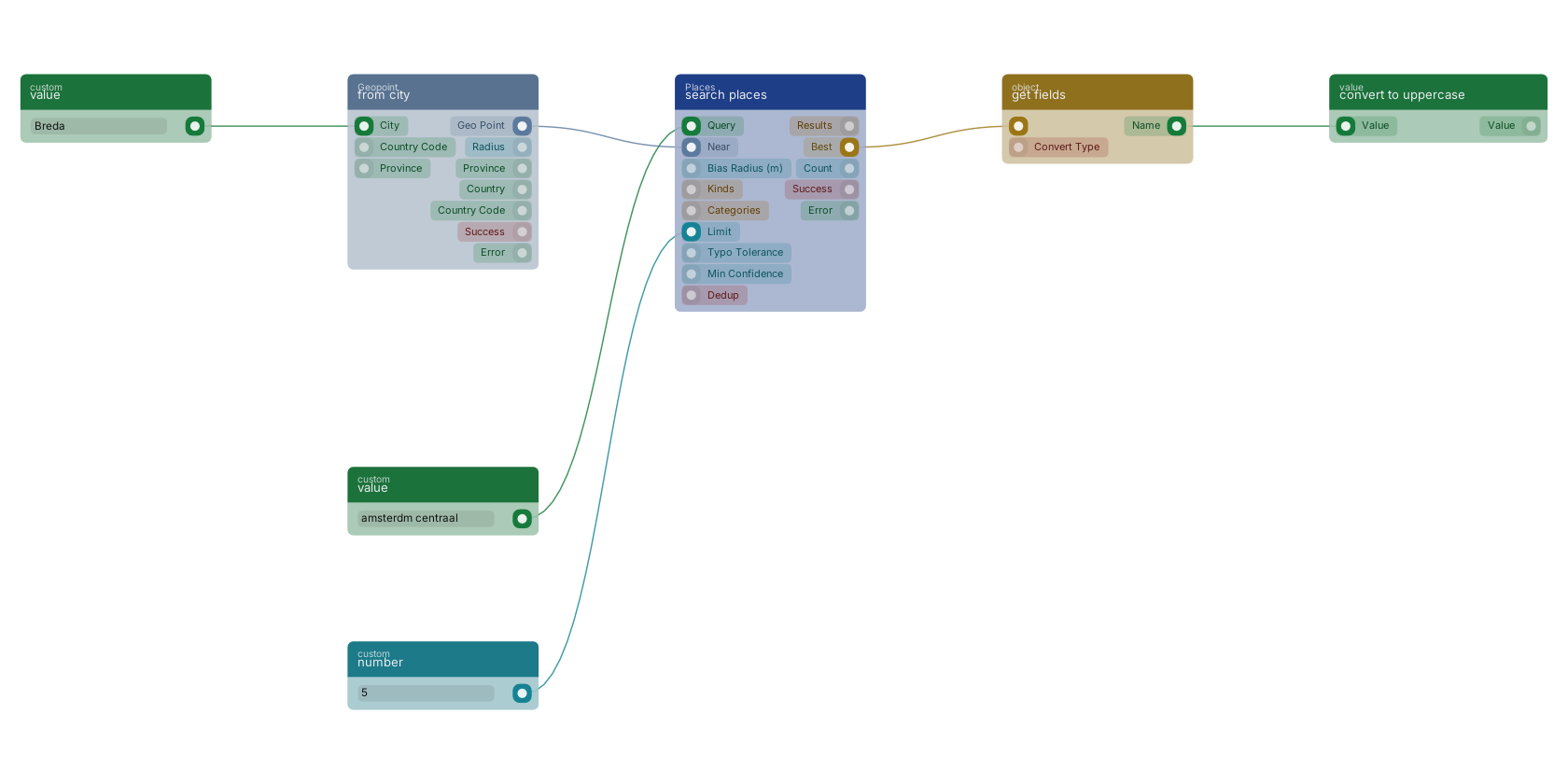](https://docs.rual.nl/canvas-examples/places_search.png?v=3)
## 2. Three blocks answer "what is here"
| Block | Answers | Notes |
| --- | --- | --- |
| [`places_nearest`](https://docs.rual.nl/block-types/places/places_nearest) (nearest places) | The closest points of interest to a geo point, ordered by distance, each with its distance in metres. | Leave `max_distance` empty for an unbounded search and apply your own cutoff later. |
| [`places_within`](https://docs.rual.nl/block-types/places/places_within) (places within radius) | Every point of interest inside a radius, nearest first. | Compare `count` with `raw_count` to see how much duplication the source data carries at that spot; `truncated` flags a capped result. |
| [`places_in_bbox`](https://docs.rual.nl/block-types/places/places_in_bbox) (places in bounding box) | Every point of interest inside a bounding box: the block for rendering what is currently on a map screen. | Results carry no distance (a box has no query point); use the nearest block when you need distances. |
## 3. Categories are folded into curated groups
The source dataset ships roughly 1700 raw categories, far too many to show a user, so they are folded into curated groups with Dutch and English labels.
- [`places_categories`](https://docs.rual.nl/block-types/places/places_categories) (list place categories) lists those groups. Build a category dropdown from it.
- [`places_resolve_category`](https://docs.rual.nl/block-types/places/places_resolve_category) (resolve place category) goes the other way: free text such as `kroeg` or `supermarkt` becomes a category group id, with a `confidence` score and `alternatives` when a word spans several groups. Plurals are handled, so `kroegen` and `bars` just work.
## 4. Typed filters turn a sentence into a result
[`places_parse_query`](https://docs.rual.nl/block-types/places/places_parse_query) (parse places query) turns typed Dutch or English into a structured filter: `binnen 300m van een basisschool` becomes a proximity filter, `niet bij scholen` a negated one, `minimaal 3 kroegen binnen 500m` carries a minimum count. Two blocks consume that filter:
- [`places_match`](https://docs.rual.nl/block-types/places/places_match) (match places filter) tests one geo point against the filter. Its `distance_m` and `count` come back even when nothing matched, so you can re-answer a different radius without another call.
- [`places_filter`](https://docs.rual.nl/block-types/places/places_filter) (filter by places) keeps or removes items of a whole list by the filter, reading each item's point from `point_path`. With `annotate` it writes the distance onto each item instead of removing anything.
## 5. Enrich and facet your own documents
[`places_enrich`](https://docs.rual.nl/block-types/places/places_enrich) (enrich with nearby places) adds the nearest place per category to every item in a list in one call, no iterator needed. The usual pipeline:
- Query your documents
Use [`function_search`](https://docs.rual.nl/block-types/storage/function_search).
- Run the enrich block
Pass the results to [`places_enrich`](https://docs.rual.nl/block-types/places/places_enrich).
- Write the result back
Use [`mutations_set_bp_field_multiple`](https://docs.rual.nl/block-types/mutations/mutations_set_bp_field_multiple) and [`function_update_document_mutations`](https://docs.rual.nl/block-types/storage/function_update_document_mutations).
After that an ordinary range query filters on the stored distances, and the expensive proximity work happens once per document instead of once per page view.
- [`places_facet`](https://docs.rual.nl/block-types/places/places_facet) (facet counts by places) answers "412 properties near a hospital" in one block: it counts how many items of a list are near each category. An item with three hospitals nearby still counts once, which is what a facet over your own inventory means.
- [`places_density`](https://docs.rual.nl/block-types/places/places_density) (place density) profiles a single spot instead: totals, per km², and a classification.
## 6. Helpers create, check and resolve geo points
Every places block takes or returns a `geo_point`.
- [`geo_point_lat_lng_to_point`](https://docs.rual.nl/block-types/geopoint/geo_point_lat_lng_to_point) builds a point from two numbers; [`geo_point_to_lat_lng`](https://docs.rual.nl/block-types/geopoint/geo_point_to_lat_lng) splits one back out.
- [`geo_point_from_city`](https://docs.rual.nl/block-types/geopoint/geo_point_from_city) resolves a city name to its centre point plus radius, optionally constrained by country code and province.
- [`geo_point_reverse_geocode`](https://docs.rual.nl/block-types/geopoint/geo_point_reverse_geocode) resolves a point to the nearest street, city, province and country.
- [`geo_point_snap`](https://docs.rual.nl/block-types/geopoint/geo_point_snap) pins a point onto the nearest road or railway and reports how far it moved; [`geo_point_nearby`](https://docs.rual.nl/block-types/geopoint/geo_point_nearby) checks whether such a network is within a given distance.
- [`geo_point_validate`](https://docs.rual.nl/block-types/geopoint/geo_point_validate) checks a point holds a valid latitude and longitude before you trust it.
## Notes from practice
- Store a place id when you want to refer to it later, and re-resolve it with [`places_get`](https://docs.rual.nl/block-types/places/places_get) (get place by id). Branch on its `found` pin: an id can disappear between dataset releases, and not finding it is a successful lookup, not an error.
- Results carry a confidence; raising `min_confidence` trades recall for precision on messy source data.
- All of this runs offline, so there is no rate limit to design around. The cost is dataset freshness: check the release with the dataset info block when results look stale.
## Next steps
- [Location Blocks](https://docs.rual.nl/reference/location-blocks): Every geo point, places and map block with its pins, in one lookup page.
- [Storages](https://docs.rual.nl/blueprints/storage): The queries and mutations behind the enrich-and-write-back pipeline.
- [Common Blueprint Patterns](https://docs.rual.nl/blueprints/common-patterns): The endpoint and error-handling shapes to wrap around a places search.
## Frequently asked
**Does the RUAL places search need an API key?**
No. The places blocks run offline against an Overture dataset shipped with the node, so there is no API key, no rate limit and no per-call cost, and lookups are fast enough to run inside loops.
**How do I search places by typed text in RUAL?**
Use places_search. One search box covers points of interest and settlements, tolerates typos and accents, and can bias results toward a geo point without excluding farther matches. The results array, the best match and a count come back ranked.
**How do I filter my own documents by nearby places in RUAL?**
Turn a typed sentence into a filter with places_parse_query, then apply it with places_filter to keep or remove items of a list, or places_match to test a single point. To make the result queryable later, run places_enrich once and write the nearest-place distances back onto the documents.
---
---
title: "Repeating Events · RUAL Documentation"
description: "Schedule blueprint work on an interval and keep repeated runs from overlapping: the requirements, creating a repeating event, and why one may not run."
canonical: https://docs.rual.nl/blueprints/repeating-events
language: en
---
# Repeating Events
A repeating event runs a flow at an interval you set, starting from a date you set. The shortest interval depends on your license, and can be as short as a second. Set both date pins, and activate the blueprint.
## Each run queues the next one
A repeating event works like [setInterval()](https://developer.mozilla.org/en-US/docs/Web/API/setInterval) in JavaScript or [crontab](https://man7.org/linux/man-pages/man5/crontab.5.html) in Linux, except that you specify a starting date. When the block executes, it evaluates its `Next run` in-pin and uses the result to create a new event in the [queue](https://docs.rual.nl/blueprints/queue).
- You can see the scheduled repeating events in the queue overview of the cluster.
- The system checks whether the event is still active when the blueprint is activated or deactivated.
- The flow runs at the specified time, within the maximum concurrent queue limit of your license. With more queue items running, it is [postponed automatically](https://docs.rual.nl/blueprints/queue#auto-postpone).
## Both date pins must point to the future
- The `Start at` pin must be populated and set to a future date and time.
- The `Next run` pin must be populated and set to a future date and time.
- The value of the `Next run` pin must be equal to or greater than the `Lowest Queue` time in your license.
A queue item stops executing once it reaches the maximum `Execution Time` in the license.
## Create one that runs every 60 seconds
- Add the block
In a blueprint, `right-click` the canvas and choose `Add new block`. Search for `repeating event` and select the block in the main group `events`. The [`repeating event`](https://docs.rual.nl/block-types/events/schedule_repeating_event) block has two in-pins: `Start at` for the first date and `Next run` for later ones.
- Set the start
`Right-click` and drag from the `Start at` pin to add the [`date now`](https://docs.rual.nl/block-types/date/date_currentdate) block, the usual starting date. You can give a future date instead.
- Set the next run
Right-click drag from the `Next run` pin onto the canvas. Then disconnect it and left-drag from the `date now` block to search for an operation such as `plus seconds` in the [date group](https://docs.rual.nl/block-types/date). Connect that block to `Next run`.
- Set the interval
Connect the `Seconds` in-pin to a [`custom number`](https://docs.rual.nl/block-types/number/number_default) block and set it to `60`.
- Save and activate
Save the blueprint and press `Activate`. A queue item is created for this event, and it executes every `60` seconds.
## When an event does not seem to run
- **It ran too fast to notice.** Rapid execution can make it look as if nothing happened.
- **The blueprint is not active.** You may have forgotten to activate it after creating the event.
- **The `Next run` pin is wrong.** When it does not meet the date and time [requirements](#requirements), the system can cancel the event.
## Next steps
- [Queue](https://docs.rual.nl/blueprints/queue): How queue items run, and how to monitor them.
- [Locking and Concurrency](https://docs.rual.nl/blueprints/locking): Keep a run that outlasts its interval from overlapping the next.
## Frequently asked
**How do I run a RUAL flow on a schedule?**
Use the schedule_repeating_event block, which works like setInterval or crontab. Its Start At pin sets the initial run and its Next Run pin schedules the following one: when the block executes, it creates a new event in the queue for the next run.
**Why is my RUAL repeating event not executing?**
The usual causes are that the blueprint was never activated after the event was created, or that the Next Run pin is not filled with a future date and time, which lets the system cancel the event. Both Start At and Next Run must hold future dates, and Next Run must respect the lowest queue time of your license.
**How often can a RUAL repeating event run?**
The minimum frequency depends on your license, with the potential to run as often as every second. Execution is subject to the license's maximum concurrent queue limit, excess items are automatically postponed, and a queue item stops once it reaches the maximum execution time.
---
---
title: "Queue · RUAL Documentation"
description: "Hand slow or bursty work to the RUAL queue and track what each task did: which jobs suit it, how to queue work, auto postpone, monitoring and analytics."
canonical: https://docs.rual.nl/blueprints/queue
language: en
---
# Queue / Task manager
The queue runs a function in the background, possibly on another node, so nobody waits for it. Use it for slow work that need not finish right now, such as generating a PDF.
## Use the queue for work a user should not wait for
Large systems need to offload work to other nodes, and doing that by hand is cumbersome. The queue makes it one block.
Generating a PDF is the classic case: it is computationally intensive, and having it ready this instant is not critical enough to keep the user waiting. Create a custom function that generates the PDF and notifies the user by email. Requested inside the same flow, it would delay the user, so a queue item decouples it from the main flow.
## Give the queue block a function to run
Add [`function_custom_execute_from_queue`](https://docs.rual.nl/block-types/function%20execution/function_custom_execute_from_queue) and choose the function. It runs that function in the background without waiting for it. It may run on another node or thread: the queue abstracts the location away and aims to execute as closely to the specified time as feasible.
Its in-pins set the time (`Execute at`) and guard against duplicates (`unique ID`, `Debounce`). Every in-pin is described in the [block documentation](https://docs.rual.nl/block-types/function%20execution/function_custom_execute_from_queue).
## Queue items are postponed automatically under load
Each license has a limit on how many queue items can execute at once. It lets you build fast, high-performance functions, and keeps the system from congesting with running queue items.
When you create many queue items at once, the system adds a few seconds to the execution time of each item, to distribute the workload more evenly.
## Watch queue items in RUAL Studio
Open `Queue` in the left-side menu of [RUAL Studio](https://docs.rual.nl/interfaces/rual-studio). It lists the currently executing, scheduled and completed queue items, so you can see whether and when each one ran.
The page is quasi-real-time. Items move between the tables as they progress, with a delay of a few seconds: the data comes from the backend but is not updated live, to keep the system fast.
## Next steps
- [Repeating Events](https://docs.rual.nl/blueprints/repeating-events): Schedule work on an interval, through the same queue.
- [Background work patterns](https://docs.rual.nl/blueprints/block-execution#async-patterns): The queue next to storage events and repeating events.
## Frequently asked
**When should I use the queue in RUAL?**
Use the queue for work that is slow or bursty, so the calling flow does not wait for it. Tasks are handed to the queue and executed separately, and you can monitor what each task did.
---
---
title: "Assets · RUAL Documentation"
description: "Upload, manage and serve files, and reference them from a blueprint: public versus private assets, protected files, folders, formats, file sizes and video."
canonical: https://docs.rual.nl/blueprints/assets
language: en
---
# Assets: Files in Your Cluster
Assets are files stored on the cluster. A file in the `public` folder is served to everyone under `/static/`. Anywhere else it has no URL at all, and only your blueprints can read it.
In short
- The `public` folder decides everything: inside it a file is world-readable, outside it a file cannot be reached by URL.
- Upload in RUAL Studio under **Manage Assets**, or through the asset APIs. The limit is 500MB per file.
- To give selected users a private file, serve it from a flow behind a scope.
- Video goes through `video_probe`, `video_thumbnail` and, in the queue, `video_compress`.
## Assets are available on every node and domain
Blueprints run on multiple nodes in various regions, so keeping a file next to one node does not work. Assets make every uploaded file available to all your blueprints and all your connected domains, with automatic storage and security measures.
- **Public assets** live in the `public` folder. They are served over HTTP from every connected domain under the `/static/` path, with no login or token.
- **Private assets** live anywhere **except** the `public` folder. They are never served directly over HTTP. Only your blueprints can read them, so you decide who gets access.
Typical uses are images and fonts for your pages, downloadable files such as exports and invoices, and generated reports you want to keep behind a login.
`/static/` maps to the root of the `public` folder. In the file tree below, the stylesheet is served at `/static/styles/mobile.css`, while the report in `system_assets` has no public URL at all.
## Upload in RUAL Studio under Manage Assets
The **Manage Assets** section in [RUAL Studio](https://docs.rual.nl/interfaces/rual-studio) is where you organize folders, upload files and inspect what is stored on the cluster.
- Open Manage Assets
You see the asset folder tree, including the `public` folder, and the files inside the selected folder.
- Select a folder
Pick the folder to upload to, or create a new subfolder first. Anything placed inside `public` becomes publicly available.
- Click Upload
Pick one or more files from your device.
- Confirm the upload
The files appear in the file list and are stored on the cluster immediately.
- Check the file
Select an uploaded file to open its detail view, where you can review the metadata and, for public assets, copy the `/static/` URL.
> **Public means public** Everything inside the `public` folder is world-readable on every connected domain. Never store files containing personal data, credentials or other sensitive content there. Keep those in a private folder and serve them through a scoped blueprint, as described in [Serving Protected Files](#serving-protected-files).
## Script uploads and housekeeping through the API
The cluster ships asset APIs under the **System Assets** category. All of them require an `access_token` (see [Getting Access](https://docs.rual.nl/cluster/getting-access)), and the token's user needs the matching scope: `assets_create` to upload and search, `assets_remove` to delete.
| Endpoint | Purpose | Required scope |
| --- | --- | --- |
| `POST /api/v1/_system/assets/stream` | Upload a file with streaming support (max 500MB) | `assets_create` |
| `POST /api/v1/_system/assets/search` | Search and list uploaded assets | `assets_create` |
| `DELETE /api/v1/_system/assets/{guid}` | Delete an asset from filesystem and database | `assets_remove` |
### Uploading a file
The upload endpoint takes the file as `multipart/form-data` and the metadata as query parameters:
| Parameter | Required | Description |
| --- | --- | --- |
| `filename` | yes | Original filename, URL encoded. |
| `filesize` | yes | File size in bytes; the maximum is 500MB. Larger uploads are rejected with `FILE_TOO_BIG`. |
| `directory` | yes | Target directory: `public`, `system_assets` or `temp`. |
| `filetype` | no | MIME type. When omitted, it is detected from the file extension. |
| `path` | no | Custom subdirectory below the target directory, URL encoded. |
| `action` | no | Blueprint action GUID; creates a blueprints subfolder for the upload. |
```
curl -X POST "https:///api/v1/_system/assets/stream?filename=mobile.css&filesize=4821&directory=public&path=styles" \
-H "Authorization: Bearer " \
-F "file=@mobile.css"
```
```
{
"assets_guid": "9f8e7d6c5b4a3210",
"name": "mobile.css",
"type": "text/css"
}
```
Keep the returned `assets_guid` if you want to delete the file later. Uploading to `directory=public` makes the file available at `/static/ / ` right away; `system_assets` keeps it private.
### Searching assets
The search endpoint accepts a query string with paging, so you can list folders or find a specific file:
```
{
"limit": 25,
"offset": 0,
"query": "logo"
}
```
Set `"count": true` to get the number of matching assets instead of the results. `limit` defaults to 50 and accepts up to 1000.
### Deleting an asset
```
curl -X DELETE "https:///api/v1/_system/assets/9f8e7d6c5b4a3210" \
-H "Authorization: Bearer "
```
A successful delete returns the removed `guid`; an unknown guid returns `404`. The full request and response schemas live under [System Assets APIs](https://docs.rual.nl/cluster/api/system-assets).
## The public folder decides everything
| | Public | Private |
| --- | --- | --- |
| **Location** | The `public` folder (API: `directory=public`) | Any folder outside `public` (API default: `system_assets`) |
| **URL pattern** | `https:// /static/ ` on every connected domain | No direct URL: readable only by blueprints |
| **Who can access** | Everyone, without login or token | Only the flows you build; gate them with `*loggedin` or custom scopes |
| **Typical use** | Images, stylesheets, fonts, public downloads | Internal documents, user-specific exports, reports |
A file inside `public` is public no matter what. A file outside it can never be reached by URL guessing, because the `/static/` path only maps into `public`.
## Serve a private file from a flow behind a scope
- Add an entry block
An API endpoint such as [`on_startup_register_uri_get`](https://docs.rual.nl/block-types/http%20connection/on_startup_register_uri_get), or a [`web_page`](https://docs.rual.nl/block-types/web/web_page).
- Load the file
Use the [`get file from assets`](#assets-in-blueprints) block with the asset's path, and branch on its `success` pin.
- Reply with it
Wire its `file` pin to [`httpconnection_set_file`](https://docs.rual.nl/block-types/files/httpconnection_set_file) (reply with file), with the connection from [`httpconnection_current_request`](https://docs.rual.nl/block-types/http%20connection/httpconnection_current_request).
- Set the scope
Click the lock icon on the entry block and assign `*loggedin` for any logged-in user, or a custom scope such as `reports`. See [Remote Access Control](https://docs.rual.nl/blueprints/remote-access-control) for the full tutorial, including what a refused visitor gets.
For downloads straight from the browser: an ` ` tag cannot set an `Authorization` header, so pass the token in the URL with `?access_token= `. Tokens are valid for 14 days and extend automatically while actively used. All five ways to provide a token are in [Adding tokens to your requests](https://docs.rual.nl/cluster/api-guide#token-providing).
## The get file from assets block brings a file into a flow
The [`get file from assets`](https://docs.rual.nl/block-types/files/file_from_assets) block (type [`file_from_assets`](https://docs.rual.nl/block-types/files/file_from_assets), searchable by its alias `assets`, introduced in v10.4.28) takes a local path and hands you a `file` for other file blocks or an API response.
| Pin | Type | Holds |
| --- | --- | --- |
| In-pin: `asset path` (required) | `value` | The local path to the asset, e.g. `/public/images/image.png`, or a private path outside the public folder. |
| Out-pin: `success` | `condition` | Whether the asset exists. |
| Out-pin: `file` | `file` | The file itself. |
| Out-pins: `name`, `type`, `size` | `value`, `value`, `number` | The filename, the asset type, and the size in bytes. |
A web template refers to a public asset directly through its `/static/` URL, with no block: ``. The block earns its place with private files: it is the only way to pull them into a flow, which is what keeps them protected.
## Group folders by purpose and name them for URLs
- **Group by purpose**, not by date or uploader: `public/styles`, `public/images`, `public/downloads` for public files, and folders like `reports` or `exports` next to `public`, never inside it, for private ones.
- **Name for URLs.** Use lowercase names with hyphens instead of spaces. Folder and file names below `public` become part of the `/static/` URL verbatim.
- **Remember the prefix mapping.** `public/styles/mobile.css` is served as `/static/styles/mobile.css`. The `public` segment itself never appears in the URL.
- **Keep user-generated content out of public** unless it is genuinely meant for everyone. Move it through a scoped blueprint instead.
## File size, formats and performance
- **Size limit.** The upload API accepts up to **500MB** per file and rejects larger ones with `FILE_TOO_BIG`. For anything near that limit, prefer the streaming endpoint over base64-style uploads.
- **Image formats.** Serve images as `webp`: dramatically smaller than PNG or JPEG at the same quality. The [`function_image_to_webp`](https://docs.rual.nl/block-types/files/function_image_to_webp) and [`function_resize_image`](https://docs.rual.nl/block-types/files/function_resize_image) blocks convert and resize images in a flow, so you can normalize user uploads before storing them.
- **Documents.** Distribute documents as PDF; it renders consistently on every device and browser.
- **Immutable URLs.** Public assets are ideal CDN and browser-cache candidates because every connected domain serves the same bytes. Give files that change a version in the filename, `app.v3.css` instead of `app.css`, so clients can cache each version aggressively and you never wait for stale caches to expire. Upload the new name and point your templates at it.
## Probe and thumbnail inline, compress in the queue
Storing a video as it arrived is usually the wrong move: a phone clip is often twenty times larger than it needs to be, and serving it as uploaded costs bandwidth on every view. Three blocks cover the normal pipeline. Two are cheap and one is not.
| Block | What it does | Where it runs |
| --- | --- | --- |
| [`video_probe`](https://docs.rual.nl/block-types/video/video_probe) | Reads width, height, duration, size and whether the file has an audio track. It reads the file's own header rather than its contents, so nothing is decoded. | Inline, in milliseconds |
| [`video_thumbnail`](https://docs.rual.nl/block-types/video/video_thumbnail) | Writes one frame out as a JPEG poster image. Pick the timestamp; a timestamp past the end of the clip falls back to the midpoint rather than failing. | Inline: it decodes a single frame, not the file |
| [`video_compress`](https://docs.rual.nl/block-types/video/video_compress) | Re-encodes the video, optionally scaling, capping the bitrate and trimming to a range. Presets cover the normal message-media sizes; every setting can be overridden individually. | The [queue](https://docs.rual.nl/blueprints/queue), as a background job |
Probe first and branch on the answer. A clip already inside your limits does not need re-encoding, and skipping the compression job is always faster than running a good one.
- **Compression is a queue job, not a step.** The block hands you the job id and the path the output will appear at, and the flow continues. Wire the `on_complete_function` and `on_error_function` out-pins to react to the outcome; both fire whether or not the flow waited.
- **Waiting in the flow is available and rarely what you want.** Setting `wait_in_flow` blocks until the encode finishes and fills in the output dimensions, duration and size. It is convenient in a scheduled job and a poor idea in a request, where a user waits on a page while a video transcodes. Give it a timeout when you do use it.
- **The result out-pins are empty unless you waited.** Width, height, duration, size and success are populated by the job, so a flow that did not wait reads them from the callback instead.
- **Both file pins take either shape.** A file object from another file block, or a path relative to the entity root. Thumbnails written below `public` are servable straight from the `/static/` URL.
- **Trim to enforce a maximum length, do not check afterwards.** The start and duration pins cut the clip as part of the encode. Without them a twenty-minute upload is transcoded in full and can only be rejected once the work is already done.
- **Pass context through rather than storing it.** The `passthrough` in-pin is handed to the callback verbatim, which is how the completion function knows which document the clip belonged to.
## Next steps
- [Remote Access Control](https://docs.rual.nl/blueprints/remote-access-control): Gate pages and APIs behind *loggedin or custom scopes.
- [System Assets APIs](https://docs.rual.nl/cluster/api/system-assets): Full request and response schemas for the asset upload, search and delete endpoints.
- [get file from assets](https://docs.rual.nl/block-types/files/file_from_assets): Pin reference for the block that loads cluster assets into a blueprint.
## Frequently asked
**How do I serve a file from RUAL?**
Upload it as an asset in RUAL Studio or through the asset APIs. Public assets are served from the /static/ path, and private assets stay behind scopes so only authorised callers can fetch them.
---
---
title: "System Settings · RUAL Documentation"
description: "Read and write cluster-wide settings from a blueprint: central configuration such as email tokens and reply-to addresses, secured values and default keys."
canonical: https://docs.rual.nl/blueprints/system-settings
language: en
---
# System Settings
System settings are cluster-wide keys that blueprints can read: the time zone, number and date formats, language rules, email defaults and your own values. A value marked secure stays hidden, and every request to view it is logged.
## One place for cluster configuration
Some keys are predefined and documented below. Typical uses are email tokens, global reply-to addresses and global parameters for system components.
In a blueprint, read a setting with a static selection through [`value_get_system_key_select`](https://docs.rual.nl/block-types/system%20settings/value_get_system_key_select) (get setting), or by a dynamic key through [`value_get_system_key`](https://docs.rual.nl/block-types/system%20settings/value_get_system_key) (get dynamic setting).
## Secure values stay hidden, and viewing them is logged
A secure value is not directly visible when you access system keys or review them in overviews or blueprints. Any request to view a secured setting is logged for the audit trail, so you can track who accessed which token and manage access and revocation.
For a service whose blocks read a [service provider](https://docs.rual.nl/blueprints/service-providers), use the provider instead: its value never enters a run at all.
## These keys are predefined
Changing one alters the behaviour of the cluster. The [System Settings Reference](https://docs.rual.nl/blueprints/system-settings-reference) covers each key's example value and when to change it, secure token handling and a complete email configuration.
| Key | Description |
| --- | --- |
| `timezone` | The default timezone for the execution of `date` type blocks. |
| `thousand_separator` | The default separator for formatting thousands in numbers. |
| `decimal_separator` | The default separator for formatting decimals in numbers. |
| `language_user_enabled` | If `true`, the user's data determines their language preference. |
| `language_query_enabled` | If `true`, the data from the `query` determines the user's language. |
| `language_browser_enabled` | If `true`, the `supported language` in the browser determines the user's language. |
| `language_default` | The default language when the user's language cannot be determined or does not match a supported language. |
| `input_datetime_format` | The date format used in datetime inputs. |
| `input_date_format` | The date format used in date inputs. |
| `date_default_format` | The default date format when rendering dates in the user interface. |
| `default_divide_by` | The default number to divide `pricing` inputs by, for example `100` to store pricing fields in cents. |
| `email_default_from` | The default `from` address when sending emails. |
| `messagebird_originator` | The default originator name in [MessageBird](https://messagebird.com/) SMS for two-factor authentication (2FA). |
| `postmark_token` | The default [server token](https://postmarkapp.com/) when sending password reset emails. |
## Next steps
- [System Settings Reference](https://docs.rual.nl/blueprints/system-settings-reference): Every key with an example value, when to change it, and custom keys.
- [Service Providers](https://docs.rual.nl/blueprints/service-providers): Credentials held by the cluster, so a key never sits on a pin.
## Frequently asked
**What are RUAL system settings used for?**
They are the centralized method for managing cluster-wide configuration parameters, from timezone and date formats to email tokens and global reply-to addresses. Blueprints read them through the get system setting block, either as static selections or as dynamic values.
**How do I store a secret like an API token in RUAL?**
Create the system setting as a secure value. It stays concealed when accessing system keys, in overviews and in blueprints, and any request to view a secured setting is logged for audit purposes, so you can track who accessed which token.
**Which system settings does RUAL predefine?**
Keys for timezone, thousand and decimal separators, the four language settings, date and datetime input formats, the default date rendering format, default_divide_by for pricing inputs, email_default_from, messagebird_originator and postmark_token.
---
---
title: "System Settings Reference · RUAL Documentation"
description: "Every predefined system setting, its type and what changing it affects, secure versus non-secure values, custom keys and reading settings in a blueprint."
canonical: https://docs.rual.nl/blueprints/system-settings-reference
language: en
---
# System Settings Reference
Every predefined system setting, with an example value and when to change it. Set locale keys once at cluster setup, mark every token secure, and keep your own integration values in custom keys.
System settings are the cluster's central configuration store: predefined keys that tune cluster behaviour, plus your own custom keys for integration tokens and environment parameters. For the overview, see [System Settings](https://docs.rual.nl/blueprints/system-settings).
## Predefined keys exist on every cluster
Changing one alters cluster behaviour immediately.
| Key | Purpose | Example | When to change it |
| --- | --- | --- | --- |
| `timezone` | Default timezone for executing `date` type blocks. | `Europe/Amsterdam` | When your users and data live in a different timezone than the cluster default. |
| `thousand_separator` | Separator for formatting thousands in numbers. | `.` (10.000) or `,` (10,000) | To match your locale's number display. |
| `decimal_separator` | Separator for formatting decimals in numbers. | `,` (9,99) or `.` (9.99) | To match your locale's number display. Pair it with `thousand_separator`. |
| `language_user_enabled` | Uses the user's profile to determine their language. | `true` | When users have mixed languages and you store a preference per user. |
| `language_query_enabled` | Uses the query string to determine the user's language. | `true` | When you pass `?language=` in shared links. |
| `language_browser_enabled` | Uses the browser's supported language to determine the user's language. | `true` | Usually left on; turn off to force `language_default` for everyone. |
| `language_default` | Fallback language when no preference can be determined. | `nl` or `en` | Set once, at cluster setup, to your primary audience's language. |
| `input_datetime_format` | Date format used in datetime inputs. | `YYYY-MM-DD HH:mm:ss` | When users expect a different entry format (e.g. US month-first). |
| `input_date_format` | Date format used in date inputs. | `YYYY-MM-DD` | When users expect a different entry format. |
| `date_default_format` | Default format for rendering dates in the UI. | `YYYY-MM-DD HH:mm:ss` | To change how dates appear throughout your pages. |
| `default_divide_by` | Default divisor for `pricing` inputs. | `100` (store cents) | Set to `100` when prices are entered as whole euros but stored as cents. Prevents rounding errors. |
| `email_default_from` | Default `from` address for outgoing emails. | `noreply@yourdomain.com` | Required before any mail leaves the cluster. See the [email setup](#email-setup) below. |
| `messagebird_originator` | Default originator name for [MessageBird](https://messagebird.com/) SMS used in two-factor authentication. | `YourApp` | Only when you use SMS-based 2FA via MessageBird. |
| `postmark_token` | Default [Postmark server token](https://postmarkapp.com/) for sending emails (password resets, notifications). | `xxxxxxxx-xxxx-xxxx-xxxx-xxxxxxxxxxxx` | Once per cluster, before sending email. **Store it as a secure value**: it is a secret. |
## Change a key only when the default hurts
- **Localization.** Timezone, separators, languages and date formats should match your audience. Set them once, at setup.
- **Integrations.** Tokens and originators for email and SMS must exist before the features that use them work.
- **Environment differences.** Use custom keys for values that differ between development and production (API hosts, webhook URLs), so the same blueprint works on both by reading the key.
Do not use settings as a general data store: documents belong in a [storage](https://docs.rual.nl/blueprints/storage), configuration of behaviour belongs in settings.
## Secure values are concealed, and every read is logged
A value marked **secure** is not shown in overviews, in the Studio or in blueprint data. Every read of a secured key is written to the audit log, so you can see who accessed which token and revoke accordingly.
| | Non-secure | Secure |
| --- | --- | --- |
| Visible in Studio and overviews | Yes | No, concealed everywhere |
| Readable by blueprints | Yes | Yes, the value is injected at execution time |
| Reads logged in audit log | No | Yes |
| Use for | Formats, locales, feature flags, public hosts | API tokens, passwords, signing secrets (e.g. `postmark_token`) |
Control who can manage settings at all with the `setting_manage_users`-family permissions. See [User Access Management](https://docs.rual.nl/cluster/user-access-management).
## A working email setup needs two keys
- postmark_token
Create a server token in Postmark and add it as a **secure** system setting.
- email_default_from
Set it to an address on your verified Postmark sender domain, e.g. `noreply@yourdomain.com`.
From that point, password resets and any email-sending blocks work without further configuration. For SMS-based two-factor authentication, also set `messagebird_originator` to your sender name.
## Add your own keys for integrations
- **Naming.** Prefix by integration and keep lowercase with underscores: `anthropic_api_key`, `erp_api_host`.
- **Secrets.** Always mark tokens secure at creation time. Rotating means editing the value in one place, and every blueprint picks it up on the next run. For a service whose block reads a [service provider](https://docs.rual.nl/blueprints/service-providers), such as Stripe, use the provider instead.
- **Custom versus predefined.** Predefined keys tune the cluster itself; custom keys hold your integration parameters. Do not overload a predefined key with an unrelated value.
## Read a setting with a block
Pick a key statically with [`value_get_system_key_select`](https://docs.rual.nl/block-types/system%20settings/value_get_system_key_select) (get setting), or provide the key name dynamically with [`value_get_system_key`](https://docs.rual.nl/block-types/system%20settings/value_get_system_key) (get dynamic setting). Both return the current value at execution time, including decrypted secure values (never logged in plain text by the platform). [`function_set_system_key`](https://docs.rual.nl/block-types/system%20settings/function_set_system_key) writes one from a flow.
Typical pattern: read an integration's key at the start of a flow, then pass it into the request blocks. One setting to rotate, zero blueprint edits.
## Next steps
- [System Settings overview](https://docs.rual.nl/blueprints/system-settings): The introduction to system settings and securing values.
- [User Access Management](https://docs.rual.nl/cluster/user-access-management): Control who may manage settings and read secure values.
- [Remote Access Control](https://docs.rual.nl/blueprints/remote-access-control): Scopes and access rules for APIs built with tokens from settings.
## Frequently asked
**Do RUAL system setting changes take effect immediately?**
No. Changing a predefined key alters cluster behavior immediately. Blueprints read a key with the value_get_system_key_select block, which returns the current value at execution time, including decrypted secure values.
**What is the difference between a secure and a non-secure system setting in RUAL?**
A secure value is concealed everywhere, in Studio, in overviews and in blueprint data, and every read of it is written to the audit log. Blueprints can read both kinds, because the secure value is injected at execution time. Use secure values for API tokens, passwords and signing secrets such as postmark_token.
**How do I configure email sending on a RUAL cluster?**
Two keys: add your Postmark server token as the secure postmark_token setting, and set email_default_from to an address on your verified Postmark sender domain. From that point, password resets and any email-sending blocks work without further configuration.
**How do I rotate an API token used by RUAL blueprints?**
Store it as a custom secure key such as stripe_secret_key and read it at the start of the flow with get system setting. Rotating then means editing the value in one place, and every blueprint picks it up on the next run with zero blueprint edits.
---
---
title: "Remote access control · RUAL Documentation"
description: "Scopes, the scopes modal, rate limits and throttles on your own endpoints: how public and private pages differ and how to secure a RUAL API endpoint."
canonical: https://docs.rual.nl/blueprints/remote-access-control
language: en
---
# Remote Access Control
Click the lock icon on a page or API block and give it a scope. Use `*public` for everyone, `*loggedin` for any signed-in user, or a scope of your own. A block with no scope at all is closed, not public. API endpoints can add a rate limit and a throttle.
In short
- Scopes work like digital keys: a user holding the scope gets in.
- An open lock does not prove a block is public. Only `*public` does.
- Web actions pass the page's scopes, then gates of their own.
- A rate limit caps requests per timeframe. A throttle runs requests one at a time.
## Scopes decide who may open a page or API
You assign scopes to users, and blocks require them. For a tutorial on giving a user a scope, see [Giving Users a Scope](https://docs.rual.nl/cluster/user-access-management#giving-user-permission).
Blocks that accept scopes show a lock icon. A [`web_page`](https://docs.rual.nl/block-types/web/web_page) starts without any scope, so set one before you expect visitors.
- **Closed lock:** the block has at least one scope, and none of them is `*public`. The user needs one of those scopes.
- **Open lock:** the block has `*public`, or no scope at all.
> **An open lock can mean no access at all** A block with no scope also shows the open lock, but it is not public. A page without scopes only opens for developers, and an API endpoint without scopes answers everyone with `403 ENDPOINT_NOT_PUBLIC`. To publish something, select `*public` explicitly.
## Manage scopes in the modal behind the lock
Click the lock icon to open the **Scopes Management Modal**. In it you can:
- **Select additional scopes:** choose existing scopes to grant access to the block.
- **Deselect scopes:** remove scopes that are no longer required.
- **Create a new scope:** type the name into the search input. A green button appears that creates the scope.
## Scopes with a built-in meaning
| Scope | Who gets in |
| --- | --- |
| `*public` | Everyone, with no login required. |
| `*loggedin` | Any signed-in user. |
| `*` | A user holding this wildcard passes every scope check. |
| `*ip: ` | A client address matching the entry: an address, a CIDR range or a hostname. On an API endpoint, the address must match and any other scope must still pass. On a page, a matching address gets in without any other scope; give the page another scope as well, because an `*ip:` entry on its own does not keep others out. |
A new RUAL cluster starts with `*public` and `*loggedin`. Any other name is a scope of your own.
## What a refused visitor gets
| Request | Answer |
| --- | --- |
| Opening a web page, not signed in | A redirect to `/login?redirect=...` |
| Opening a web page, signed in without the scope | `403`, a page saying they have no access |
| A web action, not signed in | `401` |
| An API call without a valid token | `401 INVALID_ACCESS_TOKEN` |
| An API call with a token but without the scope | `403 SCOPE_ACCESS_FORBIDDEN` |
| An API call from outside the `*ip:` range | `403 IP_ACCESS_FORBIDDEN` |
| An API endpoint with no scope at all | `403 ENDPOINT_NOT_PUBLIC` |
A browser that navigates to a refused API endpoint gets a readable status page instead of the JSON error. A state page shows the login page to anyone its scopes refuse.
## Web actions have gates of their own
A [`web_action`](https://docs.rual.nl/block-types/web/web_action) is posted to its page's URL, so the page's scopes decide first. Then the action's own gate applies:
- When the action has scopes of its own, those decide.
- When it has none, the visitor needs the scopes of **every** `web_page` in the blueprint. A public page is never the way in to an action written for an admin page in the same blueprint.
So when one blueprint holds a public and an admin page, give an action the public page uses the scope `*public`. A request from another website is refused either way. See [Escaping and Security](https://docs.rual.nl/web/security).
## API endpoints add a rate limit and a throttle
On top of scopes, API endpoints have two more options, introduced in [RUAL Core v13.0.7](https://docs.rual.nl/core-versions/130007). You find both on the API block, each opening a settings modal with an enable switch.
#### Rate limit
Counts requests. Up to the maximum within the timeframe they pass; the rest are blocked until the timeframe resets.
Over the limit: `429 TOO_MANY_REQUESTS` with a `Retry-After` header.
#### Throttle
A lock and wait: requests with the same key run one at a time. The lock is released when the request ends.
Still locked after the timeout: `429 THROTTLE_TIMEOUT`.
### The type sets what is counted or locked together
Both modals offer the same five types:
| Type | Applies to |
| --- | --- |
| **URL** | The entire API URL: all methods, all users. |
| **URL + User** | The entire API URL: all methods, per user. |
| **Method + URL** | The URL and the method: per method, all users. |
| **Method + URL + User** | The URL, the method and the user: per method and per user. |
| **Custom** | A key you write, in the `Custom key` field. `{{ user_guid }}` and `{{ name }}` for a URL parameter `:name` are filled in. |
The user is the signed-in user's guid. A caller who is not signed in is identified by client address.
### Rate limit: maximum requests in a timeframe
- **Max requests in timeframe:** how many requests the key may make.
- **Timeframe in seconds:** the length of the window.
With a timeframe of 30 seconds and a maximum of 10, the key can make up to 10 requests within 30 seconds. Any further requests in that timeframe are blocked.
An endpoint without a rate limit of its own falls under the cluster baseline: by default 1200 requests a minute per client address for anonymous callers, and 600 a minute per session for signed-in ones. The `http_default_rate_limit_*` cluster settings change these, and `0` turns a tier off.
### Throttle: a timeout for the wait
- **Timeout:** how long, in seconds, a request waits for the request ahead of it. With a timeout of 10, a second request waits up to 10 seconds for the first to finish, and then runs or is refused. Without a timeout it gets a single attempt.
## Next steps
- [Giving Users a Scope](https://docs.rual.nl/cluster/user-access-management#giving-user-permission): Assign the scopes your pages and endpoints ask for.
- [Escaping and Security](https://docs.rual.nl/web/security): Who may run which web action, and how a web page protects itself.
- [Serving Protected Files](https://docs.rual.nl/blueprints/assets#serving-protected-files): Put a private asset behind a scope.
## Frequently asked
**How do I make a RUAL page or API private?**
Click the lock icon on the block to open the Scopes Management Modal and assign a scope. A page without scopes is closed to everyone but developers: *public opens it to everyone, *loggedin to signed-in users, and you can create a custom scope by typing its name into the modal's search input.
**How do I add a rate limit to a RUAL API endpoint?**
Open the endpoint's rate limit settings, enable it, pick the key type (URL, URL + User, Method + URL, or Method + URL + User), and set the maximum requests within a timeframe in seconds. Additional requests within that timeframe are blocked.
**What is the difference between a rate limit and a throttle in RUAL?**
A rate limit caps requests within a timeframe, while a throttle runs requests with the same key one at a time: each waits up to the timeout and then gets a 429. Both are configured per endpoint with the same key-type options, and both were introduced in RUAL core v13.0.7.
---
---
title: "Service Providers · RUAL Documentation"
description: "Credentials for external services, held by the cluster so a key never sits on a pin: setting a provider up, what it may be used for and rotating a key."
canonical: https://docs.rual.nl/blueprints/service-providers
language: en
---
# Service Providers
Credentials for external services live on the cluster, not in your blueprint. Where a block supports it, you give it the name of a provider and it fetches what it needs at the moment of the call, uses it and lets it go, so the key never lands on a pin and never appears in a trace.
In short
- Blueprints refer to a provider by a name you choose. The secret stays on the cluster.
- Only some blocks read a provider so far: [check the tables](#purposes) before you look for a pin.
- Rotating a key is one edit, with nothing to redeploy.
- A service with no provider support yet takes its key from a secure system setting.
Every integration has the same awkward moment. Your flow needs the Stripe secret key, and the obvious place for it is the block's input pin. Now the key is part of the blueprint, and everybody who can open that blueprint can read it. Simulation makes it worse: a trace hands back every value that flowed through the run, so the key is printed to developers each time they check their work.
A service provider moves the credential off the canvas. You configure it once on the cluster, and the block resolves it at request time, uses it for that one call and does not keep it. Nothing about the key reaches a pin, a trace, a log line or the console.
#### What the blueprint carries
A name. `stripe-live`, `postmark-main`, `notifications`. It is not sensitive, it is readable in the canvas, and it says plainly which account the flow is talking to. Two environments become two providers and one name change.
#### What the cluster holds
The key, the token, the signing secret, the webhook URL. Written once, never handed back: reading a provider shows every secret field as "set" rather than as its value, no matter who is asking or how they ask.
## Setting one up takes four decisions
Providers are managed in RUAL Studio, alongside the other cluster settings.
- Pick the type
The type is the service itself: Stripe, Postmark, Anthropic, MessageBird. It decides which fields you are asked for and which of those are secret.
- Give it a name
This is what your blueprints will say. Name it after the account rather than the vendor when you have more than one: `stripe-live` and `stripe-test` beat `stripe` and `stripe2`.
- Fill in the fields
Secret fields go in once. From then on the studio shows them as set, never as their value, and leaving them untouched on a later edit leaves them unchanged.
- Test it
A provider starts untested, and testing it makes a real call against the service. A provider whose credentials you edit goes back to untested, because the previous result no longer describes what is stored.
After that, the provider is either named on a block or reached for by the cluster on its own, depending on the service.
## A provider declares what it can be used for
Every provider type declares its purposes, and everything that resolves one asks for a specific purpose. That is what makes a provider name safe to type: naming your mail provider on a payment block fails immediately and says why, instead of sending Stripe a Postmark token.
### Providers a block names directly
These blocks have a `provider` in-pin. Type the provider's name there and no credential exists anywhere in the blueprint.
| Purpose | Provider type | Blocks |
| --- | --- | --- |
| Payments | Stripe | [`function_create_stripe`](https://docs.rual.nl/block-types/stripe/function_create_stripe), and through the connection it hands out, every checkout, payment, subscription, refund and credit note block |
| Chat notifications | mssgs | [`mssgs_send_message`](https://docs.rual.nl/block-types/mssgs/mssgs_send_message), for posting an operational message into a channel from a flow |
| Horticulture trade | Floriday | [`function_floriday_open_connection`](https://docs.rual.nl/block-types/floriday/function_floriday_open_connection) and its supplier variant |
### Providers the cluster uses on its own
These are bound by purpose rather than named on a pin: exactly one provider per entity serves each, and the cluster reaches for it without any blueprint being involved.
| Purpose | Provider types | What uses it |
| --- | --- | --- |
| SMS delivery | MessageBird, Twilio | Two-factor codes, passwordless login codes and phone enrolment |
| Transactional email | Postmark, Lettermint | The cluster's own outbound mail |
| Node reporting | mssgs | Where the node reports its own errors and warnings, deliberately a different provider from the one your flows post to |
### Provider types you can configure ahead of the blocks
These types can be filled in and tested, but nothing resolves them from a blueprint yet. Configuring one now is not wasted: it is where the credential belongs, and the block that reads it is the part still to come. Until then, those integrations take their key on a pin or from a secure system setting.
| Purpose | Provider types |
| --- | --- |
| AI completion | Anthropic |
| Marketing email | Mailchimp |
| Voice calls | Twilio, kept separate from SMS so one account can serve one and not the other |
| Chat notifications | Discord |
| Source control | GitHub |
| Geo database updates | MaxMind |
| Map tiles | Mapbox |
| Cache and search connections | Redis, Elasticsearch |
## What the cluster guarantees when a block asks
Handing a credential to a block is where this could go wrong, so three rules are enforced on the block's behalf.
| Rule | What it means for you |
| --- | --- |
| The credential is never put anywhere the run can read it | It does not become part of the connection object, an out-pin, the values a simulation hands back, or a console line. Blocks are written so the connection carries the provider's name and nothing else. |
| A name only reaches your own providers | You can resolve your own, and the ones the hosting entity shares with you. A name is never a route into another tenant's account, however precisely you guess it. |
| The wrong kind of provider is refused before the credential is fetched | Asking for a payment credential and naming a mail provider is an error with a clear code, raised locally. Nothing is sent anywhere and no key changes hands. |
> **A webhook URL is a credential** An incoming webhook URL has its token built into the address, so a chat webhook sitting on a pin is a secret sitting on a pin in plain sight. Chat destinations are providers for exactly that reason, and the URL is stored as a secret field like any key.
## Rotating a key is one edit
Open the provider, paste the new value, save. Every flow picks it up on its next run: no blueprint is edited and nothing is redeployed or reactivated. The same applies to swapping accounts, because the flows named a provider rather than an account.
The most common shape is one provider per environment. Point the test blueprint at `stripe-test` and the live one at `stripe-live`, and moving from one to the other is a single value on a single block.
## When a provider, a secure setting or a pin is right
The two older patterns still exist.
| Where the value lives | Use it for | Not for |
| --- | --- | --- |
| **A service provider** | Every service in the first two tables above, and any service with a provider type you want the credential stored properly for today. It is the only option where the value cannot be read back out at all. | Values that are not credentials, and services with no provider type yet. |
| **A secure [system setting](https://docs.rual.nl/blueprints/system-settings)** | Credentials for a service whose blocks do not read a provider yet, such as the [Anthropic key](https://docs.rual.nl/tutorials/ai-endpoints), and cluster-wide values a flow reads at runtime. | Anything a block can name a provider for. A setting is read by a block, which means the value enters the run and can be printed by the next block along. |
| **A value on a pin** | Non-secret configuration: an account identifier, a sender address, a region, an API version. | Any secret at all. Whatever is on a pin is in the blueprint, readable by anyone who can open it and visible in every simulation of it. |
> **Check which table a service is in before you go looking for a pin** Most integration blocks predate providers and still take their key on a pin. A provider type existing for a service does not yet mean a block reads it, so if you cannot find a `provider` pin, the first table is the definitive list of blocks that have one.
## When a block cannot resolve a provider
| What you see | What it usually is |
| --- | --- |
| The provider is not found | The name on the block does not match the provider's name, or the provider belongs to a different entity. Names are exact. |
| The provider is the wrong purpose | The named provider is a real provider of a type that cannot serve this block. Check that the payment block names the payment provider. |
| The provider is disabled | It exists and is switched off. That is a deliberate state, so somebody turned it off on purpose. |
| The remote service rejects the call | The credential resolved and the service refused it. Test the provider from the studio: that call goes straight to the service and separates a stale key from a wiring problem. |
| SMS is not sent and nothing looks wrong | Outbound SMS resolves a provider first and falls back to a cluster setting. A cluster whose token only exists in a node configuration file has no credential the platform can see: move it into a provider. |
## Next steps
- [Third-Party Integrations](https://docs.rual.nl/tutorials/third-party-integrations): Calling an external API from a flow, receiving webhooks back, and keeping an integration alive.
- [Protected Storages](https://docs.rual.nl/blueprints/protected-storages): The same idea one level down: data a flow may use and a developer may not read.
- [System Settings](https://docs.rual.nl/blueprints/system-settings): Cluster-wide values a blueprint reads at runtime, including the secure ones.
## Frequently asked
**Where should I store an API key in RUAL?**
In a service provider, configured on the cluster, whenever the service has one. Blueprints then refer to it by a name you choose, and the block resolves the credential at the moment of the call, so the key never lands on a pin, never appears in a simulation trace and cannot be read back out. Blocks that do not read a provider yet should take the key from a secure system setting instead, never from a value in the canvas.
**How do I rotate an API key in RUAL?**
Open the service provider, paste the new value and save. Every flow picks it up on its next run. No blueprint is edited, nothing is redeployed and nothing is reactivated, because the flows named a provider rather than a key.
**Why does my RUAL block say the provider is the wrong purpose?**
Every provider type declares which purposes it can serve, and every block asks for a specific one. The named provider exists but is a type that cannot serve this block, for example a mail provider named on a payment block. The check happens before any credential is fetched, so nothing was sent anywhere.
---
---
title: "Blueprint Language · RUAL Documentation"
description: "Blueprint Language is the text form of a RUAL blueprint: edit it by hand, with an AI agent or in the Studio code view, and stage the change on the canvas."
canonical: https://docs.rual.nl/engine
language: en
---
# Blueprint Language
Blueprint Language is the text form of a RUAL blueprint: edit it by hand, with an AI agent or in the Studio code view, and stage the change on the canvas.
- [Overview](https://docs.rual.nl/engine/overview): What Blueprint Language is, how its source relates to the canvas, and where to use it: the Studio code view and the source API.
- [Syntax](https://docs.rual.nl/engine/blueprint-language): Declarations, statements, expressions, block and storage calls, comments, the lock, // @xy positions and the checks a compile runs, with .blueprint examples.
- [Functions and Custom Pins](https://docs.rual.nl/engine/functions): Declare a function with arguments and returns in Blueprint Language, call it, also from another blueprint, and see its signature as custom pins on the canvas.
- [Editing with an AI Agent](https://docs.rual.nl/engine/editing-with-ai): Export, edit, dry run, stage and save: the public source API step by step, with the request and response of every step and the token scopes it needs.
- [Studio Code View](https://docs.rual.nl/engine/studio-code-view): The Canvas and Code switch in RUAL Studio: Check, Stage to canvas, Place unpositioned, the Positions toggle and what each message means.
---
---
title: "Blueprint Language Overview · RUAL Documentation"
description: "What Blueprint Language is, how its source relates to the canvas, and where to use it: the Studio code view and the source API."
canonical: https://docs.rual.nl/engine/overview
language: en
---
# Blueprint Language Overview
Blueprint Language is the text form of a RUAL blueprint, in files ending in `.blueprint`, that a person or an AI agent reads and edits like code. It is 3 to 5 percent of the size of the stored blueprint and compiles back to exactly the same blocks.
In short
- It is the same graph as the canvas: flow blocks are statements, data blocks are expressions, and a wire is a name.
- The round trip is exact, so nothing is lost by editing a blueprint as text.
- A change reaches the canvas as unsaved edits. It becomes live only when someone saves the blueprint in RUAL Studio.
- Use it in the Studio's Code view, or through the source API from an AI agent or a script.
## A blueprint, written as text
On the canvas a blueprint is a graph of blocks and wires. Blueprint Language writes the same graph as text. This endpoint reads `customer_guid` and `amount` from the request body, rejects an amount that is not positive, looks the customer up and creates an order:
```
blueprint "Orders API"
route POST "orders" -> create-order
fn create-order(connection, params, query, body) {
let {customer_guid, amount} = body
guard amount > 0 else {
reply 400 {error: "INVALID_AMOUNT"}
}
customer = get@customers(customer_guid)
guard customer.accessible else {
reply 404 {error: "CUSTOMER_NOT_FOUND"}
}
order = create@orders(mutations{customer_guid: customer_guid, amount: amount})
reply 200 order.object
}
```
On the canvas these sixteen lines are 24 blocks and 28 wires. The source does not say which stored block each line is, where it sits on the canvas or which pin each wire enters: that is worked out when the source is compiled.
## A few percent of the size, and an exact round trip
Source leaves out everything that is not logic: block identities, the bookkeeping of every wire, and canvas geometry. One error reply is five blocks on the canvas; in source it is `reply 404 {error: "USER_NOT_FOUND"}`.
- **For a person**, a flow reads as a few dozen lines.
- **For an AI agent**, a whole blueprint fits in its context, and a change is a small text edit instead of a rewrite of a large JSON document.
| Blueprint | Source size, as a share of the stored form |
| --- | --- |
| The Orders API above, 24 blocks | 2.9% |
| An API blueprint with three endpoints, 111 blocks | 3.1% |
| An API blueprint with 146 blocks | 4.5% |
A blueprint exports to source, and that source compiles back to the same blocks, wires and settings. Where a shorthand would not reproduce a block exactly, the export writes that block in the plain block form instead, so nothing is lost.
## Source and canvas are two views of one blueprint
- **Statements are flow blocks**, in the order they run. `guard amount > 0 else { ... }` is a [`branch`](https://docs.rual.nl/block-types/flow/branch), and `reply 400 {error: "INVALID_AMOUNT"}` is the [`httpconnection_set_json`](https://docs.rual.nl/block-types/json/httpconnection_set_json) block with its status code, body and connection.
- **Expressions are data blocks**, written inline: `"INVALID_AMOUNT"` is a [`value_default`](https://docs.rual.nl/block-types/value/value_default) and `amount > 0` a [`condition_gt`](https://docs.rual.nl/block-types/condition/condition_gt).
- **Names are outputs.** `customer.accessible` is the `accessible` output of the block bound to `customer`, so a wire is written once, where the value is used.
- **Positions are optional.** An export can write each block's canvas position as a `// @xy X,Y` pragma at the end of its line. Change the numbers and the block moves; a block without a position is placed automatically.
- **Comments are yours.** A `//` comment stays with the statement it belongs to.
A change made in source reaches the canvas as unsaved edits, the same as edits made by hand, and becomes live only when someone saves the blueprint in RUAL Studio. How the blocks then run, which output goes first and what happens on an error, is explained in [Block Execution](https://docs.rual.nl/blueprints/block-execution).
## Use it in the Studio or through the source API
- [RUAL Studio, the Code view](https://docs.rual.nl/engine/studio-code-view): Switch the blueprint header from Canvas to Code, edit the source, press Check to see errors on their lines, and Stage to canvas to put the change on the canvas for review.
- [The source API](https://docs.rual.nl/engine/editing-with-ai): For AI agents and scripts: export a blueprint or one flow of it, dry run an edit to see its diff, and stage it on the canvas.
| Source API request | What it does |
| --- | --- |
| `GET /api/v1/blueprints/{guid}/source` | Exports a blueprint or one flow of it. |
| `POST .../source?dry_run=1` | Checks an edit and answers its diff. |
| `POST .../source?stage=1` | Stages the edit on the canvas. |
## Pages in this section
- [Blueprint Language Syntax](https://docs.rual.nl/engine/blueprint-language): Declarations, statements, expressions, block and storage calls, comments, the lock, positions and checks.
- [Functions and Custom Pins](https://docs.rual.nl/engine/functions): Declare a function with parameters and returns, and call it, also from another blueprint.
- [Editing Blueprints with an AI Agent](https://docs.rual.nl/engine/editing-with-ai): Export, edit, dry run, stage and save through the source API, with the request and response of every step.
- [The Studio Code View](https://docs.rual.nl/engine/studio-code-view): The Canvas and Code switch, Check, Stage to canvas, Place unpositioned and Positions.
## Frequently asked
**What is Blueprint Language (BPL) in RUAL?**
Blueprint Language is the text form of a RUAL blueprint, in files ending in .blueprint. Flow blocks become statements in the order they run, data blocks become expressions, and every wire is written once as a name. It is about 3 to 5 percent of the size of the blueprint's stored form and compiles back exactly, so a person or an AI agent can read and edit a blueprint like code.
**Where can I use Blueprint Language in RUAL?**
In RUAL Studio, switch a blueprint's header from Canvas to Code to edit its source, check it and stage it on the canvas. For AI agents and scripts, the source API exports a blueprint with GET /api/v1/blueprints/{guid}/source, checks an edit with ?dry_run=1 and stages it with ?stage=1. Either way the change becomes live only when someone saves it in the Studio.
**Does editing Blueprint Language change my blueprint immediately?**
No. A change in source reaches the canvas as unsaved edits, like edits made by hand. You review and simulate them there, and they become live when you save the blueprint in RUAL Studio.
---
---
title: "Blueprint Language Syntax · RUAL Documentation"
description: "Declarations, statements, expressions, block and storage calls, comments, the lock, // @xy positions and the checks a compile runs, with .blueprint examples."
canonical: https://docs.rual.nl/engine/blueprint-language
language: en
---
# Blueprint Language Syntax
A `.blueprint` file is a header and declarations. Inside a function, each statement is a flow block in the order it runs, each expression is a data block written where it is used, and any block can be written in its plain form: `type(pin: expr) with {settings}`.
In short
- `guard c else { ... }` runs the block when `c` is false and the lines after it when `c` is true. Control never falls out of a block.
- `x.pin` reads an output of the block named `x`. A wire is written once, where the value is used.
- Every path through a route handler should end in a `reply`: a path without one answers `200 {"success": true}`.
- The lock is how an edited statement stays the same block. Keep the names an export uses, and never edit a lock by hand.
- A compile reports every finding as `line:col: message`. Errors stop it, warnings do not.
## A tour: an API endpoint in sixteen lines
This endpoint reads `customer_guid` and `amount` from the request body, rejects an amount that is not positive, looks the customer up, and creates an order:
```
blueprint "Orders API"
route POST "orders" -> create-order
fn create-order(connection, params, query, body) {
let {customer_guid, amount} = body
guard amount > 0 else {
reply 400 {error: "INVALID_AMOUNT"}
}
customer = get@customers(customer_guid)
guard customer.accessible else {
reply 404 {error: "CUSTOMER_NOT_FOUND"}
}
order = create@orders(mutations{customer_guid: customer_guid, amount: amount})
reply 200 order.object
}
```
- **Statements are flow blocks, in execution order.** Each runs after the one above it. `guard c else { ... }` is a [`branch`](https://docs.rual.nl/block-types/flow/branch): the block runs when `c` is false, the statements after the guard when it is true.
- **Expressions are data blocks**, written inline where they are used: `"INVALID_AMOUNT"` is a [`value_default`](https://docs.rual.nl/block-types/value/value_default), `400` a [`number_default`](https://docs.rual.nl/block-types/number/number_default), `amount > 0` a [`condition_gt`](https://docs.rual.nl/block-types/condition/condition_gt), `{error: ...}` an [`object_new_fields`](https://docs.rual.nl/block-types/object/object_new_fields).
- **Names are what a block's outputs are called.** `customer.accessible` is the `accessible` output of the [`function_get_document`](https://docs.rual.nl/block-types/storage/function_get_document) bound to `customer`; `let {customer_guid, amount} = body` is one field getter whose outputs are `customer_guid` and `amount`.
- **Everything else is a block call**, `type(pin: expr) with {settings}`, the plain form every block has. The shorthand above is sugar for common shapes of it.
Once stored, an export prints this source back with one difference: it names a create after what it creates, so `order` becomes `new_order`. Each shorthand stands for these blocks:
| Source | Blocks on the canvas |
| --- | --- |
| `route POST "orders" -> create-order` | [`on_startup_register_uri_post`](https://docs.rual.nl/block-types/http%20connection/on_startup_register_uri_post), plus a [`function_custom_execute_from_trigger`](https://docs.rual.nl/block-types/function%20execution/function_custom_execute_from_trigger) that runs `create-order` |
| `fn create-order(connection, params, query, body) { ... }` | a [`trigger_custom_function`](https://docs.rual.nl/block-types/globals/trigger_custom_function) named `create-order`; the body runs from its `flow` output |
| `let {customer_guid, amount} = body` | one [`object_field_getter_multiple`](https://docs.rual.nl/block-types/object/object_field_getter_multiple) |
| `guard c else { ... }`, `if c { ... } else { ... }` | a [`branch`](https://docs.rual.nl/block-types/flow/branch) |
| `reply 400 {error: "INVALID_AMOUNT"}` | [`httpconnection_set_json`](https://docs.rual.nl/block-types/json/httpconnection_set_json) with its code, body and connection blocks: five blocks |
| `customer = get@customers(customer_guid)` | a [`function_get_document`](https://docs.rual.nl/block-types/storage/function_get_document) on the `customers` storage |
| `create@orders(mutations{customer_guid: ..., amount: ...})` | [`function_create_document_from_mutations`](https://docs.rual.nl/block-types/storage/function_create_document_from_mutations) fed by a [`mutations_set_bp_field_multiple`](https://docs.rual.nl/block-types/mutations/mutations_set_bp_field_multiple) |
| `x = call f(a: y)` | a [`function_custom_execute`](https://docs.rual.nl/block-types/function%20execution/function_custom_execute) that runs `f` (see [Functions](https://docs.rual.nl/engine/functions)) |
| `a == b`, `not x`, `a and b` | [`condition_equal`](https://docs.rual.nl/block-types/condition/condition_equal), [`condition_equal_false`](https://docs.rual.nl/block-types/condition/condition_equal_false), [`condition_and`](https://docs.rual.nl/block-types/condition/condition_and) |
| `goto label` | another flow wire into the block written under `label:` |
## A file is a header and declarations
A file starts with `blueprint "Title"`. An export of one flow adds `starter` and the guid of that flow's first block to the line, as in `blueprint "Orders API" starter "62e3a3b8…"`. Keep that header as it was exported: staging the file only ever changes the flow it names.
The rest of the file is declarations:
```
blueprint "Orders API"
let currentdate = now()
group "POST orders"
route POST "orders" -> create-order
fn create-order(connection, params, query, body) {
…
}
pub fn add-vat(arg amount: number) -> (total: number) {
function_return(total: number_times(amount, 1.21))
}
flow page = web_page with {event: "orders/:guid", scopes: ["*public"]} {
let {guid} = page.params
render_page = web_render(connection: page.connection, title: guid)
}
```
| Declaration | What it is |
| --- | --- |
| `route METHOD "path" -> name` | An API route that runs the function `name` with `connection`, `params`, `query` and `body`. The methods are `GET`, `POST`, `PUT`, `PATCH`, `DELETE`, and `FILE` for uploads. The path is bare: every route is served under `/api/v1/`. Settings such as `scopes` go after `with`. |
| `fn name(params) -> (returns) { ... }` | A custom function. A route handler takes `connection, params, query, body`; `pub fn` marks a function public. See [Functions and Custom Pins](https://docs.rual.nl/engine/functions). |
| `statefn name(params) { ... }` | A state function, the [`state_trigger_custom_function`](https://docs.rual.nl/block-types/globals/state_trigger_custom_function) block, written the same way as `fn`. It belongs to state pages, which are [deprecated](https://docs.rual.nl/web/migrate-from-state-pages); you meet it when you export an existing page. |
| `flow name = starter(...) with {settings} { ... }` | A flow that begins at any other starter block, such as a web page ([`web_page`](https://docs.rual.nl/block-types/web/web_page)). `name` is the starter, so `page.params` and `page.connection` are its outputs. |
| `let name = expression` | At the top level: a data block that several flows or functions read, such as `let currentdate = now()`. |
| `group "Label"` | Draws the declaration that follows inside a labelled frame on the canvas. |
A route's settings go in a `with` block, here the scopes that may call it (see [Remote access control](https://docs.rual.nl/blueprints/remote-access-control)):
```
route POST "orders/:guid/notes" -> add-order-note with {
scopes: ["*loggedin"],
}
```
## Statements run top to bottom
### Calls, names and field reads
- `log("start")` is a block that runs and needs no name. `customer = get@customers(customer_guid)` names the block, so later lines can read its outputs as `customer.accessible` or `customer.object`.
- `let {customer_guid, amount} = body` reads several fields of an object with one block. `as` renames a field and a dotted name reads a nested one: `let {_meta.guid as order_guid, status} = order.object`.
- `let name = expression` inside a function names a data expression for the lines below it: `let sum = number_plus(a, b)`.
### if, guard and else: control never falls out of a block
`if` and `guard` are both a [`branch`](https://docs.rual.nl/block-types/flow/branch). Unlike in most languages, control never falls out of a block into the statement after the one that owns it:
```
if customer.accessible {
log("found")
} else {
log("not found")
}
```
```
guard amount > 0 else {
reply 400 {error: "INVALID_AMOUNT"}
}
log("amount is positive")
```
```
if customer.accessible {
log("found")
}
log("not found")
```
Prefer `guard` for early exits: the failure case sits in the block, and the rest of the function reads straight down.
A condition must be a boolean, such as a comparison, `and`, `or`, `not`, a condition block or an `accessible` or `success` output. A branch takes its true side only on a boolean `true`, so a number or a string is never true, and the compile warns about it.
### reply answers the request
`reply CODE BODY` answers the HTTP request with a status code and a JSON body; `reply 403` answers with a code only.
- **End every path in a reply.** A path through a route handler that ends without one answers `200 {"success": true}`, so a failed guard would look like success. The compile warns about it.
- **A reply does not end the function.** Statements after it still run, but only the first reply is sent.
### goto and labels: where paths meet
A block that more than one flow wire leads into, such as a [`funnel`](https://docs.rual.nl/block-types/funnels/funnel) where two paths join, is written once under a label, and every path into it ends in a `goto`. `goto done` enters the block's default flow input; `goto done.flow_0` names another input.
```
fn ship-order(connection, params, query, body) {
order = get@orders(params.guid)
guard order.accessible else {
reply 404 {error: "ORDER_NOT_FOUND"}
}
let {amount} = order.object
if amount > 100 {
log("free shipping")
goto done
}
log("standard shipping")
goto done.flow_0
done:
funnel()
reply 200 order.object
}
```
### on: more than one chain from one output
When one flow output is wired to more than one chain of blocks, the extra chains are written as `on` blocks. Here the `flow` output of the first `log` leads to two chains: the `on` block is the first, the statement after it the second. `flow` is a reserved word, so it is written in backticks.
The flow runs `start`, `A1`, `A2`, then `B1`. [Block Execution](https://docs.rual.nl/blueprints/block-execution#execution-order) explains the order in which a block's outputs run.
```
fn log-order() {
log("start")
on `flow` {
log("A1")
log("A2")
}
log("B1")
}
```
## Expressions are data blocks written inline
- **Literals** are JSON: `"text"`, `404`, `1.50`, `true`, `false`, `null`. A number keeps its text, so `1.50` stays `1.50`.
- **Objects**: `{error: "INVALID_AMOUNT", amount: amount}` builds an object from its fields.
- **Outputs and fields**: `x.pin` reads an output of the block named `x`, and further dots read fields of an object, as in `body.amount` or `order.object.status`.
- **Operators**: the comparisons `== != >=` and `and`, `or` and `not` are condition blocks, such as [`condition_gt`](https://docs.rual.nl/block-types/condition/condition_gt) for `>` and [`condition_lte`](https://docs.rual.nl/block-types/condition/condition_lte) for `<=`.
- **Field lists**: `pick[username, avatar_url](object: user.object)` keeps only those fields of an object; `mutations{status: "paid"}` is a set of field changes for a storage call; `term{customer_guid: customer_guid}` is a term query.
Short aliases stand for the most common block types and never shadow a real type: `get`, `search`, `create`, `update`, `remove` (the storage calls), `mutations`, `now` ([`date_currentdate`](https://docs.rual.nl/block-types/date/date_currentdate)), `request` ([`httpconnection_current_request`](https://docs.rual.nl/block-types/http%20connection/httpconnection_current_request)), `pick`, `term`, `between`, `contains`, `concat`, `length`, `log` ([`function_console_log`](https://docs.rual.nl/block-types/logging/function_console_log)), `translate`, `field`, `guid` and `branch_on`.
## Every block has a plain form
Its type, its inputs in parentheses and its settings after `with`. Any block in the [block reference](https://docs.rual.nl/block-types) can be written this way:
```
result = block_type(input: expression, option = "a literal", tags = ["a", "b"]) with {prop: "value"}
```
- `pin: expression` wires an expression into the input `pin`. Inputs without a name fill the block's inputs in order: `number_times(amount, 1.21)`.
- `pin = literal` stores a value on the input itself, the value you would type into an unconnected pin on the canvas, instead of wiring a data block into it. The literal is a string, a number, `true`, `false`, `null` or a list such as `["a", "b"]`.
- `with {name: value}` sets the block's settings, the ones its settings panel shows.
- `result = ...` names the block, so `result.pin` reads its outputs.
- A pin or setting whose name is not a plain identifier, or is a reserved word, is written in backticks: ``true``, ``user guid``.
## Storage calls are operation@storage
The storage blocks have a short form: the operation, `@`, and the storage's name.
```
customer = get@customers(customer_guid)
new_order = create@orders(mutations{customer_guid: customer_guid, amount: amount})
updated = update@orders(guid: order_guid, mutations: mutations{status: "paid"})
removed = remove@orders(guid: order_guid)
found = search@orders(query: query_and(query_bool_filter(term{customer_guid: customer_guid})), limit: 20)
```
| Call | Block | Outputs you read most |
| --- | --- | --- |
| `get@s(guid)` | [`function_get_document`](https://docs.rual.nl/block-types/storage/function_get_document) | `accessible`, `object`, `guid` |
| `create@s(mutations{...})` | [`function_create_document_from_mutations`](https://docs.rual.nl/block-types/storage/function_create_document_from_mutations) | `success`, `object`, `guid`, `error` |
| `update@s(guid: g, mutations: mutations{...})` | [`function_update_document_mutations`](https://docs.rual.nl/block-types/storage/function_update_document_mutations) | `success`, `object`, `has_changes`, `error` |
| `remove@s(guid: g)` | [`function_remove_document`](https://docs.rual.nl/block-types/storage/function_remove_document) | `success`, `error` |
| `search@s(query: q, limit: l, offset: o)` | [`function_search`](https://docs.rual.nl/block-types/storage/function_search) | `array`, `hits`, `success`, `error` |
Check `accessible` before you use a document you read, and `success` after a write, with a `guard` that replies on failure.
## A longer endpoint uses the same rules
This endpoint adds a note to an order. It sits in labelled frames, checks the caller with a function from another blueprint, reads a nested field under a new name, validates the body, and writes a document with a selection of the author's fields:
```
blueprint "Orders API"
group "POST orders/:guid/notes"
route POST "orders/:guid/notes" -> add-order-note with {
scopes: ["*loggedin"],
}
group "add-order-note"
fn add-order-note(connection, params, query, body) {
is_staff_request = call is-staff-request(connection: connection)
guard is_staff_request.valid else {
reply 403
}
order = get@orders(params.guid)
guard order.accessible else {
reply 404 {error: "ORDER_NOT_FOUND"}
}
let {_meta.guid as order_guid, customer_guid} = order.object
let {author_guid, content} = body
guard between(length(content), 1, 1000) else {
reply 400 {error: "INVALID_CONTENT"}
}
author = get@users(author_guid)
guard author.accessible else {
reply 404 {error: "USER_NOT_FOUND"}
}
new_order_note = create@order_notes(
mutations{
order_guid: order_guid,
customer_guid: customer_guid,
author_guid: author.guid,
content: content,
author: pick[username, avatar_url](object: author.object),
},
)
guard new_order_note.success else {
reply 500 {error: new_order_note.error}
}
reply 200 new_order_note.object
}
```
## Comments stay with the statement after them
`//` starts a comment that runs to the end of the line. It attaches to the statement or declaration that follows it, and stays with that block through later exports as long as you keep the [lock](#lock) that goes with the source: the stored blueprint itself has no place for comments.
```
fn create-order(connection, params, query, body) {
// Amounts are in cents.
let {customer_guid, amount} = body
guard amount > 0 else {
// A zero amount is a client error.
reply 400 {error: "INVALID_AMOUNT"}
}
…
```
A `// @xy` pragma looks like a comment but is not one: it is a [position](#positions).
## The lock keeps what the source leaves out
Source has no guids, and a statement does not say where its block sits on the canvas. An export therefore comes with a **lock**: a companion to the source (a `.blueprint.lock` file next to a `.blueprint` file).
It records which stored block each statement and expression is, where each block sits, the exact stored form of anything the source abbreviates, and your comments.
- **It keeps identity.** When source is compiled, the lock is how an unchanged statement stays the same block and an edited one becomes an update of that block, not a removal and a new block. Changing `reply 404 {error: "USER_NOT_FOUND"}` to `reply 410 {error: "USER_GONE"}` is exactly two updates.
- **Blocks are known by their names.** Keep the names an export uses: renaming a statement can turn an update into a removal and a new block.
- **New blocks need nothing.** A new statement gets a new block and, if it has no position, a place on the canvas.
- **It is optional over the source API.** Send back the lock the export gave you, or leave it out and the blueprint's current state is used instead. You never edit a lock by hand.
## Positions are // @xy pragmas
An export with positions writes each statement's and declaration's canvas position as a `// @xy X,Y` pragma at the end of its first line: X is the left edge and Y the top edge, in canvas pixels. An unchanged pragma keeps the block exactly where it was.
Ask for it with `positions=1` on the export, or the **Positions** toggle in the [Studio code view](https://docs.rual.nl/engine/studio-code-view).
```
blueprint "Orders API" starter "62e3a3b8…"
route POST "orders" -> create-order // @xy 50016,50016
fn create-order(connection, params, query, body) { // @xy 50592,50400
let {customer_guid, amount} = body // @xy 51168,50432
guard amount > 0 else { // @xy 52096,50432
reply 400 {error: "INVALID_AMOUNT"} // @xy 52672,50688
}
customer = get@customers(customer_guid) // @xy 52992,50400
guard customer.accessible else { // @xy 53568,50432
reply 404 {error: "CUSTOMER_NOT_FOUND"} // @xy 54144,50688
}
new_order = create@orders(mutations{customer_guid: customer_guid, amount: amount}) // @xy 54752,50400
reply 200 new_order.object // @xy 55840,50400
}
```
- **Editing a pragma moves the block** exactly there, and the blocks drawn with it (the status code, the object, the string and the connection beside a reply) move by the same offset unless they carry a pragma of their own. Changing the first reply's pragma from `// @xy 52672,50688` to `// @xy 52672,50800` moves those five blocks 112 pixels down; the dry run lists them as five updates that change only the position, and nothing else changes.
- **Blocks without a position are laid out automatically.** A new statement without a pragma, or a block whose stored position is missing or off the canvas, is placed around everything that is positioned. **Place unpositioned** in the Studio code view places just those blocks, without changing anything else.
- **Expressions carry no pragma.** Inline literals, objects and conditions keep their places and move with their statement.
- **A pragma is not a comment.** It belongs to the statement that starts on its line, and a pragma anywhere else is an error with its position, never a comment that silently positions nothing.
```
4:1: an @xy pragma goes at the end of the first line of the statement or declaration it positions, not on a line of its own
9:13: malformed @xy pragma "// @xy 1;2": want `// @xy X,Y` with two numbers
```
| Pragma | Error |
| --- | --- |
| On a line of its own | `an @xy pragma goes at the end of the first line of the statement or declaration it positions, not on a line of its own` |
| On a line no statement starts on, such as inside an argument list or an object | `this @xy pragma positions nothing` |
| Not two plain numbers (`// @xy 1;2`, or two pragmas on one line) | `malformed @xy pragma` |
| Outside the canvas | `@xy ... is off the canvas` |
## Checks point at a line and column
Compiling source reports every finding at the line and column that caused it, as `line:col: message`. Errors stop the compile; warnings do not. The [Studio code view](https://docs.rual.nl/engine/studio-code-view) marks each one on its line, and the [source API](https://docs.rual.nl/engine/editing-with-ai) returns errors as `{"pos": {"line", "col"}, "msg"}`.
This version of the Orders API has a misspelled block type on line 7 and a misspelled output on line 15:
```
blueprint "Orders API"
route POST "orders" -> create-order
fn create-order(connection, params, query, body) {
let {customer_guid, amount} = body
let email = strng_lowercase(customer_guid)
guard amount > 0 else {
reply 400 {error: "INVALID_AMOUNT"}
}
guard amount <= 10000 else {
reply 400 {error: "AMOUNT_TOO_HIGH"}
}
customer = get@customers(customer_guid)
guard customer.acessible else {
reply 404 {error: "CUSTOMER_NOT_FOUND"}
}
new_order = create@orders(mutations{customer_guid: customer_guid, amount: amount})
reply 200 new_order.object
}
```
```
7:15: unknown block type "strng_lowercase"; did you mean value_to_lowercase?
15:17: customer (function_get_document) has no out-pin "acessible"; did you mean accessible?
```
Warnings catch mistakes that still compile. In this variant the last check became an `if` without an `else`, so one path ends without a reply, and a guard reads a number instead of a condition.
A field name the field registry does not have is a warning too: the third warning is for a version whose line 6 reads `let {customer_guid, amout} = body`.
```
customer = get@customers(customer_guid)
guard length(customer_guid) else {
reply 400 {error: "MISSING_CUSTOMER"}
}
if customer.accessible {
new_order = create@orders(mutations{customer_guid: customer_guid, amount: amount})
reply 200 new_order.object
}
}
```
```
17:3: route handler create-order can end here without a reply (when the condition is false): no httpconnection_set_* runs on this path, so the core answers the default 200 {"success": true}
14:9: the condition is typed number (value_length.number), not boolean; a branch takes its true side only on a boolean true
6:23: field "amout" is not in the field registry; did you mean amount?
```
| Finding | Level |
| --- | --- |
| A block type that does not exist | error |
| An output `x.pin` reads that the block does not have | error |
| An input the block does not have, or a parameter the called function does not declare | error |
| A misplaced or malformed `// @xy` pragma | error |
| A route handler path that ends without a reply | warning |
| A branch condition that is not a boolean | warning |
| A field the field registry does not have | warning |
Suggestions are the closest real names. Where a name cannot be checked, such as a pin a block grows from its settings or a call of a function in another blueprint, nothing is reported rather than a false alarm, and the block types and field names a blueprint already uses are never reported as your mistake.
## Lexical rules and reserved words
- `//` starts a comment to the end of the line.
- A newline ends a statement, except inside brackets and object literals and after `,`, `and`, `or`, a comparison or `=`.
- Identifiers are `[A-Za-z_][A-Za-z0-9_]*`. Any other name, such as a pin called `user guid` or a reserved word used as a pin, is written in backticks: ``true``.
- Function names after `fn`, `statefn`, `->` and `call` may contain `-` and `.`: `create-order`, `billing.add-vat`.
- Strings and numbers are JSON; a number keeps its text.
- Reserved words: `blueprint route fn statefn pub flow let if else guard goto on with as group reply call arg via true false null and or not ref _ macro use props`.
- [Functions and Custom Pins](https://docs.rual.nl/engine/functions): Parameters, returns and calls, also of a function in another blueprint.
- [Editing Blueprints with an AI Agent](https://docs.rual.nl/engine/editing-with-ai): The same compile over HTTP: export, dry run and stage, step by step with the request and response of each step.
- [The Studio Code View](https://docs.rual.nl/engine/studio-code-view): The same source in a code editor next to the canvas.
## Frequently asked
**What does guard mean in Blueprint Language?**
guard condition else { ... } is a branch block: the block runs when the condition is false, and the statements after the guard run when it is true. Control never falls out of a block into the statement after it, so guard is how you write an early exit, such as a reply 400 on invalid input.
**What is the .blueprint.lock file?**
The lock is the companion an export gives you with the source. It records which stored block each statement is, where each block sits on the canvas, the exact stored form of anything the source abbreviates, and your comments, so an edited statement updates its block instead of replacing it. Over the source API the lock is optional: leave it out and the blueprint's current state is used.
**How do I move a block in Blueprint Language?**
Export with positions, and each statement carries a // @xy X,Y pragma at the end of its first line, X being the left edge and Y the top edge. Change the numbers to move the block; the blocks drawn inline with it move by the same offset. A block without a position is placed automatically.
---
---
title: "Functions and Custom Pins · RUAL Documentation"
description: "Declare a function with arguments and returns in Blueprint Language, call it, also from another blueprint, and see its signature as custom pins on the canvas."
canonical: https://docs.rual.nl/engine/functions
language: en
---
# Functions and Custom Pins
A function is a flow that other flows call by name, with named parameters and returns: `fn name(arg x) -> (y) { ... }`, called with `r = call name(x: 1)` and read as `r.y`. On the canvas its parameters and returns appear as custom pins.
## A function and a call, line by line
`add-vat` takes one number and returns one; `quote` is a route handler that reads `amount` from the request body, calls `add-vat` and replies with its `total`:
```
blueprint "Pricing"
fn add-vat(arg amount: number) -> (total: number) {
function_return(total: number_times(amount, 1.21))
}
fn quote(connection, body) {
let {amount} = body
priced = call add-vat(amount: amount)
reply 200 {total: priced.total}
}
```
| Source | On the canvas |
| --- | --- |
| `fn add-vat(...)` | A [`trigger_custom_function`](https://docs.rual.nl/block-types/globals/trigger_custom_function) named `add-vat`; the body runs from its `flow` output. |
| `arg amount: number` | An argument: an input `amount` on every call, and an output `amount` on the function's first block that the body reads (here into [`number_times`](https://docs.rual.nl/block-types/math/number_times)). |
| `-> (total: number)` | A return: an input `total` on every [`function_return`](https://docs.rual.nl/block-types/function%20execution/function_return) in the body, and an output `total` on every call. |
| `fn quote(connection, body)` | Context parameters: the values a route hands its handler. |
| `priced = call add-vat(amount: amount)` | A [`function_custom_execute`](https://docs.rual.nl/block-types/function%20execution/function_custom_execute) that runs `add-vat`, with its `amount` input wired to `amount`. |
| `priced.total` | The call's `total` output. |
Once stored, an export prints the same two functions with its own names: a call is named after the function it calls, and a field that is read once is written inline as `body.amount`.
```
blueprint "Pricing"
fn add-vat(arg amount: number) -> (total: number) {
function_return(total: number_times(amount, 1.21))
}
fn quote(connection, body) {
add_vat = call add-vat(amount: body.amount)
reply 200 {total: add_vat.total}
}
```
## Declare it with fn, its parameters and its returns
A function is `fn name(parameters) -> (returns) { body }`. The returns are optional, and so is `pub` in front: it marks a function public, for functions that other blueprints call.
### Parameters are context values or arguments
| Kind | Written as | What it is |
| --- | --- | --- |
| Context parameter | `connection`, `params`, `query`, `body`, `file` | A value the starter hands the function: a route passes `connection`, `params`, `query` and `body`, and a file route also `file`. |
| Argument | `arg amount: number` | A value each caller passes by name. |
| Optional argument | `arg limit?: number` | An argument a caller may leave out. |
A type is a pin type: `value`, `number`, `condition`, `object`, `array`, `date` and so on. Write a type only where it differs from the default; an export does the same.
- Arguments and returns are `value` unless you say otherwise.
- Context parameters are `object`, except `connection` (`httpconnection`), `file` (`file`) and `index` (`number`).
```
fn find-orders(connection, arg customer_guid, arg limit?: number) -> (orders: array, count?: number) {
…
}
```
### Returns: a function_return on every exit
`-> (total: number)` declares what the function returns, and `function_return(total: ...)` in the body sets the values the caller receives. A trailing `?` marks a return optional. A function with several exits has a `function_return` on each of them:
```
fn score(arg a: number, arg b: number) -> (ok: condition, total: number, label) {
let sum = number_plus(a, b)
guard sum > 10 else {
function_return(ok: false, total: sum, label: "LOW")
}
guard number_times(a, b) < 1000 else {
function_return(ok: false, total: sum, label: "HUGE")
}
function_return(ok: true, total: number_times(sum, 2), label: "HIGH")
}
```
Make every path reach a `function_return`: a path that ends without one gives the caller no returned values.
A return whose name is a reserved word, such as `true`, is written in backticks, both in the declaration and in `function_return`:
```
let currentdate = now()
fn is-this-year() -> (`true`: condition) {
function_return(`true`: condition_date_equals_this_year(currentdate))
}
```
## A call waits for the function to finish
`x = call name(param: expression, ...)` runs the function, passes each argument by name and names the call, so `x.total` reads the return called `total`.
The flow goes on only when the function has finished. To run a function in the background instead, put it on the [queue](https://docs.rual.nl/blueprints/queue).
When the function is declared in the same file, a call's arguments are checked against its parameters. Here the argument on line 9 of `pricing.blueprint` is misspelled:
```
9:25: call add-vat has no parameter "amout"; did you mean amount?
```
## Call a function in another blueprint by its name
A call names the function it runs, and the function may be declared in another blueprint. Mark it `pub` in its own blueprint:
```
blueprint "Access checks"
pub fn is-staff-request(connection) -> (valid: condition) {
…
}
```
and call it by that name, exactly as you would call a function in the same file:
```
fn create-order(connection, params, query, body) {
is_staff_request = call is-staff-request(connection: connection)
guard is_staff_request.valid else {
reply 403
}
…
```
- **The name is the link.** Function names may contain `-` and `.`, so a namespace such as `billing.add-vat` keeps many functions apart (see [namespaces](https://docs.rual.nl/blueprints/tips-and-tricks#blueprint-namespace)).
- **Check the arguments yourself.** A compile cannot see the declaration of a function in another blueprint, so it does not check a call's argument names against it. Export that blueprint to read its `fn` line.
- **An unknown name is a warning.** A call whose name matches no function is reported at its line, and has nothing to run.
## Custom pins are the signature on the canvas
Most blocks have a fixed set of pins. A function's blocks do not: their pins come from the function's parameters and returns. These are its **custom pins**, and in source you write them once, on the `fn` line.
| Block | Custom pins it shows |
| --- | --- |
| The function's [`trigger_custom_function`](https://docs.rual.nl/block-types/globals/trigger_custom_function) | An output per parameter, which the body reads like any other output. |
| Every [`function_return`](https://docs.rual.nl/block-types/function%20execution/function_return) in the body | An input per return. |
| Every call, [`function_custom_execute`](https://docs.rual.nl/block-types/function%20execution/function_custom_execute) | An input per argument and an output per return. |
A call passes and reads these pins by name. When you rename a parameter or a return, update the calls that pass or read it as well, in this blueprint and in the blueprints that call the function.
- [Blueprint Language Syntax](https://docs.rual.nl/engine/blueprint-language): The rest of the language: statements, expressions, block and storage calls, the lock, positions and checks.
- [Best Practices](https://docs.rual.nl/blueprints/best-practices): When to split logic into functions, and how to share them between blueprints.
## Frequently asked
**How do I declare a function with parameters and returns in Blueprint Language?**
Write fn name(arg amount: number, arg limit?: number) -> (total: number) { ... } and end every path with function_return(total: ...). arg marks a value callers pass by name, a trailing ? makes it optional, and types default to value. A route handler takes the context parameters connection, params, query and body instead.
**How do I call a function in another blueprint in RUAL?**
Mark the function pub in its own blueprint, then call it by name, for example x = call is-staff-request(connection: connection), and read its returns as x.valid. A compile cannot check the arguments of a function declared in another blueprint, so match them to its fn line.
**Does a RUAL function call wait for the function to finish?**
Yes. A call runs the function and waits for it before the flow continues, then sets the returned values on its outputs. To run a function without waiting, put it on the queue with function_custom_execute_from_queue.
---
---
title: "Editing Blueprints with an AI Agent · RUAL Documentation"
description: "Export, edit, dry run, stage and save: the public source API step by step, with the request and response of every step and the token scopes it needs."
canonical: https://docs.rual.nl/engine/editing-with-ai
language: en
---
# Editing Blueprints with an AI Agent
Give an AI agent [Blueprint Language](https://docs.rual.nl/engine/blueprint-language) source instead of JSON, and let every change go through a dry run and the canvas: export, edit, dry run, stage, then review and save. Nothing is live until someone saves in RUAL Studio.
In short
- Export only the flow you are changing: `starter=` the trigger's guid, `view=staged`.
- Dry run the edit until `errors` is empty and the diff holds only the change you asked for.
- Stage with the export's `update_hashes` and `source_view`. On `409 SOURCE_STALE`, export again.
- The source API cannot make a change live. The save in the Studio does that.
## Before you start: a token with the right scopes
The source API lives under `/api/v1/blueprints/{guid}/source` and authenticates like every other cluster API (see the [API guide](https://docs.rual.nl/cluster/api-guide)). The scopes it needs:
| Request | Needs |
| --- | --- |
| Export (`GET`) and dry run (`POST ?dry_run=1`) | `blueprints view` and `blueprintactions view`, the same as reading a blueprint |
| Stage (`POST ?stage=1`) | Also `blueprintactions update`, and when the source adds blocks, `blueprintactions create` plus the `setting_edit_blueprints` permission |
> **Nothing on this page makes a change live** A dry run writes nothing, and a stage writes unsaved edits to the canvas; only a save in RUAL Studio makes them live. A `POST` with neither `dry_run` nor `stage` answers `501 DRY_RUN_ONLY`.
The example is the Orders API from the [syntax tour](https://docs.rual.nl/engine/blueprint-language#tour): one route, `POST orders`, and its handler `create-order`. The task given to the agent: reject orders above 10,000 with a 400.
## Step 1: export the flow you are changing
Export only the flow you are changing, as the canvas shows it, with positions:
- `starter=` the guid of the handler's [`trigger_custom_function`](https://docs.rual.nl/block-types/globals/trigger_custom_function) block limits the source to that flow: its function, the data it reads and the route that runs it. Staging that source only ever changes that flow, so no other flow can change by accident.
- `view=staged` exports what the canvas shows, unsaved edits included. A stage always applies on top of the canvas, so export what the canvas shows.
- `positions=1` adds the [`// @xy` pragmas](https://docs.rual.nl/engine/blueprint-language#positions) when the layout matters.
```
curl "https:///api/v1/blueprints//source?starter=&view=staged&positions=1" \
-H "Authorization: Bearer $TOKEN"
```
```
{
"source": "blueprint \"Orders API\" starter \"62e3a3b8…\"\n\nroute POST \"orders\" -> create-order // @xy 50016,50016\n…",
"lock": {…},
"warnings": [],
"stats": {"nodes": 24, "edges": 28, "source_chars": 725, "json_chars": 15949},
"update_hashes": {
"06920e2b…": "",
"3622500f…": ""
},
"source_view": "staged"
}
```
| Field | What to do with it |
| --- | --- |
| `source` | The text to hand the agent. |
| `lock` | The [lock](https://docs.rual.nl/engine/blueprint-language#lock) that goes with the source. Send it back with the edit, or leave it out; nobody edits it. |
| `warnings` | Anything the export wants you to know, such as a route path that can end without a reply. |
| `stats` | The size of the flow: its blocks and wires, and the size of the source next to the size of the stored form. |
| `update_hashes`, `source_view` | The version of every exported block, and which view was exported. Keep both for step 4: they let the stage refuse an edit made on an out-of-date export. |
The source itself:
```
blueprint "Orders API" starter "62e3a3b8…"
route POST "orders" -> create-order // @xy 50016,50016
fn create-order(connection, params, query, body) { // @xy 50592,50400
let {customer_guid, amount} = body // @xy 51168,50432
guard amount > 0 else { // @xy 52096,50432
reply 400 {error: "INVALID_AMOUNT"} // @xy 52672,50688
}
customer = get@customers(customer_guid) // @xy 52992,50400
guard customer.accessible else { // @xy 53568,50432
reply 404 {error: "CUSTOMER_NOT_FOUND"} // @xy 54144,50688
}
new_order = create@orders(mutations{customer_guid: customer_guid, amount: amount}) // @xy 54752,50400
reply 200 new_order.object // @xy 55840,50400
}
```
## Step 2: let the agent edit the source like code
The agent adds one guard after the first one. New statements need no pragma: blocks without a position are placed automatically.
```
fn create-order(connection, params, query, body) { // @xy 50592,50400
let {customer_guid, amount} = body // @xy 51168,50432
guard amount > 0 else { // @xy 52096,50432
reply 400 {error: "INVALID_AMOUNT"} // @xy 52672,50688
}
guard amount <= 10000 else {
reply 400 {error: "AMOUNT_TOO_HIGH"}
}
customer = get@customers(customer_guid) // @xy 52992,50400
…
```
Instructions that keep an agent's edits small and correct:
- Change only what the task needs, and keep the header line with its `starter` as exported.
- Keep the names the export uses: blocks are known by them, so a rename can turn an update into a removal and a new block.
- Leave `// @xy` pragmas alone unless the task is to move a block.
- Never guess a block type or a pin name: send the source to the dry run and fix what it reports. Each error names the closest real name.
## Step 3: dry run until the diff is exactly the change
Post the edited source to `?dry_run=1` with the same `starter` and `view`, and the lock if you kept it. The dry run writes nothing. It compiles the source against the blueprint and answers what a stage would do: a diff of the blocks it would create, update and remove, and the errors and warnings.
```
curl -X POST "https:///api/v1/blueprints//source?dry_run=1&starter=&view=staged" \
-H "Authorization: Bearer $TOKEN" \
-H "Content-Type: application/json" \
-d '{"source": "blueprint \"Orders API\" starter \"62e3a3b8…\"\n…", "lock": {…}}'
```
```
{
"diff": {
"create": [
{"guid": "new-8e40a082…", "key": "fn:create-order|branch#2", "type": "branch"},
{"guid": "new-f45aaa2b…", "key": "fn:create-order|branch#2.condition", "type": "condition_lte"},
{"guid": "new-9965d8e6…", "key": "fn:create-order|branch#2.condition.number_2", "type": "number_default"},
{"guid": "new-bde1d891…", "key": "fn:create-order|httpconnection_set_json#2", "type": "httpconnection_set_json"},
{"guid": "new-1841f2bb…", "key": "fn:create-order|httpconnection_set_json#2.code", "type": "number_default"},
{"guid": "new-8285f8a5…", "key": "fn:create-order|httpconnection_set_json#2.connection", "type": "httpconnection_current_request"},
{"guid": "new-8286397f…", "key": "fn:create-order|httpconnection_set_json#2.object", "type": "object_new_fields"},
{"guid": "new-784ae2cf…", "key": "fn:create-order|httpconnection_set_json#2.object.error", "type": "value_default"}
],
"update": [
{
"guid": "06920e2b…", "key": "fn:create-order|branch#1", "type": "branch",
"changes": [
"…",
"flow order: false=[f7be0970….flow] true=[3622500f….flow] -> false=[f7be0970….flow] true=[new-8e40a082….flow]"
]
},
{"guid": "3622500f…", "key": "fn:create-order|customer", "type": "function_get_document", "changes": ["…"]},
{"guid": "f0da3fdf…", "key": "fn:create-order|{body}", "type": "object_field_getter_multiple", "changes": ["…"]}
],
"remove": []
},
"errors": [],
"warnings": null
}
```
Every entry names a block by its `guid`, the `key` it is known by in the source and its `type`; an update also lists its `changes`. Read the diff before anything else. Here it says exactly what the task asked for:
- **8 creates**: the [`branch`](https://docs.rual.nl/block-types/flow/branch) of the new guard, its [`condition_lte`](https://docs.rual.nl/block-types/condition/condition_lte) and the `10000`, and the five blocks of the new reply. A new block has a placeholder guid starting with `new-`, which stays the same across dry runs.
- **3 updates**, all rewires: the first guard's `true` output now leads to the new guard instead of the customer read, the customer read is entered from the new guard, and the body's `amount` also feeds the new condition.
- **0 removes**, and no update to anything outside `create-order`.
A diff with more in it than the task means the edit did more than intended: fix the source and dry run again.
When the source has errors, nothing is compiled: `errors` lists each one with its line and column, and the diff is empty. This is the answer for the [source with two mistakes](https://docs.rual.nl/engine/blueprint-language#checks):
```
{
"diff": {"create": null, "update": null, "remove": null},
"errors": [
{"pos": {"line": 7, "col": 15}, "msg": "unknown block type \"strng_lowercase\"; did you mean value_to_lowercase?"},
{"pos": {"line": 15, "col": 17}, "msg": "customer (function_get_document) has no out-pin \"acessible\"; did you mean accessible?"}
],
"warnings": null
}
```
Warnings are strings, and those about the source start with `line:col:`, such as a route path that can end without a reply. Read them; they do not stop a stage.
## Step 4: stage the change on the canvas
Send the same source to `?stage=1`, with the `update_hashes` and `source_view` from step 1 and the lock if you kept it. The server compiles it against the canvas again and puts the diff on the canvas the way the Studio stages its own edits:
- new blocks appear as unsaved blocks;
- changed blocks appear as unsaved edits;
- removed blocks appear as unsaved removals.
```
curl -X POST "https:///api/v1/blueprints//source?stage=1&starter=" \
-H "Authorization: Bearer $TOKEN" \
-H "Content-Type: application/json" \
-d '{"source": "…", "lock": {…}, "update_hashes": {"06920e2b…": "", …}, "source_view": "staged"}'
```
```
{
"staged": 11,
"created": [
{"placeholder": "new-8e40a082…", "guid": "", "key": "fn:create-order|branch#2", "type": "branch"},
{"placeholder": "new-f45aaa2b…", "guid": "", "key": "fn:create-order|branch#2.condition", "type": "condition_lte"},
…
{"placeholder": "new-784ae2cf…", "guid": "", "key": "fn:create-order|httpconnection_set_json#2.object.error", "type": "value_default"}
],
"updated": 3,
"removed": 0
}
```
`staged` counts every change written: 8 new blocks and 3 updated ones. `created` maps each placeholder guid to the guid the new block got.
A stage is never left half-written: it is refused before anything is written, or undone when a write fails.
| Answer | Meaning | What to do |
| --- | --- | --- |
| `200` with `staged` | The change is on the canvas as unsaved edits. | Go to step 5. |
| `200` with `errors` and `staged: 0` | The source does not compile. | Fix the errors, as in step 3. |
| `409 SOURCE_STALE` with `guids` | A block the edit changes or removes was changed on the canvas since the export, or an exported block is gone. Changes the edit does not touch are no conflict. | Export again and redo the edit on the new source. |
| `409 FOREIGN_OVERLAY` with `guids` | Another user has unsaved edits on a block this edit touches. | Wait until they save or discard. Nothing of theirs is taken over. |
| `409 BLOCKS_CHANGED` with `guids` | Blocks were removed between the compile and the write. | Dry run and stage again. |
| `403 CREATE_SCOPE_REQUIRED`, `401 INSUFFICIENT_PERMISSIONS` | The edit adds blocks, which needs `blueprintactions create` and `setting_edit_blueprints`. | Use a token that may create blocks. |
| `200` with `rolled_back: true` | A write failed or collided with another change, and what had been written was undone. `conflicts` and `failed` say which blocks. | Stage again. |
```
{
"error": "SOURCE_STALE",
"guids": ["3622500f…"]
}
```
A setting the source no longer states is removed when the change is saved, so deleting a setting in source really deletes it.
## Step 5: review on the canvas, simulate, save
Open the blueprint in RUAL Studio. The staged blocks show as unsaved edits, like edits made by hand.
- Look at the new blocks
Check them where they were placed, and move them if you like.
- Simulate the route
A [simulation](https://docs.rual.nl/blueprints/block-execution#debugging) runs the unsaved edits, so you test the change before it is live. A simulation is not a full sandbox, so check what the flow calls first.
- Save in the Studio
That save is the commit: before it, production keeps running the saved blueprint. To throw the change away instead, discard the unsaved edits.
After the save, the next export of the same flow shows the new guard with the positions it was given:
```
guard amount > 0 else { // @xy 52096,50432
reply 400 {error: "INVALID_AMOUNT"} // @xy 52672,50688
}
guard amount <= 10000 else { // @xy 50944,51296
reply 400 {error: "AMOUNT_TOO_HIGH"} // @xy 52032,51296
}
customer = get@customers(customer_guid) // @xy 52992,50400
```
## The loop in one list
- Export
`GET /api/v1/blueprints/{guid}/source?starter={trigger guid}&view=staged&positions=1`. Keep `lock`, `update_hashes` and `source_view`.
- Edit
Edit the source; add no guids and no JSON.
- Dry run
`POST .../source?dry_run=1&starter=...&view=staged` with `{source, lock}`. Repeat until `errors` is empty and the diff is only the change.
- Stage
`POST .../source?stage=1&starter=...` with `{source, lock, update_hashes, source_view}`. On `409 SOURCE_STALE`, go back to the export.
- Review and save
Review and simulate on the canvas; save in the Studio.
To lay out only the blocks that have no position, without compiling anything, `POST /api/v1/blueprintactions/layout/{blueprint guid}` with `{"unpositioned": true}` stages positions for just those blocks.
- [The Studio Code View](https://docs.rual.nl/engine/studio-code-view): The same loop inside RUAL Studio: Check is the dry run and Stage to canvas is the stage.
## Frequently asked
**How do I let an AI agent edit a RUAL blueprint safely?**
Export the flow as Blueprint Language with GET /api/v1/blueprints/{guid}/source?starter=...&view=staged, let the agent edit the text, send it to POST .../source?dry_run=1 until there are no errors and the diff is only the intended change, then stage it with ?stage=1 and the export's update_hashes. The change appears on the canvas as unsaved edits, and nothing is live until someone saves in the Studio.
**What does SOURCE_STALE mean in the RUAL source API?**
A stage was refused with 409 SOURCE_STALE because a block the edit changes or removes was changed on the canvas after the source was exported, or an exported block is gone. Nothing was written. Export again and redo the edit on the new source.
**Can the RUAL source API save a blueprint directly?**
No. A dry run writes nothing and a stage writes unsaved edits to the canvas; a POST with neither answers 501 DRY_RUN_ONLY. Making a change live is always the Studio's save, after someone has reviewed the staged change.
---
---
title: "The Studio Code View · RUAL Documentation"
description: "The Canvas and Code switch in RUAL Studio: Check, Stage to canvas, Place unpositioned, the Positions toggle and what each message means."
canonical: https://docs.rual.nl/engine/studio-code-view
language: en
---
# The Studio Code View
Switch a blueprint's header from Canvas to Code to edit its [Blueprint Language](https://docs.rual.nl/engine/blueprint-language) source. Check compiles it, Stage to canvas puts the change on the canvas as unsaved edits, and you review and save it there.
## Canvas and Code are two views of one blueprint
The blueprint header has a **Canvas** | **Code** switch. Code opens the source over the canvas; the canvas stays loaded underneath, so switching back is instant.
Each time you switch to Code without an edit in progress, the view exports the blueprint again, as the canvas shows it (unsaved edits included), so the source always matches what you were just looking at. An edit is checked by the same compile as the [source API](https://docs.rual.nl/engine/editing-with-ai).
The code view is new. When the blueprint header shows no Canvas and Code switch, your Studio does not include it yet.
## Edit a blueprint in the code view
- Open the source
Open the blueprint and switch to **Code**.
- Edit it
The title bar shows **Edited** as soon as the text differs from the export.
- Check
Press **Check** (Cmd+Enter on a Mac, Ctrl+Enter elsewhere). Errors and warnings are marked on their lines, and the status bar summarises the diff, for example `8 new, 3 changed`.
- Fix the errors
Fix every marked error and Check again until it says *Compiles cleanly.* or *Compiles, with warnings on the marked lines.*
- Stage to canvas
Press **Stage to canvas** (Cmd+S or Ctrl+S). The status bar says *Staged 11 changes on the canvas. Review and save them there.* and the source reloads with the new blocks' real identities.
- Review and save
Switch to **Canvas**, review the staged edits, simulate if that helps, and save. Nothing is live before that save.
## What each toolbar button does
The title reads *Blueprint Language*, followed by the size of the export (for example `24 blocks · 4.5% of its JSON`) and the **Edited** or **Read only** badge.
| Button | What it does | When it is available |
| --- | --- | --- |
| **Positions** | Shows or hides each block's canvas position as a [`// @xy X,Y`](https://docs.rual.nl/engine/blueprint-language#positions) pragma, and exports again. Pragmas are coloured apart from ordinary comments. The choice is remembered in your browser; positions are on by default. | Not while the source is edited: stage or reload first. |
| **Place unpositioned** | Lays out only the blocks that have no position, around everything else, and stages those positions as unsaved edits. Answers *Every block already has a position.* when there is nothing to place. | With edit rights, when the source is not edited. |
| **Reload** | Exports the blueprint again as the canvas shows it now, replacing the editor's text. | Always. |
| **Check** | Compiles the source against the canvas (a [dry run](https://docs.rual.nl/engine/editing-with-ai#step-3)), marks errors and warnings on their lines and shows the diff as counts of new, changed, moved and removed blocks. Writes nothing. | Always, read-only included. Cmd+Enter or Ctrl+Enter. |
| **Stage to canvas** | Compiles the source and [stages](https://docs.rual.nl/engine/editing-with-ai#step-4) the diff on the canvas as unsaved edits, then reloads the source. | With edit rights, when the source is edited. Cmd+S or Ctrl+S. |
While a stage, a placement or a reload is running, the editor does not take typing: each of them ends by replacing the text. The editor also stays locked until an export has loaded, so an empty editor can never be staged.
## Read only without edit rights
Staging writes unsaved edits like any canvas edit, so it needs the `setting_edit_blueprints` permission. Without it, and while you look at an older revision, the view is read only: you can read, Check and reload the source, but **Place unpositioned** and **Stage to canvas** are hidden.
## What a refused stage says
A stage writes all of its changes or none. When it is refused, the status bar says why and your edit stays in the editor:
| Cause | Status bar |
| --- | --- |
| The source has errors | *Fix 2 errors before staging.* |
| Blocks the edit touches changed on the canvas after the source was loaded (`SOURCE_STALE`) | *1 block this edit touches changed on the canvas since the source was loaded. Nothing was staged: copy your edit, reload, and apply it again.* |
| Another user has unsaved edits on a block the edit touches (`FOREIGN_OVERLAY`) | *Another user has staged changes on 1 block this edit touches. Nothing was staged: they save or discard first.* |
| The edit adds blocks and the account may not create blocks | *This edit adds blocks, and your account may not create blocks in this blueprint. Nothing was staged.* |
| A write failed and was undone (`rolled_back`) | *1 block could not be written, so nothing was staged. Your edit is kept; try Stage again.* |
| The source equals the canvas | *Nothing to stage: the source matches the canvas.* |
The counts in these messages follow the answer: *1 block*, *3 blocks* and so on.
## The code view uses the public source API
Every button is one request to the cluster, the same requests an [AI agent](https://docs.rual.nl/engine/editing-with-ai) makes:
| Button | Request |
| --- | --- |
| Opening Code, Reload, Positions | `GET /api/v1/blueprints/{guid}/source?view=staged&positions=1` (`positions=0` with Positions off) |
| Check | `POST /api/v1/blueprints/{guid}/source?dry_run=1&view=staged` with the source and the lock of the export |
| Stage to canvas | `POST /api/v1/blueprints/{guid}/source?stage=1&view=staged` with the source, the lock, the export's `update_hashes` and `source_view` |
| Place unpositioned | `POST /api/v1/blueprintactions/layout/{guid}` with `{"unpositioned": true}` |
- [Editing Blueprints with an AI Agent](https://docs.rual.nl/engine/editing-with-ai): The requests behind these buttons, with their responses.
- [RUAL Studio](https://docs.rual.nl/interfaces/rual-studio): The rest of the cluster management interface.
## Frequently asked
**How do I edit a RUAL blueprint as code in the Studio?**
Open the blueprint, switch the header from Canvas to Code, and edit the Blueprint Language source. Press Check (Cmd or Ctrl+Enter) to compile it and see errors on their lines, then Stage to canvas (Cmd or Ctrl+S) to put the change on the canvas as unsaved edits, and save it there.
**Why is the RUAL code view read only?**
Staging from the code view writes unsaved edits like any canvas edit, so it needs the setting_edit_blueprints permission. Without it, or while you look at an older revision, you can read and Check the source but Stage to canvas and Place unpositioned are hidden.
---
---
title: "Integrations · RUAL Documentation"
description: "Connect RUAL to the services you already use: payments, mail, messaging, AI, cloud storage, shipping, accounting and single sign-on."
canonical: https://docs.rual.nl/integrations
language: en
---
# Integrations
Connect RUAL to the services you already use: payments, mail, messaging, AI, cloud storage, shipping, accounting and single sign-on.
> **Keep credentials out of the canvas** Where a service has one, set its keys up as a [service provider](https://docs.rual.nl/blueprints/service-providers): the cluster holds them, and a block only names the provider. New here? [Third-Party Integrations](https://docs.rual.nl/tutorials/third-party-integrations) covers calling APIs, receiving webhooks and handling failures.
## Sign-in
- [Single Sign-On](https://docs.rual.nl/integrations/single-sign-on): Sign in with Apple, Google, TikTok and mssgs mail through service providers, passkeys, and the GitHub and Microsoft SSO blocks.
## Payments
- [Stripe](https://docs.rual.nl/integrations/stripe): Create checkout sessions, customers, invoices, credit notes and subscriptions, with the secret key held by a service provider.
- [Mollie](https://docs.rual.nl/integrations/mollie): Take payments, build order lines and addresses, and manage orders, customers and subscriptions through Mollie.
- [Tikkie](https://docs.rual.nl/integrations/tikkie): Create and read Tikkie payment requests, or call any other endpoint of the Tikkie API with the custom request blocks.
- [SEPA and banking](https://docs.rual.nl/integrations/sepa): Build SEPA payment documents, compose payments and transactions, and validate VAT numbers.
## Email
- [mssgs mail](https://docs.rual.nl/integrations/mssgs-mail): Send single, batched and template email through mssgs mail, read what happened to a message, and manage stored templates.
- [Postmark](https://docs.rual.nl/integrations/postmark): Send transactional email, read bounces and delivery statistics, and manage Postmark domains and servers.
- [Lettermint](https://docs.rual.nl/integrations/lettermint): Send single and batched email through Lettermint with an API token.
- [Mailchimp](https://docs.rual.nl/integrations/mailchimp): Manage audience members and tags, list templates, and send transactional mail through Mailchimp.
- [SMTP](https://docs.rual.nl/integrations/smtp): Send mail through any relay or submission host.
- [IMAP](https://docs.rual.nl/integrations/imap): Read a mailbox: list folders, search and fetch messages, set flags, move, delete, and file a copy of what you sent.
## Messaging and notifications
- [mssgs](https://docs.rual.nl/integrations/mssgs): Send a message into a mssgs channel, with the webhook held by a service provider.
- [Discord](https://docs.rual.nl/integrations/discord): Post to a Discord webhook with embeds and files. The older bot blocks are deprecated.
- [Twilio](https://docs.rual.nl/integrations/twilio): Send SMS and WhatsApp messages, manage calls, and manage Twilio credentials and credential lists.
- [MessageBird](https://docs.rual.nl/integrations/messagebird): Send SMS messages through MessageBird.
- [Apple Push](https://docs.rual.nl/integrations/apple-push): Open an APNs connection and send push notifications to iPhone and iPad apps.
- [Google Play and Android](https://docs.rual.nl/integrations/android): Send Android notifications, and verify and acknowledge Google Play purchases and subscriptions.
## AI
- [Anthropic Claude](https://docs.rual.nl/integrations/anthropic): Add Claude to a flow: messages, structured replies, streaming, tools, classification, token counts, memory and batches.
## Cloud and servers
- [Amazon S3 (AWS)](https://docs.rual.nl/integrations/aws): Open an AWS connection, and upload, list and delete S3 objects.
- [Object storage (S3 API)](https://docs.rual.nl/integrations/object-storage): Put, get, list and delete objects and presign URLs on Ceph RGW or any S3 compatible endpoint.
- [FTP](https://docs.rual.nl/integrations/ftp): Connect to an FTP server to list, upload, download and remove files and folders.
- [SFTP](https://docs.rual.nl/integrations/sftp): Connect to an SFTP server to list, upload, download and delete files and directories.
- [LXD](https://docs.rual.nl/integrations/lxd): Inspect an LXD cluster and start, restart, create and remove its instances.
- [nginx sites](https://docs.rual.nl/integrations/nginx): Check a site config on every load balancer, push it, read its status and delete it.
- [DNS zones](https://docs.rual.nl/integrations/dns): Keep authoritative DNS in a storage: import a zone, render it, check it on every nameserver and push what passed.
## Databases and search
- [Redis](https://docs.rual.nl/integrations/redis): Cache keys, lists, sets, sorted sets and Bloom filters, and rate limit calls.
- [Microsoft SQL Server](https://docs.rual.nl/integrations/mssql): Open a SQL Server connection, run queries and close it again.
## Maps and places
- [Google](https://docs.rual.nl/integrations/google): Use Google's APIs: places, routes and directions, indexing, and service account access.
- [Places and geo data](https://docs.rual.nl/integrations/places): Search the built-in places dataset by proximity, category and filters, and do coordinate maths.
- [OpenStreetMap](https://docs.rual.nl/integrations/openstreetmap): Fetch OSM world geometry as GeoJSON for a bounding box or a tile: roads, buildings, water and green.
## Shipping and logistics
- [PostNL](https://docs.rual.nl/integrations/postnl): Request barcodes and labels, calculate delivery and shipping dates, and find pickup locations.
- [Floriday](https://docs.rual.nl/integrations/floriday): Open a Floriday connection and call its API with the custom request blocks.
- [NS (Dutch Railways)](https://docs.rual.nl/integrations/ns): Read live departures, arrivals, disruptions and stations, and find the nearest station.
## Accounting and finance
- [Twinfield](https://docs.rual.nl/integrations/twinfield): Connect with OAuth 2.0, create and read invoices, read journal transactions and list offices.
- [EDIFACT](https://docs.rual.nl/integrations/edifact): Parse EDIFACT files, including PRICAT, and format an object back into EDIFACT.
## Developer tools
- [GitHub](https://docs.rual.nl/integrations/github): Work with references, issues, pull requests and releases from a flow.
- [SOAP](https://docs.rual.nl/integrations/soap): Build a SOAP client from a WSDL, call its functions, and stream large answers.
- [Headless browser](https://docs.rual.nl/integrations/browser): Open a page in a browser on the server, click elements, and read titles, text, HTML and attributes.
- [Video](https://docs.rual.nl/integrations/video): Compress a video with ffmpeg as a background job, read its properties and take a thumbnail.
## Apps and devices
- [App Store Server](https://docs.rual.nl/integrations/apple-app-store): Verify App Store transactions, app transactions and server notifications.
- [Electron](https://docs.rual.nl/integrations/electron): Talk to a desktop app shell: notifications, the badge count, the progress bar and a connected scanner.
- [Home automation](https://docs.rual.nl/integrations/home-assistant): Run Zigbee, Thread and Matter, Z-Wave, Hue and Daikin devices from blueprints on a RUAL Nano, with no vendor cloud.
## Printing and hardware
- [ZPL labels](https://docs.rual.nl/integrations/zpl): Compose label documents for Zebra printers from barcodes, text and graphics, and send them to the printer.
- [IPP printing](https://docs.rual.nl/integrations/printing): Open a connection to a network printer and print a PDF.
- [Dobot robots](https://docs.rual.nl/integrations/dobot): Enable a Dobot arm, read its joints and coordinates, move it, and clear its alarms.
## Frequently asked
**Which services does RUAL integrate with?**
Payments such as Stripe and Mollie, mail such as Postmark, mssgs mail and SMTP, messaging such as Twilio and Discord, Anthropic Claude, S3 compatible storage, PostNL shipping, Twinfield accounting, and more. Each integration has a page listing its blocks.
**Where do I keep API keys for an integration in RUAL?**
In a service provider where the service has one: the cluster holds the key and a block only names the provider, so it never sits on a pin or in a blueprint export.
---
---
title: "Single Sign-On · RUAL Documentation"
description: "Sign in with Apple, Google, TikTok and mssgs mail through service providers, passkeys, and the GitHub and Microsoft SSO blocks."
canonical: https://docs.rual.nl/integrations/single-sign-on
language: en
---
# Single Sign-On
Let people sign in with an account they already have. Apple, Google and TikTok are set up as a service provider with no blueprint at all; mssgs mail and passkeys are entity and account settings; GitHub and Microsoft are blocks you wire yourself.
- [Sign in with Apple](#apple): Provider `apple_signin`, for apps and the web.
- [Sign in with Google](#google): Provider `google_signin`, for Android and the web.
- [Sign in with TikTok](#tiktok): Provider `tiktok_signin`, redeems a code.
- [Sign in with mssgs mail](#mssgs-mail): An offer on the passwordless routes, off by default.
- [Passkeys](#passkeys): A whole sign-in or a second factor, per account.
- [GitHub and Microsoft](#github-microsoft): OAuth blocks you wire into your own flow.
## How provider sign-in works
Your app shows the provider's own button and sends what it gets back to the core. The core verifies it, finds the account or creates it, and answers with a session. There is no developer key on a pin and no blueprint to write: binding a service provider to the sign-in purpose is the whole setup.
- Create the service provider
Add a [service provider](https://docs.rual.nl/blueprints/service-providers) of the sign-in type with the provider's client ids, and bind it to its purpose.
- Show the provider's button
Your app or page asks `GET /auth/ /config` whether sign-in is on and which client ids to use.
- Hand the result to the core
`POST /auth/ ` with what the provider returned. The answer is a session, or a `202` while a sign-up is held for its next step.
> **An existing account is never adopted by email** Having a verified address at a provider does not hand over the RUAL account with that address, because linking on it would give the account to whoever controls the provider account. Sign in with Google has one exception, for a proven Gmail address, only when the entity turns `link_verified_email` on.
## Sign in with Apple
A service provider of type `apple_signin`, bound to the `apple_sign_in` purpose. The app sends Apple's identity token; on the web, Sign in with Apple JS in popup mode hands the page an `id_token` and `code`, which the same endpoint accepts, with the Services ID listed beside the bundle ID.
| Route | Does |
| --- | --- |
| `GET /auth/apple/config` | Is it on, which client ids, is a nonce required. |
| `POST /auth/apple/nonce` | A one-time value for Apple's request. |
| `POST /auth/apple` | Identity token in, session out. `202` while a sign-up is held. |
| `POST /auth/apple/signup` | The next step of a held sign-up: email, resend, code, answer. |
| `GET /auth/apple/status` | Signed in: does this account use it. |
Apple is the first factor, not both: where the account owes a second factor, it still does. Removing an account revokes its authorization at Apple when the core holds a refresh token, which App Store review requires of an app that offers account deletion. The older `function_sso_apple_*` blocks are deprecated in favour of this route.
## Sign in with Google
A service provider of type `google_signin`, bound to `google_sign_in`. The routes are Apple's under `/auth/google`: `/config`, `/nonce`, the sign-in itself, `/signup` and `/status`. The body takes `id_token`, `credential` (what Google Identity Services hands a web callback) or `identity_token`.
- **List the web client id, on Android too.** Android mints the token for the client your app names in `setServerClientId`. A provider listing only the Android client id refuses every Android sign-in with `GOOGLE_AUDIENCE_MISMATCH`, which is the first thing to check when a new app cannot sign in.
- **There is no client secret.** Verification needs only Google's public keys, so the provider has no secret field.
- **Names come from the token.** `given_name` and `family_name` fill a new account ahead of whatever the app sends.
## Sign in with TikTok
A service provider of type `tiktok_signin`, bound to `tiktok_sign_in`. TikTok issues no identity token, so the core redeems an authorization code instead: `POST /auth/tiktok` with `{code, redirect_uri, code_verifier}`, plus `/config`, `/signup` and `/status`.
- **The redirect URI must be registered.** It is checked against the provider's `redirect_uris` before TikTok is asked anything, or the answer is `TIKTOK_REDIRECT_URI_NOT_ALLOWED`. A loopback entry with a wildcard port (`http://127.0.0.1:*/auth/tiktok/callback`) serves a desktop app.
- **The account has no address.** TikTok shares none, so an account is created from the TikTok identity with no email; `display_name` fills its first name on sign-up only.
- **Revoking access keeps the account.** `POST /tiktok/webhook` on the entity's own host verifies TikTok's signature and marks an `authorization.removed` on the link rather than removing it, because the person would otherwise be locked out for good.
## Sign in with mssgs mail
For an address mssgs mail serves, the [passwordless login](https://docs.rual.nl/tutorials/login-page) can offer the mssgs mail approval screen in place of an emailed code. Nothing changes until an entity sets `idp_mssgsmail_enabled` and `idp_mssgsmail_client_secret`, and only a client that sends `sso: ["mssgsmail"]` is ever offered it.
- `POST auth/passwordless/request` answers with an offer: `{ success, expires_in: 0, mssgsmail: { client_id, authorize_url } }`.
- The client sends the person to mssgs mail to approve.
- `POST auth/passwordless/verify` with type `mssgsmail` redeems the returned code. The confirmed address must equal the identifier, and sign-in continues exactly as after an email code, second factor included.
A DNS failure or an unreachable provider mails the code as before, and `force_email` asks for the code regardless.
## Passkeys
A passkey can be a second factor, or the whole sign-in for an account that switched it on. As a whole sign-in the ceremony requires user verification (Face ID, Touch ID, Windows Hello or a PIN), so the passkey plus the person counts as both factors; a key tapped without its PIN is refused and stays a second factor only.
| Route | Does |
| --- | --- |
| `POST /auth/passkey/login/options` | Starts the ceremony: `{entity}` in, `{publicKey, session}` out. |
| `POST /auth/passkey/login` | Finishes it: `{entity, session, credential}` in, the login session out. |
The switch belongs to the account: a person turns it on from the security page. The server writes that setting; no client route can set it.
## GitHub and Microsoft
These are blocks rather than a provider: you build the redirect and the callback in your own blueprint, then decide what to do with the identity. The flow is the same for both.
- Send the person to the provider
[`function_sso_github_get_auth_url`](https://docs.rual.nl/block-types/users/function_sso_github_get_auth_url) or [`function_sso_microsoft_get_auth_url`](https://docs.rual.nl/block-types/users/function_sso_microsoft_get_auth_url) gives you the URL to redirect to.
- Verify the code on your callback
`function_sso_github_verify_code` or `function_sso_microsoft_verify_code` exchanges the code for a token.
- Read who it is
`function_sso_github_get_user_info` or `function_sso_microsoft_get_user_info` gives you the profile. Find or create your user from it.
Google has `function_sso_google_get_user_info`, `function_sso_google_refresh_token` and `function_sso_google_revoke_token` for existing flows; its auth URL and verify blocks are deprecated in favour of Sign in with Google above.
## Next steps
- [Building a Login Page](https://docs.rual.nl/tutorials/login-page): Passwordless login: email a code, verify it into a session token, and the page around it.
- [Building User Authentication](https://docs.rual.nl/tutorials/user-authentication): The sign-in flow, tokens, 2FA and the scope checks around them.
- [Service Providers](https://docs.rual.nl/blueprints/service-providers): Set up the provider a sign-in reads its client ids and secrets from.
## Frequently asked
**Which sign-in providers does RUAL support?**
Sign in with Apple, Google and TikTok are set up as a service provider with no blueprint at all, and mssgs mail is an offer on the passwordless routes. Passkeys work as a whole sign-in or a second factor. GitHub and Microsoft are blocks you wire into your own flow.
**Why do Android sign-ins fail with GOOGLE_AUDIENCE_MISMATCH in RUAL?**
The provider lists only the Android client id. Android mints the token for the web client your app names in setServerClientId, so the provider must list the web client id too.
**Can Sign in with Apple take over an existing RUAL account with the same email?**
No. An existing account is never adopted by email, because that would hand the account to whoever controls the Apple ID.
---
---
title: "Stripe integration · RUAL Documentation"
description: "Use Stripe in RUAL blueprints. Create checkout sessions, customers, invoices, credit notes and subscriptions, with the secret key held by a service provider."
canonical: https://docs.rual.nl/integrations/stripe
language: en
---
# Stripe
Create checkout sessions, customers, invoices, credit notes and subscriptions, with the secret key held by a service provider.
> **Credentials** Create a [service provider](https://docs.rual.nl/blueprints/service-providers) for this service and point the blocks at it. The cluster holds the key, so it never sits on a pin or in a blueprint export.
## Guides
- [Service Providers](https://docs.rual.nl/blueprints/service-providers)
- [Tutorial: A Small Webshop](https://docs.rual.nl/web/build-a-shop)
## Blocks
Add these blocks on the canvas by searching for their name. Each block page lists its pins and how it behaves.
- [connect `function_create_stripe` Opens a Stripe connection. Point it at a Stripe service provider so the secret key stays in the provider store and never appears in this blueprint : the API key pin is the older way and leaves the key readable to anyone who can open the flow.](https://docs.rual.nl/block-types/stripe/function_create_stripe)
- [create checkout `stripeconnection_checkout_create` Creates a Stripe Checkout Session and returns the url of Stripe's hosted payment page to redirect the customer to : or, with ui mode set to embedded, a client secret for mounting Checkout inline on your own page. No card data reaches this cluster. Either wire line_items, or give amount + product name for a one-off price that needs nothing set up in Stripe first.](https://docs.rual.nl/block-types/stripe/stripeconnection_checkout_create)
- [get checkout `stripeconnection_checkout_get` Reads back a Checkout Session to answer did they pay. Branch on the paid pin, not on status : a session reaches status complete in subscription and setup modes where no money moved at all.](https://docs.rual.nl/block-types/stripe/stripeconnection_checkout_get)
- [create credit note `stripeconnection_credit_notes_create` Credits a customer against an invoice : the accounting way to give a subscriber a month back without refunding their card. credit_balance (the default) puts the amount on their Stripe balance so it comes off their next invoice; refund also sends the money back; out_of_band just records that you settled it elsewhere. The invoice id comes off get subscription as latest invoice id, or off list invoices.](https://docs.rual.nl/block-types/stripe/stripeconnection_credit_notes_create)
- [create customer `stripeconnection_customers_create` Creates the Stripe customer that saved cards, subscriptions and invoices hang off. Stripe enforces no uniqueness : creating this twice for one person gives them two billing histories and two sets of saved cards, so wire an idempotency key from your own user GUID.](https://docs.rual.nl/block-types/stripe/stripeconnection_customers_create)
- [get customer `stripeconnection_customers_get` Reads a Stripe customer. A customer deleted in Stripe comes back as a tombstone rather than an error : this block reports that as CUSTOMER_DELETED instead of handing back an almost-empty object that looks live.](https://docs.rual.nl/block-types/stripe/stripeconnection_customers_get)
- [list invoices `stripeconnection_invoices_list` The billing history for a customer or a subscription, newest first. Set at least one of the two filters : unfiltered this would walk the whole account. The latest invoice pins are the shortcut for "credit their last month".](https://docs.rual.nl/block-types/stripe/stripeconnection_invoices_list)
- [cancel payment `stripeconnection_paymentintents_cancel` Cancels a payment that has not completed. A payment that already succeeded cannot be cancelled : refund it instead.](https://docs.rual.nl/block-types/stripe/stripeconnection_paymentintents_cancel)
- [create payment `stripeconnection_paymentintents_create` Creates a PaymentIntent : the route for a custom card form, where the page confirms with Stripe.js using the client secret. For a hosted payment page use create checkout instead. Also the way to charge a card already on file, with off session.](https://docs.rual.nl/block-types/stripe/stripeconnection_paymentintents_create)
- [get payment `stripeconnection_paymentintents_get` Answers did this payment succeed, and what did they pay with. The payment method pins come off the charge, so they report the method actually used rather than the ones that were offered.](https://docs.rual.nl/block-types/stripe/stripeconnection_paymentintents_get)
- [list payment methods `stripeconnection_paymentmethods_list` The cards and mandates a customer has saved, for a "pay with a card on file" screen. Each entry carries a label so a picker can be rendered without digging through the nested object.](https://docs.rual.nl/block-types/stripe/stripeconnection_paymentmethods_list)
- [create refund `stripeconnection_refunds_create` Sends money back to whatever the customer paid with. Leave amount empty to refund the whole payment. This is one of the two ways to credit someone : it moves real money out of the account. The other is create credit note, which settles against a future invoice instead.](https://docs.rual.nl/block-types/stripe/stripeconnection_refunds_create)
- [cancel subscription `stripeconnection_subscriptions_cancel` Cancels a subscription. By default at the end of the paid-for period: the customer keeps their access until it runs out, the subscription stays active with cancels at period end set, and resume subscription undoes it. Tick immediately to stop access now : that is irreversible, and unless prorate is set the customer is not credited for the unused time.](https://docs.rual.nl/block-types/stripe/stripeconnection_subscriptions_cancel)
- [create subscription `stripeconnection_subscriptions_create` Starts recurring billing for a customer who already has a payment method on file. To collect the card and subscribe in one step, use create checkout in subscription mode instead.](https://docs.rual.nl/block-types/stripe/stripeconnection_subscriptions_create)
- [get subscription `stripeconnection_subscriptions_get` Reads a subscription : whether it is active, when the paid-for period ends, and whether it is set to run out. Also where the latest invoice id a credit note needs comes from.](https://docs.rual.nl/block-types/stripe/stripeconnection_subscriptions_get)
- [resume subscription `stripeconnection_subscriptions_resume` Renews a subscription that was going to stop: clears cancels at period end, and lifts a pause if one is set. A subscription that has already ended cannot be resumed by anything : the block says so rather than failing obscurely, and a new subscription has to be created.](https://docs.rual.nl/block-types/stripe/stripeconnection_subscriptions_resume)
- [update subscription `stripeconnection_subscriptions_update` Upgrades, downgrades or re-quantities a subscription. proration behaviour decides what happens to the part of the term already paid for: create_prorations credits the unused time and bills the new plan pro rata on the next invoice, always_invoice bills it straight away, none leaves the customer on the old amount until the term ends. Changing the plan needs the subscription item's id, which this block looks up for you when you give a price id.](https://docs.rual.nl/block-types/stripe/stripeconnection_subscriptions_update)
- [verify webhook `stripeconnection_webhook_verify` Proves an incoming webhook really came from Stripe, and unpacks the event. Wire the raw request body into payload : a body that has been parsed into an object and re-encoded will never verify, because the signature covers the exact bytes Stripe sent. Without this block an endpoint acts on anything POSTed to a URL that appears in the Stripe dashboard, the blueprint and every log it passed through.](https://docs.rual.nl/block-types/stripe/stripeconnection_webhook_verify)
## Next steps
- [Third-Party Integrations](https://docs.rual.nl/tutorials/third-party-integrations): Calling outside APIs, receiving their webhooks, keeping data in sync and handling failures.
- [All integrations](https://docs.rual.nl/integrations): Everything RUAL connects to, by what it is for.
---
---
title: "Mollie integration · RUAL Documentation"
description: "Use Mollie in RUAL blueprints. Take payments, build order lines and addresses, and manage orders, customers and subscriptions through Mollie."
canonical: https://docs.rual.nl/integrations/mollie
language: en
---
# Mollie
Take payments, build order lines and addresses, and manage orders, customers and subscriptions through Mollie.
## Guides
- [Tutorial: A Small Webshop](https://docs.rual.nl/web/build-a-shop)
## Blocks
Add these blocks on the canvas by searching for their name. Each block page lists its pins and how it behaves.
- [template `addressmollieconnection_build_address` Creates a valid address object that can be used within mollie.](https://docs.rual.nl/block-types/mollie/addressmollieconnection_build_address)
- [from object `addressmollieconnection_build_address_from_object` Creates a valid address object from a regular object.](https://docs.rual.nl/block-types/mollie/addressmollieconnection_build_address_from_object)
- [connect `function_create_mollie` Creates a new connection for mollie, allowing all kind of methods within the Mollie API.](https://docs.rual.nl/block-types/mollie/function_create_mollie)
- [template `linesmollieconnection_build_line` Creates a valid order line object that can be used within mollie.](https://docs.rual.nl/block-types/mollie/linesmollieconnection_build_line)
- [multiple `linesmollieconnection_build_line_combine` Combines multiple lines.](https://docs.rual.nl/block-types/mollie/linesmollieconnection_build_line_combine)
- [from object `linesmollieconnection_build_line_from_object` Creates a valid order line object from a regular object.](https://docs.rual.nl/block-types/mollie/linesmollieconnection_build_line_from_object)
- [from object `linesmollieconnection_build_lines_from_array` Creates a valid order line array from a regular array of objects.](https://docs.rual.nl/block-types/mollie/linesmollieconnection_build_lines_from_array)
- [create `mollieconnection_customers_create` Create a customer in Mollie.](https://docs.rual.nl/block-types/mollie/mollieconnection_customers_create)
- [delete `mollieconnection_customers_delete` Delete a customer in Mollie.](https://docs.rual.nl/block-types/mollie/mollieconnection_customers_delete)
- [update `mollieconnection_customers_update` Update a customer in Mollie.](https://docs.rual.nl/block-types/mollie/mollieconnection_customers_update)
- [cancel `mollieconnection_orders_cancel` Cancels a mollie order.](https://docs.rual.nl/block-types/mollie/mollieconnection_orders_cancel)
- [create `mollieconnection_orders_create` Creates a mollie order.](https://docs.rual.nl/block-types/mollie/mollieconnection_orders_create)
- [get `mollieconnection_orders_get` Retrieve a single order by its ID.](https://docs.rual.nl/block-types/mollie/mollieconnection_orders_get)
- [update `mollieconnection_orders_update` Updates a mollie order.](https://docs.rual.nl/block-types/mollie/mollieconnection_orders_update)
- [list `mollieconnection_paymentmethods_list` Retrieve all enabled payment methods.](https://docs.rual.nl/block-types/mollie/mollieconnection_paymentmethods_list)
- [create `mollieconnection_payments_create` Creates a new mollie payment, this is where most of the implementations start off.](https://docs.rual.nl/block-types/mollie/mollieconnection_payments_create)
- [get `mollieconnection_payments_get` Gets all the information about a mollie payment.](https://docs.rual.nl/block-types/mollie/mollieconnection_payments_get)
- [create `mollieconnection_shipments_create` Creates a mollie shipment for a given order.](https://docs.rual.nl/block-types/mollie/mollieconnection_shipments_create)
## Next steps
- [Third-Party Integrations](https://docs.rual.nl/tutorials/third-party-integrations): Calling outside APIs, receiving their webhooks, keeping data in sync and handling failures.
- [All integrations](https://docs.rual.nl/integrations): Everything RUAL connects to, by what it is for.
---
---
title: "Tikkie integration · RUAL Documentation"
description: "Use Tikkie in RUAL blueprints. Create and read Tikkie payment requests, or call any other endpoint of the Tikkie API with the custom request blocks."
canonical: https://docs.rual.nl/integrations/tikkie
language: en
---
# Tikkie
Create and read Tikkie payment requests, or call any other endpoint of the Tikkie API with the custom request blocks.
## Blocks
Add these blocks on the canvas by searching for their name. Each block page lists its pins and how it behaves.
- [custom delete `tikkie_custom_delete` A custom DELETE request.](https://docs.rual.nl/block-types/tikkie/tikkie_custom_delete)
- [custom get `tikkie_custom_get` A custom GET request.](https://docs.rual.nl/block-types/tikkie/tikkie_custom_get)
- [custom post `tikkie_custom_post` A custom POST request.](https://docs.rual.nl/block-types/tikkie/tikkie_custom_post)
- [custom put `tikkie_custom_put` A custom PUT request.](https://docs.rual.nl/block-types/tikkie/tikkie_custom_put)
- [connect `tikkie_open_connection` Creates an initial connection with the Tikkie API using your app token.](https://docs.rual.nl/block-types/tikkie/tikkie_open_connection)
- [create paymentrequest `tikkie_paymentrequest_create` Creates a payment request.](https://docs.rual.nl/block-types/tikkie/tikkie_paymentrequest_create)
- [get paymentrequests `tikkie_paymentrequest_get_all` Get all payment requests.](https://docs.rual.nl/block-types/tikkie/tikkie_paymentrequest_get_all)
- [get paymentrequests `tikkie_paymentrequest_get_by_id` Get all payment requests.](https://docs.rual.nl/block-types/tikkie/tikkie_paymentrequest_get_by_id)
- [subscribe to notifications `tikkie_subscribe_notifications` Subscribes to payment request related notifications.](https://docs.rual.nl/block-types/tikkie/tikkie_subscribe_notifications)
- [unsubscribe from notifications `tikkie_unsubscribe_notifications` Unsubscribes from payment request related notifications.](https://docs.rual.nl/block-types/tikkie/tikkie_unsubscribe_notifications)
## Next steps
- [Third-Party Integrations](https://docs.rual.nl/tutorials/third-party-integrations): Calling outside APIs, receiving their webhooks, keeping data in sync and handling failures.
- [All integrations](https://docs.rual.nl/integrations): Everything RUAL connects to, by what it is for.
---
---
title: "SEPA and banking integration · RUAL Documentation"
description: "Use SEPA and banking in RUAL blueprints. Build SEPA payment documents, compose payments and transactions, and validate VAT numbers."
canonical: https://docs.rual.nl/integrations/sepa
language: en
---
# SEPA and banking
Build SEPA payment documents, compose payments and transactions, and validate VAT numbers.
## Blocks
Add these blocks on the canvas by searching for their name. Each block page lists its pins and how it behaves.
- [create SEPA `function_sepa_document`](https://docs.rual.nl/block-types/banking/function_sepa_document)
- [validate VAT `function_validate_vat` Request VAT code validation using the ec.europa.eu API, allowing you to validate VAT numbers of your customers](https://docs.rual.nl/block-types/banking/function_validate_vat)
- [create payment info `payments_create`](https://docs.rual.nl/block-types/banking/payments_create)
- [multiple payments `payments_multiple`](https://docs.rual.nl/block-types/banking/payments_multiple)
- [create transaction `transaction_create`](https://docs.rual.nl/block-types/banking/transaction_create)
- [create transactions from array `transaction_from_array`](https://docs.rual.nl/block-types/banking/transaction_from_array)
## Next steps
- [Third-Party Integrations](https://docs.rual.nl/tutorials/third-party-integrations): Calling outside APIs, receiving their webhooks, keeping data in sync and handling failures.
- [All integrations](https://docs.rual.nl/integrations): Everything RUAL connects to, by what it is for.
---
---
title: "mssgs mail integration · RUAL Documentation"
description: "Use mssgs mail in RUAL blueprints. Send single, batched and template email through mssgs mail, read what happened to a message, and manage stored templates."
canonical: https://docs.rual.nl/integrations/mssgs-mail
language: en
---
# mssgs mail
Send single, batched and template email through mssgs mail, read what happened to a message, and manage stored templates.
> **Credentials** Create a [service provider](https://docs.rual.nl/blueprints/service-providers) for this service and point the blocks at it. The cluster holds the key, so it never sits on a pin or in a blueprint export.
## Guides
- [Email System Setup](https://docs.rual.nl/tutorials/email-system)
## Blocks
Add these blocks on the canvas by searching for their name. Each block page lists its pins and how it behaves.
- [get batch `mssgsmailconnection_get_batch` Reads a batch back from mssgs mail: whether it was released, rejected as spam, or blocked.](https://docs.rual.nl/block-types/mssgs%20mail/mssgsmailconnection_get_batch)
- [get message `mssgsmailconnection_get_message` Reads a sent message back from mssgs mail: its status (queued, sent, failed, bounced), attempts and error.](https://docs.rual.nl/block-types/mssgs%20mail/mssgsmailconnection_get_message)
- [open connection `mssgsmailconnection_open` Opens an mssgs mail connection for the send blocks. Leave both pins empty to use the mssgs mail service provider this entity binds to transactional email; name a provider to use a specific one; or pass a literal API key on api key.](https://docs.rual.nl/block-types/mssgs%20mail/mssgsmailconnection_open)
- [send email `mssgsmailconnection_send_email` Sends one email through mssgs mail. The message is queued (status: queued) and delivered by the mail platform; read its outcome with get message.](https://docs.rual.nl/block-types/mssgs%20mail/mssgsmailconnection_send_email)
- [send email batch `mssgsmailconnection_send_email_batch` Sends ONE message to up to 1000 recipients, each receiving their own copy. mssgs mail spam-checks the message before releasing it; read the outcome with get batch.](https://docs.rual.nl/block-types/mssgs%20mail/mssgsmailconnection_send_email_batch)
- [send email with template `mssgsmailconnection_send_email_template` Sends one email whose subject and body come from a template stored on mssgs mail, rendered there against the template model.](https://docs.rual.nl/block-types/mssgs%20mail/mssgsmailconnection_send_email_template)
- [delete template `mssgsmailconnection_template_delete` Deletes a template from mssgs mail.](https://docs.rual.nl/block-types/mssgs%20mail/mssgsmailconnection_template_delete)
- [get template `mssgsmailconnection_template_get` Reads one template stored on mssgs mail for this sender domain.](https://docs.rual.nl/block-types/mssgs%20mail/mssgsmailconnection_template_get)
- [save template `mssgsmailconnection_template_save` Creates or replaces a template on mssgs mail for this sender domain, addressed by its alias.](https://docs.rual.nl/block-types/mssgs%20mail/mssgsmailconnection_template_save)
- [list templates `mssgsmailconnection_templates_list` Lists the templates stored on mssgs mail for this sender domain.](https://docs.rual.nl/block-types/mssgs%20mail/mssgsmailconnection_templates_list)
## Next steps
- [Third-Party Integrations](https://docs.rual.nl/tutorials/third-party-integrations): Calling outside APIs, receiving their webhooks, keeping data in sync and handling failures.
- [All integrations](https://docs.rual.nl/integrations): Everything RUAL connects to, by what it is for.
---
---
title: "Postmark integration · RUAL Documentation"
description: "Use Postmark in RUAL blueprints. Send transactional email, read bounces and delivery statistics, and manage Postmark domains and servers."
canonical: https://docs.rual.nl/integrations/postmark
language: en
---
# Postmark
Send transactional email, read bounces and delivery statistics, and manage Postmark domains and servers.
> **Credentials** Create a [service provider](https://docs.rual.nl/blueprints/service-providers) for this service and point the blocks at it. The cluster holds the key, so it never sits on a pin or in a blueprint export.
## Guides
- [Email System Setup](https://docs.rual.nl/tutorials/email-system)
## Blocks
Add these blocks on the canvas by searching for their name. Each block page lists its pins and how it behaves.
- [get bounce `postmarkconnection_get_bounce` retrieves data of a single bounce.](https://docs.rual.nl/block-types/postmark/postmarkconnection_get_bounce)
- [get bounces `postmarkconnection_get_bounces` The bounces search allows you to return up-to 10,000 bounces in a search.](https://docs.rual.nl/block-types/postmark/postmarkconnection_get_bounces)
- [get deliverystats `postmarkconnection_get_deliverystats` all information regarding the deliverystats of this postmark-server.](https://docs.rual.nl/block-types/postmark/postmarkconnection_get_deliverystats)
- [get inbound details `postmarkconnection_get_inbound_details` retrieves the details of an inbound message.](https://docs.rual.nl/block-types/postmark/postmarkconnection_get_inbound_details)
- [get outbound details `postmarkconnection_get_outbound_details` retrieves the details of an outbound message.](https://docs.rual.nl/block-types/postmark/postmarkconnection_get_outbound_details)
- [open connection `postmarkconnection_open` Opens a new postmark connection using the given API token.](https://docs.rual.nl/block-types/postmark/postmarkconnection_open)
- [send email `postmarkconnection_send_email` sends a single email.](https://docs.rual.nl/block-types/postmark/postmarkconnection_send_email)
- [send email with template `postmarkconnection_send_email_template` sends a single email with a template.](https://docs.rual.nl/block-types/postmark/postmarkconnection_send_email_template)
- [create suppressions `postmarkconnection_suppression_create` creates the specified suppressions.](https://docs.rual.nl/block-types/postmark/postmarkconnection_suppression_create)
- [delete suppressions `postmarkconnection_suppression_delete` deletes the specified suppressions.](https://docs.rual.nl/block-types/postmark/postmarkconnection_suppression_delete)
- [get suppressions `postmarkconnection_suppression_get` gets a dump of suppressions.](https://docs.rual.nl/block-types/postmark/postmarkconnection_suppression_get)
- [create domain `postmarkaccountconnection_domains_create` Adds a new domain to the postmark account.](https://docs.rual.nl/block-types/postmark%20account/postmarkaccountconnection_domains_create)
- [delete domain `postmarkaccountconnection_domains_delete` Deletes a domain in the postmark account.](https://docs.rual.nl/block-types/postmark%20account/postmarkaccountconnection_domains_delete)
- [edit domain `postmarkaccountconnection_domains_edit` Edits a domain in the postmark account.](https://docs.rual.nl/block-types/postmark%20account/postmarkaccountconnection_domains_edit)
- [get domain details `postmarkaccountconnection_domains_get` gets all the details for a specific domain.](https://docs.rual.nl/block-types/postmark%20account/postmarkaccountconnection_domains_get)
- [list domains `postmarkaccountconnection_domains_list` gets a list of domains containing an overview of the domain and authentication status.](https://docs.rual.nl/block-types/postmark%20account/postmarkaccountconnection_domains_list)
- [rotate domain dkim keys `postmarkaccountconnection_domains_rotate_dkim` Creates a new DKIM key to replace the current key.](https://docs.rual.nl/block-types/postmark%20account/postmarkaccountconnection_domains_rotate_dkim)
- [verify domain dkim status `postmarkaccountconnection_domains_verify_dkim` Verifies the dkim status of a domain.](https://docs.rual.nl/block-types/postmark%20account/postmarkaccountconnection_domains_verify_dkim)
- [verify domain return path status `postmarkaccountconnection_domains_verify_return_path` Verifies the return path status of a domain.](https://docs.rual.nl/block-types/postmark%20account/postmarkaccountconnection_domains_verify_return_path)
- [verify domain spf status `postmarkaccountconnection_domains_verify_spf` Verifies the spf status of a domain.](https://docs.rual.nl/block-types/postmark%20account/postmarkaccountconnection_domains_verify_spf)
- [open connection `postmarkaccountconnection_open` Opens a new postmark account connection using the given account token.](https://docs.rual.nl/block-types/postmark%20account/postmarkaccountconnection_open)
- [create sender signature `postmarkaccountconnection_sender_signatures_create` Adds a new sender signature to the postmark account.](https://docs.rual.nl/block-types/postmark%20account/postmarkaccountconnection_sender_signatures_create)
- [delete sender signature `postmarkaccountconnection_sender_signatures_delete` Deletes a sender signature in the postmark account.](https://docs.rual.nl/block-types/postmark%20account/postmarkaccountconnection_sender_signatures_delete)
- [edit sender signature `postmarkaccountconnection_sender_signatures_edit` Edits a sender signature in the postmark account.](https://docs.rual.nl/block-types/postmark%20account/postmarkaccountconnection_sender_signatures_edit)
- [get sender signature details `postmarkaccountconnection_sender_signatures_get` gets all the details for a specific sender signature.](https://docs.rual.nl/block-types/postmark%20account/postmarkaccountconnection_sender_signatures_get)
- [list sender signatures `postmarkaccountconnection_sender_signatures_list` gets a list of sender signatures containing brief details associated with your account.](https://docs.rual.nl/block-types/postmark%20account/postmarkaccountconnection_sender_signatures_list)
- [resend sender signature confirmation `postmarkaccountconnection_sender_signatures_resend_confirmation` Resends the sender signature confirmation.](https://docs.rual.nl/block-types/postmark%20account/postmarkaccountconnection_sender_signatures_resend_confirmation)
> **1 deprecated blocks not listed** Older blocks for this service still run but should not be used in new work. Their block pages name the successor when there is one.
## Next steps
- [Third-Party Integrations](https://docs.rual.nl/tutorials/third-party-integrations): Calling outside APIs, receiving their webhooks, keeping data in sync and handling failures.
- [All integrations](https://docs.rual.nl/integrations): Everything RUAL connects to, by what it is for.
---
---
title: "Lettermint integration · RUAL Documentation"
description: "Use Lettermint in RUAL blueprints. Send single and batched email through Lettermint with an API token. Every block, with its pins."
canonical: https://docs.rual.nl/integrations/lettermint
language: en
---
# Lettermint
Send single and batched email through Lettermint with an API token.
> **Credentials** Create a [service provider](https://docs.rual.nl/blueprints/service-providers) for this service and point the blocks at it. The cluster holds the key, so it never sits on a pin or in a blueprint export.
## Guides
- [Email System Setup](https://docs.rual.nl/tutorials/email-system)
## Blocks
Add these blocks on the canvas by searching for their name. Each block page lists its pins and how it behaves.
- [open connection `lettermintconnection_open` Opens a new lettermint connection using the given API token.](https://docs.rual.nl/block-types/lettermint/lettermintconnection_open)
- [send email `lettermintconnection_send_email` sends a single email via Lettermint.](https://docs.rual.nl/block-types/lettermint/lettermintconnection_send_email)
- [send email batch `lettermintconnection_send_email_batch` sends up to 500 emails in a single Lettermint batch request. Each item in the input array supports the same fields as the single send block (from, to, subject, html, text, cc, bcc, reply_to, tag, attachments).](https://docs.rual.nl/block-types/lettermint/lettermintconnection_send_email_batch)
## Next steps
- [Third-Party Integrations](https://docs.rual.nl/tutorials/third-party-integrations): Calling outside APIs, receiving their webhooks, keeping data in sync and handling failures.
- [All integrations](https://docs.rual.nl/integrations): Everything RUAL connects to, by what it is for.
---
---
title: "Mailchimp integration · RUAL Documentation"
description: "Use Mailchimp in RUAL blueprints. Manage audience members and tags, list templates, and send transactional mail through Mailchimp."
canonical: https://docs.rual.nl/integrations/mailchimp
language: en
---
# Mailchimp
Manage audience members and tags, list templates, and send transactional mail through Mailchimp.
## Blocks
Add these blocks on the canvas by searching for their name. Each block page lists its pins and how it behaves.
- [connect `function_mailchimp_open_connection` Creates a new connection for mailchimp, allowing all kind of methods within the Mailchimp API.](https://docs.rual.nl/block-types/mailchimp/function_mailchimp_open_connection)
- [if `mailchimp_branch` condition based splitting, in case of multiple mailchimp connections are required in different situations.](https://docs.rual.nl/block-types/mailchimp/mailchimp_branch)
- [add member tag `mailchimpconnection_add_member_tags` add tag to a list member.](https://docs.rual.nl/block-types/mailchimp/mailchimpconnection_add_member_tags)
- [upsert list member `mailchimpconnection_add_update_list_member` add or updates a list member.](https://docs.rual.nl/block-types/mailchimp/mailchimpconnection_add_update_list_member)
- [get lists `mailchimpconnection_get_lists` get information about all lists in the account.](https://docs.rual.nl/block-types/mailchimp/mailchimpconnection_get_lists)
- [remove member tag `mailchimpconnection_remove_member_tags` remove tag from a list member.](https://docs.rual.nl/block-types/mailchimp/mailchimpconnection_remove_member_tags)
- [list templates `mailchimpconnection_templates_list` Get a list of an account's available templates.](https://docs.rual.nl/block-types/mailchimp/mailchimpconnection_templates_list)
- [connect `mailchimptransactionalconnection_open` Creates a new mailchimp transactional connection.](https://docs.rual.nl/block-types/mailchimp/mailchimptransactionalconnection_open)
- [list templates `mailchimptransactionalconnection_templates_list` return a list of all the templates available to this user.](https://docs.rual.nl/block-types/mailchimp/mailchimptransactionalconnection_templates_list)
- [render template `mailchimptransactionalconnection_templates_render` Inject content and optionally merge fields into a template, returning the HTML that results.](https://docs.rual.nl/block-types/mailchimp/mailchimptransactionalconnection_templates_render)
## Next steps
- [Third-Party Integrations](https://docs.rual.nl/tutorials/third-party-integrations): Calling outside APIs, receiving their webhooks, keeping data in sync and handling failures.
- [All integrations](https://docs.rual.nl/integrations): Everything RUAL connects to, by what it is for.
---
---
title: "SMTP integration · RUAL Documentation"
description: "Use SMTP in RUAL blueprints. Send mail through any relay or submission host. Every block, with its pins. No backend code needed."
canonical: https://docs.rual.nl/integrations/smtp
language: en
---
# SMTP
Send mail through any relay or submission host.
> **Credentials** Create a [service provider](https://docs.rual.nl/blueprints/service-providers) for this service and point the blocks at it. The cluster holds the key, so it never sits on a pin or in a blueprint export.
## Blocks
Add these blocks on the canvas by searching for their name. Each block page lists its pins and how it behaves.
- [open connection `smtpconnection_open` Opens an SMTP connection to a relay or submission host. Nothing is sent until smtp send email runs; with verify on, the block dials the host once (EHLO, STARTTLS, AUTH, QUIT) so the flow can branch on success before composing a message.](https://docs.rual.nl/block-types/smtp/smtpconnection_open)
- [send email `smtpconnection_send_email` Builds an RFC 5322 message and hands it to the SMTP server on the connection. Use this to deliver through your own MTA (Exim, Postfix) rather than a hosted API.](https://docs.rual.nl/block-types/smtp/smtpconnection_send_email)
## Next steps
- [Third-Party Integrations](https://docs.rual.nl/tutorials/third-party-integrations): Calling outside APIs, receiving their webhooks, keeping data in sync and handling failures.
- [All integrations](https://docs.rual.nl/integrations): Everything RUAL connects to, by what it is for.
---
---
title: "IMAP integration · RUAL Documentation"
description: "Use IMAP in RUAL blueprints. Read a mailbox: list folders, search and fetch messages, set flags, move, delete, and file a copy of what you sent."
canonical: https://docs.rual.nl/integrations/imap
language: en
---
# IMAP
Read a mailbox: list folders, search and fetch messages, set flags, move, delete, and file a copy of what you sent.
## Blocks
Add these blocks on the canvas by searching for their name. Each block page lists its pins and how it behaves.
- [append message `imapconnection_append` Files a raw message into a mailbox : typically a copy of what smtp send email just delivered, into the Sent folder, so the thread is complete in the user's mail client.](https://docs.rual.nl/block-types/imap/imapconnection_append)
- [delete messages `imapconnection_delete` Deletes messages by UID: flags them \Deleted and, by default, expunges them from the mailbox. Prefer imap move to the Trash folder when the account has one.](https://docs.rual.nl/block-types/imap/imapconnection_delete)
- [fetch messages `imapconnection_fetch` Downloads messages by UID and parses each into the same object mail parse produces : addresses, subject, text, html, attachments, headers. Does not mark them read unless mark seen is on.](https://docs.rual.nl/block-types/imap/imapconnection_fetch)
- [list mailboxes `imapconnection_list_mailboxes` Lists the mailboxes (folders) on the account, with their special-use role (inbox, sent, trash, …) and, optionally, their message counts.](https://docs.rual.nl/block-types/imap/imapconnection_list_mailboxes)
- [move messages `imapconnection_move` Moves messages by UID into another mailbox : the usual way to file what a flow has processed so the next poll does not see it again.](https://docs.rual.nl/block-types/imap/imapconnection_move)
- [open connection `imapconnection_open` Opens an IMAP connection to a mailbox server. Nothing is read until another imap block runs; with verify on, the block signs in once and reports the result on success so a flow can branch before it polls.](https://docs.rual.nl/block-types/imap/imapconnection_open)
- [search `imapconnection_search` Finds messages in a mailbox and returns their UIDs, newest first. Wire the UIDs into imap fetch to read them. Every criterion that is filled must match.](https://docs.rual.nl/block-types/imap/imapconnection_search)
- [set flags `imapconnection_set_flags` Marks messages read, unread, flagged, answered : or with a keyword of your own : by UID.](https://docs.rual.nl/block-types/imap/imapconnection_set_flags)
## Next steps
- [Third-Party Integrations](https://docs.rual.nl/tutorials/third-party-integrations): Calling outside APIs, receiving their webhooks, keeping data in sync and handling failures.
- [All integrations](https://docs.rual.nl/integrations): Everything RUAL connects to, by what it is for.
---
---
title: "mssgs integration · RUAL Documentation"
description: "Use mssgs in RUAL blueprints. Send a message into a mssgs channel, with the webhook held by a service provider. Every block, with its pins."
canonical: https://docs.rual.nl/integrations/mssgs
language: en
---
# mssgs
Send a message into a mssgs channel, with the webhook held by a service provider.
> **Credentials** Create a [service provider](https://docs.rual.nl/blueprints/service-providers) for this service and point the blocks at it. The cluster holds the key, so it never sits on a pin or in a blueprint export.
## Blocks
Add these blocks on the canvas by searching for their name. Each block page lists its pins and how it behaves.
- [send message `mssgs_send_message` Send a message into a mssgs channel. Point it at a mssgs service provider so the webhook URL stays out of this blueprint : the URL embeds the webhook's token, so anyone who can read it can post to the channel. Only the destination and the message are required; the other pins map to the rich message_container options.](https://docs.rual.nl/block-types/mssgs/mssgs_send_message)
## Next steps
- [Third-Party Integrations](https://docs.rual.nl/tutorials/third-party-integrations): Calling outside APIs, receiving their webhooks, keeping data in sync and handling failures.
- [All integrations](https://docs.rual.nl/integrations): Everything RUAL connects to, by what it is for.
---
---
title: "Discord integration · RUAL Documentation"
description: "Use Discord in RUAL blueprints. Post to a Discord webhook with embeds and files. The older bot blocks are deprecated. Every block, with its pins."
canonical: https://docs.rual.nl/integrations/discord
language: en
---
# Discord
Post to a Discord webhook with embeds and files. The older bot blocks are deprecated.
> **Credentials** Create a [service provider](https://docs.rual.nl/blueprints/service-providers) for this service and point the blocks at it. The cluster holds the key, so it never sits on a pin or in a blueprint export.
## Blocks
Add these blocks on the canvas by searching for their name. Each block page lists its pins and how it behaves.
- [send webhook `discordconnection_send_webhook` Send a message using the Discord Webhook URL.](https://docs.rual.nl/block-types/discord/discordconnection_send_webhook)
- [embed `discordembedconnection_add_embed` Add a full embed](https://docs.rual.nl/block-types/discord/discordembedconnection_add_embed)
- [add file `discordembedconnection_add_file` Adds a file to the embed](https://docs.rual.nl/block-types/discord/discordembedconnection_add_file)
- [multiple `discordembedconnection_multiple` Combine multiple](https://docs.rual.nl/block-types/discord/discordembedconnection_multiple)
> **56 deprecated blocks not listed** Older blocks for this service still run but should not be used in new work. Their block pages name the successor when there is one.
## Next steps
- [Third-Party Integrations](https://docs.rual.nl/tutorials/third-party-integrations): Calling outside APIs, receiving their webhooks, keeping data in sync and handling failures.
- [All integrations](https://docs.rual.nl/integrations): Everything RUAL connects to, by what it is for.
---
---
title: "Twilio integration · RUAL Documentation"
description: "Use Twilio in RUAL blueprints. Send SMS and WhatsApp messages, manage calls, and manage Twilio credentials and credential lists."
canonical: https://docs.rual.nl/integrations/twilio
language: en
---
# Twilio
Send SMS and WhatsApp messages, manage calls, and manage Twilio credentials and credential lists.
> **Credentials** Create a [service provider](https://docs.rual.nl/blueprints/service-providers) for this service and point the blocks at it. The cluster holds the key, so it never sits on a pin or in a blueprint export.
## Blocks
Add these blocks on the canvas by searching for their name. Each block page lists its pins and how it behaves.
- [connection `function_create_twilioconnection` Connect with your twilio account to execute API items.](https://docs.rual.nl/block-types/twilio/function_create_twilioconnection)
- [update `twilioconnection_calls_update` Updates the current call status](https://docs.rual.nl/block-types/twilio/twilioconnection_calls_update)
- [create `twilioconnection_credential_create` Create a new credential](https://docs.rual.nl/block-types/twilio/twilioconnection_credential_create)
- [get `twilioconnection_credential_get` Get a existing credential](https://docs.rual.nl/block-types/twilio/twilioconnection_credential_get)
- [remove `twilioconnection_credential_remove` Remove an existing credential](https://docs.rual.nl/block-types/twilio/twilioconnection_credential_remove)
- [update `twilioconnection_credential_update` Update an existing credential](https://docs.rual.nl/block-types/twilio/twilioconnection_credential_update)
- [create `twilioconnection_credentiallist_create` Create a credential list](https://docs.rual.nl/block-types/twilio/twilioconnection_credentiallist_create)
- [get `twilioconnection_credentiallist_get` Get a credential list](https://docs.rual.nl/block-types/twilio/twilioconnection_credentiallist_get)
- [update `twilioconnection_credentiallist_update` Update a credential list](https://docs.rual.nl/block-types/twilio/twilioconnection_credentiallist_update)
- [get `twilioconnection_get_message` Get the current status and information from twilio regarding an existing message.](https://docs.rual.nl/block-types/twilio/twilioconnection_get_message)
- [send message `twilioconnection_reply_whatsapp_message` Send or reply to a whatsapp message. You can only start new conversations if the message matches a pre-approved whatsapp template.](https://docs.rual.nl/block-types/twilio/twilioconnection_reply_whatsapp_message)
- [send message `twilioconnection_send_message` Send a regular SMS using twilio.](https://docs.rual.nl/block-types/twilio/twilioconnection_send_message)
## Next steps
- [Third-Party Integrations](https://docs.rual.nl/tutorials/third-party-integrations): Calling outside APIs, receiving their webhooks, keeping data in sync and handling failures.
- [All integrations](https://docs.rual.nl/integrations): Everything RUAL connects to, by what it is for.
---
---
title: "MessageBird integration · RUAL Documentation"
description: "Use MessageBird in RUAL blueprints. Send SMS messages through MessageBird. Every block, with its pins. No backend code needed."
canonical: https://docs.rual.nl/integrations/messagebird
language: en
---
# MessageBird
Send SMS messages through MessageBird.
## Blocks
Add these blocks on the canvas by searching for their name. Each block page lists its pins and how it behaves.
- [create sms `function_mesagebird_sms` Send SMS messages using messagebird service](https://docs.rual.nl/block-types/messagebird/function_mesagebird_sms)
> **1 deprecated blocks not listed** Older blocks for this service still run but should not be used in new work. Their block pages name the successor when there is one.
## Next steps
- [Third-Party Integrations](https://docs.rual.nl/tutorials/third-party-integrations): Calling outside APIs, receiving their webhooks, keeping data in sync and handling failures.
- [All integrations](https://docs.rual.nl/integrations): Everything RUAL connects to, by what it is for.
---
---
title: "Apple Push integration · RUAL Documentation"
description: "Use Apple Push in RUAL blueprints. Open an APNs connection and send push notifications to iPhone and iPad apps. Every block, with its pins."
canonical: https://docs.rual.nl/integrations/apple-push
language: en
---
# Apple Push
Open an APNs connection and send push notifications to iPhone and iPad apps.
## Blocks
Add these blocks on the canvas by searching for their name. Each block page lists its pins and how it behaves.
- [send simple notification `apnconnection_send_simple_notification` Sends simple notification with basis options](https://docs.rual.nl/block-types/apn/apnconnection_send_simple_notification)
- [open connection `function_apn_open_connection` Opens Apple Push Notifications connection](https://docs.rual.nl/block-types/apn/function_apn_open_connection)
## Next steps
- [Third-Party Integrations](https://docs.rual.nl/tutorials/third-party-integrations): Calling outside APIs, receiving their webhooks, keeping data in sync and handling failures.
- [All integrations](https://docs.rual.nl/integrations): Everything RUAL connects to, by what it is for.
---
---
title: "Google Play and Android integration · RUAL Documentation"
description: "Use Google Play and Android in RUAL blueprints. Send Android notifications, and verify and acknowledge Google Play purchases and subscriptions."
canonical: https://docs.rual.nl/integrations/android
language: en
---
# Google Play and Android
Send Android notifications, and verify and acknowledge Google Play purchases and subscriptions.
## Blocks
Add these blocks on the canvas by searching for their name. Each block page lists its pins and how it behaves.
- [acknowledge purchase `androidconnection_acknowledge_purchase` Tells Play you have granted what the user bought. Not optional: Google revokes and refunds any purchase left unacknowledged for three days, so a flow that verifies a purchase and stops here gives the money back : days later, quietly.](https://docs.rual.nl/block-types/android/androidconnection_acknowledge_purchase)
- [open connection `androidconnection_open` Opens Android Push Notifications connection](https://docs.rual.nl/block-types/android/androidconnection_open)
- [send simple notification `androidconnection_send_simple_notification` Sends simple notification with basic options](https://docs.rual.nl/block-types/android/androidconnection_send_simple_notification)
- [verify purchase `androidconnection_verify_purchase` Verifies an in app purchase](https://docs.rual.nl/block-types/android/androidconnection_verify_purchase)
- [verify subscription `androidconnection_verify_subscription` Reads a Play subscription's real state (subscriptionsv2). Use this rather than verify purchase for anything recurring : that one only answers for one-time products and 404s on a subscription token.](https://docs.rual.nl/block-types/android/androidconnection_verify_subscription)
## Next steps
- [Third-Party Integrations](https://docs.rual.nl/tutorials/third-party-integrations): Calling outside APIs, receiving their webhooks, keeping data in sync and handling failures.
- [All integrations](https://docs.rual.nl/integrations): Everything RUAL connects to, by what it is for.
---
---
title: "Anthropic Claude integration · RUAL Documentation"
description: "Use Anthropic Claude in RUAL blueprints. Add Claude to a flow: messages, structured replies, streaming, tools, classification, token counts, memory and batches."
canonical: https://docs.rual.nl/integrations/anthropic
language: en
---
# Anthropic Claude
Add Claude to a flow: messages, structured replies, streaming, tools, classification, token counts, memory and batches.
## Guides
- [Building AI Endpoints](https://docs.rual.nl/tutorials/ai-endpoints)
- [Building with AI](https://docs.rual.nl/web/with-ai)
## Blocks
Add these blocks on the canvas by searching for their name. Each block page lists its pins and how it behaves.
- [create batch `anthropicconnection_batch_create` Submit many prompts as one asynchronous batch at 50% of the standard price (results within 24h). Wire on_finished/on_item to be called automatically when the batch completes (the system polls in the background), or poll the batch_id yourself with the get batch block.](https://docs.rual.nl/block-types/anthropic/anthropicconnection_batch_create)
- [get batch `anthropicconnection_batch_get` Poll a batch by id. Fires `ended` and returns all results (text/usage/cost per custom_id) once processing finishes.](https://docs.rual.nl/block-types/anthropic/anthropicconnection_batch_get)
- [build output template `anthropicconnection_build_schema` Pick the fields Claude should return and describe each one; produces an output template for a Claude block's output template. Each field's type comes from the field itself; per field you set a description and (optionally) the allowed options. No JSON Schema knowledge needed.](https://docs.rual.nl/block-types/anthropic/anthropicconnection_build_schema)
- [build tool `anthropicconnection_build_tool` Define a tool Claude can call and pick the function that runs it. The function receives the model's arguments as in-pins and returns the result back to Claude. Feed the output into a message block's tools pin.](https://docs.rual.nl/block-types/anthropic/anthropicconnection_build_tool)
- [classify `anthropicconnection_classify` Classify input into exactly one of your labels using Claude; route the resulting label with a switch block.](https://docs.rual.nl/block-types/anthropic/anthropicconnection_classify)
- [count tokens `anthropicconnection_count_tokens` Count the input tokens a prompt (with system + attachments) would use, and estimate the cost; before you send it. Free; no spend.](https://docs.rual.nl/block-types/anthropic/anthropicconnection_count_tokens)
- [create memory `anthropicconnection_create_memory` Open (or create) a persistent memory by id. The same id returns the same memory across runs, so Claude can pick a conversation back up weeks later. Feed the memory into a send message block.](https://docs.rual.nl/block-types/anthropic/anthropicconnection_create_memory)
- [delete memory `anthropicconnection_delete_memory` Delete a memory by id (forget the conversation and its files).](https://docs.rual.nl/block-types/anthropic/anthropicconnection_delete_memory)
- [get memory `anthropicconnection_get_memory` Read a memory's contents by id (conversation history, memory files, summary) without creating one.](https://docs.rual.nl/block-types/anthropic/anthropicconnection_get_memory)
- [get usage `anthropicconnection_get_usage` Report total tokens and cost used on this connection (USD and the connection's currency), with a per-category breakdown.](https://docs.rual.nl/block-types/anthropic/anthropicconnection_get_usage)
- [list memories `anthropicconnection_list_memories` List all memories (id, timestamps, expiry, turn count) for browsing or housekeeping.](https://docs.rual.nl/block-types/anthropic/anthropicconnection_list_memories)
- [memory from JSON `anthropicconnection_memory_from_json` Cast a raw {id, guid} object into a memory handle for a send message block; for passing a memory handle you already have.](https://docs.rual.nl/block-types/anthropic/anthropicconnection_memory_from_json)
- [send message `anthropicconnection_message` Send a message to Claude and get the reply, with built-in cost guard, model allowlist and typed error reporting.](https://docs.rual.nl/block-types/anthropic/anthropicconnection_message)
- [stream message `anthropicconnection_message_stream` Send a prompt to Claude and stream the reply token-by-token to a WebSocket channel as it generates, then return the full text.](https://docs.rual.nl/block-types/anthropic/anthropicconnection_message_stream)
- [parse JSON (repair) `anthropicconnection_parse_json` Recover and parse JSON from messy text (code fences, prose, trailing commas, truncation). No API call.](https://docs.rual.nl/block-types/anthropic/anthropicconnection_parse_json)
- [preflight document `anthropicconnection_preflight` Convert a document (PDF, image, HTML, spreadsheet, text) to clean Markdown with a cheap model, stripping boilerplate; run before sending it to an expensive model to cut tokens.](https://docs.rual.nl/block-types/anthropic/anthropicconnection_preflight)
- [preflight documents `anthropicconnection_preflight_batch` Convert several documents to clean Markdown with a cheap model, in parallel. Returns one .md file per input plus the concatenated Markdown; run before sending an upload set to an expensive model.](https://docs.rual.nl/block-types/anthropic/anthropicconnection_preflight_batch)
- [output template from JSON `anthropicconnection_schema_from_json` Cast a raw JSON Schema object into an output template for a message block (or a tool's parameters); for full control beyond the build output template block.](https://docs.rual.nl/block-types/anthropic/anthropicconnection_schema_from_json)
- [summarize memory `anthropicconnection_summarize_memory` Compact a memory: fold the older turns into a running summary and trim the history, so a long conversation stays cheap and in-context while keeping its gist. Run it periodically.](https://docs.rual.nl/block-types/anthropic/anthropicconnection_summarize_memory)
- [tool if `anthropicconnection_tool_branch` Pick a tool based on a condition: outputs the true tool when the condition holds, otherwise the false tool. Add elseif branches for more cases.](https://docs.rual.nl/block-types/anthropic/anthropicconnection_tool_branch)
- [code execution tool `anthropicconnection_tool_code_execution` Let Claude run Python in a sandbox (data analysis, math, charts); Anthropic-hosted. Wire the tool output into a message block's tools pin.](https://docs.rual.nl/block-types/anthropic/anthropicconnection_tool_code_execution)
- [tool from JSON `anthropicconnection_tool_from_json` Cast a raw JSON object into a tool for a message block's tools pin; for full control beyond the build tool block.](https://docs.rual.nl/block-types/anthropic/anthropicconnection_tool_from_json)
- [memory tool `anthropicconnection_tool_memory` Let Claude manage its own long-term memory notes (read, write, search) for the wired memory. Drop into a message block's tools pin; use the toggles to limit what it may do.](https://docs.rual.nl/block-types/anthropic/anthropicconnection_tool_memory)
- [multiple `anthropicconnection_tool_multiple` Combine several tools into one connection for a message block's tools pin.](https://docs.rual.nl/block-types/anthropic/anthropicconnection_tool_multiple)
- [tool switch `anthropicconnection_tool_switch` Pick a tool by matching an expression against case values (with an optional default). Wire the result into a message block's tools pin.](https://docs.rual.nl/block-types/anthropic/anthropicconnection_tool_switch)
- [web search tool `anthropicconnection_tool_web_search` Let Claude search the web (Anthropic-hosted). Wire the tool output into a message block's tools pin. Optionally cap uses or restrict domains.](https://docs.rual.nl/block-types/anthropic/anthropicconnection_tool_web_search)
- [open connection `function_create_anthropicconnection` Create a connection to the Anthropic (Claude) API for use by Claude blocks.](https://docs.rual.nl/block-types/anthropic/function_create_anthropicconnection)
## Next steps
- [Third-Party Integrations](https://docs.rual.nl/tutorials/third-party-integrations): Calling outside APIs, receiving their webhooks, keeping data in sync and handling failures.
- [All integrations](https://docs.rual.nl/integrations): Everything RUAL connects to, by what it is for.
---
---
title: "Amazon S3 (AWS) integration · RUAL Documentation"
description: "Use Amazon S3 (AWS) in RUAL blueprints. Open an AWS connection, and upload, list and delete S3 objects. Every block, with its pins."
canonical: https://docs.rual.nl/integrations/aws
language: en
---
# Amazon S3 (AWS)
Open an AWS connection, and upload, list and delete S3 objects.
## Blocks
Add these blocks on the canvas by searching for their name. Each block page lists its pins and how it behaves.
- [s3 delete `awsconnection_s3_delete` Deletes an S3 object from a bucket.](https://docs.rual.nl/block-types/amazon%20aws/awsconnection_s3_delete)
- [s3 list `awsconnection_s3_list` Lists S3 objects in a bucket.](https://docs.rual.nl/block-types/amazon%20aws/awsconnection_s3_list)
- [s3 upload `awsconnection_s3_upload` Uploads an object to Amazon S3.](https://docs.rual.nl/block-types/amazon%20aws/awsconnection_s3_upload)
- [open connection `function_aws_open_connection` Opens an AWS connection for use with further AWS functions.](https://docs.rual.nl/block-types/amazon%20aws/function_aws_open_connection)
## Next steps
- [Third-Party Integrations](https://docs.rual.nl/tutorials/third-party-integrations): Calling outside APIs, receiving their webhooks, keeping data in sync and handling failures.
- [All integrations](https://docs.rual.nl/integrations): Everything RUAL connects to, by what it is for.
---
---
title: "Object storage (S3 API) integration · RUAL Documentation"
description: "Use Object storage (S3 API) in RUAL blueprints. Put, get, list and delete objects and presign URLs on Ceph RGW or any S3 compatible endpoint."
canonical: https://docs.rual.nl/integrations/object-storage
language: en
---
# Object storage (S3 API)
Put, get, list and delete objects and presign URLs on Ceph RGW or any S3 compatible endpoint.
> **Credentials** Create a [service provider](https://docs.rual.nl/blueprints/service-providers) for this service and point the blocks at it. The cluster holds the key, so it never sits on a pin or in a blueprint export.
## Blocks
Add these blocks on the canvas by searching for their name. Each block page lists its pins and how it behaves.
- [delete object `s3connection_delete_object` Removes an object. Deleting a key that is not there is not an error.](https://docs.rual.nl/block-types/object%20storage/s3connection_delete_object)
- [get object `s3connection_get_object` Downloads an object to a file. The object is streamed to disk, so a large file costs no extra memory.](https://docs.rual.nl/block-types/object%20storage/s3connection_get_object)
- [object exists `s3connection_head_object` Checks whether an object exists and reads its size, type and metadata : without downloading it.](https://docs.rual.nl/block-types/object%20storage/s3connection_head_object)
- [list objects `s3connection_list_objects` Lists one page of a bucket's objects under a prefix. Feed next page token back into page token to walk a large bucket.](https://docs.rual.nl/block-types/object%20storage/s3connection_list_objects)
- [open connection `s3connection_open` Opens a connection to S3-compatible object storage (Ceph RGW, MinIO, Amazon S3). Point it at an object storage service provider so the secret key stays in the provider store and never appears in this blueprint : the key pins are the older way and leave the secret readable to anyone who can open the flow.](https://docs.rual.nl/block-types/object%20storage/s3connection_open)
- [presign get url `s3connection_presign_get` Creates a temporary URL that lets anyone read one private object, without proxying it through this server. Not available in a simulation : the URL is a real credential.](https://docs.rual.nl/block-types/object%20storage/s3connection_presign_get)
- [presign put url `s3connection_presign_put` Creates a temporary URL that lets a browser upload one object directly to storage, without the file passing through this server. Not available in a simulation : the URL is a real credential.](https://docs.rual.nl/block-types/object%20storage/s3connection_presign_put)
- [put object `s3connection_put_object` Uploads a file to object storage. The file is streamed from disk, so an object of any size costs the same memory.](https://docs.rual.nl/block-types/object%20storage/s3connection_put_object)
- [put value `s3connection_put_value` Uploads a value as an object : JSON, rendered text, or any payload the flow computed rather than read from disk.](https://docs.rual.nl/block-types/object%20storage/s3connection_put_value)
## Next steps
- [Third-Party Integrations](https://docs.rual.nl/tutorials/third-party-integrations): Calling outside APIs, receiving their webhooks, keeping data in sync and handling failures.
- [All integrations](https://docs.rual.nl/integrations): Everything RUAL connects to, by what it is for.
---
---
title: "FTP integration · RUAL Documentation"
description: "Use FTP in RUAL blueprints. Connect to an FTP server to list, upload, download and remove files and folders. Every block, with its pins."
canonical: https://docs.rual.nl/integrations/ftp
language: en
---
# FTP
Connect to an FTP server to list, upload, download and remove files and folders.
## Blocks
Add these blocks on the canvas by searching for their name. Each block page lists its pins and how it behaves.
- [go to `ftpconnection_cd`](https://docs.rual.nl/block-types/ftp/ftpconnection_cd)
- [download `ftpconnection_download`](https://docs.rual.nl/block-types/ftp/ftpconnection_download)
- [list `ftpconnection_list`](https://docs.rual.nl/block-types/ftp/ftpconnection_list)
- [mkdir & go to `ftpconnection_mkdir`](https://docs.rual.nl/block-types/ftp/ftpconnection_mkdir)
- [where am I `ftpconnection_pwd`](https://docs.rual.nl/block-types/ftp/ftpconnection_pwd)
- [remove `ftpconnection_remove`](https://docs.rual.nl/block-types/ftp/ftpconnection_remove)
- [size `ftpconnection_size`](https://docs.rual.nl/block-types/ftp/ftpconnection_size)
- [upload `ftpconnection_upload`](https://docs.rual.nl/block-types/ftp/ftpconnection_upload)
- [close connection `function_ftp_close_connection`](https://docs.rual.nl/block-types/ftp/function_ftp_close_connection)
- [open connection `function_ftp_open_connection`](https://docs.rual.nl/block-types/ftp/function_ftp_open_connection)
## Next steps
- [Third-Party Integrations](https://docs.rual.nl/tutorials/third-party-integrations): Calling outside APIs, receiving their webhooks, keeping data in sync and handling failures.
- [All integrations](https://docs.rual.nl/integrations): Everything RUAL connects to, by what it is for.
---
---
title: "SFTP integration · RUAL Documentation"
description: "Use SFTP in RUAL blueprints. Connect to an SFTP server to list, upload, download and delete files and directories. Every block, with its pins."
canonical: https://docs.rual.nl/integrations/sftp
language: en
---
# SFTP
Connect to an SFTP server to list, upload, download and delete files and directories.
## Blocks
Add these blocks on the canvas by searching for their name. Each block page lists its pins and how it behaves.
- [go to `sftp_cd`](https://docs.rual.nl/block-types/sftp/sftp_cd)
- [close connection `sftp_close_connection` close sftp connection](https://docs.rual.nl/block-types/sftp/sftp_close_connection)
- [remove `sftp_delete` remove a file via sftp](https://docs.rual.nl/block-types/sftp/sftp_delete)
- [download file `sftp_get` download file via sftp](https://docs.rual.nl/block-types/sftp/sftp_get)
- [list directories `sftp_list_directories`](https://docs.rual.nl/block-types/sftp/sftp_list_directories)
- [list files `sftp_list_files` receive a list of files via sftp](https://docs.rual.nl/block-types/sftp/sftp_list_files)
- [mkdir `sftp_mkdir` create folders via sftp](https://docs.rual.nl/block-types/sftp/sftp_mkdir)
- [open connection `sftp_open_connection` open sftp connection](https://docs.rual.nl/block-types/sftp/sftp_open_connection)
- [upload file `sftp_put` upload file via sftp](https://docs.rual.nl/block-types/sftp/sftp_put)
- [current working directory `sftp_pwd` receive the current working directory which you are working in](https://docs.rual.nl/block-types/sftp/sftp_pwd)
- [file attributes `sftp_stat`](https://docs.rual.nl/block-types/sftp/sftp_stat)
## Next steps
- [Third-Party Integrations](https://docs.rual.nl/tutorials/third-party-integrations): Calling outside APIs, receiving their webhooks, keeping data in sync and handling failures.
- [All integrations](https://docs.rual.nl/integrations): Everything RUAL connects to, by what it is for.
---
---
title: "LXD integration · RUAL Documentation"
description: "Use LXD in RUAL blueprints. Inspect an LXD cluster and start, restart, create and remove its instances. Every block, with its pins."
canonical: https://docs.rual.nl/integrations/lxd
language: en
---
# LXD
Inspect an LXD cluster and start, restart, create and remove its instances.
## Blocks
Add these blocks on the canvas by searching for their name. Each block page lists its pins and how it behaves.
- [get cluster info `lxdconnection_cluster_info` Retreives the information about the LXD cluster.](https://docs.rual.nl/block-types/virtualisation/lxdconnection_cluster_info)
- [get cluster members `lxdconnection_cluster_members` Retreives the LXD cluster members.](https://docs.rual.nl/block-types/virtualisation/lxdconnection_cluster_members)
- [get instance info `lxdconnection_instance` Get info of a instance on the LXD server.](https://docs.rual.nl/block-types/virtualisation/lxdconnection_instance)
- [remove instance `lxdconnection_instance_remove` Starts a instance remove operation on the LXD server.](https://docs.rual.nl/block-types/virtualisation/lxdconnection_instance_remove)
- [restart instance `lxdconnection_instance_restart` Restart a instance on the LXD server.](https://docs.rual.nl/block-types/virtualisation/lxdconnection_instance_restart)
- [start instance `lxdconnection_instance_start` Start a instance on the LXD server.](https://docs.rual.nl/block-types/virtualisation/lxdconnection_instance_start)
- [get instance state `lxdconnection_instance_state` Get state of a instance on the LXD server.](https://docs.rual.nl/block-types/virtualisation/lxdconnection_instance_state)
- [stop instance `lxdconnection_instance_stop` Stop a instance on the LXD server.](https://docs.rual.nl/block-types/virtualisation/lxdconnection_instance_stop)
- [update instance `lxdconnection_instance_update` Updates a instance on the LXD server.](https://docs.rual.nl/block-types/virtualisation/lxdconnection_instance_update)
- [update instance configuration `lxdconnection_instance_update_configuration` Updates a instance configuration on the LXD server.](https://docs.rual.nl/block-types/virtualisation/lxdconnection_instance_update_configuration)
- [get instances `lxdconnection_instances` Retreives the instances that are on the LXD server.](https://docs.rual.nl/block-types/virtualisation/lxdconnection_instances)
- [create instance `lxdconnection_instances_create` Creates a instance on the LXD server.](https://docs.rual.nl/block-types/virtualisation/lxdconnection_instances_create)
- [get network info `lxdconnection_network` Retreives all the info of a network on LXD server.](https://docs.rual.nl/block-types/virtualisation/lxdconnection_network)
- [get network acl info `lxdconnection_network_acl` Retreives all the info of a network ACL on LXD server.](https://docs.rual.nl/block-types/virtualisation/lxdconnection_network_acl)
- [remove network acl `lxdconnection_network_acl_remove` Starts a network acl remove operation on the LXD server.](https://docs.rual.nl/block-types/virtualisation/lxdconnection_network_acl_remove)
- [update network acl `lxdconnection_network_acl_update` Updates the given network ACL on the LXD server.](https://docs.rual.nl/block-types/virtualisation/lxdconnection_network_acl_update)
- [get network acls `lxdconnection_network_acls` Retreives all the networks ACLS on LXD server.](https://docs.rual.nl/block-types/virtualisation/lxdconnection_network_acls)
- [connect network acl to network `lxdconnection_network_connect_acl` Connects the given network ACL with the given network on the LXD server.](https://docs.rual.nl/block-types/virtualisation/lxdconnection_network_connect_acl)
- [remove network `lxdconnection_network_remove` Starts a network remove operation on the LXD server.](https://docs.rual.nl/block-types/virtualisation/lxdconnection_network_remove)
- [rename network `lxdconnection_network_rename` Renames the given network on the LXD server.](https://docs.rual.nl/block-types/virtualisation/lxdconnection_network_rename)
- [update network `lxdconnection_network_update` Updates the given network on the LXD server.](https://docs.rual.nl/block-types/virtualisation/lxdconnection_network_update)
- [get networks `lxdconnection_networks` Retreives all the networks on LXD server.](https://docs.rual.nl/block-types/virtualisation/lxdconnection_networks)
- [create network acl `lxdconnection_networks_acls_create` Creates a network ACL on the LXD server.](https://docs.rual.nl/block-types/virtualisation/lxdconnection_networks_acls_create)
- [create network `lxdconnection_networks_create` Creates a network on the LXD server.](https://docs.rual.nl/block-types/virtualisation/lxdconnection_networks_create)
- [open connection `lxdconnection_open` This block is used to open a connection to a LXD or Incus server. Incus is the fork of LXD and answers the same API, so one connection serves both.](https://docs.rual.nl/block-types/virtualisation/lxdconnection_open)
- [get operation state `lxdconnection_operation` Retreives all the state of a operation on LXD server.](https://docs.rual.nl/block-types/virtualisation/lxdconnection_operation)
- [get operations `lxdconnection_operations` Retreives all the operations on LXD server.](https://docs.rual.nl/block-types/virtualisation/lxdconnection_operations)
- [get server info `lxdconnection_server_info` Retreives the information about the LXD server.](https://docs.rual.nl/block-types/virtualisation/lxdconnection_server_info)
> **4 deprecated blocks not listed** Older blocks for this service still run but should not be used in new work. Their block pages name the successor when there is one.
## Next steps
- [Third-Party Integrations](https://docs.rual.nl/tutorials/third-party-integrations): Calling outside APIs, receiving their webhooks, keeping data in sync and handling failures.
- [All integrations](https://docs.rual.nl/integrations): Everything RUAL connects to, by what it is for.
---
---
title: "nginx sites integration · RUAL Documentation"
description: "Use nginx sites in RUAL blueprints. Check a site config on every load balancer, push it, read its status and delete it. Every block, with its pins."
canonical: https://docs.rual.nl/integrations/nginx
language: en
---
# nginx sites
Check a site config on every load balancer, push it, read its status and delete it.
## Blocks
Add these blocks on the canvas by searching for their name. Each block page lists its pins and how it behaves.
- [validate site config on the load balancers `nginxsite_check` Run nginx -t for this site config on every load balancer, in the context of its full live config. Writes nothing to any live directory.](https://docs.rual.nl/block-types/nginx/nginxsite_check)
- [remove site config from the load balancers `nginxsite_delete` Remove a live site config and reload nginx, per node. The far side refuses when the remaining set would not validate without it, and archives rather than destroys.](https://docs.rual.nl/block-types/nginx/nginxsite_delete)
- [push site config to the load balancers `nginxsite_push` Replace the live site config and reload nginx, per node. Gated on a passing nginxsite_check over these exact bytes for every target node.](https://docs.rual.nl/block-types/nginx/nginxsite_push)
- [load balancer fleet status `nginxsite_status` Ask every load balancer what it serves and whether the fleet agrees with itself. Reads only.](https://docs.rual.nl/block-types/nginx/nginxsite_status)
## Next steps
- [Third-Party Integrations](https://docs.rual.nl/tutorials/third-party-integrations): Calling outside APIs, receiving their webhooks, keeping data in sync and handling failures.
- [All integrations](https://docs.rual.nl/integrations): Everything RUAL connects to, by what it is for.
---
---
title: "DNS zones integration · RUAL Documentation"
description: "Use DNS zones in RUAL blueprints. Keep authoritative DNS in a storage: import a zone, render it, check it on every nameserver and push what passed."
canonical: https://docs.rual.nl/integrations/dns
language: en
---
# DNS zones
Keep authoritative DNS in a storage: import a zone, render it, check it on every nameserver and push what passed.
## Guides
- [DNS Zone Blocks](https://docs.rual.nl/reference/dns-blocks)
## Blocks
Add these blocks on the canvas by searching for their name. Each block page lists its pins and how it behaves.
- [validate zone on the nameservers `dnszone_check` Run named-checkzone on every nameserver. Writes nothing anywhere, on any node.](https://docs.rual.nl/block-types/dns/dnszone_check)
- [import zone export `dnszone_import` Read a Route53 export and hand back the records, the SOA timers and the delegation, ready to store.](https://docs.rual.nl/block-types/dns/dnszone_import)
- [push zone to the nameservers `dnszone_push` Replace the live zone file and reload, per nameserver. Only reachable once the check passed on every node.](https://docs.rual.nl/block-types/dns/dnszone_push)
- [render zone file `dnszone_render` Render a complete BIND zone file from stored records, with the decision report that belongs in front of a push.](https://docs.rual.nl/block-types/dns/dnszone_render)
- [check per-apex slots `dnszone_slot_status` Report which per-apex slots a group member has filled, which it will never need, and which nobody has answered for.](https://docs.rual.nl/block-types/dns/dnszone_slot_status)
- [verify serials across the nameservers `dnszone_verify` Ask every nameserver which serial it is actually serving, and whether they agree.](https://docs.rual.nl/block-types/dns/dnszone_verify)
## Next steps
- [Third-Party Integrations](https://docs.rual.nl/tutorials/third-party-integrations): Calling outside APIs, receiving their webhooks, keeping data in sync and handling failures.
- [All integrations](https://docs.rual.nl/integrations): Everything RUAL connects to, by what it is for.
---
---
title: "Redis integration · RUAL Documentation"
description: "Use Redis in RUAL blueprints. Cache keys, lists, sets, sorted sets and Bloom filters, and rate limit calls. Every block, with its pins."
canonical: https://docs.rual.nl/integrations/redis
language: en
---
# Redis
Cache keys, lists, sets, sorted sets and Bloom filters, and rate limit calls.
> **Credentials** Create a [service provider](https://docs.rual.nl/blueprints/service-providers) for this service and point the blocks at it. The cluster holds the key, so it never sits on a pin or in a blueprint export.
## Guides
- [Storages](https://docs.rual.nl/blueprints/storage)
## Blocks
Add these blocks on the canvas by searching for their name. Each block page lists its pins and how it behaves.
- [rate limit `function_rate_limit` Counts calls per registered key and reports whether this one is still within the limit. Replaces the incr-key + ttl + condition chain every API blueprint used to build by hand: pick a key that identifies the caller (for example one with a {ip:value} placeholder), a limit, and a window. Rejected calls count towards the limit as well.](https://docs.rual.nl/block-types/redis/function_rate_limit)
- [decrement `function_redis_cache_decr_key` Decrements the number stored at key by one. If the key does not exist, it is set to 0 before performing the operation.](https://docs.rual.nl/block-types/redis/function_redis_cache_decr_key)
- [delete `function_redis_cache_delete_key` Removes the specified key and their values.](https://docs.rual.nl/block-types/redis/function_redis_cache_delete_key)
- [get cache key `function_redis_cache_get_exists` gets the key and returns true or false based of its existence, makes it easier for cache-management in flows](https://docs.rual.nl/block-types/redis/function_redis_cache_get_exists)
- [get cache json key `function_redis_cache_get_exists_json` gets the key and returns true or false based of its existence, makes it easier for cache-management in flows](https://docs.rual.nl/block-types/redis/function_redis_cache_get_exists_json)
- [get cache ttl `function_redis_cache_get_ttl` get the time to live in seconds](https://docs.rual.nl/block-types/redis/function_redis_cache_get_ttl)
- [increment `function_redis_cache_incr_key` Increments the number stored at key by one. If the key does not exist, it is set to 0 before performing the operation.](https://docs.rual.nl/block-types/redis/function_redis_cache_incr_key)
- [exists `function_redis_cache_key_exists` Checks if the key already exists](https://docs.rual.nl/block-types/redis/function_redis_cache_key_exists)
- [set `function_redis_cache_set_key` Set key to hold the string value. If key already holds a value, it is overwritten, regardless of its type.](https://docs.rual.nl/block-types/redis/function_redis_cache_set_key)
- [set json `function_redis_cache_set_key_json` Set key to hold the string value. If key already holds a value, it is overwritten, regardless of its type.](https://docs.rual.nl/block-types/redis/function_redis_cache_set_key_json)
- [set cache ttl `function_redis_cache_ttl` set the time to live in seconds](https://docs.rual.nl/block-types/redis/function_redis_cache_ttl)
- [bf add `redis_bloom_add` Add an item to a Bloom filter. Creates the filter if it does not exist.](https://docs.rual.nl/block-types/redis/redis_bloom_add)
- [bf exists `redis_bloom_exists` Check if an item may exist in a Bloom filter. Returns true if the item may exist (with the configured false-positive rate), false if it definitely does not exist.](https://docs.rual.nl/block-types/redis/redis_bloom_exists)
- [bf madd `redis_bloom_madd` Add multiple items to a Bloom filter at once. Creates the filter if it does not exist.](https://docs.rual.nl/block-types/redis/redis_bloom_madd)
- [bf mexists `redis_bloom_mexists` Check if multiple items may exist in a Bloom filter. Returns an array of booleans.](https://docs.rual.nl/block-types/redis/redis_bloom_mexists)
- [bf reserve `redis_bloom_reserve` Create a new Bloom filter with a given error rate and initial capacity. The filter will auto-scale if capacity is exceeded.](https://docs.rual.nl/block-types/redis/redis_bloom_reserve)
- [get by index `redis_list_index` Get an element from a list by its index](https://docs.rual.nl/block-types/redis/redis_list_index)
- [insert at index `redis_list_insert` Insert an element before or after another element in a list](https://docs.rual.nl/block-types/redis/redis_list_insert)
- [len `redis_list_len` get the length of a list](https://docs.rual.nl/block-types/redis/redis_list_len)
- [pop `redis_list_pop` Remove and get the first element in a list](https://docs.rual.nl/block-types/redis/redis_list_pop)
- [push `redis_list_push` prepend one element to a list](https://docs.rual.nl/block-types/redis/redis_list_push)
- [push array `redis_list_push_array` prepend multiple elements to a list](https://docs.rual.nl/block-types/redis/redis_list_push_array)
- [pushx `redis_list_pushx` prepend an element to a list, only if the list exists](https://docs.rual.nl/block-types/redis/redis_list_pushx)
- [range `redis_list_range` get a range of elements from a list. Use start 0 and stop -1 to retrieve all items.](https://docs.rual.nl/block-types/redis/redis_list_range)
- [remove `redis_list_remove` removes the first count occurrences of elements equal to element](https://docs.rual.nl/block-types/redis/redis_list_remove)
- [rpop `redis_list_rpop` remove and get the last element in a list](https://docs.rual.nl/block-types/redis/redis_list_rpop)
- [rpush `redis_list_rpush` append one or multiple elements to a list](https://docs.rual.nl/block-types/redis/redis_list_rpush)
- [rpushx `redis_list_rpushx` append an element to a list, only if the list exists](https://docs.rual.nl/block-types/redis/redis_list_rpushx)
- [set `redis_list_set` set the value of an element in a list by its index](https://docs.rual.nl/block-types/redis/redis_list_set)
- [trim `redis_list_trim` trim a list to the specified range](https://docs.rual.nl/block-types/redis/redis_list_trim)
- [add `redis_set_add` add one member to a set](https://docs.rual.nl/block-types/redis/redis_set_add)
- [card `redis_set_card` get the number of members in a set](https://docs.rual.nl/block-types/redis/redis_set_card)
- [is member `redis_set_ismember` determine if a given value is a member of a set](https://docs.rual.nl/block-types/redis/redis_set_ismember)
- [members `redis_set_members` Get all the members in a set](https://docs.rual.nl/block-types/redis/redis_set_members)
- [pop `redis_set_pop` Remove and return one random member from a set](https://docs.rual.nl/block-types/redis/redis_set_pop)
- [push array `redis_set_push_array` prepend multiple elements to a sadd](https://docs.rual.nl/block-types/redis/redis_set_push_array)
- [randmember `redis_set_randmember` Get one random member from a set](https://docs.rual.nl/block-types/redis/redis_set_randmember)
- [rem `redis_set_rem` Remove one member from a set](https://docs.rual.nl/block-types/redis/redis_set_rem)
- [zadd `redis_set_zadd` add one member to a sorted set](https://docs.rual.nl/block-types/redis/redis_set_zadd)
- [zrange `redis_set_zrange` retrieve items from the sorted sets](https://docs.rual.nl/block-types/redis/redis_set_zrange)
- [zrem `redis_zrem` remove one member from a sorted set](https://docs.rual.nl/block-types/redis/redis_zrem)
- [get cache `value_redis_cache_get_key` get redis cache](https://docs.rual.nl/block-types/redis/value_redis_cache_get_key)
## Next steps
- [Third-Party Integrations](https://docs.rual.nl/tutorials/third-party-integrations): Calling outside APIs, receiving their webhooks, keeping data in sync and handling failures.
- [All integrations](https://docs.rual.nl/integrations): Everything RUAL connects to, by what it is for.
---
---
title: "Microsoft SQL Server integration · RUAL Documentation"
description: "Use Microsoft SQL Server in RUAL blueprints. Open a SQL Server connection, run queries and close it again. Every block, with its pins."
canonical: https://docs.rual.nl/integrations/mssql
language: en
---
# Microsoft SQL Server
Open a SQL Server connection, run queries and close it again.
## Blocks
Add these blocks on the canvas by searching for their name. Each block page lists its pins and how it behaves.
- [close connection `function_mssql_close_connection` Closs the MSSQL connection.](https://docs.rual.nl/block-types/mssql/function_mssql_close_connection)
- [open connection `function_mssql_open_config_connection` Opens a MSSQL connection.](https://docs.rual.nl/block-types/mssql/function_mssql_open_config_connection)
- [execute `mssqlconnection_query` Executes provided query on the MSSQL server.](https://docs.rual.nl/block-types/mssql/mssqlconnection_query)
## Next steps
- [Third-Party Integrations](https://docs.rual.nl/tutorials/third-party-integrations): Calling outside APIs, receiving their webhooks, keeping data in sync and handling failures.
- [All integrations](https://docs.rual.nl/integrations): Everything RUAL connects to, by what it is for.
---
---
title: "Google integration · RUAL Documentation"
description: "Use Google in RUAL blueprints. Use Google's APIs: places, routes and directions, indexing, and service account access. Every block, with its pins."
canonical: https://docs.rual.nl/integrations/google
language: en
---
# Google
Use Google's APIs: places, routes and directions, indexing, and service account access.
## Guides
- [Single Sign-On](https://docs.rual.nl/integrations/single-sign-on)
## Blocks
Add these blocks on the canvas by searching for their name. Each block page lists its pins and how it behaves.
- [calculate route `google_directions_calculate_route`](https://docs.rual.nl/block-types/google/google_directions_calculate_route)
- [geocoding `google_places_geocoding` Uses the Geocoding API to obtain geocoding data for one or more addresses or places](https://docs.rual.nl/block-types/google/google_places_geocoding)
- [nearby search `google_places_nearby` search within Google Places for nearby points of interest.](https://docs.rual.nl/block-types/google/google_places_nearby)
- [calculate route `google_routes_calculate_route`](https://docs.rual.nl/block-types/google/google_routes_calculate_route)
- [street view image `google_streetview` Fetches a static Street View image for a specific location and heading](https://docs.rual.nl/block-types/google/google_streetview)
- [street view HD image `google_streetview_hd` Fetches high-resolution Street View imagery using the Tiles API. Requires Map Tiles API enabled.](https://docs.rual.nl/block-types/google/google_streetview_hd)
- [custom post `googlejwtconnection_custom_post` Make custom requests to any Google API](https://docs.rual.nl/block-types/google/googlejwtconnection_custom_post)
- [publish `googlejwtconnection_indexing_publish`](https://docs.rual.nl/block-types/google/googlejwtconnection_indexing_publish)
- [publishing status `googlejwtconnection_indexing_publish_status`](https://docs.rual.nl/block-types/google/googlejwtconnection_indexing_publish_status)
- [open connection with jwt `googlejwtconnection_open`](https://docs.rual.nl/block-types/google/googlejwtconnection_open)
> **13 deprecated blocks not listed** Older blocks for this service still run but should not be used in new work. Their block pages name the successor when there is one.
## Next steps
- [Third-Party Integrations](https://docs.rual.nl/tutorials/third-party-integrations): Calling outside APIs, receiving their webhooks, keeping data in sync and handling failures.
- [All integrations](https://docs.rual.nl/integrations): Everything RUAL connects to, by what it is for.
---
---
title: "Places and geo data integration · RUAL Documentation"
description: "Use Places and geo data in RUAL blueprints. Search the built-in places dataset by proximity, category and filters, and do coordinate maths."
canonical: https://docs.rual.nl/integrations/places
language: en
---
# Places and geo data
Search the built-in places dataset by proximity, category and filters, and do coordinate maths.
## Guides
- [Places and Geo Search](https://docs.rual.nl/blueprints/places)
- [Location Blocks](https://docs.rual.nl/reference/location-blocks)
## Blocks
Add these blocks on the canvas by searching for their name. Each block page lists its pins and how it behaves.
- [if `geo_point_branch`](https://docs.rual.nl/block-types/geopoint/geo_point_branch)
- [cast to object `geo_point_convert_to_object` Converts a geopoint object type to an object type](https://docs.rual.nl/block-types/geopoint/geo_point_convert_to_object)
- [compute destination point `geo_point_destination_point` Generates a new geo point from origin based on meters and bearing](https://docs.rual.nl/block-types/geopoint/geo_point_destination_point)
- [from city `geo_point_from_city` Resolves a city/town name (optionally constrained to a country code, e.g. NL, and a province/state, e.g. Vermont) to a geo point at the city centre, plus the city's radius in metres and its province/country. Offline lookup against the embedded dataset. A city name is not unique within a country : eight US states have a Morristown : so wire province whenever you know it, for example straight from geo point reverse geocode.](https://docs.rual.nl/block-types/geopoint/geo_point_from_city)
- [land cover `geo_point_land_cover` Resolves a geo point to a terrain / land-cover type (urban, agricultural, forest, grassland, wetland, water, bare, coastal). Offline raster lookup (Benelux, simplified CORINE).](https://docs.rual.nl/block-types/geopoint/geo_point_land_cover)
- [create `geo_point_lat_lng_to_point` Generates a geo point based on the given latitude and longitude](https://docs.rual.nl/block-types/geopoint/geo_point_lat_lng_to_point)
- [is nearby `geo_point_nearby` Checks whether a road or railway is within a given distance of a geo point, and returns the nearest point on it. Offline lookup against the road/rail network (Benelux, OpenStreetMap).](https://docs.rual.nl/block-types/geopoint/geo_point_nearby)
- [generate random in radius `geo_point_random_in_radius` Generates a random geo point based on the given radius](https://docs.rual.nl/block-types/geopoint/geo_point_random_in_radius)
- [reverse geocode `geo_point_reverse_geocode` Resolves a geo point to the nearest street, city, province and country. City/province/country are nearest-populated-place, and always stay in the country of the nearest known place : a point near a border is never relabelled with a larger city on the other side. Street is the nearest named road (needs the road network loaded).](https://docs.rual.nl/block-types/geopoint/geo_point_reverse_geocode)
- [snap to network `geo_point_snap` Snaps a geo point onto the nearest road or railway (road/track pinning). Outputs the snapped point and how far it moved. Offline lookup against the road/rail network (Benelux, OpenStreetMap).](https://docs.rual.nl/block-types/geopoint/geo_point_snap)
- [get lat / lon `geo_point_to_lat_lng` Returns the latitude and longitude of a given geo point](https://docs.rual.nl/block-types/geopoint/geo_point_to_lat_lng)
- [travel mode from points `geo_point_travel_mode` Classifies which network a series of GPS points is travelling on (road pinning): when at least min ratio of the points lie within max distance of a road or railway, the traveller is pinned to that network : e.g. the last 5 fixes near a road means driving, near a railway means riding a train. When both networks qualify the one with the smaller mean distance wins. Outputs the mode (road, rail or none), per-network conditions, the match confidence and the points snapped onto the matched network. A single geo point object is accepted as well; entries without numeric lat/lon are ignored. Offline lookup against the road/rail network (Benelux, OpenStreetMap).](https://docs.rual.nl/block-types/geopoint/geo_point_travel_mode)
- [is valid `geo_point_validate` Checks whether the given geo point has a valid latitude and longitude.](https://docs.rual.nl/block-types/geopoint/geo_point_validate)
- [list place categories `places_categories` Lists the curated category groups with their Dutch and English labels and synonyms : the block to build a category dropdown from. Overture ships roughly 1700 raw categories, which is far too many to show a user, so they are folded into a smaller curated set. Any group id or synonym listed here can be passed to the categories pin on the other blocks.](https://docs.rual.nl/block-types/places/places_categories)
- [places dataset info `places_dataset_info` Reports which dataset this node is serving: the Overture release, the vocabulary version, and how many records and categories it holds. This is the one places block that answers when no dataset is loaded : that is its job, so check loaded rather than success. Worth surfacing in an admin view: the release string is what makes results reproducible and comparable between refreshes. Accuracy limits worth knowing: education categories overcount by roughly 6% against the official register, counts are indicative until conflation exists, and confidence is uncalibrated.](https://docs.rual.nl/block-types/places/places_dataset_info)
- [place density `places_density` Measures how built-up the area around a point is: how many places sit within the radius, the rate per km², a breakdown per category, and a classification (dense_urban, urban, suburban, rural). The classification is driven by the per-km² rate rather than the raw count, so it does not change when you change the radius. Data is Overture Maps Places.](https://docs.rual.nl/block-types/places/places_density)
- [enrich with nearby places `places_enrich` Adds the nearest place per category to every item in a list, in one call : no iterator needed. The usual pipeline is: query your objects, run this block, then write the result back with a mutation. After that an ordinary range query filters on the stored distance, so no further lookups are needed. Each item gets {distance_m, name, id, count} per category under output path. Items are copied, never modified in place, and every item is returned whether or not it had a usable coordinate.](https://docs.rual.nl/block-types/places/places_enrich)
- [facet counts by places `places_facet` Counts how many items in a list are near each category : “412 objects near a hospital” in one node. Counts items, not places: an item with three hospitals nearby counts once, which is what a facet over an inventory means. Pass categories with a shared radius, or filters for a named filter per facet.](https://docs.rual.nl/block-types/places/places_facet)
- [filter by places `places_filter` Keeps or removes items from a list according to a places filter, without writing anything to a store. Feed it a filter from places_parse_query to turn typed text such as binnen 300m van een basisschool straight into a filtered list. Items with no usable coordinate cannot satisfy a spatial test, so they are treated as not matching.](https://docs.rual.nl/block-types/places/places_filter)
- [get place by id `places_get` Looks up a single place by its Overture id : the block for re-resolving an id you stored earlier. Not finding it is a successful lookup with found false, not an error: an id can disappear between dataset releases, so branch on found rather than on success. Ids are opaque; do not parse them.](https://docs.rual.nl/block-types/places/places_get)
- [place here `places_here` Resolves the place a coordinate is at, rather than the record nearest to it. Two things separate it from places_nearest. It ignores records that are not places you can be at : at Madurodam the restaurant inside it is a metre nearer than the park, and the park is still the answer. And it recognises being inside something: a point in the middle of the Efteling has a snack bar four metres away and the park's own record half a kilometre off at the entrance, so the answer is the park. That is inferred from the park's own attractions surrounding you, because Overture Places has points and no boundaries; kind tells you which way the answer was reached, and a point with nothing prominent around it honestly answers none rather than reaching for the nearest landmark it can find.](https://docs.rual.nl/block-types/places/places_here)
- [places in bounding box `places_in_bbox` Returns every point of interest inside a bounding box : the block for rendering what is currently on screen. Results carry no distance, because a bounding box has no query point; use places_nearest when you need distances. Data is Overture Maps Places.](https://docs.rual.nl/block-types/places/places_in_bbox)
- [match places filter `places_match` Tests one geo point against a places filter, normally one from places_parse_query. distance_m and count come back whether or not the filter matched, so you can re-answer any radius question from the result without calling again : which is what lets a radius slider move without a round trip. reason is a readable Dutch explanation you can show to the user.](https://docs.rual.nl/block-types/places/places_match)
- [nearest places `places_nearest` Finds the nearest points of interest to a geo point, ordered by distance, with the distance to each in metres. Leave max distance empty for an unbounded search : because you get distances back rather than a yes/no, you can apply any radius afterwards without querying again, which is what makes a free-choice radius slider possible. Data is Overture Maps Places; see places_dataset_info for the release, and note that counts are indicative rather than a register.](https://docs.rual.nl/block-types/places/places_nearest)
- [parse places query `places_parse_query` Turns typed Dutch or English into a structured filter. binnen 300m van een basisschool becomes a proximity filter; niet bij scholen becomes a negated one; minimaal 3 kroegen binnen 500m carries a minimum count; wijk Jordaan and Station Breda resolve to a location. Feed filter into places_match, places_filter or places_facet. Parsing is rule-based and deterministic : no model call and no network. It never guesses silently: anything it could not read comes back in unparsed with a lower confidence, so you can fall back to plain search instead of acting on a half-understood filter.](https://docs.rual.nl/block-types/places/places_parse_query)
- [resolve place category `places_resolve_category` Resolves free text such as kroeg, basisschool or supermarkt to a category group id. Regular plurals are handled, so kroegen and bars work without being listed. When a word spans several groups : school is the obvious case : the alternatives are returned rather than one being picked silently, because only you know which was meant.](https://docs.rual.nl/block-types/places/places_resolve_category)
- [search places `places_search` One search box over both points of interest and settlements, with a single ranking across the two. Handles accents (Bréda finds Breda), typos (amsterdm centraal), partial words as you type, and collapses duplicate records for the same real place. Settlements outrank businesses, so Breda resolves to the municipality rather than to one of the ~2000 business names containing it. Pass near to bias results towards the current viewport. Each result carries kind, subtitle and score, so a dropdown renders straight from them.](https://docs.rual.nl/block-types/places/places_search)
- [places within radius `places_within` Returns every point of interest inside a radius, nearest first. Reports both count and raw_count: Overture is not conflated, so the gap between them is how much duplication the source data carries at this spot. Treat count as a deduplicated search result, not a census : train_station totals 1,432 nationally against roughly 400 real stations. Data is Overture Maps Places.](https://docs.rual.nl/block-types/places/places_within)
## Next steps
- [Third-Party Integrations](https://docs.rual.nl/tutorials/third-party-integrations): Calling outside APIs, receiving their webhooks, keeping data in sync and handling failures.
- [All integrations](https://docs.rual.nl/integrations): Everything RUAL connects to, by what it is for.
---
---
title: "OpenStreetMap integration · RUAL Documentation"
description: "Use OpenStreetMap in RUAL blueprints. Fetch OSM world geometry as GeoJSON for a bounding box or a tile: roads, buildings, water and green."
canonical: https://docs.rual.nl/integrations/openstreetmap
language: en
---
# OpenStreetMap
Fetch OSM world geometry as GeoJSON for a bounding box or a tile: roads, buildings, water and green.
## Blocks
Add these blocks on the canvas by searching for their name. Each block page lists its pins and how it behaves.
- [world bbox `osmworld_bbox` Fetch OSM world geometry for a bounding box (south,west,north,east) as GeoJSON (roads, buildings, water, greenery).](https://docs.rual.nl/block-types/openstreetmap/osmworld_bbox)
- [world tile `osmworld_tile` Fetch OSM world geometry for a slippy-map tile (z/x/y) as GeoJSON (roads, buildings, water, greenery). Recommended zoom: 15. Geometry is simplified per zoom (buildings stay crisp at z≥15).](https://docs.rual.nl/block-types/openstreetmap/osmworld_tile)
## Next steps
- [Third-Party Integrations](https://docs.rual.nl/tutorials/third-party-integrations): Calling outside APIs, receiving their webhooks, keeping data in sync and handling failures.
- [All integrations](https://docs.rual.nl/integrations): Everything RUAL connects to, by what it is for.
---
---
title: "PostNL integration · RUAL Documentation"
description: "Use PostNL in RUAL blueprints. Request barcodes and labels, calculate delivery and shipping dates, and find pickup locations."
canonical: https://docs.rual.nl/integrations/postnl
language: en
---
# PostNL
Request barcodes and labels, calculate delivery and shipping dates, and find pickup locations.
## Blocks
Add these blocks on the canvas by searching for their name. Each block page lists its pins and how it behaves.
- [generate barcode `postnlconnection_barcode_request` This block is used to request a PostNL barcode for a shipment.](https://docs.rual.nl/block-types/shipping/postnlconnection_barcode_request)
- [get barcode status `postnlconnection_barcode_status` This block is used to request the status for a barcode.](https://docs.rual.nl/block-types/shipping/postnlconnection_barcode_status)
- [calculate delivery date `postnlconnection_calculate_delivery_date` This block is used to calculate the delivery date of a shipment.](https://docs.rual.nl/block-types/shipping/postnlconnection_calculate_delivery_date)
- [calculate shipping date `postnlconnection_calculate_shipping_date` This block is used to calculate the shipping date of a shipment.](https://docs.rual.nl/block-types/shipping/postnlconnection_calculate_shipping_date)
- [generate shipment label `postnlconnection_label_request` This block is used to request the status for a barcode.](https://docs.rual.nl/block-types/shipping/postnlconnection_label_request)
- [open connection `postnlconnection_open` This block is used to open a connection with the PostNL API.](https://docs.rual.nl/block-types/shipping/postnlconnection_open)
- [get pickup location details `postnlconnection_pickup_location` This block is used to request the details of a pickup location.](https://docs.rual.nl/block-types/shipping/postnlconnection_pickup_location)
- [get pickup locations for address `postnlconnection_pickup_locations_for_address` This block is used to request the nearby pickup locations for a address.](https://docs.rual.nl/block-types/shipping/postnlconnection_pickup_locations_for_address)
- [get pickup locations for coordinate `postnlconnection_pickup_locations_for_coordinate` This block is used to request the nearby pickup locations for a coordinate.](https://docs.rual.nl/block-types/shipping/postnlconnection_pickup_locations_for_coordinate)
- [postalcode check `postnlconnection_postalcode_check` This block is used to request a postalcode check.](https://docs.rual.nl/block-types/shipping/postnlconnection_postalcode_check)
- [get delivery options `postnlconnection_request_delivery_options` This block is used to request the delivery options for a delivery.](https://docs.rual.nl/block-types/shipping/postnlconnection_request_delivery_options)
- [confirm shipment `postnlconnection_shipment_confirm` This block is used to manual confirm a shipment.](https://docs.rual.nl/block-types/shipping/postnlconnection_shipment_confirm)
## Next steps
- [Third-Party Integrations](https://docs.rual.nl/tutorials/third-party-integrations): Calling outside APIs, receiving their webhooks, keeping data in sync and handling failures.
- [All integrations](https://docs.rual.nl/integrations): Everything RUAL connects to, by what it is for.
---
---
title: "Floriday integration · RUAL Documentation"
description: "Use Floriday in RUAL blueprints. Open a Floriday connection and call its API with the custom request blocks. Every block, with its pins."
canonical: https://docs.rual.nl/integrations/floriday
language: en
---
# Floriday
Open a Floriday connection and call its API with the custom request blocks.
> **Credentials** Create a [service provider](https://docs.rual.nl/blueprints/service-providers) for this service and point the blocks at it. The cluster holds the key, so it never sits on a pin or in a blueprint export.
## Blocks
Add these blocks on the canvas by searching for their name. Each block page lists its pins and how it behaves.
- [custom delete `floridayconnection_custom_delete` Executes a custom DELETE request.](https://docs.rual.nl/block-types/floriday/floridayconnection_custom_delete)
- [custom get `floridayconnection_custom_get` Executes a custom GET request.](https://docs.rual.nl/block-types/floriday/floridayconnection_custom_get)
- [custom patch `floridayconnection_custom_patch` Executes a custom PATCH request.](https://docs.rual.nl/block-types/floriday/floridayconnection_custom_patch)
- [custom post `floridayconnection_custom_post` Executes a custom POST request.](https://docs.rual.nl/block-types/floriday/floridayconnection_custom_post)
- [custom post file `floridayconnection_custom_post_file` Executes a custom POST file request.](https://docs.rual.nl/block-types/floriday/floridayconnection_custom_post_file)
- [custom put `floridayconnection_custom_put` Executes a custom PUT request.](https://docs.rual.nl/block-types/floriday/floridayconnection_custom_put)
- [connect as customer `function_floriday_open_connection` Creates an initial connection with the Floriday customer API using your API key.](https://docs.rual.nl/block-types/floriday/function_floriday_open_connection)
- [connect as supplier `function_floriday_open_supplier_connection` Creates an initial connection with the Floriday supplier API using your API key.](https://docs.rual.nl/block-types/floriday/function_floriday_open_supplier_connection)
## Next steps
- [Third-Party Integrations](https://docs.rual.nl/tutorials/third-party-integrations): Calling outside APIs, receiving their webhooks, keeping data in sync and handling failures.
- [All integrations](https://docs.rual.nl/integrations): Everything RUAL connects to, by what it is for.
---
---
title: "NS (Dutch Railways) integration · RUAL Documentation"
description: "Use NS (Dutch Railways) in RUAL blueprints. Read live departures, arrivals, disruptions and stations, and find the nearest station."
canonical: https://docs.rual.nl/integrations/ns
language: en
---
# NS (Dutch Railways)
Read live departures, arrivals, disruptions and stations, and find the nearest station.
## Blocks
Add these blocks on the canvas by searching for their name. Each block page lists its pins and how it behaves.
- [get arrivals `nsconnection_arrivals` Get the live arrival board for a station. Provide the station code or the UIC code.](https://docs.rual.nl/block-types/NS/nsconnection_arrivals)
- [get departures `nsconnection_departures` Get the live departure board for a station. Provide the station code or the UIC code.](https://docs.rual.nl/block-types/NS/nsconnection_departures)
- [get disruptions `nsconnection_disruptions` Get current disruptions and engineering works on the NS network.](https://docs.rual.nl/block-types/NS/nsconnection_disruptions)
- [get nearest stations `nsconnection_nearest_stations` Find the NS stations closest to a coordinate. Provide a geo point, or a separate latitude and longitude.](https://docs.rual.nl/block-types/NS/nsconnection_nearest_stations)
- [open connection `nsconnection_open` Open a connection with the NS (Nederlandse Spoorwegen) Reisinformatie API. Reuse the resulting connection in the other NS blocks.](https://docs.rual.nl/block-types/NS/nsconnection_open)
- [raw request `nsconnection_request` Perform a raw GET request against any NS Reisinformatie API path. Use this for endpoints without a dedicated block.](https://docs.rual.nl/block-types/NS/nsconnection_request)
- [get stations `nsconnection_stations` List or search NS stations. Leave the search empty to retrieve all stations.](https://docs.rual.nl/block-types/NS/nsconnection_stations)
- [plan trip `nsconnection_trips` Plan a journey between an origin and a destination. Each endpoint accepts a station code, a UIC code, or a geo point.](https://docs.rual.nl/block-types/NS/nsconnection_trips)
## Next steps
- [Third-Party Integrations](https://docs.rual.nl/tutorials/third-party-integrations): Calling outside APIs, receiving their webhooks, keeping data in sync and handling failures.
- [All integrations](https://docs.rual.nl/integrations): Everything RUAL connects to, by what it is for.
---
---
title: "Twinfield integration · RUAL Documentation"
description: "Use Twinfield in RUAL blueprints. Connect with OAuth 2.0, create and read invoices, read journal transactions and list offices."
canonical: https://docs.rual.nl/integrations/twinfield
language: en
---
# Twinfield
Connect with OAuth 2.0, create and read invoices, read journal transactions and list offices.
## Blocks
Add these blocks on the canvas by searching for their name. Each block page lists its pins and how it behaves.
- [open connection `function_twinfield_open_connection` Connects using oAuth 2.0 with your secured Twinfield environment.](https://docs.rual.nl/block-types/twinfield/function_twinfield_open_connection)
- [if `twinfield_branch` condition based splitting, in case of multiple twinfield connections are required in different situations.](https://docs.rual.nl/block-types/twinfield/twinfield_branch)
- [create `twinfieldconnection_create_invoice` generates a new invoice in the twinfield classic invoicing.](https://docs.rual.nl/block-types/twinfield/twinfieldconnection_create_invoice)
- [get all `twinfieldconnection_get_offices` gets all the offices available within the current verified user.](https://docs.rual.nl/block-types/twinfield/twinfieldconnection_get_offices)
- [match `twinfieldconnection_match` matches two twinfield transactions. See Twinfield Docs for a full description.](https://docs.rual.nl/block-types/twinfield/twinfieldconnection_match)
- [read `twinfieldconnection_read_invoice` reads the sales invoice of supplied invoice type and invoice number.](https://docs.rual.nl/block-types/twinfield/twinfieldconnection_read_invoice)
- [read `twinfieldconnection_read_journal_transaction` reads a given journal transaction from twinfield.](https://docs.rual.nl/block-types/twinfield/twinfieldconnection_read_journal_transaction)
- [create/update `twinfieldconnection_upsert_journal_transaction` creates a new journal transaction or updates existing ones. See Twinfield Docs for a full description.](https://docs.rual.nl/block-types/twinfield/twinfieldconnection_upsert_journal_transaction)
## Next steps
- [Third-Party Integrations](https://docs.rual.nl/tutorials/third-party-integrations): Calling outside APIs, receiving their webhooks, keeping data in sync and handling failures.
- [All integrations](https://docs.rual.nl/integrations): Everything RUAL connects to, by what it is for.
---
---
title: "EDIFACT integration · RUAL Documentation"
description: "Use EDIFACT in RUAL blueprints. Parse EDIFACT files, including PRICAT, and format an object back into EDIFACT. Every block, with its pins."
canonical: https://docs.rual.nl/integrations/edifact
language: en
---
# EDIFACT
Parse EDIFACT files, including PRICAT, and format an object back into EDIFACT.
## Blocks
Add these blocks on the canvas by searching for their name. Each block page lists its pins and how it behaves.
- [ekt formatter `function_edi_formatter` Converts object to edifact ekt file](https://docs.rual.nl/block-types/edifact/function_edi_formatter)
- [ekt parser `function_edi_parser` Parses an edifact ekt file and returns it as an object with headers and lines](https://docs.rual.nl/block-types/edifact/function_edi_parser)
- [parse pricat `function_edi_parser_pricat` Parses an invoice file (specifically a PRICAT - Price/Catalog message).](https://docs.rual.nl/block-types/edifact/function_edi_parser_pricat)
## Next steps
- [Third-Party Integrations](https://docs.rual.nl/tutorials/third-party-integrations): Calling outside APIs, receiving their webhooks, keeping data in sync and handling failures.
- [All integrations](https://docs.rual.nl/integrations): Everything RUAL connects to, by what it is for.
---
---
title: "GitHub integration · RUAL Documentation"
description: "Use GitHub in RUAL blueprints. Work with references, issues, pull requests and releases from a flow. Every block, with its pins."
canonical: https://docs.rual.nl/integrations/github
language: en
---
# GitHub
Work with references, issues, pull requests and releases from a flow.
## Guides
- [Single Sign-On](https://docs.rual.nl/integrations/single-sign-on)
## Blocks
Add these blocks on the canvas by searching for their name. Each block page lists its pins and how it behaves.
- [open connection `function_github_open_connection`](https://docs.rual.nl/block-types/github/function_github_open_connection)
- [delete reference `githubconnection_git_delete_reference`](https://docs.rual.nl/block-types/github/githubconnection_git_delete_reference)
- [get reference `githubconnection_git_get_reference`](https://docs.rual.nl/block-types/github/githubconnection_git_get_reference)
- [list references `githubconnection_git_list_references`](https://docs.rual.nl/block-types/github/githubconnection_git_list_references)
- [add assignees `githubconnection_issues_add_assignees`](https://docs.rual.nl/block-types/github/githubconnection_issues_add_assignees)
- [add labels `githubconnection_issues_add_labels`](https://docs.rual.nl/block-types/github/githubconnection_issues_add_labels)
- [create `githubconnection_issues_create`](https://docs.rual.nl/block-types/github/githubconnection_issues_create)
- [create comment `githubconnection_issues_create_comment`](https://docs.rual.nl/block-types/github/githubconnection_issues_create_comment)
- [get `githubconnection_issues_get`](https://docs.rual.nl/block-types/github/githubconnection_issues_get)
- [search `githubconnection_issues_get_list_for_repo`](https://docs.rual.nl/block-types/github/githubconnection_issues_get_list_for_repo)
- [get labels `githubconnection_issues_labels_get_list_for_repo`](https://docs.rual.nl/block-types/github/githubconnection_issues_labels_get_list_for_repo)
- [remove assignees `githubconnection_issues_remove_assignees`](https://docs.rual.nl/block-types/github/githubconnection_issues_remove_assignees)
- [remove label `githubconnection_issues_remove_label`](https://docs.rual.nl/block-types/github/githubconnection_issues_remove_label)
- [update `githubconnection_issues_update`](https://docs.rual.nl/block-types/github/githubconnection_issues_update)
- [create review `githubconnection_pullrequests_create_review`](https://docs.rual.nl/block-types/github/githubconnection_pullrequests_create_review)
- [get list `githubconnection_pullrequests_list`](https://docs.rual.nl/block-types/github/githubconnection_pullrequests_list)
- [get reviews `githubconnection_pullrequests_list_reviews`](https://docs.rual.nl/block-types/github/githubconnection_pullrequests_list_reviews)
- [merge `githubconnection_pullrequests_merge`](https://docs.rual.nl/block-types/github/githubconnection_pullrequests_merge)
- [get latest `githubconnection_repos_get_latest_release`](https://docs.rual.nl/block-types/github/githubconnection_repos_get_latest_release)
## Next steps
- [Third-Party Integrations](https://docs.rual.nl/tutorials/third-party-integrations): Calling outside APIs, receiving their webhooks, keeping data in sync and handling failures.
- [All integrations](https://docs.rual.nl/integrations): Everything RUAL connects to, by what it is for.
---
---
title: "SOAP integration · RUAL Documentation"
description: "Use SOAP in RUAL blueprints. Build a SOAP client from a WSDL, call its functions, and stream large answers. Every block, with its pins."
canonical: https://docs.rual.nl/integrations/soap
language: en
---
# SOAP
Build a SOAP client from a WSDL, call its functions, and stream large answers.
## Blocks
Add these blocks on the canvas by searching for their name. Each block page lists its pins and how it behaves.
- [create soap connection `function_create_soap_call` Builds a soap connection from the provided WSDL](https://docs.rual.nl/block-types/soap%20connection/function_create_soap_call)
- [last request info `soapconnection_last_request_info` Exposes extra information about the last function request on this WSDL, allow proper debugging](https://docs.rual.nl/block-types/soap%20connection/soapconnection_last_request_info)
- [soap function `soapconnection_request_function` Requests the given function from the original WSDL](https://docs.rual.nl/block-types/soap%20connection/soapconnection_request_function)
- [function write array to file `soapconnection_request_function_file` Writes the incoming soap stream to a file. The selected key needs to be an array so the file can be streamed later on](https://docs.rual.nl/block-types/soap%20connection/soapconnection_request_function_file)
- [soap function streaming `soapconnection_request_function_streaming` Streams the output of the given function using the original WSDL](https://docs.rual.nl/block-types/soap%20connection/soapconnection_request_function_streaming)
> **1 deprecated blocks not listed** Older blocks for this service still run but should not be used in new work. Their block pages name the successor when there is one.
## Next steps
- [Third-Party Integrations](https://docs.rual.nl/tutorials/third-party-integrations): Calling outside APIs, receiving their webhooks, keeping data in sync and handling failures.
- [All integrations](https://docs.rual.nl/integrations): Everything RUAL connects to, by what it is for.
---
---
title: "Headless browser integration · RUAL Documentation"
description: "Use Headless browser in RUAL blueprints. Open a page in a browser on the server, click elements, and read titles, text, HTML and attributes."
canonical: https://docs.rual.nl/integrations/browser
language: en
---
# Headless browser
Open a page in a browser on the server, click elements, and read titles, text, HTML and attributes.
## Blocks
Add these blocks on the canvas by searching for their name. Each block page lists its pins and how it behaves.
- [click element `browserconnection_click_element` Clicks on the element and optionally wait for new page](https://docs.rual.nl/block-types/browser/browserconnection_click_element)
- [close page `browserconnection_close` Closes the page](https://docs.rual.nl/block-types/browser/browserconnection_close)
- [get attribute `browserconnection_get_elements_attribute` Grabs the attribute from the matching elements](https://docs.rual.nl/block-types/browser/browserconnection_get_elements_attribute)
- [get html content `browserconnection_get_elements_html_content` Grabs html content from the matching elements](https://docs.rual.nl/block-types/browser/browserconnection_get_elements_html_content)
- [get text content `browserconnection_get_elements_text_content` Grabs text content from the matching elements](https://docs.rual.nl/block-types/browser/browserconnection_get_elements_text_content)
- [get page title `browserconnection_get_title` Grabs the title of the current page](https://docs.rual.nl/block-types/browser/browserconnection_get_title)
- [load URL `browserconnection_open` Loads the given URL into a headless browser tab.](https://docs.rual.nl/block-types/browser/browserconnection_open)
- [scroll to bottom `browserconnection_scroll_to_bottom` Scrolls directly to the bottom of the page or element and waits for new content](https://docs.rual.nl/block-types/browser/browserconnection_scroll_to_bottom)
- [wait for selector `browserconnection_wait_for_selector` Waits for the given selector to be available on the page](https://docs.rual.nl/block-types/browser/browserconnection_wait_for_selector)
- [Parameters `object_browser_parameters` pass values into a blueprint through the page block](https://docs.rual.nl/block-types/browser/object_browser_parameters)
- [Query `object_browser_query` pass values into a blueprint via the URL, e.g: ?search=test behind the URL. "search" will be the field and test is the value](https://docs.rual.nl/block-types/browser/object_browser_query)
- [route info `object_browser_route_info` Returns an object about the API route](https://docs.rual.nl/block-types/browser/object_browser_route_info)
## Next steps
- [Third-Party Integrations](https://docs.rual.nl/tutorials/third-party-integrations): Calling outside APIs, receiving their webhooks, keeping data in sync and handling failures.
- [All integrations](https://docs.rual.nl/integrations): Everything RUAL connects to, by what it is for.
---
---
title: "Video integration · RUAL Documentation"
description: "Use Video in RUAL blueprints. Compress a video with ffmpeg as a background job, read its properties and take a thumbnail."
canonical: https://docs.rual.nl/integrations/video
language: en
---
# Video
Compress a video with ffmpeg as a background job, read its properties and take a thumbnail.
## Blocks
Add these blocks on the canvas by searching for their name. Each block page lists its pins and how it behaves.
- [compress `video_compress` Compresses a video file with ffmpeg as a background queue job. Use a preset for standard message-media output, or override individual settings. Wire on_complete_function / on_error_function to react to the result.](https://docs.rual.nl/block-types/video/video_compress)
- [probe `video_probe` Reads width, height, duration, size and whether the file has audio : without transcoding. Runs inline (ffprobe is milliseconds), so branch on the result before deciding whether to compress.](https://docs.rual.nl/block-types/video/video_probe)
- [thumbnail `video_thumbnail` Extracts a single frame from a video as a JPEG poster image. Runs inline : it decodes one frame, not the whole file.](https://docs.rual.nl/block-types/video/video_thumbnail)
## Next steps
- [Third-Party Integrations](https://docs.rual.nl/tutorials/third-party-integrations): Calling outside APIs, receiving their webhooks, keeping data in sync and handling failures.
- [All integrations](https://docs.rual.nl/integrations): Everything RUAL connects to, by what it is for.
---
---
title: "App Store Server integration · RUAL Documentation"
description: "Use App Store Server in RUAL blueprints. Verify App Store transactions, app transactions and server notifications. Every block, with its pins."
canonical: https://docs.rual.nl/integrations/apple-app-store
language: en
---
# App Store Server
Verify App Store transactions, app transactions and server notifications.
## Blocks
Add these blocks on the canvas by searching for their name. Each block page lists its pins and how it behaves.
- [verify transaction `function_apple_app_store_server_verify_app_transaction` Verifies the given app transaction based on the apple app store server json web token](https://docs.rual.nl/block-types/Apple%20API/function_apple_app_store_server_verify_app_transaction)
- [verify notification `function_apple_app_store_server_verify_notification` Verifies the given app notification based on the apple app store server json web token](https://docs.rual.nl/block-types/Apple%20API/function_apple_app_store_server_verify_notification)
- [verify purchase `function_apple_app_store_server_verify_transaction` Verifies the given transaction based on the apple app store server json web token](https://docs.rual.nl/block-types/Apple%20API/function_apple_app_store_server_verify_transaction)
## Next steps
- [Third-Party Integrations](https://docs.rual.nl/tutorials/third-party-integrations): Calling outside APIs, receiving their webhooks, keeping data in sync and handling failures.
- [All integrations](https://docs.rual.nl/integrations): Everything RUAL connects to, by what it is for.
---
---
title: "Electron integration · RUAL Documentation"
description: "Use Electron in RUAL blueprints. Talk to a desktop app shell: notifications, the badge count, the progress bar and a connected scanner."
canonical: https://docs.rual.nl/integrations/electron
language: en
---
# Electron
Talk to a desktop app shell: notifications, the badge count, the progress bar and a connected scanner.
## Next steps
- [Third-Party Integrations](https://docs.rual.nl/tutorials/third-party-integrations): Calling outside APIs, receiving their webhooks, keeping data in sync and handling failures.
- [All integrations](https://docs.rual.nl/integrations): Everything RUAL connects to, by what it is for.
---
---
title: "Home automation integration · RUAL Documentation"
description: "Use Home automation in RUAL blueprints. Run Zigbee, Thread and Matter, Z-Wave, Hue and Daikin devices from blueprints on a RUAL Nano, with no vendor cloud."
canonical: https://docs.rual.nl/integrations/home-assistant
language: en
---
# Home automation
Run Zigbee, Thread and Matter, Z-Wave, Hue and Daikin devices from blueprints on a RUAL Nano, with no vendor cloud.
## Guides
- [Home Automation Introduction](https://docs.rual.nl/home-automation/introduction)
- [Local Home Automation](https://docs.rual.nl/tutorials/local-home-automation)
## Blocks
Add these blocks on the canvas by searching for their name. Each block page lists its pins and how it behaves.
- [climate set `homeassist_climate_set` Sets an air conditioner or thermostat: on/off, mode, target temperature, fan speed.](https://docs.rual.nl/block-types/globals/homeassist_climate_set)
- [device adopt `homeassist_device_adopt` Takes a discovered device into service, so triggers fire for it and blocks can command it.](https://docs.rual.nl/block-types/globals/homeassist_device_adopt)
- [device forget `homeassist_device_forget` Removes a device from RUAL. It stays paired to the radio and will reappear, unadopted, on its next report.](https://docs.rual.nl/block-types/globals/homeassist_device_forget)
- [get device `homeassist_device_get` Returns one device: its name, room, capabilities and current state.](https://docs.rual.nl/block-types/globals/homeassist_device_get)
- [get device history `homeassist_device_history` Returns recorded readings for one capability of one device, optionally bucketed for charting.](https://docs.rual.nl/block-types/globals/homeassist_device_history)
- [device rename `homeassist_device_rename` Sets a device's friendly name and/or room.](https://docs.rual.nl/block-types/globals/homeassist_device_rename)
- [device set `homeassist_device_set` Sets any capability on any device. The escape hatch for things the specific blocks do not cover.](https://docs.rual.nl/block-types/globals/homeassist_device_set)
- [get device state `homeassist_device_state` Reads one capability from one device : is the motion sensor triggered, what is the temperature.](https://docs.rual.nl/block-types/globals/homeassist_device_state)
- [get all devices `homeassist_devices_all` Returns every adopted device, optionally filtered by type, room or adapter.](https://docs.rual.nl/block-types/globals/homeassist_devices_all)
- [door lock `homeassist_door_lock` Locks a door, and holds it locked unless you ask it not to.](https://docs.rual.nl/block-types/globals/homeassist_door_lock)
- [door unlock `homeassist_door_unlock` Unlocks a door. By default this is a momentary unlock : the door releases long enough for one person, then re-locks : matching the 'let them in' button.](https://docs.rual.nl/block-types/globals/homeassist_door_unlock)
- [gate close `homeassist_gate_close` Closes a gate or garage door.](https://docs.rual.nl/block-types/globals/homeassist_gate_close)
- [gate open `homeassist_gate_open` Opens a gate or garage door.](https://docs.rual.nl/block-types/globals/homeassist_gate_open)
- [light dim `homeassist_light_dim` Sets a light's brightness without changing anything else.](https://docs.rual.nl/block-types/globals/homeassist_light_dim)
- [light off `homeassist_light_off` Turns a light off.](https://docs.rual.nl/block-types/globals/homeassist_light_off)
- [light on `homeassist_light_on` Turns a light on. Optionally set brightness, colour temperature or colour in the same command.](https://docs.rual.nl/block-types/globals/homeassist_light_on)
- [light toggle `homeassist_light_toggle` Flips a light: on if it is off, off if it is on.](https://docs.rual.nl/block-types/globals/homeassist_light_toggle)
- [get lights that are on `homeassist_lights_on` Returns every light currently switched on.](https://docs.rual.nl/block-types/globals/homeassist_lights_on)
- [pairing open `homeassist_pairing_open` Opens the radio for new devices to join, for a bounded number of seconds.](https://docs.rual.nl/block-types/globals/homeassist_pairing_open)
- [get rooms `homeassist_rooms` Returns the list of rooms that have devices assigned to them.](https://docs.rual.nl/block-types/globals/homeassist_rooms)
- [get active sensors `homeassist_sensors_active` Returns every sensor that is currently triggered: motion present, doors open, leaks found.](https://docs.rual.nl/block-types/globals/homeassist_sensors_active)
- [get status `homeassist_status` Returns which radios are connected and how many devices are known.](https://docs.rual.nl/block-types/globals/homeassist_status)
- [switch off `homeassist_switch_off` Turns a plug, relay or switch off.](https://docs.rual.nl/block-types/globals/homeassist_switch_off)
- [switch on `homeassist_switch_on` Turns a plug, relay or switch on.](https://docs.rual.nl/block-types/globals/homeassist_switch_on)
- [access denied `homeassist_trigger_access_denied` Starts the flow when someone is refused: an unknown card, a wrong PIN, a credential outside its schedule.](https://docs.rual.nl/block-types/globals/homeassist_trigger_access_denied)
- [access granted `homeassist_trigger_access_granted` Starts the flow when someone is let in: a valid card, PIN, wave or mobile credential. The actor and method are on the out-pins.](https://docs.rual.nl/block-types/globals/homeassist_trigger_access_granted)
- [security alarm activated `homeassist_trigger_alarm` Starts the flow when the security system's own alarm goes active.](https://docs.rual.nl/block-types/globals/homeassist_trigger_alarm)
- [battery low `homeassist_trigger_battery_low` Starts the flow when a device's battery drops below the threshold, or reports its own low-battery flag.](https://docs.rual.nl/block-types/globals/homeassist_trigger_battery_low)
- [button pressed `homeassist_trigger_button_pressed` Starts the flow when a button or scene switch is pressed. The `value` pin says which press it was: single, double, hold, release.](https://docs.rual.nl/block-types/globals/homeassist_trigger_button_pressed)
- [camera motion detected `homeassist_trigger_camera_motion` Starts the flow when a camera detects motion.](https://docs.rual.nl/block-types/globals/homeassist_trigger_camera_motion)
- [contact closed `homeassist_trigger_contact_closed` Starts the flow when a door or window is closed.](https://docs.rual.nl/block-types/globals/homeassist_trigger_contact_closed)
- [contact opened `homeassist_trigger_contact_opened` Starts the flow when a door or window is opened.](https://docs.rual.nl/block-types/globals/homeassist_trigger_contact_opened)
- [device adopted `homeassist_trigger_device_adopted` Starts the flow when a device is taken into service.](https://docs.rual.nl/block-types/globals/homeassist_trigger_device_adopted)
- [device discovered `homeassist_trigger_device_discovered` Starts the flow when a NEW device appears on the radio, before it is adopted.](https://docs.rual.nl/block-types/globals/homeassist_trigger_device_discovered)
- [device state changed `homeassist_trigger_device_state_changed` Starts the flow on ANY change from a device. The catch-all : use a specific trigger where one exists.](https://docs.rual.nl/block-types/globals/homeassist_trigger_device_state_changed)
- [device unavailable `homeassist_trigger_device_unavailable` Starts the flow when a device stops responding.](https://docs.rual.nl/block-types/globals/homeassist_trigger_device_unavailable)
- [door or gate closed `homeassist_trigger_door_closed` Starts the flow when a controlled door or gate physically closes.](https://docs.rual.nl/block-types/globals/homeassist_trigger_door_closed)
- [door or gate locked `homeassist_trigger_door_locked` Starts the flow when the lock engages.](https://docs.rual.nl/block-types/globals/homeassist_trigger_door_locked)
- [door or gate opened `homeassist_trigger_door_opened` Starts the flow when a controlled door or gate physically opens.](https://docs.rual.nl/block-types/globals/homeassist_trigger_door_opened)
- [door or gate unlocked `homeassist_trigger_door_unlocked` Starts the flow when the lock releases, whether or not the door then opens.](https://docs.rual.nl/block-types/globals/homeassist_trigger_door_unlocked)
- [doorbell rang `homeassist_trigger_doorbell` Starts the flow when someone rings a doorbell or door station.](https://docs.rual.nl/block-types/globals/homeassist_trigger_doorbell)
- [gate closed `homeassist_trigger_gate_closed` Starts the flow when the gate physically closes.](https://docs.rual.nl/block-types/globals/homeassist_trigger_gate_closed)
- [gate opened `homeassist_trigger_gate_opened` Starts the flow when the gate physically opens.](https://docs.rual.nl/block-types/globals/homeassist_trigger_gate_opened)
- [humidity changed `homeassist_trigger_humidity_changed` Starts the flow when a humidity reading changes. Set above or below to fire only when it crosses a threshold.](https://docs.rual.nl/block-types/globals/homeassist_trigger_humidity_changed)
- [light turned off `homeassist_trigger_light_off` Starts the flow when a light is switched off.](https://docs.rual.nl/block-types/globals/homeassist_trigger_light_off)
- [light turned on `homeassist_trigger_light_on` Starts the flow when a light is switched on : by anyone, including a wall switch or the vendor's own app.](https://docs.rual.nl/block-types/globals/homeassist_trigger_light_on)
- [NFC card swiped `homeassist_trigger_nfc` Starts the flow when any NFC card or fob is presented to a reader, whether or not it was accepted.](https://docs.rual.nl/block-types/globals/homeassist_trigger_nfc)
- [presence cleared `homeassist_trigger_presence_cleared` Starts the flow when a room becomes empty.](https://docs.rual.nl/block-types/globals/homeassist_trigger_presence_cleared)
- [presence detected `homeassist_trigger_presence_detected` Starts the flow when someone is detected in a room.](https://docs.rual.nl/block-types/globals/homeassist_trigger_presence_detected)
- [sensor activated `homeassist_trigger_sensor_activated` Starts the flow when a sensor turns ON: motion detected, a door opened, water found, smoke detected.](https://docs.rual.nl/block-types/globals/homeassist_trigger_sensor_activated)
- [sensor deactivated `homeassist_trigger_sensor_deactivated` Starts the flow when a sensor turns OFF: motion cleared, a door closed, a leak stopped.](https://docs.rual.nl/block-types/globals/homeassist_trigger_sensor_deactivated)
- [smoke detected `homeassist_trigger_smoke_detected` Starts the flow when a smoke alarm triggers.](https://docs.rual.nl/block-types/globals/homeassist_trigger_smoke_detected)
- [switch turned off `homeassist_trigger_switch_off` Starts the flow when a plug, relay or switch is turned off.](https://docs.rual.nl/block-types/globals/homeassist_trigger_switch_off)
- [switch turned on `homeassist_trigger_switch_on` Starts the flow when a plug, relay or switch is turned on.](https://docs.rual.nl/block-types/globals/homeassist_trigger_switch_on)
- [temperature changed `homeassist_trigger_temperature_changed` Starts the flow when a temperature reading changes. Set above or below to fire only when it crosses a threshold.](https://docs.rual.nl/block-types/globals/homeassist_trigger_temperature_changed)
- [water leak detected `homeassist_trigger_water_leak` Starts the flow when a leak sensor finds water.](https://docs.rual.nl/block-types/globals/homeassist_trigger_water_leak)
- [selector `storage` Lets you choose a storage to be used on the connected blocks.](https://docs.rual.nl/block-types/globals/storage)
- [create `trigger_custom_function` Creates a new function that can be executed using the given name.](https://docs.rual.nl/block-types/globals/trigger_custom_function)
- [is on electron `user_is_electron` Returns true if the user is an electron user.](https://docs.rual.nl/block-types/globals/user_is_electron)
- [is on iPad `user_is_ipad` Returns true if the user is on an iPad.](https://docs.rual.nl/block-types/globals/user_is_ipad)
- [is loggedin `user_is_loggedin` Returns true if currently a user is logged-in.](https://docs.rual.nl/block-types/globals/user_is_loggedin)
- [is on mobile `user_is_on_mobile` Returns true if the user is on mobile.](https://docs.rual.nl/block-types/globals/user_is_on_mobile)
> **1 deprecated blocks not listed** Older blocks for this service still run but should not be used in new work. Their block pages name the successor when there is one.
## Next steps
- [Third-Party Integrations](https://docs.rual.nl/tutorials/third-party-integrations): Calling outside APIs, receiving their webhooks, keeping data in sync and handling failures.
- [All integrations](https://docs.rual.nl/integrations): Everything RUAL connects to, by what it is for.
---
---
title: "ZPL labels integration · RUAL Documentation"
description: "Use ZPL labels in RUAL blueprints. Compose label documents for Zebra printers from barcodes, text and graphics, and send them to the printer."
canonical: https://docs.rual.nl/integrations/zpl
language: en
---
# ZPL labels
Compose label documents for Zebra printers from barcodes, text and graphics, and send them to the printer.
## Blocks
Add these blocks on the canvas by searching for their name. Each block page lists its pins and how it behaves.
- [send to zebra printer `function_zpl_print`](https://docs.rual.nl/block-types/zpl/function_zpl_print)
- [barcode `zpl_barcode`](https://docs.rual.nl/block-types/zpl/zpl_barcode)
- [matrix code `zpl_barcode_bx`](https://docs.rual.nl/block-types/zpl/zpl_barcode_bx)
- [barcode code-128 `zpl_barcode_code_128`](https://docs.rual.nl/block-types/zpl/zpl_barcode_code_128)
- [barcode field defaults `zpl_barcode_field_defaults`](https://docs.rual.nl/block-types/zpl/zpl_barcode_field_defaults)
- [if `zpl_branch`](https://docs.rual.nl/block-types/zpl/zpl_branch)
- [cast to value `zpl_cast_to_value`](https://docs.rual.nl/block-types/zpl/zpl_cast_to_value)
- [End `zpl_end`](https://docs.rual.nl/block-types/zpl/zpl_end)
- [field data `zpl_field_data`](https://docs.rual.nl/block-types/zpl/zpl_field_data)
- [position `zpl_field_origin`](https://docs.rual.nl/block-types/zpl/zpl_field_origin)
- [field reverse print `zpl_field_reverse`](https://docs.rual.nl/block-types/zpl/zpl_field_reverse)
- [field separator `zpl_field_separator`](https://docs.rual.nl/block-types/zpl/zpl_field_separator)
- [graphic box `zpl_graphic_box`](https://docs.rual.nl/block-types/zpl/zpl_graphic_box)
- [label home `zpl_label_home`](https://docs.rual.nl/block-types/zpl/zpl_label_home)
- [multiple `zpl_multiple`](https://docs.rual.nl/block-types/zpl/zpl_multiple)
- [text `zpl_premade_text`](https://docs.rual.nl/block-types/zpl/zpl_premade_text)
- [print quantity `zpl_print_quantity`](https://docs.rual.nl/block-types/zpl/zpl_print_quantity)
- [print rate `zpl_print_rate`](https://docs.rual.nl/block-types/zpl/zpl_print_rate)
- [font `zpl_set_font`](https://docs.rual.nl/block-types/zpl/zpl_set_font)
- [start `zpl_start`](https://docs.rual.nl/block-types/zpl/zpl_start)
- [plain code (advanced) `zpl_value` uses plain text as command](https://docs.rual.nl/block-types/zpl/zpl_value)
## Next steps
- [Third-Party Integrations](https://docs.rual.nl/tutorials/third-party-integrations): Calling outside APIs, receiving their webhooks, keeping data in sync and handling failures.
- [All integrations](https://docs.rual.nl/integrations): Everything RUAL connects to, by what it is for.
---
---
title: "IPP printing integration · RUAL Documentation"
description: "Use IPP printing in RUAL blueprints. Open a connection to a network printer and print a PDF. Every block, with its pins."
canonical: https://docs.rual.nl/integrations/printing
language: en
---
# IPP printing
Open a connection to a network printer and print a PDF.
## Blocks
Add these blocks on the canvas by searching for their name. Each block page lists its pins and how it behaves.
- [oki file printer `function_print` Sends print file to a local OKI printer for processing](https://docs.rual.nl/block-types/printer/function_print)
- [open connection `ippconnection_open`](https://docs.rual.nl/block-types/printer/ippconnection_open)
- [print pdf `ippconnection_print_pdf`](https://docs.rual.nl/block-types/printer/ippconnection_print_pdf)
## Next steps
- [Third-Party Integrations](https://docs.rual.nl/tutorials/third-party-integrations): Calling outside APIs, receiving their webhooks, keeping data in sync and handling failures.
- [All integrations](https://docs.rual.nl/integrations): Everything RUAL connects to, by what it is for.
---
---
title: "Dobot robots integration · RUAL Documentation"
description: "Use Dobot robots in RUAL blueprints. Enable a Dobot arm, read its joints and coordinates, move it, and clear its alarms."
canonical: https://docs.rual.nl/integrations/dobot
language: en
---
# Dobot robots
Enable a Dobot arm, read its joints and coordinates, move it, and clear its alarms.
## Blocks
Add these blocks on the canvas by searching for their name. Each block page lists its pins and how it behaves.
- [clear alarms `dobotconnection_clear_alarms` Clears all the active alarms on the machine](https://docs.rual.nl/block-types/dobot/dobotconnection_clear_alarms)
- [close connection `dobotconnection_close` closes the active connection with the machine, freeing up the occupied connection.](https://docs.rual.nl/block-types/dobot/dobotconnection_close)
- [disable `dobotconnection_disable` Disables the machine](https://docs.rual.nl/block-types/dobot/dobotconnection_disable)
- [enable `dobotconnection_enable` Enables the machine](https://docs.rual.nl/block-types/dobot/dobotconnection_enable)
- [get coordinate systems `dobotconnection_get_coordinate_system` grabs the current coordinate systems from the machine](https://docs.rual.nl/block-types/dobot/dobotconnection_get_coordinate_system)
- [get coordinates `dobotconnection_get_joints` grabs the current joints cartesian coordinates of the machine. When you're using a 4 joint machine, the last 2 joints will be ignored.](https://docs.rual.nl/block-types/dobot/dobotconnection_get_joints)
- [get serial `dobotconnection_get_serial` grabs the current serial of the machine.](https://docs.rual.nl/block-types/dobot/dobotconnection_get_serial)
- [get speed `dobotconnection_get_speed` grabs the current speed of the machine.](https://docs.rual.nl/block-types/dobot/dobotconnection_get_speed)
- [get status `dobotconnection_get_status` grabs the current status of the machine.](https://docs.rual.nl/block-types/dobot/dobotconnection_get_status)
- [move to safe point `dobotconnection_goto_safe_point` Moves the machine to the preconfigured safe home position at the current speed](https://docs.rual.nl/block-types/dobot/dobotconnection_goto_safe_point)
- [local devices `dobotconnection_local_devices` Retrieves the local devices and their connection information](https://docs.rual.nl/block-types/dobot/dobotconnection_local_devices)
- [set coordinates `dobotconnection_move_joint` Moves the machine into the given coords using joint motion. When you're using a 4 joint machine, the last 2 joints will be ignored.](https://docs.rual.nl/block-types/dobot/dobotconnection_move_joint)
- [set toolhead `dobotconnection_move_toolhead` Moves the machines toolhead into the given coords using joint motion, only works on 6 axis machines](https://docs.rual.nl/block-types/dobot/dobotconnection_move_toolhead)
- [open connection `dobotconnection_open` Opens a new dobot connection, make sure to close it. A machine only allows a single active automation.](https://docs.rual.nl/block-types/dobot/dobotconnection_open)
- [set relative movement `dobotconnection_rel_move_joint_user` Moves the machines joint motion relative to the current coords. When you're using a 4 joint machine, the last 2 joints will be ignored.](https://docs.rual.nl/block-types/dobot/dobotconnection_rel_move_joint_user)
- [set digital output `dobotconnection_set_digital_output` Updates the machines digital output so the given status, can be queued by time range in milliseconds](https://docs.rual.nl/block-types/dobot/dobotconnection_set_digital_output)
- [set speed `dobotconnection_set_speed` Updates the speed in percentage of your machine, some machines allow values in excess of 100%](https://docs.rual.nl/block-types/dobot/dobotconnection_set_speed)
- [start drag `dobotconnection_start_drag_mode` enables drag mode on the robot arm, allowing you to move it by hand and recording or savings positions](https://docs.rual.nl/block-types/dobot/dobotconnection_start_drag_mode)
- [stop drag `dobotconnection_stop_drag_mode` disables drag mode on the robot arm](https://docs.rual.nl/block-types/dobot/dobotconnection_stop_drag_mode)
- [enable DH Gripper `dobotconnection_tool_set_dh_gripper` Enables the end tool to be compatible with the DH Robotics Grippers](https://docs.rual.nl/block-types/dobot/dobotconnection_tool_set_dh_gripper)
- [set width `dobotconnection_tool_set_dh_gripper_width` Updates the width of the DH Robotics gripper](https://docs.rual.nl/block-types/dobot/dobotconnection_tool_set_dh_gripper_width)
- [update jog `dobotconnection_update_jog` Moves the machine in the given direction relative to the current position. When you're using a 4 joint machine, the last 2 joints will be ignored. JOG is updated in teaching mode, at slower speeds thus.](https://docs.rual.nl/block-types/dobot/dobotconnection_update_jog)
## Next steps
- [Third-Party Integrations](https://docs.rual.nl/tutorials/third-party-integrations): Calling outside APIs, receiving their webhooks, keeping data in sync and handling failures.
- [All integrations](https://docs.rual.nl/integrations): Everything RUAL connects to, by what it is for.
---
---
title: "Studio · RUAL Documentation"
description: "The cluster management interface: signing in, the canvas context menu, and how to replace the login and system pages that ship by default."
canonical: https://docs.rual.nl/interfaces
language: en
---
# Studio
The cluster management interface: signing in, the canvas context menu, and how to replace the login and system pages that ship by default.
- [Context Menu](https://docs.rual.nl/interfaces/contextmenu): The right-click menu on a state page while you are signed in: hide table columns and find the blueprint block behind any element.
- [RUAL Studio](https://docs.rual.nl/interfaces/rual-studio): The cluster management interface where blueprints, storages and users are managed: signing in, the dashboard, devices, cluster traffic and settings.
- [Overwrite Defaults](https://docs.rual.nl/interfaces/overwrite-default-pages): Replace the built-in login and system pages with your own: how overwriting works, which pages allow it, and tips for building a custom login page.
- [Login Escape Hatch](https://docs.rual.nl/interfaces/login-escape-hatch): Force the built-in login page with ?studio=1 when a custom login page locks you out: how it works, where it sits in page resolution and how to recover.
---
---
title: "Context Menu · RUAL Documentation"
description: "The right-click menu on a state page while you are signed in: hide table columns and find the blueprint block behind any element."
canonical: https://docs.rual.nl/interfaces/contextmenu
language: en
---
# Context Menu
Right-click on the State UI to hide a table column, or to jump straight to the blueprint block behind an element.
## Right-click a column to hide it
Where supported, columns in tables can be modified by right-clicking on them. The column you clicked is highlighted in blue, and selecting it from the context menu hides it. These modifications are stored in your `localStorage`, linked to the specific `action_guid`.
## Right-click an element to find its blueprint block
For every component rendered, RUAL tracks its corresponding blueprint block and makes this available to the frontend. Choosing this option opens a new page, directing you straight to the relevant blueprint and block.
## Frequently asked
**How do I hide a table column in RUAL?**
Right-click the column where supported and select it from the context menu to hide it. Your modifications are stored in localStorage, linked to the specific action_guid of the table.
**How do I find the blueprint block behind an element on a RUAL page?**
Right-click the element in the State UI. For every component rendered, RUAL tracks its corresponding blueprint block, and choosing that option opens a new page straight to the relevant blueprint and block.
---
---
title: "RUAL Studio · RUAL Documentation"
description: "The cluster management interface where blueprints, storages and users are managed: signing in, the dashboard, devices, cluster traffic and settings."
canonical: https://docs.rual.nl/interfaces/rual-studio
language: en
---
# RUAL Studio
RUAL Studio, at [rual.at](https://rual.at), is the web application where you build blueprints, manage users and storages, and watch cluster traffic in real time. Everything you see in it lives on your cluster; Studio is only the editor and dashboard on top.
One installation serves every cluster you have access to: you pick a cluster, sign in, and Studio connects you to its blueprints, data and settings. This page is a tour of the whole application.
## Signing in happens on your cluster
Enter the hostname of your cluster and choose `Sign In`. Studio hands you over to the login page of that cluster, because credentials are always checked by the cluster itself, never by Studio.
- Clusters you signed in to before are remembered in the list, so returning is one click. Remove an entry with the `x` next to it.
- If you do not have an account yet, an administrator of the cluster creates one for you. [Getting Access](https://docs.rual.nl/cluster/getting-access) walks through receiving credentials and your first login.
## Seven areas in the sidebar
The `Search menu...` box at the top filters the sidebar instantly. Each entry below links to the page that documents the concept in depth.
- [Dashboard](#dashboard): Is the cluster healthy, and what changed?
- [Blueprints](#blueprints): The editor, and the resources blueprints share.
- [Devices](#devices): Local hardware paired with the cluster.
- [User Interfaces](#user-interfaces): Translations, templates, assets and components.
- [Cluster Traffic](#cluster-traffic): Who calls the cluster, from where, and how it behaves.
- [Cluster Management](#cluster-management): Domains, events, APIs, the queue and logs.
- [Cluster Settings](#cluster-settings): Who can sign in and what they may do.
## Dashboard: is the cluster healthy, and what changed?
The landing area after sign in.
- **General Information**: live HTTP traffic chart (requests, successes, errors), the recent blueprint activities (who created, renamed, or removed which blueprint and when), and the developers currently active on the cluster.
- **Cluster Usage**: the numbers billing and capacity planning care about: automations run this month, traffic in GB, database and file storage, with graphs over 7, 30, or 90 days and year to date.
- **Node Usage** and **Memory Usage**: per-node and per-worker resource utilization: CPU per worker, memory per node, node versions, types, and uptime. A cluster can run multiple nodes; these pages show each one separately.
- **Audit Logs**: sign-ins with full access, privilege changes, deletions, and blocked outbound requests. Repeats are counted per hour, so `x4` means it happened four times. Only cluster owners can open this page; everyone else sees a permission notice.
## Blueprints: the editor and what it shares
This is where you spend most of your time.
### Overview
The overview lists every blueprint on the cluster with its active state and last modification. Each row shows who contributed to the blueprint and for what percentage, so you can see at a glance who to ask about a flow. Tags appear as chips on the row. The `Columns` button reconfigures the table, and `Recently Removed` lets you restore a blueprint that was deleted by accident.
### Creating a blueprint
`Create Blueprint` starts with a name and an optional namespace. Namespaces prefix the public functions of a blueprint, which keeps function names unique when blueprints call each other; [Best Practices](https://docs.rual.nl/blueprints/best-practices) explains when to use one.
The next step asks what type of blueprint you would like. Each type pre-arranges the canvas with the starting blocks for that job, so you begin with a working skeleton instead of an empty canvas. The starting points include **Build a Web Page**, **Build a Function**, **Build an API endpoint**, **Build an API Form** and **Database event**.
> **Building a new page?** Pick **Build a Web Page**: [Your First Page](https://docs.rual.nl/web/first-page) walks through it, and shows what to do when your Studio does not list the option yet. State pages are [deprecated](https://docs.rual.nl/web/migrate-from-state-pages).
### The canvas
You place blocks and connect their pins into flows: drag from an out-pin to an in-pin to connect, or drag into empty space to create and connect a new block in one motion. Colored blocks are starters and functions, the small circles are data and flow pins, and the lines between them are the order and data of execution.
[Quickstart](https://docs.rual.nl/getting-started/quickstart) builds your first flow step by step, [Introduction to Blueprints](https://docs.rual.nl/blueprints/introduction) explains the mental model, and [All blocks](https://docs.rual.nl/block-types) documents every block you can place. To edit a blueprint as text instead, switch to the [code view](https://docs.rual.nl/engine/studio-code-view).
The top bar holds the blueprint's lifecycle actions. See [How to Deploy](https://docs.rual.nl/deployment/how-to-deploy) before your first release.
- **Saving** publishes your edits. On a current core there is no separate deploy step; until you save, your edits are unsaved changes that other developers can see on the canvas and visitors cannot.
- **`Activate`** turns the blueprint on or off for triggers. A new blueprint needs this once.
### Manage Tags and Fields
- **Manage Tags** lists the labels you can stick on blueprints to group them in the overview.
- **Manage Fields** lists every field in the cluster with its type and parent. Fields are the reusable building blocks of your data model, shared between storages, forms, and APIs. Deleting a field here removes it everywhere, so the list doubles as an impact check.
### Manage Storages, Redis Keys, and Settings
- **Manage Storages** shows every storage with its document count and creation date. Storages are the document databases your flows read and write; [Storages](https://docs.rual.nl/blueprints/storage) covers them in depth.
- **Manage Redis Keys** inspects the cluster's Redis cache directly, useful when debugging cached values; [Redis Keys](https://docs.rual.nl/cluster/api/redis-keys) lists the API equivalent.
- **Manage Settings** edits the system key-value settings of the cluster, from default language to date formats; [System Settings](https://docs.rual.nl/blueprints/system-settings) documents what each key does.
### Block Search, Disconnected Flows, Deprecated Actions
Three maintenance tools for a growing cluster:
- **Block Search**: find blueprint actions by guid, event, function name, or storage, for example every block that writes to a storage you want to rename.
- **Disconnected Flows**: actions whose flow pins are no longer wired to a starter, so they can never run. The list shows the block type, what is missing, and the blueprint it lives in: safe cleanup candidates.
- **Deprecated Actions**: blocks that were deprecated by a core upgrade, so you can plan their replacement. [Version Management](https://docs.rual.nl/architecture/version-guide) explains the upgrade routine.
## Devices: local hardware
Most clusters never touch this group; it exists for on-premise and industrial setups.
- **IP Ranges** defines the network ranges devices may connect from.
- **Label Printers** registers printers the cluster can send labels to.
- **Cobots** manages collaborative robots controlled through blueprints.
## User Interfaces: what end users see
- **Manage Translations**: the translation keys of the cluster with a flag per language. Blocks that render text pick a key here, and the visitor's language decides which value is shown.
- **Manage Templates**: page templates with edit settings and revisions. Templates define the shared shell (menu, footer, scripts) around your pages. On a web page that is a stored **Web Template** used as a layout: see [Layouts and Partials](https://docs.rual.nl/web/layouts-and-partials).
- **Manage Assets**: the file storage for images, documents, and videos, with visibility and type filters and direct upload. [Assets](https://docs.rual.nl/blueprints/assets) shows how flows generate and serve them.
- **Manage Components**: custom React components registered on the cluster, with their own code editor. [Components](https://docs.rual.nl/interfaces/components) documents them. Note the warning Studio shows: custom components trade blueprint readability for flexibility, so document their usage well. They belong to state pages, which are deprecated.
- **View Pages** and **View Modals**: read-only overviews of the state pages and modals currently defined on the cluster, across all blueprints.
## Cluster Traffic: who calls the cluster, and from where
- **API History**: every incoming request with method, URL, status, duration, IP, and time, searchable by any field and filterable by period. Open a row for the full request and response. [API History](https://docs.rual.nl/cluster/api/api-history) covers the API side.
- **Traffic Insights**: the aggregate view: totals, failures, average and slowest durations, an hourly traffic chart, and the most-used endpoints with their sparklines.
- **Country Map**: a world heatmap of where requests originate, with the top countries listed.
- **Banned IPs**: addresses the cluster blocks, managed manually or by automated abuse protection.
## Cluster Management: domains, APIs, queue and logs
- **Manage Domains**: the domains routed to this cluster, with the templates used for login, security, and password reset pages per domain. This is where you point a custom domain at your cluster.
- **View Events**: the storage events defined on the cluster: flows that fire when documents change. [Storage Events](https://docs.rual.nl/blueprints/storage-events) explains the mechanism.
- **View APIs**: every custom API endpoint registered on the cluster with its method, URL, security scopes, and status.
- **View queue**: the executing and scheduled queue items. Long-running and delayed work lands here; [Queue](https://docs.rual.nl/blueprints/queue) documents how flows use it.
- **All Logs** and **Live Logs**: the cluster's system logs, historical or tailed in real time with debug scopes. [Debugging](https://docs.rual.nl/troubleshooting/debugging) shows the live-log workflow.
## Cluster Settings: who can sign in and what they may do
- **Users**: every account with its role, scopes, and last activity. Each row has quick actions: `Activity` opens that user's activity page, `Reset` clears the failed login counter to unlock an account, and the trash icon removes the account. [User Access Management](https://docs.rual.nl/cluster/user-access-management) walks through creating and editing users.
- **Authentication Groups**: groups that restrict sign-in itself: require two-factor authentication, set expiry or inactivity rules, or limit access to whitelisted IPs.
- **User Groups**: bundles of scopes assigned to users at once. Users in multiple groups receive the union of all scopes. [User Roles Explained](https://docs.rual.nl/cluster/user-roles-explained) helps you design them.
- **User Activity**: who was active when and for how long, as a summary per user and as detailed records over a selectable period.
- **Block Defaults**: the system defaults blocks fall back to when optional pins are not provided, starting with the language settings of the cluster.
- **Node Settings** and **Node Updates**: per-node configuration and the rollout of core updates across nodes. [Version Management](https://docs.rual.nl/architecture/version-guide) covers safe upgrades.
## Right-click almost anywhere
Right-clicking opens context menus on the canvas, on blocks, on pins, and on table columns. Dragging from a pin creates and connects a new block in one motion. [Context Menu](https://docs.rual.nl/interfaces/contextmenu) documents the built-in menu, and [Tips & tricks](https://docs.rual.nl/blueprints/tips-and-tricks) collects the canvas shortcuts.
## Where to go next
- [Quickstart](https://docs.rual.nl/getting-started/quickstart): From cluster login to a live page and API endpoint in 15 minutes.
- [Core Concepts](https://docs.rual.nl/getting-started/core-concepts): Blueprints, blocks, pins, flows, storage and activation.
- [API Guide](https://docs.rual.nl/cluster/api-guide): Everything Studio does is backed by cluster APIs you can call directly.
- [Debugging](https://docs.rual.nl/troubleshooting/debugging): Live logs, play mode, and inspection tools when a flow misbehaves.
## Frequently asked
**Where do I open RUAL Studio?**
You work in RUAL Studio at rual.at. One installation serves every cluster you have access to: you enter the cluster hostname, and Studio hands you to that cluster's own login page, because credentials are always checked by the cluster itself, never by Studio.
**How do I restore a deleted blueprint in RUAL Studio?**
The Blueprints overview has a Recently Removed option that lets you restore a blueprint that was deleted by accident. The overview also shows who contributed to each blueprint and for what percentage, so you know who to ask about a flow.
**Where can I see who is calling my RUAL cluster?**
In the Cluster Traffic group. API History lists every incoming request with method, URL, status, duration, IP and time, Traffic Insights aggregates totals, failures and the most-used endpoints, and the Country Map shows where requests originate.
**Who can see the Audit Logs in RUAL Studio?**
Only cluster owners. The Audit Logs page records sign-ins with full access, privilege changes, deletions and blocked outbound requests, and everyone else sees a permission notice instead.
---
---
title: "Overwrite Defaults · RUAL Documentation"
description: "Replace the built-in login and system pages with your own: how overwriting works, which pages allow it, and tips for building a custom login page."
canonical: https://docs.rual.nl/interfaces/overwrite-default-pages
language: en
---
# Overwrite Default Pages
To replace the built-in login, password reset or security page, build a page on the same URL, save it and activate it. A page in an active blueprint always wins over the built-in one.
## Claim the URL with your own page
- Build the page
Add a [`web_page`](https://docs.rual.nl/block-types/web/web_page) block, or use an existing [`state_page`](https://docs.rual.nl/block-types/state%20ui/state_page). Its URL (the `event`) is the path you want to replace, such as `login`. See [Your First Page](https://docs.rual.nl/web/first-page).
- Keep your way back open
A broken login page could lock people out, so note the [login escape hatch](https://docs.rual.nl/interfaces/login-escape-hatch) first: `?studio=1` always reaches the built-in page.
- Save and activate
Once the page is saved in an active blueprint, the built-in page is replaced for all public users within your cluster. Repeat for any other page in the table below.
## Three pages can be overwritten
| Page | What the built-in page does |
| --- | --- |
| `login` | Gives users access when they try to reach restricted or authentication-required areas. |
| `passwordreset` | Lets users reset their passwords. |
| `security` | Lets users view and manage their active sessions and multi-factor authentication options. |
## A custom login page leaves the security to you
When you develop your own login system, you are responsible for implementing comprehensive security measures. RUAL still helps in these ways:
- **Always enforced:** mass multi-authentication attempts from the same IP address are prevented, and repeated unsuccessful authentication attempts to the same user account are blocked.
- **On a web page:** values are escaped for where they stand in the template, and an action posted from another website is refused. See [Security](https://docs.rual.nl/web/security).
- **On a state page:** form hoisting and input sanitization are handled for you.
The sign-in flow behind the page, from emailing a code to starting a session, is built in [Building a Login Page](https://docs.rual.nl/tutorials/login-page).
> **Locked out by your own login page?** Append `?studio=request` to the URL to get the default login page back. Any non-empty value works, and the built-in page renders even when your custom page is broken, blank or deactivated. [Login Escape Hatch](https://docs.rual.nl/interfaces/login-escape-hatch) covers this recovery path in full.
- [Building a Login Page](https://docs.rual.nl/tutorials/login-page): Passwordless login: request a code, verify it into a session.
- [Login Escape Hatch](https://docs.rual.nl/interfaces/login-escape-hatch): Force the built-in login page when a custom one locks you out.
## Frequently asked
**Which default RUAL pages can I overwrite?**
The login, passwordreset and security pages. Build a page, with a web_page block for new work, on the URL of the page you want to replace, save and activate it, and from then on your page is served instead of the built-in one.
**How do I get back in if an overwritten default page locks me out of RUAL?**
Append ?studio=1 to the login URL to force the built-in login page, then fix or deactivate your page. A deactivated page no longer claims the URL.
**What security does RUAL still enforce on a custom login page?**
RUAL keeps preventing mass multi-authentication attempts from the same IP address and blocks repeated unsuccessful authentication attempts against the same user account, and the broader security of your login flow is your own responsibility. Form hoisting and input sanitization apply to state pages; web pages escape values by where they land and refuse actions from other sites.
---
---
title: "Login Escape Hatch · RUAL Documentation"
description: "Force the built-in login page with ?studio=1 when a custom login page locks you out: how it works, where it sits in page resolution and how to recover."
canonical: https://docs.rual.nl/interfaces/login-escape-hatch
language: en
---
# Login Escape Hatch
A broken custom login page cannot lock you out: any non-empty `studio` query parameter skips your pages and forces the built-in login page to render. Open `/login?studio=1` and sign in as usual.
> **Locked out right now?** Open `https://your-cluster/login?studio=1` and sign in with your normal credentials. Any non-empty value works. Then fix or deactivate the blueprint page claiming `/login`.
## Why the escape hatch exists
[Overwrite Default Pages](https://docs.rual.nl/interfaces/overwrite-default-pages) explains how a page whose URL is `login` replaces the built-in login screen. That override is complete: the cluster looks for a blueprint page claiming the path *before* it considers its own built-in pages.
If that page breaks (a blank render, a flow error, a half-finished edit), the one URL every developer needs to sign in no longer works, and fixing the page would require signing in. The escape hatch cuts that loop, so the studio stays reachable even when an entity has broken its custom page.
## Add ?studio=1 to the URL you need
The built-in version renders, regardless of what any blueprint has claimed for that path.
| URL | Renders |
| --- | --- |
| `https://your-cluster/login?studio=1` | The built-in login screen, even when a custom `/login` page exists. |
| `https://your-cluster/passwordreset?studio=1` | The built-in password reset page. |
| `https://your-cluster/security?studio=1` | The built-in security page for sessions and multi-factor settings. |
If the URL already carries query parameters, add this one alongside them: `/login?next=/dashboard&studio=1`.
## The value does not matter, but it cannot be empty
The cluster checks only that the parameter is present and non-empty, so `?studio=1`, `?studio=request` and `?studio=please` all behave identically. Elsewhere in this documentation you will see `?studio=request`; that is convention, not a required value.
Two forms read as empty and do *not* trigger it, so your custom page still wins:
- `?studio=` with nothing after the equals sign;
- `?studio` with no equals sign at all.
## It sits above your pages in page resolution
Every page request is resolved in a fixed order:
- Direct GUID access
A path starting with `no-uris/` renders that specific page action, used for pages that have no event URL of their own.
- The studio escape hatch
A non-empty `studio` parameter skips resolution: no blueprint page is looked up at all.
- User-defined pages
Otherwise the path is resolved against the event URLs of your blueprint pages, and a match wins.
- Built-in pages
Only when nothing above claimed the request do `login`, `passwordreset` and `security` render from the cluster itself.
Because the second step sits above the third, the escape hatch never depends on your custom page being loadable, valid or active. It is not a fallback after a failed render: with the parameter present, the custom page is never consulted.
The path is matched after any optional entity prefix is stripped, and on the trailing segment, so `/login`, `/1/login` and `/anything/login` all reach the built-in login screen.
## Recover from a broken login page
- Open the built-in page
Open `https://your-cluster/login?studio=1`. The built-in login screen renders.
- Sign in
Use your normal credentials. The escape hatch decides which page you get and nothing else; authentication is unchanged.
- Find the page
Open [RUAL Studio](https://docs.rual.nl/interfaces/rual-studio) and find the blueprint holding the page whose event URL is `login`. **Block Search** finds a block by its event, and **View Pages** under User Interfaces lists every state page on the cluster.
- Fix it, or hand the path back
Fix the flow, or hand the path back to the cluster while you work: deactivate the blueprint, or clear the event URL on the page.
- Save
Save the blueprint: [a save goes live](https://docs.rual.nl/deployment/how-to-deploy). Your visitors get the repaired page right away.
The parameter only ever affects the request that carries it, so you can keep working against `?studio=1` for as long as the repair takes, without changing what your users see.
## What it does not do
- **It is not an authentication bypass.** The built-in login page still requires valid credentials, and the standard protections apply, including blocking repeated failed attempts against one account and mass authentication attempts from a single IP address.
- **It does not disable your custom page.** Every other visitor keeps reaching the custom page, working or broken, until you fix or deactivate it.
- **It is not a general page bypass.** On paths other than `login`, `passwordreset` and `security` the parameter still skips resolution, but there is no built-in page behind it: signed-out visitors get the built-in login screen, signed-in visitors get a 404.
## It behaves the same on every core
The Go core reproduces the Node behaviour deliberately: Node performs the same default fallback whenever the studio query parameter is present. The recovery URL therefore works identically on a Node cluster and a Go cluster.
## Where to go next
- [Overwrite Default Pages](https://docs.rual.nl/interfaces/overwrite-default-pages): How to replace the login, password reset and security pages in the first place.
- [Building a Login Page](https://docs.rual.nl/tutorials/login-page): Building the custom login page this escape hatch protects you from.
- [Building User Authentication](https://docs.rual.nl/tutorials/user-authentication): A full custom login flow with tokens, 2FA and scope checks.
- [Getting Access](https://docs.rual.nl/cluster/getting-access): Receiving credentials and your first sign-in to a cluster.
- [Common Issues](https://docs.rual.nl/troubleshooting/common-issues): Other ways a cluster can appear unreachable and what to check first.
## Frequently asked
**How do I sign in when my custom RUAL login page is broken?**
Append ?studio=1 to the login URL, for example https://your-cluster/login?studio=1. Any non-empty studio query parameter bypasses user-defined page resolution and forces the built-in login page to render, where you sign in with your normal credentials.
**Is the RUAL studio parameter an authentication bypass?**
No. It only decides which page renders. The built-in login page still requires valid credentials, and the standard protections continue to apply, including blocking repeated failed attempts against one account and mass authentication attempts from a single IP address.
**Does the studio parameter affect other visitors of my RUAL cluster?**
No. Only the request carrying the parameter is affected. Every other visitor keeps reaching the custom page, working or broken, until you fix or deactivate it.
**Which RUAL pages does the studio escape hatch work on?**
login, passwordreset and security, because those are the paths with a built-in page behind them. On other paths the parameter still skips resolution, but signed-out visitors get the built-in login screen and signed-in visitors get a 404.
---
---
title: "Tutorials · RUAL Documentation"
description: "End-to-end builds. Each tutorial starts from an empty blueprint and ends with something running: APIs, logins, dashboards, email, uploads and AI."
canonical: https://docs.rual.nl/tutorials
language: en
---
# Tutorials
End-to-end builds. Each tutorial starts from an empty blueprint and ends with something running: APIs, logins, dashboards, email, uploads and AI.
## Sign-in and users
- [Building User Authentication](https://docs.rual.nl/tutorials/user-authentication): Build user authentication: the sign-in flow, login tokens, 2FA and the scope checks around them, gating pages and sections, and a hardening checklist.
- [Building a Login Page](https://docs.rual.nl/tutorials/login-page): Passwordless login: email a code, verify it into a session token, and build the form page around it, with notes from running it in practice.
## APIs
- [Creating a REST API](https://docs.rual.nl/tutorials/rest-api): A complete CRUD REST API: list with filters, create with validation, read, update and delete, with paging, error replies, scopes and testing it.
- [Building AI Endpoints](https://docs.rual.nl/tutorials/ai-endpoints): Add Claude to a blueprint: messages, structured JSON replies, streaming to the browser, classify and route, tools, cost control and batch jobs.
- [Building a Reporting API](https://docs.rual.nl/tutorials/reporting-api): A reporting API: aggregations over storage, answered as a CSV or XLSX download or sent as a scheduled email, with notes from running it in practice.
- [Building an API with Locking](https://docs.rual.nl/tutorials/api-locking): An API with locking: claim a lock around read-modify-write sections, keep the critical section small, and always release the lock again.
## Pages and data
- [Dashboard with Charts](https://docs.rual.nl/tutorials/dashboard-charts): Aggregate storage data and render it as a live dashboard with charts: get the data, render the page and keep it fast, with a checklist to finish on.
- [File Upload & Processing](https://docs.rual.nl/tutorials/file-upload-processing): Accept an upload from a page or an API, store it as an asset and process it safely in the background, with the safety rules every upload flow needs.
- [Handling City Filter Uploads](https://docs.rual.nl/tutorials/city-filter-uploads): Parse uploaded CSV or XLSX locations and keep only the rows inside your city or radius, then validate, enrich and store the rows that are left.
## Connected services
- [Email System Setup](https://docs.rual.nl/tutorials/email-system): Transactional email: sending from a flow, templates that survive edits, bulk and scheduled mail, delivery handling and the discipline behind deliverability.
- [Third-Party Integrations](https://docs.rual.nl/tutorials/third-party-integrations): Call external APIs, receive their webhooks, keep data in sync, keep credentials out of the canvas and handle failures with a few operational rules.
- [Local Home Automation](https://docs.rual.nl/tutorials/local-home-automation): Automate the building around a Nano: which radio to buy, the daemon stack, configuration, discovering and adopting devices, the blocks and a first flow.
---
---
title: "Building User Authentication · RUAL Documentation"
description: "Build user authentication: the sign-in flow, login tokens, 2FA and the scope checks around them, gating pages and sections, and a hardening checklist."
canonical: https://docs.rual.nl/tutorials/user-authentication
language: en
---
# Building User Authentication
By the end your app has a public landing page, a member area that sends visitors to sign in, an admin section only some accounts can open, and data filtered to whoever is calling. You wire your pages to the cluster's sign-in; you do not build one.
In short
- **You build:** three web pages with three different scopes, and queries that only return the caller's own documents.
- **You need:** a cluster account to test with and a first web page behind you ([Your First Page](https://docs.rual.nl/web/first-page)).
- **Scopes do the gating.** Set one on every page, action and API block; the cluster handles the rest.
## The cluster already handles accounts, sign-in and sessions
- [Accounts](https://docs.rual.nl/cluster/user-access-management): Users with passwords and optional 2FA, created by an administrator.
- [Default pages](https://docs.rual.nl/interfaces/overwrite-default-pages): Login, password reset and security pages, ready at your cluster URL.
- [Sessions and tokens](https://docs.rual.nl/cluster/api-guide#authentication): An `access_token` valid for 14 days, auto-extending, accepted in five locations.
## A scope decides who gets in
Every page, action and API gets its audience from a **scope**, set through the block's lock icon. Full mechanics are in [Remote Access Control](https://docs.rual.nl/blueprints/remote-access-control).
| Scope | Who passes | Use for |
| --- | --- | --- |
| `*public` | Anyone, no token | Landing pages, status endpoints, public content |
| `*loggedin` | Any valid `access_token` | Member areas, app pages, private APIs |
| Custom scope (e.g. `billing_read`) | Users you granted that scope | Role-gated sections (admin, finance, support) |
Grant custom scopes on the user's detail page (`custom_scopes`) or bundle them in user groups. See [User Roles Explained](https://docs.rual.nl/cluster/user-roles-explained).
> **No scope is not the same as public** A [`web_page`](https://docs.rual.nl/block-types/web/web_page) with no scope at all opens for developers only, and an API block with no scope answers every caller with a 403. Give each one a scope on purpose.
## Three pages, three scopes
- A public landing page
[`web_page`](https://docs.rual.nl/block-types/web/web_page) (new web page) with `event` `welcome` and scope `*public`, flowing into [`web_render`](https://docs.rual.nl/block-types/web/web_render) (web render). Use `web.signed_in` to show the right links.
```
Home
{{if web.signed_in}}
AccountSessions and security
{{else}}
Sign in
{{/if}}
{{title}}
```
- A member page
[`web_page`](https://docs.rual.nl/block-types/web/web_page) with `event` `account` and scope `*loggedin`. A visitor without a token is redirected to `/login?redirect=/account` and comes back after signing in. Feed [`user_current`](https://docs.rual.nl/block-types/users/user_current) (current user) through [`user_convert_to_object`](https://docs.rual.nl/block-types/users/user_convert_to_object) (cast to object) into a custom pin `me` on [`web_render`](https://docs.rual.nl/block-types/web/web_render).
```
Hello {{me.username}}
Signed in as {{me.email}}.
```
- An admin page
[`web_page`](https://docs.rual.nl/block-types/web/web_page) with `event` `admin` and a custom scope such as `billing_read`. A signed-in user without that scope reads that they have no access. Keep it in its own blueprint, or set scopes on each [`web_action`](https://docs.rual.nl/block-types/web/web_action) (on web action): an action without scopes of its own requires what every page of its blueprint requires.
**How you know it worked:** open all three in a private window. `welcome` shows, `account` sends you to the login page, and after signing in without the custom scope `admin` refuses you.
## Sign-in happens on the cluster's login page
- The visitor is sent to sign in
A page scoped `*loggedin` without a token redirects to `/login`.
- They sign in
Password, plus a 2FA code when enabled. The cluster issues an `access_token` and sends them back.
- The token travels with each request
As a cookie in the browser, or as a header or query parameter from your own frontend.
- Sign-out ends it at once
Sign-out invalidates the token immediately. Users manage their sessions on the default **security** page.
Want your own look or passwordless codes? [Building a Login Page](https://docs.rual.nl/tutorials/login-page) replaces `/login` with a web page. Want Apple, Google or passkeys? See [Single Sign-On](https://docs.rual.nl/integrations/single-sign-on). Building a separate frontend? Call `POST /api/v1/auth/login` with `username` and `password` and store the token; an account with 2FA gets an unverified token and must finish the challenge first. See the [API workflows](https://docs.rual.nl/cluster/api-guide#workflows).
## user_current tells a flow who is calling
Inside any authenticated flow, [`user_current`](https://docs.rual.nl/block-types/users/user_current) (current user) gives you the calling user's document: guid, name, scopes.
| To do this | Wire this |
| --- | --- |
| Show people only their own data | [`user_current`](https://docs.rual.nl/block-types/users/user_current) into [`user_get_guid`](https://docs.rual.nl/block-types/users/user_get_guid) (get guid), into a [`query_bool_term_fields`](https://docs.rual.nl/block-types/query/query_bool_term_fields) (fields) on `owner_guid`. This is the denormalized owner pattern from [Storages](https://docs.rual.nl/blueprints/storage). |
| Show something to admins only | [`user_check_scope`](https://docs.rual.nl/block-types/users/user_check_scope) (has scope) into a custom pin `is_admin` on [`web_render`](https://docs.rual.nl/block-types/web/web_render), then `{{if is_admin}}` in the template. |
| Keep an audit trail | Write the actor's guid onto every document you create. |
#### Gate the action
Set the scope on the [`web_action`](https://docs.rual.nl/block-types/web/web_action), or check [`user_check_scope`](https://docs.rual.nl/block-types/users/user_check_scope) in its flow, so the request itself is refused.
#### Only hide the button
A hidden button is not a gate. Anyone allowed on the page can still post to the action.
## Check these before launch
- Enable 2FA for everyone who can reach Studio or admin scopes.
- Keep `*public` for content that truly is public. Check every page, action and API block once before launch.
- Prefer custom scopes over checking usernames in flows.
- Review the failed-login blocking and rate limits in [Remote Access Control](https://docs.rual.nl/blueprints/remote-access-control).
- Audit access regularly on the User Activity page. See [Auditing User Access](https://docs.rual.nl/cluster/user-access-management#auditing).
- Locked yourself out with a custom login page? Recover with `?studio=request`. See [Overwrite Default Pages](https://docs.rual.nl/interfaces/overwrite-default-pages).
## Next steps
- [Building a Login Page](https://docs.rual.nl/tutorials/login-page): Replace the default login with your own passwordless page.
- [Single Sign-On](https://docs.rual.nl/integrations/single-sign-on): Sign in with an account people already have.
- [Getting Access](https://docs.rual.nl/cluster/getting-access): Accounts, first login, cluster URLs, and API tokens.
- [Remote Access Control](https://docs.rual.nl/blueprints/remote-access-control): Scopes, rate limits, and throttling in depth.
- [User Roles Explained](https://docs.rual.nl/cluster/user-roles-explained): Permissions, scopes, and user groups by role.
## Frequently asked
**Do I need to build a login system in RUAL?**
No. Every cluster already has accounts, sign-in, sessions and token management built in, including default login, password reset and security pages. Your job is to wire your app's pages and APIs to that system through scopes, not to build one.
**How do I restrict a RUAL page to logged-in users?**
Set the *loggedin scope on the page block through its lock icon. Unauthenticated visitors are then served the login page automatically, and after sign-in the cluster issues an access token and redirects them back.
**How do I know which user is calling my RUAL flow?**
The user_current block gives you the calling user's document with its guid, name and scopes. Use it to filter data to the caller in your queries, to branch on scope, or to write the actor onto every document you create.
**How long does a RUAL access token stay valid?**
14 days, extended automatically while actively used. Sign-out invalidates the token immediately, and users manage their sessions on the default security page.
---
---
title: "Building a Login Page · RUAL Documentation"
description: "Passwordless login: email a code, verify it into a session token, and build the form page around it, with notes from running it in practice."
canonical: https://docs.rual.nl/tutorials/login-page
language: en
---
# Building a Login Page
By the end you have your own passwordless sign-in at `/login`: the visitor enters an email address, receives a one-time code, types it in and lands signed in. No passwords to store, no reset flow to maintain.
In short
- **You build:** one web page with two forms, one web action that mails the code, and a short script that trades the code for a session.
- **You need:** an account created with `allow_passwordless_login` on [`function_user_create`](https://docs.rual.nl/block-types/users/function_user_create), working [cluster email](https://docs.rual.nl/tutorials/email-system), and a first web page behind you ([Your First Page](https://docs.rual.nl/web/first-page)).
- **Not sure you need this?** Every cluster already has a login page. See [Building User Authentication](https://docs.rual.nl/tutorials/user-authentication).
## 1. The page starts with one form
A page you build at the URL `login` wins over the built-in one, so this page also becomes where visitors land when they open a page they may not see yet.
- Add the page
Add a [`web_page`](https://docs.rual.nl/block-types/web/web_page) (new web page) block to a new blueprint. Set its `event` to `login` and its scope to `*public`: a login page is the one thing nobody is logged in for.
- Render it
Connect its flow to [`web_render`](https://docs.rual.nl/block-types/web/web_render) (web render), set `title` to `Sign in`, and write the template below on the block.
- Activate and open it
Activate the blueprint and open `/login`. The form shows, and an invalid address is flagged in the browser without a request.
```
Sign in
```
> **Keep login in a blueprint of its own** An action without scopes of its own is allowed only for visitors every page of the blueprint allows. Next to an admin page, this public form would stop working.
## 2. A web action mails the code
- Catch the form
Add [`web_action`](https://docs.rual.nl/block-types/web/web_action) (on web action) with `event` set to `request-code`. Its `form` out-pin holds the posted fields; read the address with [`object_field_getter_multiple`](https://docs.rual.nl/block-types/object/object_field_getter_multiple) (get fields).
- Normalize the address
Run it through [`value_trim`](https://docs.rual.nl/block-types/value/value_trim) (trim) and [`value_to_lowercase`](https://docs.rual.nl/block-types/value/value_to_lowercase) (convert to lowercase), so `Ada@Example.com` and `ada@example.com` are the same person.
- Send the code
[`function_user_request_passwordless_code`](https://docs.rual.nl/block-types/users/function_user_request_passwordless_code) (request passwordless login code) takes the address as `identifier` with `identifier_type` set to `email`, generates the code and mails it. The code is never exposed to the flow: there is nothing to log or leak.
- Answer both paths
Connect a [`branch`](https://docs.rual.nl/block-types/flow/branch) (branch) on the block's `success` pin. On true, [`web_update`](https://docs.rual.nl/block-types/web/web_update) (web update) with `target` `#login-step` swaps in the code form, rendered by [`web_template`](https://docs.rual.nl/block-types/web/web_template) (web template) with a custom pin `email`. On false, [`web_errors`](https://docs.rual.nl/block-types/web/web_errors) (web form errors) with a `message` such as `We could not send a code. Check the address and try again.`
```
```
> **Keep the failure message vague** A precise error like "no account with this email" tells a caller exactly which addresses have accounts. Log the block's `error` pin with [`function_console_log`](https://docs.rual.nl/block-types/logging/function_console_log) and show the visitor the generic text.
## 3. The built-in route turns the code into a session
No block checks a code. The cluster's own route does: `POST /api/v1/auth/passwordless/verify` takes the address and the code as JSON and answers with an `access_token`. A short script on the page calls it and stores the token in the same `access_token` cookie the built-in login page uses.
Add the script to the **page** template, below the `main` element. HTML that an action sends back never runs its scripts, so the script has to be on the page from the start and listen on the document.
```
```
Every page has a Content Security Policy, which is why the script carries `nonce="{{nonce}}"`. The check on `next` keeps the `redirect` query from sending someone to another site.
**How you know it worked:** open a page scoped `*loggedin` in a private window. You are sent to `/login?redirect=...`; after the code you are back on that page, signed in.
> **Accounts with two-factor are not done yet** With two-factor on, the reply carries `verified: false`, the `2fa` methods and a token that still owes the challenge. Before you store it, finish the challenge at `POST /api/v1/auth/ /verify` (`totp`, `otp`, `mobile` and so on, named after the method in the list) with `access_token` in the JSON body.
## A password form needs no script at all
Prefer classic passwords? [`function_user_signin`](https://docs.rual.nl/block-types/users/function_user_signin) (sign in) checks them in the flow. Use a plain form with a hidden `_action` field, because only a full page answer can set a cookie: the update list a `data-action` form gets back carries no response headers.
```
```
- Sign in
[`web_action`](https://docs.rual.nl/block-types/web/web_action) (on web action) with `event` `sign-in`. Wire the address to `user_id` and the password to `password` on [`function_user_signin`](https://docs.rual.nl/block-types/users/function_user_signin).
- Build the cookie
On `success`, [`value_concatenate`](https://docs.rual.nl/block-types/value/value_concatenate) (concatenate values) makes the header value: `access_token=`, then the `accesstoken` pin, then `; Path=/; HttpOnly; Secure; SameSite=Lax`.
- Answer with a redirect
Build two `{key, value}` objects with [`object_new_fields`](https://docs.rual.nl/block-types/object/object_new_fields) (new object), one `Set-Cookie` and one `Location` with `/account`, and collect them with [`array_of_objects`](https://docs.rual.nl/block-types/array/array_of_objects) (with objects). Wire that into the `headers` pin of a [`web_render`](https://docs.rual.nl/block-types/web/web_render) with `status` `303` and a one-line template linking to `/account`.
- Answer a failure
On false, render the form again with [`web_render`](https://docs.rual.nl/block-types/web/web_render), `status` `401` and a custom pin `error` holding one generic message. Log the block's `error` pin; it tells a wrong password from other failures.
Accounts with two-factor get `need_2fa` true plus the available `2fa_methods`. Branch on it before the cookie step and finish with [`function_user_verify_2fa`](https://docs.rual.nl/block-types/users/function_user_verify_2fa) (verify 2fa), which takes the block's `auth` object, the method and the code.
## The same step works as an API
For a mobile app or your own frontend, skip the page. The request block works behind an API trigger, as on the canvas, or call the cluster's routes directly: `POST /api/v1/auth/passwordless/request` with `identifier` and `type`, then `POST /api/v1/auth/passwordless/verify` with the `code` as well. Send the token on every later request; see [Adding tokens to your requests](https://docs.rual.nl/cluster/api-guide#token-providing).
A [function trigger](https://docs.rual.nl/block-types/globals/trigger_custom_function) runs the endpoint: the request body is read with [get body](https://docs.rual.nl/block-types/http%20connection/httpconnection_get_body), [get fields](https://docs.rual.nl/block-types/object/object_field_getter_multiple) takes the email off it, and [request passwordless login code](https://docs.rual.nl/block-types/users/function_user_request_passwordless_code) mails the code. A [branch](https://docs.rual.nl/block-types/flow/branch) on the success pin decides between a 200 reply and a 400, both sent with [reply in JSON](https://docs.rual.nl/block-types/json/httpconnection_set_json).
[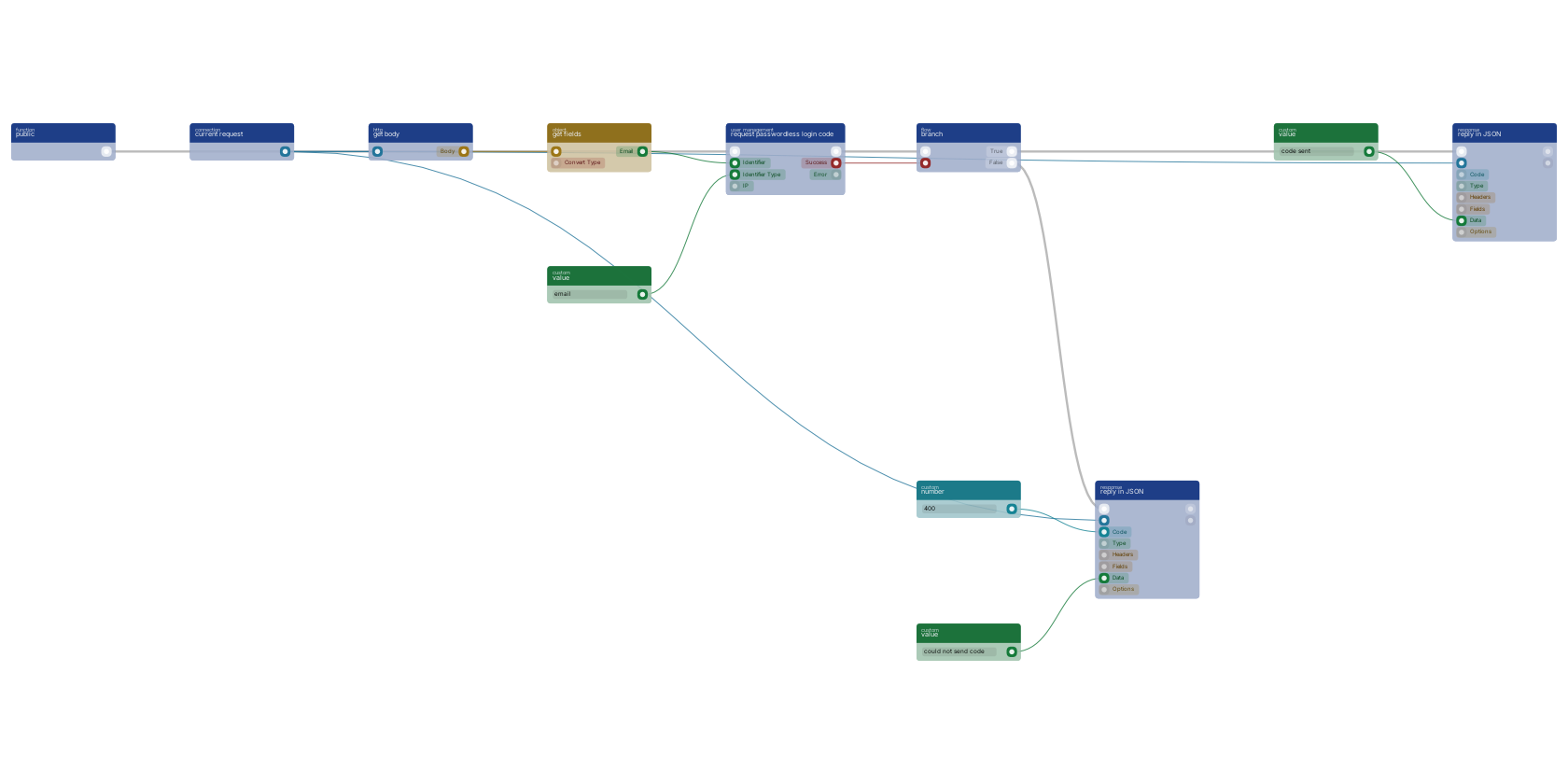](https://docs.rual.nl/canvas-examples/function_user_request_passwordless_code.png?v=3)
## Notes from practice
- **Throttle the action.** It sends email, so it is a spam vector. Put [`function_rate_limit`](https://docs.rual.nl/block-types/redis/function_rate_limit) (rate limit) at the start of the flow and branch on `allowed`. See [Remote Access Control](https://docs.rual.nl/blueprints/remote-access-control) for the same protection on API blocks.
- **The block skips the short rate limit** so a code can be sent right after account creation. One address still gets at most 5 codes per 2 hours and 10 per 24 hours; past that `error` is `TOO_MANY_CODE_REQUESTS`.
- **A code allows three attempts.** After that it is gone and the verify route answers `TOO_MANY_ATTEMPTS`, so offer a way to request a new one.
- **Session length is a cluster setting,** `auth_access_token_expiry_days`, not something the form decides. The script above sets a session cookie; add `Max-Age` to keep it after the browser closes.
- **Password resets** follow the same two-step shape with [`function_user_request_password_reset_token`](https://docs.rual.nl/block-types/users/function_user_request_password_reset_token) and [`function_user_reset_password_with_token`](https://docs.rual.nl/block-types/users/function_user_reset_password_with_token).
- **Answer every branch.** An action with no updates leaves the page as it is, and an unanswered login attempt looks like a hung page, not an error.
- **Locked out by a broken page?** Append `?studio=request` to the URL to reach the default login again. See [Overwrite Default Pages](https://docs.rual.nl/interfaces/overwrite-default-pages).
## Next steps
- [Building User Authentication](https://docs.rual.nl/tutorials/user-authentication): Roles, scopes and gated pages around this login flow.
- [Single Sign-On](https://docs.rual.nl/integrations/single-sign-on): Sign in with Apple, Google, TikTok, mssgs mail and passkeys.
- [Forms and Validation](https://docs.rual.nl/web/forms): What the browser checks by itself and what the action answers.
- [Remote Access Control](https://docs.rual.nl/blueprints/remote-access-control): Scopes and rate limits in depth.
## Frequently asked
**How do I build a passwordless login in RUAL?**
Two steps: a web action takes the email address and calls function_user_request_passwordless_code, which mails a one-time code without ever exposing it to the flow. The page then posts the address and code to POST /api/v1/auth/passwordless/verify, the cluster's own route, which answers with an access token. No block checks a code: function_user_signin checks passwords only.
**How do I set how long a RUAL login session lasts?**
With the cluster setting auth_access_token_expiry_days, not per login. The expiry_date pin on the sign-in block is not read by the core.
**Does RUAL login support two-factor authentication?**
Yes. When an account has two-factor enabled, function_user_signin returns need_2fa true plus the available 2fa_methods, so the login endpoint can hand off to your second-factor step before issuing the token.
---
---
title: "Creating a REST API · RUAL Documentation"
description: "A complete CRUD REST API: list with filters, create with validation, read, update and delete, with paging, error replies, scopes and testing it."
canonical: https://docs.rual.nl/tutorials/rest-api
language: en
---
# Creating a REST API
By the end you have a complete `tasks` resource: list, read, create, update and delete, with proper methods, statuses, validation and scopes.
In short
- **You build:** `GET` and `POST /api/v1/tasks`, and `GET`, `PUT` and `DELETE /api/v1/tasks/{guid}`.
- **You need:** a `tasks` storage, and to have registered an endpoint before. If not, do [Build Your First API](https://docs.rual.nl/cluster/api-quickstart) first.
- **The shape never changes:** one API block per operation, one handler function, trigger then work then reply.
## A resource is five endpoints
| Operation | Method and URI | Success status |
| --- | --- | --- |
| List | `GET /api/v1/tasks` | 200 and an array |
| Create | `POST /api/v1/tasks` | 201 and the created document |
| Read one | `GET /api/v1/tasks/{guid}` | 200 and the document, 404 if unknown |
| Update | `PUT /api/v1/tasks/{guid}` | 200 and the updated document, 404 if unknown |
| Delete | `DELETE /api/v1/tasks/{guid}` | 200 or 204, 404 if unknown |
Each row is one API block ([`on_startup_register_uri_get`](https://docs.rual.nl/block-types/http%20connection/on_startup_register_uri_get), [`on_startup_register_uri_post`](https://docs.rual.nl/block-types/http%20connection/on_startup_register_uri_post), [`on_startup_register_uri_put`](https://docs.rual.nl/block-types/http%20connection/on_startup_register_uri_put), [`on_startup_register_uri_delete`](https://docs.rual.nl/block-types/http%20connection/on_startup_register_uri_delete)) feeding one handler function. The URI on the block is `tasks` or `tasks/:guid`; a `:name` segment arrives through [`httpconnection_get_params`](https://docs.rual.nl/block-types/http%20connection/httpconnection_get_params). This is the same shape as in [Block Templates](https://docs.rual.nl/block-types/block-templates#api-endpoint).
## GET /tasks lists with filters and paging
- Register it
[`on_startup_register_uri_get`](https://docs.rual.nl/block-types/http%20connection/on_startup_register_uri_get) (On API GET) with URI `tasks`, connected to a handler function.
- Read the query string
[`httpconnection_get_query`](https://docs.rual.nl/block-types/http%20connection/httpconnection_get_query) (get query) holds the optional `status`, `limit` and `offset`. Read them with [`object_field_getter_multiple`](https://docs.rual.nl/block-types/object/object_field_getter_multiple) (get fields); a number-typed pin parses the text for you.
- Build the query
[`query_bool_term_fields`](https://docs.rual.nl/block-types/query/query_bool_term_fields) (fields) on `status` into [`query_bool_filter`](https://docs.rual.nl/block-types/query/query_bool_filter) (filter), and [`query_sort_field`](https://docs.rual.nl/block-types/query/query_sort_field) (sorting) on `_meta.created` descending, merged by [`query_and`](https://docs.rual.nl/block-types/query/query_and) (multiple). Only filter when a status was sent: [`condition_not_empty_value`](https://docs.rual.nl/block-types/condition/condition_not_empty_value) (is not empty) on it into [`query_branch`](https://docs.rual.nl/block-types/query/query_branch) (if), because an empty term matches nothing.
- Search
[`function_search`](https://docs.rual.nl/block-types/storage/function_search) (search) on the `tasks` storage with the `limit` and `offset` pins. Unwired, `limit` is 5000, so always wire it.
- Reply
[`httpconnection_set_json`](https://docs.rual.nl/block-types/json/httpconnection_set_json) (reply in JSON) with code 200 and the results array. Wire its `fields` pin to ship only the fields you list.
## POST /tasks validates before it creates
- Register it
[`on_startup_register_uri_post`](https://docs.rual.nl/block-types/http%20connection/on_startup_register_uri_post) (on api post) with URI `tasks`.
- Validate the body
Read the fields with [`httpconnection_get_body`](https://docs.rual.nl/block-types/http%20connection/httpconnection_get_body) (get body) and [`object_field_getter_multiple`](https://docs.rual.nl/block-types/object/object_field_getter_multiple). For each required field, [`condition_not_empty_value`](https://docs.rual.nl/block-types/condition/condition_not_empty_value) into a [`branch`](https://docs.rual.nl/block-types/flow/branch) (branch); on false, reply 400 with `{"error": "title is required"}`. See the [validation template](https://docs.rual.nl/block-types/block-templates#data-validation).
- Create the document
Map the body to document fields with [`mutations_set_bp_field_multiple`](https://docs.rual.nl/block-types/mutations/mutations_set_bp_field_multiple) (set fields), then [`function_create_document_from_mutations`](https://docs.rual.nl/block-types/storage/function_create_document_from_mutations) (create document).
- Reply
201 with the block's `object`, which now has its `_meta.guid`.
## GET /tasks/{guid} answers 200 or 404
- Register it
[`on_startup_register_uri_get`](https://docs.rual.nl/block-types/http%20connection/on_startup_register_uri_get) with URI `tasks/:guid`. Read `guid` from [`httpconnection_get_params`](https://docs.rual.nl/block-types/http%20connection/httpconnection_get_params) (get params).
- Fetch it
[`function_get_document`](https://docs.rual.nl/block-types/storage/function_get_document) (get document) on the `tasks` storage. Continue from its `found` flow pin.
- Answer both paths
[`branch`](https://docs.rual.nl/block-types/flow/branch) on the `accessible` pin, which is true when the document exists and is not removed. True: reply 200 with `object`. False: reply 404 with `{"error": "not found"}`. See [error handling](https://docs.rual.nl/blueprints/block-execution#error-handling).
## PUT and DELETE guard the same way
- **PUT**: [`on_startup_register_uri_put`](https://docs.rual.nl/block-types/http%20connection/on_startup_register_uri_put) (on api put), the same fetch-first guard, then [`function_update_document_mutations`](https://docs.rual.nl/block-types/storage/function_update_document_mutations) (update document) with the changed fields. Reply 200 with the updated document, 404 when missing.
- **DELETE**: [`on_startup_register_uri_delete`](https://docs.rual.nl/block-types/http%20connection/on_startup_register_uri_delete) (on api delete), then soft-delete with [`function_remove_document`](https://docs.rual.nl/block-types/storage/function_remove_document) (remove document) (recoverable), or hard-delete with [`function_delete_document`](https://docs.rual.nl/block-types/storage/function_delete_document) (permanently delete document) when you mean it; that block refuses unless its `very_sure` pin is true. See [document lifecycle](https://docs.rual.nl/blueprints/storage#document-lifecycle). Reply 200 with a small confirmation object.
## Set the scopes, then test every row
- Scope each block with the lock icon: `*public` for open reads, `*loggedin` or a custom scope for writes. A route without a scope is not public: it answers 403. See [Remote Access Control](https://docs.rual.nl/blueprints/remote-access-control).
- Activate the blueprint, then try every row of the table. More commands are in [API workflows](https://docs.rual.nl/cluster/api-guide#workflows).
- When an endpoint 404s right after activation, it is almost always a scope or an inactive blueprint. See [Common Issues](https://docs.rual.nl/troubleshooting/common-issues#api-not-activating).
```
curl -X POST "https:///api/v1/tasks" \
-H "Authorization: Bearer " \
-H "Content-Type: application/json" \
-d '{"title": "write the docs"}'
curl "https:///api/v1/tasks?status=open&limit=10" \
-H "Authorization: Bearer "
```
## Next steps
- [API Guide](https://docs.rual.nl/cluster/api-guide): Conventions, error codes, and rate limits for your API.
- [Storages](https://docs.rual.nl/blueprints/storage): The queries and mutations behind every row of the table.
- [Block Templates](https://docs.rual.nl/block-types/block-templates): The endpoint and validation shapes in one view.
## Frequently asked
**How do I build a CRUD REST API in RUAL?**
One API block per operation: GET and POST /api/v1/tasks for list and create, and GET, PUT and DELETE /api/v1/tasks/{guid} for read, update and delete. Each on_startup_register_uri block feeds one handler function that does the work and replies with the right status: 200 for reads, 201 for creates, 404 for unknown guids.
**How do I validate the request body in a RUAL API?**
Check each required field with its own condition_not_empty_value block into a branch, and reply 400 on the false path before anything is stored. On the success path, map the body to document fields with mutations_set_bp_field_multiple and create the document from those mutations.
**Should a RUAL DELETE endpoint remove or delete the document?**
Your choice: function_remove_document soft-deletes and stays recoverable, while function_delete_document hard-deletes when you mean it. Reply 200 with a small confirmation object either way.
---
---
title: "Building AI Endpoints · RUAL Documentation"
description: "Add Claude to a blueprint: messages, structured JSON replies, streaming to the browser, classify and route, tools, cost control and batch jobs."
canonical: https://docs.rual.nl/tutorials/ai-endpoints
language: en
---
# Building AI Endpoints
By the end you have a POST endpoint that takes a text, asks Claude and replies with clean JSON, with spend capped. From there: streaming, classifying, tools and bulk batches.
In short
- **You build:** an Anthropic connection, a message block behind an API trigger, and an output template that forces valid JSON.
- **You need:** an Anthropic API key, and to be able to register an endpoint and reply in JSON. If not, do [Build Your First API](https://docs.rual.nl/cluster/api-quickstart) first.
- **Sections 1 to 3 are the build.** Sections 4 to 8 are what you add when you need it.
## 1. Every Claude block takes a connection
Create it once per flow with [`function_create_anthropicconnection`](https://docs.rual.nl/block-types/anthropic/function_create_anthropicconnection) (open connection).
| Pin | Set it to |
| --- | --- |
| `api_key` | Your Anthropic key. Keep it off the canvas: store it as a system setting and read it with [`value_get_system_key_select`](https://docs.rual.nl/block-types/system%20settings/value_get_system_key_select) (get setting). |
| `default_model` | The model every message uses unless the block overrides it. |
| `daily_cap_usd`, `concurrency_cap` | Hard guardrails on spend and parallel calls, enforced by the connection itself. |
The block has a `success` condition pin and an `error` value pin. Branch on them: a message sent without a working connection fails further down the flow.
## 2. A request goes in, an answer comes back as JSON
The dominant API shape in RUAL blueprints works for AI too: a trigger runs the chain, the connection and prompt feed the message block, and a JSON reply answers the caller. The prompt here is the `text` field of the request body, read with [`httpconnection_get_body`](https://docs.rual.nl/block-types/http%20connection/httpconnection_get_body) (get body) and [`object_field_getter_multiple`](https://docs.rual.nl/block-types/object/object_field_getter_multiple) (get fields).
The standard AI endpoint shape: a [function trigger](https://docs.rual.nl/block-types/globals/trigger_custom_function) runs the chain, [open connection](https://docs.rual.nl/block-types/anthropic/function_create_anthropicconnection) creates the Anthropic connection, and [send message](https://docs.rual.nl/block-types/anthropic/anthropicconnection_message) asks Claude with the request body text as the prompt, read off the body by [get fields](https://docs.rual.nl/block-types/object/object_field_getter_multiple). An [output template](https://docs.rual.nl/block-types/anthropic/anthropicconnection_build_schema) on the output_schema pin keeps the answer valid JSON, and [reply in JSON](https://docs.rual.nl/block-types/json/httpconnection_set_json) returns it to the caller with a 200.
[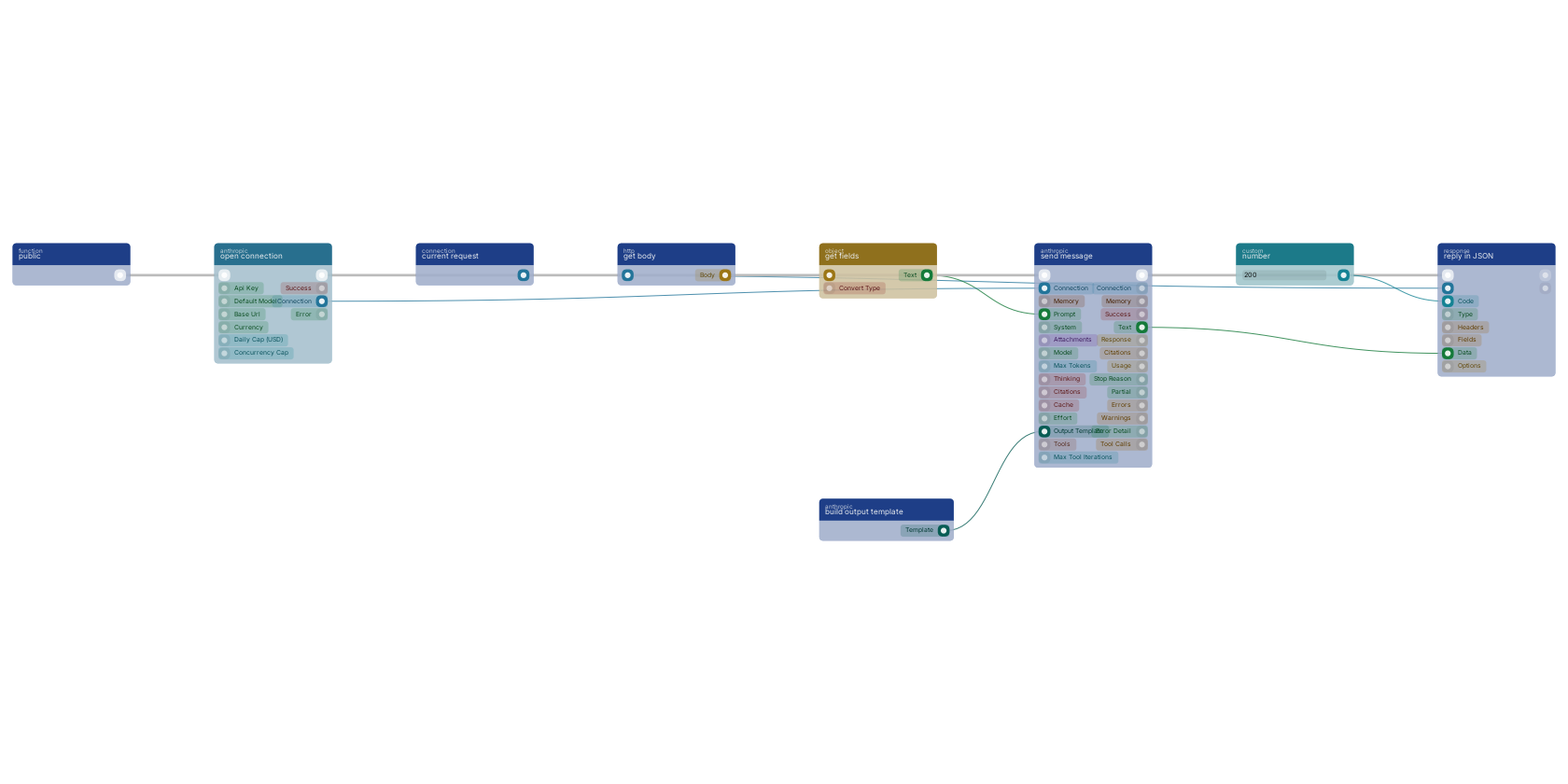](https://docs.rual.nl/canvas-examples/anthropicconnection_message.png?v=3)
On the canvas: [`anthropicconnection_message`](https://docs.rual.nl/block-types/anthropic/anthropicconnection_message) (send message) takes the connection, the prompt and an optional `system` text, and outputs the reply as `text` plus token `usage` and a `stop_reason`. [`httpconnection_set_json`](https://docs.rual.nl/block-types/json/httpconnection_set_json) (reply in JSON) sends the answer back with status 200. Always branch on the message block's `success` pin and reply with an error body on the false path, following [Error Handling](https://docs.rual.nl/blueprints/common-patterns#error-handling).
## 3. Two blocks turn the reply into dependable data
Free text is hard to process further.
- [`anthropicconnection_build_schema`](https://docs.rual.nl/block-types/anthropic/anthropicconnection_build_schema) (build output template): pick the fields Claude should return and describe each one, no JSON Schema knowledge needed. Wire its output to the message block's `output_schema` pin and the reply text is valid JSON in that shape.
- [`anthropicconnection_parse_json`](https://docs.rual.nl/block-types/anthropic/anthropicconnection_parse_json) (parse JSON (repair)): recovers and parses JSON from messy text (code fences, prose around the object, truncation) without an API call. It reports `repaired` when it had to fix the input, so you can log how often that happens.
With an output template wired, the text pin already parses cleanly. Keep the parse block as the safety net before you feed the reply into object blocks or storage.
**How you know it worked:** post a text to your endpoint with `curl`. The answer is JSON with exactly your fields.
## 4. Streaming pushes the reply token by token
[`anthropicconnection_message_stream`](https://docs.rual.nl/block-types/anthropic/anthropicconnection_message_stream) (stream message) sends the same prompt but pushes the reply to a WebSocket `channel` while it generates, then returns the full text when done. Use it for chat-like screens where waiting for the whole answer feels broken; use the plain message block everywhere else, it is simpler to debug. Web pages open no WebSocket by themselves, so a page that shows a stream needs a client of its own in a script.
## 5. Classify sorts input into your labels
[`anthropicconnection_classify`](https://docs.rual.nl/block-types/anthropic/anthropicconnection_classify) (classify) sorts an input into exactly one of your labels, with a `matched` condition for "none of them fit". Feed the `label` into a [`value_switch`](https://docs.rual.nl/block-types/value/value_switch) (switch) to route support tickets, form submissions or webhook payloads down the right branch without writing conditions by hand.
## 6. Tools let Claude call your functions
Tools let Claude call back into your blueprint while it composes an answer.
- Build a tool
[`anthropicconnection_build_tool`](https://docs.rual.nl/block-types/anthropic/anthropicconnection_build_tool) (build tool): name, description, parameters as a schema, and the function that runs when Claude calls it.
- Combine them
[`anthropicconnection_tool_multiple`](https://docs.rual.nl/block-types/anthropic/anthropicconnection_tool_multiple) (multiple) combines tools. [`anthropicconnection_tool_branch`](https://docs.rual.nl/block-types/anthropic/anthropicconnection_tool_branch) (tool if) and [`anthropicconnection_tool_switch`](https://docs.rual.nl/block-types/anthropic/anthropicconnection_tool_switch) (tool switch) pick one conditionally.
- Wire them in
Connect the result to the message block's `tools` pin. The `max_iterations` pin caps how many tool round trips one message may make.
Ready-made tools cover web search ([`anthropicconnection_tool_web_search`](https://docs.rual.nl/block-types/anthropic/anthropicconnection_tool_web_search)) and code execution ([`anthropicconnection_tool_code_execution`](https://docs.rual.nl/block-types/anthropic/anthropicconnection_tool_code_execution)).
## 7. Four ways to control cost
- [`anthropicconnection_count_tokens`](https://docs.rual.nl/block-types/anthropic/anthropicconnection_count_tokens) (count tokens) prices a prompt before you send it: input tokens, estimated total cost, free to call. Gate expensive calls on it.
- [`anthropicconnection_preflight`](https://docs.rual.nl/block-types/anthropic/anthropicconnection_preflight) (preflight document) converts a PDF, image or spreadsheet to clean Markdown with a cheap model, so the expensive model reads far fewer tokens. [`anthropicconnection_preflight_batch`](https://docs.rual.nl/block-types/anthropic/anthropicconnection_preflight_batch) does the same for a list of files.
- The message block's `cache` pin reuses earlier context instead of paying for it again, and [`anthropicconnection_get_usage`](https://docs.rual.nl/block-types/anthropic/anthropicconnection_get_usage) (get usage) reports total spend per connection.
- The connection's daily cap is the last line of defense. Set it on every production blueprint.
## 8. Bulk work runs as batches at half price
[`anthropicconnection_batch_create`](https://docs.rual.nl/block-types/anthropic/anthropicconnection_batch_create) (create batch) submits many prompts as one asynchronous batch at half the standard price, with results within 24 hours. Wire its `on_finished` function pin to be called when the batch completes (the system polls in the background), or poll yourself with [`anthropicconnection_batch_get`](https://docs.rual.nl/block-types/anthropic/anthropicconnection_batch_get) (get batch) from a scheduled flow. Batches are the right shape for nightly enrichment, classification backfills and report generation. Anything the user waits for belongs in a plain message call.
## Notes from practice
- Long AI calls belong behind the queue: hand the work to [`function_custom_execute_from_queue`](https://docs.rual.nl/block-types/function%20execution/function_custom_execute_from_queue) (execute in queue) and reply to the caller immediately. See [Queue](https://docs.rual.nl/blueprints/queue).
- Expose AI endpoints with a scope and a rate limit; an unprotected `/api/ask` is an open wallet. See [Remote Access Control](https://docs.rual.nl/blueprints/remote-access-control).
- Conversations that remember earlier turns use the memory blocks ([`anthropicconnection_create_memory`](https://docs.rual.nl/block-types/anthropic/anthropicconnection_create_memory) and friends) on the message block's `memory` pin.
## Next steps
- [Anthropic Claude](https://docs.rual.nl/integrations/anthropic): Every Claude block in one place.
- [Common Blueprint Patterns](https://docs.rual.nl/blueprints/common-patterns): The endpoint, validation and error-handling shapes this tutorial builds on.
- [Remote Access Control](https://docs.rual.nl/blueprints/remote-access-control): Scopes and rate limits for your AI endpoint.
- [Block Templates](https://docs.rual.nl/block-types/block-templates): Copyable block combinations, including the API endpoint shape.
## Frequently asked
**How do I call Claude from a RUAL blueprint?**
Create a connection with function_create_anthropicconnection using your Anthropic API key, then wire that connection to anthropicconnection_message with your prompt. The message block returns the reply text, token usage and a success condition to branch on.
**How do I get structured JSON from Claude in RUAL?**
Build an output template with anthropicconnection_build_schema, describing each field Claude should return, and wire it to the message block's output_schema pin. The reply text is then valid JSON in that shape, and anthropicconnection_parse_json repairs any malformed output without another API call.
**How do I control what Claude costs in a RUAL blueprint?**
Set a daily_cap_usd on the Anthropic connection as a hard limit, price a prompt before sending it with anthropicconnection_count_tokens, and convert documents to Markdown with the cheaper preflight block before sending them to an expensive model. Bulk work goes through anthropicconnection_batch_create at half the standard price.
---
---
title: "Building a Reporting API · RUAL Documentation"
description: "A reporting API: aggregations over storage, answered as a CSV or XLSX download or sent as a scheduled email, with notes from running it in practice."
canonical: https://docs.rual.nl/tutorials/reporting-api
language: en
---
# Building a Reporting API
By the end you have a report endpoint that takes a date range and answers with a CSV or XLSX file, plus the same report mailed through the queue and on a schedule.
In short
- **You build:** one aggregation query, fed into three shapes: a download now, an email later, a scheduled run.
- **You need:** [Storages](https://docs.rual.nl/blueprints/storage) and a registered endpoint; see [Build Your First API](https://docs.rual.nl/cluster/api-quickstart).
- **Two wiring details matter:** take the rows with [`array_get_buckets`](https://docs.rual.nl/block-types/array/array_get_buckets), and give the CSV a `header`.
## 1. An aggregation groups the documents
Reports group documents instead of listing them. The grouping block picks the dimension:
| Block | Groups by | Example |
| --- | --- | --- |
| [`aggregation_type_date_histogram_bp_field`](https://docs.rual.nl/block-types/aggregation/aggregation_type_date_histogram_bp_field) (date histogram) | A date field per `interval` (`day`, `week`, `month`) | Signups per day, revenue per week |
| [`aggregation_type_terms_bp_field`](https://docs.rual.nl/block-types/aggregation/aggregation_type_terms_bp_field) (terms) | The distinct values of a field, with a count per value | Orders per status, tickets per assignee |
| [`aggregation_type_cardinality_bp_field`](https://docs.rual.nl/block-types/aggregation/aggregation_type_cardinality_bp_field) (cardinality) | Counts distinct values | Unique customers |
| [`aggregation_type_value_count_bp_field`](https://docs.rual.nl/block-types/aggregation/aggregation_type_value_count_bp_field) (count on field) | Counts entries | Orders with a coupon |
[`query_aggregation`](https://docs.rual.nl/block-types/query/query_aggregation) (aggregation) wraps the grouping block under a `name` and attaches it to the search. Feed it into the `query` pin of [`function_search`](https://docs.rual.nl/block-types/storage/function_search) (search), together with a filter that limits the range: [`query_bool_range_date_field`](https://docs.rual.nl/block-types/query/query_bool_range_date_field) (date) on the date field with [`query_bool_range_date_gte`](https://docs.rual.nl/block-types/query/query_bool_range_date_gte) (field >= {value}) and [`query_bool_range_date_lt`](https://docs.rual.nl/block-types/query/query_bool_range_date_lt) (field < {value}) in it, inside [`query_bool_filter`](https://docs.rual.nl/block-types/query/query_bool_filter) (filter). Read the dates from the request with [`httpconnection_get_query`](https://docs.rual.nl/block-types/http%20connection/httpconnection_get_query) (get query). More query blocks are in [Storages](https://docs.rual.nl/blueprints/storage#building-search-queries).
Wire several aggregations and the studio adds one extra query pin per aggregation on the search block, so one pass over the data can fill a whole dashboard.
## 2. The download builds a file and replies with it
A [function trigger](https://docs.rual.nl/block-types/globals/trigger_custom_function) runs the report: a [date histogram](https://docs.rual.nl/block-types/aggregation/aggregation_type_date_histogram_bp_field) groups documents per day, [aggregation](https://docs.rual.nl/block-types/query/query_aggregation) names it and feeds [search](https://docs.rual.nl/block-types/storage/function_search), and [build CSV](https://docs.rual.nl/block-types/files/function_build_csv) turns the result rows into a file that [reply with file](https://docs.rual.nl/block-types/files/httpconnection_set_file) downloads to the caller.
[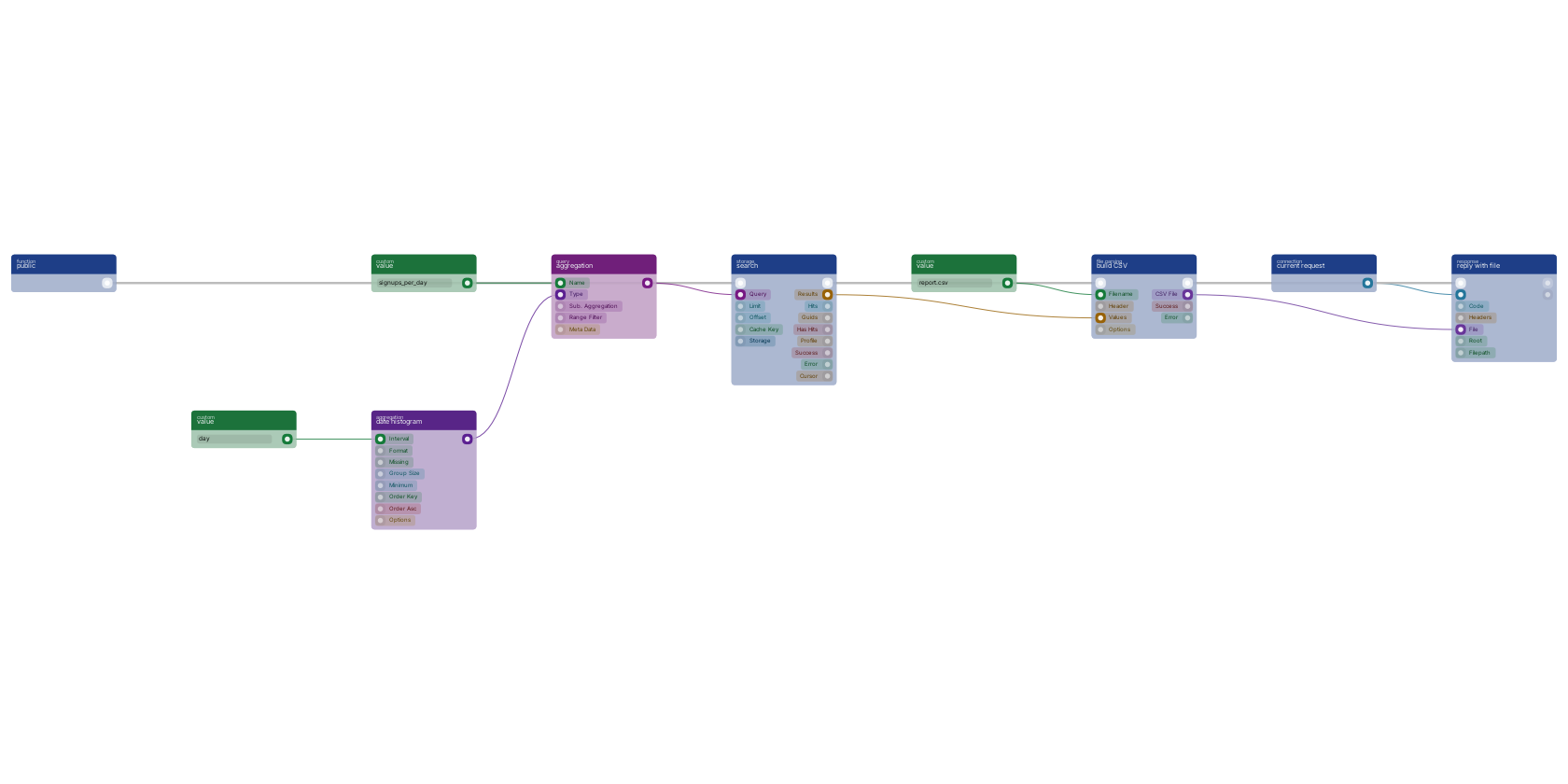](https://docs.rual.nl/canvas-examples/function_build_csv.png?v=3)
On the canvas: [`function_build_csv`](https://docs.rual.nl/block-types/files/function_build_csv) (build CSV) takes the rows as `values` plus a `filename`, and [`httpconnection_set_file`](https://docs.rual.nl/block-types/files/httpconnection_set_file) (reply with file) streams the file to the caller through the [`httpconnection_current_request`](https://docs.rual.nl/block-types/http%20connection/httpconnection_current_request) (current request) connection. For a real report, add two things to that wiring:
- Take the rows out of the result
A search with an aggregation returns one object on `array`, not documents. Put [`array_get_buckets`](https://docs.rual.nl/block-types/array/array_get_buckets) (get aggregation buckets) between the search and the CSV: it gives one row per bucket, with `key`, `key_as_string` and `doc_count`. It reads the alphabetically first aggregation only.
- Wire the header
Give [`function_build_csv`](https://docs.rual.nl/block-types/files/function_build_csv) a `header` array of the columns, for example with [`array_of_values`](https://docs.rual.nl/block-types/array/array_of_values) (with values). Without one the columns are inferred, no header line is written and the first row is dropped.
For spreadsheets with real types and multiple sheets use [`file_to_xlsx`](https://docs.rual.nl/block-types/files/file_to_xlsx) (build XLS/X) instead, with the same `filename` and `values` and its `headers` pin.
**How you know it worked:** `curl -o report.csv` the endpoint with a date range and open the file. You see a header line and one row per day.
## 3. Heavy reports leave the request
A heavy report does not belong inside the request that asked for it.
- Hand off and answer
The endpoint validates the request, hands the work to [`function_custom_execute_from_queue`](https://docs.rual.nl/block-types/function%20execution/function_custom_execute_from_queue) (execute in queue), and replies 202 at once. See [Queue](https://docs.rual.nl/blueprints/queue).
- Build and mail
The queued function runs the same aggregation, builds the file, and mails it with [`postmarkconnection_send_email_template`](https://docs.rual.nl/block-types/postmark/postmarkconnection_send_email_template) (send email with template), which takes the CSV or XLSX straight on its `file` pin. See [Email System Setup](https://docs.rual.nl/tutorials/email-system) for the connection.
- Or run it on a clock
A report with its own schedule, such as the Monday morning export, starts from [`schedule_repeating_event`](https://docs.rual.nl/block-types/events/schedule_repeating_event) (repeating event) instead of an endpoint. See [Repeating Events](https://docs.rual.nl/blueprints/repeating-events).
## Notes from practice
- Reports over large storages are read-heavy by definition. Give the search a `cache_key` so a dashboard refreshed by ten people runs the aggregation once. See [Caching Strategies](https://docs.rual.nl/blueprints/common-patterns#caching-strategies).
- Branch on the search block's `success` pin and reply with an error body on failure, per [Error Handling](https://docs.rual.nl/blueprints/common-patterns#error-handling). A report that silently returns an empty file is worse than none.
- Scope report endpoints tightly: they aggregate exactly the data most callers should not bulk-download. `*loggedin` at minimum, a custom scope for anything financial. See [Remote Access Control](https://docs.rual.nl/blueprints/remote-access-control).
- Date histograms group on the stored date field; `_meta.created` is the one every document already has.
## Next steps
- [Storages](https://docs.rual.nl/blueprints/storage): The query blocks that limit what the aggregation reads.
- [Queue](https://docs.rual.nl/blueprints/queue): Hand slow reports to the queue and reply immediately.
- [Email System Setup](https://docs.rual.nl/tutorials/email-system): The Postmark connection that mails the finished report.
- [Dashboard with Charts](https://docs.rual.nl/tutorials/dashboard-charts): Show the same aggregation on a web page.
## Frequently asked
**How do I build a CSV report from storage data in RUAL?**
Group the documents with an aggregation block such as aggregation_type_date_histogram_bp_field, attach it to a search with query_aggregation, feed the result rows to function_build_csv, and reply with the file through httpconnection_set_file.
**How do I email a report on a schedule in RUAL?**
Start the flow from schedule_repeating_event instead of an endpoint, run the same aggregation, and mail the built file with postmarkconnection_send_email_template, which accepts the CSV or XLSX directly on its file pin. Reports triggered by a request go through the queue so the API can reply immediately.
---
---
title: "Building an API with Locking · RUAL Documentation"
description: "An API with locking: claim a lock around read-modify-write sections, keep the critical section small, and always release the lock again."
canonical: https://docs.rual.nl/tutorials/api-locking
language: en
---
# Building an API with Locking
By the end your read-modify-write endpoint is safe against concurrent callers: a lock around the critical section makes them queue up instead of overwriting each other, and it is always released, on success and on failure.
In short
- **The problem:** two requests read the same document, both compute, both write, and the second write overwrites the first.
- **You build:** claim a lock keyed on the document, read, compute, write, release.
- **You need:** a registered endpoint and document updates; see [Build Your First API](https://docs.rual.nl/cluster/api-quickstart) and [Storages](https://docs.rual.nl/blueprints/storage#updating-documents). When the platform locks for you and when it does not is in [Locking and Concurrency](https://docs.rual.nl/blueprints/locking).
## 1. Three blocks, one job each
| Block | Does what |
| --- | --- |
| [`function_claim_lock_wait`](https://docs.rual.nl/block-types/locking/function_claim_lock_wait) (lock or wait) | Claims the lock for a `key`, waiting until the current holder releases it. The right default for an API: every caller gets its turn. |
| [`function_claim_lock_v2`](https://docs.rual.nl/block-types/locking/function_claim_lock_v2) (claim lock) | Tries once and reports through its `condition` out-pin whether it got the lock. Use it when a failed attempt should answer "try again later" instead of waiting, for example a sync endpoint where a retry is cheaper than a queue. |
| [`function_claim_unlock`](https://docs.rual.nl/block-types/locking/function_claim_unlock) (free lock) | Releases the key. Must run on every path, including the failures. |
- **The `key`** names what is being protected. Build it from the identifier of the thing being updated with [`value_concatenate`](https://docs.rual.nl/block-types/value/value_concatenate) (concatenate values), for example `member-` plus the member guid: one lock per document, so updates to different members never wait on each other.
- **The `expiry`** (seconds) is the safety net that frees a key whose holder crashed before unlocking.
- **The `auto_clear` pin** releases the lock when the run ends, including when it fails, so you can leave out the free lock block.
## 2. The critical section sits between claim and release
Between them goes the work that must not interleave: read the document, compute, write it back.
The critical-section shape: a [function trigger](https://docs.rual.nl/block-types/globals/trigger_custom_function) runs the flow, [lock or wait](https://docs.rual.nl/block-types/locking/function_claim_lock_wait) claims the key (waiting when another request holds it), the document is read with [get document](https://docs.rual.nl/block-types/storage/function_get_document) and written with [update document](https://docs.rual.nl/block-types/storage/function_update_document_mutations), and a [funnel](https://docs.rual.nl/block-types/funnels/funnel) merges the paths so [free lock](https://docs.rual.nl/block-types/locking/function_claim_unlock) always releases the key.
[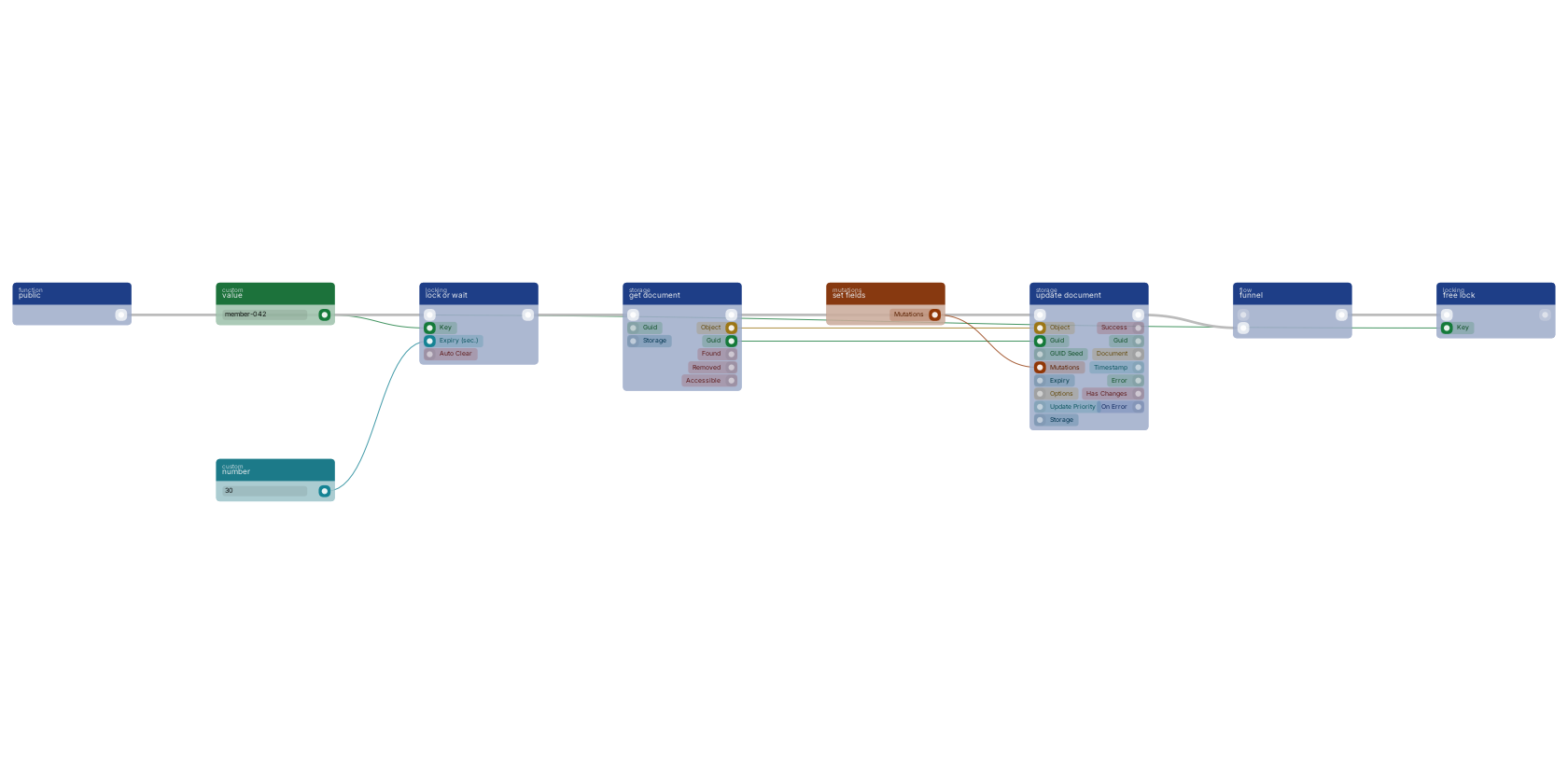](https://docs.rual.nl/canvas-examples/function_claim_lock_wait.png?v=3)
- Claim
[`function_claim_lock_wait`](https://docs.rual.nl/block-types/locking/function_claim_lock_wait) with the key from step 1. There is no success or error output: the flow simply waits until it has the lock.
- Read
[`function_get_document`](https://docs.rual.nl/block-types/storage/function_get_document) (get document) reads the current state. Read after the claim, never before it.
- Compute and write
[`mutations_set_bp_field_multiple`](https://docs.rual.nl/block-types/mutations/mutations_set_bp_field_multiple) (set fields) builds the changes and [`function_update_document_mutations`](https://docs.rual.nl/block-types/storage/function_update_document_mutations) (update document) writes them.
- Release on every path
The [`funnel`](https://docs.rual.nl/block-types/funnels/funnel) (funnel) is the load-bearing detail: it merges the exit paths (success, validation failure, not found) into one flow that always reaches [`function_claim_unlock`](https://docs.rual.nl/block-types/locking/function_claim_unlock). Point the end of every path you add later at the funnel, never straight out of the function.
**How you know it worked:** fire two requests at once that each add to the same counter. With the lock both changes land; without it one disappears.
## Notes from practice
- **Keep the critical section small.** Everything slow (external calls, file work, email) belongs outside the lock; every second inside it is a second other callers wait.
- **Size the `expiry` to the worst realistic run,** not the average. Too short and a slow run loses its lock mid-write; too long and a crashed holder blocks everyone until timeout.
- **A lock is not a transaction.** When the write itself must be atomic, use the document's own update blocks, which lock themselves per document (see [Locking and Concurrency](https://docs.rual.nl/blueprints/locking)). Claim your own lock for invariants that span the read-modify-write as a whole, like "only one active subscription per member".
- **Waiting callers still count against the request timeout.** When waits can be long, hand the work to [`function_custom_execute_from_queue`](https://docs.rual.nl/block-types/function%20execution/function_custom_execute_from_queue) (execute in queue) with a `unique_id` per key instead; the API replies immediately. See [Queue](https://docs.rual.nl/blueprints/queue).
## Next steps
- [Locking and Concurrency](https://docs.rual.nl/blueprints/locking): Which blocks lock themselves, and when to claim a lock manually.
- [Queue](https://docs.rual.nl/blueprints/queue): Serialize work per key without holding an HTTP request open.
- [Common Blueprint Patterns](https://docs.rual.nl/blueprints/common-patterns): The endpoint and error-handling shapes around the lock.
## Frequently asked
**How do I lock a critical section in a RUAL API?**
Claim a key with function_claim_lock_wait before the read-modify-write section and release it with function_claim_unlock afterwards, merging every exit path through a funnel so the unlock always runs. Build the key from the updated document's identifier so different documents never wait on each other.
**What happens when a RUAL blueprint crashes while holding a lock?**
The lock's expiry frees the key after the given number of seconds, so a crashed holder cannot block other callers forever. Size the expiry to the worst realistic run of the critical section.
---
---
title: "Building a Dashboard with Charts · RUAL Documentation"
description: "Aggregate storage data and render it as a live dashboard with charts: get the data, render the page and keep it fast, with a checklist to finish on."
canonical: https://docs.rual.nl/tutorials/dashboard-charts
language: en
---
# Building a Dashboard with Charts
By the end you have a dashboard page with number tiles, a table of recent items and a line chart, all fed by one metrics function, with tiles that refresh themselves.
In short
- **You build:** one function that gathers every metric, and one web page that shows them.
- **You need:** a storage with some documents in it and a first web page behind you ([Your First Page](https://docs.rual.nl/web/first-page)).
- **Charts are yours to draw.** Web pages have no chart block. You render the data into the page and draw it with a charting library you load yourself.
## 1. One function gathers every metric
Dashboards read, they never write. Build a function starting at [`trigger_custom_function`](https://docs.rual.nl/block-types/globals/trigger_custom_function) (create) with one search per metric, and end it with [`function_return`](https://docs.rual.nl/block-types/function%20execution/function_return) (return) so one call gives the page one payload.
| Metric | Blocks | Read it from |
| --- | --- | --- |
| A count, such as open tasks | A filter query plus [`query_count`](https://docs.rual.nl/block-types/query/query_count) (count only) on [`function_search`](https://docs.rual.nl/block-types/storage/function_search) (search) | `hits` |
| Recent items | [`function_search`](https://docs.rual.nl/block-types/storage/function_search) with [`query_sort_field`](https://docs.rual.nl/block-types/query/query_sort_field) (sorting) on `_meta.created` descending and `limit` 10 | `array` |
| A value per day | [`aggregation_type_date_histogram_bp_field`](https://docs.rual.nl/block-types/aggregation/aggregation_type_date_histogram_bp_field) (date histogram) in [`query_aggregation`](https://docs.rual.nl/block-types/query/query_aggregation) (aggregation) on [`function_search`](https://docs.rual.nl/block-types/storage/function_search), then [`array_get_buckets`](https://docs.rual.nl/block-types/array/array_get_buckets) (get aggregation buckets) | `array` of the buckets, each with `key_as_string` and `doc_count` |
> **Two search details that bite** Without [`query_count`](https://docs.rual.nl/block-types/query/query_count) or [`query_include_hits`](https://docs.rual.nl/block-types/query/query_include_hits), `hits` is the number of documents returned, not the total. And a search with an aggregation returns one object on `array` instead of documents; `array_get_buckets` reads its alphabetically first aggregation only, so give each chart its own search.
For anything heavy, precompute counters on write instead of counting at read time; see [step 4](#performance). More recipes are in [search tips](https://docs.rual.nl/blueprints/storage#search-tips).
## 2. The page prints the numbers and hands the chart its data
- Add the page
[`web_page`](https://docs.rual.nl/block-types/web/web_page) (new web page) with `event` `dashboard`, scoped for your team: `*loggedin` or a custom scope.
- Run the metrics
Connect its flow to [`function_custom_execute`](https://docs.rual.nl/block-types/function%20execution/function_custom_execute) (execute) with your metrics function selected. Its return values appear as pins on that block.
- Render the recent items
Wire the recent items into [`web_foreach`](https://docs.rual.nl/block-types/web/web_foreach) (web for each) with the row template below. It keys every row with the document's guid.
- Render the page
Connect the flow to [`web_render`](https://docs.rual.nl/block-types/web/web_render) (web render) and add custom pins: `open_tasks` and `shipped` (number), `recent` (value, the `html` of [`web_foreach`](https://docs.rual.nl/block-types/web/web_foreach)) and `signups` (array, the buckets).
```
{{title}}
{{_meta.created | date "DD-MM-YYYY HH:mm"}}
```
```
{{title}}
{{> dashboard-tiles}}
{{{recent}}}
```
Inside a `script`, `{{signups}}` is written as JSON that is safe there, so it goes without quotes. The Content Security Policy allows external `https` scripts and inline scripts with the page's nonce, so any charting library works. Chart.js is only the example here.
The tiles live in a stored template of type `web` named `dashboard-tiles`, so the page and the refresh action print the same markup. See [Layouts and Partials](https://docs.rual.nl/web/layouts-and-partials).
```
Open tasks{{open_tasks | number}}
Shipped orders{{shipped | number}}
```
**How you know it worked:** open `/dashboard`. The tiles show your counts, the table your newest documents, and the chart one point per day. Set the `format` pin on the histogram for readable labels.
## 3. The tiles refresh themselves
The `data-trigger="every 30s"` above runs the action named `refresh-tiles` while the page is visible. Answer it with only the tiles:
- Catch it
[`web_action`](https://docs.rual.nl/block-types/web/web_action) (on web action) with `event` `refresh-tiles`, then [`function_custom_execute`](https://docs.rual.nl/block-types/function%20execution/function_custom_execute) of the same metrics function.
- Render the tiles
[`web_template`](https://docs.rual.nl/block-types/web/web_template) (web template) with the template `{{> dashboard-tiles}}` and custom pins `open_tasks` and `shipped`.
- Send them
[`web_update`](https://docs.rual.nl/block-types/web/web_update) (web update) with `target` `#tiles` and that `html`. Only those few bytes cross the network.
The chart stays as drawn, because HTML an action returns never runs its scripts. To refresh it too, let the page script fetch JSON from a small [`on_startup_register_uri_get`](https://docs.rual.nl/block-types/http%20connection/on_startup_register_uri_get) (On API GET) endpoint on a timer and update the chart. Polling is worth it on shared boards and overkill on quiet data; see [real-time vs polling](https://docs.rual.nl/architecture/choosing-approaches#realtime-vs-polling).
## 4. Cache what is read often, count what is written
- **Give searches a `cache_key`.** Repeated searches with the same key are served from the request cache. For the whole payload, keep it in Redis with a short `ttl` using [`function_redis_cache_set_key_json`](https://docs.rual.nl/block-types/redis/function_redis_cache_set_key_json) (set json). See [caching patterns](https://docs.rual.nl/blueprints/common-patterns#caching-strategies).
- **Precompute counters on write.** Increment a stats document on each create with [`mutations_increment_by_field`](https://docs.rual.nl/block-types/mutations/mutations_increment_by_field) (increment by field) instead of counting at read time. A read is then a single [`function_get_document`](https://docs.rual.nl/block-types/storage/function_get_document) (get document).
- **Compute in the function.** Per-item work belongs in [`array_map`](https://docs.rual.nl/block-types/array/array_map) (map). The template only prints.
- **Watch the aggregation traps** in [Common Pitfalls](https://docs.rual.nl/blueprints/common-pitfalls).
## Checklist
- One metrics function, one payload.
- Sort and limit on every "recent" list.
- A cache key on expensive searches, counters for hot stats.
- Scope set on purpose: no accidental `*public` dashboards.
## Next steps
- [Lists and Tables](https://docs.rual.nl/web/lists): Rows with web_foreach, keys and empty states.
- [Actions](https://docs.rual.nl/web/actions): Everything an action can change on the page.
- [Common Blueprint Patterns](https://docs.rual.nl/blueprints/common-patterns): Caching and transformation recipes for the metrics function.
- [Storage Examples](https://docs.rual.nl/blueprints/storage-examples): Data models that aggregate well.
## Frequently asked
**How do I build a dashboard page in RUAL?**
Build one function that gathers every metric, counts via the hits out-pin of function_search, recent items via a sort on _meta.created with a limit, grouped stats via aggregations, and return everything as one object built with object_new_fields. The page runs that function on load and passes the results into state elements or a chart component.
**How do I show charts on a RUAL page?**
Render the data into the page with a script carrying the page's nonce (var data = {{rows}};) and load a charting library yourself. Number tiles and recent-items lists are plain template markup.
**How do I keep a RUAL dashboard fast?**
Cache the metrics function with a cache_key on function_search and a short TTL in Redis, precompute counters on write with mutations_increment_by_field instead of counting at read time, and do per-item computation in the function with array_map rather than in the render.
---
---
title: "File Upload & Processing · RUAL Documentation"
description: "Accept an upload from a page or an API, store it as an asset and process it safely in the background, with the safety rules every upload flow needs."
canonical: https://docs.rual.nl/tutorials/file-upload-processing
language: en
---
# File Upload & Processing
By the end a visitor can pick a file on a web page, your upload endpoint stores it, and a queue worker processes it in the background while the page shows progress. Machines post to the same endpoint.
In short
- **You build:** an upload endpoint, a web page that uses it, and a queue function for the slow part.
- **You need:** an `uploads` storage, a first web page ([Your First Page](https://docs.rual.nl/web/first-page)) and an idea of the [queue](https://docs.rual.nl/blueprints/queue).
- **A web action never takes the file.** Actions accept form fields and JSON and refuse multipart. The file goes to an upload endpoint; the action gets the result.
## 1. An upload endpoint takes the file
- Register the endpoint
Add [`on_startup_register_uri_file`](https://docs.rual.nl/block-types/http%20connection/on_startup_register_uri_file) (on api file upload) with URI `uploads`, which answers on `POST /api/v1/uploads`. Set a scope: `*loggedin` or a custom one. A route without a scope answers 403. Set the `filesize` pin (the default is 5 MB) and a `rate_limit`.
- Validate before storing
The handler function gets a `file` pin with entries of `filename`, `path` and `type`, saved in the entity's temp directory. Check it with [`file_is_type`](https://docs.rual.nl/block-types/files/file_is_type) (is file type) and [`file_info`](https://docs.rual.nl/block-types/files/file_info) (file info) into a [`branch`](https://docs.rual.nl/block-types/flow/branch) (branch), and reply 400 with [`httpconnection_set_json`](https://docs.rual.nl/block-types/json/httpconnection_set_json) (reply in JSON) on the false path.
- Name it and move it out of temp
[`file_update_name`](https://docs.rual.nl/block-types/files/file_update_name) (update name) with a [`value_guid`](https://docs.rual.nl/block-types/value/value_guid) (generate guid) replaces the client's name and keeps the extension. Then [`file_move`](https://docs.rual.nl/block-types/files/file_move) (move) into a private folder such as `system_assets/uploads`, or [`file_move_public`](https://docs.rual.nl/block-types/files/file_move_public) (move to public) if the file is truly public. Its `file` pin holds the new path. See [public vs private](https://docs.rual.nl/blueprints/assets#public-vs-private).
- Record it and reply
Create a document in `uploads` with [`function_create_document_from_mutations`](https://docs.rual.nl/block-types/storage/function_create_document_from_mutations) (create document): `owner_guid` from [`user_current`](https://docs.rual.nl/block-types/users/user_current) (current user), the stored path, the original name and `status: uploaded`. Reply 201 with its `guid`.
Other systems use the same endpoint. It also accepts a resumable tus 1.0.0 upload, and your function runs the same way once the last byte is in.
```
curl -X POST "https:///api/v1/uploads" \
-H "Authorization: Bearer " \
-F "file=@report.csv"
```
Staff tools that only need a file on the cluster can skip the endpoint and use the built-in asset API, `POST /api/v1/_system/assets/stream`, with a token that holds `assets_create`. See [Assets](https://docs.rual.nl/blueprints/assets#asset-apis).
## 2. The page posts the file, then tells the action
The page holds a file input and a form with a hidden field. A short script posts the file to the endpoint, puts the returned guid in that field and submits the form, which runs an ordinary web action.
```
Profile photo
```
Then wire the action. The guid comes from the browser, so check it belongs to the caller before you trust it.
- Load the upload
[`web_action`](https://docs.rual.nl/block-types/web/web_action) (on web action) with `event` `attach-photo`. Read `upload` from its `form` pin and load the document with [`function_get_document`](https://docs.rual.nl/block-types/storage/function_get_document) (get document).
- Check the owner
Compare its `owner_guid` with [`user_current`](https://docs.rual.nl/block-types/users/user_current) through [`user_get_guid`](https://docs.rual.nl/block-types/users/user_get_guid) (get guid), using [`condition_equal`](https://docs.rual.nl/block-types/condition/condition_equal) (==) into a [`branch`](https://docs.rual.nl/block-types/flow/branch). On false, answer with [`web_errors`](https://docs.rual.nl/block-types/web/web_errors) (web form errors).
- Queue the work
Set `status: queued` with [`function_update_document_mutations`](https://docs.rual.nl/block-types/storage/function_update_document_mutations) (update document), then hand the guid to the worker from step 3 with [`function_custom_execute_from_queue`](https://docs.rual.nl/block-types/function%20execution/function_custom_execute_from_queue) (execute in queue).
- Show progress
[`web_update`](https://docs.rual.nl/block-types/web/web_update) (web update) with `target` `#photo-status` and the `html` of [`web_template`](https://docs.rual.nl/block-types/web/web_template) (web template) holding the template below. Give that template a custom pin `guid`.
```
Processing your photo
```
A second action named `photo-status` reads `upload`, repeats the owner check and looks at `status`. Still busy: answer nothing, and the page stays as it is. Done: [`web_update`](https://docs.rual.nl/block-types/web/web_update) on `#photo-status` with the result, which also ends the polling because the element carrying the trigger is gone.
## 3. The slow part runs in the background
Resizing, parsing, importing and converting never run inside the request.
- Pick up the job
The function you queued starts with [`trigger_custom_function`](https://docs.rual.nl/block-types/globals/trigger_custom_function) (create). Set `status: processing` and read the file with [`file_from_assets`](https://docs.rual.nl/block-types/files/file_from_assets) (get file from assets) and the stored path.
- Transform it
Use the file blocks, for example [`function_resize_image`](https://docs.rual.nl/block-types/files/function_resize_image) (resize) or [`function_image_to_webp`](https://docs.rual.nl/block-types/files/function_image_to_webp) (convert to webp), and write the result to the document or to a new asset. See [Queue](https://docs.rual.nl/blueprints/queue).
- Mark the outcome
Set `status` to `done` or `failed`. That is the value the page is polling for.
- Log failures
Send them to the console and to a storage, with the error-pins pattern from [Block Execution](https://docs.rual.nl/blueprints/block-execution#error-handling).
## The safety rules
- Never trust the client's filename for the stored path. Generate your own.
- Cap the file size on the endpoint (the `filesize` pin; the asset API rejects oversize files with `FILE_TOO_BIG`) and validate the type by content, not only by extension.
- Keep user uploads out of `public` unless they are truly public. Use private folders and scoped serving, per [Serving Protected Files](https://docs.rual.nl/blueprints/assets#serving-protected-files).
- Make import pipelines idempotent: re-running the same file updates the same output document, with an upsert on the source guid.
## Next steps
- [Assets](https://docs.rual.nl/blueprints/assets): Asset paths, APIs, and access rules in depth.
- [Queue](https://docs.rual.nl/blueprints/queue): Background processing for the heavy lifting.
- [Actions](https://docs.rual.nl/web/actions): How buttons, forms and polling elements call your flow.
- [Handling City Filter Uploads](https://docs.rual.nl/tutorials/city-filter-uploads): An upload endpoint that parses and filters rows.
## Frequently asked
**How do I accept file uploads in RUAL?**
Through an endpoint registered with on_startup_register_uri_file, whose handler receives the file on its file pin. A web page posts to it by script and passes the result to a web action, because web actions refuse multipart bodies. Record the asset guid or path on a document so you can find it later.
**How do I process uploaded files in RUAL without blocking the request?**
The upload flow stores the file and enqueues a processing job with function_custom_execute_from_queue. A queue worker flow reads the file with file_from_assets, transforms it, and writes results back to a document or a new asset, marking progress on a job document so users can poll the state.
**What safety rules apply to RUAL file uploads?**
Never trust the client's filename for the stored path, validate the type by content and not by extension, keep user uploads out of public storage unless they are truly public, and make import pipelines idempotent by upserting on the source guid.
---
---
title: "Handling City Filter Uploads · RUAL Documentation"
description: "Parse uploaded CSV or XLSX locations and keep only the rows inside your city or radius, then validate, enrich and store the rows that are left."
canonical: https://docs.rual.nl/tutorials/city-filter-uploads
language: en
---
# Handling City Filter Uploads
By the end a partner can post a CSV or XLSX of locations to your API, and only the rows inside your city or radius reach storage. The rest are counted and reported, never dropped silently.
In short
- **You build:** an upload endpoint with a geo gate. The same shape covers delivery zones, service areas and region-scoped imports.
- **You need:** a registered endpoint behind you; see [Build Your First API](https://docs.rual.nl/cluster/api-quickstart).
- **Offline:** the geo side runs against datasets on the node, with no external calls. Background is in [Places and Geo Search](https://docs.rual.nl/blueprints/places).
## 1. The endpoint takes the file and parses it into rows
[`on_startup_register_uri_file`](https://docs.rual.nl/block-types/http%20connection/on_startup_register_uri_file) (on api file upload) with URI `locations/upload` registers a `POST` endpoint for `multipart/form-data`. Its handler function gets the upload on a `file` pin, ready for the file blocks. Parse it into an array of row objects:
- [`file_parse_csv`](https://docs.rual.nl/block-types/files/file_parse_csv) (parse CSV) detects the separator, reads headers, and outputs one object per row. Its `error` pin catches files that are not CSV at all.
- [`file_parse_xlsx_to_array`](https://docs.rual.nl/block-types/files/file_parse_xlsx_to_array) (parse XLS/X to array) does the same for the first worksheet of an Excel upload. [`file_parse_xlsx`](https://docs.rual.nl/block-types/files/file_parse_xlsx) (parse XLS/X) gives you the whole workbook as an object.
Only accepting the file for later? [`file_move`](https://docs.rual.nl/block-types/files/file_move) (move) takes it out of the temp directory instead of parsing it in the request.
## 2. Two blocks decide whether a row is inside your area
An uploaded file becomes rows: [get](https://docs.rual.nl/block-types/files/function_get_file_from_form) takes the file from the form, [parse CSV](https://docs.rual.nl/block-types/files/file_parse_csv) turns it into an array of objects, and [filter by geo distance](https://docs.rual.nl/block-types/array/array_filter_geo_distance) keeps only the rows whose location lies within their own radius of [from city](https://docs.rual.nl/block-types/geopoint/geo_point_from_city) (here Breda). [array length](https://docs.rual.nl/block-types/array/array_length) counts what survived.
[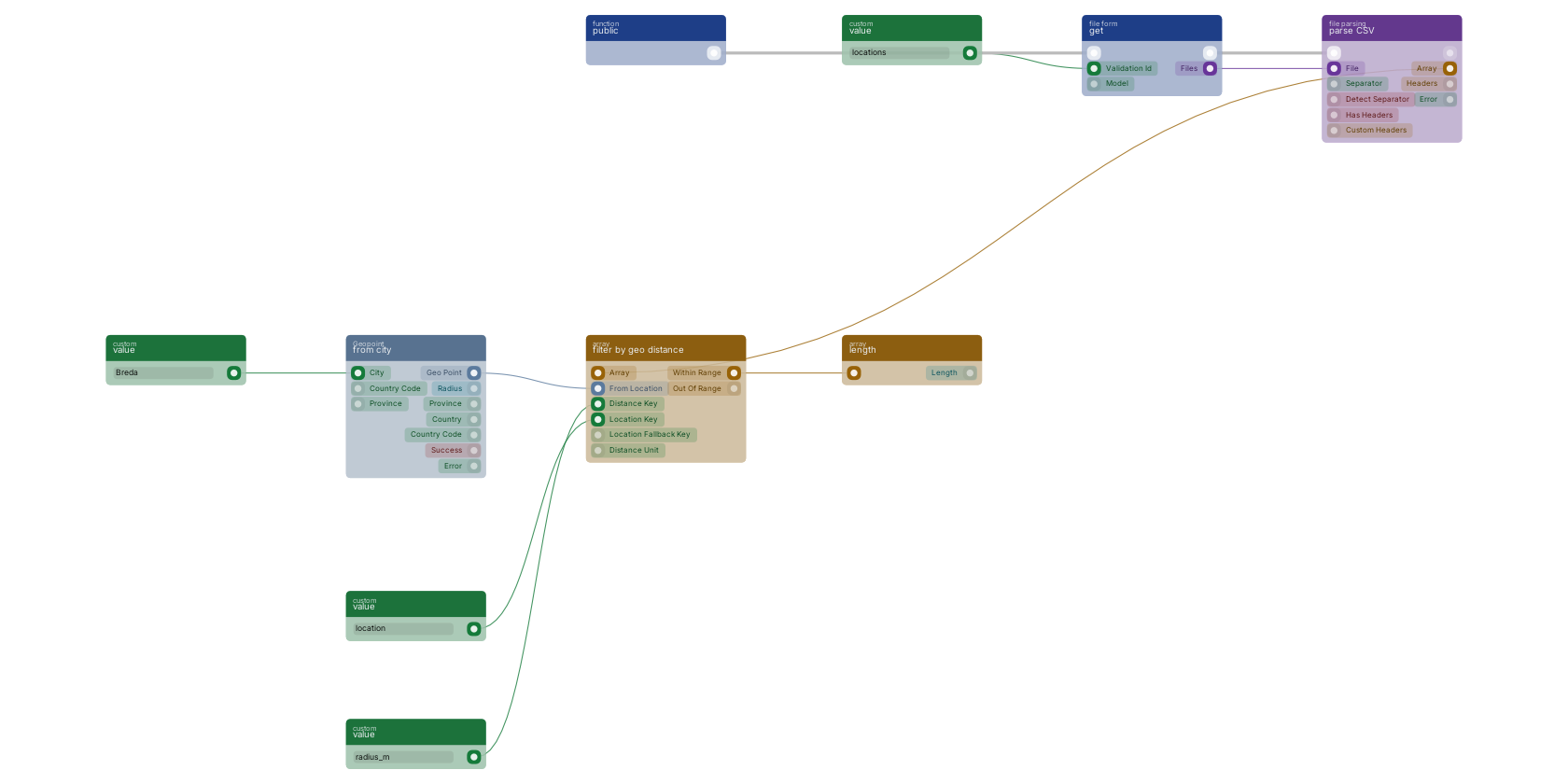](https://docs.rual.nl/canvas-examples/file_parse_csv.png?v=3)
The canvas starts with [`function_get_file_from_form`](https://docs.rual.nl/block-types/files/function_get_file_from_form), which reads a file from a form on a state page. On an upload endpoint, your handler's `file` pin takes its place. Everything after it is the same:
- [`geo_point_from_city`](https://docs.rual.nl/block-types/geopoint/geo_point_from_city) (from city) resolves the target city to its centre point. A city name is not unique within a country, so wire `country_code`, and `province` when you know it.
- [`array_filter_geo_distance`](https://docs.rual.nl/block-types/array/array_filter_geo_distance) (filter by geo distance) keeps the rows whose own location field lies within reach. `location_key` names the field holding the row's geo point, `distance_key` the field holding its radius. Rows carry their own reach, so a single pass handles "within 5 km" for one row and "within 500 m" for the next.
- What does not match comes out on `out_of_range`, so you can report or log the rejects instead of dropping them silently. If the block's configuration is wrong it fails closed: every row lands there.
| Your rows have | Use |
| --- | --- |
| Plain lat/lng numbers instead of a geo point | Convert first with [`geo_point_lat_lng_to_point`](https://docs.rual.nl/block-types/geopoint/geo_point_lat_lng_to_point) (create). |
| One fixed radius for every row | Test each row's point with [`condition_geo_is_point_in_circle`](https://docs.rual.nl/block-types/condition/condition_geo_is_point_in_circle) (point in radius) inside an iterator. |
| Documents already in storage | Filter at the storage level with [`query_bool_geo_distance`](https://docs.rual.nl/block-types/query/query_bool_geo_distance) (distance), so documents outside the area are never read at all. |
## 3. Validate, enrich and store what survived
- Validate
Check each row's point with [`geo_point_validate`](https://docs.rual.nl/block-types/geopoint/geo_point_validate) (is valid). Uploads regularly contain empty or swapped coordinates, and one bad row should not poison the batch.
- Enrich
[`geo_point_reverse_geocode`](https://docs.rual.nl/block-types/geopoint/geo_point_reverse_geocode) (reverse geocode) resolves the point to street, city, province and country. Writing those onto the document with [`mutations_set_bp_field_multiple`](https://docs.rual.nl/block-types/mutations/mutations_set_bp_field_multiple) (set fields) makes the rows searchable by city name later, a combination production blueprints use directly on the upload path.
- Store
Write the batch with [`function_upsert_document_from_mutations`](https://docs.rual.nl/block-types/storage/function_upsert_document_from_mutations) (upsert document) inside a [`function_foreach`](https://docs.rual.nl/block-types/foreach/function_foreach) (foreach) loop, with a `guid_seed` built from the row's own identifier: re-uploading the same file then updates rows instead of duplicating them.
- Reply
Send a small summary object: rows received, kept, rejected. Build it with [`object_new_fields`](https://docs.rual.nl/block-types/object/object_new_fields) (new object) fed by [`array_length`](https://docs.rual.nl/block-types/array/array_length) (length) on both output arrays, and send it with [`httpconnection_set_json`](https://docs.rual.nl/block-types/json/httpconnection_set_json) (reply in JSON), the response backbone from [Common Blueprint Patterns](https://docs.rual.nl/blueprints/common-patterns#api-response).
```
curl -X POST "https:///api/v1/locations/upload" \
-H "Authorization: Bearer " \
-F "file=@locations.csv"
```
## Notes from practice
- Large files do not belong in the request: parse, reply 202, and filter and store through [`function_custom_execute_from_queue`](https://docs.rual.nl/block-types/function%20execution/function_custom_execute_from_queue) (execute in queue). See [Queue](https://docs.rual.nl/blueprints/queue).
- The geo blocks are offline lookups, so filtering ten thousand rows costs no external calls and no meaningful time.
- Scope the endpoint and rate limit it; an open upload endpoint is an invitation. The block has `rate_limit` pins, and its `filesize` pin defaults to 5 MB. See [Remote Access Control](https://docs.rual.nl/blueprints/remote-access-control).
- Branch on the parse block's `error` output before touching the array: replying 400 with "not a CSV" beats storing nothing and replying 200.
## Next steps
- [Places and Geo Search](https://docs.rual.nl/blueprints/places): The offline dataset behind the geo filter blocks, and the search blocks built on it.
- [File Upload & Processing](https://docs.rual.nl/tutorials/file-upload-processing): Web pages, assets and background pipelines for uploads in general.
- [Common Blueprint Patterns](https://docs.rual.nl/blueprints/common-patterns): The response backbone and error-handling shapes used here.
## Frequently asked
**How do I accept a CSV upload through a RUAL API?**
Take the file off the multipart form with function_get_file_from_form, then parse it with file_parse_csv into an array of row objects. The parse block detects the separator and reports files that are not CSV on its error pin.
**How do I keep only uploaded rows inside a city in RUAL?**
Resolve the city with geo_point_from_city and filter the parsed rows with array_filter_geo_distance, which reads each row's location and allowed radius from fields you name. Rows that fall outside come out on the out_of_range pin, and all of it runs offline against datasets on the node.
---
---
title: "Email System Setup · RUAL Documentation"
description: "Transactional email: sending from a flow, templates that survive edits, bulk and scheduled mail, delivery handling and the discipline behind deliverability."
canonical: https://docs.rual.nl/tutorials/email-system
language: en
---
# Email System Setup
By the end your cluster sends its own mail, your flows send theirs through Postmark, templates can be edited without touching a blueprint, and bulk mail runs in the queue.
In short
- **You build:** the settings, one flow that sends, editable templates and a queue for bulk mail.
- **You need:** a Postmark account and a sender domain you can verify.
- **How it fits:** the cluster holds your server token, blueprints trigger sends, and you keep templates and recipients in storage. All Postmark blocks are listed on [the Postmark page](https://docs.rual.nl/integrations/postmark).
## Step 1: Set the token and the from-address
- Create the token
Create a Postmark account and a **server token**.
- Store it
Add it as a **secure** system setting named `postmark_token`. See [Email configuration](https://docs.rual.nl/blueprints/system-settings-reference#email-setup).
- Set the sender
Set `email_default_from` to an address on your verified sender domain, such as `noreply@yourdomain.com`.
- Optional: SMS
Set `messagebird_originator` if you also send SMS for 2FA.
**How you know it worked:** platform emails such as password resets now go out. The rest is your own mail.
## Step 2: Send from a flow
- Pick the trigger
A form on a web page ([`web_action`](https://docs.rual.nl/block-types/web/web_action) (on web action)), a document change ([`storage_event`](https://docs.rual.nl/block-types/storage/storage_event) (trigger event)), a schedule for digests ([`schedule_repeating_event`](https://docs.rual.nl/block-types/events/schedule_repeating_event) (repeating event)), or another API call.
- Collect the data
Fetch what the mail needs: the recipient's profile, the order, the template values. Usually one [`function_search`](https://docs.rual.nl/block-types/storage/function_search) (search) or [`function_get_document`](https://docs.rual.nl/block-types/storage/function_get_document) (get document).
- Open a connection
[`postmarkconnection_open`](https://docs.rual.nl/block-types/postmark/postmarkconnection_open) (open connection) takes the server token, read with [`value_get_system_key_select`](https://docs.rual.nl/block-types/system%20settings/value_get_system_key_select) (get setting).
- Send
[`postmarkconnection_send_email`](https://docs.rual.nl/block-types/postmark/postmarkconnection_send_email) (send email) with `from`, `array_to`, `subject` and `html` from your data, or [`postmarkconnection_send_email_template`](https://docs.rual.nl/block-types/postmark/postmarkconnection_send_email_template) (send email with template) with a Postmark template and its `template_model`. See [the email template](https://docs.rual.nl/block-types/block-templates#email-sending).
- Handle the result
Branch on the block's `condition` pin. Send failures to [`function_console_log`](https://docs.rual.nl/block-types/logging/function_console_log) (log) while developing, and onto a mail-log document in production.
## Step 3: Keep templates out of the blueprint
- Keep subjects and bodies in storage (a `mail_templates` storage) with keys like `welcome`, `reset-reminder`, `weekly-digest`. Then you edit content without touching the blueprint.
- Build the final body with [`object_new_fields`](https://docs.rual.nl/block-types/object/object_new_fields) (new object) and text blocks, merging the template with per-mail data such as names, links and amounts. [`web_template`](https://docs.rual.nl/block-types/web/web_template) (web template) also renders a template with escaping, if you prefer the template syntax from [Template Syntax](https://docs.rual.nl/web/templates).
- Write links as full URLs (`https://your-cluster/...`): emails have no relative paths.
## Step 4: Bulk and scheduled mail run in the queue
- Never loop and send inline in a request. Enqueue per-recipient jobs with [`function_custom_execute_from_queue`](https://docs.rual.nl/block-types/function%20execution/function_custom_execute_from_queue) (execute in queue) and let the queue drain them. See [Queue](https://docs.rual.nl/blueprints/queue).
- For a scheduled digest, [`schedule_repeating_event`](https://docs.rual.nl/block-types/events/schedule_repeating_event) (repeating event) gathers what changed since the last run (a range query on `_meta.created`) and sends one mail per user.
- Record `last_sent_at` per user and digest, so retries never double-send.
## Deliverability is a discipline
- Verify the sender domain in Postmark before sending anything. SPF and DKIM are handled there.
- Use one clear from-address per purpose. Do not rotate from-addresses mid-thread.
- Log every send (to, template, status, error) to a storage. You will need it the first time a user says "I never got it".
- Test with a private alias first. Postmark's activity view confirms delivery before you blame the blueprint.
## Next steps
- [System Settings Reference](https://docs.rual.nl/blueprints/system-settings-reference): postmark_token, email_default_from, and secure values.
- [Queue](https://docs.rual.nl/blueprints/queue): Bulk and scheduled sending without blocking requests.
- [Storage Events](https://docs.rual.nl/blueprints/storage-events): Triggering mail on document changes.
- [Postmark](https://docs.rual.nl/integrations/postmark): Every Postmark block, including bounces and suppressions.
## Frequently asked
**How do I set up email sending on a RUAL cluster?**
Create a Postmark server token, add it as a secure system setting named postmark_token, and set email_default_from to an address on your verified sender domain. From that point platform emails like password resets already work, and blueprints send their own mail with the Postmark send blocks.
**How do I send bulk or scheduled email in RUAL?**
Never loop-and-send inline in a request: enqueue per-recipient jobs with function_custom_execute_from_queue and let the queue drain them. Scheduled digests run from schedule_repeating_event, gathering what changed since the last run, and recording last_sent_at per user so retries never double-send.
**How do I edit email content without changing blueprints in RUAL?**
Keep subjects and bodies in a mail_templates storage with keys like welcome or weekly-digest, and build the final body by merging the template with per-mail data. Use full URLs for links, because emails have no relative paths.
---
---
title: "Third-Party Integrations · RUAL Documentation"
description: "Call external APIs, receive their webhooks, keep data in sync, keep credentials out of the canvas and handle failures with a few operational rules."
canonical: https://docs.rual.nl/tutorials/third-party-integrations
language: en
---
# Third-Party Integrations
By the end your blueprint can call an external API, receive its webhooks, keep data in sync and survive failures, with the credentials off the canvas.
In short
- **Two shapes:** your blueprint calls their API, or their service calls yours (a webhook).
- **Check first:** many services already have ready-made blocks. See [Integrations](https://docs.rual.nl/integrations).
- **You need:** an API key from the service and a registered endpoint for webhooks; see [Build Your First API](https://docs.rual.nl/cluster/api-quickstart).
- [All integrations](https://docs.rual.nl/integrations): Every service with blocks of its own, by category.
- [Stripe](https://docs.rual.nl/integrations/stripe): Checkout sessions, customers, invoices and subscriptions.
- [Postmark](https://docs.rual.nl/integrations/postmark): Transactional email from a flow.
- [Discord](https://docs.rual.nl/integrations/discord): Messages from a flow to a channel.
## Outbound: your blueprint calls their API
- Credentials first
When the service has a provider type, configure a [service provider](https://docs.rual.nl/blueprints/service-providers) and name it on the block: the key stays on the cluster and never enters the run. For anything else, store the key as a **secure** system setting (e.g. `stripe_secret_key`) and read it with [`value_get_system_key_select`](https://docs.rual.nl/block-types/system%20settings/value_get_system_key_select) (get setting). Never in the blueprint. See [custom keys](https://docs.rual.nl/blueprints/system-settings-reference#custom-keys).
- Build the request
Use the request blocks: [`function_trigger_webhook_http_get_json`](https://docs.rual.nl/block-types/webhooks/function_trigger_webhook_http_get_json) (Request: GET JSON), [`function_trigger_webhook_http_post`](https://docs.rual.nl/block-types/webhooks/function_trigger_webhook_http_post) (Request: POST json) and their siblings in the [webhooks group](https://docs.rual.nl/block-types/webhooks). Set the `url`, the `headers` or `auth` from the setting, and a `body` from [`object_new_fields`](https://docs.rual.nl/block-types/object/object_new_fields) (new object).
- Parse the response
Map only the fields you need from `response` into your documents with [`object_update_fields`](https://docs.rual.nl/block-types/object/object_update_fields) (update existing object). Do not mirror their whole payload.
- Handle failure explicitly
Branch on the `code` pin: log, retry via the queue for transient errors (429, 5xx), and take an alert path for permanent ones. See [error handling](https://docs.rual.nl/blueprints/block-execution#error-handling).
## Inbound: their service calls yours
- Register an endpoint
[`on_startup_register_uri_post`](https://docs.rual.nl/block-types/http%20connection/on_startup_register_uri_post) (on api post) gives you a public webhook URL: `https:// /api/v1/ `.
- Verify the sender
A shared-secret signature header, an HMAC check or an unguessable URI segment. Treat every unverified payload as hostile.
- Reply fast
Answer 200 with a small ack, then do the real work in the [queue](https://docs.rual.nl/blueprints/queue). Otherwise senders time out and retry, which gives you duplicate events.
- Deduplicate
Store received event ids and skip the ones you have seen, because webhooks retry.
## Keeping data in sync needs one system of record
- **Pull**: [`schedule_repeating_event`](https://docs.rual.nl/block-types/events/schedule_repeating_event) (repeating event) polls their list endpoint on an interval and upserts by external id with [`function_upsert_document_from_mutations`](https://docs.rual.nl/block-types/storage/function_upsert_document_from_mutations) (upsert document). See [Storages](https://docs.rual.nl/blueprints/storage).
- **Push**: react to local changes with [storage events](https://docs.rual.nl/blueprints/storage-events) and forward them to the service.
- **Conflict rule**: pick one system of record per field and write it down in the flow's comments. Two-way sync without it always corrupts something.
## Rules that keep an integration alive
- Rotate credentials by editing the [service provider](https://docs.rual.nl/blueprints/service-providers) or the system setting. Every flow picks it up on its next run, with no blueprint edits.
- Log every outbound call (endpoint, status, duration) during rollout; sample it later.
- Respect their rate limits with queue debounce instead of bursts.
- Build a tiny health check: a scheduled call that verifies the token still works, and alerts via your own email flow ([Email System Setup](https://docs.rual.nl/tutorials/email-system)).
## Next steps
- [Integrations](https://docs.rual.nl/integrations): Every service with blocks of its own.
- [Remote Access Control](https://docs.rual.nl/blueprints/remote-access-control): Securing the webhooks you expose.
- [Queue](https://docs.rual.nl/blueprints/queue): Retries, debounce, and background sync work.
- [Common Blueprint Patterns](https://docs.rual.nl/blueprints/common-patterns): Auth and error-handling recipes for your calls.
## Frequently asked
**How do I call an external API from a RUAL blueprint?**
Store the API key as a secure system setting and read it with get system setting, build the request with the http request blocks, and map only the fields you need into your documents. Search the block library for the service name first: postmark, mailchimp, discord and twilio have ready-made block groups.
**How do I receive webhooks in RUAL?**
Register an endpoint with on_startup_register_uri_post, verify the sender with a signature header, HMAC check or unguessable URI segment, reply fast with a small 200 ack, and do the real work in the queue. Deduplicate by event id, because senders time out and retry.
**How do I keep RUAL data in sync with an external service?**
Pull with a schedule_repeating_event that polls their list endpoint and upserts by external id, and push by reacting to local changes with storage events. Pick one system of record per field and write it down, because two-way sync without that rule always corrupts something.
---
---
title: "Local Home Automation · RUAL Documentation"
description: "Automate the building around a Nano: which radio to buy, the daemon stack, configuration, discovering and adopting devices, the blocks and a first flow."
canonical: https://docs.rual.nl/tutorials/local-home-automation
language: en
---
# Local Home Automation
By the end a RUAL Core Nano automates the building it sits in: lights, sensors, switches and climate, over Zigbee, Thread/Matter, Z-Wave, Philips Hue and Daikin, driven by your own blueprints with no vendor cloud in the loop.
In short
- **You set up:** the right radio, the daemons between the node and the radios, device adoption, and a first flow.
- **You need:** a running node; see [RUAL Core Nano](https://docs.rual.nl/architecture/core-nano) for the machine and the base configuration.
- **Start here:** a Home Assistant Connect ZBT-2 with Zigbee firmware covers Hue and Aqara, the two ecosystems most people begin with.
## Which radio to buy depends on what your devices speak
Zigbee, Thread and Z-Wave are three separate radios on three different frequency bands. Nothing bridges them, and no single dongle does all three.
| Devices | Protocol | Radio needed |
| --- | --- | --- |
| Philips Hue bulbs | Zigbee (or via a Hue bridge over LAN) | Zigbee dongle, or nothing if you keep the bridge |
| Aqara sensors, buttons, plugs | Zigbee (newer models: Thread/Matter) | Zigbee dongle |
| IKEA Trådfri | Zigbee | Zigbee dongle |
| Eve, newer Nanoleaf, newer Aqara | Thread (Matter) | Thread dongle + Matter Server |
| Fibaro, Aeotec, Shelly Wave | Z-Wave | Z-Wave dongle |
| Daikin air conditioning | WiFi / LAN | None, it is an IP device |
### Buy first: Home Assistant Connect ZBT-2
Silicon Labs MG24 based, and the right first purchase for almost everyone: Hue and Aqara are the two ecosystems most people start from, and both are Zigbee. Flash it with Zigbee firmware, run [Zigbee2MQTT](https://www.zigbee2mqtt.io) against it, and RUAL sees every device on the mesh.
> **One radio at a time** The ZBT-2 hardware can do Zigbee or Thread, but not both simultaneously. Home Assistant tested that ("multiprotocol" / MultiPAN) thoroughly on the previous ZBT-1, found it caused device instability, and explicitly does not support it. They recommend dedicating a dongle per protocol. So if you want Zigbee *and* Thread, buy two ZBT-2s.
### Buy second, if you have Z-Wave devices: Home Assistant Connect ZWA-2
Z-Wave 800 series (Silicon Labs ZG23), with Z-Wave Long Range support and a foot-long antenna tuned for the sub-GHz band. It runs alongside a ZBT-2 with no conflict whatsoever: different frequency band (868 MHz in the EU vs 2.4 GHz), different USB device, different daemon.
None of Hue, Aqara or Daikin are Z-Wave. If you do not already own Z-Wave hardware, this is not your first purchase.
### Running both is the ordinary configuration
Two dongles on one machine is not exotic. The M2 Mac Mini has exactly two USB-A ports, so two dongles fit natively. The M4 Mac Mini has no USB-A ports (front USB-C, rear Thunderbolt), so there they hang off a powered USB-C hub. Either way, RUAL namespaces every device by its adapter (`zigbee:0x00158d...`, `zwave:12`, `matter:4`), so nothing collides and one device picker shows them all.
> **Use the extension cables** Both dongles ship with one, and a dongle plugged straight into the machine is the single most common cause of a Zigbee mesh that "works but drops devices". USB 3.0 ports and NVMe SSDs emit broadband noise right across 2.4 GHz, and a Zigbee coordinator on the back of the machine sits inside that. Half a metre of cable, away from the case, fixes it. On a hub the same rule applies: dongles on their cables, not packed into adjacent ports. The ZWA-2's antenna wants to be vertical, and has an accelerometer specifically to nag you about that.
## The node sits behind a reference daemon per protocol
RUAL does not drive the radios itself. A native Zigbee stack means owning EZSP/Z-Stack framing, the ZCL cluster library, mesh routing, OTA updates and a device quirks database: years of work whose output would be a worse Zigbee2MQTT.
| Protocol | Daemon | How RUAL reaches it |
| --- | --- | --- |
| Zigbee | Zigbee2MQTT | MQTT |
| Z-Wave | Z-Wave JS UI | MQTT (gateway type must be **ValueID topics**) |
| Thread / Matter | Matter Server + a Thread Border Router | WebSocket |
| Philips Hue | the bridge itself | HTTPS + event stream, on the LAN |
| Daikin | the BRP WiFi adapter itself | HTTP, on the LAN |
This is also where the device knowledge base comes from. Zigbee2MQTT publishes a complete machine-readable description of every device on your mesh, covering every attribute it reports with its type, unit and range. Roughly 4,000 devices, maintained by people who own the hardware. RUAL reads that directly, so pairing a sensor released after your RUAL version still gives you a fully described device. There is no device list in RUAL to update.
You will also need **Redis** and an **MQTT broker** (Mosquitto). Both are small. On a Mac Mini, running the daemons in Docker Desktop and the node natively is the least fuss.
## Turn it on in the node configuration
> **Off by default** A node without `[homeassist] enabled = true` starts no radio goroutine, creates no device store, and every home-automation block reports `HOMEASSIST_NOT_AVAILABLE`, so a cloud node pays nothing for these blocks existing.
```
[homeassist]
enabled = true
entity = 1
[homeassist.zigbee]
broker = "tcp://127.0.0.1:1883"
base_topic = "zigbee2mqtt"
```
## A device must be adopted before it does anything
Devices appear on their own. A Zigbee coordinator hears everything ever paired to its network, and the node records each one as it reports. But a discovered device is **not** in service yet: it fires no triggers and refuses every command until you **adopt** it.
That gate is the whole reason this works. Without it, "when any sensor activates" means "when anything within thirty metres twitches", including the sensor somebody paired to test three years ago and the devices a second-hand Z-Wave stick inherited from its previous owner. Adoption is what turns a radio's earshot into a system you can reason about.
- Open the radio for joining
Use the `pairing open` block or `POST /_system/homeassist/pair`. The window is bounded by `pairing_window`; a permanently joinable coordinator is how a mesh acquires devices nobody added.
- Put the device into pairing mode
Usually a long press.
- It appears as discovered
The `device discovered` trigger fires. It is the one trigger that fires for unadopted devices, because noticing them is its purpose.
- Adopt it
Give it a name and a room. From that moment its triggers fire and blocks can command it.
You can automate step 4: wire `device discovered` straight into `device adopt`. For a bench mesh, `auto_adopt = true` skips it entirely, but leave that off anywhere real.
## One vocabulary covers every protocol
Every device, whatever protocol it speaks, is described in one vocabulary. A motion sensor is `occupancy` whether it is an Aqara on Zigbee, a Fibaro on Z-Wave or an Eve on Thread, so a flow written against one works against the others.
Two vendor quirks are corrected at the boundary rather than left to you: **contact sensors read `true` when the door is OPEN** (Zigbee and Matter both report the opposite on the wire), and **colour temperature is in kelvin**, not mireds.
### Triggers start a flow
| Block | Fires when |
| --- | --- |
| `sensor activated` / `sensor deactivated` | Any sensor turns on or off. Narrow it with the sensor type pin, or leave it open for the whole house. |
| `presence detected` / `presence cleared` | Occupancy specifically. |
| `contact opened` / `contact closed` | A door or window. |
| `light turned on` / `light turned off` | A light changes state, including from a wall switch or the vendor's own app. |
| `switch turned on` / `switch turned off` | A plug or relay. |
| `button pressed` | A button or scene switch. The value pin says single, double or hold. |
| `water leak detected`, `smoke detected` | Alarm sensors. |
| `temperature changed`, `humidity changed` | A reading changes, or crosses a threshold you set. |
| `battery low`, `device unavailable` | Device health. |
| `device discovered`, `device adopted` | The fleet changes. |
| `device state changed` | Anything at all. High volume, so use a specific trigger where one exists. |
Transition triggers fire on the **change**, not on every report. A motion sensor re-announcing `occupancy: true` every thirty seconds while somebody stands in the hallway fires your flow once, on entry. Threshold triggers likewise fire on the **crossing**: "above 25 °C" fires once when the room passes 25, not every minute for the rest of the afternoon.
### Actions command and query
| Block | Does |
| --- | --- |
| `light on` | Turns a light on, optionally setting brightness, kelvin and colour in the same command, so the lamp transitions once instead of visibly stepping through full white first. |
| `light off`, `light toggle`, `light dim` | The rest of the lighting set. |
| `switch on` / `switch off` | Plugs and relays. |
| `climate set` | Mode, target temperature and fan speed on an air conditioner or thermostat. |
| `device set` | Any capability by name: blind position, lock state, anything the specific blocks do not cover. |
| `get all devices`, `get active sensors`, `get lights that are on`, `get rooms` | Query the registry. These read memory, make no network calls, and are cheap enough to call in a loop. |
| `get device`, `get device state` | One device, or one capability of one device. |
| `device adopt`, `device rename`, `device forget`, `pairing open` | Fleet management from a flow. |
| `get status` | Which radios are connected. A bridge that has gone away otherwise looks exactly like a quiet house. |
## History stores what changed, not what was said
The node records a bounded history of what its devices do, and the word doing the work is *bounded*. A dozen sensors produce tens of reports a minute. A motion sensor re-announces while you are in the room, a power meter reports every ten seconds, every Zigbee message carries a link-quality stamp. Storing each one would be millions of rows a month whose information content is nearly zero.
| Kind | Examples | Stored | Charted as |
| --- | --- | --- | --- |
| Alarm | occupancy, contact, leak, smoke | On transitions. A door open for eight hours is two rows, not four hundred and eighty. | Timeline; summarised as how long it was true |
| Measurement | temperature, humidity, power draw, lux | Past a per-capability deadband, plus a heartbeat. A thermometer drifting 0.02 °C stores nothing; a room warming up stores a curve. | Line; min / average / max |
| Meter | energy | At a fixed interval, because a lifetime counter changes on every report. | Bars of consumption per window, never the raw total |
| Event | button presses | Every one, because every occurrence is the data. | not charted |
| State | on/off, brightness, mode | On change. | Steps |
The heartbeat is worth understanding: without it, a deadband makes a stable sensor indistinguishable from a dead one, because both produce no rows. With it, a flat line is visibly flat and a gap is visibly a gap.
- The `get device history` block returns raw readings and, on request, aggregated windows, so a flow can answer "was anyone in the hall between two and four" or "how much did the boiler use last week" without an external time-series database.
- RUAL Studio's **Devices → Home Automation** screen charts it: per-capability history with 1h/24h/7d/30d ranges, and an energy panel showing consumption per device.
- Retention defaults to 90 days and readings are pruned hourly. Set `[homeassist.analytics] enabled = false` to record nothing; the history block then reports `recording = false`, which is deliberately distinguishable from an empty result.
## What to know before you commit
- **Device state is not persisted across restarts.** Which devices exist, their names, rooms and adoption all survive; what they were *doing* does not. For the first few seconds after a restart, "which lights are on" honestly answers "I have not been told yet" rather than guessing. Blocks report `state_known` so a flow can tell the difference.
- **Triggers are not durable.** Dispatch is in-process, so a restart drops anything in flight. That is deliberate: replaying a motion event from before the restart would light a room somebody left ten minutes ago.
- **Smoke and leak triggers are a supplement, not a certified alarm.** They depend on a mesh, a broker and a node all being up.
- **Daikin is polled, not pushed.** Its local API has no event channel, so `poll_interval` (default 30s) is the resolution of every climate trigger. The newer BRP069C4x "Onecta" firmware uses a different protocol and is not supported yet.
- **Matter endpoints collapse.** A Matter device with two endpoints, such as a two-gang switch, currently appears as one device.
- **History is not a metering-grade record.** It is sampled by design, so it answers trends and totals well and forensic questions poorly. If you need every reading, for billing or for compliance, write them to a storage from a flow instead.
## A first flow takes four blocks
Hallway light on when someone walks in, off when they leave, but only after dark:
- Someone walks in
`presence detected`, room `Hallway`, then `get device state` on the hallway sensor, capability `illuminance`.
- Only after dark
`if` the reading is below 30 lux, `light on` with brightness 40 and kelvin 2700.
- They leave
Separately: `presence cleared`, room `Hallway`, then `light off`.
Both triggers fire on the transition, so neither re-runs while somebody stands still. That is the shape most home automation takes.
## Next steps
- [Home Automation](https://docs.rual.nl/home-automation/introduction): The full section: the setup runbook, every trigger and action block, worked flows, history and troubleshooting.
- [RUAL Core Nano](https://docs.rual.nl/architecture/core-nano): The deployment shape this tutorial runs on.
- [All Blocks](https://docs.rual.nl/block-types): The full catalog, including every home-automation block.
- [Repeating Events](https://docs.rual.nl/blueprints/repeating-events): Automation on a clock instead of a sensor.
## Frequently asked
**Which radio do I need for home automation on a RUAL Core Nano?**
It depends on what your devices speak: Zigbee devices need a Zigbee dongle, Thread and Matter devices need a Thread dongle with Matter Server, and Z-Wave devices need a Z-Wave dongle. The Home Assistant Connect ZBT-2 is the recommended first purchase, and one dongle does Zigbee or Thread, not both at once.
**Does RUAL drive Zigbee or Z-Wave radios itself?**
No. The node sits behind the reference daemon for each protocol: Zigbee2MQTT for Zigbee, Z-Wave JS UI for Z-Wave, and Matter Server for Thread and Matter, reached over MQTT or WebSocket. You also need Redis and an MQTT broker such as Mosquitto.
**Why do I have to adopt devices before RUAL automates them?**
A discovered device fires no triggers and refuses every command until you adopt it. A coordinator hears everything ever paired to its network, so adoption is what turns a radio's earshot into a system you can reason about.
**Does RUAL store every reading a smart home sensor sends?**
No, it stores what changed: alarms and states on transitions, measurements past a per-capability deadband plus a heartbeat, meters at a fixed interval, and button presses individually. Retention defaults to 90 days with hourly pruning.
---
---
title: "Home Automation · RUAL Documentation"
description: "Run the building the node sits in: Zigbee, Thread/Matter, Z-Wave, Hue and Daikin devices in one vocabulary, automated by blueprints with no vendor cloud."
canonical: https://docs.rual.nl/home-automation
language: en
---
# Home Automation
Run the building the node sits in: Zigbee, Thread/Matter, Z-Wave, Hue and Daikin devices in one vocabulary, automated by blueprints with no vendor cloud.
## Set up
- [Introduction](https://docs.rual.nl/home-automation/introduction): What local home automation means here: the node as the gateway, one capability vocabulary across four radios, and what you need to own.
- [Setting Up a RUAL Nano](https://docs.rual.nl/home-automation/setting-up): The runbook: Redis, an MQTT broker, Zigbee2MQTT against a ZBT-2, the config section, first boot and proving the radio is connected.
- [Discovering and Adopting Devices](https://docs.rual.nl/home-automation/devices): Pairing per radio, why adoption is a separate gate, names and rooms, forget versus unpair, what survives a restart, and the device API.
## Reference
- [Trigger Reference](https://docs.rual.nl/home-automation/triggers): All 32 start-of-flow device blocks and the three rules that decide how often they fire: transitions, threshold crossings and unknown-previous seeding.
- [Action Reference](https://docs.rual.nl/home-automation/actions): The 24 action blocks: lights, switches, climate, doors and gates, the generic capability write, the registry queries and fleet management.
## Use it
- [Example Flows](https://docs.rual.nl/home-automation/example-flows): Nine complete automations, block by block: motion lights after dark, a leak shutting a valve, a house that empties itself, an unknown card at 3am.
- [Device History and Energy](https://docs.rual.nl/home-automation/history-and-energy): Why the node records what changed rather than what was said, buckets versus raw readings, meter deltas and the energy view.
- [Troubleshooting](https://docs.rual.nl/home-automation/troubleshooting): Symptom first: no devices, a trigger that will not fire, a door sensor that reads backwards, an empty chart, and the three checks that localise most faults.
---
---
title: "Introduction to Local Home Automation · RUAL Documentation"
description: "What local home automation means here: the node as the gateway, one capability vocabulary across four radios, and what you need to own."
canonical: https://docs.rual.nl/home-automation/introduction
language: en
---
# Local Home Automation
A RUAL node is the gateway itself, not a client of somebody else's cloud. Zigbee, Thread/Matter, Z-Wave, Philips Hue, Daikin and UniFi devices become one vocabulary that blueprints automate, and it keeps working when the internet does not.
In short
- Lights, sensors, buttons, plugs, blinds, locks, doors and climate are driven by the same blueprints you write for pages and endpoints.
- A flow is written against one small set of capabilities, whatever the radio. `contact = true` always means open.
- Nothing fires or accepts a command until you [adopt](#adoption) it.
- It is off by default. A node without `[homeassist] enabled = true` pays nothing for it.
This section is the working reference. New here? Start at [Setting Up a RUAL Nano](https://docs.rual.nl/home-automation/setting-up), or read the shorter [Local Home Automation tutorial](https://docs.rual.nl/tutorials/local-home-automation) first.
## The node is the gateway
The ordinary way to reach a smart device from software is the vendor's cloud API: your flow talks to a server in another country, that server talks to a bridge in your hallway, and the bridge talks to a lamp two metres away. That costs hundreds of milliseconds, an account and a rate limit, and it fails whenever any hop does.
Here the devices talk to the node. Radios are attached to the machine, the protocol daemons run beside the node, and a motion event reaches your flow over a loopback socket.
| | Vendor cloud integration | Local, on the node |
| --- | --- | --- |
| A motion event reaching a flow | Sensor to bridge to vendor cloud to your cluster | Sensor to radio to node, in process |
| Internet down | Nothing works | Everything works |
| Vendor retires the API | Your automation stops | Unaffected: the radio protocol has not changed |
| Who can see your floor plan | The vendor, by construction | Nobody outside the LAN |
Aqara is the clearest case. Aqara devices *are* Zigbee devices. Reached through Aqara's cloud API, turning on a lamp is a request to Germany and back; paired to a coordinator on your own machine, they are just devices on your mesh. That is why the older `aqaraconnection_*` blocks are deprecated in favour of these.
## The node does not drive the radios itself
A native Zigbee stack means owning EZSP and Z-Stack framing, the ZCL cluster library, mesh routing, OTA updates and a device quirks database. So the node sits behind the reference daemon for each protocol and translates.
| Protocol | Runs beside the node | The node reaches it over |
| --- | --- | --- |
| Zigbee | Zigbee2MQTT, against a USB coordinator | MQTT |
| Z-Wave | Z-Wave JS UI, against a Z-Wave stick | MQTT, gateway type **ValueID topics** |
| Thread and Matter | Matter Server, plus a Thread Border Router for Thread devices | WebSocket |
| Philips Hue | the bridge you already own | HTTPS and its event stream, on the LAN |
| Daikin | the BRP WiFi adapter in the unit | HTTP, on the LAN, polled |
| Daikin Onecta cloud | nothing: for units with no local API, such as the BRP069C4x family | Daikin's cloud API, polled. The one adapter that needs the internet. |
| UniFi Access and Protect | the UniFi console you already own | Ubiquiti's integration APIs and their event streams, on the LAN |
**There is no device list inside RUAL to update.** Zigbee2MQTT publishes a complete machine-readable description of every device on your mesh: every attribute it reports, with type, unit and range, for roughly 4,000 devices. The node reads that directly, so pairing a sensor released after your RUAL version still gives you a fully described device.
**Hue is a separate adapter from Zigbee**, even though a Hue bridge *is* a Zigbee coordinator. Re-pairing bulbs to your own stick breaks the Hue app, the dimmer switches and the scenes the household already uses; talking to the bridge leaves all of that working. A bulb paired directly to your own coordinator arrives through the Zigbee adapter instead, and neither path knows about the other.
## One vocabulary, whatever the radio
Four vendors describe the same physical event four different ways. A motion sensor is `occupancy: true` on Zigbee2MQTT, a Notification command class carrying "Home Security, Motion sensor status" on Z-Wave JS, `motion.motion: true` on a Hue bridge, and bit 0 of an OccupancySensing bitmap on Matter.
So every adapter funnels into one closed set of **capabilities**, and a flow is written against those. A [`sensor activated`](https://docs.rual.nl/block-types/globals%2Chome%20automation/homeassist_trigger_sensor_activated) trigger behaves identically whether the sensor is an Aqara on Zigbee, a Fibaro on Z-Wave or an Eve on Thread, because by the time the trigger sees it, all of them are `occupancy = true`.
A capability earns its place by being something an automation would branch on. Anything not listed here still survives on the device's `raw` map, so it is readable without being promoted into the vocabulary.
### Binary capabilities: true is always the active state
A blueprint never has to ask whether `true` means open or closed.
| Capability | True means | Counts as a sensor |
| --- | --- | --- |
| `occupancy` | Someone is there | Yes |
| `contact` | The door or window is **open** | Yes |
| `water_leak` | Water is present | Yes |
| `smoke` | Smoke detected | Yes |
| `gas` | Gas or carbon monoxide detected | Yes |
| `vibration` | Moved, tilted or dropped | Yes |
| `tamper` | The anti-tamper switch opened | No, device health |
| `power` | The bulb, plug or relay is on | No, it has its own triggers |
| `battery_low` | The device raised its own low-battery flag | No, device health |
The "counts as a sensor" column is what `sensor activated` and [`get active sensors`](https://docs.rual.nl/block-types/globals%2Chome%20automation/homeassist_sensors_active) mean by a sensor: the binary capabilities that describe the *world*, minus the ones that describe the *device*.
- `power` is excluded because a bulb turning on is not a sensor activating. Folding it in would make every whole-house sensor flow fire on its own lighting changes and livelock.
- `tamper` and `battery_low` are excluded because an author asking about presence does not want a flat battery in the same stream.
### Numeric capabilities
| Capability | Unit | Notes |
| --- | --- | --- |
| `temperature` | °C | Ambient reading |
| `target_temperature` | °C | The setpoint somebody chose |
| `humidity` | % | Relative |
| `pressure` | hPa | Atmospheric |
| `illuminance` | lux | Hue and Matter both report a log scale on the wire; converted here |
| `brightness` | 0 to 100 % | Vendors use 0 to 254 or 0 to 99; adapters scale |
| `color_temp` | **kelvin** | Not mireds. 2200 candle, 2700 warm white, 4000 neutral, 6500 daylight |
| `position` | 0 to 100 % | Blinds and valves, percent open |
| `power_watts` | W | Instantaneous draw |
| `energy_kwh` | kWh | Cumulative lifetime meter |
| `co2` | ppm | |
| `voc` | ppb | |
| `pm25` | µg/m³ | |
| `aqi` | none | The console's own composite air-quality index. Vendor-defined: comparable over time on one device, not between vendors |
| `battery` | % | Remaining charge |
| `link_quality` | 0 to 255 | The radio's own signal metric |
### Text and enum capabilities
| Capability | Values |
| --- | --- |
| `color_hex` | `#rrggbb` |
| `hvac_mode` | `off`, `auto`, `cool`, `heat`, `dry`, `fan` |
| `fan_mode` | `auto`, `silent`, `low`, `medium`, `high`, `turbo` |
| `lock_state` | `locked`, `unlocked`, `jammed` |
| `action` | A momentary button pulse: `single`, `double`, `hold`, `release`, and whatever else the device emits |
### Access control and cameras
These come with the UniFi adapter. A door controller is a lock, a position sensor, a card reader and a doorbell at once, and "the front door" is one thing people automate rather than four.
| Capability | Carries | Behaves like |
| --- | --- | --- |
| `door_position` | true means the door or gate is **open**. The physical position, not the lock: a door can be unlocked and shut. | An alarm: stored on transitions, charted as a timeline |
| `alarm` | true means the security controller's own alarm is active. Distinct from the smoke, gas and leak sensors, which are individual detectors. | An alarm |
| `doorbell` | Somebody rang. The value is the moment it happened. | An event: every occurrence is recorded |
| `access_entry` | An entry decision, as an object: `actor`, `method`, `granted`, `door`. Method is `nfc`, `pin`, `wave`, `mobile`, `touchpass` or `manual`. | An event |
| `nfc` | A card or fob was presented, whether or not it was accepted. The value is the token or actor. | An event |
| `motion_event` | A camera detected motion. The value is the moment it happened. | An event |
- `nfc` is separate from `access_entry` because "a card was swiped" and "entry was granted" are different automations: a swipe may be refused.
- `motion_event` is separate from `occupancy` because a camera reports motion as discrete detections, while a PIR or radar sensor reports a state that stays true while somebody is there. Use [`camera motion detected`](https://docs.rual.nl/block-types/globals%2Chome%20automation/homeassist_trigger_camera_motion) for the first and [`presence detected`](https://docs.rual.nl/block-types/globals%2Chome%20automation/homeassist_trigger_presence_detected) for the second.
### Two vendor quirks are corrected for you
> **Contact sensors read true when the door is OPEN** Zigbee's contact attribute is true when the magnet is present, which is when the door is *closed*, and Matter's BooleanState is the same way round. Both are inverted on the way in, so `contact = true` means open, everywhere above the adapter.
> **Colour temperature is kelvin, not mireds** Zigbee, Hue and Matter all speak mireds on the wire, so adapters convert. Warm white is 2700, not 370.
## Device types are derived from capabilities
Every device is classified into one of ten types from the capabilities it exposes, not from what the vendor calls it. Vendor device classes are frequently wrong: Zigbee plugs that meter power routinely announce themselves as lights.
| Type | Recognised by |
| --- | --- |
| `climate` | `hvac_mode` or `target_temperature` |
| `door` | `doorbell`, `access_entry`, `nfc` or `door_position` |
| `camera` | `motion_event` |
| `lock` | `lock_state` |
| `cover` | `position` |
| `light` | `brightness`, `color_temp` or `color_hex` |
| `sensor` | Any sensor capability, or any environment reading |
| `button` | `action` |
| `switch` | `power`, with none of the above |
| `unknown` | Nothing recognisable yet |
The order in that table is the order the checks run, because capabilities overlap:
- A Hue bulb has `power` and `brightness`, a metering plug has `power` and `power_watts`. Testing brightness before plain power keeps the plug out of the lights list.
- Testing climate first keeps a thermostat with a display backlight from being classified as a lamp.
- A UniFi door has a lock state, a door-position sensor and usually a reader and a bell, so any access-control capability wins and the whole thing classifies as one `door`.
Type decides what fires: [`light turned on`](https://docs.rual.nl/block-types/globals%2Chome%20automation/homeassist_trigger_light_on) fires only for devices classified as lights, [`switch turned on`](https://docs.rual.nl/block-types/globals%2Chome%20automation/homeassist_trigger_switch_on) only for switches, and the studio's device picker offers only the right type per block.
## Nothing is in service until you adopt it
Devices appear on their own: a coordinator hears everything ever paired to its network, and the node records each one as it reports. But a discovered device fires no triggers and refuses every command until you **adopt** it.
Without that gate, "when any sensor activates" means "when anything within thirty metres twitches", including the sensor somebody paired to test three years ago and whatever a second-hand Z-Wave stick inherited from its previous owner. The full onboarding loop is on [Discovering and Adopting Devices](https://docs.rual.nl/home-automation/devices).
## What you need to own
- **A machine.** A RUAL Core Nano: one box in the building, wired, on an SSD. 16 GB of RAM is the comfortable number once the radio daemons are running beside the node. See [RUAL Core Nano](https://docs.rual.nl/architecture/core-nano) for the specifications and the reference builds.
- **A radio per protocol.** Zigbee, Thread and Z-Wave are three radios on different frequency bands. Nothing bridges them and no single dongle does all three at once. The [tutorial](https://docs.rual.nl/tutorials/local-home-automation) covers which to buy.
- **The daemons.** Redis and an MQTT broker for the node itself, plus Zigbee2MQTT, Z-Wave JS UI or Matter Server depending on what you own. [Setting Up a RUAL Nano](https://docs.rual.nl/home-automation/setting-up) is the runbook.
- **The devices.** Hue, Aqara, IKEA, Eve, Fibaro, Aeotec, Shelly Wave, a Daikin air conditioner and a UniFi console running Access or Protect are all covered. Anything Zigbee2MQTT supports works, which is most of what is sold.
The blocks arrive with Core v15.0.0, and the feature is opt-in.
> **Off by default** A node without `[homeassist] enabled = true` starts no radio goroutine, creates no device store, and every home-automation block reports `HOMEASSIST_NOT_AVAILABLE`, so a cloud node pays nothing for these blocks existing.
## What to know before you commit
- **Restored state is a belief, not an observation.** Last-known device state [survives a restart](#restarts), but `available` stays false and `last_seen` is untouched until the device actually reports.
- **Triggers are not durable.** Device triggers dispatch in process rather than through the queue, which is what makes a light come on before you have finished walking through the door. A restart drops anything in flight.
- **Smoke, gas and leak triggers are a supplement, not a certified alarm.** They depend on a mesh, a broker and a node all being up.
- **Daikin is polled.** Its local API has no event channel, so `poll_interval` (30s by default) is the resolution of every climate trigger.
- **Matter endpoints collapse.** A Matter device with two endpoints, such as a two-gang switch, currently appears as one device whose power state is whichever endpoint reported last.
- **UniFi emergency controls are not exposed.** Siren, lockdown and evacuation have no capability and no command. A flow can react to the console's `alarm` state; it cannot raise one.
- **Daikin Onecta temperatures are best-effort.** Power on and off is reliable; the temperature and mode decoding follows community reverse engineering, the hex encoding varies by model, and it is unverified against a live unit. The full raw `/dsiot` tree is on the device's `raw` map.
- **The Daikin Onecta cloud allows 200 requests a day**, writes included. One poll covers every unit, and the 15 minute default spends 96.
- **History is sampled by design.** It answers trends and totals well and forensic questions poorly. See [Device History and Energy](https://docs.rual.nl/home-automation/history-and-energy).
## A restart does not re-fire everything
Without care, a window that was open all night would announce itself as "just opened" at 03:00, run the alarm flow and switch the lights on. Two mechanisms prevent that.
**An unknown previous value seeds silently rather than firing.** When the node has never seen a capability before, an incoming reading is recorded without counting as a transition. The exceptions are:
- `smoke`, `gas` and `water_leak`, where a missed event is worse than a repeated one. A node that comes back up to an alarm already sounding says so.
- Buttons, because a press is an event with no persistent state to seed.
**Last-known state is persisted and restored before the adapters connect**, so the first real report has something to compare against and an unchanged re-announce stays unchanged.
- It lives in Redis, because it is hot, small, rewritten constantly and worthless once stale.
- Writes coalesce per device on a two-second flush (one Zigbee message carrying four capabilities is one write), and a clean shutdown flushes.
- Entries expire after 30 days, so a node restored from a backup does not seed year-old beliefs.
- Momentary capabilities are excluded: replaying the last button press as current state would make it look freshly pressed.
## Next steps
- [Setting Up a RUAL Nano](https://docs.rual.nl/home-automation/setting-up): The runbook: broker, Zigbee2MQTT against a ZBT-2, config.toml and first boot.
- [Discovering and Adopting Devices](https://docs.rual.nl/home-automation/devices): Pairing, adoption, rooms and naming.
- [Example Flows](https://docs.rual.nl/home-automation/example-flows): Nine worked automations, block by block.
## Frequently asked
**Can RUAL control smart home devices without a cloud?**
Yes. A RUAL node is the gateway itself: the radios are attached to the machine, the protocol daemons run beside the node, and a motion event reaches a blueprint over a loopback socket. Zigbee, Thread and Matter, Z-Wave, a Philips Hue bridge and Daikin air conditioning are all reached on the local network, so the automations keep working when the internet does not.
**Does a RUAL flow have to know whether a sensor is Zigbee or Z-Wave?**
No. Every adapter translates into one closed set of capabilities, so a motion sensor is occupancy whether it is an Aqara on Zigbee, a Fibaro on Z-Wave or an Eve on Thread. A flow written against one works against the others without an edit.
**Does a RUAL contact sensor report true when the door is open or closed?**
True means OPEN. Zigbee and Matter both report the opposite on the wire, because their contact attribute is true when the magnet is present, and RUAL inverts it at the adapter so that true always means the active, noteworthy state.
---
---
title: "Setting Up a RUAL Nano · RUAL Documentation"
description: "The runbook: Redis, an MQTT broker, Zigbee2MQTT against a ZBT-2, the config section, first boot and proving the radio is connected."
canonical: https://docs.rual.nl/home-automation/setting-up
language: en
---
# Setting Up a RUAL Nano for Home Automation
Run Redis, an MQTT broker and Zigbee2MQTT against a ZBT-2, set `[homeassist] enabled = true` in the node's config.toml, and prove the radio is connected before you write a flow. Each step below verifies before the next one depends on it.
A stack that is wrong in the middle looks the same as one that is wrong at either end: no devices. So keep to the order.
This page assumes a machine that already runs RUAL Core. The hardware is on [RUAL Core Nano](https://docs.rual.nl/architecture/core-nano); which radio to buy is in the [Local Home Automation tutorial](https://docs.rual.nl/tutorials/local-home-automation).
## Four processes, three of them not RUAL
| Process | Role | Reached over |
| --- | --- | --- |
| Redis | Cache and pub/sub the node already needs, plus last-known device state | `127.0.0.1:6379` |
| Mosquitto | MQTT broker: the bus the radio daemons publish to | `127.0.0.1:1883` |
| Zigbee2MQTT | Owns the USB coordinator, speaks Zigbee, publishes to the broker | the broker |
| RUAL Core | Reads the broker, translates into capabilities, runs your flows | the broker |
Add Z-Wave JS UI or Matter Server later and they join the same pattern: their own process, their own radio, publishing where the node can read them.
## Step 1: Redis
If your node already runs, Redis already runs: skip to step 2. The node uses it for its document cache and for the pub/sub channel that reloads the trigger index when you edit a blueprint. Home automation adds one job: holding last-known device state, so a restart does not re-fire every already-active sensor.
```
brew install redis
brew services start redis
redis-cli ping # PONG
```
```
sudo apt install redis-server
sudo systemctl enable --now redis-server
redis-cli ping # PONG
```
Bind it to localhost. It holds cached documents and nothing on it needs to be reachable from the network.
## Step 2: the MQTT broker
Mosquitto is the broker both MQTT adapters speak to. Without a config file it listens only on the loopback interface with no authentication, which is what you want on a single box.
```
brew install mosquitto
brew services start mosquitto
```
```
sudo apt install mosquitto mosquitto-clients
sudo systemctl enable --now mosquitto
```
Prove it works: subscribe in one terminal, publish in another.
```
# terminal 1
mosquitto_sub -h 127.0.0.1 -t 'test/#' -v
# terminal 2
mosquitto_pub -h 127.0.0.1 -t 'test/hello' -m 'it works'
```
If terminal 1 prints `test/hello it works`, the bus is up. If it does not, stop here: everything after this point fails the same way, silently, with no devices and no error.
**If you set a username and password**, put the same pair in the node's `[homeassist.zigbee]` section and in Zigbee2MQTT's own config. An authenticated broker with one side unconfigured looks like a broken radio.
## Step 3: Zigbee2MQTT against the ZBT-2
Zigbee2MQTT owns the USB coordinator, so it needs the actual device node, and that constrains how you may run it.
### Find the serial port
Plug the ZBT-2 in on its extension cable, away from the case. USB 3 ports and NVMe drives emit broadband noise right across 2.4 GHz, and a coordinator plugged directly into the back of a machine sits inside that. Then find the device:
```
# macOS
ls /dev/cu.usbmodem*
# Linux: use the by-id path, it survives a reboot and a re-plug
ls -l /dev/serial/by-id/
```
Use the `/dev/serial/by-id/...` path on Linux, never `/dev/ttyUSB0`. With two dongles attached, the numbered paths swap on reboot, and a Zigbee daemon that opens the Z-Wave stick fails in a way that takes an hour to recognise.
### Docker cannot see the dongle on a Mac
Docker Desktop on macOS runs containers inside a Linux VM, and that VM has no USB passthrough: `--device /dev/cu.usbmodem...` does not work, and no flag makes it. So on a Mac Mini, Zigbee2MQTT runs **natively** under Node.js, while Redis and Mosquitto can live in Docker or under Homebrew.
On Linux the ordinary Docker setup works, with the coordinator passed through by its by-id path.
```
# Node 20 or newer
git clone --depth 1 https://github.com/Koenkk/zigbee2mqtt.git ~/zigbee2mqtt
cd ~/zigbee2mqtt
npm ci
npm run build
# writes data/configuration.yaml on first run
npm start
```
### configuration.yaml
The parts that matter, in `data/configuration.yaml`:
```
mqtt:
# This must match [homeassist.zigbee] base_topic on the node.
base_topic: zigbee2mqtt
server: mqtt://127.0.0.1:1883
# user: rual
# password: ...
serial:
# macOS: /dev/cu.usbmodem... Linux: /dev/serial/by-id/...
port: /dev/cu.usbmodem2101
# The ZBT-2 is Silicon Labs EmberZNet silicon.
adapter: ember
baudrate: 460800
# The web UI. Useful for pairing and for reading the map; not required by RUAL.
frontend:
port: 8099
advanced:
# Leave permit_join off. RUAL opens the window when you ask it to, for a
# bounded number of seconds.
log_level: info
permit_join: false
```
The adapter and baud rate are coordinator-specific. Those two lines are for the Home Assistant Connect ZBT-2; if you bought something else, check [the Zigbee2MQTT adapter list](https://www.zigbee2mqtt.io/guide/adapters/) rather than guessing, because a wrong adapter setting produces a daemon that starts and then never sees a device.
> **Leave permit_join false** A coordinator left permanently joinable is how a mesh acquires devices nobody added. Pairing is opened deliberately, for a bounded window, from RUAL: see [Discovering and Adopting Devices](https://docs.rual.nl/home-automation/devices).
### Prove the radio is talking
Start Zigbee2MQTT and watch the broker rather than the log. This separates "the radio works" from "RUAL is configured correctly":
```
mosquitto_sub -h 127.0.0.1 -t 'zigbee2mqtt/#' -v
```
Within a few seconds you should see `zigbee2mqtt/bridge/state` carrying `{"state":"online"}`, and `zigbee2mqtt/bridge/devices` carrying a JSON array. That array is the device knowledge base: every device on the mesh with its full `exposes` tree. On a fresh coordinator it is empty, which is correct.
If `bridge/state` reports `offline`, the broker is fine and Zigbee2MQTT is not: it is either not running or it has lost the coordinator. That distinction matters enough that the node logs it separately; see [Troubleshooting](https://docs.rual.nl/home-automation/troubleshooting).
## Step 4: the node's configuration
Home automation is off by default, and the switch is one key. Start from `configs/nano.example.toml` in the RUAL Core repository, which is this section plus the SQLite storage half.
```
[homeassist]
enabled = true
# Which tenant owns the devices. A radio is a physical building, and buildings
# do not have tenants. On a single-entity node this may be omitted and falls
# back to the one active entity; on a node serving several it is required.
entity = 1
# Adopt every discovered device on sight. Leave this false anywhere real.
auto_adopt = false
# Ceiling on how long a pairing request may open a radio for joining.
pairing_window = "2m"
[homeassist.zigbee]
broker = "tcp://127.0.0.1:1883"
# Must match Zigbee2MQTT's own mqtt.base_topic.
base_topic = "zigbee2mqtt"
# username = ""
# password = ""
# Only needed when several RUAL nodes share one broker: two MQTT connections
# with the same client id kick each other off forever.
# client_id = ""
```
Four keys are worth understanding:
| Key | Default | Why it exists |
| --- | --- | --- |
| `entity` | the single active entity | Devices belong to one tenant. With exactly one entry in `general.active_entities` the node fills it in; on a node serving several it refuses to start rather than guess which tenant owns the building. |
| `auto_adopt` | `false` | Adopts everything on sight. It exists for a bench mesh that is five minutes old, where adopting by hand between every pair is friction with no safety value. Anywhere real it turns "when any sensor activates" into "when any hardware in radio range activates". |
| `pairing_window` | `2m` | The ceiling a [`pairing open`](https://docs.rual.nl/block-types/globals%2Chome%20automation/homeassist_pairing_open) call is clamped to. A request for an hour becomes two minutes rather than being refused. |
| `base_topic` | `zigbee2mqtt` | Must match the daemon's own value. A mismatch is the most common cause of a node that connects to the broker happily and never sees a single device. |
### The other adapters
Each one is independent: configure the ones you own, leave the rest out. An adapter with no configuration is never constructed.
```
# --- Z-Wave, through Z-Wave JS UI ---
# Its MQTT gateway MUST be set to "ValueID topics". See the note below.
[homeassist.zwave]
broker = "tcp://127.0.0.1:1883"
base_topic = "zwave"
gateway_name = "zwave-js-ui"
# --- Thread and Matter, through Matter Server ---
# Thread devices additionally need a Thread Border Router. Matter over WiFi
# needs only the server.
[homeassist.matter]
url = "ws://127.0.0.1:5580/ws"
# --- Philips Hue bridge, on the LAN ---
[homeassist.hue]
# Use a DHCP reservation: bridges do not have stable hostnames.
host = "192.168.1.50"
# Leave empty on the first run, then pair against the bridge's link button.
app_key = ""
# --- Daikin air conditioning, on the LAN ---
# Covers BOTH the legacy BRP069/BRP072 units and the newer Onecta firmware.
# The dialect is detected on the first poll; there is no extra key for it.
[homeassist.daikin]
hosts = ["192.168.1.60"]
# There is no event channel on this API, so this is the resolution of every
# climate trigger.
poll_interval = "30s"
# --- UniFi Access and Protect, on the LAN ---
# Two apps on one console, each with its own integration API and its own key.
# Enabling one does not enable the other, and a key for one does not
# authenticate to the other. Leave a key empty to disable that half.
[homeassist.unifi]
host = "192.168.1.1"
access_key = "" # doors, NFC and card swipes, entry events, door stations
protect_key = "" # cameras, doorbell cameras, motion events
# Optional: a LOCAL console account. Must be a local-only admin with cloud access
# disabled, because a ui.com account carries MFA.
# username = ""
# password = ""
```
> **Z-Wave JS UI must publish ValueID topics** Its MQTT gateway offers two layouts and only one of them is machine-parseable. "Named topics" interpolates your own location and node names into the topic path, so `zwave/kitchen/ceiling/switch_binary/...` cannot be told apart from a node whose name contains a slash. ValueID topics are `zwave/nodeID_ / / / `, which always parses. Set it in Z-Wave JS UI under Settings, Gateway, Gateway type.
### The Hue app key is created against the link button
A Hue bridge has no inclusion mode: it is already a coordinator with its own devices, and what the node needs is authorisation.
- Start the node
Leave `app_key` empty.
- Press the button
Press the physical link button on the bridge, and within thirty seconds call the pairing endpoint below.
- Keep the key
The key is printed to the node log; paste it into `config.toml` so it survives a restart. It is not stored in the device registry, because a bridge credential does not belong somewhere a blueprint can read it.
```
curl -X POST https:///_system/homeassist/pair \
-H 'Authorization: Bearer ' \
-d '{"adapter":"hue"}'
```
### UniFi needs two keys, and both must be enabled on the console
Access and Protect are separate apps on the same console, with separate integration APIs and separate keys. Enabling one does not enable the other, and a key issued by one does not authenticate to the other. This is the most likely reason a UniFi adapter connects and reports nothing.
| Key | Issued in | Enables |
| --- | --- | --- |
| `access_key` | Access, then Security, then Advanced, then API | Doors, card and NFC swipes, entry granted and denied, door stations, lock and unlock commands |
| `protect_key` | Protect, then Settings, then Control Plane, then Integrations | Cameras, doorbell cameras, motion events |
| `username`, `password` (optional) | A local-only console admin with cloud access disabled | Protect's internal API: device families the integration API omits (fobs, sirens, speakers, SuperLink bridges), and air-quality readings the public API returns as null |
- Give the console a DHCP reservation: consoles do not have stable hostnames.
- TLS verification is skipped for the same narrow reason as the Hue bridge: a self-signed certificate on a hard-coded LAN address with no chain to verify.
- RUAL cannot appear inside the UniFi app. UniFi has no third-party integrator surface that renders in its own UI; the integration APIs are read and command only.
### Daikin Onecta over the LAN needs no extra configuration
The `[homeassist.daikin]` section covers both firmware generations. The legacy BRP069 and BRP072 units expose a flat `k=v` API at `/aircon/*`; the newer "Onecta" firmware replaced it with a nested JSON tree at `/dsiot/*`, a different protocol on the same port. A unit that answers 404 on the legacy endpoint is detected as Onecta on the first poll, and the node remembers which dialect each host speaks.
Power on and off is reliable on Onecta. The temperature and mode decoding follows community reverse engineering and the hex encoding varies by model, so treat those readings as best-effort. Every `/dsiot` reading is also carried untranslated on the device's `raw` map under `dsiot`.
### Units with no local API go through the Onecta cloud
The BRP069C4x adapter family, the one the current Onecta app pairs, serves no local API on any released firmware. For those units Daikin's cloud is the only control channel. It is the same API the Onecta app uses, and the one part of this stack that needs the internet.
- Register an application
Register a free application at `developer.cloud.daikineurope.com`, signed in with the **same account** as the Onecta app. That is what ties the developer account to your units.
- Configure the node
Copy the client id and secret into `[homeassist.daikin.cloud]`. The redirect URI must match the registered one byte for byte. Daikin requires https and rejects localhost, so on a LAN-only node register a dummy such as `https://daikin.invalid/callback`.
- Link the account
Call `/daikin/cloud/authorize`, open the URL it returns, sign in and agree. If the redirect lands on a dead page, copy `code` and `state` from the address bar and post them to `/daikin/cloud/exchange`.
- Check the link
`/daikin/cloud/status` shows the link state and the daily budget. Units appear as devices with the `daikin_cloud` adapter prefix, after a poll interval.
```
[homeassist.daikin.cloud]
client_id = ""
client_secret = ""
redirect_uri = "https://daikin.invalid/callback"
poll_interval = "15m"
```
```
curl -s https:///_system/homeassist/daikin/cloud/authorize \
-H 'Authorization: Bearer '
# Only if the redirect landed on a dead page:
curl -X POST https:///_system/homeassist/daikin/cloud/exchange \
-H 'Authorization: Bearer ' \
-d '{"code":"...","state":"..."}'
```
- **The budget is 200 requests a day, writes included.** One poll covers every unit, and the 15 minute default spends 96.
- **The grant lives in ` /homeassist/onecta-token.json`** (mode 0600) and survives restarts. The refresh token rotates on every use, so do not copy the file between nodes.
### History recording is on by default
It is bounded by a sampling policy; the reasoning is on [Device History and Energy](https://docs.rual.nl/home-automation/history-and-energy).
```
[homeassist.analytics]
# Set false to record nothing. The history block then reports recording = false,
# which is deliberately distinguishable from an empty result.
enabled = true
# How long readings are kept. Zero disables pruning entirely, which is only
# correct where somebody else is watching the disk.
retention = "2160h" # 90 days, the default
flush_interval = "30s"
```
## Step 5: first boot
Restart the node and read the log. Four lines tell you whether this worked:
| Log line | Means |
| --- | --- |
| `HomeAssist: enabled for entity 1, adapters: [zigbee]` | The service started and constructed the adapters you configured. If an adapter you expected is missing, its config section is missing or empty. |
| `zigbee2mqtt: bridge online` | The broker is reachable and the daemon is running. |
| `zigbee2mqtt: N device(s) in mesh` | The device list arrived and was parsed. N is 0 on a fresh coordinator. |
| `Restored N device(s) for entity 1` | Identity data came back from the store. Absent on a first boot, expected on every one after. |
Two warnings are worth recognising:
- `[homeassist] enabled but no adapter is configured`. The service is running and no radio is attached to it, so the blocks stop reporting `HOMEASSIST_NOT_AVAILABLE` and start reporting nothing at all.
- `zigbee2mqtt: bridge OFFLINE`. The broker is reachable but Zigbee2MQTT is not running, or it has lost the coordinator.
Neither is fatal. A stick that is unplugged at boot or a broker that is down is no reason for the node to refuse to serve auth, pages and blueprints. Adapters retry with backoff and report through the status API.
## Step 6: prove the radio is connected
**From a blueprint**, the [`get status`](https://docs.rual.nl/block-types/globals%2Chome%20automation/homeassist_status) block reports one entry per adapter with its connection state, plus device counts. Its `healthy` pin is true only when every configured adapter is connected, and a node with no adapters at all is not healthy.
**Over HTTP**, the same payload:
```
curl -s https:///_system/homeassist/status \
-H 'Authorization: Bearer '
# {"entity":1,"adapters":[{"name":"zigbee","connected":true}],
# "devices_total":0,"devices_adopted":0}
```
- The home-automation routes require the `blueprints` / `simulating` scope, which is stronger than the scope that guards blueprint metadata: a device list is a floor plan. It names every room and says which are occupied and which doors are open.
- A node with home automation switched off answers `503` with `HOMEASSIST_NOT_AVAILABLE` and a hint, rather than `404`.
## Next steps
- [Discovering and Adopting Devices](https://docs.rual.nl/home-automation/devices): Open pairing, adopt what appears, and give it a room.
- [Troubleshooting](https://docs.rual.nl/home-automation/troubleshooting): No devices, bridge offline, triggers that do not fire.
- [RUAL Core Nano](https://docs.rual.nl/architecture/core-nano): The machine this runs on, and the rest of its configuration.
## Frequently asked
**What do I need to install to run home automation on a RUAL Nano?**
Redis and an MQTT broker such as Mosquitto for the node itself, plus one daemon per protocol: Zigbee2MQTT for Zigbee, Z-Wave JS UI for Z-Wave, or Matter Server for Thread and Matter. RUAL does not drive the radios itself; it reads what those daemons publish and translates it.
**How do I switch on home automation in a RUAL node?**
Set enabled = true in the [homeassist] section of the node's config.toml and configure at least one adapter, for example [homeassist.zigbee] with a broker and a base_topic. It is off by default, and a node without it starts no radio goroutine and reports HOMEASSIST_NOT_AVAILABLE from every home-automation block.
**Can Zigbee2MQTT run in Docker on a Mac?**
Not with a USB coordinator. Docker Desktop on macOS runs containers inside a Linux VM with no USB passthrough, so the dongle cannot be handed to a container. Run Zigbee2MQTT natively under Node.js on a Mac; on Linux the ordinary Docker setup works with the coordinator passed through by its /dev/serial/by-id path.
---
---
title: "Discovering and Adopting Devices · RUAL Documentation"
description: "Pairing per radio, why adoption is a separate gate, names and rooms, forget versus unpair, what survives a restart, and the device API."
canonical: https://docs.rual.nl/home-automation/devices
language: en
---
# Discovering and Adopting Devices
Devices appear on their own, but a discovered device fires no triggers and refuses every command until you adopt it. Open pairing, put the device in pairing mode, adopt it and give it a name and a room.
## Adoption decides what is part of your system
A coordinator hears every device in radio range that has ever been paired to its network, including the ones somebody paired to test and forgot. A second-hand Z-Wave stick inherits whatever the previous owner left in its NVM. Without an explicit adopt, "when any sensor activates" means "when anything within thirty metres twitches".
The gate is enforced in the trigger dispatcher and the command path rather than in each block, so a new trigger block cannot forget it. The one exception is `device discovered`, which fires for unadopted devices because noticing them is its purpose.
| | Discovered | Adopted |
| --- | --- | --- |
| Appears in the device list | Only when you ask for unadopted devices | Yes, by default |
| State is tracked | Yes | Yes |
| Fires [`device discovered`](https://docs.rual.nl/block-types/globals%2Chome%20automation/homeassist_trigger_device_discovered) | Yes, once | Not applicable |
| Fires any other trigger | No | Yes |
| Accepts a command | No, `HOMEASSIST_DEVICE_NOT_ADOPTED` | Yes |
| Records history | No | Yes, per the sampling policy |
## The onboarding loop
- Open the radio for joining
The [`pairing open`](https://docs.rual.nl/block-types/globals%2Chome%20automation/homeassist_pairing_open) block, or `POST /_system/homeassist/pair`. The duration you ask for is clamped to the node's `pairing_window`, so a request for an hour becomes two minutes rather than being refused. Pass 0 to close pairing immediately.
- Put the device into pairing mode
Usually a long press, sometimes a specific number of taps. Check the vendor's instructions.
- It appears as discovered
The `device discovered` trigger fires, once, the first time that device is ever seen.
- Adopt it, with a name and a room
From that moment its triggers fire and blocks can command it.
The last step can be automated: wire `device discovered` into [`device adopt`](https://docs.rual.nl/block-types/globals%2Chome%20automation/homeassist_device_adopt), which takes optional name and room pins. See [Example Flows](https://docs.rual.nl/home-automation/example-flows#auto-adopt). For a bench mesh, `auto_adopt = true` in the config skips the gate entirely; keep it off anywhere real.
### Adopting by hand
List what is waiting, then take it into service:
```
# Everything the radio has heard that you have not taken into service.
curl -s 'https:///_system/homeassist/devices?unadopted=1' \
-H 'Authorization: Bearer '
# Adopt it, naming it and placing it in one call.
curl -X POST 'https:///_system/homeassist/devices/zigbee:0x00158d0007e1a2b3/adopt' \
-H 'Authorization: Bearer ' \
-d '{"name":"Hallway motion","room":"Hallway"}'
```
- The default list returns adopted devices only; `unadopted=1` asks for the rest.
- Adoption is idempotent. Adopting an already-adopted device succeeds and reports `newly = false`, so a flow can call it without checking first.
## Pairing means something different on every radio
The `pairing open` block takes an adapter name and a duration.
| Adapter | What "open pairing" does |
| --- | --- |
| `zigbee` | Permit-join on the coordinator, for the requested seconds. The coordinator enforces the window itself. |
| `zwave` | Starts inclusion, with S2 security where the device supports it. Z-Wave inclusion is not time-bounded by the controller the way permit-join is, so the node closes the window itself when the duration expires. |
| `matter` | Opens the fabric's commissioning window so *another* controller can join. Adding a new device to Matter is not "open a window and wait": it needs the 11-digit pairing code or the `MT:` string printed on the device, which is a different operation. |
| `hue` | Creates an application key. A Hue bridge has no inclusion mode: it is already a coordinator with its own devices, and what the node needs is authorisation. The bridge grants it only in the thirty seconds after somebody physically presses the link button. |
| `daikin` | Not supported, and it says so: `HOMEASSIST_PAIRING_UNSUPPORTED`. A Daikin unit is on the WiFi or it is not. Add its IP to `[homeassist.daikin] hosts`. |
| `unifi` | Also unsupported, for a similar reason. UniFi devices are enrolled in the UniFi app, and the node reaches them through the console's integration APIs afterwards. What RUAL needs is a key per app, not an inclusion window: see [Setting Up a RUAL Nano](https://docs.rual.nl/home-automation/setting-up#config). |
## Every device has two identifiers, a name and a room
| Field | Example | What it is for |
| --- | --- | --- |
| `id` | `zigbee:0x00158d0007e1a2b3` | The platform identifier, ` : `. Stable across restarts and renames, which is why blueprints pin to it. The prefix means two radios can carry the same native address without colliding. |
| `native_id` | `0x00158d0007e1a2b3`, `12`, a Hue UUID | The address in the adapter's own namespace. What you would type into Zigbee2MQTT or Z-Wave JS UI. |
| `name` | `Hallway motion` | What a human calls it. Seeded from the vendor's friendly name, then yours. |
| `room` | `Hallway` | Free text, set by you. Empty until somebody says. |
Any block that addresses a device accepts the platform id, the native id or the **exact** name, case-insensitively. A name must match exactly: a prefix match would make renaming one device silently re-point another's flows.
- **Your name and room are yours.** Once set, a re-announce from the radio never overwrites them, even though a Zigbee re-pair resets the vendor's friendly name to the model number. Everything else merges: newly reported capabilities are added, a blank manufacturer or model is filled in.
- **Renaming in RUAL does not rename at the radio.** The Zigbee2MQTT friendly name and the Hue bridge name are unchanged, so those apps keep showing the old name.
### Rooms are free text
There is no room registry. A room exists because at least one device is assigned to it, and [`get rooms`](https://docs.rual.nl/block-types/globals%2Chome%20automation/homeassist_rooms) returns the distinct non-empty room names across all adopted devices, sorted. Room filters compare case-insensitively, so "Hallway" and "hallway" are the same room, but "Hall" is a different one.
A trigger with an empty device pin and `room = Hallway` is "any matching device in the hallway": one block instead of one flow per sensor.
## Device knowledge comes off the wire
Zigbee2MQTT publishes its full device definition, the `exposes` tree covering every attribute a device reports with its type, unit and range, on `zigbee2mqtt/bridge/devices`, refreshed whenever the mesh changes. It covers roughly 4,000 devices and arrives already matched to the device on your mesh. Z-Wave JS does the same through its own config index.
A small profile table sits on top for devices whose exposes tree is correct but produces a bad default. Aqara sensors are the clearest case, reporting battery, voltage, link quality and device temperature alongside the one attribute anybody automates on. A profile:
- guarantees the useful capabilities are present before the first report of that kind arrives;
- normalises the vendor string ("LUMI" becomes "Aqara");
- overrides the derived type where derivation is wrong, such as a button that would otherwise classify as a sensor.
A device with no profile gets exactly what its exposes tree said, which is almost always right. Profiles are applied on discovery *and* on adopt, so a device paired before its profile existed picks it up the next time somebody adopts it.
## Forget is not unpair
[`device forget`](https://docs.rual.nl/block-types/globals%2Chome%20automation/homeassist_device_forget), and `DELETE /_system/homeassist/devices/ `, drop the device from RUAL: its name, room and adoption are discarded. It does **not** unpair the device from the Zigbee, Z-Wave or Matter network. The device stays on the mesh and reappears, unadopted, on its next report.
- **Unpairing** is done in Zigbee2MQTT or Z-Wave JS UI, and is not exposed as a block.
- **A device that leaves the mesh on its own** is marked unavailable and kept registered, so a dead battery does not discard its name, room and adoption.
## Identity and state both survive a restart
They live in two different places, for two different reasons.
| | Identity | Last-known state |
| --- | --- | --- |
| What | Which devices exist, name, room, adoption and when, capabilities shown, manufacturer, model, matched profile | The last value per capability: whether the light is on, the last temperature, whether the door is open |
| Where | The document store, alongside everything else on the node | Redis |
| Why there | It is an operator's work and must not be lost | It is hot, small, rewritten constantly and worthless once stale: the profile of a cache, and the opposite of identity |
| Written when | On the changes that matter: discovery, adoption, rename, a new capability | On every reading, coalesced per device and flushed every two seconds |
| Expires | Never | After 30 days, refreshed on each write |
Keeping state out of the document store stops a motion sensor in a busy hallway from becoming the node's dominant write load. One Zigbee message routinely carries occupancy, illuminance, battery and link quality: four changed capabilities and one write.
### A restored value is a belief, not an observation
- Restoring state does **not** set `available` or touch `last_seen`. `available` stays false until the device actually reports.
- Momentary capabilities are excluded from the restored map: replaying the last button press as current state would make it look freshly pressed.
- Forgetting a device deletes its stored state too, so re-adopting one later does not restore a belief from before it was removed.
### Why a restart does not fire every sensor
State is restored *before* the adapters connect, so the first real report has something to compare against and an unchanged re-announce stays unchanged. Independently of that, an unknown previous value seeds silently rather than firing, except for `smoke`, `gas` and `water_leak`, where a missed event is worse than a repeated one. The full rule is on [the trigger reference](https://docs.rual.nl/home-automation/triggers#unknown-previous).
## In RUAL Studio
The device list, the per-device state and the history charts live under **Devices**, then **Home Automation**. That screen covers the onboarding view (which uses the unadopted query), adopt, rename, forget, and a one-capability command, so that having adopted a bulb you can check it responds without building a blueprint.
Every trigger and action block that addresses a single device carries the metadata for an **in-editor device picker**: which device type to offer, so [`light on`](https://docs.rual.nl/block-types/globals%2Chome%20automation/homeassist_light_on) offers lights and not thermostats.
> **The picker UI is not shipped yet** The block metadata and the API it reads are in place; the studio side is not. Until it lands, type an id or an exact name into the block's device pin, which is fully supported and is what the examples in this section do. When the picker lands, **the device pin always beats the picker**, so a flow that computes which lamp to address is never overridden by an old click in the editor.
The screen does not poll. Device events are pushed onto the WebSocket bus as they arrive, on the `homeassistdevices:updates: ` channel for one device and `homeassistdevices:updates:all` for the fleet. Unlike the trigger dispatcher, the broadcast does **not** filter on adoption, because the onboarding screen has to show devices that are not adopted yet.
## The device API
All of it is under `/_system/homeassist` and all of it requires the `blueprints` / `simulating` scope.
| Route | Does |
| --- | --- |
| `GET /status` | Per-adapter connection state and device counts. |
| `GET /devices` | The device list. Filters: `type`, `adapter`, `room`, `capability`, plus `unadopted=1` or `include_unadopted=1`. |
| `GET /devices/{id}` | One device, resolved by id, native id or exact name. |
| `GET /devices/{id}/history` | Recorded readings, and buckets when `buckets` is set. |
| `POST /devices/{id}/adopt` | Adopt, with an optional `name` and `room` body. |
| `POST /devices/{id}/command` | Write one capability. One per call: the caller here is a human moving a slider, not an automation. |
| `POST /devices/{id}/rename` | Set name and/or room. |
| `DELETE /devices/{id}` | Forget. Does not unpair. |
| `POST /pair` | Open or close pairing on one adapter. |
| `GET /rooms` | The distinct room names in use. |
| `GET /capabilities` | The vocabulary itself: sensor capabilities, device types, per-capability units, decimals, axis bounds and chart type, and the adapter names. |
`GET /capabilities` needs no running service and therefore no node with a radio, because the studio has to populate capability dropdowns while editing a blueprint that will run somewhere else. Units, decimals and chart types come from here too.
## Next steps
- [Trigger Reference](https://docs.rual.nl/home-automation/triggers): All 32 blocks that start a flow, and the three rules that decide how often they fire.
- [Example Flows](https://docs.rual.nl/home-automation/example-flows): Including auto-adopting a newly discovered device into a room.
- [Action Reference](https://docs.rual.nl/home-automation/actions): Adopt, rename, forget and pairing from a flow.
## Frequently asked
**Why does my RUAL device not respond even though it appears in the list?**
It is discovered but not adopted. An unadopted device is tracked and its state is followed, but it fires no triggers and refuses every command. Adopt it through the studio, through POST /_system/homeassist/devices/{id}/adopt, or from a flow with the device adopt block.
**Why does RUAL make me adopt devices instead of using all of them?**
A coordinator hears every device ever paired to its network, including ones somebody paired to test years ago, and a second-hand Z-Wave stick inherits whatever the previous owner left on it. Without an explicit adopt, a trigger like when any sensor activates would fire on hardware nobody remembers installing.
**Does forgetting a device in RUAL unpair it from the radio?**
No. Forget removes the device from RUAL, discarding its name, room and adoption, and the device stays paired to the Zigbee, Z-Wave or Matter network and reappears unadopted on its next report. Unpairing is done in Zigbee2MQTT or Z-Wave JS UI, because stop automating this and evict this from my mesh are different intentions.
---
---
title: "Trigger Reference · RUAL Documentation"
description: "All 32 start-of-flow device blocks and the three rules that decide how often they fire: transitions, threshold crossings and unknown-previous seeding."
canonical: https://docs.rual.nl/home-automation/triggers
language: en
---
# Trigger Reference
The 32 blocks that start a flow when a device reports something. Three rules decide how often they fire: transitions fire on the change, thresholds fire on the crossing, and an unknown previous value seeds instead of firing.
A trigger block has a flow OUT pin and no flow IN pin. The device event dispatcher seeds its out pins and starts the flow from there, the same way a schedule block works.
Every trigger fires only for **adopted** devices. The single exception is `device discovered`, whose purpose is to notice devices that are not adopted yet.
- [Sensors and presence](#sensors): Motion, doors and windows, leaks, smoke.
- [Lights, switches, buttons](#lights-switches): Power changes and every button press.
- [Readings and health](#readings): Temperature, humidity, battery, unreachable devices.
- [Doors and cameras](#access): Doorbells, card swipes, entry decisions, camera motion.
## Three rules decide how often a trigger fires
### Transition triggers fire on the change, not on every report
A motion sensor re-announces `occupancy: true` every thirty seconds or so while a person is in the room, and a power meter reports every ten seconds whether or not anything changed.
Every binary trigger requires the value to have *changed*. So `presence detected` in a hallway with somebody standing in it fires **once**, on entry.
The exception is a momentary capability: button presses, doorbell rings, access entries, NFC swipes and camera motion. A pulse has no meaningful "unchanged", so every occurrence fires, including an identical repeat.
### Threshold triggers fire on the crossing, not on the level
`temperature changed` with `above = 25` fires **once**, when the room passes 25 °C. It fires again only after the reading has gone back below 25 and crossed up again. The exact test: the new reading is above the threshold, and the previous one was at or below it.
- **A first-ever reading** above the threshold counts as a crossing. Staying silent until the second reading would mean a node restart swallows an alarm.
- **Neither `above` nor `below`** turns the threshold off: the trigger fires on every changed reading.
- **Both** fires on either crossing.
- **0 is a legitimate threshold.** Leaving a pin empty is what turns it off, not setting it to zero.
### An unknown previous value seeds instead of firing
When the node has no previous value for a capability, an incoming reading is recorded **without** counting as a transition. Nothing fires; the value is simply learned. Otherwise a routine restart would become a burst of "door opened" and "light turned on" for things that did neither.
- **Three exceptions fire anyway:** `smoke`, `gas` and `water_leak`. A duplicate "smoke detected" is an annoyance; a missed one is the thing the sensor exists to prevent.
- **Occupancy, contact and vibration do not.** They are what a restart most often finds mid-state, and nothing catastrophic follows from learning about them one report late.
- **Momentary capabilities are unaffected:** they have no persistent state to seed.
You will rarely see this, because last-known state is restored from Redis before the adapters connect. The rule covers a fresh install, a flushed Redis and a device heard from for the first time. See [What Survives a Restart](https://docs.rual.nl/home-automation/devices#persistence).
## Every trigger has the same shape
Two in-pins narrow which devices a trigger listens to, and both are optional.
| In-pin | Effect |
| --- | --- |
| `device` | Only this device. Accepts the platform id, the native id or the exact device name. **Leave it empty and the trigger fires for every matching device**, which is what makes one block able to be the whole-house version. |
| `room` | Only devices in this room, compared case-insensitively. Empty means every room. |
Out-pins are identical on all of them, and the two access-entry triggers add three more:
| Out-pin | Type | Carries |
| --- | --- | --- |
| `flow` | flow | The chain to run. |
| `device` | object | The whole device: id, name, room, type, capabilities, current state. Branch on model or battery without a second block. |
| `device id` | value | The stable platform id, ready to feed another block's device pin. |
| `name` | value | The friendly name, ready to put in a message. |
| `room` | value | The device's room, empty if none. |
| `type` | value | `sensor`, `light`, `switch`, `climate`, `cover`, `lock`, `button`, `door` or `camera`. |
| `capability` | value | Which capability changed. The pin to branch on when using the catch-all trigger. |
| `value` | value | The new value. |
| `previous` | value | The value before this change. Empty on the first report. |
| `at` | number | Unix seconds the device reported. |
| `actor` | value | *Access granted and access denied only.* Who: the user or credential name, empty when the reader could not identify them. |
| `method` | value | *Access triggers only.* How: `nfc`, `pin`, `wave`, `mobile`, `touchpass` or `manual`. |
| `granted` | condition | *Access triggers only.* True when access was allowed. |
## Sensors: any binary capability
| Block | Fires when |
| --- | --- |
| [`sensor activated`](https://docs.rual.nl/block-types/globals%2Chome%20automation/homeassist_trigger_sensor_activated) | Any sensor capability transitions false to true: motion detected, a door opened, water found, smoke detected, gas detected, vibration. The extra `sensor type` pin narrows it to one of `occupancy`, `contact`, `water_leak`, `smoke`, `gas`, `vibration`; empty means any of them. |
| [`sensor deactivated`](https://docs.rual.nl/block-types/globals%2Chome%20automation/homeassist_trigger_sensor_deactivated) | The mirror: a sensor capability transitions true to false. |
- "Sensor" means the binary capabilities that describe the world. It excludes `power`, which has its own light and switch triggers, and `tamper` and `battery_low`, which are device health. Folding `power` in would make every whole-house sensor flow fire on its own lighting changes and livelock.
- A motion sensor clears after *its own* configured stillness timeout, often 60 to 120 seconds, so `sensor deactivated` fires when the sensor says clear, not when the room empties.
[sensor activated](https://docs.rual.nl/block-types/globals/homeassist_trigger_sensor_activated) starts the flow when a sensor turns ON, and the two [value](https://docs.rual.nl/block-types/value/value_default) blocks are what narrow it: sensor type keeps it to leak detectors, room keeps it to the basement. Both are optional, and leaving them empty makes this one block the whole-house version. It fires on the TRANSITION, so a sensor sitting in a puddle and re-reporting fires the flow once, and the flow shuts the valve with [switch off](https://docs.rual.nl/block-types/globals/homeassist_switch_off).
[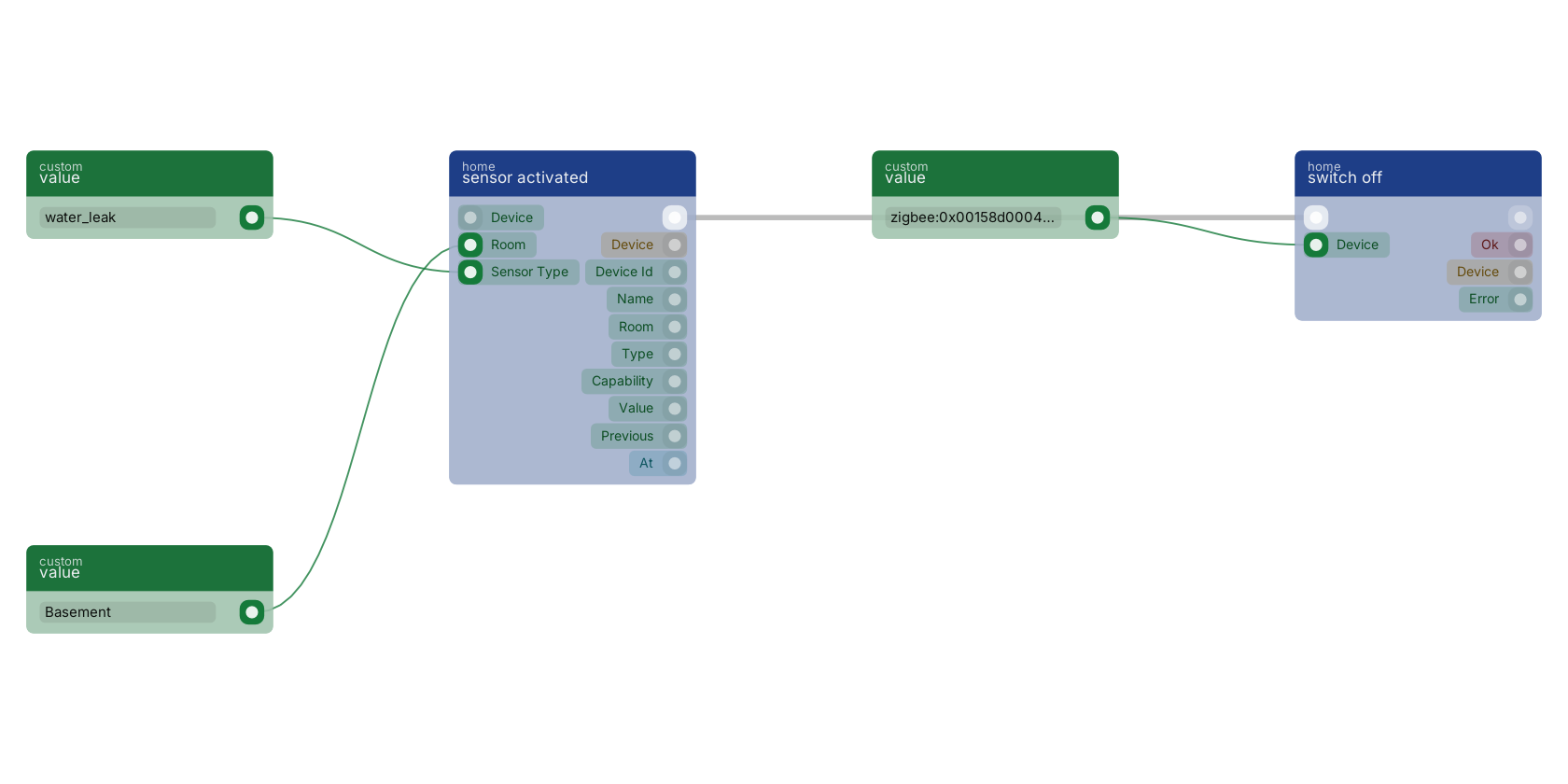](https://docs.rual.nl/canvas-examples/homeassist_trigger_sensor_activated.png?v=3)
## Presence and contact
| Block | Fires when |
| --- | --- |
| [`presence detected`](https://docs.rual.nl/block-types/globals%2Chome%20automation/homeassist_trigger_presence_detected) | `occupancy` goes false to true. Equivalent to `sensor activated` with the sensor type set to occupancy. |
| [`presence cleared`](https://docs.rual.nl/block-types/globals%2Chome%20automation/homeassist_trigger_presence_cleared) | `occupancy` goes true to false. The delay before this fires is the sensor's, not the platform's. |
| [`contact opened`](https://docs.rual.nl/block-types/globals%2Chome%20automation/homeassist_trigger_contact_opened) | `contact` goes true, which means **open**. Zigbee and Matter both report contact true for a *closed* door on the wire; that inversion is corrected at the adapter, so `value` here is true when the door is open. |
| [`contact closed`](https://docs.rual.nl/block-types/globals%2Chome%20automation/homeassist_trigger_contact_closed) | `contact` goes false, meaning closed. |
## Alarms: leaks and smoke
| Block | Fires when |
| --- | --- |
| [`water leak detected`](https://docs.rual.nl/block-types/globals%2Chome%20automation/homeassist_trigger_water_leak) | `water_leak` transitions to true. On the transition, so a sensor sitting in a puddle and re-reporting fires once. |
| [`smoke detected`](https://docs.rual.nl/block-types/globals%2Chome%20automation/homeassist_trigger_smoke_detected) | `smoke` transitions to true. |
> **These supplement a certified alarm, they do not replace one** They depend on a mesh, a broker and a node all being up. Gas has no dedicated trigger; use `sensor activated` with the sensor type set to `gas`.
## Lights and switches
| Block | Fires when |
| --- | --- |
| [`light turned on`](https://docs.rual.nl/block-types/globals%2Chome%20automation/homeassist_trigger_light_on) | A device classified as a **light** transitions `power` false to true. |
| [`light turned off`](https://docs.rual.nl/block-types/globals%2Chome%20automation/homeassist_trigger_light_off) | The same device type transitions `power` true to false. |
| [`switch turned on`](https://docs.rual.nl/block-types/globals%2Chome%20automation/homeassist_trigger_switch_on) | A device classified as a **switch** transitions `power` false to true. |
| [`switch turned off`](https://docs.rual.nl/block-types/globals%2Chome%20automation/homeassist_trigger_switch_off) | The same, true to false. |
- **These fire for changes RUAL did not make:** a physical wall switch, the Hue app, a scene fired by a dimmer. A flow that turns a light on in response to a light turning on is a loop.
- **The light and switch split follows the derived device type.** A device with on/off but no brightness or colour is a switch, so metering plugs land here even when the vendor announces them as lights.
## Buttons and scene controllers
| Block | Fires when |
| --- | --- |
| [`button pressed`](https://docs.rual.nl/block-types/globals%2Chome%20automation/homeassist_trigger_button_pressed) | Any momentary control emits an action: Aqara buttons, Hue dimmers, scene switches. Fires on **every** press, including a repeat of the same press type. |
Branch on the `value` pin to tell single from double from hold. **The exact strings are the device's own.** Common ones are `single`, `double`, `hold` and `release`, but a four-button remote sends things like `1_single` and a Hue dimmer sends `initial_press` and `long_release`. Press the button once with the Zigbee2MQTT frontend open, or read the device state through [`get device`](https://docs.rual.nl/block-types/globals%2Chome%20automation/homeassist_device_get), and use what it actually sends.
## Environment readings cross thresholds
| Block | Extra pins | Fires when |
| --- | --- | --- |
| [`temperature changed`](https://docs.rual.nl/block-types/globals%2Chome%20automation/homeassist_trigger_temperature_changed) | `above`, `below`, in °C | The `temperature` capability changes. With a threshold set, only on the crossing. |
| [`humidity changed`](https://docs.rual.nl/block-types/globals%2Chome%20automation/homeassist_trigger_humidity_changed) | `above`, `below`, in % | The `humidity` capability changes. Same crossing semantics. |
Other numeric capabilities have no dedicated trigger. For illuminance, CO₂, power draw or a blind's position, use `device state changed` and branch on the `capability` pin, or read the value with [`get device state`](https://docs.rual.nl/block-types/globals%2Chome%20automation/homeassist_device_state) inside a flow another trigger started. The threshold-crossing behaviour is specific to these two blocks.
## Device health and the fleet
| Block | Fires when |
| --- | --- |
| [`battery low`](https://docs.rual.nl/block-types/globals%2Chome%20automation/homeassist_trigger_battery_low) | The battery percentage crosses below the `below %` pin, default 20, **or** the device raises its own `battery_low` flag. |
| [`device unavailable`](https://docs.rual.nl/block-types/globals%2Chome%20automation/homeassist_trigger_device_unavailable) | A device transitions to unreachable: a flat battery, out of range, a bulb switched off at the wall. It does **not** repeat while the device stays away. There is no matching "device came back" trigger; use [`get status`](https://docs.rual.nl/block-types/globals%2Chome%20automation/homeassist_status) or a periodic [`get all devices`](https://docs.rual.nl/block-types/globals%2Chome%20automation/homeassist_devices_all) sweep if you need one. |
| [`device discovered`](https://docs.rual.nl/block-types/globals%2Chome%20automation/homeassist_trigger_device_discovered) | A new device appears on the radio, before it is adopted. Fires once per device, the first time it is ever seen. **The one trigger that fires for unadopted devices.** |
| [`device adopted`](https://docs.rual.nl/block-types/globals%2Chome%20automation/homeassist_trigger_device_adopted) | A device is taken into service, whether by the API, the studio or a flow calling [`device adopt`](https://docs.rual.nl/block-types/globals%2Chome%20automation/homeassist_device_adopt). Use it to set a room, apply defaults or announce the new device. |
## The catch-all: any capability that changes
| Block | Fires when |
| --- | --- |
| [`device state changed`](https://docs.rual.nl/block-types/globals%2Chome%20automation/homeassist_trigger_device_state_changed) | Any capability of any adopted device changes. |
**High volume by design.** A house with a dozen sensors produces hundreds of these an hour. Use it for logging, and for capabilities that have no dedicated trigger, then branch on the `capability` pin. Where a specific trigger exists, use that: it is cheaper and it says what it means on the canvas.
## Doors, access control and cameras
These twelve come with the UniFi Access and Protect adapter: when someone rings, when a card is swiped, when the gate opens, when an unknown card is refused at three in the morning.
| Block | Extra pins | Fires when |
| --- | --- | --- |
| [`doorbell rang`](https://docs.rual.nl/block-types/globals%2Chome%20automation/homeassist_trigger_doorbell) | | Somebody rings a doorbell or door station, from a UniFi door station or a Protect doorbell camera. Momentary: there is no "still ringing" state. |
| [`door or gate opened`](https://docs.rual.nl/block-types/globals%2Chome%20automation/homeassist_trigger_door_opened) | | `door_position` transitions to true, meaning open. This is the physical position, **not** the lock: a door can be unlocked and shut. |
| [`door or gate closed`](https://docs.rual.nl/block-types/globals%2Chome%20automation/homeassist_trigger_door_closed) | | `door_position` transitions to false. Pair it with a delay for "the gate has been open too long". |
| [`door or gate unlocked`](https://docs.rual.nl/block-types/globals%2Chome%20automation/homeassist_trigger_door_unlocked) | | `lock_state` transitions to `unlocked`: the electrical state of the lock, whether or not the door then opens. A momentary unlock fires this, then fires `door or gate locked` seconds later when the relay re-locks. |
| [`door or gate locked`](https://docs.rual.nl/block-types/globals%2Chome%20automation/homeassist_trigger_door_locked) | | `lock_state` transitions to `locked`. Because a momentary unlock re-locks on its own, this fires routinely after every granted entry, not only when somebody locks up. |
| [`gate opened`](https://docs.rual.nl/block-types/globals%2Chome%20automation/homeassist_trigger_gate_opened) | | `door_position` becomes true for a gate. The same mechanism as `door or gate opened`, for gate automations. Select the gate in the device pin: with no device it fires for any door-type device. |
| [`gate closed`](https://docs.rual.nl/block-types/globals%2Chome%20automation/homeassist_trigger_gate_closed) | | `door_position` becomes false for a gate. The natural pair for "the gate has been open too long": start a timer on `gate opened` and cancel it here. |
| [`access granted`](https://docs.rual.nl/block-types/globals%2Chome%20automation/homeassist_trigger_access_granted) | `method` | Somebody is let in: a valid card, PIN, wave or mobile credential. The `method` pin narrows it to one of `nfc`, `pin`, `wave`, `mobile`, `touchpass`. Does not fire on a refusal. |
| [`access denied`](https://docs.rual.nl/block-types/globals%2Chome%20automation/homeassist_trigger_access_denied) | | Somebody is refused: an unknown card, a wrong PIN, a credential outside its schedule. |
| [`NFC card swiped`](https://docs.rual.nl/block-types/globals%2Chome%20automation/homeassist_trigger_nfc) | `card` | A card or fob is presented, regardless of the decision that follows. The `card` pin narrows it to one token or actor. |
| [`camera motion detected`](https://docs.rual.nl/block-types/globals%2Chome%20automation/homeassist_trigger_camera_motion) | | A UniFi Protect camera detects motion. One event per detection, not a sustained state. |
| [`security alarm activated`](https://docs.rual.nl/block-types/globals%2Chome%20automation/homeassist_trigger_alarm) | | The controller's own alarm transitions to active. Distinct from the smoke, gas and leak triggers, which are individual detectors. |
- **The two entry triggers carry three extra out-pins:** `actor` (the user or credential name, empty when the reader could not identify them), `method` and `granted`.
- **Swiped and granted are different questions.** `NFC card swiped` fires when the card is presented, before and regardless of the decision: "when my gym fob is tapped, turn on the porch light". `access granted` fires only when somebody is let in. A refused card fires the first and not the second.
- **Doorbell, NFC, entry and camera motion events are momentary.** Every occurrence fires, including the same card presented twice in a row.
- **Lock state is not door position.** A door can be unlocked and still shut, or wedged open while the relay says locked. Pick the trigger that asks the question you mean.
## Dispatch is in process and capped at 16 runs
- **Dispatch is in process, not queued.** Every other trigger in RUAL goes through the queue, which buys durability at the cost of a write and a poll interval. Here the light has to come on before you have finished walking through the door. A node restart drops in-flight triggers.
- **The trigger index is cached, not searched per event.** It is built at startup, before the adapters connect, so the first motion event after a restart is not dropped. It is rebuilt when you save a blueprint, so a studio edit takes effect without a restart.
- **Only *active* trigger blocks in *saved* blueprints are indexed.**
- **Concurrent runs are capped at 16.** Beyond that, events are dropped with a warning in the log rather than queued: a backlog of stale "turn the light on" commands is worse than none. Hitting the cap usually means a flow is slow.
## Next steps
- [Action Reference](https://docs.rual.nl/home-automation/actions): The 24 blocks that command devices and query the registry.
- [Example Flows](https://docs.rual.nl/home-automation/example-flows): These triggers wired into complete automations.
- [Troubleshooting](https://docs.rual.nl/home-automation/troubleshooting): When a trigger does not fire, start here.
## Frequently asked
**Does a RUAL motion trigger fire every time the sensor reports?**
No, it fires on the change. A motion sensor re-announces occupancy every thirty seconds or so while somebody is in the room, and the trigger requires the value to have changed, so the flow runs once, on entry. Button presses are the deliberate exception, because a momentary pulse has no meaningful unchanged state.
**How does a temperature threshold trigger work in RUAL?**
It fires on the crossing, not the level. A trigger set to above 25 fires once when the room passes 25 degrees, not once per reading for the rest of the afternoon, and it fires again only after the reading has dropped back below 25 and crossed up again. A first-ever reading above the threshold counts as a crossing.
**How do I write one RUAL automation for every sensor in a room?**
Leave the trigger's device pin empty and set its room pin. The device pin is optional precisely so that one block can be the whole-room or whole-house version; requiring it would force one flow per sensor.
---
---
title: "Action Reference · RUAL Documentation"
description: "The 24 action blocks: lights, switches, climate, doors and gates, the generic capability write, the registry queries and fleet management."
canonical: https://docs.rual.nl/home-automation/actions
language: en
---
# Action Reference
The 24 blocks that command a device or ask the registry a question. Command blocks take a `device` pin and report success on `ok`; query blocks read memory and cost nothing.
An action block has a flow IN pin: it sits in the middle of a chain like any other block.
- [Lights and switches](#lights): On, off, toggle, dim, in one command.
- [Climate, doors, any capability](#climate): Air conditioning, door locks, gates, and the generic write.
- [Queries](#queries): Read the registry: no radio traffic, no network call.
- [Fleet and history](#fleet): Adopt, rename, forget, pair, and read the past.
## What every command block shares
Blocks that address one device take a `device` pin: the platform id, the native address, or the exact device name. When the studio's device picker ships, a device selected there is used when the pin is empty, and **the pin always wins**. If neither is set the block reports `HOMEASSIST_DEVICE_REQUIRED` rather than guessing.
Command blocks report the same four out-pins:
| Out-pin | Type | Carries |
| --- | --- | --- |
| `flow` | flow | Continues whether the command succeeded or not. |
| `ok` | condition | True when the command reached the device. |
| `device` | object | The device the command was sent to. |
| `error` | value | Empty on success, otherwise a code plus the detail. |
#### Branch on ok
A command to an unreachable bulb is an ordinary event in a house, not an exceptional one, so failures are reported on `ok` and `error` rather than thrown.
#### Not on the returned device state
Hue and Daikin confirm synchronously, but radio adapters do not: the Zigbee bulb has been told, and its own report arrives a moment later. The snapshot you get back is the pre-command one.
### Error codes
| Code | Means |
| --- | --- |
| `HOMEASSIST_NOT_AVAILABLE` | This node has `[homeassist] enabled = false`. Reported on the error pin rather than thrown, so a flow that runs on both a Nano and a cloud node can branch on it instead of blowing up. |
| `HOMEASSIST_DEVICE_REQUIRED` | No device pin and no picked device. |
| `HOMEASSIST_DEVICE_NOT_FOUND` | Nothing resolved from that id, native id or name. |
| `HOMEASSIST_DEVICE_NOT_ADOPTED` | The device exists but is not in service. See [Discovering and Adopting Devices](https://docs.rual.nl/home-automation/devices). |
| `HOMEASSIST_CAPABILITY_UNSUPPORTED` | The device never announced that capability, so nothing was sent to the radio. |
| `HOMEASSIST_ADAPTER_REQUIRED` | `pairing open` with no adapter named. |
| `HOMEASSIST_ADAPTER_NOT_FOUND` | That adapter is not configured on this node. |
| `HOMEASSIST_COMMAND_REJECTED` | The device or its daemon refused the command. |
| `HOMEASSIST_PAIRING_UNSUPPORTED` | That adapter has no inclusion mode. Daikin units join by WiFi; UniFi devices are enrolled in the UniFi app. |
| `HOMEASSIST_NOTHING_TO_SET` | `climate set` with none of mode, temperature or fan wired. |
| `HOMEASSIST_HISTORY_NOT_AVAILABLE` | Home automation is on but analytics is off. |
The error string carries the code *and* the detail, for example `HOMEASSIST_DEVICE_NOT_FOUND: zigbee:0x1234`.
## Lights
| Block | Pins beyond `device` | Does |
| --- | --- | --- |
| [`light on`](https://docs.rual.nl/block-types/globals%2Chome%20automation/homeassist_light_on) | `brightness %`, `kelvin`, `colour` | Turns the light on, applying everything set in one command. Unset pins leave the lamp's current value alone. |
| [`light off`](https://docs.rual.nl/block-types/globals%2Chome%20automation/homeassist_light_off) | | Turns it off. No side effects beyond the power state: brightness and colour are remembered by the lamp and restored when it is next turned on. |
| [`light toggle`](https://docs.rual.nl/block-types/globals%2Chome%20automation/homeassist_light_toggle) | | Reads the current power state from the registry and sends the opposite. |
| [`light dim`](https://docs.rual.nl/block-types/globals%2Chome%20automation/homeassist_light_dim) | `brightness %` | Sets brightness without changing anything else. |
- **One command, not three.** Sending power, then brightness, then colour separately makes the bulb visibly jump to full white before settling, so `light on` carries those pins.
- **Kelvin, not mireds.** 2200 candle, 2700 warm white, 4000 neutral, 6500 daylight. The adapters convert.
- **Toggle treats unknown as off, and turns the lamp on.** A lamp nobody has heard from since it was adopted has no power state, and a toggle that errors is useless to the person standing in a dark room.
- **`light dim` implies power.** Setting a brightness on a lamp that is off turns it on at that brightness, and setting 0 turns it off. Use `light off` when off is what you mean; it reads better on the canvas.
[light on](https://docs.rual.nl/block-types/globals/homeassist_light_on) carries brightness, colour temperature and colour on its own pins, and sends every value that is set in ONE command, so the lamp transitions once instead of visibly stepping through full white first. Brightness is a percentage and colour temperature is in KELVIN, not mireds: 2200 candle, 2700 warm white, 6500 daylight. The device pin takes a platform id, a native address or an exact device name.
[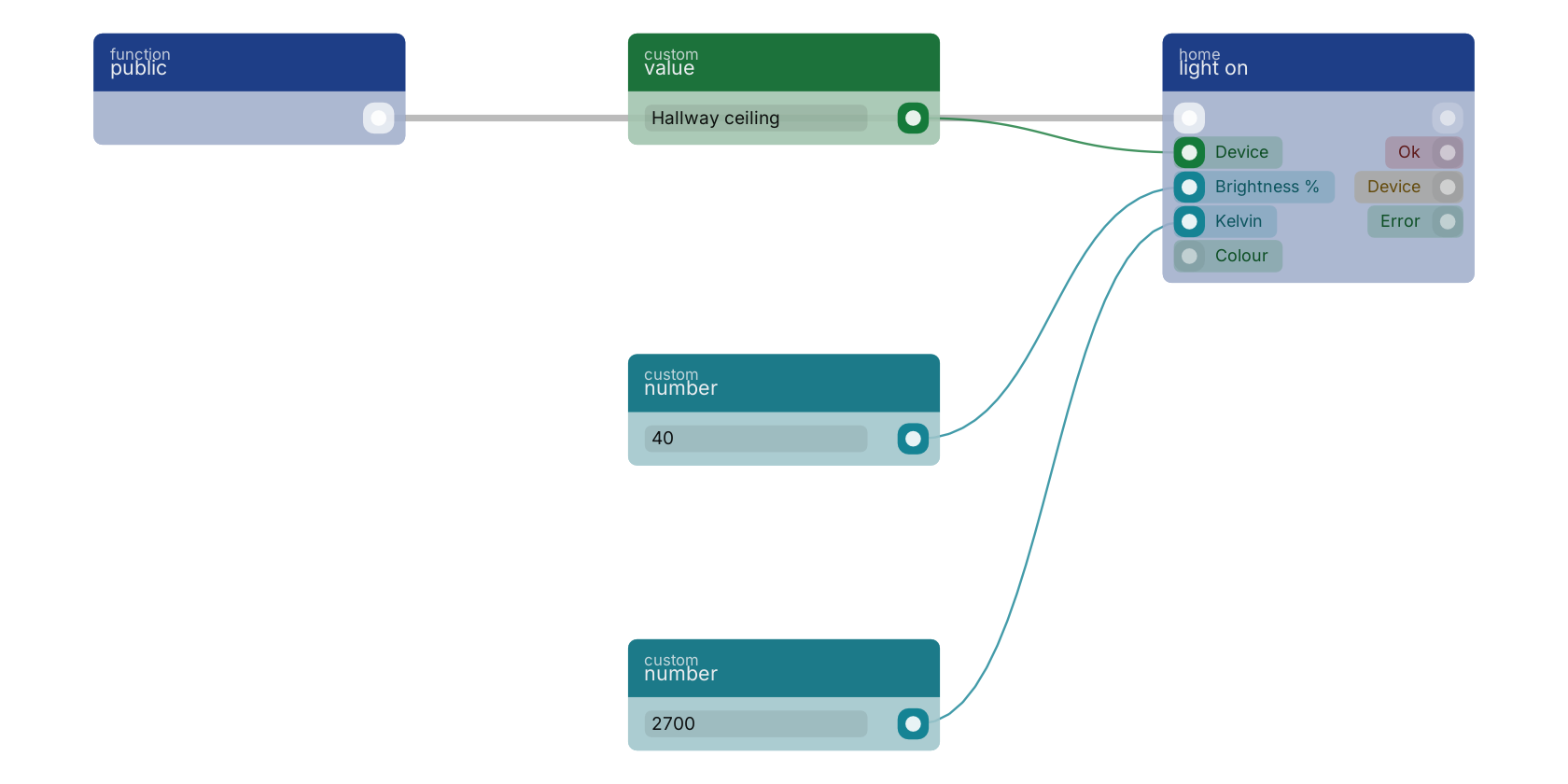](https://docs.rual.nl/canvas-examples/homeassist_light_on.png?v=3)
## Switches
| Block | Does |
| --- | --- |
| [`switch on`](https://docs.rual.nl/block-types/globals%2Chome%20automation/homeassist_switch_on) | Sets `power` true on a device classified as a switch. |
| [`switch off`](https://docs.rual.nl/block-types/globals%2Chome%20automation/homeassist_switch_off) | Sets `power` false. |
Identical on the wire to `light on` and `light off`. They are separate blocks because pickers and flows read better when plugs are not offered as lights, and because a metering plug classifies as a switch even when its vendor announces it as a light.
## Climate
| Block | Pins | Does |
| --- | --- | --- |
| [`climate set`](https://docs.rual.nl/block-types/globals%2Chome%20automation/homeassist_climate_set) | `mode`, `target °C`, `fan` | Commands a Daikin air conditioner over its local API, or a Zigbee, Z-Wave or Matter thermostat over the radio. |
- **Mode** is one of `off`, `auto`, `cool`, `heat`, `dry`, `fan`. Setting anything other than `off` implies switching the unit on.
- **Fan** is `auto`, `silent`, `low`, `medium`, `high` or `turbo`. Devices with fewer speeds get the nearest they have.
- **Empty pins keep the current value**, and wiring none of the three reports `HOMEASSIST_NOTHING_TO_SET` rather than claiming a command was sent.
- Everything goes in one command for the same reason as lights. On Daikin that means a read-modify-write of the whole control block, because its API rejects partial updates and resets any field you omit.
## Doors and gates
These four command an access-controlled door through the UniFi adapter.
| Block | Pins beyond `device` | Does |
| --- | --- | --- |
| [`door unlock`](https://docs.rual.nl/block-types/globals%2Chome%20automation/homeassist_door_unlock) | `stay unlocked` | Releases the lock. By default this is a **momentary** unlock: the controller holds the relay open for its configured time and then re-locks. |
| [`door lock`](https://docs.rual.nl/block-types/globals%2Chome%20automation/homeassist_door_lock) | `keep schedule` | Locks the door and **holds** it locked, overriding its unlock schedule until something releases it. With `keep schedule` it locks now and leaves the schedule running, so the door unlocks again at its next scheduled time: "lock up for the night". |
| [`gate open`](https://docs.rual.nl/block-types/globals%2Chome%20automation/homeassist_gate_open) | | Opens a gate or garage door. On a controller where a gate is a momentary relay, this pulses it. |
| [`gate close`](https://docs.rual.nl/block-types/globals%2Chome%20automation/homeassist_gate_close) | | Closes it. |
- **A momentary unlock is the default.** "Buzz someone in" is the common case, and a door left unlocked until something remembers to lock it would eventually stay unlocked overnight. Set `stay unlocked` when you mean until further notice, and pair it with a `door lock` somewhere.
- **On a single-relay gate that toggles**, `gate open` and `gate close` are the same pulse, and the controller decides the direction from the gate's current position.
- **`door_position` is read-only.** It is a sensor; writing it returns `HOMEASSIST_CAPABILITY_UNSUPPORTED`.
## The escape hatch: write any capability
| Block | Pins | Does |
| --- | --- | --- |
| [`device set`](https://docs.rual.nl/block-types/globals%2Chome%20automation/homeassist_device_set) | `capability`, `value` | Writes any capability by name. |
This is how you reach a blind's `position`, a plain lock's `lock_state`, or anything else with no dedicated block. Values are coerced to what the device wants, and the capability name is normalised, so "motion" and "on_off" resolve rather than failing.
A capability the device never announced returns `HOMEASSIST_CAPABILITY_UNSUPPORTED` without touching the radio. Sending an attribute a device does not implement is how you get a bulb that stops responding until it is power-cycled.
## Queries read memory and cost nothing
The query blocks read the in-memory device registry. **No radio traffic, no network call**, cheap enough to run inside a loop: "turn off every light" is a query feeding a map feeding a command.
| Block | Filters | Returns |
| --- | --- | --- |
| [`get all devices`](https://docs.rual.nl/block-types/globals%2Chome%20automation/homeassist_devices_all) | `type`, `room`, `adapter`, `include unadopted` | `devices`, `count`. Adopted only unless you ask otherwise. Filters combine with AND. |
| [`get active sensors`](https://docs.rual.nl/block-types/globals%2Chome%20automation/homeassist_sensors_active) | `sensor type`, `room` | Sensors currently reading true: motion present, doors open, leaks found. |
| [`get lights that are on`](https://docs.rual.nl/block-types/globals%2Chome%20automation/homeassist_lights_on) | `room` | Lights whose power state is known and true. |
| [`get device`](https://docs.rual.nl/block-types/globals%2Chome%20automation/homeassist_device_get) | `device` | `found`, `device`, `state` (value per capability), `available`. |
| [`get device state`](https://docs.rual.nl/block-types/globals%2Chome%20automation/homeassist_device_state) | `device`, `capability` | `state known`, `value`, plus `boolean` and `number` coercions for branching. |
| [`get rooms`](https://docs.rual.nl/block-types/globals%2Chome%20automation/homeassist_rooms) | | The distinct non-empty room names across adopted devices, sorted. |
| [`get status`](https://docs.rual.nl/block-types/globals%2Chome%20automation/homeassist_status) | | `adapters` (name and connected), `devices total`, `devices adopted`, `healthy`. |
- **Unknown state is excluded, never assumed.** A sensor the node has never heard from is left out of `get active sensors`, and a lamp whose power state nobody knows is left out of `get lights that are on`. When `state known` is false on `get device state`, `value` is empty and must not be read as false or zero.
- **Reachability is not restored at boot.** The lists are populated immediately after a restart, but `get device` reports `available = false` until the device actually reports. Read `available` if a flow needs "this device is there right now".
- **`get device` reports `found = false`** rather than erroring when nothing matches.
- **`get status` is how you notice a bridge that has gone away**, which otherwise looks like a quiet house. `healthy` is true only when every configured adapter is connected, and a node with no adapters at all is not healthy.
[get lights that are on](https://docs.rual.nl/block-types/globals/homeassist_lights_on) reads the in-memory device registry, so it makes no network call and is cheap enough to run in a loop. It returns only lights whose power state is KNOWN and true: a lamp the node has not heard from since it started is left out rather than assumed off. The count pin feeds [>](https://docs.rual.nl/block-types/condition/condition_gt) and [branch](https://docs.rual.nl/block-types/flow/branch), which is the shape of "if anything is still on, do something about it".
[](https://docs.rual.nl/canvas-examples/homeassist_lights_on.png?v=3)
## Fleet management from a flow
| Block | Pins | Does |
| --- | --- | --- |
| [`device adopt`](https://docs.rual.nl/block-types/globals%2Chome%20automation/homeassist_device_adopt) | `device`, `name`, `room` | Takes a discovered device into service. Reports `newly`, true only when this call is what adopted it. |
| [`device rename`](https://docs.rual.nl/block-types/globals%2Chome%20automation/homeassist_device_rename) | `device`, `name`, `room` | Sets the friendly name and/or room. Empty pins leave that field alone, so this can set a room without touching the name. |
| [`device forget`](https://docs.rual.nl/block-types/globals%2Chome%20automation/homeassist_device_forget) | `device` | Drops the device from RUAL. It stays paired to the radio and reappears, unadopted, on its next report. |
| [`pairing open`](https://docs.rual.nl/block-types/globals%2Chome%20automation/homeassist_pairing_open) | `adapter`, `seconds` | Puts a radio into inclusion mode. Pass 0 to close pairing. |
- **Adopt happens before rename.** If the adopt succeeds and the rename does not, `ok` stays true, `newly` is accurate, and the error pin carries the rename failure.
- **The seconds pin on `pairing open` is a request.** It is clamped to the node's `pairing_window`, and the clamp is not an error.
- **Forget does not unpair.** Unpairing is not exposed as a block. See [Forget Is Not Unpair](https://docs.rual.nl/home-automation/devices#forget).
## History reads the past
| Block | Pins | Returns |
| --- | --- | --- |
| [`get device history`](https://docs.rual.nl/block-types/globals%2Chome%20automation/homeassist_device_history) | `device`, `capability`, `from`, `to`, `buckets` | `readings`, `buckets`, `count`, `recording`, `unit`, `error`. |
The only block here that reads the analytics store rather than the live registry. The window defaults to the last 24 hours, and `buckets` greater than 0 additionally returns aggregated windows. Watch `recording`: false means this node stores no history for that capability, which is a different answer from "nothing happened".
The sampling policy, the bucket shapes and the energy dashboard are on [Device History and Energy](https://docs.rual.nl/home-automation/history-and-energy).
## Next steps
- [Example Flows](https://docs.rual.nl/home-automation/example-flows): These blocks wired into nine complete automations.
- [Device History and Energy](https://docs.rual.nl/home-automation/history-and-energy): What gets stored, buckets versus raw, and the energy panel.
- [Trigger Reference](https://docs.rual.nl/home-automation/triggers): The blocks that start these flows.
## Frequently asked
**How do I tell whether a RUAL device command actually worked?**
Branch on the ok out-pin. A command to an unreachable bulb is an ordinary event in a house, so failures are reported on ok and error rather than thrown. Do not compare the returned device state: radio adapters return the pre-command snapshot because the device's own report arrives a moment later.
**How do I set brightness and colour temperature on a RUAL light?**
Use the brightness, kelvin and colour pins on the light on block, which sends every value set on it in one command so the lamp transitions once instead of stepping through full white first. Colour temperature is in kelvin, not mireds: 2700 is warm white and 6500 is daylight.
**Are the RUAL device query blocks expensive to call?**
No. Get all devices, get active sensors, get lights that are on, get device and get rooms read the in-memory registry, so they make no network call and touch no radio, and they are cheap enough to call inside a loop.
---
---
title: "Example Flows · RUAL Documentation"
description: "Nine complete automations, block by block: motion lights after dark, a leak shutting a valve, a house that empties itself, an unknown card at 3am."
canonical: https://docs.rual.nl/home-automation/example-flows
language: en
---
# Example Flows
Nine complete automations, block by block: which trigger, how the chain is wired and why. In all of them the trigger does the filtering: its device and room pins narrow the flow, not an `if` in the chain.
Every flow is built from the [Trigger Reference](https://docs.rual.nl/home-automation/triggers) and [Action Reference](https://docs.rual.nl/home-automation/actions) blocks, plus ordinary RUAL blocks. Device references are written as an exact device name (`Hallway ceiling`); a platform id such as `zigbee:0x00158d0007e1a2b3` works identically.
- [1. Motion lights after dark](#motion-lights): Trigger by room, check lux, set the lamp once.
- [2. Door opens, nobody home](#door-nobody-home): Derive "empty" from a query at that moment.
- [3. A leak shuts the valve](#leak): Branch on whether the valve actually responded.
- [4. A double press sets a scene](#button-scene): One button, three behaviours.
- [5. A crossing runs the AC](#climate): Two thresholds, so the unit does not flap.
- [6. Energy over a threshold](#energy): Wait, re-read, and warn only if it is still high.
- [7. The house empties](#all-off): Every light off, without naming any.
- [8. Auto-adopt into a room](#auto-adopt): A switch you control while commissioning.
- [9. An unknown card at 3am](#access): Alert at night, log every entry.
## 1. Motion lights, but only after dark
**What it does.** Somebody walks into the hallway. If the hallway is actually dark, the light comes on, warm and dimmed. If it is the middle of the afternoon, nothing happens.
| Block | Wired |
| --- | --- |
| [`presence detected`](https://docs.rual.nl/block-types/globals%2Chome%20automation/homeassist_trigger_presence_detected) | room `Hallway`, device pin empty |
| [`get device state`](https://docs.rual.nl/block-types/globals%2Chome%20automation/homeassist_device_state) | device from the trigger's `device id`, capability `illuminance` |
| [`<`](https://docs.rual.nl/block-types/condition/condition_lt) | the state block's `number` pin against `30` |
| [`branch`](https://docs.rual.nl/block-types/flow/branch) | flow from the state block, condition from the comparison |
| [`light on`](https://docs.rual.nl/block-types/globals%2Chome%20automation/homeassist_light_on) | on the branch's true pin, device `Hallway ceiling`, brightness 40, kelvin 2700 |
- **Device pin empty, room pin set.** One block covers every motion sensor in the hallway. Add a second sensor later and it works with no edit.
- **The lux reading comes from the sensor that fired**, by feeding the trigger's `device id` into `get device state`. Most motion sensors report lux as well as occupancy. Hard-code another sensor's id when the motion sensor has no light meter.
- **Brightness and kelvin ride along on `light on`.** One command means the lamp transitions once instead of visibly jumping to full white first.
- **It fires on the transition**, so somebody standing still does not re-run this every thirty seconds and fight anyone who dimmed the lamp by hand.
- **Turning it off is a separate flow:** `presence cleared`, room `Hallway`, into `light off`. The delay before it fires is the sensor's own stillness timeout, usually 60 to 120 seconds. If you want longer, put a `delay` block in front of the `light off`.
The most common automation there is. [presence detected](https://docs.rual.nl/block-types/globals/homeassist_trigger_presence_detected) fires on the false to true transition of occupancy in the hallway, so somebody standing still does not re-run it. Its device id feeds [get device state](https://docs.rual.nl/block-types/globals/homeassist_device_state), which reads the illuminance the same sensor reports; [<](https://docs.rual.nl/block-types/condition/condition_lt) compares that against 30 lux and [branch](https://docs.rual.nl/block-types/flow/branch) only lets [light on](https://docs.rual.nl/block-types/globals/homeassist_light_on) run when the room is actually dark.
[](https://docs.rual.nl/canvas-examples/homeassist_trigger_presence_detected.png?v=3)
## 2. A door opens while nobody is home
**What it does.** The front door opens. If no motion sensor anywhere in the house currently reads occupied, that is worth a notification.
| Block | Wired |
| --- | --- |
| [`contact opened`](https://docs.rual.nl/block-types/globals%2Chome%20automation/homeassist_trigger_contact_opened) | device `Front door` |
| [`get active sensors`](https://docs.rual.nl/block-types/globals%2Chome%20automation/homeassist_sensors_active) | sensor type `occupancy`, room empty |
| [`==`](https://docs.rual.nl/block-types/condition/condition_equal) | the query's `count` against `0` |
| [`branch`](https://docs.rual.nl/block-types/flow/branch) | true pin into the notification of your choice |
- **"Nobody home" is derived, not tracked.** `get active sensors` reads the in-memory registry, so asking costs nothing, and asking at the moment the door opened is more accurate than a flag some other flow maintains.
- **Use the trigger's `name` and `at` pins in the message.** "Front door opened at 14:32" is a useful notification; "a contact sensor changed" is not.
- **A sensor the node has not heard from is excluded** rather than counted as inactive. A device that has never reported since it was adopted is invisible to this flow.
- **Occupancy decays.** A sensor that read occupied when the node went down is restored as occupied, and stays that way until it reports again.
- **Occupancy is not presence.** A motion sensor reads false when a person sits still. A phone or a presence-detection radar such as an FP2 (which reports `occupancy` continuously rather than on motion) is the better input if false positives are unacceptable.
## 3. A leak shuts the valve and raises an alarm
**What it does.** A leak sensor finds water. A smart valve closes, and somebody is told.
| Block | Wired |
| --- | --- |
| [`water leak detected`](https://docs.rual.nl/block-types/globals%2Chome%20automation/homeassist_trigger_water_leak) | device and room both empty: any leak sensor anywhere |
| [`switch off`](https://docs.rual.nl/block-types/globals%2Chome%20automation/homeassist_switch_off) | device `Water valve` |
| [`branch`](https://docs.rual.nl/block-types/flow/branch) | condition from the switch block's `ok` pin |
| notification | on both branches, with different text |
- **The device pin is empty on purpose.** Enumerating sensors means the one you install next year is not covered.
- **The valve comes before the notification.** It limits the damage, and should not wait on an email API.
- **The branch on `ok` is the important part.** "Leak detected in the basement, valve closed" and "Leak detected in the basement, VALVE DID NOT RESPOND" call for different human behaviour.
- **Repeated firing is not a problem.** A sensor sitting in a puddle and re-reporting does not send thirty notifications. It fires again only if the sensor dries out and gets wet again.
> **This supplements a plumber and a water alarm** It does not replace them. It depends on a mesh, a broker and a node all being up.
## 4. A double press sets a scene
**What it does.** One button, three behaviours: single press toggles the lamp, double press sets a warm evening scene across several lamps, hold turns everything off.
| Block | Wired |
| --- | --- |
| [`button pressed`](https://docs.rual.nl/block-types/globals%2Chome%20automation/homeassist_trigger_button_pressed) | device `Living room button` |
| `switch` | expression from the trigger's `value` pin |
| [`light toggle`](https://docs.rual.nl/block-types/globals%2Chome%20automation/homeassist_light_toggle) | on the `single` case |
| three [`light on`](https://docs.rual.nl/block-types/globals%2Chome%20automation/homeassist_light_on) blocks | on the `double` case, each with its own brightness and kelvin |
| [`light off`](https://docs.rual.nl/block-types/globals%2Chome%20automation/homeassist_light_off) blocks | on the `hold` case |
- **A scene is a few blocks in a row**, not a stored object. So it can read the time, check who is home, or vary by season.
- **Find out what your button sends before you write the cases.** Aqara buttons send `single`, `double` and `hold`; a Hue dimmer sends `initial_press`, `short_release` and `long_release`; a four-button remote prefixes each with the button number. Press it once with the Zigbee2MQTT frontend open, or read [`get device`](https://docs.rual.nl/block-types/globals%2Chome%20automation/homeassist_device_get) and look at `state.action`.
- **Every press fires**, so pressing the same button twice runs the flow twice.
## 5. A temperature crossing runs the air conditioning
**What it does.** The office passes 25 °C during the day, so the air conditioner starts cooling to 22 on a quiet fan. When it drops back below 22, the unit goes off.
| Block | Wired |
| --- | --- |
| [`temperature changed`](https://docs.rual.nl/block-types/globals%2Chome%20automation/homeassist_trigger_temperature_changed) | room `Office`, `above` 25 |
| [`climate set`](https://docs.rual.nl/block-types/globals%2Chome%20automation/homeassist_climate_set) | device `Office AC`, mode `cool`, target 22, fan `silent` |
| **and a second, separate flow:** | |
| [`temperature changed`](https://docs.rual.nl/block-types/globals%2Chome%20automation/homeassist_trigger_temperature_changed) | room `Office`, `below` 22 |
| [`climate set`](https://docs.rual.nl/block-types/globals%2Chome%20automation/homeassist_climate_set) | device `Office AC`, mode `off` |
- **It depends on crossing semantics.** A thermometer reporting every minute produces hundreds of readings above 25. Because `above` fires on the crossing, the unit is told once.
- **The two thresholds are different numbers.** Cooling starts at 25 and stops at 22, so the unit does not switch on and off every time the reading wobbles across one value. Picking that gap (hysteresis) is yours to do.
- **Mode, target and fan go in one `climate set`.** A Daikin local API rejects partial updates and resets anything you leave out, so the adapter reads the whole control block, applies your changes and writes it back as one operation. Three blocks would be three cycles, and an occupant can hear the unit stepping through them.
- **A mode other than `off`** implies switching the unit on, so there is no separate power step.
- **The Daikin adapter polls.** With the default 30 second interval, the temperature RUAL reacts to can be up to 30 seconds old. A Zigbee or Z-Wave thermostat pushes and has no such delay.
## 6. Energy over a threshold raises a warning
**What it does.** A metering plug reports power draw. When something on that circuit pulls more than 2400 W for more than a minute, warn.
| Block | Wired |
| --- | --- |
| [`device state changed`](https://docs.rual.nl/block-types/globals%2Chome%20automation/homeassist_trigger_device_state_changed) | device `Utility plug` |
| [`==`](https://docs.rual.nl/block-types/condition/condition_equal) | the trigger's `capability` pin against `power_watts` |
| [`>`](https://docs.rual.nl/block-types/condition/condition_gt) | the trigger's `value` pin against `2400` |
| [`AND`](https://docs.rual.nl/block-types/condition/condition_and) | both conditions |
| [`branch`](https://docs.rual.nl/block-types/flow/branch), [`delay`](https://docs.rual.nl/block-types/timers/function_timer), [`get device state`](https://docs.rual.nl/block-types/globals%2Chome%20automation/homeassist_device_state), [`>`](https://docs.rual.nl/block-types/condition/condition_gt), [`branch`](https://docs.rual.nl/block-types/flow/branch) | wait 60 seconds, re-read `power_watts`, and only warn if it is still high |
- **There is no `power changed` trigger.** Only temperature and humidity have dedicated threshold triggers, so anything else numeric goes through `device state changed` with a check on the `capability` pin. The device pin narrows it to that one plug.
- **The delay-then-recheck is the point.** A kettle pulls 2400 W for ninety seconds every morning. You want a load that is *still* drawing when you look again, and the registry already knows the current value, so re-asking is free.
- **Watch the concurrency budget.** At most 16 device flows run at once, and a `delay` holds one of those slots for its whole duration. One minute is fine. If you want ten, move the waiting into the queue or a repeating event.
- **For totals rather than spikes**, do not accumulate in a flow. The node can hand you consumption per hour or per day: see [Device History and Energy](https://docs.rual.nl/home-automation/history-and-energy).
## 7. The house empties, every light goes off
**What it does.** The last occupancy sensor clears. Every light that is currently on is switched off, without naming any of them.
| Block | Wired |
| --- | --- |
| [`presence cleared`](https://docs.rual.nl/block-types/globals%2Chome%20automation/homeassist_trigger_presence_cleared) | device and room empty |
| [`get active sensors`](https://docs.rual.nl/block-types/globals%2Chome%20automation/homeassist_sensors_active) | sensor type `occupancy` |
| [`==`](https://docs.rual.nl/block-types/condition/condition_equal) and [`branch`](https://docs.rual.nl/block-types/flow/branch) | count against 0: nobody anywhere |
| [`get lights that are on`](https://docs.rual.nl/block-types/globals%2Chome%20automation/homeassist_lights_on) | room empty |
| [`select field values`](https://docs.rual.nl/block-types/array/array_get_values_from_bp_field) | the `devices` array, field `id` |
| [`map`](https://docs.rual.nl/block-types/array/array_map) | that array of ids |
| `execute` and [`light off`](https://docs.rual.nl/block-types/globals%2Chome%20automation/homeassist_light_off) | the map's function pin drives the execute block, whose `value` pin is one device id, into the `light off` device pin |
- **The result is derived from live state**, not from a list of light names you maintain. Install a lamp next year and it is covered.
- **`select field values` sits between the query and the map** because the query returns device *objects* and `light off` wants a device reference.
- **Only lights that are actually on are touched.** Lamps whose state the node does not know are excluded rather than assumed off.
- **The re-check matters.** `presence cleared` with an empty device pin fires when *any* sensor clears. Asking `get active sensors` whether anything is still occupied turns "a sensor cleared" into "the house is empty".
- **For a per-room version**, set the room pin on both the trigger and the query, and drop the whole-house check.
[get lights that are on](https://docs.rual.nl/block-types/globals/homeassist_lights_on) reads the in-memory device registry, so it makes no network call and is cheap enough to run in a loop. It returns only lights whose power state is KNOWN and true: a lamp the node has not heard from since it started is left out rather than assumed off. The count pin feeds [>](https://docs.rual.nl/block-types/condition/condition_gt) and [branch](https://docs.rual.nl/block-types/flow/branch), which is the shape of "if anything is still on, do something about it".
[](https://docs.rual.nl/canvas-examples/homeassist_lights_on.png?v=3)
## 8. Auto-adopting a new device into a room
**What it does.** While you are commissioning a floor, every device that pairs is adopted, named after its model and placed in the room you are working in, without a trip to the API for each one.
| Block | Wired |
| --- | --- |
| [`device discovered`](https://docs.rual.nl/block-types/globals%2Chome%20automation/homeassist_trigger_device_discovered) | device and room empty |
| [`get value variable`](https://docs.rual.nl/block-types/variables/value_dynamic_var) | a variable holding the room you are commissioning, for example `commissioning_room` |
| [`device adopt`](https://docs.rual.nl/block-types/globals%2Chome%20automation/homeassist_device_adopt) | device from the trigger's `device id`, room from that variable, name from the trigger's `name` pin |
| [`branch`](https://docs.rual.nl/block-types/flow/branch) | on the adopt block's `newly` pin, into a notification or a log document |
- **`device discovered` is the only trigger that fires for unadopted devices.** It fires once per device, the first time it is ever seen.
- **`device adopt` takes name and room pins**, so onboarding is one block. If the rename half fails the adoption still stands: `ok` stays true, and the error pin carries the rename failure.
- **Branch on `newly`, not on `ok`.** Adoption is idempotent, so notifying on `ok` would announce devices that were already yours.
- **Prefer this to `auto_adopt = true`.** The config flag adopts everything the radio can hear, forever. This flow is a switch: keep it deactivated, activate it while you are physically commissioning, and deactivate it when you are done. No restart is needed.
- **A safer variant:** wire `device discovered` into a notification carrying `name` and `device id`, and adopt from the studio when you recognise it. That is the right default for a mesh that is not brand new.
## 9. An unknown card at three in the morning
**What it does.** Somebody is refused at the front door. During the day that is a colleague with an expired badge and not worth a message; at night it is worth waking up for. Meanwhile every successful entry is logged with who and how.
| Block | Wired |
| --- | --- |
| [`access denied`](https://docs.rual.nl/block-types/globals%2Chome%20automation/homeassist_trigger_access_denied) | device empty: any door |
| [`date now`](https://docs.rual.nl/block-types/date%2Ctimezone/date_currentdate), [`branch`](https://docs.rual.nl/block-types/flow/branch) | outside working hours |
| notification | with the trigger's `name`, `actor` and `method` pins |
| **and a second flow, for the log:** | |
| [`access granted`](https://docs.rual.nl/block-types/globals%2Chome%20automation/homeassist_trigger_access_granted) | device empty |
| [`create document`](https://docs.rual.nl/block-types/storage/function_create_document_from_mutations) | a storage document carrying `actor`, `method`, `name` and `at` |
- **The `actor`, `method` and `granted` pins are on the trigger itself.** "Access denied at Front door, unknown card, nfc" is actionable; "a door reported something" is not.
- **Denied and swiped are different triggers.** `access denied` fires on the decision. To react to a specific card regardless of the decision, use [`NFC card swiped`](https://docs.rual.nl/block-types/globals%2Chome%20automation/homeassist_trigger_nfc) with its `card` pin.
- **Write the log with a flow, not with history.** Access events are recorded in device history, but "who came in last month" is a table you will want to query, filter and export. A storage document per entry gives you that.
> **Do not wire doorbell rang straight into gate open** A doorbell is an unauthenticated button anyone can press. Put a branch in between that checks something: a delivery window, a person at home, a specific NFC token.
## Patterns worth reusing
| When you want | Reach for |
| --- | --- |
| One flow covering a whole room or the whole house | Leave the trigger's device pin empty, set the room pin |
| A condition about the world right now | A query block: they read memory and cost nothing |
| To know whether a command actually landed | Branch on `ok`, not on the returned device state |
| To act on a device the trigger identified | Feed the trigger's `device id` into the next block's device pin |
| To act on many devices at once | Query, `select field values` for `id`, `map`, command |
| A numeric capability with no dedicated trigger | `device state changed` narrowed to one device, then check the `capability` pin |
| To avoid reacting to a momentary spike | `delay`, then re-read with `get device state` |
| To answer a question about the past | [`get device history`](https://docs.rual.nl/block-types/globals%2Chome%20automation/homeassist_device_history), not a variable you maintain |
## Next steps
- [Device History and Energy](https://docs.rual.nl/home-automation/history-and-energy): Questions about the past: what is recorded, and how to read it back.
- [Troubleshooting](https://docs.rual.nl/home-automation/troubleshooting): When one of these does not fire, this is the checklist.
- [Common Blueprint Patterns](https://docs.rual.nl/blueprints/common-patterns): The general-purpose shapes these flows are built from.
## Frequently asked
**How do I turn on a light only when it is dark in RUAL?**
Wire presence detected into get device state reading the illuminance capability of the same sensor, compare that number against a lux threshold, and put a branch in front of light on. Most motion sensors report lux as well as occupancy, and the reading from the sensor that fired describes the space it is watching.
**How do I turn off every light in RUAL without naming them?**
Feed get lights that are on into select field values for the id field, then into map, and drive light off from the execute block inside the map. The query returns only lights whose power state is known and true, so lamps the node has not heard from are left alone rather than blasted with commands.
**How do I automatically adopt new smart home devices in RUAL?**
Wire the device discovered trigger into the device adopt block, which takes optional name and room pins so onboarding is a single block. Keep that flow deactivated and activate it only while you are physically commissioning hardware, which is safer than the auto_adopt config flag because that adopts everything the radio can hear, forever.
---
---
title: "Device History and Energy · RUAL Documentation"
description: "Why the node records what changed rather than what was said, buckets versus raw readings, meter deltas and the energy view."
canonical: https://docs.rual.nl/home-automation/history-and-energy
language: en
---
# Device History and Energy
The node records what changed rather than what was said, at a resolution chosen per capability. Read it back with `get device history`: raw readings for the record, buckets for charts, and the `delta` of `energy_kwh` for consumption.
In short
- A twelve-device house sends roughly 40 reports a minute and stores roughly 25 rows an hour.
- Check `recording` before you interpret an empty result: false means this node stores no history for that capability.
- Energy per day is `energy_kwh` with one bucket per day, reading each bucket's `delta`.
- Readings are kept for 90 days, and only for adopted devices.
A motion sensor re-announces while somebody is in the room, a power meter reports every ten seconds, and every Zigbee message carries a link-quality stamp. One row per report would be a few million rows a month that say almost nothing.
## Every capability has a kind, and the kind decides everything
A value's behaviour over time determines its storage policy, its chart and its aggregation.
| Kind | Examples | Stored | Charted as | Aggregates to |
| --- | --- | --- | --- | --- |
| **alarm** | occupancy, contact, water leak, smoke, gas, vibration, tamper, battery low, door position, security alarm | On transitions only. A door open for eight hours is two rows, not four hundred and eighty. | Timeline | Fraction of the window it was true |
| **measure** | temperature, humidity, pressure, illuminance, CO₂, VOC, PM2.5, power draw | On change beyond a deadband, plus a heartbeat. | Line | min, max, average, last |
| **meter** | energy in kWh | At a fixed interval, not on change. | Bars | Delta: consumption in that window |
| **state** | power, brightness, colour temperature, position, HVAC mode, fan mode, lock state, target temperature | On change. | Steps | min, max, average, last |
| **event** | button presses, doorbell rings, access entries, NFC swipes, camera motion | Every occurrence, because every occurrence is the data. | Not charted | Count |
| **diagnostic** | battery percentage, link quality | Sparsely: a wide deadband and a long heartbeat. | Line, not by default | min, max, average, last |
- **A meter is not a measurement.** Energy in kWh is a lifetime counter, so the raw value is a meaningless upward ramp and "on change" means "on every report". It is sampled at a fixed five minutes, because evenly spaced points make bucket deltas comparable.
- **A setpoint is not a measurement either.** `target_temperature` is a state somebody chose: it steps rather than drifts, so it is charted as steps and stored on change.
## Deadbands and heartbeats
- The **deadband** is the smallest change worth recording, in the capability's own unit. A temperature sensor reporting 21.03, 21.04, 21.03 every thirty seconds produces 2,880 rows a day that say nothing; a deadband of 0.1 collapses that to the readings where the room actually changed.
- The **heartbeat** is the longest gap allowed between stored points even when nothing changed. Without it a stable sensor looks the same as a dead one. With it, a flat line is visibly flat and a gap is visibly a gap.
| Capability | Deadband | Heartbeat | Why that number |
| --- | --- | --- | --- |
| `temperature` | 0.1 °C | 15 min | Below the accuracy of the sensors this runs against. |
| `humidity` | 1 % | 15 min | Charted 0 to 100 regardless of the data range, because "is this normal" is the question being asked. |
| `pressure` | 0.5 hPa | 30 min | Weather moves slowly. |
| `illuminance` | 5 lx | 15 min | Lux spans five orders of magnitude between a dark room and direct sun, so a fixed deadband is wrong at one end. 5 keeps the dark end useful, which is the end automations care about. |
| `co2` | 10 ppm | 15 min | |
| `voc` | 5 ppb | 15 min | |
| `pm25` | 1 µg/m³ | 15 min | |
| `power_watts` | 5 W | 5 min | Watts, not percent: the interesting events are appliances switching on and off. A kettle is 2000 W and a standby LED is 0.3 W, and 5 W separates "something happened" from meter jitter. |
| `energy_kwh` | fixed 5 min interval | | See above: change is not a signal on a counter that always rises. |
| `brightness` | 1 % | | State, stored on change. |
| `color_temp` | 50 K | | Below what anyone sees. |
| `battery` | 1 % | 24 h | A battery moves a few percent a week. "When did this start dropping" is a real question; a daily heartbeat answers it. |
| `link_quality` | 20 | 6 h | Recorded because "this sensor stopped working" is nearly always a mesh problem and the shape of the decline is the evidence. Wide deadband: LQI is noisy by tens between consecutive reports. |
Alarms, states with no deadband, enum states and button events have neither: they store on every change, and events store on every occurrence.
**The comparison is against the last *stored* value, not the last seen one.** Comparing against the last seen value would let a slow drift through one increment at a time and never record anything.
## What is recorded at all
- **Only adopted devices.** A coordinator hears every device ever paired to its network; recording all of it would fill the store with the history of hardware nobody uses.
- **Only capabilities that opt in.** A capability has to be listed in the metadata table with recording switched on. Anything absent records nothing, so adding a capability to the vocabulary cannot silently start filling a disk. `color_hex` is the one capability in the vocabulary that is deliberately not recorded.
- **Booleans are stored as 0 and 1**, not as text, so one numeric column serves both timeline and line charts, and "how long was this true" is an ordinary integral rather than a string parse. Enum states such as `hvac_mode` are stored as text.
- **The access log is recorded but not charted.** Doorbell rings, entry decisions, NFC swipes and camera motion are events, so every occurrence is stored. Who came in, when and how is exactly the history somebody wants, and it is a table rather than a curve. See [the access flow](https://docs.rual.nl/home-automation/example-flows#access) for writing a queryable log alongside it.
This store is separate from the last-known-state cache in Redis that survives a restart. The two answer different questions: the cache holds one current value per capability so a restart does not re-fire every active trigger, and this store holds the trail of how that value got there. See [What Survives a Restart](https://docs.rual.nl/home-automation/devices#persistence).
## Writes are batched in the background
- The recorder appends to an in-memory buffer, and a background flush writes the batch every 30 seconds by default, or immediately when the buffer reaches 500 readings.
- A clean shutdown flushes what is buffered, so a restart leaves no hole in the charts that span it.
- A *failed* write is dropped with a warning rather than retried: a retry queue that grows while the store is unhealthy could take down the automation itself.
- Reads fold the buffer back in, so a chart opened seconds after a sensor fired shows that reading.
## Read it back with get device history
[`get device history`](https://docs.rual.nl/block-types/globals%2Chome%20automation/homeassist_device_history) is the only block that reads the analytics store rather than the live registry.
| Pin | Meaning |
| --- | --- |
| `device`, `capability` | What to read. The device resolves by id, native id or exact name, same as every other block. |
| `from`, `to` | The window. Empty means the last 24 hours. Wiring the two the other way round swaps them rather than erroring. |
| `buckets` | 0 returns raw readings only. Greater than 0 additionally returns that many aggregated windows. |
| Out-pin | Carries |
| --- | --- |
| `readings` | The stored readings, oldest first: `device_id`, `capability`, `value`, `text`, `at`. |
| `buckets` | Aggregated windows: `at`, `min`, `max`, `avg`, `last`, `delta`, `count`. |
| `count` | How many raw readings came back. |
| `recording` | False when this node stores no history for that capability. |
| `unit` | The display unit, for example `°C` or `kWh`. |
**Check `recording` before you interpret an empty result.** Empty with `recording = true` means nothing happened in that window. Empty with `recording = false` means either analytics is switched off, or that capability is not one that is stored.
[get device history](https://docs.rual.nl/block-types/globals/homeassist_device_history) reads the analytics store, which records what CHANGED rather than every report. With from and to left empty the window is the last 24 hours, and buckets set to 24 additionally returns one aggregated window per hour on the buckets pin. Watch the recording pin: it is false when this node stores no history for that capability, which is a different answer from "nothing happened".
[](https://docs.rual.nl/canvas-examples/homeassist_device_history.png?v=3)
## Raw readings are the record, buckets are for drawing
Ask for both when you are charting. The bucket shape follows the capability's kind:
| Kind | The pin that matters | Why |
| --- | --- | --- |
| meter | `delta` | Consumption in that window: this bucket's last value minus the previous bucket's last value. The raw lifetime total charts as a meaningless ramp. |
| alarm | `avg` | The fraction of the window the value was true, which renders as a duty-cycle band. "The hallway was occupied 40% of that hour." |
| everything else | `min`, `max`, `avg`, `last` | The ordinary summary of a gauge. |
- **`delta` is only emitted for meters.**
- **Empty windows are omitted, not zero-filled.** A gap in a temperature chart means "the sensor did not report"; drawing it as 0 °C invents a cold snap. If your chart library wants a dense series, fill the gaps on the client.
- **A meter that goes backwards contributes nothing.** A negative delta means the counter reset: a device replaced, or firmware reflashed. That one bucket reports no delta rather than a wrong one.
### Reading it over HTTP
```
curl -s 'https:///_system/homeassist/devices/zigbee:0x00158d0007e1a2b3/history?capability=temperature&buckets=24' \
-H 'Authorization: Bearer '
```
- The response carries the readings, the buckets, and a `meta` object with the capability's kind, label, unit, decimals and chart type.
- It also carries `truncated`: the window defaults to the last 24 hours and the reading count is capped.
- `from` and `to` are unix seconds; `buckets=0` asks for raw only.
## Energy: power is the draw, energy is the counter
A metering plug reports `power_watts`, the instantaneous draw, and `energy_kwh`, the lifetime counter. Using the wrong one is the usual mistake.
| Question | Read |
| --- | --- |
| What is drawing power right now | `power_watts`, live, through [`get device state`](https://docs.rual.nl/block-types/globals%2Chome%20automation/homeassist_device_state) |
| Did the load spike this afternoon | `power_watts` history, bucketed: `max` per bucket |
| How much did this use yesterday | `energy_kwh`, bucketed: sum the `delta` pins |
| How much has it used since it was installed | `energy_kwh`, the last raw reading |
For a per-day view, ask for the window you want with one bucket per day and read `delta`. For a month, 30 buckets over 30 days. Because the meter is sampled at a fixed five minutes, buckets of any width are directly comparable, which would not be true if it were sampled on change.
In RUAL Studio this is the **Devices**, then **Home Automation** screen: per-capability history over 1h, 24h, 7d and 30d ranges, plus an energy panel per device. It reads the routes above. The in-editor device picker on blocks is a separate piece of work and is not shipped yet.
## Readings are kept for 90 days
They are pruned hourly by default, because a node that is only up for a few hours a day would otherwise never prune at all.
```
[homeassist.analytics]
# Records nothing when false. The history block then reports recording = false,
# which a flow can tell apart from an empty result.
enabled = true
# Zero disables pruning entirely: only correct where somebody else is watching
# the disk.
retention = "2160h"
flush_interval = "30s"
```
## It is not a metering-grade record
- **It is sampled by design**, so it answers trends and totals well and forensic questions poorly. "Roughly how much did the boiler use last week" is a question it answers. "What exactly was the reading at 14:32:07" is not.
- **If you need every reading**, for billing or for compliance, write them yourself: a [`device state changed`](https://docs.rual.nl/block-types/globals%2Chome%20automation/homeassist_trigger_device_state_changed) trigger into `create document` gives you an unsampled record in a storage you control, with the cost and the volume that implies.
- **Unadopted devices have no history at all**, including for the period before you adopted them. Adoption is when recording starts.
- **History does not survive a store you do not keep.** On a Nano this is the same SQLite file as everything else, so the backup that covers your documents covers this too. Test the restore.
## Next steps
- [Example Flows](https://docs.rual.nl/home-automation/example-flows): Including a power-threshold warning that re-reads before it warns.
- [Storages](https://docs.rual.nl/blueprints/storage): For when you decide you want the unsampled record after all.
- [Troubleshooting](https://docs.rual.nl/home-automation/troubleshooting): Empty charts, and how to tell which kind of empty they are.
## Frequently asked
**Does RUAL store every reading a smart home sensor sends?**
No, it stores what changed. Alarms and states are recorded on transitions, measurements when they move beyond a per-capability deadband plus a heartbeat so a stable sensor stays distinguishable from a dead one, meters at a fixed five-minute interval, and button presses individually. A twelve-device house produces roughly 40 reports a minute and about 25 stored rows an hour.
**How do I get energy consumption per day from RUAL?**
Read the energy_kwh capability with get device history and ask for one bucket per day, then use each bucket's delta pin. Energy is a lifetime counter, so the raw value is an ever-rising ramp; the delta is the consumption in that window. A bucket where the counter went backwards, meaning the meter was reset, reports no delta rather than a wrong negative one.
**Why is my RUAL device history chart empty?**
Check the recording pin first. False means this node stores no history for that capability, because analytics is switched off or the capability is not recorded. True with no readings means nothing was stored in that window. Unadopted devices record nothing at all, including for the time before you adopted them.
---
---
title: "Troubleshooting Home Automation · RUAL Documentation"
description: "Symptom first: no devices, a trigger that will not fire, a door sensor that reads backwards, an empty chart, and the three checks that localise most faults."
canonical: https://docs.rual.nl/home-automation/troubleshooting
language: en
---
# Troubleshooting Home Automation
First find out which layer is quiet: is the broker carrying traffic, does RUAL report its adapters connected, and is the device adopted? Then look up your symptom below.
A home-automation stack is four processes, and three of them are not RUAL. So find the quiet layer before you change a setting.
- [No devices appear](#no-devices): Usually `base_topic`, then the adapter config.
- [A trigger does not fire](#not-firing): Most often the device is not adopted.
- [A command does nothing](#commands-fail): Read the error pin.
- [A door reads backwards](#contact-backwards): `contact = true` means open.
- [A chart is empty](#empty-history): Read the `recording` pin first.
- [Devices drop out](#mesh): Nearly always physical.
## Three checks localise almost everything
Run these in order. Each one clears a layer.
```
mosquitto_sub -h 127.0.0.1 -t '#' -v
# Expect zigbee2mqtt/bridge/state -> {"state":"online"}
# and zigbee2mqtt/bridge/devices -> a JSON array
```
```
curl -s https:///_system/homeassist/status \
-H 'Authorization: Bearer '
```
```
curl -s 'https:///_system/homeassist/devices?include_unadopted=1' \
-H 'Authorization: Bearer '
```
| Where it stops | The problem is |
| --- | --- |
| Check 1 shows nothing | The radio daemon, or the broker. Not RUAL. |
| Check 1 works, check 2 says `connected: false` | The node's broker settings, or credentials. |
| Check 2 is fine, check 3 is empty | Almost always `base_topic`. |
| Check 3 lists the device with `"adopted": false` | Adoption. This is the most common answer on the whole page. |
## No devices appear
In order of how often it is each one:
- **`base_topic` does not match.** The node subscribes under the base topic in `[homeassist.zigbee]`; Zigbee2MQTT publishes under `mqtt.base_topic` in its own configuration. Both default to `zigbee2mqtt`, so a mismatch only happens when somebody changed one. The node connects to the broker and sees nothing. Compare the two files.
- **The adapter was never constructed.** An adapter with no configuration section, or with an empty `broker`, is not created at all. Check the boot line: `HomeAssist: enabled for entity 1, adapters: [zigbee]` lists exactly what exists. If it says `adapters: []`, you also had the warning `[homeassist] enabled but no adapter is configured`.
- **Home automation is off.** Blocks report `HOMEASSIST_NOT_AVAILABLE` and the API answers 503 with a hint. Set `[homeassist] enabled = true`.
- **The coordinator has no devices.** A fresh stick genuinely has an empty mesh, and `zigbee2mqtt/bridge/devices` is an empty array. Pair something.
- **Broker credentials.** If the broker requires a username and password, both the node and each daemon need it. One side unconfigured looks exactly like a broken radio.
The Zigbee coordinator itself is excluded from the device list, because it is not something an automation addresses. Z-Wave node 1 (the controller stick) and the broadcast pseudo-node 255 are skipped for the same reason, so a stick with nothing paired reports 0 nodes.
## Bridge offline is not the same as broker unreachable
Both present as "no devices", and the fix is different, so the node logs them separately.
| Log line | Means | Fix |
| --- | --- | --- |
| `zigbee2mqtt: bridge OFFLINE` | The broker is reachable and RUAL is connected to it. Zigbee2MQTT is not running, or it is running and has lost the coordinator. | Restart Zigbee2MQTT. If it starts and immediately reports offline again, the dongle is the problem: check the serial port, the adapter setting and the cable. |
| MQTT connect failures with backoff | The broker itself is unreachable, or refusing the connection. | Check Mosquitto is running, check the host and port, check credentials. |
| `connected: true` in status, no device traffic | Both are fine and the topic is wrong. | `base_topic`. |
**The adapter status pin tracks the broker connection, not the bridge.** [`get status`](https://docs.rual.nl/block-types/globals%2Chome%20automation/homeassist_status) reporting `connected: true` means RUAL has an MQTT session, which is a weaker statement than "the radio works". That is why check 1 exists.
### Two nodes, one broker
If a second RUAL node shares the broker, give each one its own `client_id`. Two MQTT connections with the same client identifier kick each other off, and the device list appears and disappears every few seconds on both nodes.
## A trigger does not fire
**The device is not adopted.** That is the answer most of the time. An unadopted device is tracked and visible, its state is followed, and it fires nothing. No trigger is exempt except [`device discovered`](https://docs.rual.nl/block-types/globals%2Chome%20automation/homeassist_trigger_device_discovered).
After that, in order:
- **The blueprint is not saved, or the block is not active.** The trigger index only contains active trigger blocks from saved blueprints. It rebuilds on save, so no restart is needed.
- **The device pin does not resolve.** It accepts the platform id, the native id or the **exact** name, case-insensitively. A near-miss on the name silently matches nothing. Paste the id from [`get all devices`](https://docs.rual.nl/block-types/globals%2Chome%20automation/homeassist_devices_all) when in doubt.
- **The room does not match.** Room comparison is case-insensitive but not fuzzy: "Hall" and "Hallway" are different rooms, and a device with no room set matches no room filter.
- **The device is the wrong type.** [`light turned on`](https://docs.rual.nl/block-types/globals%2Chome%20automation/homeassist_trigger_light_on) fires only for devices classified as lights and [`switch turned on`](https://docs.rual.nl/block-types/globals%2Chome%20automation/homeassist_trigger_switch_on) only for switches. A metering plug is a switch even if the vendor calls it a light. Check the `type` field in [`get device`](https://docs.rual.nl/block-types/globals%2Chome%20automation/homeassist_device_get).
- **The value did not change.** Transition triggers require a change. If a sensor is already true and re-reports true, nothing fires, by design.
- **The threshold was not crossed.** "Above 25" fires when the reading passes 25 from at or below it. If the room has been at 27 all day, it fired once this morning and will not fire again until it drops below 25 and comes back up.
- **The capability is not the one you think.** [`sensor activated`](https://docs.rual.nl/block-types/globals%2Chome%20automation/homeassist_trigger_sensor_activated) with a sensor type set fires only for that capability. Read the device's actual capability list with `get device`; a sensor that reports `occupancy` will not fire a trigger narrowed to `contact`.
- **The concurrency cap.** At most 16 device flows run at once, and beyond that events are dropped with a warning naming the trigger type and device. If you see that line, something in your flows is slow: a `delay` inside a device flow holds a slot for its whole duration.
A quick way to isolate steps 3 to 7: temporarily put a [`device state changed`](https://docs.rual.nl/block-types/globals%2Chome%20automation/homeassist_trigger_device_state_changed) trigger with no device and no room in front of a debug block. If that fires and your specific trigger does not, the problem is a filter, not the plumbing.
## A contact sensor reads backwards
Look at your flow before you look at the sensor. Zigbee's contact attribute is true when the magnet is present, which is when the door is *closed*, and Matter's BooleanState is the same way round. The platform inverts both at the adapter, so in RUAL **`contact = true` means OPEN**, on every protocol.
If a door flow behaves backwards, the usual causes are:
- The flow uses [`contact closed`](https://docs.rual.nl/block-types/globals%2Chome%20automation/homeassist_trigger_contact_closed) where it meant [`contact opened`](https://docs.rual.nl/block-types/globals%2Chome%20automation/homeassist_trigger_contact_opened), on the assumption that it had to compensate.
- The flow reads `contact` through [`get device state`](https://docs.rual.nl/block-types/globals%2Chome%20automation/homeassist_device_state) and inverts it by hand, double-correcting.
- The magnet is mounted the wrong way round, or on the frame rather than the door, so the sensor genuinely reports the opposite of what the door is doing. Open the door and watch the value with `get device` or in Zigbee2MQTT: the sensor is the authority on its own wiring.
Colour temperature has the same shape of correction: RUAL speaks **kelvin**, the wire speaks mireds. If a lamp goes cold when you asked for warm, check you passed 2700 and not 370.
## Z-Wave devices never appear
**The gateway type must be "ValueID topics".** Z-Wave JS UI can publish under two topic layouts and only one of them is machine-parseable.
"Named topics" interpolates your own location and node names into the path, so `zwave/kitchen/ceiling/switch_binary/...` cannot be told apart from a node whose name contains a slash. ValueID topics are `zwave/nodeID_ / / / `, which always parses. The node cannot work with the other layout.
Set it in Z-Wave JS UI under **Settings**, **Gateway**, **Gateway type**. Then check the topics directly:
```
mosquitto_sub -h 127.0.0.1 -t 'zwave/#' -v
# Right: zwave/nodeID_12/49/0/Air_temperature {"time":...,"value":21.5}
# Wrong: zwave/kitchen/ceiling/49/0/Air_temperature {...}
```
Also check `gateway_name`. It is the `ZWAVE_GATEWAY- ` suffix on the API topics and must match the MQTT name configured in Z-Wave JS UI, default `zwave-js-ui`. With it wrong, values still arrive, but the node inventory request goes nowhere: devices appear with names like "Z-Wave node 12", and with fewer capabilities than they should have.
## A Daikin unit reports nothing, or reports odd temperatures
The node picks the dialect itself: the legacy BRP069 and BRP072 units speak a flat `k=v` API at `/aircon/*`, and the newer "Onecta" firmware speaks a nested JSON tree at `/dsiot/*`. A unit that answers 404 on the legacy endpoint is detected as Onecta on the first poll.
- **Reports nothing at all:** usually the network. Wrong IP, the unit on a different VLAN, or a DHCP lease that moved. Confirm with `curl http:// /common/basic_info`.
- **A BRP069C4x unit with no local API:** no released firmware of that adapter family serves one, so it can only be reached through the [Onecta cloud](https://docs.rual.nl/home-automation/setting-up#daikin-cloud).
- **Odd temperatures on an Onecta unit** are a known limitation. Power on and off is reliable; the temperature and mode decoding follows community reverse engineering, the hex encoding varies by model, and it has not been verified against a live unit. The full `/dsiot` response is on the device's `raw` map under `dsiot`, through `get device`. A report of which model produced which wrong value helps fix it.
Other Daikin specifics:
- **It is polled, not pushed.** The default 30 second `poll_interval` is the resolution of every climate trigger on that unit, and the state you read can be up to one interval old.
- **Hosts are configured, not discovered.** Daikin adapters do not advertise reliably over mDNS. Put the IP in `[homeassist.daikin] hosts`, and give it a DHCP reservation so it does not move.
- **Pairing does not apply.** [`pairing open`](https://docs.rual.nl/block-types/globals%2Chome%20automation/homeassist_pairing_open) on the Daikin adapter returns `HOMEASSIST_PAIRING_UNSUPPORTED`.
- **A unit that is off reports mode `off`**, not its last mode. The unit itself remembers "heat" all summer; reporting that verbatim would make `hvac_mode == "heat"` true for a switched-off air conditioner.
## UniFi connects but reports nothing
**Almost always the keys.** Access and Protect are separate apps on the same console, with separate integration APIs and separate keys. Enabling one does not enable the other, and a key issued by one does not authenticate to the other.
- **No doors, NFC or entry events:** the Access half. Enable the API in Access, then Security, then Advanced, then API, and put that key in `access_key`.
- **No cameras, doorbells or motion:** the Protect half. Enable it in Protect, then Settings, then Control Plane, then Integrations, and put *that* key in `protect_key`.
- **Neither:** check the host. Consoles do not have stable hostnames, so use the IP with a DHCP reservation.
- **Fobs, sirens, speakers or SuperLink bridges are missing:** the integration API omits those families, and the public API returns air-quality readings as null. Add the optional local console account (`username`, `password`). See [Setting Up](https://docs.rual.nl/home-automation/setting-up#unifi-keys).
- **A field decodes to the wrong thing:** the decoders are tested against payloads captured from one console model. Every payload is also carried untranslated on the device's `raw` map, so read that through `get device`. A report naming the console version and the raw payload helps fix it.
- **RUAL does not appear inside the UniFi app, and cannot.** UniFi has no third-party integrator surface that renders in its own UI.
## Hue and Matter specifics
| Symptom | Cause and fix |
| --- | --- |
| Hue adapter starts and does nothing, with a warning about no app key | The bridge has not authorised this node. Press the link button and call `POST /_system/homeassist/pair` with `{"adapter":"hue"}` within thirty seconds. The key is printed to the log; paste it into `[homeassist.hue] app_key` so it survives a restart. It is not persisted automatically, because a bridge credential does not belong somewhere a blueprint can read it. |
| A Hue motion sensor appears once, not four times | Correct. One Hue device carries motion, temperature, light level and battery as separate services, and appears as one device. |
| Hue bulbs are missing after moving them to your own coordinator | A bulb is paired to the bridge or to your stick, never both. Re-paired to your coordinator it arrives through the Zigbee adapter with a new device id, and the old Hue-adapter entry stops reporting. |
| A two-gang Matter switch appears as one device | A known limitation. Matter endpoints are collapsed onto one device, whose `power` is whichever endpoint reported last. Modelling endpoints properly needs a sub-device concept the platform does not have yet. |
| Matter pairing does not find a new device | Matter commissioning is not "open a window and wait". It needs the 11-digit setup code or the `MT:` string printed on the device. `pairing open` on the Matter adapter opens the fabric so another controller can join, which is a different operation. |
## A command does nothing: read the error pin
| Error pin | What to do |
| --- | --- |
| `HOMEASSIST_DEVICE_NOT_ADOPTED` | Adopt it. Commands to unadopted devices are refused by design. |
| `HOMEASSIST_DEVICE_NOT_FOUND` | The reference did not resolve. The error carries what you passed; compare it against `get all devices`. |
| `HOMEASSIST_CAPABILITY_UNSUPPORTED` | The device never announced that capability, and nothing was sent to the radio. Check the device's capability list; capabilities accumulate, so a device may reveal one only after it first changes. |
| `HOMEASSIST_DEVICE_REQUIRED` | No device pin and no picked device. |
| `ok = false`, empty error | The adapter refused or the send failed. Check the node log for the adapter's own message. |
| `ok = true`, nothing happens | The command reached the daemon. Watch the broker: a `zigbee2mqtt/ /set` publish that produces no state message back means the device did not act, which is a mesh or device problem rather than a RUAL one. |
**Do not diagnose by comparing the returned device state.** Radio adapters return the pre-command snapshot: the bulb has been told, and its own report arrives a moment later. Only Hue and Daikin confirm synchronously. `ok` is the pin that answers "did this land".
## A restart restores state, not reachability
Last-known device state is persisted to Redis and restored before the adapters connect, so [`get lights that are on`](https://docs.rual.nl/block-types/globals%2Chome%20automation/homeassist_lights_on) and [`get active sensors`](https://docs.rual.nl/block-types/globals%2Chome%20automation/homeassist_sensors_active) answer immediately after a restart.
A restored value is not evidence that the device is still there, so `available` stays false and `last_seen` is untouched until the device reports. It fills in as devices report, within a polling interval for mains-powered devices and considerably longer for sleepy battery ones.
| Symptom after a restart | Cause |
| --- | --- |
| Values look right, everything reports `available: false` | Normal. Nothing has reported yet. |
| All state is empty, not just availability | Redis was flushed, this is a fresh install, or the entries expired. State is kept for 30 days, refreshed on each write. |
| A sensor reads occupied or open when it is not | A restored belief that has not been corrected yet. It stands until the device next reports, which for a battery sensor that only speaks on change can be a while. |
| Every trigger fired at once on boot | Should not happen: an unknown previous value seeds silently, and restored state gives the first report something to compare against. If you see it, check that Redis is reachable from the node, because without it the seeding rule is the only protection and a first-ever active reading of smoke, gas or water leak still fires by design. |
A flow that runs at boot and depends on knowing a device is really there should read `available` rather than inferring it from the presence of a value.
## A history chart is empty
**Read the `recording` pin first.** It separates two very different situations that look identical:
- `recording = false`: this node stores no history for that capability. Either `[homeassist.analytics] enabled = false`, or the capability is one that is not recorded at all (`color_hex` is the notable one).
- `recording = true` with no readings: nothing was stored in that window. For an alarm capability that genuinely means the door never moved. For a measurement it can also mean the value never moved beyond its deadband, in which case you should still see heartbeat rows.
Then check the obvious ones: the device was not adopted during that window (unadopted devices record nothing, including retrospectively), the window is longer than the 90 day retention, or the capability name is not the canonical one.
**Gaps in a chart are real.** Empty buckets are omitted rather than zero-filled, because drawing a missing temperature reading as 0 °C invents a cold snap. A gap means the device did not report.
**A single missing bar on an energy chart** is usually a meter reset: a device replaced or firmware reflashed makes the counter go backwards, and that bucket reports no delta rather than a large negative one that would poison every total above it.
## Devices drop out intermittently
This is nearly always physical, and nearly always one of two causes.
- **The coordinator is plugged straight into the machine.** USB 3 ports and NVMe drives emit broadband noise across 2.4 GHz. Use the extension cable that came with the dongle, half a metre, away from the case. On a hub the same rule applies: dongles on their cables, not packed into adjacent ports.
- **The mesh has no routers where it needs them.** Battery devices do not route. A mains-powered plug or bulb in the middle of a long run does more for reliability than anything in software.
`link_quality` is recorded for exactly this: "this sensor stopped working" is nearly always a mesh problem, and the shape of the decline is the evidence. Chart it over 7 days for the device that drops, with [`get device history`](https://docs.rual.nl/block-types/globals%2Chome%20automation/homeassist_device_history) and capability `link_quality`.
A device that leaves the mesh is marked unavailable and kept registered, with its name, room and adoption intact.
## A button trigger fires but the branch never matches
The strings on the `value` pin are the device's own, not a RUAL vocabulary. Aqara sends `single`, `double`, `hold`; a Hue dimmer sends `initial_press`, `short_release`, `long_release`; multi-button remotes prefix the button number.
Press the button once and read `state.action` through `get device`, or watch the broker, and branch on what it actually sends. Note that Zigbee2MQTT clears the action by publishing an empty string immediately after; that empty value is dropped rather than reported, so it does not double every press.
## Next steps
- [Setting Up a RUAL Nano](https://docs.rual.nl/home-automation/setting-up): The runbook, including the verification steps these checks refer back to.
- [Discovering and Adopting Devices](https://docs.rual.nl/home-automation/devices): Adoption, which is the answer to most trigger problems.
- [Debugging Blueprints](https://docs.rual.nl/troubleshooting/debugging): The console, simulation and error pins, for the flow half of the problem.
## Frequently asked
**Why does RUAL show no home automation devices at all?**
Most often the base_topic in the node's config does not match the one Zigbee2MQTT publishes under, which fails silently and completely. Check in order: does mosquitto_sub show traffic on the broker, does GET /_system/homeassist/status report the adapter connected, and does the device list include unadopted devices.
**What is the difference between a Zigbee bridge being offline and the broker being unreachable in RUAL?**
A bridge offline message means the broker is reachable and RUAL is connected to it, but Zigbee2MQTT is not running or has lost the coordinator. Broker connect failures mean the broker itself is unreachable. Both present as no devices, so the node logs them separately.
**Why do my Z-Wave devices not appear in RUAL?**
Z-Wave JS UI must have its MQTT gateway type set to ValueID topics. The named-topics layout interpolates your own location and node names into the topic path, which cannot be parsed back into a node id, so RUAL cannot use it. ValueID topics look like zwave/nodeID_12/49/0/Air_temperature.
---
---
title: "Examples · RUAL Documentation"
description: "Reference applications. Each one shows the document design first, then the flows that read and write it: a blog, a shop, bookings, stock and tasks."
canonical: https://docs.rual.nl/examples
language: en
---
# Examples
Reference applications. Each one shows the document design first, then the flows that read and write it: a blog, a shop, bookings, stock and tasks.
- [Simple Blog](https://docs.rual.nl/examples/simple-blog): A simple blog: the post document with slugs, tags and a published state, the public pages, the publishing flow and search, with takeaways to reuse.
- [E-Commerce Catalog](https://docs.rual.nl/examples/ecommerce-catalog): An e-commerce catalog: products with variants, stock and category filtering, the storefront, selling stock without double-selling, and the admin side.
- [User Management](https://docs.rual.nl/examples/user-management): User management: profiles alongside cluster users, the account lifecycle, teams and role changes, the admin pages and an audit trail of what changed.
- [Booking System](https://docs.rual.nl/examples/booking-system): A booking system: resources and time slots as documents, checking availability, conflict checks that prevent double-booking, and sending reminders.
- [Inventory Tracker](https://docs.rual.nl/examples/inventory-tracker): An inventory tracker: stock movements as an append-only log with derived levels, two ways to compute current stock, the flows and low-stock alerts.
- [Task Management](https://docs.rual.nl/examples/task-management): Task management: the task document with boards, columns, assignees and due dates, the views and flows around it, and notes on scaling it up.
---
---
title: "Example: Simple Blog · RUAL Documentation"
description: "A simple blog: the post document with slugs, tags and a published state, the public pages, the publishing flow and search, with takeaways to reuse."
canonical: https://docs.rual.nl/examples/simple-blog
language: en
---
# Example: Simple Blog
A complete working blog on web pages: a list page, a post page with its own URL per post, an editor section with a publishing flow, live search and a JSON feed.
In short
- **You build:** one `posts` storage, two public web pages, one editor page and one feed.
- **You need:** a first web page behind you; see [Your First Page](https://docs.rual.nl/web/first-page).
- **Reuse it** for any content-driven site: a blog is the smallest complete app.
## One post document holds everything a list shows
```
{
"_meta": {
"cms": 1782080295147,
"created": 1782080295,
"entity": 1,
"expiry": -1,
"guid": "a23575f49d0af385314c1f02280163374297e018a692e5e4ab85eb307ebf6ebc",
"removed": 0,
"ums": 1782166695813,
"update_hash": "60e27209fa93063b5605e41605c2722ed428cae0",
"updated": 1782166695
},
"author_guid": "a23575f49d0af385314c1f02280163374297e018a692e5e4ab85eb307ebf6ebc",
"author_name": "sami b",
"body": "Why we rebuilt\n\nEverything starts with...",
"published_at": 1782166695,
"slug": "why-we-rebuilt-the-docs",
"status": "published",
"tags": [
"docs",
"meta"
],
"title": "why we rebuilt the docs"
}
```
One `posts` storage, everything embedded: the author is denormalized (`author_name` stored next to `author_guid`) so list pages never join. That is the core storage principle from [Storages](https://docs.rual.nl/blueprints/storage).
## Two public pages and a feed share one query
### The list page
- Add the page
[`web_page`](https://docs.rual.nl/block-types/web/web_page) (new web page) with `event` `blog` and scope `*public`.
- Query the posts
[`function_search`](https://docs.rual.nl/block-types/storage/function_search) (search) with [`query_bool_term_fields`](https://docs.rual.nl/block-types/query/query_bool_term_fields) (fields) on `status` = `published` in [`query_bool_filter`](https://docs.rual.nl/block-types/query/query_bool_filter) (filter), and [`query_sort_field`](https://docs.rual.nl/block-types/query/query_sort_field) (sorting) on `published_at` descending, merged by [`query_and`](https://docs.rual.nl/block-types/query/query_and) (multiple), with `limit` 20.
- Render the rows
Wire `array` into [`web_foreach`](https://docs.rual.nl/block-types/web/web_foreach) (web for each) with the row template below, and set its `empty` pin to ` No posts yet. `.
- Render the page
[`web_render`](https://docs.rual.nl/block-types/web/web_render) (web render) with `title`, `description` and a custom pin `posts` holding the `html` of [`web_foreach`](https://docs.rual.nl/block-types/web/web_foreach). Set `cache seconds` to let shared caches keep it.
```
{{author_name}}, {{published_at | date "DD-MM-YYYY"}}
{{body | truncate 160}}
```
```
{{title}}
{{{posts}}}
```
### The post page
- Give every post a URL
[`web_page`](https://docs.rual.nl/block-types/web/web_page) with `event` `blog/:slug` and scope `*public`. Read `slug` from its `params` pin with [`object_field_getter_multiple`](https://docs.rual.nl/block-types/object/object_field_getter_multiple) (get fields).
- Fetch it
[`function_search_single_result`](https://docs.rual.nl/block-types/storage/function_search_single_result) (search single) with a term on `slug` and a term on `status` = `published`, so drafts 404 for the public.
- Answer both paths
[`branch`](https://docs.rual.nl/block-types/flow/branch) (branch) on `has_hits`. True: [`web_render`](https://docs.rual.nl/block-types/web/web_render) with a custom pin `post`, `title` from the post, and `json_ld` if you want structured data. False: [`web_render`](https://docs.rual.nl/block-types/web/web_render) with `status` `404` and a short not-found template.
```
{{post.title | capitalize}}
{{post.author_name}}, {{post.published_at | date "DD-MM-YYYY"}}
{{post.body | nl2br}}
{{for tag in post.tags}}
{{tag}}
{{/for}}
```
### The feed
The same list query behind [`on_startup_register_uri_get`](https://docs.rual.nl/block-types/http%20connection/on_startup_register_uri_get) (On API GET), answered with [`httpconnection_set_json`](https://docs.rual.nl/block-types/json/httpconnection_set_json) (reply in JSON), gives external readers JSON. See [Creating a REST API](https://docs.rual.nl/tutorials/rest-api).
## Publishing is a status change on an editor page
Put the editor pages in a blueprint of their own, with a custom scope such as `editor`. An action without scopes of its own requires what every page of its blueprint requires, so this keeps public reads and editor writes cleanly apart.
- List everything
[`web_page`](https://docs.rual.nl/block-types/web/web_page) with `event` `blog-admin`, the same search without the status filter, and [`web_foreach`](https://docs.rual.nl/block-types/web/web_foreach) with the stored row template `{{> post-admin-row}}`. Rows are keyed by the document's guid.
- Write drafts
A form with `data-action="save-post"` runs [`web_action`](https://docs.rual.nl/block-types/web/web_action) (on web action) `save-post`. Build the slug once from the title with [`value_to_lowercase`](https://docs.rual.nl/block-types/value/value_to_lowercase) (convert to lowercase) and [`value_replace`](https://docs.rual.nl/block-types/value/value_replace) (replace) (`/[^a-z0-9]+/g` to `-`). Create with [`function_create_document_from_mutations`](https://docs.rual.nl/block-types/storage/function_create_document_from_mutations) (create document), using the slug as `guid_seed` and `status: draft`.
- Refuse a duplicate
A slug that already exists makes that block answer `success` false with `DOCUMENT_GUID_ALREADY_EXISTS`. Answer with [`web_errors`](https://docs.rual.nl/block-types/web/web_errors) (web form errors) on the title field. On success, [`web_redirect`](https://docs.rual.nl/block-types/web/web_redirect) (web redirect) back to `/blog-admin`.
- Publish in place
The row's button runs [`web_action`](https://docs.rual.nl/block-types/web/web_action) `publish`. Its `key` pin is the document's guid: [`function_update_document_mutations`](https://docs.rual.nl/block-types/storage/function_update_document_mutations) (update document) sets `status: published` and `published_at`, [`web_template`](https://docs.rual.nl/block-types/web/web_template) (web template) renders `{{> post-admin-row}}` with the updated `object` as `data` and the guid as `key`, and [`web_replace`](https://docs.rual.nl/block-types/web/web_replace) (web replace) swaps that one row.
```
```
Edits create revisions automatically, and the public list only ever shows `published`.
## Search runs while the visitor types
The input on the list page runs an action named `search` 300 ms after typing stops; a request still running is cancelled.
- Read the term
[`web_action`](https://docs.rual.nl/block-types/web/web_action) `search`; the term is `q` on its `form` pin. Lowercase it with [`value_to_lowercase`](https://docs.rual.nl/block-types/value/value_to_lowercase).
- Search
Feed [`query_bool_simple_query_string_field`](https://docs.rual.nl/block-types/query/query_bool_simple_query_string_field) (simple query string) on `title` and `body` into [`query_bool_must`](https://docs.rual.nl/block-types/query/query_bool_must) (must), merged with the same published filter and sort. Lowercase those fields at write time, per [search optimization](https://docs.rual.nl/blueprints/storage-examples#search-optimization).
- Answer with the rows
[`web_foreach`](https://docs.rual.nl/block-types/web/web_foreach) with the same row template, and [`web_update`](https://docs.rual.nl/block-types/web/web_update) (web update) with `target` `#posts` and its `html`.
## What to reuse
- One storage per content type; embed what lists display.
- Status fields drive visibility. Never delete content, transition it.
- Public reads and editor writes are separate pages with separate scopes.
- The same query serves the page, the API and the search box.
## Next steps
- [Lists and Tables](https://docs.rual.nl/web/lists): Rows, keys and empty states with web_foreach.
- [SEO and Sharing](https://docs.rual.nl/web/seo): The head tags, Open Graph and structured data a post gets.
- [Storage Examples](https://docs.rual.nl/blueprints/storage-examples): More production-shaped data models.
- [E-Commerce Catalog](https://docs.rual.nl/examples/ecommerce-catalog): The same pattern at product scale.
## Frequently asked
**How do I keep draft blog posts out of the public list in RUAL?**
Drive visibility with a status field. The public pages query status = published, and the post page adds a term on status so drafts return 404 for the public. Publishing is a mutation from draft to published plus a published_at timestamp: never delete content, transition it.
**Why does the RUAL blog example store the author name on every post?**
RUAL storage has no joins, so the author is denormalized: author_name is stored next to author_guid, and list pages render names without fetching a second document.
**How do I add a search box to a RUAL blog?**
Feed query_bool_simple_query_string_field on title and body into the same list query that serves the index page, and store those fields in lowercase at write time so the case-sensitive search matches.
---
---
title: "Example: E-Commerce Catalog · RUAL Documentation"
description: "An e-commerce catalog: products with variants, stock and category filtering, the storefront, selling stock without double-selling, and the admin side."
canonical: https://docs.rual.nl/examples/ecommerce-catalog
language: en
---
# Example: E-Commerce Catalog
A complete catalog on web pages: category pages, product pages with variants, a search box, stock that cannot be double-sold, and an admin section.
In short
- **You build:** one `products` storage, a category page, a product page, a locked stock flow and admin pages.
- **You need:** a first web page behind you. For a shop with a cart and checkout from scratch, follow [Tutorial: A Small Webshop](https://docs.rual.nl/web/build-a-shop).
- **The model decides the speed.** A catalog looks relational but should not be modeled that way: products carry everything their page shows.
## The product document carries its variants
```
{
"_meta": {
"cms": 1780531200118,
"created": 1780531200,
"entity": 1,
"expiry": -1,
"guid": "c45797061f2c15a75361042244385e96419d230ab804d7fa08cd52981fd78192",
"removed": 0,
"ums": 1782166695204,
"update_hash": "f1a9c2d47b6035e8419dc0a7532be96481cd30fa",
"updated": 1782166695
},
"category": "apparel",
"image": "/static/products/tshirt-black.webp",
"name": "essential cotton t-shirt",
"price": 2490,
"sku": "TSHIRT-BLK-M",
"status": "active",
"variants": [
{
"size": "m",
"sku": "TSHIRT-BLK-M",
"stock": 14
},
{
"size": "l",
"sku": "TSHIRT-BLK-L",
"stock": 3
}
]
}
```
- Variants live inside the product. A product page reads one document and never joins (see [catalog model](https://docs.rual.nl/blueprints/storage-examples#product-catalog)).
- Price in cents, so there are no float rounding bugs. A template writes it with `{{price | divide 100 | money "EUR"}}`. Set the `default_divide_by` system setting to `100` so pricing inputs are stored in cents too.
- Everything stored lowercase, so case-sensitive search just works. Templates use `capitalize` and `upper` for display.
## The storefront is two pages and a search box
### The category page
- Add the page
[`web_page`](https://docs.rual.nl/block-types/web/web_page) (new web page) with `event` `shop/:category` and scope `*public`. Read `category` from its `params` pin and `offset` from its `query` pin with [`object_field_getter_multiple`](https://docs.rual.nl/block-types/object/object_field_getter_multiple) (get fields), on a number pin.
- Query the products
[`function_search`](https://docs.rual.nl/block-types/storage/function_search) (search) with a term filter on `category` and `status` = `active`, sorted by name with [`query_sort_field`](https://docs.rual.nl/block-types/query/query_sort_field) (sorting), `limit` 24 and that `offset`.
- Render
[`web_foreach`](https://docs.rual.nl/block-types/web/web_foreach) (web for each) with the row template below into a custom pin `products` on [`web_render`](https://docs.rual.nl/block-types/web/web_render) (web render), plus a custom pin `offset`.
```
```
### The search box
[`web_action`](https://docs.rual.nl/block-types/web/web_action) (on web action) `search` reads `q` from its `form` pin. [`query_bool_simple_query_string_field`](https://docs.rual.nl/block-types/query/query_bool_simple_query_string_field) (simple query string) on `name` goes in [`query_bool_must`](https://docs.rual.nl/block-types/query/query_bool_must) (must), with the active filter in [`query_bool_filter`](https://docs.rual.nl/block-types/query/query_bool_filter) (filter), merged by [`query_and`](https://docs.rual.nl/block-types/query/query_and) (multiple). Answer with [`web_foreach`](https://docs.rual.nl/block-types/web/web_foreach) and [`web_update`](https://docs.rual.nl/block-types/web/web_update) (web update) on `#products`. For prefix matching while typing, use [`query_bool_prefix_string_field`](https://docs.rual.nl/block-types/query/query_bool_prefix_string_field) (value) instead; see [search optimization](https://docs.rual.nl/blueprints/storage-examples#search-optimization).
### The product page
[`web_page`](https://docs.rual.nl/block-types/web/web_page) with `event` `products/:sku`. Fetch with [`function_search_single_result`](https://docs.rual.nl/block-types/storage/function_search_single_result) (search single) on `sku`, and [`branch`](https://docs.rual.nl/block-types/flow/branch) (branch) on `has_hits`: [`web_render`](https://docs.rual.nl/block-types/web/web_render) the product, or the same block with `status` `404`. Variants render from the embedded array, with out-of-stock sizes disabled. Open and close the tag inside each branch of an `{{if}}`, or the template does not compile.
```
{{product.name | capitalize}}
{{product.price | divide 100 | money "EUR"}}
```
## A lock makes double-selling impossible
An update block locks the document for the write, not for your decision. Reading stock, deciding and writing back is a sequence another checkout can slip into, so the whole sequence goes under a lock. See [Locking and Concurrency](https://docs.rual.nl/blueprints/locking).
- Claim the product
[`web_action`](https://docs.rual.nl/block-types/web/web_action) `buy`, then [`function_claim_lock_wait`](https://docs.rual.nl/block-types/locking/function_claim_lock_wait) (lock or wait) with `auto_clear` on and a key of `stock-` plus the product guid. Two checkouts of different products never wait on each other.
- Read fresh
[`function_get_document`](https://docs.rual.nl/block-types/storage/function_get_document) (get document) by guid. Not a search: a search can lag behind a write, a read by guid cannot.
- Check the variant
[`array_get_objects_by_field_value`](https://docs.rual.nl/block-types/array/array_get_objects_by_field_value) (find by key - value) finds the variant by `sku` in `variants`; [`condition_gte`](https://docs.rual.nl/block-types/condition/condition_gte) (>=) compares its `stock` with the quantity, into a [`branch`](https://docs.rual.nl/block-types/flow/branch).
- Decrement and record
On true, [`mutations_array_upsert`](https://docs.rual.nl/block-types/mutations/mutations_array_upsert) (upsert item to array) with match key `sku` and the lowered stock, through [`function_update_document_mutations`](https://docs.rual.nl/block-types/storage/function_update_document_mutations) (update document). Create the order with the product embedded as a snapshot, then [`web_redirect`](https://docs.rual.nl/block-types/web/web_redirect) (web redirect) to the order page.
- Hold on failure
On false, hold the order as `backorder` instead of rejecting the customer, and say so with [`web_update`](https://docs.rual.nl/block-types/web/web_update) (web update).
Restock takes the same locked path with a higher number. One flow, both directions.
## The admin side is a separate blueprint
- Product management pages get a `catalog_manager` custom scope. See [User Authentication](https://docs.rual.nl/tutorials/user-authentication).
- Price and name changes go through [`function_update_document_mutations`](https://docs.rual.nl/block-types/storage/function_update_document_mutations) from a [`web_action`](https://docs.rual.nl/block-types/web/web_action), answered by [`web_replace`](https://docs.rual.nl/block-types/web/web_replace) (web replace) on the row. Images go through the pipeline in [File Upload & Processing](https://docs.rual.nl/tutorials/file-upload-processing).
- Discontinuing is a status change, not a delete: old orders keep their embedded snapshots intact.
## Next steps
- [Tutorial: A Small Webshop](https://docs.rual.nl/web/build-a-shop): Build a shop with a cart step by step.
- [Storage Examples](https://docs.rual.nl/blueprints/storage-examples): The catalog and order models in full.
- [Inventory Tracker](https://docs.rual.nl/examples/inventory-tracker): Stock-focused variant of this example.
- [Creating a REST API](https://docs.rual.nl/tutorials/rest-api): Expose the catalog to other systems.
## Frequently asked
**How do I model product variants in RUAL storage?**
Keep variants inside the product document as an embedded array, so a product page reads one document and never joins. Render the variants from that array and disable out-of-stock sizes in the UI.
**How do I prevent double-selling stock in RUAL?**
Claim function_claim_lock_wait on the product, read it again, check stock >= quantity, and only then write. A check on what the page showed earlier proves nothing, and on the failure path you hold the order as backorder instead of rejecting the customer.
**Why store prices in cents in a RUAL catalog?**
Storing the price in cents with default_divide_by = 100 avoids float rounding bugs, and the display divides it back. The same model stores names in lowercase so case-sensitive search just works.
---
---
title: "Example: User Management System · RUAL Documentation"
description: "User management: profiles alongside cluster users, the account lifecycle, teams and role changes, the admin pages and an audit trail of what changed."
canonical: https://docs.rual.nl/examples/user-management
language: en
---
# Example: User Management System
A complete admin section on web pages: invite, role, suspend and audit the people using your app, built on cluster accounts and a profiles storage.
In short
- **You build:** a `profiles` storage, the lifecycle flows, a directory page, a self-service page and an audit trail.
- **You need:** [Building User Authentication](https://docs.rual.nl/tutorials/user-authentication) and a first web page behind you.
- **The split:** cluster accounts handle sign-in and tokens; your app adds profiles, roles and lifecycle.
## An account signs in, a profile describes the person
#### Cluster user
Credentials, scopes, tokens. Created by an admin via [User Access Management](https://docs.rual.nl/cluster/user-access-management), the users API or [`function_user_create`](https://docs.rual.nl/block-types/users/function_user_create) (create user).
#### Profile document
Your app's data about the person: display name, team, role, settings. Stored in a `profiles` storage keyed by the user's guid.
```
{
"_meta": {
"cms": 1780531200274,
"created": 1780531200,
"entity": 1,
"expiry": -1,
"guid": "b9ee6a631b24e78d1aa48aef0dc067fff7bfbacd24a56ef4ed1f08e537d48b6b",
"removed": 0,
"ums": 1782166695586,
"update_hash": "2c6a91e4f7530bd8146ae9c30fb5724d81ea3f06",
"updated": 1782166695
},
"display_name": "sami b",
"preferences": {
"digest": "weekly",
"theme": "dark"
},
"role": "manager",
"status": "active",
"team": "engineering",
"user_guid": "b9ee6a631b24e78d1aa48aef0dc067fff7bfbacd24a56ef4ed1f08e537d48b6bd02"
}
```
Create profiles with the user's guid as `guid_seed` on [`function_create_document_from_mutations`](https://docs.rual.nl/block-types/storage/function_create_document_from_mutations) (create document). That gives one profile per user, and [`value_guid`](https://docs.rual.nl/block-types/value/value_guid) (generate guid) with the same seed gives you the profile's guid whenever you need to read it.
## The lifecycle has four moves
- Invite
The admin creates the cluster user with their scopes, then a flow creates the profile with `status: invited` and sends a welcome email ([Email System Setup](https://docs.rual.nl/tutorials/email-system)).
- First login
The member home page reads the profile. On `status: invited` its flow flips it to `active` and renders the onboarding checklist.
- Role changes
Update the profile's `role` for app behavior and the user's `custom_scopes` for API and page gating. Keep both in one admin flow, so they never drift.
- Suspend
`status: suspended` on the profile blocks app screens; removing the user's scopes blocks the APIs. Account deletion is the last resort, because suspending keeps the history.
## Three pages cover the admin side
### The directory
[`web_page`](https://docs.rual.nl/block-types/web/web_page) (new web page) with `event` `people` and a custom scope `people_admin`, in a blueprint of its own. Search profiles with [`function_search`](https://docs.rual.nl/block-types/storage/function_search) (search), filtered by the page's `query` pin, into [`web_foreach`](https://docs.rual.nl/block-types/web/web_foreach) (web for each) and [`web_render`](https://docs.rual.nl/block-types/web/web_render) (web render). It is the list pattern from [First CRUD App](https://docs.rual.nl/getting-started/first-crud-app).
```
```
Every action on a row works the same way. Its `key` pin is the guid of the profile the button sits in:
- Update the profile
[`web_action`](https://docs.rual.nl/block-types/web/web_action) (on web action) `set-role`, then [`function_update_document_mutations`](https://docs.rual.nl/block-types/storage/function_update_document_mutations) (update document) with `guid` from `key` and the new `role`.
- Update the account
[`function_user_update`](https://docs.rual.nl/block-types/users/function_user_update) (update user) with the profile's `user_guid` and a mutation on `custom_scopes`. This write is gated on the caller's own rights, so branch on its `condition` pin and answer a refusal with [`web_errors`](https://docs.rual.nl/block-types/web/web_errors) (web form errors).
- Record it
Write the audit event; see below.
- Replace the row
[`web_template`](https://docs.rual.nl/block-types/web/web_template) (web template) with `{{> person-row}}`, the updated profile as `data` and the guid as `key`, then [`web_replace`](https://docs.rual.nl/block-types/web/web_replace) (web replace). Only that row changes.
### The detail page
[`web_page`](https://docs.rual.nl/block-types/web/web_page) with `event` `people/:guid`: the profile fields in a form, scopes visible, and an activity summary with the last login from the cluster's user activity.
### The self-service page
Members edit only their own profile. [`web_page`](https://docs.rual.nl/block-types/web/web_page) with `event` `my-profile` and scope `*loggedin`, in a blueprint of its own. Take the guid from [`user_current`](https://docs.rual.nl/block-types/users/user_current) (current user) through [`user_get_guid`](https://docs.rual.nl/block-types/users/user_get_guid) (get guid) and [`value_guid`](https://docs.rual.nl/block-types/value/value_guid), and read with [`function_get_document`](https://docs.rual.nl/block-types/storage/function_get_document) (get document). See [knowing who's calling](https://docs.rual.nl/tutorials/user-authentication#knowing-who-calls). The save action takes the same guid from the session, never from the form.
## Every admin action writes an event
- Invite, role change and suspend each write an event document: the actor from [`user_current`](https://docs.rual.nl/block-types/users/user_current), the target, and the before and after values. It is the activity-log model from [Storage Examples](https://docs.rual.nl/blueprints/storage-examples#activity-logs).
- Review per-user history with a term query on `target_guid`, sorted by `_meta.created`.
## Next steps
- [User Roles Explained](https://docs.rual.nl/cluster/user-roles-explained): The scopes this example assigns.
- [Building User Authentication](https://docs.rual.nl/tutorials/user-authentication): The auth system underneath.
- [Actions](https://docs.rual.nl/web/actions): Row buttons, keys and in-place updates.
- [Task Management App](https://docs.rual.nl/examples/task-management): Assign work to these users.
## Frequently asked
**What is the difference between a cluster user and a profile in RUAL?**
The cluster user holds credentials, scopes and tokens, created by an admin through User Access Management or the users API. The profile document is your app's data about the person, such as display name, team, role and settings, stored in a profiles storage keyed by the user's guid.
**How do I suspend a user in RUAL without deleting their history?**
Set status: suspended on the profile to block app screens, and remove the user's scopes to block the APIs. Account deletion is the last resort, because suspending keeps the history.
**How do I keep an audit trail of admin actions in RUAL?**
Write an event document for every admin action, such as an invite, role change or suspend, with the actor from user_current, the target and the before and after values. Review per-user history with a term query on target_guid sorted by _meta.created.
---
---
title: "Example: Booking System · RUAL Documentation"
description: "A booking system: resources and time slots as documents, checking availability, conflict checks that prevent double-booking, and sending reminders."
canonical: https://docs.rual.nl/examples/booking-system
language: en
---
# Example: Booking System
A complete scheduling app on web pages: a day view of open slots, one-click booking with no double-bookings, cancellation and automatic reminders.
In short
- **You build:** two storages, a day page, a locked reservation flow and an hourly reminder job.
- **You need:** a first web page behind you and an idea of [locks](https://docs.rual.nl/blueprints/locking).
- **The hard part:** two people grabbing the same slot at once. A lock per resource around "check, then create" is what closes that gap.
## Two storages: what gets booked, and each reservation
- **resources**: what gets booked (rooms, tables, staff): name, capacity, opening hours, timezone.
- **bookings**: one document per reservation.
```
{
"_meta": {
"cms": 1782166695442,
"created": 1782166695,
"entity": 1,
"expiry": -1,
"guid": "e67919283b4e37c9758326446605ab863bf452cda26f91c2aef74ba31f9a3214",
"removed": 0,
"ums": 1782170295118,
"update_hash": "7b25e0af9163c4d8052ae7f31964bc0d8a5f3c62",
"updated": 1782170295
},
"customer_guid": "b9ee6a631b24e78d1aa48aef0dc067fff7bfbacd24a56ef4ed1f08e537d48b6bd02",
"customer_name": "sami b",
"end": 1782364800,
"reminder_sent": false,
"resource_guid": "e01ff8643394371a8544d2c9f8a1b3e5d70892c4f6a0b8d1e3f5a7c9b2d4e6f8a0b2",
"resource_name": "meeting room 2",
"start": 1782361200,
"status": "confirmed"
}
```
Resource and customer are denormalized onto the booking, so calendar views show names without joins (see [Storage Examples](https://docs.rual.nl/blueprints/storage-examples)).
## Availability is a search for overlaps
- Find the overlaps
Query the resource's bookings overlapping the requested window: `start requested_start`. Two range filters on the same query via [`query_bool_range_field`](https://docs.rual.nl/block-types/query/query_bool_range_field) (number), plus a term on `status` = `confirmed`.
- Read the result
No overlaps: the slot is free. Overlaps: return the conflicting bookings so the page can show why.
- Build the day
Generate the day's slots from opening hours minus confirmed bookings, in a function with [`array_map`](https://docs.rual.nl/block-types/array/array_map) (map), not in the template. Each slot gets `from`, `to` and `free`.
## The day page lists every slot
[`web_page`](https://docs.rual.nl/block-types/web/web_page) (new web page) with `event` `book/:resource` and scope `*loggedin`. Run the function above with [`function_custom_execute`](https://docs.rual.nl/block-types/function%20execution/function_custom_execute) (execute), then wire its slots into [`web_foreach`](https://docs.rual.nl/block-types/web/web_foreach) (web for each) with `key field` set to `from`, and print the rows through [`web_render`](https://docs.rual.nl/block-types/web/web_render) (web render).
```
{{from | date "HH:mm"}} to {{to | date "HH:mm"}}
{{if free}}
{{else}}
Taken
{{/if}}
```
```
{{title}}
{{{slots}}}
```
The slots use `from` and `to` because a bare `{{end}}` closes a block in a template. It cannot print a field named `end`.
## A lock per resource rules out double-booking
Two reservations for one slot are two different documents, so the per-document lock of an update block does not help. The check and the create have to happen under one lock of your own.
- Catch the click
[`web_action`](https://docs.rual.nl/block-types/web/web_action) (on web action) `book`. Its `key` pin is the slot's start, `form` holds `to`, and `params` holds the resource.
- Claim the resource
[`function_claim_lock_wait`](https://docs.rual.nl/block-types/locking/function_claim_lock_wait) (lock or wait) with `auto_clear` on and a key of `booking-` plus the resource guid. Bookings for other rooms never wait.
- Re-check the overlap
Run the overlap search again, and never trust what the page showed earlier. [`branch`](https://docs.rual.nl/block-types/flow/branch) (branch) on `has_hits`.
- Create and wait
No overlap: [`function_create_document_from_mutations`](https://docs.rual.nl/block-types/storage/function_create_document_from_mutations) (create document), then [`function_wait_for_document_search`](https://docs.rual.nl/block-types/storage/function_wait_for_document_search) (wait for document) with the block's `timestamp`. A search can lag behind a write, and this wait is what guarantees the next holder of the lock sees this booking.
- Update the row
[`web_template`](https://docs.rual.nl/block-types/web/web_template) (web template) with `{{> slot-row}}` and `free` false, then [`web_replace`](https://docs.rual.nl/block-types/web/web_replace) (web replace) with the slot's `key`. On a conflict, send the same row and a message with [`web_update`](https://docs.rual.nl/block-types/web/web_update) (web update) on `#booking-message`.
An API on the same flow replies 409 with the overlapping booking instead. See [error conventions](https://docs.rual.nl/cluster/api-guide#errors).
Cancellation is a status change to `cancelled`, never a delete. The audit trail and no-show stats survive, and the overlap search only counts `confirmed` bookings, so the slot is free again.
## An hourly job sends the reminders
- Run every hour
[`schedule_repeating_event`](https://docs.rual.nl/block-types/events/schedule_repeating_event) (repeating event) with `next_run` fed by [`date_add_hours`](https://docs.rual.nl/block-types/date/date_add_hours) (plus hours): a next run at or before the current run stops the schedule.
- Find what is due
Query confirmed bookings starting within the next 24 hours where `reminder_sent` is false.
- Send and mark
Send each with the email pattern from [Email System Setup](https://docs.rual.nl/tutorials/email-system), then set `reminder_sent` to true. That keeps the job idempotent even if a run repeats.
Customers manage their own bookings on a `*loggedin` page: [`user_current`](https://docs.rual.nl/block-types/users/user_current) (current user) through [`user_get_guid`](https://docs.rual.nl/block-types/users/user_get_guid) (get guid) into a term query on `customer_guid`.
## Next steps
- [Repeating Events](https://docs.rual.nl/blueprints/repeating-events): The reminder engine's scheduler.
- [Locking and Concurrency](https://docs.rual.nl/blueprints/locking): Which operations lock themselves, and when to claim a lock.
- [Creating a REST API](https://docs.rual.nl/tutorials/rest-api): Expose availability to other apps.
- [Inventory Tracker](https://docs.rual.nl/examples/inventory-tracker): The same transaction discipline for stock.
## Frequently asked
**How do I check whether a time slot is available in RUAL?**
Query the resource's bookings overlapping the requested window with two range filters on the same query: start < requested_end AND end > requested_start. No overlaps means the slot is free, and any overlaps are returned so the UI can show why.
**How do I prevent double-bookings in RUAL?**
Claim function_claim_lock_wait on the resource and re-check the overlap inside that lock, never trusting the page's earlier check. Create the booking, then use function_wait_for_document_search so the next claim's search sees it, and on conflict answer with the overlapping booking.
**How do I send booking reminders in RUAL?**
Run a schedule_repeating_event hourly that queries confirmed bookings starting within the next 24 hours where reminder_sent is false, send each one, then set reminder_sent = true. The marker keeps the job idempotent even if a run repeats.
---
---
title: "Example: Inventory Tracker · RUAL Documentation"
description: "An inventory tracker: stock movements as an append-only log with derived levels, two ways to compute current stock, the flows and low-stock alerts."
canonical: https://docs.rual.nl/examples/inventory-tracker
language: en
---
# Example: Inventory Tracker
A complete warehouse tracker on web pages: items, locations, an append-only movement ledger, a live stock table and low-stock alerts, where the ledger is always right.
In short
- **You build:** a movements ledger, a counter per item and location, a stock page, and alerts.
- **You need:** a first web page behind you and an idea of [locks](https://docs.rual.nl/blueprints/locking).
- **The idea:** inventory is a ledger problem. Current stock is a sum of movements, and every movement must be recorded once, in order.
## Three storages, one of them append-only
- **items**: sku, name, unit, reorder_level.
- **locations**: warehouse, zone, bin.
- **movements**: one append-only document per change.
```
{
"_meta": {
"cms": 1782166695055,
"created": 1782166695,
"entity": 1,
"expiry": -1,
"guid": "08193b4a5d6e7f8091a2b3c4d5e6f708192a3b4c5d6e7f8091a2b3c4d5e6f708",
"removed": 0,
"ums": 1782166695092,
"update_hash": "5e0d38c7a1f294b6037ce8a51d9f27b046a3c81e",
"updated": 1782166695
},
"actor_guid": "b9ee6a631b24e78d1aa48aef0dc067fff7bfbacd24a56ef4ed1f08e537d48b6bd02",
"item_name": "essential cotton t-shirt",
"location": "wh-1/zone-a/bin-04",
"note": "po-10482",
"quantity": 24,
"sku": "TSHIRT-BLK-M",
"type": "receive"
}
```
Movement types are `receive`, `ship`, `adjust` and `transfer` (two linked movements: out and in). Never update a movement: corrections are new `adjust` movements. It is the activity-log principle from [Storage Examples](https://docs.rual.nl/blueprints/storage-examples#activity-logs).
## Current stock can be read two ways
#### Ledger sum (exact)
Aggregate movements per sku and location when you need the precise figure.
#### Counter document (fast)
A `stock` storage with one document per sku and location. Every movement flow also applies [`mutations_increment_by_field`](https://docs.rual.nl/block-types/mutations/mutations_increment_by_field) (increment by field) through [`function_upsert_document_from_mutations`](https://docs.rual.nl/block-types/storage/function_upsert_document_from_mutations) (upsert document), with `sku` and location as `guid_seed`. Increments are applied sequentially per document (see [mutations](https://docs.rual.nl/blueprints/storage#updating-documents)). Lists and alerts read only counters.
**Audit job:** a daily [`schedule_repeating_event`](https://docs.rual.nl/block-types/events/schedule_repeating_event) (repeating event) recomputes the ledger sum against the counter and logs drift. You will catch a missed movement within a day, not at year-end.
## The stock page updates one row at a time
[`web_page`](https://docs.rual.nl/block-types/web/web_page) (new web page) with `event` `stock` and a custom scope `warehouse`. Search the `stock` storage with [`function_search`](https://docs.rual.nl/block-types/storage/function_search) (search), wire `array` into [`web_foreach`](https://docs.rual.nl/block-types/web/web_foreach) (web for each) with the row template, and print it through [`web_render`](https://docs.rual.nl/block-types/web/web_render) (web render). Each counter document carries what its row shows: `sku`, `item_name`, `location`, `reorder_level` and `on_hand`.
```
{{sku}}
{{item_name | capitalize}}
{{location}}
{{on_hand | number}}
```
```
{{title}}
{{{rows}}}
```
## Each movement is one flow
### Receive is idempotent
- Write the movement
[`web_action`](https://docs.rual.nl/block-types/web/web_action) (on web action) `receive`, then [`function_create_document_from_mutations`](https://docs.rual.nl/block-types/storage/function_create_document_from_mutations) (create document) with the source reference and sku (`po-10482` plus the sku) as `guid_seed`.
- Skip a repeat
Re-receiving the same reference makes the block answer `success` false with `DOCUMENT_GUID_ALREADY_EXISTS`. [`branch`](https://docs.rual.nl/block-types/flow/branch) (branch) on it: answer with [`web_errors`](https://docs.rual.nl/block-types/web/web_errors) (web form errors) and leave the counter alone.
- Move the counter
[`function_upsert_document_from_mutations`](https://docs.rual.nl/block-types/storage/function_upsert_document_from_mutations) with [`mutations_increment_by_field`](https://docs.rual.nl/block-types/mutations/mutations_increment_by_field) on `on_hand`.
- Update the page
[`web_template`](https://docs.rual.nl/block-types/web/web_template) (web template) with `{{> stock-row}}`, the updated `object` as `data` and its guid as `key`. [`branch`](https://docs.rual.nl/block-types/flow/branch) on the upsert's `created` pin: a new row goes in with [`web_insert`](https://docs.rual.nl/block-types/web/web_insert) (web insert) on `#stock-rows`, an existing one is swapped with [`web_replace`](https://docs.rual.nl/block-types/web/web_replace) (web replace).
### Ship is guarded by a lock
"Only if enough is left" is a read, a decision and a write, so it needs a lock around the sequence (see [Locking and Concurrency](https://docs.rual.nl/blueprints/locking)).
- Claim
[`function_claim_lock_wait`](https://docs.rual.nl/block-types/locking/function_claim_lock_wait) (lock or wait) with `auto_clear` on, keyed on the sku and location.
- Check
[`function_get_document`](https://docs.rual.nl/block-types/storage/function_get_document) (get document) reads the counter by guid; [`condition_gte`](https://docs.rual.nl/block-types/condition/condition_gte) (>=) compares `on_hand` with the quantity.
- Write
Enough: create the `ship` movement and apply a negative increment. Not enough: hold it as a `backorder` movement instead of going negative.
### Transfer and count check
- **Transfer**: one flow writes the out-movement and in-movement as two linked documents sharing a transfer guid; the counters move in the same flow.
- **Count check**: an `adjust` movement with the counted quantity difference. The counter follows the same path as everything else.
## Low-stock alerts fire on the crossing
- Compare
After every counter change, compare against the item's `reorder_level`.
- Alert once
Crossing the threshold, and only then, creates an alert document and emails the buyer via the [email pattern](https://docs.rual.nl/tutorials/email-system). Track the previous state on the counter to avoid alert spam.
- Close it
An alert page lists open alerts sorted by severity. A button runs a [`web_action`](https://docs.rual.nl/block-types/web/web_action) with a status mutation once the receive lands, and [`web_remove`](https://docs.rual.nl/block-types/web/web_remove) (web remove) takes the row away.
## Next steps
- [E-Commerce Catalog](https://docs.rual.nl/examples/ecommerce-catalog): Sell through this stock.
- [Storage Examples](https://docs.rual.nl/blueprints/storage-examples): The ledger and counter models in full.
- [Repeating Events](https://docs.rual.nl/blueprints/repeating-events): The daily drift-check scheduler.
- [Actions](https://docs.rual.nl/web/actions): Replacing, inserting and removing rows from a flow.
## Frequently asked
**How do I track current stock in RUAL?**
Two ways: aggregate the movement documents per sku and location when you need the exact figure, or keep a counter document per sku and location that every movement flow updates with mutations_increment_by_field. Lists and alerts read only the counters, and a daily repeating event recomputes the ledger sum against the counter to catch drift.
**How do I correct a wrong stock movement in RUAL?**
Never update a movement: corrections are new adjust movements. The movements storage is append-only, so the ledger stays a complete, ordered history.
**How do I build low-stock alerts in RUAL?**
After every counter change, compare against the item's reorder_level, and only when the threshold is crossed create an alert document and email the buyer. Track the previous state on the counter so a stock level that stays low does not spam alerts.
---
---
title: "Example: Task Management App · RUAL Documentation"
description: "Task management: the task document with boards, columns, assignees and due dates, the views and flows around it, and notes on scaling it up."
canonical: https://docs.rual.nl/examples/task-management
language: en
---
# Example: Task Management App
A complete team task app on web pages: a board with columns, cards that move in place, assignments, due dates, an activity log and a daily digest.
In short
- **You build:** a `tasks` storage, a board page, a "my tasks" page and the flows that move, assign and close work.
- **You need:** a first web page behind you ([Your First Page](https://docs.rual.nl/web/first-page)) and [scopes](https://docs.rual.nl/tutorials/user-authentication).
- **The storage model** is the one from [Build Your First CRUD App](https://docs.rual.nl/getting-started/first-crud-app), grown up: multiple lists, people and notifications.
## The task document drives the board
```
{
"_meta": {
"cms": 1782166695910,
"created": 1782166695,
"entity": 1,
"expiry": -1,
"guid": "f7802a394c5f48da8694374577160bc974cf563deb37a02d3bf085ca420b4325",
"removed": 0,
"ums": 1782253095327,
"update_hash": "a4f8172be5093d6c47ba209fe83c15d074e2b6a9",
"updated": 1782253095
},
"assignee_guid": "b9ee6a631b24e78d1aa48aef0dc067fff7bfbacd24a56ef4ed1f08e537d48b6bd02",
"assignee_name": "sami b",
"board": "engineering",
"column": "in-progress",
"created_by": "sami b",
"due": 1782432000,
"labels": [
"ux",
"onboarding"
],
"priority": "high",
"title": "review q3 onboarding flow"
}
```
- `column` drives the board view (todo, in-progress, review, done); `board` separates teams.
- The assignee is denormalized, so the board renders names without joins (see [Storages](https://docs.rual.nl/blueprints/storage)).
- Everything searchable (`title`, `labels`) is lowercase at write time.
## The views are a board, my tasks, and a detail page
### The board
- Add the page
[`web_page`](https://docs.rual.nl/block-types/web/web_page) (new web page) with `event` `board/:board` and scope `*loggedin` or a team scope.
- Search per column
One [`function_search`](https://docs.rual.nl/block-types/storage/function_search) (search) per column, with a term on `board` and `column`, sorted by `priority` then `due` with [`query_sort_field`](https://docs.rual.nl/block-types/query/query_sort_field) (sorting). Or one search grouped in the flow with array blocks. It is the dashboard pattern from [Dashboards](https://docs.rual.nl/tutorials/dashboard-charts).
- Render the cards
One [`web_foreach`](https://docs.rual.nl/block-types/web/web_foreach) (web for each) per column with the stored card template, so a move can render the same card. Set `empty` for an empty column.
- Render the page
[`web_render`](https://docs.rual.nl/block-types/web/web_render) (web render) with custom pins `todo`, `in_progress`, `review` and `overdue`.
```
```
| View | Query |
| --- | --- |
| **Overdue strip**, at the top of every board | [`query_bool_must_not`](https://docs.rual.nl/block-types/query/query_bool_must_not) (must not) on `column` = `done`, and `due` before now with [`query_bool_range_date_field`](https://docs.rual.nl/block-types/query/query_bool_range_date_field) (date) and [`query_bool_range_date_lt`](https://docs.rual.nl/block-types/query/query_bool_range_date_lt) (field < {value}). |
| **My tasks**, a page of its own | [`user_current`](https://docs.rual.nl/block-types/users/user_current) (current user) through [`user_get_guid`](https://docs.rual.nl/block-types/users/user_get_guid) (get guid) into a term on `assignee_guid`, excluding `done`, sorted by `due` ascending. |
| **Detail**, `tasks/:guid` | The task with [`function_get_document`](https://docs.rual.nl/block-types/storage/function_get_document) (get document), plus its activity log with a term on `task_guid`, on one page. |
## A move changes two columns and nothing else
- Catch the click
[`web_action`](https://docs.rual.nl/block-types/web/web_action) (on web action) `move`. Its `key` pin is the task's guid, because [`web_foreach`](https://docs.rual.nl/block-types/web/web_foreach) keyed the card; `form` holds `column` from `data-param-column`.
- Update the task
[`function_update_document_mutations`](https://docs.rual.nl/block-types/storage/function_update_document_mutations) (update document) sets `column`.
- Log it
Write an activity entry (`moved to review by sami b`) with a second [`function_create_document_from_mutations`](https://docs.rual.nl/block-types/storage/function_create_document_from_mutations) (create document) in the same flow.
- Take the card out
[`web_remove`](https://docs.rual.nl/block-types/web/web_remove) (web remove) with that `key`.
- Put it back
Unless the column is `done`: [`web_template`](https://docs.rual.nl/block-types/web/web_template) (web template) with `{{> task-card}}`, the updated `object` as `data` and the guid as `key`, then [`web_insert`](https://docs.rual.nl/block-types/web/web_insert) (web insert) with a `target` of `#col-` plus the column from [`value_concatenate`](https://docs.rual.nl/block-types/value/value_concatenate) (concatenate values).
- **Create**: a form with `data-action="add-task"`; [`function_create_document_from_mutations`](https://docs.rual.nl/block-types/storage/function_create_document_from_mutations), then [`web_insert`](https://docs.rual.nl/block-types/web/web_insert) into the first column.
- **Assign**: update `assignee_guid` and `assignee_name` together (never one without the other), answer with [`web_replace`](https://docs.rual.nl/block-types/web/web_replace) (web replace), then notify the new assignee with the [email pattern](https://docs.rual.nl/tutorials/email-system).
- **Daily digest**: [`schedule_repeating_event`](https://docs.rual.nl/block-types/events/schedule_repeating_event) (repeating event) finds tasks due tomorrow per assignee and sends one mail each, with `reminder_sent` markers to stay idempotent.
- **Close**: `column` to `done` with a timestamp. Boards filter it out, stats keep counting it.
## Boards are read-heavy, so cache them
- Board queries get a `cache_key`: boards are read-heavy and tolerate seconds of staleness (see [caching patterns](https://docs.rual.nl/blueprints/common-patterns#caching-strategies)).
- Invalidate the board cache on every task write with a [`storage_event`](https://docs.rual.nl/block-types/storage/storage_event) (trigger event) flow and [`function_redis_cache_delete_key`](https://docs.rual.nl/block-types/redis/function_redis_cache_delete_key) (delete).
- Past a few thousand open tasks per board, split counters per column onto a stats document instead of counting live.
- Want cards to appear without a reload? Put `data-action` and `data-trigger="every 30s"` on a column and answer with [`web_update`](https://docs.rual.nl/block-types/web/web_update) (web update). See [Markup Reference](https://docs.rual.nl/web/markup).
## Next steps
- [Actions](https://docs.rual.nl/web/actions): Replacing, inserting and removing rows from a flow.
- [First CRUD App](https://docs.rual.nl/getting-started/first-crud-app): The tutorial this example extends.
- [User Management System](https://docs.rual.nl/examples/user-management): The people side of assignments.
- [Dashboard with Charts](https://docs.rual.nl/tutorials/dashboard-charts): Aggregate the board into metrics.
## Frequently asked
**How do I build a kanban board in RUAL?**
Run one function_search per column with a term on board and column, sorted by priority then due, or one search grouped in the flow with array blocks. The column field on the task document drives the board view.
**How do I show a user only their own tasks in RUAL?**
Take the caller from user_current and query with a term on assignee_guid plus column != done, sorted by due ascending.
**How do I keep a busy RUAL task board fast?**
Give board queries a cache_key, because boards are read-heavy and tolerate seconds of staleness, and invalidate that cache on every task write with a storage-event to Redis delete flow. Past a few thousand open tasks per board, keep per-column counters on a stats document instead of counting live.
---
---
title: "Reference · RUAL Documentation"
description: "Lookup material. Short pages you come back to rather than read once: blocks, API endpoints, system settings, component props, error codes and more."
canonical: https://docs.rual.nl/reference
language: en
---
# Reference
Lookup material. Short pages you come back to rather than read once: blocks, API endpoints, system settings, component props, error codes and more.
- [Block Quick Reference](https://docs.rual.nl/reference/block-quick-reference): The blocks you reach for daily, grouped by what they do: web pages, APIs and HTTP, storage and queries, data and logic, and background work.
- [API Endpoint Reference](https://docs.rual.nl/reference/api-endpoint-reference): Every cluster endpoint with its method, scope and reply shape: authentication, blueprints and blocks, users and access, storages, assets and logs.
- [System Settings Quick Ref](https://docs.rual.nl/reference/system-settings-quickref): System settings in one table, with defaults: locale and formats, language, dates and input, email and messaging, and your own custom keys.
- [Error Code Reference](https://docs.rual.nl/reference/error-code-reference): What each error code means and what usually causes it: the error shape, 4xx caller errors, 5xx cluster errors, common error strings and blueprint errors.
- [Location Blocks](https://docs.rual.nl/reference/location-blocks): Offline geocoding, coordinate maths and points of interest: every geo point, places and map block in one place, with recipes and the datasets behind them.
- [DNS Zone Blocks](https://docs.rual.nl/reference/dns-blocks): Authoritative DNS from a storage: import from Route53, render a zone whole, check it on every nameserver, and push only what passed the gate.
---
---
title: "Block Quick Reference · RUAL Documentation"
description: "The blocks you reach for daily, grouped by what they do: web pages, APIs and HTTP, storage and queries, data and logic, and background work."
canonical: https://docs.rual.nl/reference/block-quick-reference
language: en
---
# Block Quick Reference
The blocks you reach for daily, grouped by what they do. Build pages with the web blocks, APIs with the register and reply blocks, and data with the storage, mutation and query blocks.
## Web pages: render, then update what changed
[Web pages](https://docs.rual.nl/web/overview) are how you build a page or a website. A page answers finished HTML; a button or form runs an action that answers only the parts that changed.
| Block | Does what |
| --- | --- |
| [`web_page`](https://docs.rual.nl/block-types/web/web_page) | Starts a page flow on a URL. Out-pins: `connection`, `params`, `query`, `language`. |
| [`web_render`](https://docs.rual.nl/block-types/web/web_render) | Renders the template on the server and answers the finished HTML, with title, description, canonical, Open Graph, hreflang and JSON-LD in the head. |
| [`web_foreach`](https://docs.rual.nl/block-types/web/web_foreach) | Repeats a row template for every item of a list. Every row gets a `data-key`. |
| [`web_template`](https://docs.rual.nl/block-types/web/web_template) | Renders a template to a piece of HTML: a section, or the new version of one row. |
| [`web_action`](https://docs.rual.nl/block-types/web/web_action) | Runs when a button or form with `data-action="name"` calls it. Out-pins: `form`, `key` and the page's `connection`, `params`, `query`, `language`. |
| [`web_replace`](https://docs.rual.nl/block-types/web/web_replace) | Replaces one element of the page with new HTML. |
| [`web_remove`](https://docs.rual.nl/block-types/web/web_remove) | Removes one element, such as the row of a deleted document. |
| [`web_insert`](https://docs.rual.nl/block-types/web/web_insert) | Adds HTML: `append`, `prepend`, `before` or `after`. |
| [`web_update`](https://docs.rual.nl/block-types/web/web_update) | Gives one element new contents and keeps the element: a counter, a total. |
| [`web_errors`](https://docs.rual.nl/block-types/web/web_errors) | Shows validation messages next to the fields of the form that sent the action. |
| [`web_redirect`](https://docs.rual.nl/block-types/web/web_redirect) | Sends the visitor to another page. |
## APIs and HTTP: register a route, reply with JSON
| Block | Does what |
| --- | --- |
| [`on_startup_register_uri_get`](https://docs.rual.nl/block-types/http%20connection/on_startup_register_uri_get) | Registers `GET /api/v1/ `. |
| [`on_startup_register_uri_post`](https://docs.rual.nl/block-types/http%20connection/on_startup_register_uri_post) | Registers `POST /api/v1/ ` (webhooks, creates). |
| [`httpconnection_current_request`](https://docs.rual.nl/block-types/http%20connection/httpconnection_current_request) | The live request connection object. |
| [`httpconnection_get_params`](https://docs.rual.nl/block-types/http%20connection/httpconnection_get_params) | Reads the `:name` parameters of the request's URI. |
| [`httpconnection_get_query`](https://docs.rual.nl/block-types/http%20connection/httpconnection_get_query) | Reads the query string of the current request. |
| [`httpconnection_set_json`](https://docs.rual.nl/block-types/json%2Chttp%20connection/httpconnection_set_json) | Replies to the caller with JSON and a status code. |
| [`function_trigger_webhook_http_get_json`](https://docs.rual.nl/block-types/webhooks/function_trigger_webhook_http_get_json), [`function_trigger_webhook_http_post`](https://docs.rual.nl/block-types/webhooks/function_trigger_webhook_http_post) | Call external APIs. The [webhooks group](https://docs.rual.nl/block-types/webhooks) has one per method. |
## Storage and queries: read, write and search documents
| Block | Does what |
| --- | --- |
| [`storage`](https://docs.rual.nl/block-types/globals%2Cstorage/storage) | Selects the storage collection for connected blocks. |
| [`function_search`](https://docs.rual.nl/block-types/storage/function_search) | Searches documents (query, limit, offset, cache key). |
| [`function_search_single_result`](https://docs.rual.nl/block-types/storage/function_search_single_result) | Searches and returns the first hit only. |
| [`function_get_document`](https://docs.rual.nl/block-types/storage/function_get_document) | Reads one document by guid. |
| [`function_create_document_from_mutations`](https://docs.rual.nl/block-types/storage/function_create_document_from_mutations) | Creates a document from a mutation set. |
| [`function_update_document_mutations`](https://docs.rual.nl/block-types/storage/function_update_document_mutations) | Applies mutations to an existing document. |
| [`function_remove_document`](https://docs.rual.nl/block-types/storage/function_remove_document), [`function_delete_document`](https://docs.rual.nl/block-types/storage/function_delete_document) | Soft-deletes (recoverable), hard-deletes (permanent). |
| [`mutations_set_bp_field_multiple`](https://docs.rual.nl/block-types/mutations/mutations_set_bp_field_multiple) | Sets several document fields at once. |
| [`mutations_set_custom_field`](https://docs.rual.nl/block-types/mutations/mutations_set_custom_field) | Sets one field with a custom value. |
| [`mutations_increment_by_field`](https://docs.rual.nl/block-types/mutations/mutations_increment_by_field) | Atomically increments or decrements a number. |
| [`query_and`](https://docs.rual.nl/block-types/query/query_and), [`query_bool_must`](https://docs.rual.nl/block-types/query/query_bool_must) | Combines query parts (AND, multi-term OR). |
| [`query_bool_term_fields`](https://docs.rual.nl/block-types/query/query_bool_term_fields) | Exact match on one field. |
| [`query_bool_filter`](https://docs.rual.nl/block-types/query/query_bool_filter) | Attaches filter clauses. |
| [`query_bool_simple_query_string_field`](https://docs.rual.nl/block-types/query/query_bool_simple_query_string_field) | Free-text match on a field. |
| [`query_bool_range_field`](https://docs.rual.nl/block-types/query/query_bool_range_field) | Date or number range on a field. |
| [`query_sort_field`](https://docs.rual.nl/block-types/query/query_sort_field) | Sorts results by a field. |
## Data and logic: values, objects and branches
| Block | Does what |
| --- | --- |
| [`value_default`](https://docs.rual.nl/block-types/value/value_default), [`number_default`](https://docs.rual.nl/block-types/number/number_default) | A fixed text or number value. |
| [`object_new_fields`](https://docs.rual.nl/block-types/object%2Cfields/object_new_fields) | Builds an object with named fields. |
| [`object_update_fields`](https://docs.rual.nl/block-types/object%2Cfields/object_update_fields) | Adds or changes fields on an existing object. |
| [`array_map`](https://docs.rual.nl/block-types/array/array_map) | Transforms every item in an array. |
| [`branch`](https://docs.rual.nl/block-types/flow/branch) | Splits flow into true and false paths on a condition. |
| [`condition_not_empty_value`](https://docs.rual.nl/block-types/condition/condition_not_empty_value) | True when the checked value is filled. |
| [`function_console_log`](https://docs.rual.nl/block-types/logging/function_console_log) | Writes to the blueprint console. |
| [`trigger_custom_function`](https://docs.rual.nl/block-types/globals%2Cfunction%20execution/trigger_custom_function) | Defines a reusable function. |
| [`function_custom_execute`](https://docs.rual.nl/block-types/function%20execution/function_custom_execute) | Calls a function and waits for it. |
| [`function_return`](https://docs.rual.nl/block-types/function%20execution/function_return) | Returns values from a function. |
## Background and scheduling: work outside the request
| Block | Does what |
| --- | --- |
| [`function_custom_execute_from_queue`](https://docs.rual.nl/block-types/function%20execution/function_custom_execute_from_queue) | Defers work to the queue (heavy jobs, retries). |
| [`schedule_repeating_event`](https://docs.rual.nl/block-types/events/schedule_repeating_event) | Fires a flow on a schedule. |
| [`storage_event`](https://docs.rual.nl/block-types/storage/storage_event) | Fires on document create, update, save or remove. |
| [`function_redis_cache_delete_key`](https://docs.rual.nl/block-types/redis/function_redis_cache_delete_key) | Deletes a Redis cache key (invalidation). |
| [`user_current`](https://docs.rual.nl/block-types/users%2Cglobals/user_current) | The calling user's document. |
## Integrations: ready-made blocks for outside services
Before calling a service over HTTP, check the [integrations](https://docs.rual.nl/integrations): most have their own block group, with the credentials held by a [service provider](https://docs.rual.nl/blueprints/service-providers).
- [Stripe](https://docs.rual.nl/integrations/stripe): Create checkout sessions, customers, invoices, credit notes and subscriptions, with the secret key held by a service provider.
- [Mollie](https://docs.rual.nl/integrations/mollie): Take payments, build order lines and addresses, and manage orders, customers and subscriptions through Mollie.
- [Postmark](https://docs.rual.nl/integrations/postmark): Send transactional email, read bounces and delivery statistics, and manage Postmark domains and servers.
- [mssgs](https://docs.rual.nl/integrations/mssgs): Send a message into a mssgs channel, with the webhook held by a service provider.
- [Anthropic Claude](https://docs.rual.nl/integrations/anthropic): Add Claude to a flow: messages, structured replies, streaming, tools, classification, token counts, memory and batches.
- [Object storage (S3 API)](https://docs.rual.nl/integrations/object-storage): Put, get, list and delete objects and presign URLs on Ceph RGW or any S3 compatible endpoint.
## State pages and UI components: deprecated
> **Build new pages with web blocks** These blocks still run, so existing pages keep working. New pages use the [web blocks](#web-pages) above; the [migration guide](https://docs.rual.nl/web/migrate-from-state-pages) maps one to the other.
| Block | Does what |
| --- | --- |
| [`state_page`](https://docs.rual.nl/block-types/state%20ui/state_page) | Registers a page URL and starts the page flow. |
| [`state_render_page`](https://docs.rual.nl/block-types/state%20ui/state_render_page) | Sends the assembled HTML to the browser. |
| [`state_h1`](https://docs.rual.nl/block-types/state%20ui/state_h1) and other text elements | Headings, text, containers on the page. |
| [`state_form`](https://docs.rual.nl/block-types/state%20ui/state_form) | Form container element. |
| [`state_input_dynamic`](https://docs.rual.nl/block-types/state%20ui/state_input_dynamic) | Typed input field inside a form. |
| [`state_button`](https://docs.rual.nl/block-types/state%20ui/state_button) | Button with a click event. |
| [`state_form_get`](https://docs.rual.nl/block-types/state%20ui/state_form_get) | Reads the submitted form (`form-object`, `form-error`). |
| [`state_advanced_datatable`](https://docs.rual.nl/block-types/state%20ui/state_advanced_datatable) | Pre-styled table fed from a storage. |
## Next steps
- [All Blocks](https://docs.rual.nl/block-types): The full block library by group.
- [Block Templates](https://docs.rual.nl/block-types/block-templates): These blocks wired into working combinations.
- [Finding Blocks](https://docs.rual.nl/block-types/finding-blocks): Search techniques and starter sets.
## Frequently asked
**What are the most-used blocks in RUAL?**
This page lists the blocks you reach for daily, web pages first, grouped by what they do. Each entry links to the block's full documentation, and you can search for any block with ⌘K.
**Which RUAL block registers a GET endpoint?**
on_startup_register_uri_get registers GET /api/v1/. The POST variant on_startup_register_uri_post is used for webhooks and creates, and httpconnection_set_json replies to the caller with JSON plus a status code.
**What is the difference between function_remove_document and function_delete_document in RUAL?**
function_remove_document soft-deletes a document, which stays recoverable, while function_delete_document hard-deletes it.
---
---
title: "API Endpoint Reference · RUAL Documentation"
description: "Every cluster endpoint with its method, scope and reply shape: authentication, blueprints and blocks, users and access, storages, assets and logs."
canonical: https://docs.rual.nl/reference/api-endpoint-reference
language: en
---
# API Endpoint Reference
The most-used cluster endpoints on one screen, with method, path and purpose. Everything sits under `https:// /api/v1` and authenticates with `Authorization: Bearer `.
The token can also go in one of the other four accepted locations: see the [API Guide](https://docs.rual.nl/cluster/api-guide#authentication). Parameters, examples and reply shapes per endpoint are in the generated [Cluster APIs](https://docs.rual.nl/cluster/api) reference.
## Authentication
| Method | Path | Purpose |
| --- | --- | --- |
| POST | `/api/v1/auth/signin` | Sign in, receive an access token |
| POST | `/api/v1/auth/signout` | Invalidate the current token |
| GET | `/api/v1/info` | Cluster version, flags, host info (public) |
## Blueprints and blocks
| Method | Path | Purpose |
| --- | --- | --- |
| POST | `/api/v1/blueprints/search` | List or search blueprints |
| GET | `/api/v1/blueprints/{guid}` | One blueprint's metadata |
| GET, POST | `/api/v1/blueprints/{guid}/source` | Export, dry run or stage [Blueprint Language source](https://docs.rual.nl/engine/editing-with-ai) |
| PUT | `/api/v1/blueprints/update/set/active/{guid}` | Activate a blueprint |
| PUT | `/api/v1/blueprints/update/set/inactive/{guid}` | Deactivate a blueprint |
| POST | `/api/v1/blueprintactions/search` | List blocks inside a blueprint |
| GET | `/api/v1/blueprintactions/{guid}` | One block's full document |
| POST | `/api/v1/blueprintactions` | Create a block |
| POST | `/api/v1/blueprintactions/unsaved/{guid}` | Save staged changes |
| DELETE | `/api/v1/blueprintactions/unsaved/{guid}` | Discard staged changes |
## Users and access
| Method | Path | Purpose |
| --- | --- | --- |
| POST | `/api/v1/users/search` | List or search users |
| POST | `/api/v1/users/{guid}/reset-login-attempts` | Unlock a locked-out user |
| POST | `/api/v1/_system/authentication-groups/search` | List authentication groups |
| GET | `/api/v1/_system/userlogs/search` | Read user activity logs |
## Storages, assets and logs
| Method | Path | Purpose |
| --- | --- | --- |
| POST | `/api/v1/_system/storages` | Create a storage collection |
| POST | `/api/v1/_system/storages/search` | List storage collections |
| GET | `/api/v1/_system/storages/{guid}/count` | Document count of a storage |
| POST | `/api/v1/_system/assets/stream` | Upload an asset (multipart, up to 500 MB) |
| POST | `/api/v1/_system/assets/search` | Search assets |
| DELETE | `/api/v1/_system/assets/{guid}` | Delete an asset |
| POST | `/api/v1/_system/systemlogs/search` | Read cluster system logs |
| POST | `/api/v1/_system/auditlogs` | Read the audit log |
## Fields, templates and validation
| Method | Path | Purpose |
| --- | --- | --- |
| POST | `/api/v1/blueprintfields` | Create a blueprint field |
| POST | `/api/v1/blueprintfields/search` | List blueprint fields |
| POST | `/api/v1/blueprinttemplates/search` | List stored templates |
| PUT | `/api/v1/_system/blueprintvalidation/{guid}/{updatehash}` | Update blueprint validation rules |
## Next steps
- [Cluster API Reference](https://docs.rual.nl/cluster/api): Every endpoint with params, examples, and scopes.
- [API Guide](https://docs.rual.nl/cluster/api-guide): Auth, conventions, errors, and workflows.
- [Error Code Reference](https://docs.rual.nl/reference/error-code-reference): What each status means and what to check first.
## Frequently asked
**What is the base URL of the RUAL cluster API?**
Everything hangs under https:///api/v1. You authenticate with an Authorization: Bearer header, or one of the other four accepted locations described in the API Guide.
**How do I activate a blueprint through the RUAL API?**
PUT /api/v1/blueprints/update/set/active/{guid} activates a blueprint, and the matching set/inactive path deactivates it. GET /api/v1/blueprints/deploy/{guid}/actions lists the pending deploy actions.
**Is there a RUAL endpoint to unlock a locked-out user?**
Yes. POST /api/v1/users/{guid}/reset-login-attempts unlocks a locked-out user, and GET /api/v1/_system/userlogs/search reads the user activity logs.
---
---
title: "System Settings Quick Reference · RUAL Documentation"
description: "System settings in one table, with defaults: locale and formats, language, dates and input, email and messaging, and your own custom keys."
canonical: https://docs.rual.nl/reference/system-settings-quickref
language: en
---
# System Settings Quick Reference
All predefined keys on one screen, with purpose and example. Change a key in RUAL Studio under **System settings**; the change applies immediately.
Full explanations, secure-value handling and setup examples are in the [System Settings Reference](https://docs.rual.nl/blueprints/system-settings-reference).
## Locale and formats
| Key | Purpose | Example |
| --- | --- | --- |
| `timezone` | Timezone for `date` blocks | `Europe/Amsterdam` |
| `thousand_separator` | Thousands separator | `.` or `,` |
| `decimal_separator` | Decimal separator | `,` or `.` |
| `default_divide_by` | Divisor for pricing inputs | `100` (cents) |
## Language
| Key | Purpose | Example |
| --- | --- | --- |
| `language_default` | Fallback language | `nl`, `en` |
| `language_user_enabled` | Language from user profile | `true` |
| `language_query_enabled` | Language from query string | `true` |
| `language_browser_enabled` | Language from browser | `true` |
## Dates and input
| Key | Purpose | Example |
| --- | --- | --- |
| `input_date_format` | Format for date inputs | `YYYY-MM-DD` |
| `input_datetime_format` | Format for datetime inputs | `YYYY-MM-DD HH:mm:ss` |
| `date_default_format` | Default date rendering | `YYYY-MM-DD HH:mm:ss` |
## Email and messaging
| Key | Purpose | Example | Secure? |
| --- | --- | --- | --- |
| `email_default_from` | Default from-address | `noreply@yourdomain.com` | No |
| `postmark_token` | Postmark server token | `xxxxxxxx-…` | **Yes, always** |
| `messagebird_originator` | Originator for 2FA SMS | `YourApp` | No |
## Your own keys live here too
Integration tokens, hosts and flags: name them by integration (`stripe_secret_key`, `slack_webhook_url`) and mark secrets secure at creation. Read any key in a flow with [`value_get_system_key_select`](https://docs.rual.nl/block-types/system%20settings/value_get_system_key_select), or with [`value_get_system_key`](https://docs.rual.nl/block-types/system%20settings/value_get_system_key) when the key name is a dynamic value.
## Next steps
- [System Settings Reference](https://docs.rual.nl/blueprints/system-settings-reference): Full explanations, secure values, email setup.
- [System Settings](https://docs.rual.nl/blueprints/system-settings): The conceptual overview.
## Frequently asked
**Where do I change system settings in RUAL?**
In RUAL Studio under System settings, and changes apply immediately. Any key, predefined or custom, can be read from a flow with the value_get_system_key_select block.
**How do I make RUAL handle prices in cents?**
Set the default_divide_by key to 100. It is the divisor for pricing inputs, so values are handled as cents while the display shows the divided amount.
**Can I store my own integration secrets in RUAL system settings?**
Yes. Custom keys such as stripe_secret_key or slack_webhook_url live alongside the predefined keys, named by integration, and secrets are marked secure at creation.
**How does RUAL decide which language a visitor sees?**
Four keys control it: language_default sets the fallback language, and language_user_enabled, language_query_enabled and language_browser_enabled allow the language to come from the user profile, the query string or the browser.
---
---
title: "Error Code Reference · RUAL Documentation"
description: "What each error code means and what usually causes it: the error shape, 4xx caller errors, 5xx cluster errors, common error strings and blueprint errors."
canonical: https://docs.rual.nl/reference/error-code-reference
language: en
---
# Error Code Reference
RUAL APIs answer an error as JSON: an HTTP status, a machine-readable code and a message. Look up the status or the code here to see what it means and what to check first.
## The error shape
```
{
"error": "DOCUMENT_NOT_FOUND",
"message": "The requested document does not exist."
}
```
## 4xx: the caller has to change something
| Code | Meaning | First thing to check |
| --- | --- | --- |
| `400` | Bad request: malformed body, params or file | Your JSON against the endpoint's parameter table; content-type header. |
| `401` | Unauthenticated: missing, expired or incomplete auth (2FA) | Token present in an accepted location; idle longer than 14 days? 2FA code included? |
| `403` | Forbidden: valid token, insufficient scope | The endpoint's required scope against the user's scopes ([scoping](https://docs.rual.nl/blueprints/remote-access-control)). |
| `404` | Endpoint or document not found | Path typos; for custom APIs: blueprint [activated](https://docs.rual.nl/deployment/how-to-deploy)? |
| `409` | Conflict: update-hash or version mismatch | Re-read the document; retry with the current `update_hash`. |
| `422` | Unprocessable: semantic validation failed | The response body names the failing field or rule. |
| `429` | Rate limited | Back off with jittered retries; check per-endpoint limits ([rate limiting](https://docs.rual.nl/cluster/api-guide#rate-limiting)). |
## 5xx: something failed on the cluster
| Code | Meaning | First thing to check |
| --- | --- | --- |
| `500` | Internal error | Retry once; if persistent, cluster logs in RUAL Studio (All Logs) name the failing block. |
## Common error strings
| String | Means |
| --- | --- |
| `MISSING_RUAL_ENDPOINT` | No API is registered at that path and method (typo, wrong method, or inactive blueprint). |
| `DOCUMENT_NOT_FOUND` | The guid doesn't exist (or was removed) in that collection. |
| `INSUFFICIENT_PERMISSIONS` | The token's user lacks the scope this endpoint requires. |
| `FILE_TOO_BIG` | Upload exceeded the 500 MB asset limit. |
## Blocks report errors on out-pins, not as a status
Every fallible block carries `success` and `error` out-pins. The error pin emits JSON with the failing block's type, message and context. The full shape is in [Block Execution: Error Handling](https://docs.rual.nl/blueprints/block-execution#error-handling), and the technique in [Debugging Blueprints](https://docs.rual.nl/troubleshooting/debugging).
## Next steps
- [API Guide](https://docs.rual.nl/cluster/api-guide): Auth and conventions around these codes.
- [Common Issues & Fixes](https://docs.rual.nl/troubleshooting/common-issues): Symptom-led fixes for the frequent failures.
- [Debugging Blueprints](https://docs.rual.nl/troubleshooting/debugging): Reading error pins and tracing failures.
## Frequently asked
**What does a 403 from a RUAL API mean?**
The token is valid but lacks the scope the endpoint requires. Compare the endpoint's required scope against the user's scopes and add the missing one.
**What does a 409 from a RUAL API mean?**
A conflict: the update_hash or version you sent no longer matches the document. Re-read the document and retry with the current update_hash.
**What does the RUAL error DOCUMENT_NOT_FOUND mean?**
The guid does not exist, or was removed, in that collection. RUAL APIs answer errors as JSON with a machine-readable code and a message, so callers can branch on the code.
**What should I check first on a 429 from a RUAL API?**
You are rate limited. Back off with jittered retries and check the per-endpoint limits described in the API Guide.
---
---
title: "Location Blocks · RUAL Documentation"
description: "Offline geocoding, coordinate maths and points of interest: every geo point, places and map block in one place, with recipes and the datasets behind them."
canonical: https://docs.rual.nl/reference/location-blocks
language: en
---
# Location Blocks
Coordinate maths, address lookup and points of interest, all answered from datasets on the node: no API keys, no rate limits and no per-call cost. Only the `osmworld_*` map blocks go over the network.
Lookups take microseconds, so you can run them inside loops and over whole inventories.
| Operation | Time |
| --- | --- |
| Nearest lookup (kNN), for example `places_nearest` | 6 to 8 µs. A rare category is as fast as a common one. |
| Text search, `places_search` | 11 ms |
| Family | What it does |
| --- | --- |
| [`geo_point_*`](#coordinates) | Create, convert and do arithmetic on coordinates. |
| [`geo_point_reverse_geocode`, `array_reverse_geocode`, `geo_point_from_city`](#geocoding) | Turn a coordinate into an address, or a place name into a coordinate. |
| [`places_*`](#places) | Find points of interest near a coordinate, search them, filter by them. |
| [`osmworld_*`](#map-geometry) | Fetch map geometry for rendering. |
## Working with coordinates is pure arithmetic
A **geo point** is an object with `lat` and `lon`. These blocks make and manipulate one. None of them touch a dataset: they are pure arithmetic.
| Block | Does what | Pins |
| --- | --- | --- |
| [`geo_point_lat_lng_to_point`](https://docs.rual.nl/block-types/geopoint/geo_point_lat_lng_to_point) | Builds a point from two numbers. | in `lat`, `lng` out `geo_point` |
| [`geo_point_to_lat_lng`](https://docs.rual.nl/block-types/geopoint/geo_point_to_lat_lng) | Splits a point back into numbers. | in `geo_point` out `latitude`, `longitude` |
| [`geo_point_convert_to_object`](https://docs.rual.nl/block-types/geopoint/geo_point_convert_to_object) | Casts a point to a plain object. | in `geo_point` out `object` |
| [`geo_point_validate`](https://docs.rual.nl/block-types/geopoint/geo_point_validate) | Answers whether this is actually a usable coordinate. | in `geo_point` out `valid` |
| [`geo_point_branch`](https://docs.rual.nl/block-types/geopoint/geo_point_branch) | Picks one of two points on a condition. | in `then`, `else`, `condition` out `geo_point` |
| [`geo_point_destination_point`](https://docs.rual.nl/block-types/geopoint/geo_point_destination_point) | Moves a point a given distance along a bearing. | in `geo_point`, `distance` (metres), `current_bearing` (degrees) out `geo_point` |
| [`geo_point_random_in_radius`](https://docs.rual.nl/block-types/geopoint/geo_point_random_in_radius) | Returns a random point within a radius. | in `geo_point`, `radius` out `geo_point`, `success`, `error` |
| [`geo_point_define_reference`](https://docs.rual.nl/block-types/references/geo_point_define_reference) / [`geo_point_use_reference`](https://docs.rual.nl/block-types/references/geo_point_use_reference) | Names a point once and reuses it elsewhere in the blueprint without rewiring. | see the block pages |
- Use [`geo_point_validate`](https://docs.rual.nl/block-types/geopoint/geo_point_validate) as a guard before anything that costs work: a missing or malformed point is the most common reason a location flow silently does nothing.
- Use [`geo_point_random_in_radius`](https://docs.rual.nl/block-types/geopoint/geo_point_random_in_radius) to anonymise a location before showing it publicly, or to generate plausible test data.
## Geocoding: coordinates to places, and back
### A coordinate becomes an address
[`geo_point_reverse_geocode`](https://docs.rual.nl/block-types/geopoint/geo_point_reverse_geocode) takes a `geo_point` and returns `street`, `city`, `neighborhood`, `province`, `country`, `country_code`, `success` and `error`.
- `neighborhood` is filled only when the point sits inside a larger city. A point in Ittersum returns city *Zwolle* and neighbourhood *Ittersum*, while a point in Siebengewald returns that as the city, because it is a village in its own right rather than part of one.
- `street` is the nearest named road and needs the road network dataset loaded.
### Many coordinates at once
[`array_reverse_geocode`](https://docs.rual.nl/block-types/array%2Cgeopoint/array_reverse_geocode) enriches a whole array in one call, with no loop. You give it the path to the geo point inside each item (for example `location.location`) and the paths to write each result to. Leave an output key empty to skip that field.
| Pin | Purpose |
| --- | --- |
| `array` | The items to enrich. |
| `location_key` | Path to the geo point inside each item. |
| `location_fallback_key` | Second path, for the common case where some records carry a verified coordinate and others only a rough one. |
| `street_key`, `city_key`, `neighborhood_key`, `province_key`, `country_key`, `country_code_key` | Where to write each resolved field. |
| `array` (out) | The enriched items. |
| `unresolved` (out) | Items whose point was missing or outside coverage. |
> **Always check unresolved** Items whose point was missing or outside coverage come back **unchanged**. If you write the array to a store without looking at `unresolved`, you will not notice.
### A place name becomes a coordinate
[`geo_point_from_city`](https://docs.rual.nl/block-types/geopoint/geo_point_from_city) takes `city` and `country_code`, and returns `geo_point`, `radius`, `province`, `country`, `country_code`, `success` and `error`.
- `radius` is the city's approximate extent in metres, derived from population. Handy for "is this roughly in Breda" without needing a boundary.
- Pass `country_code` to disambiguate: there is a Bergen in NL, NO and DE.
### Terrain and infrastructure
| Block | Answers | Pins |
| --- | --- | --- |
| [`geo_point_land_cover`](https://docs.rual.nl/block-types/geopoint/geo_point_land_cover) | What kind of ground is this? | in `geo_point` out `type` (urban, agricultural, forest, grassland, wetland, water, bare, coastal), `code`, `success`, `error` |
| [`geo_point_nearby`](https://docs.rual.nl/block-types/geopoint/geo_point_nearby) | Is a road or railway within X metres? | in `geo_point`, `type` (road/rail), `max_distance` out `is_nearby`, `distance`, `nearest_point`, `success`, `error` |
| [`geo_point_snap`](https://docs.rual.nl/block-types/geopoint/geo_point_snap) | Pull a point onto the nearest road or railway. | in `geo_point`, `type` out `geo_point`, `distance`, `success`, `error` |
On [`geo_point_snap`](https://docs.rual.nl/block-types/geopoint/geo_point_snap), `distance` tells you how far the point moved. A large value means the original point was nowhere near a road, which usually means the input was wrong.
## Places: points of interest near a coordinate
The `places_*` blocks are backed by **Overture Maps Places**, a source of roughly **60 million** points of interest in total. The Netherlands is what a node loads by default: roughly 737,000 Dutch shops, schools, stations, restaurants, hospitals and so on.
Three ideas explain most of how these blocks behave: results carry distances, categories accept plain words, and duplicates are collapsed.
> **Need another country?** Only the Dutch extract is loaded by default, but the source covers the rest of the world. Other countries can be added to your node on request: ask through [support](https://docs.rual.nl/support) and we will build and ship that extract.
### Distances, never yes or no
Every spatial block returns **the distance in metres**, not a boolean. That is deliberate: holding the distances, every question is arithmetic you can do yourself, with no second query.
```
within 200 m of a school? nearest_distance_m <= 200
within 317 m? nearest_distance_m <= 317
at least 3 schools within 500 m? results[2].distance_m <= 500
NOT within 500 m of a school? nearest_distance_m > 500
```
So a radius slider in your UI never re-queries, and no radius is ever baked into stored data where changing it would mean reprocessing everything.
### Categories accept plain Dutch
Anywhere a block has a `categories` pin, you can pass group ids or ordinary words. Regular plurals are handled.
| Group id | Also accepted |
| --- | --- |
| `primary_education` | `basisschool`, `basisscholen` |
| `bar` | `kroeg`, `kroegen` |
| `train_station` | `treinstation`, `station` |
[`places_categories`](https://docs.rual.nl/block-types/places/places_categories) lists everything available, and [`places_resolve_category`](https://docs.rual.nl/block-types/places/places_resolve_category) turns one word into a group id.
### Duplicates are collapsed, and the result says so
Overture is not deduplicated. Around Breda station the raw data holds three separate records for one station: `Station Breda Centraal`, `Gare de Bréda` and `NS Station Breda`. With `dedup` on (the default) those merge into one result, reported as `merged_count: 3` with `merged_names` listing all three.
The bike shed, the car park, the park called *Happy Station*, the Playmobil museum and the neighbourhood council all stay separate: they are different things that happen to share a word.
`places_within` reports both `raw_count` and `count`. The gap tells you how much duplication the source data carries at that spot. Treat `count` as a tidy search result, not a census: nationally the data holds 1,432 `train_station` records against roughly 400 real stations.
### Finding places
| Block | Does what | Pins |
| --- | --- | --- |
| [`places_nearest`](https://docs.rual.nl/block-types/places/places_nearest) | The one you will use most: nearest matches with their distance. | in `geo_point` (required), `categories`, `max_results` (10), `max_distance` (0 = unbounded), `min_confidence`, `dedup` (true) out `results`, `nearest`, `nearest_distance_m`, `count`, `success`, `error` |
| [`places_within`](https://docs.rual.nl/block-types/places/places_within) | Everything inside a radius. | in `geo_point` (required), `radius_m` (required), `categories`, `limit` (100), `sort` (distance/confidence/name), `min_confidence`, `dedup` out `results`, `count`, `raw_count`, `truncated`, `success`, `error` |
| [`places_in_bbox`](https://docs.rual.nl/block-types/places/places_in_bbox) | Everything on screen. | in `north_east` (required), `south_west` (required), `categories`, `limit` (500), `min_confidence`, `dedup` out `results`, `count`, `raw_count`, `truncated`, `success`, `error` |
| [`places_density`](https://docs.rual.nl/block-types/places/places_density) | How built up is this area? | in `geo_point` (required), `radius_m` (500), `categories` out `total`, `raw_total`, `per_km2`, `by_group`, `top_groups`, `classification`, `success`, `error` |
- Results from `places_in_bbox` carry no distance: a box has no centre. Use `places_nearest` when you need distances.
- On `places_density`, `classification` is `dense_urban`, `urban`, `suburban` or `rural`, driven by the per square kilometre rate, so it does not change when you change the radius.
### Working over a whole inventory
These blocks exist so you never write a loop.
| Block | Does what | Pins |
| --- | --- | --- |
| [`places_enrich`](https://docs.rual.nl/block-types/places/places_enrich) | Adds nearest-place data to every item in a list, in one call. | in `items` (required), `point_path`, `categories` (required), `max_distance`, `count_radius`, `include`, `output_path` (`places`) out `items`, `count`, `unresolved`, `success`, `error` |
| [`places_filter`](https://docs.rual.nl/block-types/places/places_filter) | Keeps or drops items by a places rule, without touching a store. | in `items` (required), `point_path`, `filter` (required), `mode` (keep/remove), `annotate`, `output_path` out `items`, `count`, `removed_count`, `success`, `error` |
| [`places_facet`](https://docs.rual.nl/block-types/places/places_facet) | Answers "how many of my objects are near a hospital?" | in `items` (required), `point_path`, `categories`, `radius_m` (500), `filters` out `counts`, `total`, `success`, `error` |
Each item that `places_enrich` touches gets one entry per category:
```
{
"places": {
"hospital": {
"count": 0,
"distance_m": 1840,
"id": "...",
"name": "..."
},
"primary_education": {
"count": 3,
"distance_m": 212,
"id": "...",
"name": "..."
}
}
}
```
- Items are copied, never modified in place, and every item comes back whether or not it had a usable coordinate. Check `unresolved` before writing back.
- `places_facet` counts **items, not places**: an object with three hospitals nearby counts once.
### Search and typed questions
[`places_search`](https://docs.rual.nl/block-types/places/places_search) is one search box over places *and* towns. It takes `query` (required), `near`, `bias_radius_m` (25000), `kinds` (poi/settlement), `categories`, `limit` (10), `typo_tolerance` (2), `min_confidence` and `dedup`, and returns `results`, `best`, `count`, `success` and `error`.
- Handles accents (`Bréda` finds `Breda`), typos (`amsterdm centraal`) and partial words as you type.
- Towns outrank businesses, so `Breda` gives you the municipality rather than one of the roughly 2,000 companies with Breda in the name.
- Pass `near` (your map centre) to prefer nearby results.
- Results carry `kind` (`poi` or `settlement`), `subtitle` (`Breda, Noord-Brabant`, or `treinstation · Amsterdam`) and `score`: enough to render a dropdown without a second lookup.
[`places_parse_query`](https://docs.rual.nl/block-types/places/places_parse_query) turns typed Dutch or English into a filter. It takes `query` (required), `language` (auto), `default_radius_m` (500) and `near`, and returns `kind`, `filter`, `negated`, `category_group`, `category_label`, `radius_m`, `min_count`, `geo_point`, `place_name`, `confidence`, `unparsed`, `success` and `error`.
| Typed | Parsed as |
| --- | --- |
| `binnen 300m van een basisschool` | proximity, `primary_education`, 300 m |
| `niet bij scholen` | proximity, `education`, negated |
| `minimaal 3 kroegen binnen 500m` | proximity, `bar`, 500 m, at least 3 |
| `wijk Jordaan` | an area, with coordinates |
| `Station Breda` | a place, with coordinates |
Parsing is rule-based and deterministic: no model call, no network, the same answer every time. It never guesses silently, so anything it could not read comes back in `unparsed` with a lower `confidence`, and you can fall back to plain search rather than acting on half a filter.
[`places_match`](https://docs.rual.nl/block-types/places/places_match) tests one point against a filter. It takes `geo_point` (required), `filter` (required) and `max_distance`, and returns `matches`, `distance_m`, `count`, `nearest`, `reason`, `success` and `error`.
- Both `distance_m` and `count` come back **whether or not it matched**, so a radius slider can re-answer from the result without calling again.
- `reason` is a readable Dutch line you can show the user, for example `3× basisschool binnen 500m; dichtstbij 212m`.
### Categories and dataset info
| Block | Does what | Pins |
| --- | --- | --- |
| [`places_categories`](https://docs.rual.nl/block-types/places/places_categories) | Builds your category dropdown. | in `search`, `group`, `language` (nl) out `groups`, `count`, `success`, `error` |
| [`places_resolve_category`](https://docs.rual.nl/block-types/places/places_resolve_category) | Resolves one word to a group, and returns `alternatives` when a word is ambiguous (`school`) rather than picking one. | in `text` (required), `language` out `group`, `label`, `confidence`, `alternatives`, `success`, `error` |
| [`places_get`](https://docs.rual.nl/block-types/places/places_get) | Re-resolves a stored id. | in `id` (required) out `place`, `found`, `success`, `error` |
| [`places_dataset_info`](https://docs.rual.nl/block-types/places/places_dataset_info) | Reports what data this node is running. Worth putting on an admin screen. | no inputs out `loaded`, `release`, `vocabulary_version`, `record_count`, `group_count`, `category_count`, `bbox`, `built_at`, `success`, `error` |
> **Two blocks want a different out-pin than success** Branch `places_get` on `found`, not `success`: an id can vanish between dataset releases, and that is a normal outcome rather than an error. Branch `places_dataset_info` on `loaded`, not `success`: it is the only places block that answers at all when no dataset is loaded.
## Map geometry comes over the network
[`osmworld_tile`](https://docs.rual.nl/block-types/openstreetmap/osmworld_tile) (in `z`, `x`, `y`, `kinds`) and [`osmworld_bbox`](https://docs.rual.nl/block-types/openstreetmap/osmworld_bbox) (in `bbox`, or `south`/`west`/`north`/`east`, plus `kinds` and `simplify`) both return a GeoJSON FeatureCollection of roads, buildings, water and greenery for drawing a map, on a `geojson` out-pin alongside `count`.
> **These two are the exception** Unlike everything else on this page, the `osmworld_*` blocks call Overpass **over the network** and cache to disk. They have flow pins and they are not free. Budget for latency and failure the way you would for any outbound call.
## Recipes: four flows you will want
### Store how far every object is from a school
```
query objects
-> places_enrich items=results, point_path=general.location,
categories=basisschool, output_path=places
-> mutations write items back
```
Afterwards an ordinary [`query_bool_range_field`](https://docs.rual.nl/block-types/query/query_bool_range_field) on `places.primary_education.distance_m` filters your inventory. No further place lookups, and any radius works, because the distance is stored rather than a flag.
### A search box that understands what was typed
```
places_parse_query query =
|- kind = place / area -> geo_point -> move the map
|- kind = proximity -> filter -> places_filter over your objects
```
Use `confidence` and `unparsed` to decide whether to trust the filter or fall back to `places_search`.
### How many of my objects are near a hospital?
```
query objects -> places_facet categories = ziekenhuis, apotheek
radius_m = 500
```
`counts` gives you the number per category, and `total` the number of items evaluated.
### Guarding a location flow
```
geo_point_validate -> if not valid, stop
-> geo_point_reverse_geocode (address)
-> places_nearest (what is around it)
```
## The data is good, but it is not a register
These are properties of the source, so plan for them.
| What | Why it matters |
| --- | --- |
| Education overcounts by about 6% | 6,704 records against DUO's roughly 6,300 primary schools. That is exactly the filter with legal consequences, so treat it as indicative rather than compliance grade, and check the official register before anything binding. |
| Counts are indicative | Deduplication tidies search results, it does not resolve entities. `raw_count` sits next to `count` so the gap stays visible. |
| `confidence` is uncalibrated | Median 0.80. Filtering on it may hide coverage as easily as it removes noise, which is why it defaults to no filter. |
| `brand` is sparse | Match chains on `name`. Kruidvat reads 1,010 by name and 27 by brand. |
| Areas are not official | `wijk Jordaan` resolves against OSM neighbourhood data, not CBS boundaries, and carries no official code. |
Every block on this page reports failures on its `error` pin rather than stopping the blueprint, so branch on `success` and handle the code.
| Error | Means |
| --- | --- |
| `PLACES_NOT_AVAILABLE` | No places dataset on this node. |
| `GEO_POINT_MISSING_LAT_OR_LON` | The point had no usable coordinate. |
| `RADIUS_REQUIRED` | A radius pin was left empty on a block that needs one. |
| `CATEGORIES_REQUIRED` | A categories pin was left empty on a block that needs one. |
| `FILTER_REQUIRED` | `places_filter` or `places_match` ran without a filter. |
| `QUERY_REQUIRED` | `places_search` or `places_parse_query` ran without a query. |
## The datasets behind these blocks
The datasets are shared by every entity on the node and loaded from disk at startup. They are gated by `geo.require_data`: with that on (the default) a node **refuses to boot** rather than quietly serving blocks backed by missing data.
| File | Powers | Source |
| --- | --- | --- |
| *(embedded)* | `geo_point_reverse_geocode`, `geo_point_from_city`, `array_reverse_geocode` | GeoNames + OSM |
| `network.bin` | `geo_point_nearby`, `geo_point_snap`, the `street` output | OpenStreetMap |
| `landcover.bin` | `geo_point_land_cover` | ESA WorldCover |
| `places.bin` | every `places_*` block | Overture Maps Places |
Because the files are loaded rather than compiled in, refreshing the data needs no new binary: just the file and a restart. The node checks the published Overture releases at startup and once a day after, and warns when it has fallen three releases behind.
```
places dataset is STALE: running release 2026-01-01.0, latest is 2026-07-22.0
(6 releases behind). Refresh it.
```
## Next steps
- [Geopoint Blocks](https://docs.rual.nl/block-types/geopoint): The full geopoint group in the block catalog, with every pin.
- [Block Quick Reference](https://docs.rual.nl/reference/block-quick-reference): The blocks you reach for daily, grouped by what they do.
- [Storages](https://docs.rual.nl/blueprints/storage): Where enriched items are written back, and how to query them.
- [Error Code Reference](https://docs.rual.nl/reference/error-code-reference): What each error code means and what usually causes it.
## Frequently asked
**Does RUAL geocoding need a Google Maps API key?**
No. Reverse geocoding, city lookup, land cover and the places search all run offline against datasets shipped with the node, so there is no API key, no rate limit and no per-call cost. Only the osmworld blocks, which fetch map geometry for rendering, call out over the network.
**How do I find out whether a location is near a school in RUAL?**
Use places_nearest with the category basisschool. It returns nearest_distance_m, the distance in metres, rather than a yes or no. Compare that number to whatever radius you need, so changing the radius never means running the query again.
**How do I add the distance to the nearest school to every document in a RUAL storage?**
Run places_enrich over the search result with the path to the geo point inside each item, then write the items back with mutations. The stored distance can then be filtered with an ordinary range query, and it works for any radius because the distance is stored rather than a flag.
**Does RUAL have places data for countries other than the Netherlands?**
A node loads the Dutch extract by default, roughly 737,000 points of interest, out of a source that holds around 60 million worldwide. Other countries can be added to your node on request: ask through support and the extract is built and shipped to you.
---
---
title: "DNS Zone Blocks · RUAL Documentation"
description: "Authoritative DNS from a storage: import from Route53, render a zone whole, check it on every nameserver, and push only what passed the gate."
canonical: https://docs.rual.nl/reference/dns-blocks
language: en
---
# DNS Zone Blocks
Six blocks that run authoritative DNS from a storage: records live as documents, a zone file is rendered from them whole, and nothing reaches a nameserver until every server has checked the exact bytes about to be sent.
A zone file is an output, never a document you maintain. Records are ordinary documents in a [storage](https://docs.rual.nl/blueprints/storage), and the file your nameservers serve is rendered from them in one piece, every time. There is no partial edit and no diff to repair: render, check, push, verify.
| Block | What it does | Touches a nameserver |
| --- | --- | --- |
| [`dnszone_import`](https://docs.rual.nl/block-types/dns/dnszone_import) | Turns a Route53 export into records, timers and delegation, ready to store. | No |
| [`dnszone_render`](https://docs.rual.nl/block-types/dns/dnszone_render) | Turns stored records into a complete zone file, with a report of every decision it made. | No |
| [`dnszone_slot_status`](https://docs.rual.nl/block-types/dns/dnszone_slot_status) | Reports which per-domain records a member of a zone group has answered for, and which nobody has. | No |
| [`dnszone_check`](https://docs.rual.nl/block-types/dns/dnszone_check) | Validates the file on every nameserver. Writes nothing, anywhere. | Reads only |
| [`dnszone_push`](https://docs.rual.nl/block-types/dns/dnszone_push) | Replaces the live file and reloads, per server. Only reachable once the check passed everywhere. | Yes, writes |
| [`dnszone_verify`](https://docs.rual.nl/block-types/dns/dnszone_verify) | Asks every server which version it is actually serving, and whether they agree. | Reads only |
## One record shape, everywhere
What the import block produces is what a storage holds and what the render blocks read. A record carries its owner, type, time to live and values, plus a few fields describing its own disposition inside a group.
- **Owners are stored relative to the domain:** `@`, `www`, `*`, `mail._domainkey`. That makes one record set serve several domains: `www` renders correctly under every one of them without a value being rewritten.
- **The start-of-authority record and the domain's own nameserver set are not records.** They come back on their own outputs and every rendered zone carries its own, so nothing in the editable set invites a hand-edited serial number.
## Import reads a Route53 export and nothing else
[`dnszone_import`](https://docs.rual.nl/block-types/dns/dnszone_import) accepts the AWS document, a bare array, or either as pasted JSON text, so reading a file and pasting into a box are not two different flows. Escaped characters are expanded on the way in, so a wildcard arrives as a character your rules can match.
Two things it refuses to guess:
- **Routing policies.** Weighted, latency, geolocation and failover answers have no zone file equivalent. Importing one would collapse several answers into one arbitrary answer, so the block refuses and names the records it refused.
- **The serial number.** It is discarded on import, because the serial is stamped at push time. A stored copy would disagree the first time anybody edited it.
Record order is preserved exactly as the export gave it, which is what makes the same stored state render to the same bytes every time.
> **Slot annotations do not survive an import** The markers that bind a record to a per-domain slot are not a Route53 concept, so an import leaves them empty on every record. Apply them from your group definition after importing, not by editing the export first.
## Zone groups: one record set, several domains
A zone group is one set of records with several domains rendered from it. You edit one domain and the others are rendered from the same records, so there is no state that can drift and no synchronisation that can fail halfway.
Setting the base domain on [`dnszone_render`](https://docs.rual.nl/block-types/dns/dnszone_render) selects that shape. Every value of every base record then takes one of four dispositions, from the first matching rule you gave it.
| Disposition | What happens |
| --- | --- |
| Verbatim | The default. The same value appears under the new domain. |
| Rewrite | A value that names the base domain is re-aimed at this member's. Opt-in, reported, and refused outright when it would change nothing. |
| Per-domain | The base value is not copied at all. The record becomes a named slot this domain fills from its own records. |
| Note | Copied verbatim and flagged for a human to look at. |
**A rewrite that changes nothing is a hard failure.** Providers are inconsistent about whether a stored target ends in a dot, so a rule written against the wrong form would leave the member domain pointing at the base domain. The renderer refuses rather than accepting a rewrite with no effect.
**Some records have to be per-domain slots.** Each of these has to be answered by the domain itself or explicitly marked as never applicable:
- **Certificate validation records** are issued per domain. Copying the base domain's publishes a validation record for a certificate nobody requested there.
- **Mail signing keys** are minted per sending domain. A copied key signs nothing and collides with the real one the day that domain starts sending.
- **Ownership verification tokens** prove nothing under another domain.
## Filled, not applicable and empty are three states
[`dnszone_slot_status`](https://docs.rual.nl/block-types/dns/dnszone_slot_status) reports the same picture without rendering anything, for an overview screen that has to show the gaps before anyone renders.
| State | Meaning |
| --- | --- |
| Filled | This domain carries its own record for the slot. |
| Not applicable | Somebody recorded why this domain will never have one. |
| Empty | Nobody has looked at it yet. |
The last two are different on purpose. A domain that sends no mail will never have a mail signing key, and writing that down with its reason is finished work. An empty slot is unfinished work: the render reports itself incomplete, and in strict mode it refuses to render at all.
## Rendering produces the whole file
Without a base domain, the same render block produces a plain zone file: the same records, timers and time-to-live values the zone holds today, so your servers are a drop-in addition while the old delegation is still live. Two things are the platform's own.
- **The serial is a placeholder that the push stamps** with the time it was pushed. That is monotonic without anybody having to remember yesterday's number.
- **The nameserver set is the zone's existing servers plus yours.** Both sets are authoritative and serve identical data. Nothing here touches your registrar delegation, which stays a decision you make separately.
**Alias records are the exception.** A zone file can only hold the addresses an alias resolves to at this moment, and those go stale silently when the target moves. So flattening is opt-in, and every flattened record comes back on its own output with the value it resolved to, on every render. A target that does not resolve is left out of the file, with a comment saying so.
## Nothing reaches a server without passing the gate
The render blocks cannot push, and [`dnszone_push`](https://docs.rual.nl/block-types/dns/dnszone_push) will not run ungated. It requires the results from [`dnszone_check`](https://docs.rual.nl/block-types/dns/dnszone_check) and refuses unless every server in its own list has a passing check whose fingerprint matches a fresh hash of the exact bytes about to be sent.
- **A validation failure on any single server** leaves every server's live file untouched, including the ones that would have accepted it.
- **A flow cannot check one file and push a different one**, because the bytes are hashed again at the moment of pushing.
- **An incomplete render is refused too.** A zone with a per-domain slot nobody answered for parses perfectly and is missing a record, which no validator can see.
Past the gate it is not atomic. The servers are independent, each validates and swaps on its own, and one that rejects the file keeps serving what it had. Follow every push with [`dnszone_verify`](https://docs.rual.nl/block-types/dns/dnszone_verify): disagreement between servers is the only failure that is invisible from the stored copy.
> **Server connections carry paths, never keys** The blocks refuse a server entry carrying a key, password, passphrase or secret: they take the path to the key file instead. A value on a pin is echoed in simulation responses, captured in replay records and rendered in the studio value inspector, so a private key on one pin reaches all three. [Service providers](https://docs.rual.nl/blueprints/service-providers) follow the same reasoning.
> **Never simulate a push** Simulation holds back storage writes. It does not hold back outbound integrations, so a simulated push really connects to your nameservers and really replaces their zone files. Simulate the render and the check freely; run the push for real, on purpose.
## The normal flow, end to end
- Import once, into a storage
From then on the storage is the source of truth and the export is history.
- Render the file for the domain
Read the report: it names every rewrite, every flattened alias with the value it resolved to, and every gap.
- Fill the gaps
If any slot is empty, fill it or record why it will never apply. Do not push past it.
- Check
Check the rendered bytes on every server.
- Push
It only proceeds if every check passed on those exact bytes.
- Verify
Servers that disagree are the failure you cannot see from the stored copy.
## Next steps
- [All DNS Blocks](https://docs.rual.nl/block-types/dns): Full pin reference for each of the six blocks.
- [Storages](https://docs.rual.nl/blueprints/storage): The document model the records live in.
- [Service Providers](https://docs.rual.nl/blueprints/service-providers): Where credentials live when a flow has to reach something outside the cluster.
## Frequently asked
**How does RUAL manage DNS zones?**
Records live as documents in a storage and the zone file is rendered from them whole, every time. There is no partial edit and no diff to repair. The normal cycle is import once, render, check the exact bytes on every nameserver, push only what passed, then verify that the servers agree.
**Can a RUAL DNS push go out without being checked?**
No. The push block requires the check results and refuses unless every nameserver in its list has a passing check whose fingerprint matches a fresh hash of the bytes about to be sent. A failure anywhere leaves every server's live file untouched, and a flow cannot check one file and push a different one.
**Is it safe to simulate a DNS push in RUAL?**
No. Simulation holds back storage writes but does not hold back outbound integrations, so a simulated push really connects to your nameservers and really replaces their zone files. Simulate the render and the check freely, and run the push deliberately.
---
---
title: "Architecture · RUAL Documentation"
description: "Decisions you make once per project, and the reasoning behind them: which approach fits, versions and upgrades, Core Nano versus a cluster, and scaling."
canonical: https://docs.rual.nl/architecture
language: en
---
# Architecture
Decisions you make once per project, and the reasoning behind them: which approach fits, versions and upgrades, Core Nano versus a cluster, and scaling.
- [Choosing Your Approach](https://docs.rual.nl/architecture/choosing-approaches): Web page, custom script or external frontend: which fits which problem, plus RUAL storage versus an external database and real-time versus polling.
- [Version Management](https://docs.rual.nl/architecture/version-guide): Release channels, a safe upgrade routine, where breaking changes and deprecations are documented, and which core version you should run.
- [RUAL Core Nano](https://docs.rual.nl/architecture/core-nano): The whole platform on one machine: SQLite instead of Elasticsearch, one box instead of a stack, and when to choose it over a cluster.
- [Scaling and Automatic Sizing](https://docs.rual.nl/architecture/scaling): How storage capacity is sized from what it holds, how many copies data keeps, what the nightly pass changes, and what stays a human decision.
---
---
title: "Choosing Your Approach · RUAL Documentation"
description: "Web page, custom script or external frontend: which fits which problem, plus RUAL storage versus an external database and real-time versus polling."
canonical: https://docs.rual.nl/architecture/choosing-approaches
language: en
---
# Choosing Your Approach
Build UI with [web pages](https://docs.rual.nl/web/overview), logic with blueprints and data in RUAL storage. Add a custom script, a separate frontend or an external database only for the specific cases below.
In short
- **UI:** web pages first; a custom script on the page when the browser must do the work; an external frontend last.
- **Data:** RUAL storage first; external only for legacy systems or extreme scale.
- **Freshness:** an action that polls for most live views, cache for volume, a WebSocket script when a view must be pushed to.
- **Structure:** many small blueprints joined by functions; split on people and release cadence, not on block count.
## UI: build it as a web page
A web page is rendered on the server from a template, and its buttons and forms update only the part of the page that changed. You write the HTML and CSS yourself, so there is no framework to work around.
| Situation | Choose | Why |
| --- | --- | --- |
| Websites, shops, CRUD apps, admin panels, forms, dashboards | **[Web page](https://docs.rual.nl/web/overview)** | Complete HTML from [`web_render`](https://docs.rual.nl/block-types/web/web_render), with auth and storage already in the flow. Search engines and link previews see what visitors see. |
| Data-heavy logic, integrations, scheduled work | **Blueprints (functions)** | Server-side, close to storage, queueable. |
| Highly custom interactions in the browser (drag and drop builders, rich editors, games) | **Web page plus a custom script** | The page and its data come from the blueprint; the script handles only what must happen in the browser. See [below](#custom-scripts). |
| A native app, or a frontend you already have | **Custom frontend on the APIs** | Use RUAL as a headless backend: cluster APIs plus your own app. See the [API Guide](https://docs.rual.nl/cluster/api-guide). |
| An existing state page | **Keep it running, migrate when you next change it** | State pages and custom React components are deprecated but still run. See [Migrate from State Pages](https://docs.rual.nl/web/migrate-from-state-pages). |
### A custom script is for what the browser has to do itself
#### No script needed
- Buttons and forms that run an action
- Field validation and error messages
- Loading states and optimistic removal
- Live search and repeated refresh
- Toggling and dismissing elements
#### Script needed
- Drag and drop, rich text editors, games
- Canvas drawing, maps and charts that respond to the pointer
- Anything that must react to every movement without a round trip
- Updates pushed over a WebSocket
- Third-party widgets and analytics
The left column is covered by [data attributes](https://docs.rual.nl/web/markup) and the small runtime every web page already loads. For the right column, four rules apply:
- **Scripts load like on any website.** The page's Content Security Policy allows script files from your own site and from any `https:` host.
- **An inline script needs the nonce:** `nonce="{{nonce}}"`. Inline `onclick`-style attributes are blocked; use `data-action` or an event listener.
- **Hand data over as JSON.** A value inside a ` ` is written as JSON, so write `const cards = {{cards}};` without quotes.
- **HTML an action returns does not run its scripts.** Load the script with the page, and listen for `rual:web-updated` on `document` to set up rows that were just inserted.
```
```
## Data: RUAL storage unless the data already lives elsewhere
| Situation | Choose |
| --- | --- |
| Application data, documents, orders, profiles, logs | **RUAL storage**: schema-less, searched by query blocks, zero ops. See [Storages](https://docs.rual.nl/blueprints/storage). |
| Legacy data that already lives elsewhere | **External via API**: wrap the system with the [outgoing HTTP blocks](https://docs.rual.nl/block-types/webhooks) or custom APIs in front of it. |
| Heavy relational reporting across many entities | **Hybrid**: operational data in RUAL storage, periodic exports to your BI warehouse. |
| Millions of writes per hour, strict relational integrity | **External database**, with RUAL as the application layer on top. |
Storage is schema-less and denormalized by design. If you catch yourself wishing for joins, model *for the read* instead: embed what pages display (see [Storage Examples](https://docs.rual.nl/blueprints/storage-examples)).
## Freshness: poll unless the view must be pushed to
| Situation | Choose |
| --- | --- |
| A web page view that should stay current (dashboards, status boards) | **An action on a timer.** `data-trigger="every 10s"` runs a [`web_action`](https://docs.rual.nl/block-types/web/web_action) while the page is visible, and it answers with [`web_replace`](https://docs.rual.nl/block-types/web/web_replace) or [`web_update`](https://docs.rual.nl/block-types/web/web_update). |
| A view that must change the moment data changes (shared boards, chat) | **A custom script on the WebSocket.** See [JavaScript](https://docs.rual.nl/other/javascript). A web page itself keeps no connection open. |
| An existing state page list | **Real-time search.** The page subscribes and re-renders on change. |
| External systems without webhooks | **Polling.** A [repeating event](https://docs.rual.nl/blueprints/repeating-events) that fetches on an interval and writes to storage. |
| Busy data with many concurrent readers | **Cache plus polling.** Real-time on hot data costs more than it saves; cache keys and short intervals usually win. See [Common Pitfalls](https://docs.rual.nl/blueprints/common-pitfalls). |
## Structure: one blueprint per component, joined by functions
- **Default: one blueprint per component.** A page, an API endpoint, or a named function set. It saves and reviews as a unit.
- **Share logic with functions, not more blocks.** A public [`trigger_custom_function`](https://docs.rual.nl/block-types/globals%2Cfunction%20execution/trigger_custom_function) is the reuse boundary (see [Best Practices](https://docs.rual.nl/blueprints/best-practices)).
- **Split when** a blueprint stops fitting on your mental screen, two people edit it at once, or a part needs its own release cadence.
- **Keep together when** blocks only make sense as one transaction or one page. A web page and its actions must share a blueprint: a page cannot run another blueprint's actions directly.
## Next steps
- [Web Pages](https://docs.rual.nl/web/overview): How a page is rendered, and how actions update only what changed.
- [Version Management](https://docs.rual.nl/architecture/version-guide): Stable and development cores, upgrades, and breaking changes.
- [Core Concepts](https://docs.rual.nl/getting-started/core-concepts): The platform model these decisions build on.
- [Blueprint Best Practices](https://docs.rual.nl/blueprints/best-practices): Applying these choices on a real cluster.
---
---
title: "Version Management · RUAL Documentation"
description: "Release channels, a safe upgrade routine, where breaking changes and deprecations are documented, and which core version you should run."
canonical: https://docs.rual.nl/architecture/version-guide
language: en
---
# Version Management
Run the latest stable core in production and use development cores only on test clusters. Your cluster stays on its version until you choose to move, and the [release notes](https://docs.rual.nl/core-versions) list every change you need to check first.
## Three release channels
| Channel | What it is | Who should run it |
| --- | --- | --- |
| **Latest stable** ( latest ) | The current production-ready core. Receives only fixes and compatible improvements. | Production clusters, always. |
| **Development** ( development ) | The next core in progress. New blocks and changes land here first and may still shift. | Test clusters, early adopters, preparing for the next stable. |
| **Older stables** | Previous stable lines, kept for reference in the release notes. | Clusters mid-migration. |
Version numbers read as `major.minor.patch` (for example 14.0.3): majors and minors bring new blocks and behavior, patches bring fixes.
## A safe upgrade routine
- Read the release notes
Read them for every version between yours and the target, in [Core versions](https://docs.rual.nl/core-versions). Focus on "new and changed blocks" and anything marked deprecated.
- Check your blueprints for affected blocks
In RUAL Studio, the Deprecated Actions view lists blocks in your cluster that changed behavior or are deprecated.
- Upgrade a copy first
Test on a development cluster or during a low-traffic window. Your blueprints, documents, and settings carry over; the runtime changes underneath them.
- Smoke-test the critical paths
Your pages, your busiest APIs, sign-in, and any integrations (tokens, webhooks, email).
- Watch the logs
Keep Studio's All Logs open for the first hours after upgrading.
## Breaking changes are in the release notes
They are rare and always documented in the version's release notes: look for warning callouts at the top of a version page (for example, an API being replaced or a property renamed). Migration steps, when needed, are written into the same notes.
Deprecated blocks keep working for a long time. The block page for a deprecated block shows the version it was deprecated in and usually its successor.
## Which version to use
| You are | Run |
| --- | --- |
| Starting a new production cluster | Latest stable. There is no reason to start older. |
| Running production | Latest stable, on your own schedule. Read the notes before each jump. |
| Evaluating an upcoming feature | A development core on a test cluster. Never on customer-facing production. |
| On Enterprise Cloud | Upgrades are coordinated with RUAL support on a schedule that fits your SLAs. |
## Next steps
- [Core Versions](https://docs.rual.nl/core-versions): Release notes for every core version.
- [How to Deploy](https://docs.rual.nl/deployment/how-to-deploy): Getting blueprint changes to production.
- [Choosing Your Approach](https://docs.rual.nl/architecture/choosing-approaches): The architecture decisions this versioning supports.
## Frequently asked
**Which RUAL Core version should I run in production?**
Run the latest stable release in production. The development release is where new work lands first and can still change, so use it to try upcoming features, not to serve users.
**How do I upgrade RUAL Core safely?**
Read the release notes for every version between your current one and the target, watch the warning callouts at the top for breaking changes, and check the deprecated block list against your blueprints through Deprecated Actions in RUAL Studio.
---
---
title: "RUAL Core Nano · RUAL Documentation"
description: "The whole platform on one machine: SQLite instead of Elasticsearch, one box instead of a stack, and when to choose it over a cluster."
canonical: https://docs.rual.nl/architecture/core-nano
language: en
---
# RUAL Core Nano
The whole platform on one machine: RUAL Core on embedded SQLite instead of Elasticsearch, running the same blueprints. Choose it for one application or one building, when data stays on premises or must keep working with the internet down.
In short
- Nano is RUAL Core configured for a single machine, not a different product: `storage_engine = "sqlite"` is the whole switch.
- Blueprints, web pages, endpoints, the queue and auth behave as they do on a cluster.
- Buy at least 4 cores, 8 GB of RAM and a 128 GB SSD, on wired Ethernet. Never run it from an SD card.
- You give up a CDN, autoscaling and failover, and free text search is a substring match.
Nano is one application on one box you own, or one node inside the building it automates. The document backend swaps from Elasticsearch to embedded SQLite, and a different set of blocks is enabled. Everything else is unchanged.
The point is latency and independence. A page render, an API call or a sensor two metres from the node should not need a round trip to servers in another country, and the application should not stop working because somebody's internet did.
## One box instead of a stack
Every capability a small application needs is usually assembled from a separate service, each with its own account, its own configuration and its own model of a user. In Nano each one is part of the core:
| Capability | Typically assembled from | In Nano |
| --- | --- | --- |
| Document storage | a hosted Postgres or document service | embedded SQLite, same storage blocks |
| Search and filtering | the database, or Elasticsearch alongside it | the SQLite engine, see the search note below |
| Auth, sessions, tokens | an auth SaaS, or the database's auth add-on | built in: users, roles, scopes, tokens |
| File storage | object storage, or the vendor's storage add-on | the asset store, on the same disk |
| HTTP endpoints | serverless functions on a host | blueprint endpoints |
| Background work | a queue service or a worker process | the built-in queue |
| Scheduled work | a cron service | repeating events |
| Frontend | a separately hosted frontend app | [web pages](https://docs.rual.nl/web/overview) served by the same process |
| Deploys | a git-connected build pipeline | the deployment flow |
| Backups | configured per service, separately | one SQLite file and one asset directory |
#### What one box buys
- One process to run, one configuration file, one restore path.
- Nothing to wire between services: users, data and endpoints already live in one place.
- A fixed footprint on hardware you own, rather than metering per invocation.
- The node keeps working with the internet down.
#### What you give up
- No CDN or edge presence: pages are served from wherever the machine sits.
- No autoscaling: the machine is the capacity.
- One machine is one point of failure.
- SQLite search differs from Elasticsearch where search gets hard: [free text](#honest-limits).
## When to choose Nano over a cluster
| Situation | Choose |
| --- | --- |
| One application on one machine, or one building to run | **Nano** |
| Data stays on premises, or the thing must keep working with the internet down | **Nano** |
| A public service with users everywhere | **Cluster** |
| Load that spikes, or grows past what one machine serves | **Cluster** |
| Uptime that must survive a single machine failing | **Cluster** |
Both shapes run the same blueprints, so starting on a Nano does not paint you into a corner. The growth path is below.
## Minimum specifications
These are the numbers to buy against, not the numbers where it technically boots.
| Component | Minimum | Recommended | Why this number |
| --- | --- | --- | --- |
| CPU | 4 cores, ARM64 or x86-64 | Apple M2 / M4, or a modern 6-core x86 | Blueprint execution is the load, and it is bursty rather than sustained. Four cores keeps the queue workers and a page render from contending, with room left for whatever runs beside the core. |
| RAM | **8 GB** | **16 GB** | The core itself sits around 300 to 500 MB. What consumes the rest is everything beside it: SQLite in WAL mode wants page cache, and Redis holds the hot document cache. 8 GB runs the node on its own; 16 GB is the comfortable number once local home automation adds its daemons, or the geo datasets are loaded. |
| Storage | 128 GB SSD | 512 GB SSD | SSD is not negotiable: SQLite's write path is fsync-bound, and on spinning or SD-card storage that is the difference between a responsive node and a visibly slow one. SD cards additionally wear out under WAL churn. |
| Network | Wired Ethernet | Wired Ethernet | The node is a server: clients, integrations and any local devices all reach it over the network. A server on WiFi puts a retry loop between every request and its destination. |
| Power | | Small UPS | A node that loses power mid-write does not always come back cleanly. A small UPS is the difference between a clean shutdown and a fsck. |
> **Radios change the USB story** USB only matters once radios are attached for local home automation: the [tutorial](https://docs.rual.nl/tutorials/local-home-automation) covers ports, hubs and the extension cables.
### Reference builds
| Machine | Verdict |
| --- | --- |
| **Mac Mini M2, 16 GB** | The comfortable default. Silent, low power, and enough headroom to run the home-automation daemons in Docker alongside the node. Two USB-A ports, which matters once radios are attached. |
| **Mac Mini M4, 16 GB** | Same role, faster chip. The M4 has no USB-A ports (front USB-C, rear Thunderbolt), so radios hang off a hub; see the tutorial. |
| **Mac Mini M2, 8 GB** | Fine for the node and a modest blueprint set. Tight once you add home-automation daemons. |
| **Intel NUC / mini-PC, 16 GB, NVMe** | Equivalent, usually cheaper, usually louder. |
| **Raspberry Pi 5, 8 GB, NVMe HAT** | Workable for a small installation. Use NVMe, not an SD card. Expect page renders to be noticeably slower. |
| **Raspberry Pi 4 or any SD-card-only board** | Don't. The SD card is the problem, not the CPU. |
## One config key makes it a Nano
Start from `configs/nano.example.toml` in the RUAL Core repository. The section that makes a Nano a Nano:
```
[general]
storage_engine = "sqlite"
active_entities = [1]
file_path = "/var/lib/rual"
```
`storage_engine = "sqlite"` is the whole switch; every other key means what it means on any deployment. Home automation is off by default and configured separately: see [Local Home Automation](https://docs.rual.nl/tutorials/local-home-automation).
## What to know before you commit
- **SQLite search is close to Elasticsearch, not identical.** Structured queries are exact; free text is a substring match rather than an analyzed one, and nothing is scored. For a search-heavy application, test the real queries against a Nano before committing to the shape.
- **Test the restore, not the backup.** The state that matters is one SQLite file and one asset directory, which makes the backup a single job. Rehearse putting it back onto a fresh machine once, before the box matters.
- **Upgrades are not rolling.** There is one process, so a core upgrade is a restart with a short window of downtime. The routine itself is the same as on a cluster: see [Version Management](https://docs.rual.nl/architecture/version-guide).
## Moving to a cluster later is a data job, not a rebuild
The application layer is identical on both shapes: blueprints, pages, endpoints and users carry over, because only the storage engine differs. Stand up the cluster, move the documents and assets across, repoint the URL and deploy the same blueprints.
The behaviour worth re-testing afterwards is search, which gains analyzed, scored matching on the cluster and will not behave exactly as SQLite did.
## A Nano can automate the building it sits in
Zigbee, Thread/Matter, Z-Wave, Philips Hue and Daikin devices are adopted into the same document model and driven by the same blueprint blocks, locally, with no vendor cloud in the loop. It is off by default and costs nothing when disabled. The radios, the daemon stack and the blocks are their own tutorial: [Local Home Automation](https://docs.rual.nl/tutorials/local-home-automation).
## Next steps
- [Local Home Automation](https://docs.rual.nl/tutorials/local-home-automation): Radios, daemons and blocks for automating the building around the node.
- [Choosing Your Approach](https://docs.rual.nl/architecture/choosing-approaches): The per-feature architecture decisions that follow this one.
- [How to Deploy](https://docs.rual.nl/deployment/how-to-deploy): Getting blueprint changes to production.
---
---
title: "Scaling and Automatic Sizing · RUAL Documentation"
description: "How storage capacity is sized from what it holds, how many copies data keeps, what the nightly pass changes, and what stays a human decision."
canonical: https://docs.rual.nl/architecture/scaling
language: en
---
# Scaling and Automatic Sizing
You never choose how much capacity a storage gets. The cluster decides it from what the storage actually holds, revisits the decision every night, and keeps a number of copies that fits what the data is.
None of this needs configuring, and none of it changes how you write a blueprint. A storage is created before it holds anything, so nobody can know whether it will end up with forty rows or forty million. The platform does not ask.
#### Decided for you
How much capacity a storage gets, how many copies are kept, when that decision is revisited, and what happens when a storage outgrows its shape. All of it measured and live: no downtime, no migration, no maintenance page.
#### Still yours
How many storages you create and what goes in them, whether data has a natural end date, and telling your operator before you load fifty times more than usual. The cluster reacts to growth quickly, but it cannot know about tomorrow's import.
## A new storage starts at its smallest useful size
Every storage is created at the smallest shape that works, and grows from measurement. That is the cheaper direction to be wrong in.
Capacity set aside for a storage is paid for whether documents arrive or not, on every machine that holds a copy. An empty storage given room for a million documents costs memory, recovery time after a restart, and work on every query it answers, for as long as it exists. Growing a storage that turned out to be popular is a solved problem, [covered below](#growing). Reclaiming capacity from a hundred storages that never filled is not.
## How many copies your data keeps depends on what it is
Every storage is held more than once so that losing a machine does not lose data. The number of spare copies is decided per storage, because the cost of losing it and the cost of keeping it both differ.
| Kind of data | Spare copies | Reasoning |
| --- | --- | --- |
| Your business data: the storages you create | One | Survives a machine failing. Two copies is what failover requires; a third is a copy nobody ever reads, paid for on every write. |
| Sign-in, sessions, tokens, page definitions | Two | Read on essentially every request, so the extra copy buys read throughput, and keeps logins working while machines are restarted one by one during an upgrade. |
| Change history and audit trails | One, never zero | A history cannot be rebuilt from the current documents. It is kept for years and never treated as disposable, whatever the storage it belongs to is used for. |
| Caches and derived data | None | Rebuildable by definition, so a spare copy buys nothing. |
| Usage statistics, logs, request history | One | Very high volume, low value per individual record. Worth keeping, not worth keeping three times. |
A storage the platform does not otherwise recognise is treated as business data, which is the careful end of that table. Nothing lands in the cache row by accident.
> **Small clusters get fewer copies, on purpose** The copy count is capped at what the cluster can actually place: a copy with no machine to live on just makes the cluster report itself permanently unhealthy. On a single-machine cluster the answer is zero spare copies, which is one reason a [Nano](https://docs.rual.nl/architecture/core-nano) is backed up rather than replicated.
## A nightly pass keeps the decision current
Once a day, in a quiet window, the cluster looks at every storage it holds and asks four questions:
- How large is it?
- How many documents does it hold?
- How fast did it grow over the last week and the last month?
- How much is it actually read and written?
From those answers it changes one thing itself and only recommends the other:
| Change | Who does it | Why |
| --- | --- | --- |
| The number of copies | The nightly pass, immediately | Adding or dropping a copy is a live background operation. Nothing is rewritten, nothing is taken offline, and it is reversible the following night. |
| The capacity a storage is spread over | Written down as a recommendation for a person | Reshaping a storage moves its contents. That belongs in a window somebody chose, on a cluster somebody is watching. |
Each run leaves a report behind: what it changed, what it recommends, what it skipped and the reason it skipped it. On a new deployment the pass starts in a mode where it reports and changes nothing, so the recommendations can be read against reality for a week or two before anybody lets it act.
## What the nightly pass refuses to do
These are the standing rules, and none of them has an override that runs unattended.
| Rule | What it prevents |
| --- | --- |
| Never fewer than one spare copy of anything that cannot be rebuilt | An automated pass quietly leaving your only copy of something on one machine. One copy is not a backup and it is not failover. |
| Never reshapes a storage on its own | Contents being moved without anyone deciding it was a good moment. |
| Never runs during business hours | Even adding a copy sends data across the network. It happens while nobody is waiting on a page. |
| Never starts while the cluster is unhealthy or already moving data | Piling work onto a cluster that is already recovering, including from the pass's own previous action. |
| One storage at a time | A run touching everything at once and making its own effects impossible to read. |
| Never more copies than the cluster has machines to hold | Copies that can never be placed, which report as a permanently unhealthy cluster rather than as extra safety. |
| A cooldown of about two days after changing a storage, holding the previous value | A storage being changed back and forth night after night, and a change nobody can undo. Every action carries its own undo record. |
| Reports before it acts, and reports what it did afterwards | Anything happening to your data that is not written down somewhere you can read. |
> **Reductions are allowed when the cluster is merely bruised** Adding a copy needs a fully healthy cluster, because it puts more data onto machines that are already missing something. Removing one is allowed on a cluster that is not fully healthy, because when the unhealthy part is an extra copy with nowhere to go, dropping it is the cure.
## A storage grows without going offline
When a storage really has outgrown its capacity, it can be grown in place. A failure at any point leaves you where you started.
- Hold writes
Writes to the storage are held briefly.
- Build a larger copy
It is built alongside the original, which stays readable throughout.
- Count and compare
Both sides are counted. A mismatch stops everything here, with the original untouched.
- Move the name
The name moves from the old to the new in one single step, so there is never a moment where the name resolves to nothing and writes fail.
- Carry the other names across
Every other name that pointed at the old storage moves with it, so nothing anyone wrote down stops resolving.
- **It runs on request**, by a cluster admin, in a window they picked. It previews by default: you have to explicitly say "do it" for anything to move.
- **It refuses outright** on a cluster that is not fully healthy or is already moving data around.
- **If a step fails before the switchover**, the partial work is removed and the original is unblocked.
- **If the platform cannot be certain what happened**, it deletes nothing and says so loudly.
## Data that only grows is bounded, not enlarged
Usage statistics, request logs and event histories have no natural end. Whatever room you give them, they will eventually fill.
The platform cuts its own such data into time buckets with a horizon behind it. Statistics are written into a bucket per month and buckets past the horizon are dropped whole, so history stays bounded at roughly the last year plus the current month. Dropping a whole month is close to free; deleting a year of records one at a time out of one enormous storage is one of the most expensive things you can ask a cluster to do.
Apply the same rule to your own high-volume storages: put a date in the design and decide how far back you actually need. [Document expiry](https://docs.rual.nl/blueprints/storage#document-expiry) covers the per-document version of the same idea.
## The few things that are still yours
These are the decisions automatic sizing cannot make for you, roughly in order of how much difference they make.
| Do this | Because |
| --- | --- |
| Keep one storage per kind of thing, not one per customer, tenant or day | The biggest lever you hold. A hundred storages holding forty documents each cost far more than one storage holding four thousand with a field naming the customer, because the cost is per storage rather than per document. Filter on a field instead. |
| Delete storages you stopped using | An empty storage is not free. It is observed, copied and kept healthy exactly like a full one. |
| Give data with a natural end an actual end | Sessions, one-time codes, drafts and imports mostly have an obvious expiry. Setting it is cheaper than any capacity decision made later. |
| Warn your operator before a large import | The nightly pass measures what happened yesterday. It handles steady growth well and a fifty-fold jump overnight less well, and a heads-up turns that into a scheduled change instead of a surprise. |
| Leave the recommendations alone unless you are the one running them | The report is advisory. Anything it recommends moves data, and it is written for a person with a maintenance window, not for the next deploy. |
## What automatic sizing does not do
- **It does not shrink a storage on its own.** Making a storage smaller is more disruptive than making it larger, so it is always a human decision.
- **It does not change your document design.** How many fields a document has and what they contain is a modelling question. See [Storage Examples](https://docs.rual.nl/blueprints/storage-examples).
- **It does not tune individual queries.** Capacity is a reliability decision. A slow query is a query problem, and [Common Pitfalls](https://docs.rual.nl/blueprints/common-pitfalls) is the better starting point.
- **It never touches another tenant.** The pass is scoped to the entities it is running for, and a recommendation is never derived from anybody else's data.
> **None of this applies to a Nano** A single-machine deployment stores its documents locally and keeps no copies on other machines, so there is nothing to size and nothing to balance. Its equivalent of all of the above is a backup schedule: see [RUAL Core Nano](https://docs.rual.nl/architecture/core-nano).
## Next steps
- [Storages](https://docs.rual.nl/blueprints/storage): The document model underneath all of this: _meta, mutations, queries and the document lifecycle.
- [Protected Storages](https://docs.rual.nl/blueprints/protected-storages): Keeping a storage usable by a flow without handing its contents to whoever builds it.
- [RUAL Core Nano](https://docs.rual.nl/architecture/core-nano): The single-machine shape, where sizing is a hardware decision you make once.
## Frequently asked
**Do I have to size a storage in RUAL?**
No. Every storage is created at the smallest shape that works and grows from measurement. A nightly pass looks at how large each storage is, how many documents it holds, how fast it grew over the last week and month, and how much it is read and written, then adjusts the number of copies it keeps.
**How many copies of my data does a RUAL cluster keep?**
It depends on what the data is. Business storages keep one spare copy, sign-in and session data keeps two because it is read on nearly every request, change history never drops below one, caches keep none because they can be rebuilt, and high volume telemetry keeps one. The count is also capped at what the cluster has machines to hold.
**Does RUAL reshape a storage automatically?**
No. The nightly pass changes the number of copies itself, because that is a live background operation, and writes down capacity changes as a recommendation for a person. Reshaping a storage moves its contents, so it belongs in a window somebody chose on a cluster somebody is watching.
**What is the biggest thing I can do to help a RUAL cluster scale?**
Keep one storage per kind of thing rather than one per customer, tenant or day. A hundred storages holding forty documents each cost far more than one storage holding four thousand with a field naming the customer, because the cost is per storage rather than per document. Filter on a field instead.
---
---
title: "Troubleshooting · RUAL Documentation"
description: "When something does not do what you expect, start here: common issues and their fixes, and how to debug a blueprint with the console and simulation."
canonical: https://docs.rual.nl/troubleshooting
language: en
---
# Troubleshooting
When something does not do what you expect, start here: common issues and their fixes, and how to debug a blueprint with the console and simulation.
- [Common Issues & Fixes](https://docs.rual.nl/troubleshooting/common-issues): Blueprints that do not save or respond, APIs that answer 404 or 401 after activation, UI that does not update, scope errors, slow flows and their fixes.
- [Debugging Blueprints](https://docs.rual.nl/troubleshooting/debugging): Debug a blueprint: the console, the simulation popup, error pins, production run versus the development view, the audit log and reading error messages.
---
---
title: "Common Issues & Fixes · RUAL Documentation"
description: "Blueprints that do not save or respond, APIs that answer 404 or 401 after activation, UI that does not update, scope errors, slow flows and their fixes."
canonical: https://docs.rual.nl/troubleshooting/common-issues
language: en
---
# Common Issues & Fixes
Find your symptom below for the likely cause and the fix. Most problems are a blueprint that was never saved, an API that was never activated, or a cached result that went stale.
- [Changes lost](#blueprint-not-saving): Changes disappear, or users never see them.
- [API answers 404 or 401](#api-not-activating): A new endpoint does not respond as expected.
- [Page shows old data](#state-not-updating): The page does not change after a write.
- [Web page errors](#web-page-errors): A page answers 500, or an action does nothing.
- [Slow pages or APIs](#performance-issues): Slow under load, or high memory use.
- [Every call fails](#connection-problems): Calls never arrive, or always answer 401.
For the technique of tracing a flow yourself, see [Debugging Blueprints](https://docs.rual.nl/troubleshooting/debugging).
## Blueprint not saving or changes lost
**Symptom:** Your changes seem to disappear, or other users never see them.
**Likely cause:** The changes were never saved, or the blueprint is not active. On a current core there is no separate deploy step, so there are two states to check:
| State | What it means |
| --- | --- |
| Unsaved | Your edits are on the canvas, and other developers can see them. Visitors cannot. On a state page, `?staging` previews them; closing without saving keeps nothing you did not save. A web page always runs the saved blueprint. |
| Saved | Clicking `save your changes` (or `Cmd/Ctrl + S`) publishes the blueprint: an active blueprint now runs it for everyone. See [How to Deploy](https://docs.rual.nl/deployment/how-to-deploy), also for cores from version 14 and earlier, which deploy separately. |
**Fix:**
- Save the blueprint with the `save your changes` button before leaving it.
- If it is saved and users still see the old behavior, check that the blueprint is active, then look for a cached query or a cached page.
- Removed blocks also only disappear permanently once the blueprint is saved.
Read more in [Staging and saving a blueprint](https://docs.rual.nl/blueprints/tips-and-tricks#saving-blueprint).
## API not activating, or 404 or 401 after activation
**Symptom:** A newly created API endpoint returns `404`, or calls return `401` even though the blueprint looks correct.
**Likely cause:** The blueprint was never activated, or the caller does not satisfy the endpoint's scopes.
- All elements in a blueprint (pages, APIs, modals and events) are inactive by default and only start listening after you press the `Activate` button in the top bar.
**Fix for 404:** Save the blueprint and press `Activate`.
**Fix for 401/403:** Check the endpoint's scopes via its lock icon:
- **Open lock icon**. The endpoint uses the `*public` scope and is accessible to everyone.
- **Closed lock icon**. The endpoint is private. With `*loggedin`, only authenticated users get through; with a custom scope, the user's account must hold that scope. Unauthenticated API calls fail, and restricted pages redirect to `/403`.
Also verify the request carries a valid `access_token`. See [Adding tokens to your requests](https://docs.rual.nl/cluster/api-guide#token-providing).
Full details in [Remote Access Control](https://docs.rual.nl/blueprints/remote-access-control).
## Page or UI not updating
**Symptom:** After creating or updating a document, the page still shows the old data.
**Likely cause:** The answer left the page alone, or one of three forms of staleness:
- **A web action with no update**. A [`web_action`](https://docs.rual.nl/block-types/web/web_action) that runs no update block answers an empty list, and the page stays as it is.
- **Search indexing delay**. Search queries do not wait for the latest inserts to be indexed, so a freshly created document can be missing from results for a short while.
- **Stale Redis cache**. The flow serves cached data that was never invalidated after the write.
- **Denormalized copies not synced**: data embedded in other documents was not updated when the source document changed.
**Fix:**
- End the action in [`web_replace`](https://docs.rual.nl/block-types/web/web_replace) or [`web_update`](https://docs.rual.nl/block-types/web/web_update), and give the element it targets a `data-key` or `id`.
- When real-time accuracy matters, add the [`disable cache`](https://docs.rual.nl/block-types/query/query_disabled_request_cache) query block so the core waits for pending inserts before searching. Use it sparingly: on high-insert storages it can slow queries down noticeably.
- Invalidate or refresh Redis keys from a [storage event](https://docs.rual.nl/blueprints/storage-events) whenever the underlying documents change.
- Use storage events to propagate source-document changes to every document that embeds that data.
Background in [Real-Time Search Results](https://docs.rual.nl/blueprints/storage#real-time-search) and [Common Pitfalls](https://docs.rual.nl/blueprints/common-pitfalls#disable-cache-query).
## A web page answers 500, or an action does nothing
A visitor reads that a page failed; why it failed is shown only to accounts that may view blueprints. Sign in as a developer to see the detail.
| Symptom | Likely cause | Fix |
| --- | --- | --- |
| 500: `this page's flow does not reach a web render block` | The flow ended without [`web_render`](https://docs.rual.nl/block-types/web/web_render), [`web_redirect`](https://docs.rual.nl/block-types/web/web_redirect) or an `httpconnection` reply, often on a branch you did not test. | Make every path of the page flow end in one of those. |
| 500 that names a template error | The template does not compile. Common causes: a `{{> partial}}` inside a tag or attribute; an `{{if}}` whose branches end in different HTML places; a URL scheme that comes from data. | Open and close tags inside each branch, and write `https://{{host}}`. See [Template Syntax](https://docs.rual.nl/web/templates). |
| A button or form does nothing | No [`web_action`](https://docs.rual.nl/block-types/web/web_action) with that name in the page's blueprint, or the action ran no update block. | Match its `event` field to the `data-action` name, and answer with an update block. |
| Page opens, but its action is refused for some visitors | An action without its own scopes requires the scopes of every [`web_page`](https://docs.rual.nl/block-types/web/web_page) in the blueprint. | Give the action the scopes it needs, for example `*public`. |
| Script in an action's answer does not run | HTML an action returns is inserted as markup only. | Use data attributes, or a script the page already loads. |
## Performance issues
**Symptom:** Pages or APIs respond slowly, especially under load, or the cluster shows high memory usage.
**Likely cause:** The usual suspects are missing cache, expensive aggregations, and heavy work running inside the request flow:
| Cause | Why it hurts | Fix |
| --- | --- | --- |
| No caching | A single search is cheap, but 300 simultaneous page visits run it 300 times per minute. | Cache frequent search results in Redis with a TTL; invalidate through [storage events](https://docs.rual.nl/blueprints/storage-events). See [Caching with Redis](https://docs.rual.nl/blueprints/storage#caching). |
| Aggregation queries on busy storages | Aggregations on heavily populated storages degrade performance and consume excessive memory. | Store counters on the document itself and increment them, or precompute statistics in Redis via [repeating events](https://docs.rual.nl/blueprints/repeating-events). See [aggregation pitfalls](https://docs.rual.nl/blueprints/common-pitfalls#misuse-of-aggregations). |
| Heavy work inline | PDF generation, email sending, or batch processing blocks the request until it finishes. | Offload to the [queue](https://docs.rual.nl/blueprints/queue) with [`function_custom_execute_from_queue`](https://docs.rual.nl/block-types/function%20execution/function_custom_execute_from_queue) so work runs in the background. |
## Connection problems (cluster URL, 401s)
**Symptom:** API calls never reach your application, or every call returns `401` even though a token is being sent.
**Likely cause:**
- **Wrong URL**: requests go to RUAL Studio (`rual.at`) instead of your own cluster URL. Studio is the management application; your cluster serves its own APIs and pages on its own URL.
- **Expired token**: tokens are valid for 14 days by default and only extend automatically while actively used. An idle token eventually stops working.
- **Token sent the wrong way**. The token is not in a place the cluster reads.
**Fix:** Confirm you are calling your cluster URL, obtain a fresh `access_token` by logging in through the authentication APIs, and send it in one of the accepted ways: `Authorization: Bearer` header, `x-authtoken` or `x-token` header, an `access_token` cookie, or the `?access_token=` query parameter. See [Authentication](https://docs.rual.nl/cluster/api-guide#authentication) and [Token Expiry](https://docs.rual.nl/cluster/api-guide#token-expiry).
## Still stuck?
- **Check the audit log**. Every blueprint modification is logged automatically. Open it via the blueprint's `Options` menu to see whether an unexpected change explains the behavior. See [Audit log navigation](https://docs.rual.nl/troubleshooting/debugging#audit-log).
- **Debug the flow step by step**. Use simulation mode and the console as described in [Debugging Blueprints](https://docs.rual.nl/troubleshooting/debugging).
- **Contact support**: reach out via [rual.nl/support](https://rual.nl/support).
## Frequently asked
**Why does my RUAL API return 404 after I activated it?**
An endpoint that still returns 404 after scoping usually was never activated. Press Activate: saving already publishes it.
**Why is my RUAL page showing stale data?**
Either an action did not answer with the update, or a cached query is still serving the previous result. Check that the action ends in web_replace or web_update, and check the cache key on the search that feeds the page.
---
---
title: "Debugging Blueprints · RUAL Documentation"
description: "Debug a blueprint: the console, the simulation popup, error pins, production run versus the development view, the audit log and reading error messages."
canonical: https://docs.rual.nl/troubleshooting/debugging
language: en
---
# Debugging Blueprints
Run the flow in simulation with the console open and watch where it diverges from what you expect. RUAL has no try/catch, so check the `success` and `error` pins of every block that can fail.
In short
- **What did the flow do?** The console, through the `Options` menu.
- **Does it work with controlled input?** Simulation mode, with test values on the starting block's out-pins.
- **Does it only fail on real data?** `Production` mode, which has real side effects.
- **Did it use to work?** The audit log, per blueprint or per block.
Looking for the fix to a specific symptom? Start with [Common Issues & Fixes](https://docs.rual.nl/troubleshooting/common-issues). Execution semantics (dataflow, parallel branches and error handling) are in [Block Execution](https://docs.rual.nl/blueprints/block-execution).
## Use the console to see what a flow did
The blueprint console shows execution details for your flows. Activate it through the `Options` menu in the top right of your blueprint, then run the flow, for example through simulation mode, and watch the console output to pinpoint where behavior diverges from what you expect.
## Simulate blocks and functions with test values
Blocks at the beginning of a flow feature a play icon. It opens a popup where you can switch between play modes, activate the current mode (default is `simulation`), and adjust simulation values.
Each out-pin of the starting block can be given a test value, which is passed to the connected blocks as the simulation traces through the flow. You see the output at every step without touching real traffic. The web update blocks do nothing in a simulation, because there is no browser to update.
Simulation values must be formatted according to their pin type, or the simulation will not produce the results you expect:
| Pin Type | Formatting |
| --- | --- |
| `value` | `"value"` or `""` |
| `number` | `1` |
| `condition` | `true` or `false` |
| `object` | `{"key": "value"}` or `{}` |
| `array` | `["value1", "value2"]` or `[]` |
| `date` | `1749321690` (timestamp as number) |
| `uiclass` | `"uiclass"` or `""` (state pages) |
| `uistyle` | `{"background": "grey"}` or `{}` (state pages) |
| `uiattributes` | `{"loading": "lazy"}` or `{}` (state pages) |
- [Simulating Functions](https://docs.rual.nl/blueprints/tips-and-tricks#simulation-functions): The full simulation walkthrough in Tips & Tricks.
## Use a production run when a bug needs real data
A simulation executes nothing for real. `Production`, in the play mode options, runs the flow as if it were live, **side effects included**: it writes real documents and sends real mail. Use it only on a flow you are sure of, or one that only reads.
On a current core what you saved is what runs for your users. If a simulation works but users still see a failure, check that the change is saved and the blueprint is active. See [Blueprint not saving or changes lost](https://docs.rual.nl/troubleshooting/common-issues#blueprint-not-saving).
> **Permission required** The `Production Run` permission can be disabled for specific users in [User Access Management](https://docs.rual.nl/cluster/user-access-management#permissions). If the option is missing from your play mode menu, ask an administrator to enable it for your account.
## The audit log shows who changed what
Every blueprint modification is automatically logged: like git commits, but with real-time collaboration. It is the first place to check when a flow that used to work suddenly behaves differently.
- **Whole blueprint:** open the audit log through the `Options` menu in the top right of the blueprint.
- **Single block:** click the block's options () and select `Revisions` to see only the changes affecting that block.
## Errors arrive on pins, not as exceptions
RUAL has no try/catch mechanism. When a block fails, the flow does not stop. Blocks that can fail expose their result through output pins:
- `success`. A condition pin that is `true` when the operation succeeded and `false` when it failed.
- `error`. A value pin containing the error message when the operation fails.
A typical error payload looks like this:
```
{
"success": false,
"error": "Document not found for the given GUID"
}
```
Always connect and inspect these pins on blocks that perform storage operations, HTTP requests, or anything else that can fail. An unconnected `error` pin means failures pass silently. See [Error Handling](https://docs.rual.nl/blueprints/block-execution#error-handling) for the common handling patterns.
The table below maps frequent error symptoms to their likely cause and the first thing to check:
| Symptom | Likely cause | First thing to check |
| --- | --- | --- |
| `Document not found for the given GUID` | The GUID fed into the block is empty, wrong, removed, or expired. | Simulate the flow and inspect which value actually reaches the GUID in-pin. |
| Flow stops doing anything after a block | The block failed and its `success`/`error` pins are unconnected, so the failure is silent. | Connect the `success` pin to a condition block and log or display the `error` pin. |
| Search returns an empty array | Indexing delay, or case-sensitive mismatch between stored and searched values. | Check the casing of the stored value, and retry with the [`disable cache`](https://docs.rual.nl/block-types/query/query_disabled_request_cache) query option. See [real-time search](https://docs.rual.nl/blueprints/storage#real-time-search). |
| Function does not execute from another blueprint | The function is private, or the blueprint containing it is not activated. | Check the function's visibility and press `Activate` on the owning blueprint. |
| API returns 401 | Missing/expired token, or the caller lacks the endpoint's scope. | See [Connection problems](https://docs.rual.nl/troubleshooting/common-issues#connection-problems) and [Remote Access Control](https://docs.rual.nl/blueprints/remote-access-control). |
| Works in a simulation, not for users | Changes never saved, or the blueprint is not active. | See [Blueprint not saving or changes lost](https://docs.rual.nl/troubleshooting/common-issues#blueprint-not-saving). |
| A web page answers 500, or an action does nothing | The flow ended without an answer, the template does not compile, or the action ran no update block. | See [Web page errors](https://docs.rual.nl/troubleshooting/common-issues#web-page-errors). |
## Test a tangled flow in four steps
- Isolate
Narrow the problem down to the smallest flow (or function) that still shows the wrong behavior. Use the block `Revisions` to confirm nothing changed unexpectedly.
- Simulate
Run that flow in simulation mode with controlled values in the correct [pin-type format](#simulation), and trace the output at each step.
- Verify pins
Check that every block along the path receives the in-pin values you expect and produces the out-pin values the next block needs. Pay special attention to `success` and `error` pins on storage and HTTP blocks.
- Confirm against production data
If simulation passes but the live flow still fails, repeat the run in `Production` mode to rule out data-dependent issues, knowing that it has real side effects.
- [Common Issues & Fixes](https://docs.rual.nl/troubleshooting/common-issues): Symptom-led fixes for frequent problems: saving, activation, stale data, performance, and connections.
- [Block Execution](https://docs.rual.nl/blueprints/block-execution): How blocks execute: dataflow, parallel branches, and error handling.
## Frequently asked
**How do I debug a RUAL blueprint?**
Use the console to see the executed path and the values that flowed through it, simulate individual blocks and functions, compare the production run against the development view, and read the error pins on blocks that can fail.
**Why does my flow fail silently in RUAL?**
An unconnected error pin means failures pass without a trace. Wire the error pin of every block that can fail to something that logs or reports it.
---
---
title: "State Pages · RUAL Documentation"
description: "State pages and UI components are deprecated in favour of Web Pages. Existing pages keep running; build anything new with the web blocks."
canonical: https://docs.rual.nl/state-pages
language: en
---
> **Deprecated: use Web Pages for new work** State pages and UI components still run, but new pages should use [Web Pages](https://docs.rual.nl/web/overview): faster, simpler and fully indexable. The [migration guide](https://docs.rual.nl/web/migrate-from-state-pages) shows which web block replaces what.
# State Pages
State pages and UI components are deprecated in favour of Web Pages. Existing pages keep running; build anything new with the web blocks.
- [Components Deprecated](https://docs.rual.nl/interfaces/components)
- [RUAL Components Deprecated](https://docs.rual.nl/interfaces/rual-components)
- [RUAL Library Deprecated](https://docs.rual.nl/interfaces/rual-library)
- [Handle Iterations Deprecated](https://docs.rual.nl/interfaces/iterations)
- [Component Props Reference Deprecated](https://docs.rual.nl/reference/component-props-reference)
---
---
title: "Components · RUAL Documentation"
description: "How interface components are defined, configured and rendered: existing and custom components, blueprint parameters, triggering functions and React hooks."
canonical: https://docs.rual.nl/interfaces/components
language: en
---
> **Deprecated: use Web Pages for new work** State pages and UI components still run, but new pages should use [Web Pages](https://docs.rual.nl/web/overview): faster, simpler and fully indexable. The [migration guide](https://docs.rual.nl/web/migrate-from-state-pages) shows which web block replaces what.
# Components
A Custom Component is a React functional component you register under Manage Components in [RUAL Studio](https://docs.rual.nl/interfaces/rual-studio) and place on a state page, available since RUAL Core 13.0.6. This page covers how existing components receive blueprint data and call blueprint functions.
For new interactive pieces on a web page, see [when a custom script is needed](https://docs.rual.nl/architecture/choosing-approaches#custom-scripts).
## Built-in components are blocks
RUAL provides [an extensive list of components](https://docs.rual.nl/block-types/state%20ui) within the blueprinting environment. These default blocks are React-based functional components, integrated directly into [blueprinting](https://docs.rual.nl/blueprints/introduction). For needs they do not cover, Custom Components give access to all custom React functional component capabilities.
## Custom Components live under Manage Components
Since [v13.0.6](https://docs.rual.nl/core-versions/130006) of RUAL Core, the left-side menu has an option titled "Manage Components": an overview of the custom React components available across your entire cluster.
Build them as [React Functional Components](https://react.dev/learn/your-first-component). They support everything you expect of a React component, with the minor changes for blueprinting described below.
## Blueprint-specific parameters
For blocks that support storages or fields, access these through parameters. This promotes component reuse, but the parameters do not automatically appear in your code.
| Parameter | Description |
| --- | --- |
| `bp_field` | A string that identifies the selected field name, which may be prefixed by the form identifier if a `form_id` inpin is present. |
| `bp_multiple_fields` | An array of objects, each containing a selected field. |
| `bp_hash` | A hash provided to FetchJS for retrieving fresh JavaScript when executing a script. |
| `bp_img_src` | A URL or `data:` URL for an asset generated by the backend. |
| `bp_submit_data` | A JWT-encoded object for submitting data to the backend. |
| `bp_hyperlink` | The URL of the selected State Page. |
| `bp_translate_key` | The translation key selected for the block. |
| `bp_action_guid` | An identifier used by some blocks to execute queries and interact with the backend storage. |
| `bp_iterate_component` | A path to the static custom component. Supply this to `RUAL.fetchComponent`, and it returns a valid cached React Component. Primarily used in iterative contexts, such as Advanced Datatables. |
Certain inpin IDs are not directly usable within a React Component, and are remapped:
| Inpin ID | Parameter |
| --- | --- |
| `id` | `rual_id` |
## Trigger a blueprint function through an inpin
First define an inpin. This example uses an inpin named `onclick` of the type `Executable Function` with the identifier `onclick`.
```
const { runBlueprintFunction } = window.RUAL;
export default function CustomButtonComponent ({ uiclass, uistyle, uiattributes, onclick }) {
function triggerFunction () {
runBlueprintFunction(onclick, {
'value': 'custom-value'
});
}
return (
);
}
```
## Using React hooks
You can import any standard [React hook](https://react.dev/reference/react/hooks) for use in these components. This one uses React State:
```
const { useState } = window.React;
export default function CustomButtonComponent ({ uiclass, uistyle, uiattributes }) {
const [isLoading, setIsLoading] = useState(false);
function triggerFunction () {
setIsLoading(true);
setTimeout(() => {
setIsLoading(false);
}, 1000);
}
return (
);
}
```
## Object and array values for `className`
React Web does not accept object and array-based `className` properties, as React Native does. In RUAL these formats are supported, so you can combine multiple classes from inpins or other properties.
```
// uiclass = { 'bpclass': true }
export default function CustomClassNameComponent ({ uiclass }) {
const classArrayExample = ['card-body'];
return (
Class will be card form-control bpclass card-body
);
}
```
- [Migrate from State Pages](https://docs.rual.nl/web/migrate-from-state-pages): Move a page from state blocks and components to web blocks.
## Frequently asked
**Can I write my own React components in RUAL?**
Yes. Since RUAL Core 13.0.6, the Manage Components section in RUAL Studio lets you register custom React functional components on the cluster. They support standard React features such as hooks, with minor modifications to integrate with blueprinting.
**How does a custom RUAL component receive the field selected on the blueprint?**
Through parameters such as bp_field, a string holding the selected field name, and bp_multiple_fields for multiple selections. These parameters promote component reuse, but they do not automatically appear in your code.
**How do I trigger a blueprint function from a custom RUAL component?**
Define an inpin of the type Executable Function, for example one named onclick, and call it from your component code. The blueprint then runs the flow wired to that pin.
---
---
title: "RUAL Components · RUAL Documentation"
description: "The component set that ships with RUAL and the props each one takes: UIDs, translations, inputs, the commonly used components and how to style them."
canonical: https://docs.rual.nl/interfaces/rual-components
language: en
---
> **Deprecated: use Web Pages for new work** State pages and UI components still run, but new pages should use [Web Pages](https://docs.rual.nl/web/overview): faster, simpler and fully indexable. The [migration guide](https://docs.rual.nl/web/migrate-from-state-pages) shows which web block replaces what.
# RUAL Components
A Custom Component can embed the components that ship with RUAL, such as `input.jsx`, `button.jsx` and `translate_key.jsx`. Give each one a unique `uid` and pass the parameters listed below.
## The default components are React functional components
By default, RUAL offers [an extensive selection of components](https://docs.rual.nl/block-types/state%20ui) within blueprinting. These standard blocks are React-based functional components, integrated into [blueprinting](https://docs.rual.nl/blueprints/introduction). This page shows how to use them inside your custom components, and lists the common ones with their names.
## Every reactive component needs a unique uid
Most reactive components need their own unique identifier, so they can listen for changes in the global state or handle other RUAL events.
- Extract the `uid` from the params by prefixing them with `uid,`.
- Make each injected component's `uid` unique by prefixing it with an identifier of your own, in combination with the existing uid.
## Using translations
The translation component requests translations and can incorporate HTML content into them. The [translate](https://docs.rual.nl/interfaces/rual-library#list-of-functions) function is available for use within JavaScript and React as well.
```
import { Translate } from './translate_key.jsx';
export default function CustomExampleTranslate (props) {
return (
);
}
```
## Using inputs
The input components are integrated with the global state through the state get and set key blocks in blueprinting. Constructing your own input is feasible, but often unnecessary.
```
import { TextInput } from './input.jsx';
export default function CustomExampleInput ({ uid, onenter }) {
return (
);
}
```
## Commonly used components
Nearly all of these accept the default parameters `uiclass`, `uistyle` and `uiattributes`. A `children` parameter means the component supports React children: nest other components within its tags. The full props contract is in the [Component Props Reference](https://docs.rual.nl/reference/component-props-reference).
| Category | Filename | Params |
| --- | --- | --- |
| Inputs | `input.jsx` | uid, bp_field, type, onenter |
| `input_file.jsx` | uid, bp_action_guid, bp_field, type, onenter | |
| `input_price.jsx` | uid, bp_field, disabled | |
| `input_date.jsx` | uid, bp_field | |
| `input_checkbox.jsx` | uid, bp_field, value | |
| Buttons | `button.jsx` | value, icon, iconclass, iconstyle, type, inpinfunction |
| `button_content.jsx` | children, icon, iconclass, iconstyle, type, inpinfunction | |
| Content | `translate_key.jsx` | bp_translate_key, language |
## Styling: apply the root props to your root element
Accept the `uiclass`, `uistyle` and `uiattributes` props and apply them to your component's root element. That lets blueprint authors style instances from the canvas without touching your code. Keep everything inside the root on your own classes. Per-component props and data-fetching patterns are in the [Component Props Reference](https://docs.rual.nl/reference/component-props-reference) and [RUAL Library](https://docs.rual.nl/interfaces/rual-library).
- [Migrate from State Pages](https://docs.rual.nl/web/migrate-from-state-pages): Move a page from state blocks and components to web blocks.
## Frequently asked
**Can I reuse RUAL's built-in components inside my custom component?**
Yes. RUAL's default components are React functional components, and you can embed them inside your own custom components. Commonly used ones include input.jsx, button.jsx and translate_key.jsx, and each accepts documented parameters.
**Why does each RUAL component need a uid?**
Most reactive components need their own unique identifier so they can listen for changes in the global state or handle other RUAL events. When you inject built-in components into a custom component, extract the uid from the params and prefix it with your own identifier to keep it unique.
**How do I let blueprint authors style my custom RUAL component?**
Accept the uiclass, uistyle and uiattributes props and apply them to your component's root element. That is the contract that lets blueprint authors style instances from the canvas without touching your code.
---
---
title: "RUAL Library · RUAL Documentation"
description: "The helper library available inside custom components through window.RUAL: how to use it, from runBlueprintFunction to every other function it offers."
canonical: https://docs.rual.nl/interfaces/rual-library
language: en
---
> **Deprecated: use Web Pages for new work** State pages and UI components still run, but new pages should use [Web Pages](https://docs.rual.nl/web/overview): faster, simpler and fully indexable. The [migration guide](https://docs.rual.nl/web/migrate-from-state-pages) shows which web block replaces what.
# RUAL Library
Custom Components reach the RUAL helper functions through `window.RUAL`: global state, translations, requests to the backend and cached components. This page lists every function for maintaining existing components.
## Spread the functions from window.RUAL
Spread the functions you need from `window.RUAL` into your component:
```
const { runBlueprintFunction } = window.RUAL;
export default function CustomButtonComponent ({ onclick }) {
function triggerFunction () {
runBlueprintFunction(onclick, {
'value': 'custom-value'
});
}
return (
);
}
```
## List of functions
Available within any [Custom Component](https://docs.rual.nl/interfaces/components):
| Call | Params | Description |
| --- | --- | --- |
| `globalState` | Class | Exposes the `globalState` along with its functions. |
| `globalState.set` | `key`, `newValue` | Sets a new value for the specified global key, updating the backend and refreshing the relevant pins and components. |
| `useGlobalState` | `defaultValue`, `globalKey`, `uid` | Uses a global state key within your Custom Component. The return value works like React's `useState`. |
| `translate` | `key` | Attempts to translate the specified key using the currently active language. |
| `fetchJS` | `uid`, `hash` | Retrieves fresh JavaScript data from the backend using the supplied `hash`. Typically used internally. |
| `ws` | Class | Exposes the WebSocket and its functions. |
| `ws.request` | `method`, `uri`, `options` as `{ body, query }` | Performs the specified request to the backend, enabling API execution within the Custom Component. Returns a `Promise`. |
| `settings` | Object | Provides globally available RUAL settings, such as timezone and other relevant rendering information. |
| `fetchComponent` | `componentFile` | Returns a valid cached React Component, given a path to the static custom component. Mainly used in iterative contexts like Advanced Datatables. |
| `utils.getDeepvalue` | `data`, `key`, `defaultValue` | Accesses the specified `key` within an object and returns the `defaultValue` if it is not found. |
- [Migrate from State Pages](https://docs.rual.nl/web/migrate-from-state-pages): Move a page from state blocks and components to web blocks.
## Frequently asked
**How do I call RUAL functions from a custom React component?**
Through window.RUAL. You spread the functions from the RUAL library into your component and call them directly, for example translate, useGlobalState or fetchComponent.
**How do I make an API request from a RUAL custom component?**
Use ws.request with the method, the uri and an options object holding body and query. It performs the request to the backend from inside the custom component and returns a Promise.
**How do I use a global state key inside a RUAL custom component?**
Call useGlobalState with a default value, the global key and a uid. The return value works like React's useState, and globalState.set writes a new value that updates the backend and refreshes the relevant pins and components.
---
---
title: "Handle Iterations · RUAL Documentation"
description: "Render lists and repeat structures without fighting the renderer: when iterative components apply, the exposed iterate parameters and a worked example."
canonical: https://docs.rual.nl/interfaces/iterations
language: en
---
> **Deprecated: use Web Pages for new work** State pages and UI components still run, but new pages should use [Web Pages](https://docs.rual.nl/web/overview): faster, simpler and fully indexable. The [migration guide](https://docs.rual.nl/web/migrate-from-state-pages) shows which web block replaces what.
# Iterations
On an Advanced Datatable, render custom rows with a Custom Component on the `Row Component` outpin. The frontend reuses that one component for every row, instead of rebuilding a component per row on the backend.
This page is for maintaining existing state pages. On a web page, a row is a template: see [`web_foreach`](https://docs.rual.nl/block-types/web/web_foreach) and [Lists](https://docs.rual.nl/web/lists).
## Use iterative components when a row needs more than storage content
Our system is designed to render precisely what you request. On [Advanced Datatables](https://docs.rual.nl/block-types/state%20ui/state_advanced_datatable), content comes directly from [storage](https://docs.rual.nl/blueprints/storage) by default, but sometimes that does not suffice.
Take a status label within the datatable. You could use the `Row Map` function and return a `state` pin with the corresponding name, but that rebuilds the entire component for each row on the backend and then fetches it on the frontend. Iterate states are more efficient.
## Drag from Row Component and assign a Custom Component
- Create the block
An [Advanced Datatable](https://docs.rual.nl/block-types/state%20ui/state_advanced_datatable) has an outpin named `Row Component`. Dragging from it creates the `execute component` block.
- Assign your component
Assign a [Custom Component](https://docs.rual.nl/interfaces/components) in that block. The system uses it for each row's individual column, reusing it on the frontend to enhance rendering speed.
- Add backend data if needed
Backend-exclusive information can still be provided via the `Map Row` functionality; what it returns is accessible to your component as well.
## Parameters a row component receives
| Parameter | Example usage |
| --- | --- |
| `uid` | Unique identifier for the row |
| `index` | Position of the item (starting from 0) |
| `columns` | Array of columns displayed in datatable |
| `row` | row._meta.guid, row.username, row.firstname, row.lastname, row.email, row.language |
> **Use a tr as the first item in the component** Use a [`tr`](https://docs.rual.nl/block-types/state%20ui/state_tr) element as the first item in the row component. This ensures the component fits properly in the datatable.
## Add a guid to enable the JSON right-click
To enable the JSON right-click modal for a row, add `guid={row._meta.guid}` as a parameter to the [`tr`](https://docs.rual.nl/block-types/state%20ui/state_tr) element in the row render component.
## An example row component
In React, it is possible to return data without enclosing it within an HTML tag. This is highly recommended, as fewer DOM nodes lead to faster rendering.
```
const { translate } = window.RUAL;
export default function CustomComponent({ uid, index, columns, row }) {
return (
);
}
```
- [Migrate from State Pages](https://docs.rual.nl/web/migrate-from-state-pages): Move a datatable and its row components to web blocks.
## Frequently asked
**How do I render a custom component per row in a RUAL datatable?**
Drag from the Row Component outpin of the Advanced Datatable to create an execute component block and assign your custom component to it. The frontend reuses that component for each row, which is much faster than returning a state through Row Map, because that rebuilds the entire component per row on the backend.
**What data does a RUAL row component receive?**
The iterate parameters uid, index, columns and row are provided automatically, and anything returned from the Map Row functionality is accessible to your component as well.
**Why should a RUAL datatable row component start with a tr element?**
So the component fits properly in the datatable. Add guid={row._meta.guid} to the tr element when you also want the JSON right-click modal enabled for the row.
---
---
title: "Component Props Reference · RUAL Documentation"
description: "Props, types and defaults for the built-in components: universal props on every component, per-component props, styling and getting data in."
canonical: https://docs.rual.nl/reference/component-props-reference
language: en
---
> **Deprecated: use Web Pages for new work** State pages and UI components still run, but new pages should use [Web Pages](https://docs.rual.nl/web/overview): faster, simpler and fully indexable. The [migration guide](https://docs.rual.nl/web/migrate-from-state-pages) shows which web block replaces what.
# Component Props Reference
Every RUAL component receives `uid`, `children`, `uiclass`, `uistyle` and `uiattributes`, plus the data you wire in yourself. This is the contract for maintaining existing custom components.
Component setup itself is on [RUAL Components](https://docs.rual.nl/interfaces/rual-components).
## Universal props: every component gets these
| Prop | Type | Purpose |
| --- | --- | --- |
| `uid` | string | Unique instance id. Required and must be stable per instance: used for state, keys, and identity. |
| `children` | node | Nested content placed by the blueprint (nested state elements). |
| `uiclass` | string | CSS classes applied to the component root. The styling hook from the blueprint. |
| `uistyle` | string | Inline style string applied to the component root. |
| `uiattributes` | string | Extra HTML attributes (for example `data-*`, `aria-*`) applied to the root. |
## Per-component props
| Component | Props |
| --- | --- |
| `useTranslate` | `translation_key`: key to look up in cluster translations. |
| `useInput` | `field`: the form field name it binds to. |
| Iterate contexts (datatables) | `uid`, `index`, `columns`, `row`: per-row data for custom cells. |
## Styling: spread the root props, keep the inside your own
- **Default path:** accept `uiclass`, `uistyle` and `uiattributes` and spread them on your root element. Blueprint authors then style instances from the canvas without touching your code.
- **Keep internals your own:** root-level props are the public API; style everything inside with your component's own classes.
- **Respect the platform shell:** pages render inside the cluster's UI, so inherit fonts and avoid global resets in component CSS.
## Getting data in: three ways
- Pins
Wire blueprint values into the component's pins; params appear as props. See [Components](https://docs.rual.nl/interfaces/components).
- The RUAL library
Fetch cluster data client-side through `window.RUAL`. See [RUAL Library](https://docs.rual.nl/interfaces/rual-library).
- Iterate contexts
For lists (datatables), read `columns` and `row`. See [Handle Iterations](https://docs.rual.nl/interfaces/iterations).
## Next steps
- [Migrate from State Pages](https://docs.rual.nl/web/migrate-from-state-pages): Move a page from state blocks and components to web blocks.
- [RUAL Components](https://docs.rual.nl/interfaces/rual-components): The component system these props belong to.
- [RUAL Library](https://docs.rual.nl/interfaces/rual-library): Fetching cluster data from components.
- [Handle Iterations](https://docs.rual.nl/interfaces/iterations): Row-level rendering in datatables.
## Frequently asked
**Which props does every RUAL component receive?**
uid, children, uiclass, uistyle and uiattributes. The uid is the unique instance id used for state, keys and identity, and the other three are the styling hooks the blueprint applies to your component's root element.
**How does a custom RUAL component get data from the blueprint?**
Three ways: wire blueprint values into the component's pins so they appear as props, fetch cluster data client-side through the RUAL library at window.RUAL, or read the columns and row props in iterate contexts such as datatables.
**How should I style the inside of a RUAL custom component?**
Accept uiclass, uistyle and uiattributes on the root element and keep everything inside on your component's own classes. Pages render inside the cluster's UI shell, so inherit fonts and avoid global resets in your component CSS.
---
---
title: "Block Templates, Combinations That Work · RUAL Documentation"
description: "Copyable block combinations for everyday use cases: API endpoints, form handling, data validation, file uploads and email, and when to start from scratch."
canonical: https://docs.rual.nl/block-types/block-templates
language: en
---
# Block Templates: Combinations That Work
Most flows are variations on a handful of shapes. These tables give you the exact blocks for an API endpoint, a form, validation, a file upload and an email, with their connections: search each name in the editor and adjust the details.
In short
- Every API is a trigger, work blocks and a reply.
- A form on a page is a [`web_action`](https://docs.rual.nl/block-types/web/web_action) that writes to storage and answers with what changed.
- Reject bad input before it reaches storage, with one check per field.
For broader recipes with notes and pitfalls, see [Common Blueprint Patterns](https://docs.rual.nl/blueprints/common-patterns).
## API endpoint: trigger, work, reply
| Block | Purpose | Connects to |
| --- | --- | --- |
| [`on_startup_register_uri_get`](https://docs.rual.nl/block-types/http%20connection/on_startup_register_uri_get) | Registers `GET /api/v1/ ` and fires per request. Needs a scope, or the route stays locked. | `On Request` to the handler function |
| [`trigger_custom_function`](https://docs.rual.nl/block-types/globals/trigger_custom_function) | The handler function entry point. | `flow` to your work blocks |
| [`httpconnection_current_request`](https://docs.rual.nl/block-types/http%20connection/httpconnection_current_request) | The live request connection object. | `connection` to every request or response block that needs it |
| Work blocks (for example [`function_search`](https://docs.rual.nl/block-types/storage/function_search), [`object_new_fields`](https://docs.rual.nl/block-types/object/object_new_fields)) | Read and write data, build the payload. | Flow chain; data pins as needed |
| [`httpconnection_set_json`](https://docs.rual.nl/block-types/json/httpconnection_set_json) | Replies with JSON to the caller. | `flow` (end of chain), `connection`, `code` from [`number_default`](https://docs.rual.nl/block-types/number/number_default) (200/400/401), `data` from your payload |
Variants: swap the trigger for [`on_startup_register_uri_post`](https://docs.rual.nl/block-types/http%20connection/on_startup_register_uri_post) (body in, for example webhooks), add a [`branch`](https://docs.rual.nl/block-types/flow/branch) for validation splits, or a second `httpconnection_set_json` on the error path. Full walkthrough: [Build Your First API](https://docs.rual.nl/cluster/api-quickstart).
## Form handling: a web action that writes to storage
Collect input on a [web page](https://docs.rual.nl/web/overview) and write it to storage on submit. The form lives in the page template, not in blocks.
```
```
| Block | Purpose | Connects to |
| --- | --- | --- |
| [`web_action`](https://docs.rual.nl/block-types/web/web_action) | Runs when the form with its name in `data-action` is submitted. The `form` out-pin is an object of the posted fields. | First block of the submit flow |
| [`mutations_set_bp_field_multiple`](https://docs.rual.nl/block-types/mutations/mutations_set_bp_field_multiple) | Maps form values to document fields. | `mutations` to the create or update block |
| [`function_create_document_from_mutations`](https://docs.rual.nl/block-types/storage/function_create_document_from_mutations) | Writes the document. | `flow` from the action, `storage` from a [`storage`](https://docs.rual.nl/block-types/globals/storage) block |
| [`web_template`](https://docs.rual.nl/block-types/web/web_template) with [`web_insert`](https://docs.rual.nl/block-types/web/web_insert), or [`web_redirect`](https://docs.rual.nl/block-types/web/web_redirect) | Answers the browser: a new row in place, or another page. | End of the flow |
Step-by-step: [Build Your First CRUD App](https://docs.rual.nl/getting-started/first-crud-app) and [Forms and Validation](https://docs.rual.nl/web/forms).
## Data validation: reject bad input with one check per field
Keep one check per field. The user learns exactly which field failed, instead of "something was wrong". On a web page, what the browser can judge never reaches the server: `required`, `type="email"`, `pattern`, `minlength`, `min` and `max` are checked before sending.
| Block | Purpose | Connects to |
| --- | --- | --- |
| [`condition_not_empty_value`](https://docs.rual.nl/block-types/condition/condition_not_empty_value) | `true` when the checked field is filled. | One per required field, fed from the action's `form` or the request's params |
| [`branch`](https://docs.rual.nl/block-types/flow/branch) | Splits the flow on a condition into `true` and `false` paths. | `condition` from the validation blocks |
| [`web_errors`](https://docs.rual.nl/block-types/web/web_errors) (pages) or [`httpconnection_set_json`](https://docs.rual.nl/block-types/json/httpconnection_set_json) (API) | The rejection: messages next to the form's fields, or a 400 with an error object. | `false` path; the `true` path continues to the save flow |
## File uploads: an endpoint that receives the file
Accept files through an API and store them as cluster assets. A web action takes form fields and JSON, not files, so a page uploads through an endpoint like this one.
| Block | Purpose | Connects to |
| --- | --- | --- |
| [`on_startup_register_uri_file`](https://docs.rual.nl/block-types/http%20connection/on_startup_register_uri_file) | Receives a `multipart/form-data` POST and saves the file. The `filesize` pin caps the bytes, 5 MB by default. | `On Request` to a function with `connection`, `params`, `query`, `body` and `file` |
| Files-group blocks (search `file` in the block library) | Read the uploaded file, its name, type and size. | Fed by the function's `file` pin |
| [`file_from_assets`](https://docs.rual.nl/block-types/files/file_from_assets) | Reads a file from cluster assets (`/public/...` or `/system_assets/...`). | `asset path` from a value; out `file`, `size`, `success` |
| Asset upload API (`POST /api/v1/_system/assets/stream`) | Stores the file into `public` or `system_assets`. | Alternative to a custom flow: often enough on its own |
Everything about asset paths, public vs private, and the upload APIs: [Assets](https://docs.rual.nl/blueprints/assets).
## Email sending: a trigger, your data and Postmark
Send transactional email through Postmark, driven by a flow.
| Block | Purpose | Connects to |
| --- | --- | --- |
| Any trigger ([`web_action`](https://docs.rual.nl/block-types/web/web_action), [`storage_event`](https://docs.rual.nl/block-types/storage/storage_event), [`schedule_repeating_event`](https://docs.rual.nl/block-types/events/schedule_repeating_event)) | Decides when an email goes out. | Start of the flow |
| Data blocks (search, get) | Collect recipient and content (user profile, order, template values). | Value pins into the email fields |
| Postmark send blocks (search `postmark` in the block library) | Send the message via the cluster's Postmark token. | To, subject and body from your data; token from the `postmark_token` system setting |
| [`function_console_log`](https://docs.rual.nl/block-types/logging/function_console_log) | Record success or failure while developing. | `message` from the send result or `error` pin |
> **Set two settings first** `postmark_token` (secure) and `email_default_from` must be set. See [Email configuration](https://docs.rual.nl/blueprints/system-settings-reference#email-setup). For heavy or batched mail, defer to the [queue](https://docs.rual.nl/blueprints/queue) instead of sending inline.
## Start from a template unless the job is truly yours
#### Use a template shape
When the job is a known pattern: endpoint, form write, validation, upload, notify. It saves wiring and keeps conventions uniform across your cluster.
#### Go from scratch
When the data model or the flow is genuinely yours: unusual branching or multi-storage orchestration. Start from the closest template and prune rather than starting empty.
And **extract to a function** once you paste the same three blocks twice. See [Blueprint Best Practices](https://docs.rual.nl/blueprints/best-practices).
## Next steps
- [Common Blueprint Patterns](https://docs.rual.nl/blueprints/common-patterns): Recipes with notes and pitfalls: validation, auth, transformation, errors, caching.
- [Browse All Blocks](https://docs.rual.nl/block-types): The full block library by group.
- [Build Your First API](https://docs.rual.nl/cluster/api-quickstart): Apply the API endpoint template end to end.
---
---
title: "Finding Blocks · RUAL Documentation"
description: "How to find the right RUAL block fast: search techniques, the group taxonomy, reading block names, and starter sets of blocks for each kind of job."
canonical: https://docs.rual.nl/block-types/finding-blocks
language: en
---
# Finding Blocks
With more than 2,000 blocks, you find one by searching for what it does: right-click the canvas, choose Add new block and type the verb. This page shows the search techniques, the groups, how to read block names and a starter set per job.
In short
- Search by verb first (`search`, `create`, `send`), and add the system you touch (`storage`, `http`, `web`).
- Dragging out of a pin offers blocks that fit that pin.
- Type names read as ` _ _ `.
- For a page, start from the [web blocks](https://docs.rual.nl/block-types/web). State page blocks are deprecated.
## Five places to search
| Where | What it finds |
| --- | --- |
| **Add new block**: right-click the canvas | Any block type, matched on block names, display names, groups and aliases. |
| **Drag out of a pin** into an empty area | Blocks similar in type to the pin you dragged from. Picking one connects it. |
| **`Ctrl+F`** in a blueprint | Blocks and values within what you are working in. Clicking a result takes you to the block. |
| **`⌘K` on this site** | The docs search covers blocks live: same names, groups and aliases, with links to each block's page. |
| **`Block Search`** in the Studio side menu | Blocks across all your blueprints, handy for "where did I use that before?". |
Two habits make any of them faster:
- **Search by verb.** Blocks are named by what they do: `search`, `create`, `update`, `remove`, `get`, `set`, `convert`, `send`, `render`. Start with the verb, not the noun.
- **Search by system.** Prefix with the thing you're touching: `storage`, `http`, `redis`, `postmark`, `web`, `query`, `array`, `object`, `function`.
## Every block belongs to a group
Browse them in [All blocks](https://docs.rual.nl/block-types). The groups you'll live in most:
| Group | What's inside | Go there when |
| --- | --- | --- |
| [`web`](https://docs.rual.nl/block-types/web) | Pages, templates, lists, actions | Building anything a user sees |
| [`storage`](https://docs.rual.nl/block-types/storage) / [`query`](https://docs.rual.nl/block-types/query) / [`mutations`](https://docs.rual.nl/block-types/mutations) | Documents, search, filters, updates | Reading or writing data |
| [`http connection`](https://docs.rual.nl/block-types/http%20connection) / [`json`](https://docs.rual.nl/block-types/json) | Endpoints, requests, responses | Building or calling APIs |
| [`array`](https://docs.rual.nl/block-types/array) / [`object`](https://docs.rual.nl/block-types/object) | Convert, fields, transform | Transforming data between blocks |
| [`condition`](https://docs.rual.nl/block-types/condition) / [`flow`](https://docs.rual.nl/block-types/flow) | Branches, conditions | Controlling execution |
| [`function execution`](https://docs.rual.nl/block-types/function%20execution) | Running functions, also from the queue | Structuring reusable logic |
| [`redis`](https://docs.rual.nl/block-types/redis) | Cache get, set, delete and TTL | Speeding up expensive flows |
| Integrations ([`postmark`](https://docs.rual.nl/block-types/postmark), [`discord`](https://docs.rual.nl/block-types/discord), [`twilio`](https://docs.rual.nl/block-types/twilio), and more) | Third-party send and receive blocks | Talking to the outside world |
## Block names follow a pattern
Type names are ` _ _ `: [`function_search`](https://docs.rual.nl/block-types/storage/function_search), [`query_bool_term_fields`](https://docs.rual.nl/block-types/query/query_bool_term_fields), [`httpconnection_set_json`](https://docs.rual.nl/block-types/json/httpconnection_set_json), [`mutations_set_custom_field`](https://docs.rual.nl/block-types/mutations/mutations_set_custom_field). Once you read names that way, search takes less guessing: need to update a document? Something with `update` and `document` gets you [`function_update_document_mutations`](https://docs.rual.nl/block-types/storage/function_update_document_mutations).
Display names are the friendly version shown on the canvas ("reply in JSON", "web render"); type names are what block pages are titled with and what the code view uses.
## Know these blocks first, per job
| Job | Blocks to know first |
| --- | --- |
| Build a page | [`web_page`](https://docs.rual.nl/block-types/web/web_page), [`web_render`](https://docs.rual.nl/block-types/web/web_render), [`web_foreach`](https://docs.rual.nl/block-types/web/web_foreach), [`web_action`](https://docs.rual.nl/block-types/web/web_action), [`web_template`](https://docs.rual.nl/block-types/web/web_template), [`web_replace`](https://docs.rual.nl/block-types/web/web_replace) |
| Build an API | [`on_startup_register_uri_get`](https://docs.rual.nl/block-types/http%20connection/on_startup_register_uri_get) / [`_post`](https://docs.rual.nl/block-types/http%20connection/on_startup_register_uri_post), [`trigger_custom_function`](https://docs.rual.nl/block-types/globals/trigger_custom_function), [`httpconnection_set_json`](https://docs.rual.nl/block-types/json/httpconnection_set_json), [`httpconnection_current_request`](https://docs.rual.nl/block-types/http%20connection/httpconnection_current_request) |
| Read data | [`function_search`](https://docs.rual.nl/block-types/storage/function_search), [`function_get_document`](https://docs.rual.nl/block-types/storage/function_get_document), [`query_and`](https://docs.rual.nl/block-types/query/query_and), [`query_bool_term_fields`](https://docs.rual.nl/block-types/query/query_bool_term_fields), [`query_sort_field`](https://docs.rual.nl/block-types/query/query_sort_field), [`storage`](https://docs.rual.nl/block-types/globals/storage) |
| Write data | [`function_create_document_from_mutations`](https://docs.rual.nl/block-types/storage/function_create_document_from_mutations), [`function_update_document_mutations`](https://docs.rual.nl/block-types/storage/function_update_document_mutations), [`mutations_set_bp_field_multiple`](https://docs.rual.nl/block-types/mutations/mutations_set_bp_field_multiple), [`mutations_set_custom_field`](https://docs.rual.nl/block-types/mutations/mutations_set_custom_field) |
| Transform data | [`object_new_fields`](https://docs.rual.nl/block-types/object/object_new_fields), [`object_update_fields`](https://docs.rual.nl/block-types/object/object_update_fields), [`array_map`](https://docs.rual.nl/block-types/array/array_map), [`array_convert_to_fielddefinitions`](https://docs.rual.nl/block-types/type%20casting/array_convert_to_fielddefinitions) |
| Handle errors | success and error out-pins, [`function_console_log`](https://docs.rual.nl/block-types/logging/function_console_log), [`branch`](https://docs.rual.nl/block-types/flow/branch), [`condition_not_empty_value`](https://docs.rual.nl/block-types/condition/condition_not_empty_value), [`web_errors`](https://docs.rual.nl/block-types/web/web_errors) |
| Background work | [`function_custom_execute_from_queue`](https://docs.rual.nl/block-types/function%20execution/function_custom_execute_from_queue), [`schedule_repeating_event`](https://docs.rual.nl/block-types/events/schedule_repeating_event), [`storage_event`](https://docs.rual.nl/block-types/storage/storage_event) |
## Next steps
- [Block Templates](https://docs.rual.nl/block-types/block-templates): Proven combinations once you've found the parts.
- [Browse All Blocks](https://docs.rual.nl/block-types): Every block by group, with pins and info.
- [Tips & Tricks](https://docs.rual.nl/blueprints/tips-and-tricks): Canvas search, smart pins and other discovery shortcuts.
---