Common Pitfalls
The four mistakes that bite most often: not caching, expecting a search to see a write it has not indexed yet, running aggregations on busy storages, and storage event flows that feed each other.
Not caching what can be cached
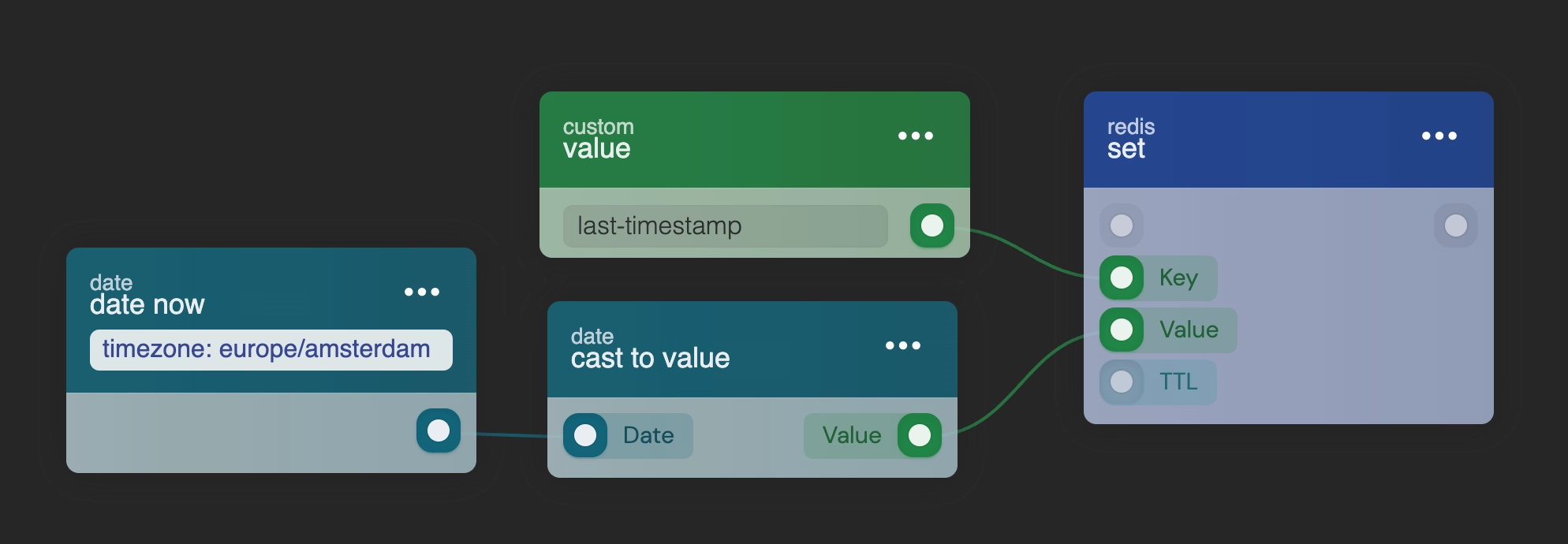
Designing a high-scale system starts with knowing when data must be real-time and when a cached copy is enough. In many cases, data you would request directly from a storage can come from a cache.
A common misconception is that search is so fast that caching is unnecessary. It is fast precisely because we encourage caching. Without it, the storage may give less accurate information unless you explicitly ask for high precision.
Caching also keeps performance steady at scale. One search query is no burden, but the same query run 300 times within a minute by 300 simultaneous page visits is. Check whether cached data is available, use it, and request data from storage only when necessary.
Expecting a search to see the latest write
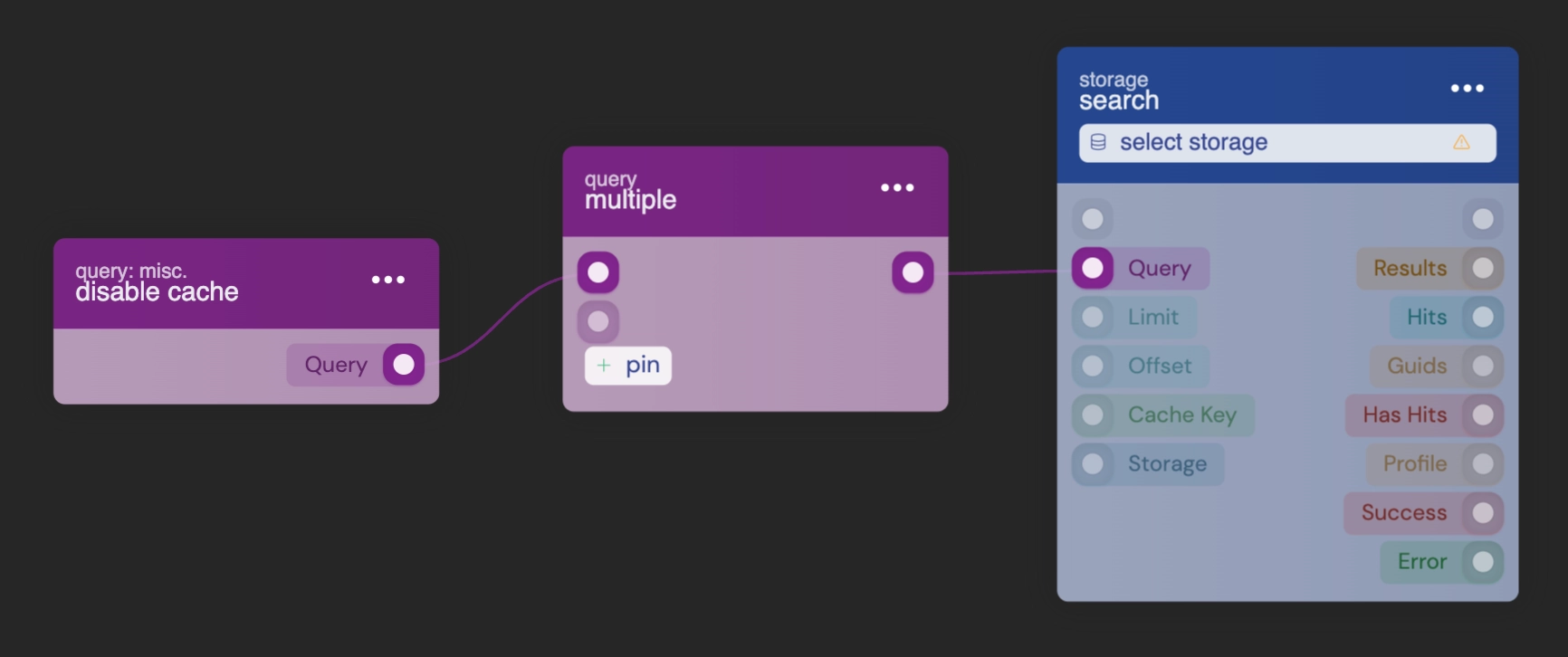
A search does not wait for inserts to complete. It gives you the most accurate data it has at that moment, so a document you just created may not be in the results yet.
If your system depends on the very latest data, add the disable cache option to your query. The core then waits until the latest data has been inserted before it runs the search. On storages with a high rate of inserts, this can lead to significant delays.
Running aggregations on busy storages
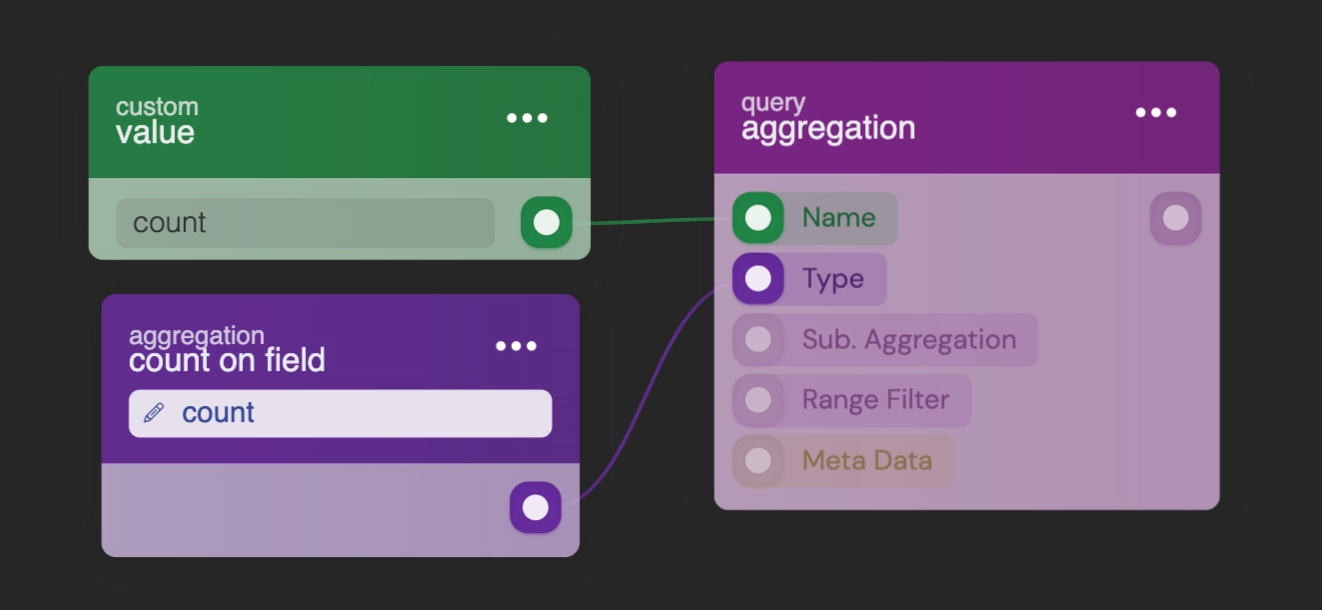
Aggregation queries are powerful and expensive. Reserve them for sparingly updated storages: on heavily populated storages they degrade performance and use excessive memory.
Store the aggregated information separately and retrieve it with standard queries:
- A counter on the parent. To keep a
countof a user's posts, maintain acountattribute on the user object and increment it as needed. - Statistics in Redis. Store JSON with the aggregated results, so counts are available in milliseconds. Update them periodically with a time interval, or in response to storage events.
Storage event flows that feed each other
A storage event flow that writes to another storage composes into a cycle nothing draws. If the on_saved flow for storage A updates storage B, and the on_saved flow for storage B updates storage A, every write raises the other storage's event and the two flows feed each other forever. Each blueprint looks correct on its own canvas; the studio shows one blueprint at a time.
The platform cancels runaway chains with BLUEPRINT_LOOP, but a cancelled loop has still burned generations of unnecessary writes. The rule that prevents it: a store-write block inside a storage event flow either passes skip_on_saved in its options, or cascades on purpose with a data condition that makes the second pass a no-op. See Write Loops for the full mechanics.
Next steps
Caching recipes The search cache key, Redis check-aside and invalidating on write. Dates and Time Ranges Another way to get an empty result with no error: a date in the wrong unit.Frequently asked
Why does my RUAL search not return a document I just created?
Searches do not wait for inserts to complete, so a just-created document may not be incorporated into the search engine's data yet. If your flow truly needs the latest data, add the disable cache option to the query, but expect noticeable delays on storages with a high insert rate.
Are aggregation queries slow in RUAL?
They come at a significant cost on heavily populated storages, where they degrade performance and use excessive memory. Reserve aggregations for sparingly updated storages, and for counts prefer maintaining a counter field you increment, or storing aggregated statistics in Redis updated on an interval or from storage events.
Do I need to cache search results in RUAL?
For read-heavy flows, yes. A single search query is cheap, but 300 simultaneous page visits run the same query 300 times within a minute. Checking a Redis cache first and only hitting storage when necessary keeps the system fast at scale.