Common Issues & Fixes
Symptom-led fixes for the most frequent RUAL problems: unsaved blueprints, inactive APIs, stale UI data, slow pages, and connection or token errors.
Each issue below is listed by the symptom you observe, followed by the most likely cause and the fix. Every section has an anchor, so you can deep-link directly to a specific issue. For technique-oriented debugging guidance. See Debugging Blueprints.
Blueprint not saving / changes lost
Symptom: Your changes seem to disappear, or other users never see them.
Likely cause: The changes were staged but never saved, or they were saved but never deployed. RUAL treats these as three separate states:
| State | What it means |
|---|---|
| Staging | Appending ?staging to a page URL lets you preview unsaved blueprint changes. Nothing is persisted: closing or refreshing without saving loses the work. |
| Saved (development) | Clicking save your changes (or Cmd/Ctrl + S) persists the blueprint in development mode. Since v13.0.7, saving does not change what runs in production. |
| Deployed (production) | Users only see changes after an explicit deploy through the deployment menu. |
Fix: Save the blueprint with the save your changes button before leaving it, and use ?staging only for quick previews. If the blueprint is saved but users still see the old behavior, deploy it to production. Note that removed blocks also only disappear permanently once the blueprint is saved.

Read more in Staging and saving a blueprint.
API not activating / 404 or 401 after activation
Symptom: A newly created API endpoint returns 404, or calls return 401 even though the blueprint looks correct.
Likely cause: The blueprint was never activated, or the caller does not satisfy the endpoint's scopes. All elements in a blueprint: pages, APIs, modals, and events: are inactive by default and only start listening after you press the Activate button in the top bar. Keep in mind that activation applies to the development blueprint; production serves the last deployed version, so an endpoint activated but never deployed still 404s for production traffic.
Fix for 404: Press Activate, save the blueprint, and deploy if the calls target production.
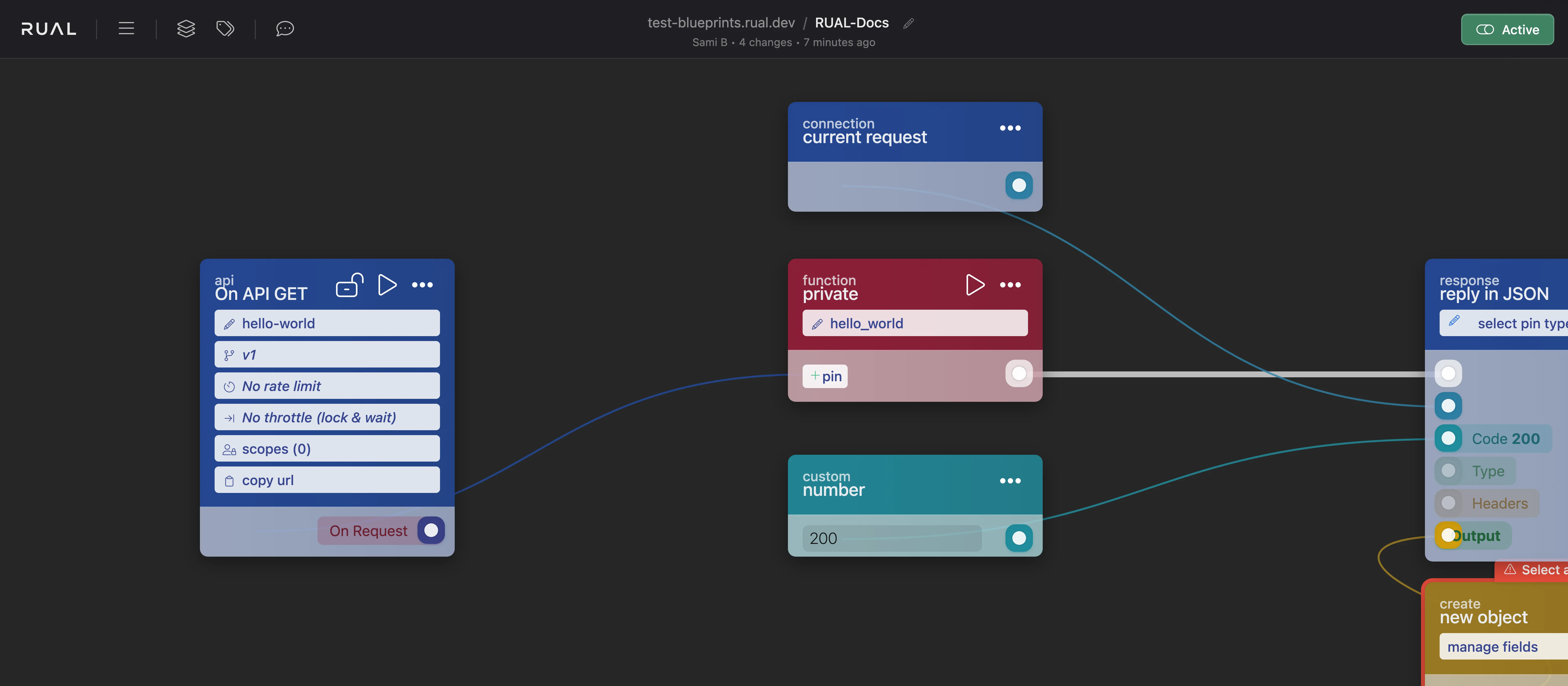
Fix for 401/403: Check the endpoint's scopes via its lock icon:
- Open lock icon. The endpoint uses the
*publicscope and is accessible to everyone. - Closed lock icon. The endpoint is private. With
*loggedin, only authenticated users get through; with a custom scope, the user's account must hold that scope. Unauthenticated API calls fail, and restricted pages redirect to/403.
Also verify the request carries a valid access_token. See Adding tokens to your requests.
Full details in Remote Access Control.
State / UI not updating
Symptom: After creating or updating a document, the page still shows the old data.
Likely cause: One of three forms of staleness:
- Search indexing delay. Search queries do not wait for the latest inserts to be indexed, so a freshly created document can be missing from results for a short while.
- Stale Redis cache. The flow serves cached data that was never invalidated after the write.
- Denormalized copies not synced: data embedded in other documents was not updated when the source document changed.
Fix:
- When real-time accuracy matters, add the
disable cachequery block so the core waits for pending inserts before searching. Use it sparingly: on high-insert storages it can slow queries down noticeably. - Invalidate or refresh Redis keys from a storage event whenever the underlying documents change.
- Use storage events to propagate source-document changes to every document that embeds that data.
Background in Real-Time Search Results and Common Pitfalls.
Performance issues
Symptom: Pages or APIs respond slowly, especially under load, or the cluster shows high memory usage.
Likely cause: The usual suspects are missing cache, expensive aggregations, and heavy work running inside the request flow:
| Cause | Why it hurts | Fix |
|---|---|---|
| No caching | A single search is cheap, but 300 simultaneous page visits run it 300 times per minute. | Cache frequent search results in Redis with a TTL; invalidate through storage events. See Caching with Redis. |
| Aggregation queries on busy storages | Aggregations on heavily populated storages degrade performance and consume excessive memory. | Store counters on the document itself and increment them, or precompute statistics in Redis via repeating events. See aggregation pitfalls. |
| Heavy work inline | PDF generation, email sending, or batch processing blocks the request until it finishes. | Offload to the queue with function_custom_execute_from_queue so work runs in the background. |
Connection problems (cluster URL, 401s)
Symptom: API calls never reach your application, or every call returns 401 even though a token is being sent.
Likely cause:
- Wrong URL: requests go to RUAL Studio (
rual.at) instead of your own cluster URL. Studio is the management application; your cluster serves its own APIs and pages on its own URL. - Expired token: tokens are valid for 14 days by default and only extend automatically while actively used. An idle token eventually stops working.
- Token sent the wrong way. The token is not in a place the cluster reads.
Fix: Confirm you are calling your cluster URL, obtain a fresh access_token by logging in through the authentication APIs, and send it in one of the accepted ways: Authorization: Bearer header, x-authtoken or x-token header, an access_token cookie, or the ?access_token= query parameter. See Authentication and Token Expiry.
Still stuck?
If none of the above resolves your issue:
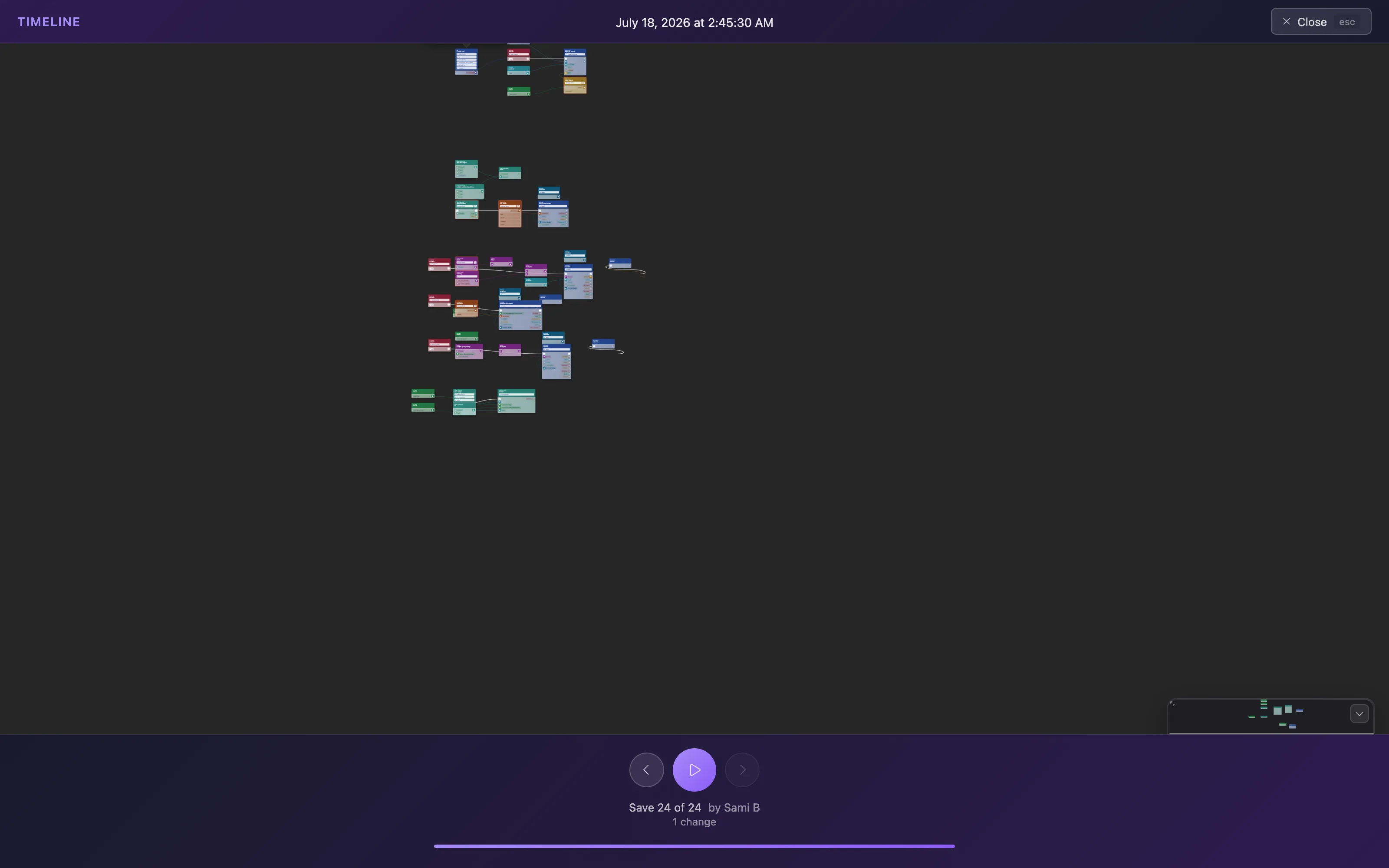
- Check the audit log. Every blueprint modification is logged automatically. Open it via the blueprint's
Optionsmenu to see whether an unexpected change explains the behavior. See Audit log navigation. - Debug the flow step by step. Use simulation mode and the console as described in Debugging Blueprints.
- Contact support: reach out via rual.nl/support.
Frequently asked
Why does my RUAL API return 404 after I activated it?
An endpoint that still returns 404 after scoping usually was never activated. Press Activate, and deploy it when production traffic should reach it as well.
Why is my RUAL page showing stale data?
Either the state was not updated after the change, or a cached query is still serving the previous result. Check the flow that updates the state, and check the cache key on the search that feeds it.