
door or gate locked
This block is part of the globals group and was last modified in core v15.0.0.
door or gate locked v15.0.0 Starts the flow when the lock engages.
- device
valuev15.0.0Only fire for this device. Leave empty to fire for every matching device.
- room
valuev15.0.0Only fire for devices in this room. Leave empty for every room.
- flow
v15.0.0 - device
objectv15.0.0The full device: id, name, room, type, capabilities, current state.
- device id
valuev15.0.0Stable platform id, e.g. zigbee:0x00158d0007e1a2b3.
- name
valuev15.0.0The device's friendly name.
- room
valuev15.0.0The room the device is assigned to, empty if none.
- type
valuev15.0.0sensor, light, switch, climate, cover, lock or button.
- capability
valuev15.0.0Which capability changed, e.g. occupancy, contact, power.
- value
valuev15.0.0The new value.
- previous
valuev15.0.0The value before this change, empty on the first report.
- at
numberv15.0.0Unix seconds the device reported.
Start-of-flow trigger on lock_state transitioning to "locked". Note that a momentary unlock re-locks on its own after a few seconds, so this fires routinely after every granted entry, not only when somebody deliberately locks up.
zigbee |
zwave |
matter |
thread |
smart home |
home assistant |
trigger |
door locked is the acknowledgement half of an automation that locks up. Sending the lock command and assuming it worked is the common mistake: a jammed bolt reports nothing back to whatever issued the command, and this trigger is how the flow learns it succeeded.
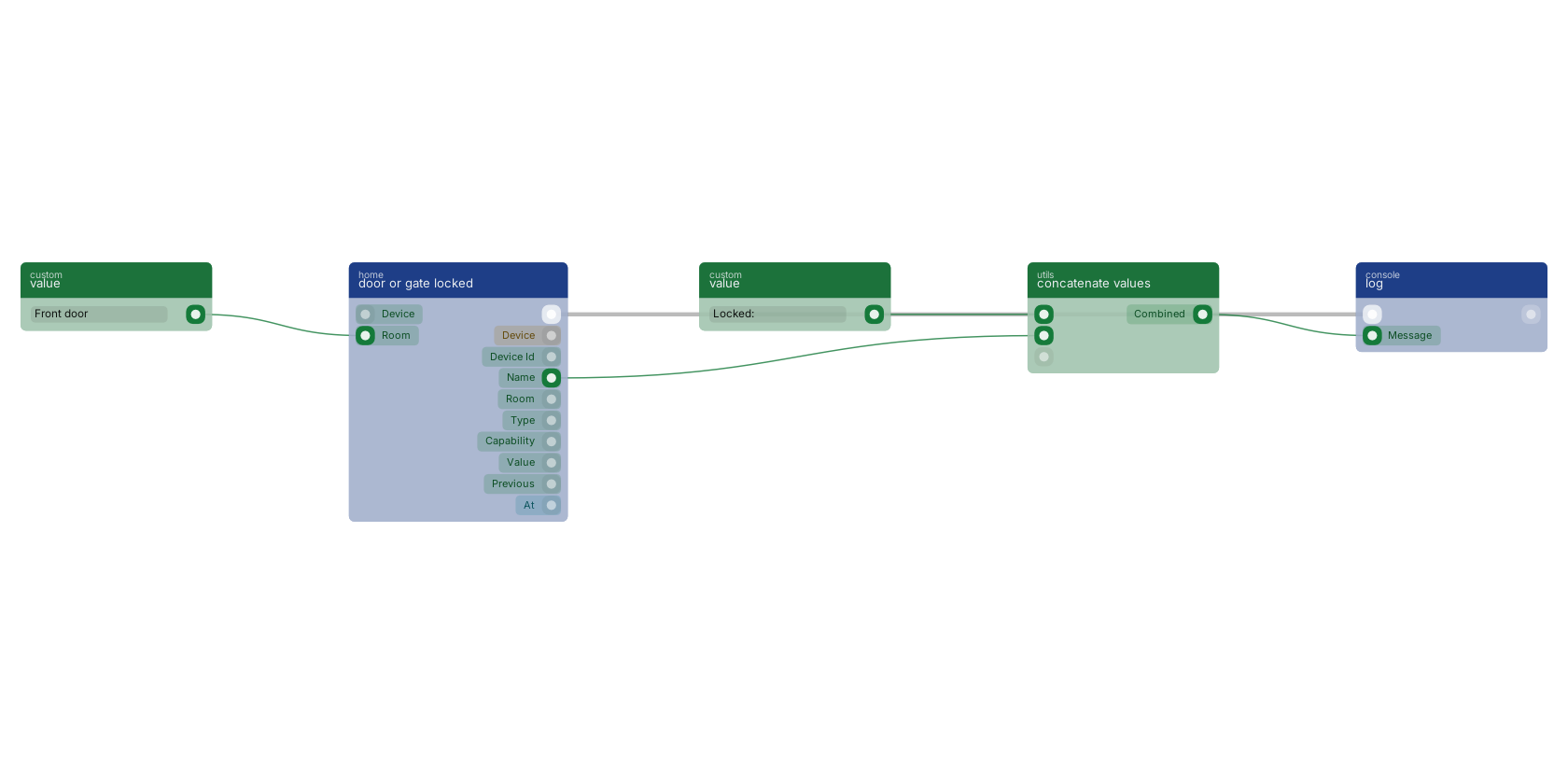
Used in these guides
These documentation pages use or explain this block:
Version history
Introduced in v15.0.0.
Back to
globals Return to the main group to view all sub-groups Back to home Return to the group to view all blocks within this group