bf reserve
This block is part of the redis group and was last modified in core v14.0.4.
Redis Key Selection Required
This block relies on a Redis key to perform its redis releated actions. You must manually select the Redis key you want to use in the flow in the blueprint using the Redis key selector modal. To access the modal, click the white button on the block.
bf reserve v14.0.4 Create a new Bloom filter with a given error rate and initial capacity. The filter will auto-scale if capacity is exceeded.
- flow
flow - error rate required
numberThe desired probability for false positives (e.g. 0.01 for 1%).
- capacity required
numberThe number of entries intended to be added to the filter.
- flow
flow - success
condition - error
value - key
value
redis bf.reserve |
bf.reserve |
bloom reserve |
bloom filter reserve |
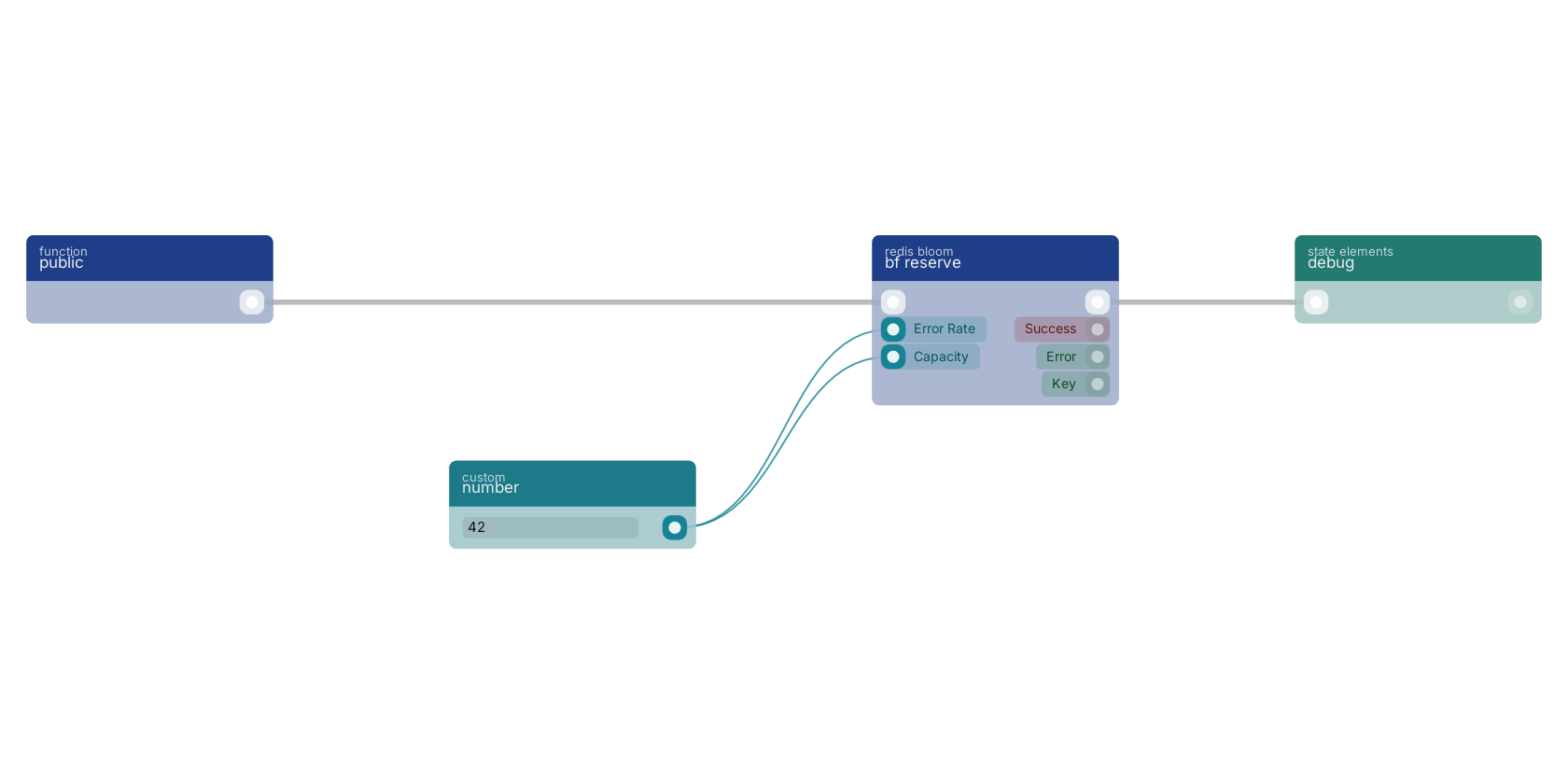
A typical wiring for bf reserve: a function trigger starts the flow; number feeds the error_rate pin; number feeds the capacity pin; the flow out pin feeds debug.
Version history
Introduced in v14.0.4.
Service documentation
External API reference This block wraps a third-party service. Click here for the service's own documentation of the underlying endpoint.Back to
redis Return to the main group to view all sub-groups Back to redis bloom Return to the group to view all blocks within this group