create multiple documents
This block is part of the storage group and was last modified in core v13.0.6.
Storage Selection Required
This block relies on a storage to perform its storage releated actions. You must manually select the storage you want to use in your flow using the storage selector modal. To access the modal, click the white button on the block.
create multiple documents v9.2.5 Updated v13.0.6Creates multiple documents in the given storage, each item in the array becomes a document.
- flow
flow - array required
array<object>Each item in this array becomes a document, make sure the item is an object.
- expiry
dateWhen a document is given an expiry date, the document will be unrecoverably deleted on the given date
- update priority
v13.0.6numberA document update can be important for search relevance or not, by poviding the system a priority you can help it understand what updates are high priority (1) and what updates can be delayed without huge impact for search relevance (3). 1 is highest priority, 2 is medium priority, 3 is low priority and 0 is wait-for-insert.
- storage required
storageThe storage these documents should be created in.
- flow
flow - success
condition - array
array - error
value
Creates one document per object item of the array in the selected storage and outputs the array with created items replaced by their stored documents. Non-object items and items whose create fails pass through UNCHANGED and do NOT fail the block : success stays true with error nil even when some items were never created. Missing or unknown storage fails with MISSING_STORAGE; a non-array input creates nothing and outputs []. In simulation the input array is returned as-is and nothing is stored.
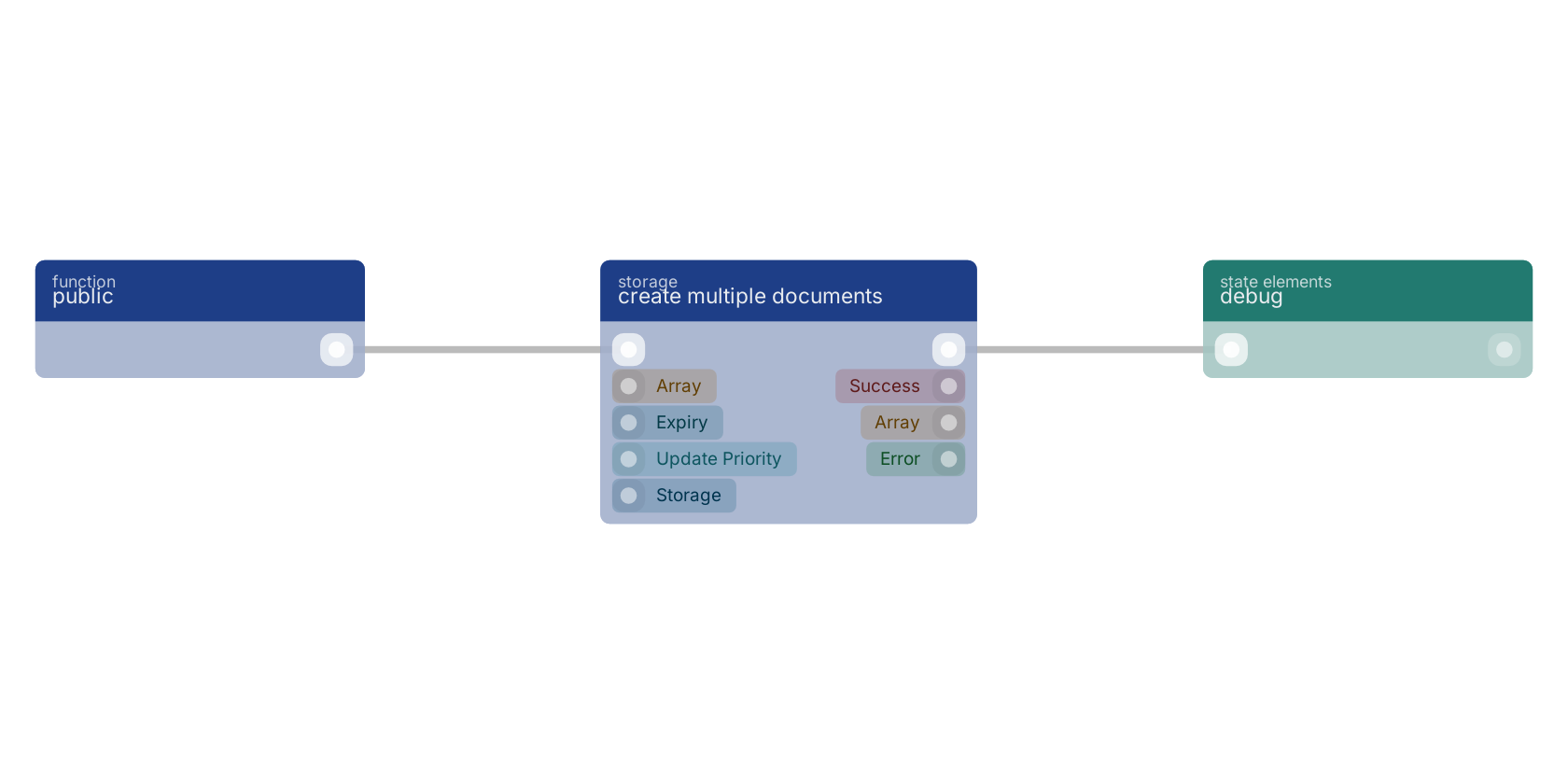
A typical wiring for create multiple documents: a function trigger starts the flow; the flow out pin feeds debug.
Version history
Introduced in v9.2.5.
Last modified in v13.0.6.
Back to
storage Return to the main group to view all sub-groups Back to storage Return to the group to view all blocks within this group