rpush
This block is part of the redis group and was last modified in core v13.0.7.
Redis Key Selection Required
This block relies on a Redis key to perform its redis releated actions. You must manually select the Redis key you want to use in the flow in the blueprint using the Redis key selector modal. To access the modal, click the white button on the block.
rpush v13.0.7 append one or multiple elements to a list
In pins 1 + flow
- flow
flow - element required
valuethe element to push.
Out pins 4 + flow
- flow
flow - success
condition - error
value - length
number - key
v13.0.7value
redis rpush |
rpush |
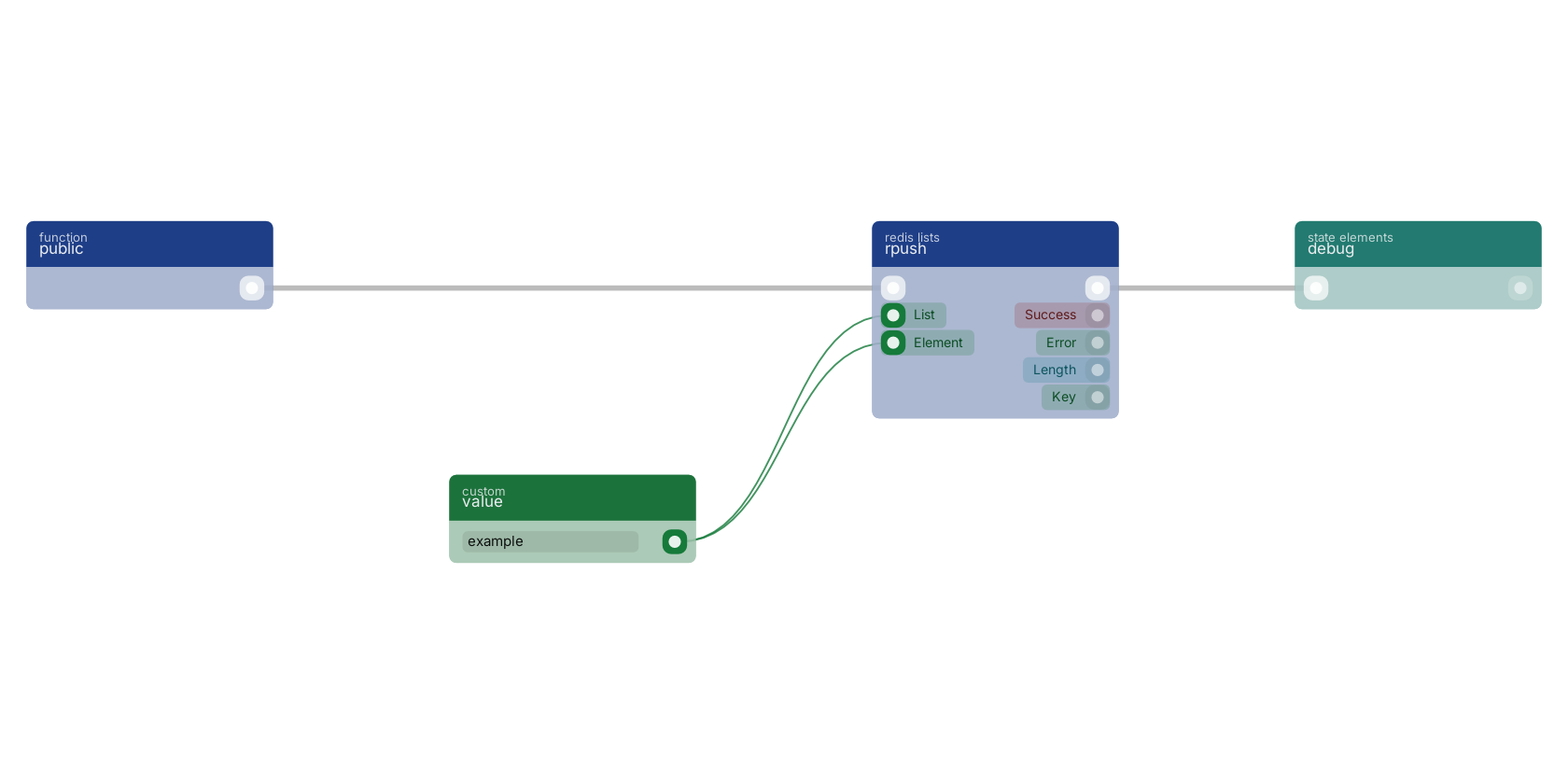
A typical wiring for rpush: a function trigger starts the flow; value feeds the list pin; value feeds the element pin; the flow out pin feeds debug.
Version history
Introduced in v13.0.7.
Service documentation
External API reference This block wraps a third-party service. Click here for the service's own documentation of the underlying endpoint.Back to
redis Return to the main group to view all sub-groups Back to redis lists Return to the group to view all blocks within this group