concatenate values
This block is part of the value group and was last modified in core v10.4.28.
concatenate values v10.4.28 In pins 3
- value_0 required
value - value_1 required
value - value_2 required
value
Out pins 1
- Combined
value
Joins all input pins into one string in LEXICOGRAPHIC pin-id order (value_10 sorts before value_2). Nil and empty-string inputs are SKIPPED; other values are coerced JS-style: numbers without trailing zeros, booleans as true/false, arrays comma-joined, objects as [object Object].
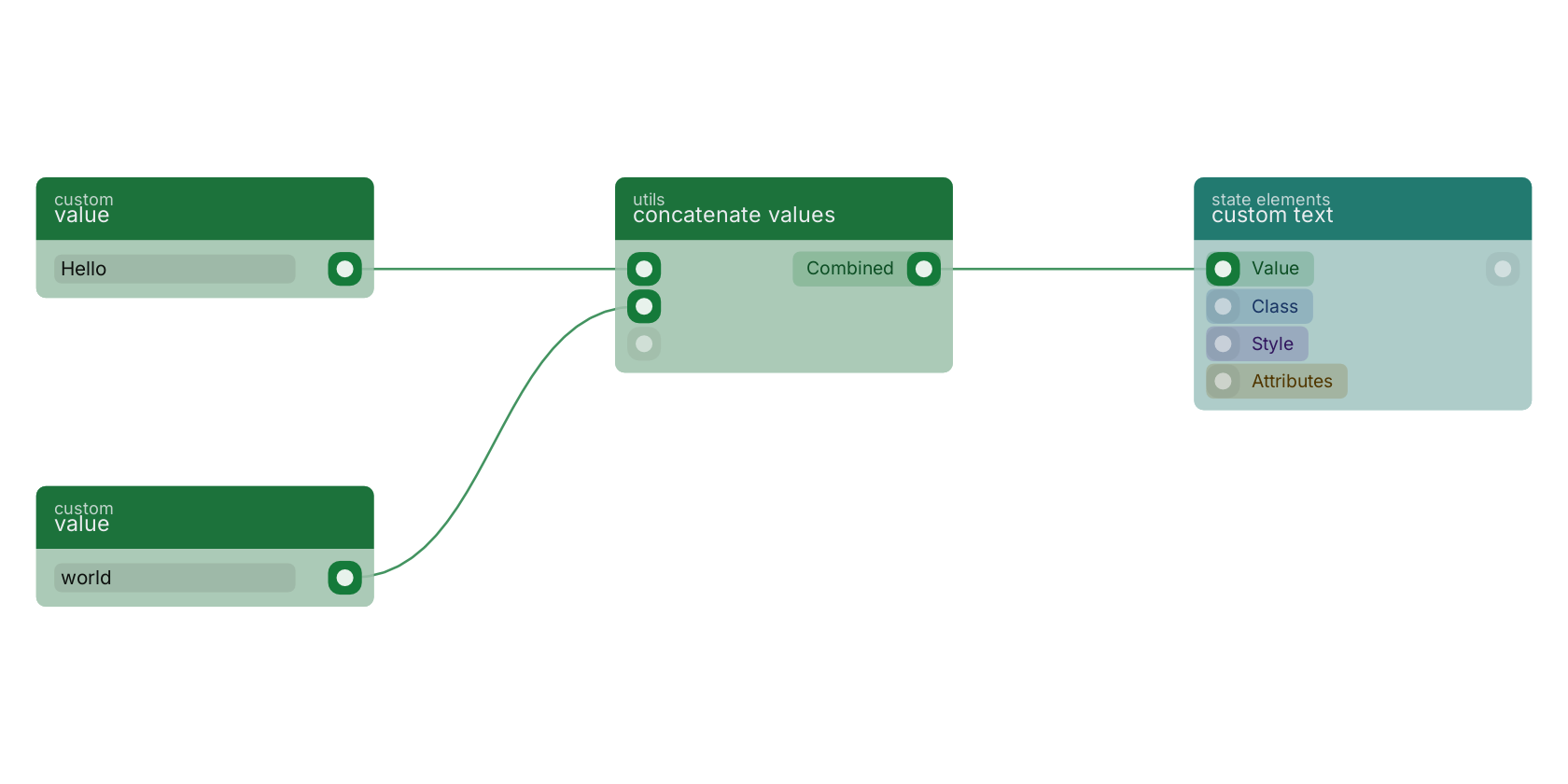
concatenate values glues its value pins together in order. Two value blocks provide the parts here, and the combined text lands in a custom text element on the page.
Commonly used with
In production blueprints, this block is most often wired together with:
- value: feeds into this block. Simply returns the provided value.
- get fields: feeds into this block. Gets the selected fields from the given object.
- generate guid: this block feeds into it. Generates a unique GUID. When a seed is provided, the GUID is deterministic (same seed always produces the same GUID) — the sha256 of the seed, the same derivation the document blocks apply to their guid_seed pin. Wire this output into verbatim guid pins (get / update / remove) to address seed-created documents. Never wire it into a guid_seed pin: that would hash the already-hashed value again and address a different document — give guid_seed pins the raw seed instead.
- create: feeds into this block. Creates a new function that can be executed using the given name.
- concatenate values: wired in both directions with this block.
- substring: feeds into this block.
Used in these guides
These documentation pages use or explain this block:
Version history
Introduced in v10.4.28.
Back to
value Return to the main group to view all sub-groups Back to utils Return to the group to view all blocks within this group