>= and <=
This block is part of the condition group and was last modified in core v10.4.28.
>= and <= v10.4.28 returns true if the numbers is between the two numbers.
In pins 3
- compare required
number - >= required
number - <= required
number
Out pins 1
- condition
condition
True when number_1 >= number_2 and number_1 <= number_3 (both bounds inclusive) after JS-style Number coercion: numeric strings parse, empty string and a wired null count as 0, booleans as 1/0. False when any of the three pins is absent or coerces to NaN (e.g. a non-numeric string). Example: number_1="5" number_2=1 number_3=5 -> true (string parsed, bound inclusive).
higher |
lower |
equal |
singleequal |
is between |
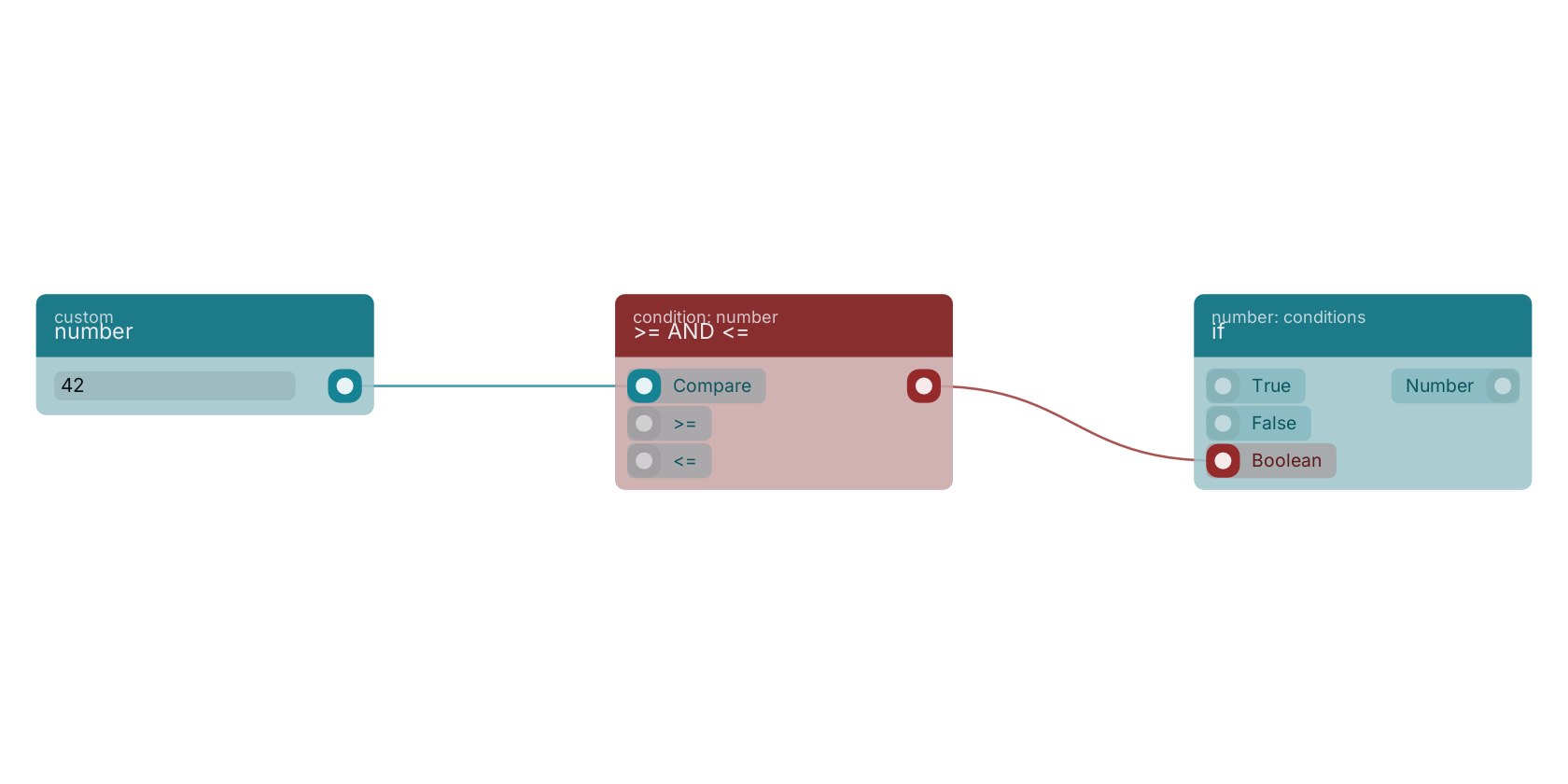
Commonly used with
In production blueprints, this block is most often wired together with:
- number: feeds into this block. Generates a valid number from the filled custom value in the blueprint.
- if: this block feeds into it.
- get fields: feeds into this block. Gets the selected fields from the given object.
- AND: this block feeds into it. operator for a set of boolean operands will be true if and only if all the operands are true.
- log: this block feeds into it.
- create: feeds into this block. Creates a new function that can be executed using the given name.
Version history
Introduced in v10.4.28.
Back to
condition Return to the main group to view all sub-groups Back to condition: number Return to the group to view all blocks within this group