get cache key
This block is part of the redis group and was last modified in core v13.0.6.
Redis Key Selection Required
This block relies on a Redis key to perform its redis releated actions. You must manually select the Redis key you want to use in the flow in the blueprint using the Redis key selector modal. To access the modal, click the white button on the block.
get cache key v13.0.6 gets the key and returns true or false based of its existence, makes it easier for cache-management in flows
- flow
flow
- flow
flow - exists
conditionreturns
trueif the key exists - value
valuecurrent value of the cache key
- key
valuecurrent redis key, this outpin be handy when using dynamic redis keys
Reads the cache key and outputs its string value, whether it exists, and the resolved key. value and exists come from two separate Redis reads (GET then EXISTS), so a key expiring between them can yield a value with exists=false. A missing key is NOT an error: it outputs exists=false, value="", success=true; only a real Redis failure sets success=false with error.
redis get |
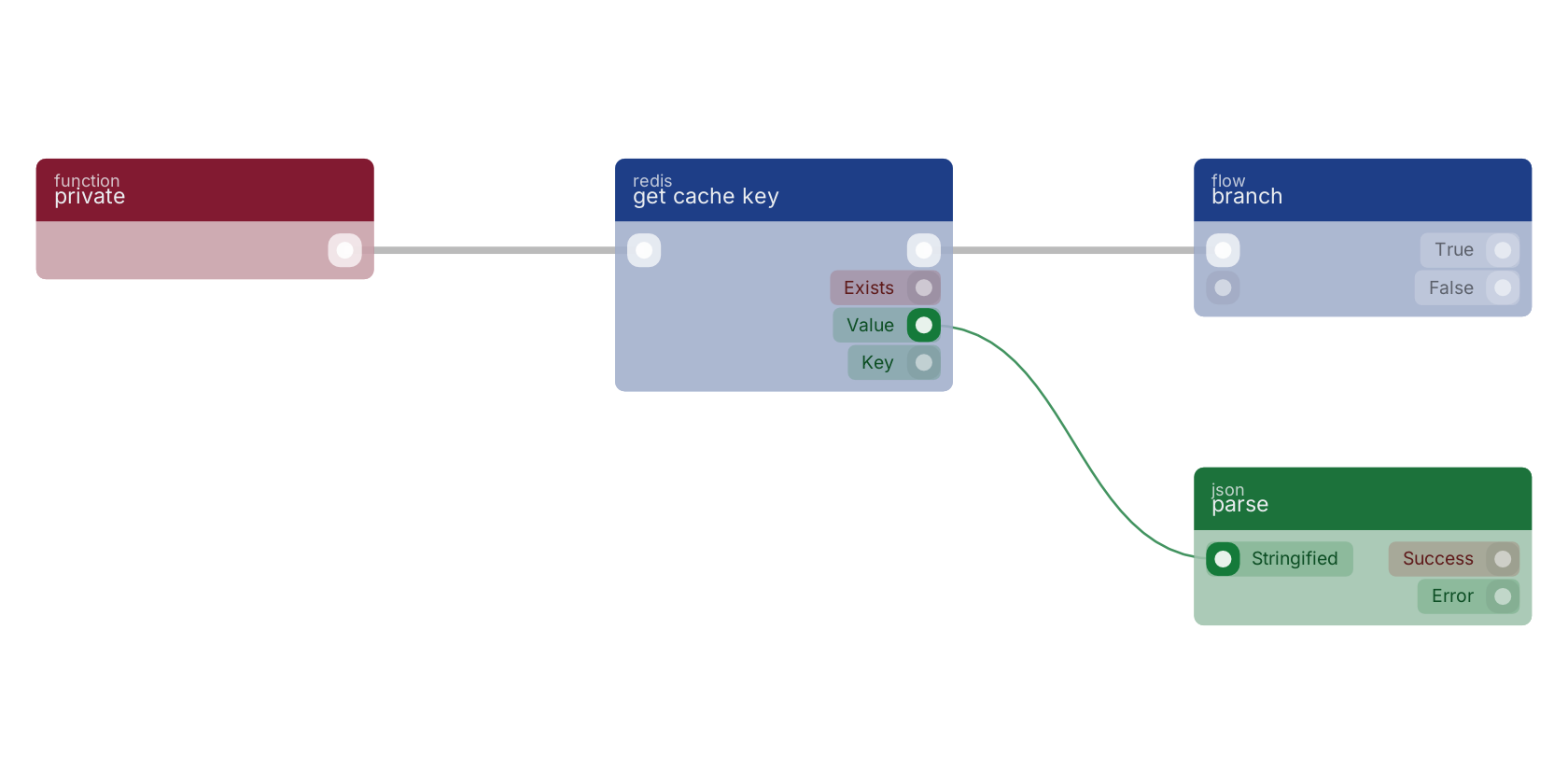
A typical wiring for get cache key: the flow out pin feeds branch; the value out pin feeds parse.
Commonly used with
In production blueprints, this block is most often wired together with:
- branch: wired in both directions with this block.
- create: feeds into this block. Creates a new function that can be executed using the given name.
- parse: this block feeds into it. Converts a JSON in text format to a data structure that can be used inside functions.
- ==: this block feeds into it. returns true if the two values are equal.
- get guid: feeds into this block. Returns the guid (field: _meta.guid) of the given user.
- logical OR: feeds into this block. will return the first truthy value, checking first, then second, then any extended pins. Falsy means null, false, 0, NaN or an empty string, so first being 0 or false also falls through.
Used in these guides
These documentation pages use or explain this block:
Version history
Introduced in v13.0.6.
Back to
redis Return to the main group to view all sub-groups Back to redis Return to the group to view all blocks within this group