fill
This block is part of the array group and was last modified in core v13.0.1.
Type Selection Required
This block requires you to select the data type you want to work with. You must manually select the type using the type selector modal. To access the modal, click the white button on the block.
Field Selection Required
This block requires field selection (in). You must manually select the fields you want to work with using the field selector modal. To access the modal, click the white button on the block.
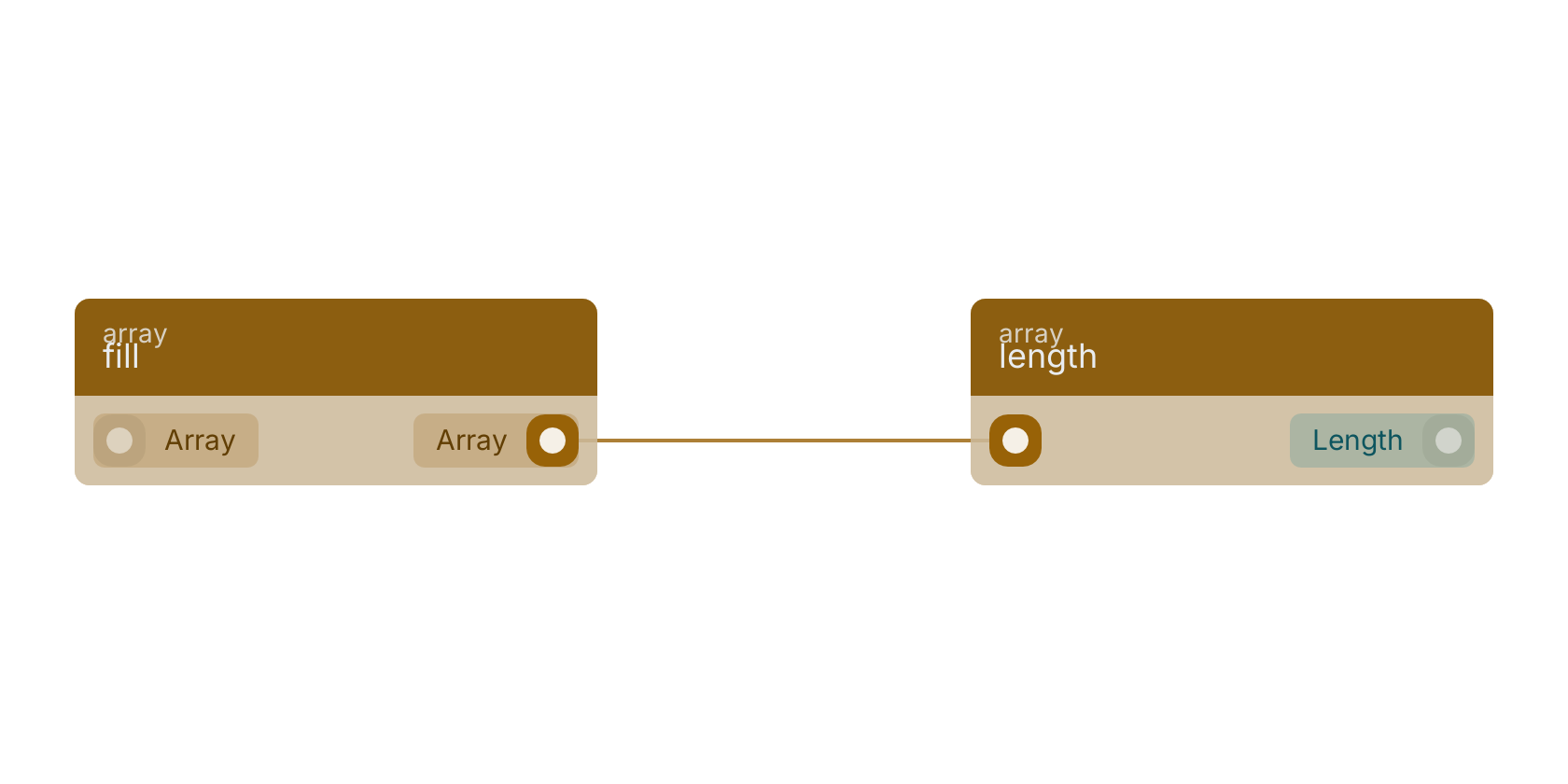
fill v13.0.1 Fills the given array with null or the given value.
- array required
arrayThe array to be filled.
- Array
arrayThe array after filling.
Replaces EVERY element of the input array with the single connected fill value, preserving the array's length; with no fill pin wired every element becomes null. The original array is not mutated. A missing or non-array input yields an empty array.
Version history
Introduced in v13.0.1.
Back to
array Return to the main group to view all sub-groups Back to array Return to the group to view all blocks within this group