build pdf from page
This block is part of the files group and was last modified in core v13.0.9.
Page Selection Required
This block relies on a page to perform its page releated actions. You must manually select the page you want to use in your flow using the page selector modal. To access the modal, click the white button on the block.
build pdf from page v13.0.8 Updated v13.0.9Generates a PDF based on a given page. It is possible to fill the header or footer of the PDF by using the #pdf-header or #pdf-footer IDs.
- flow
- parameters
objectrequired - query
objectrequired - filename
valuerequiredThe name this file should get and be seen as by the user.
- Format
valueThe format used for the PDF. The possible values are: Letter, Legal, Tabloid, Ledger, A0, A1, A2, A3, A4, A5, A6 • Hidden when other fields are filled
- height
valueSets a custom height for the PDF. The setting should be given with units (px, in, cm, mm) • Hidden when other fields are filled
- width
valueSets a custom width for the PDF. The setting should be given with units (px, in, cm, mm) • Hidden when other fields are filled
- is landscape
conditionPaper orientation
- send current access token
conditionv13.0.9Adds the current access token to the request url. The token will be added as query parameter access_token. If the function is being called from the queue an access token needs to be generated by hand as no active user requested the action.
- flow
- PDF file
file - Success
condition - Error
value
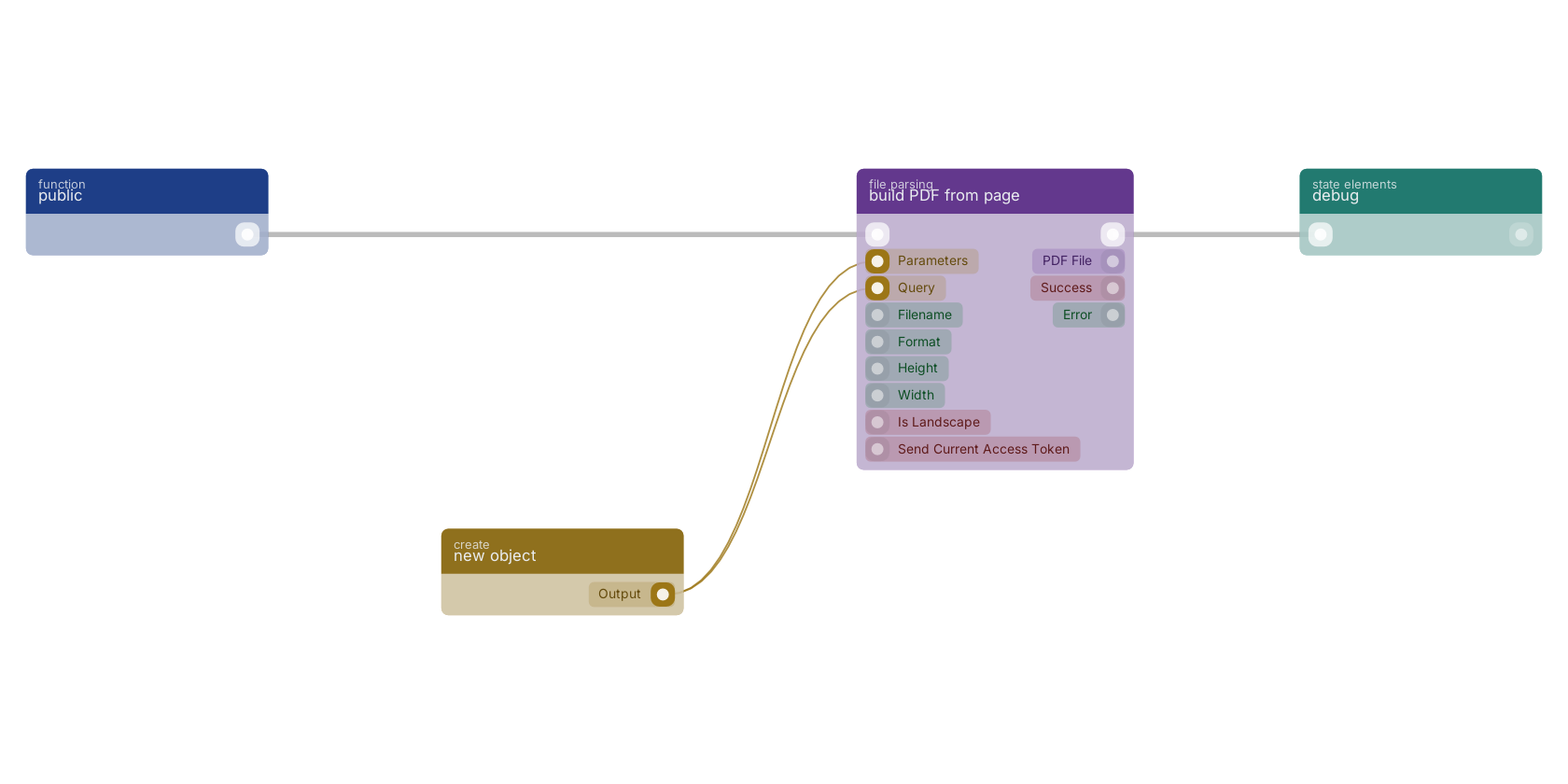
A typical wiring for build PDF from page: a function trigger starts the flow; new object feeds the parameters pin; new object feeds the query pin; the flow out pin feeds debug.
Version history
Introduced in v13.0.8.
Last modified in v13.0.9.
Back to
files Return to the main group to view all sub-groups Back to file parsing Return to the group to view all blocks within this group