convert to webp
This block is part of the files group and was last modified in core v13.0.5.
convert to webp v13.0.5 Convert any image to webp format, this may can take multiple seconds
- flow
- files
filerequiredThe files to be converted
- quality
numberThe quality of the file (1-100)
- options
objectv13.0.5Sharp options to be used during conversion.
- flow
- converted files
file - success
conditionTrue if all images succeeded. False if one or more images are failing
- errors
arrayError messages
- failed
fileFiles which were not converted.
Decodes each input file (PNG, JPEG, or GIF) and re-encodes it as WebP on disk next to the source, outputting the converted file descriptors with type image/webp. Per-file failures do not stop the batch: failed inputs land on failed_file, their messages on errors, and success is true only when EVERY file converted. An empty file pin fails with the single error "No images or height/width missing.". The quality and options pins are NOT read by the Go executor : encoding always uses the library defaults.
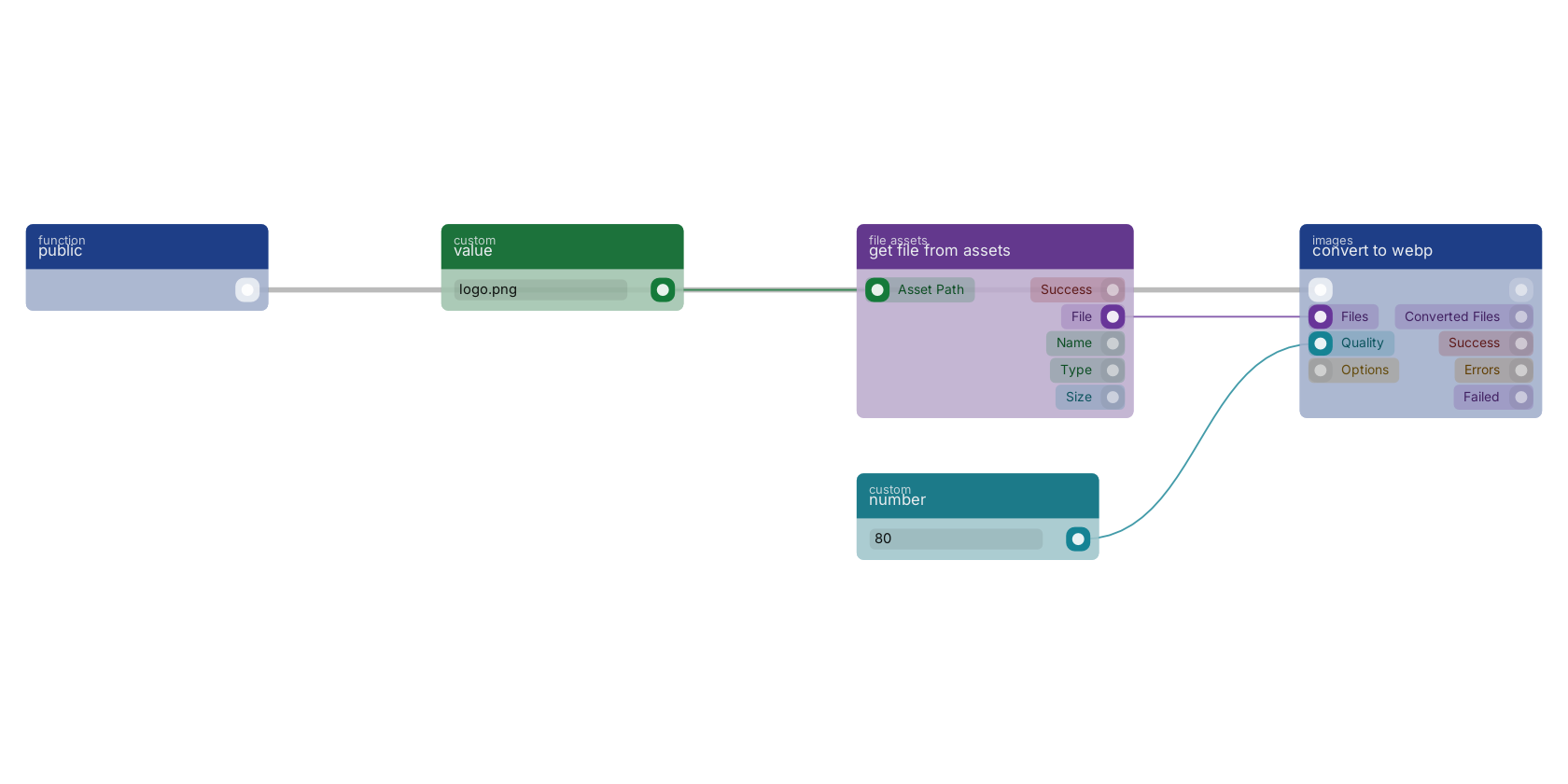
get file from assets loads a stored image and convert to webp re-encodes it at the quality pin, set here with a fixed number. The converted file comes out of the file out pin, the success pin reports whether every file converted.
Used in these guides
These documentation pages use or explain this block:
Version history
Introduced in v13.0.5.
Back to
files Return to the main group to view all sub-groups Back to images Return to the group to view all blocks within this group