
connect as customer
This block is part of the floriday group and was last modified in core v15.0.0.
connect as customer v11.5.18 Updated v15.0.0Creates an initial connection with the Floriday customer API using your API key.
- flow
- provider
valuev15.0.0Name of a Floriday service provider (Settings → Service Providers). Preferred: the API key and any own client credentials live there instead of in this blueprint, can be rotated in one place, and have a Test button. Wins over the pins below when set. Note the connection still carries the key and token onward, so unlike Stripe they remain readable in a simulation trace.
- API Key
valueThe API key from your floriday account using the Rual Connection. Not needed when a provider is named.
- live key
conditionrequiredv11.3.2Provide true if you're using the live API.
- scope
arrayThe scope used for the connection
- client id
valuev13.0.8A custom client ID, overriding RUAL's own Floriday application. Only needed when your own Floriday application is used; a service provider can supply it instead. • Hidden when unused
- client secret
valuev13.0.8A custom client secret, overriding RUAL's own Floriday application. Only needed when your own Floriday application is used; a service provider can supply it instead. • Hidden when unused
- flow
- connection
floridayconnection - success
conditionv15.0.0False when the named provider does not exist, is disabled, holds no API key, or Floriday refused the credentials.
- error
valuev15.0.0
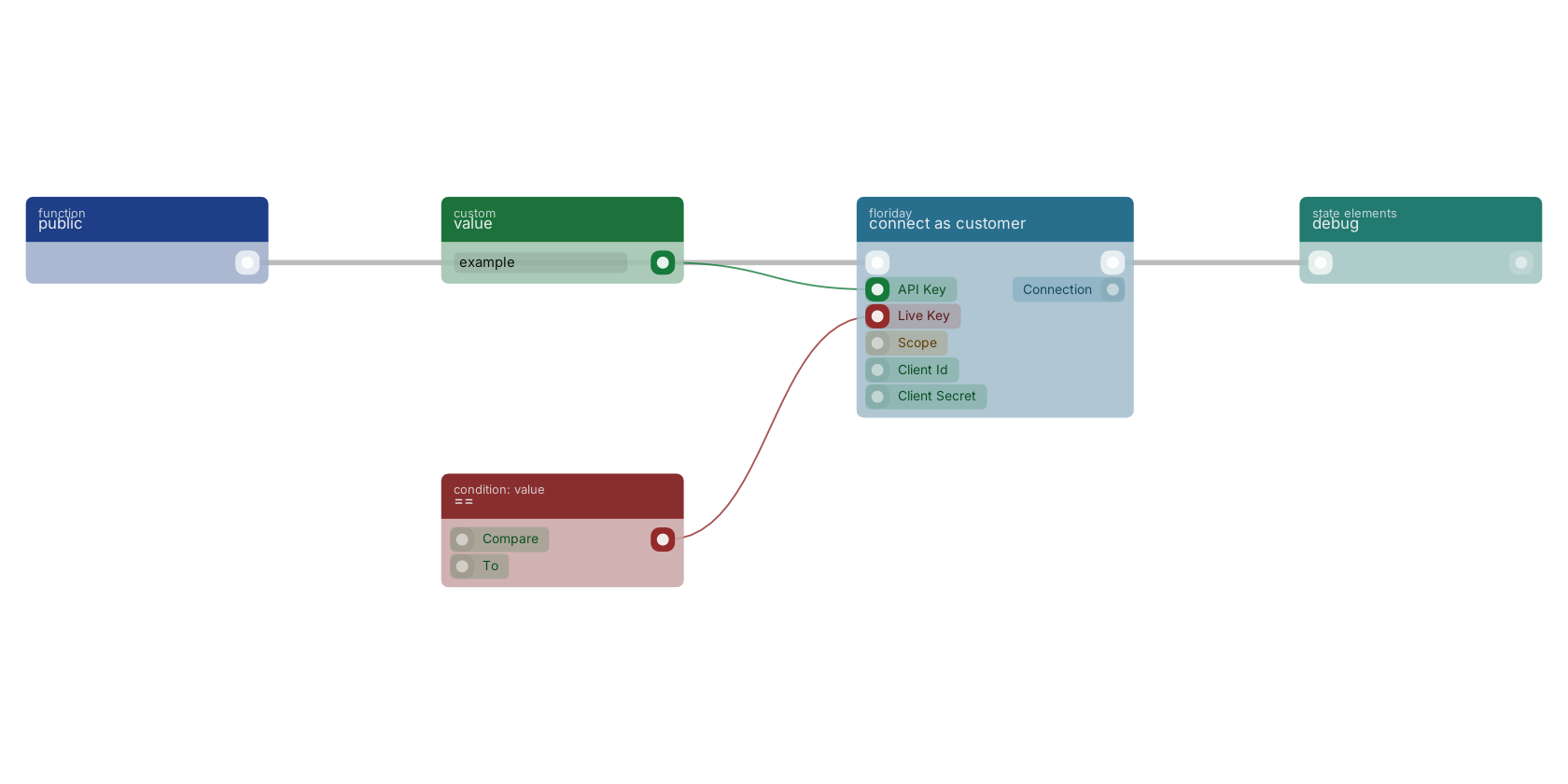
A typical wiring for connect as customer: a function trigger starts the flow; == feeds the production pin; the flow out pin feeds debug.
Used in these guides
These documentation pages use or explain this block:
Version history
Introduced in v11.5.18.
Last modified in v15.0.0.
v15.0.1: in-pinclientid: documentation updated • in-pinclientsecret: documentation updated
v13.0.8, click here to see the release notes. v11.3.2 This block or one of its pins was updated in v11.3.2, click here to see the release notes. Back to
floriday Return to the main group to view all sub-groups Back to floriday Return to the group to view all blocks within this group