
get cache json key
This block is part of the redis group and was last modified in core v13.0.8.
Redis Key Selection Required
This block relies on a Redis key to perform its redis releated actions. You must manually select the Redis key you want to use in the flow in the blueprint using the Redis key selector modal. To access the modal, click the white button on the block.
Type Selection Required
This block requires you to select the data type you want to work with. You must manually select the type using the type selector modal. To access the modal, click the white button on the block.
Field Selection Required
This block requires field selection (out). You must manually select the fields you want to work with using the field selector modal. To access the modal, click the white button on the block.
get cache json key v13.0.8 gets the key and returns true or false based of its existence, makes it easier for cache-management in flows
- flow
- flow
- exists
conditionreturns
trueif the key exists - key
valuecurrent redis key, this outpin be handy when using dynamic redis keys
- success
condition
Like get cache key, plus JSON: when the stored string parses as JSON, the decoded value is also emitted on the block's dynamically-typed output pin (the selected field type). Invalid JSON is NOT an error : the typed output simply stays unset while value keeps the raw string. Fails with INVALID_TYPE when no field type is selected on the block and with MISSING_REDIS_KEY when no key is configured.
redis get |
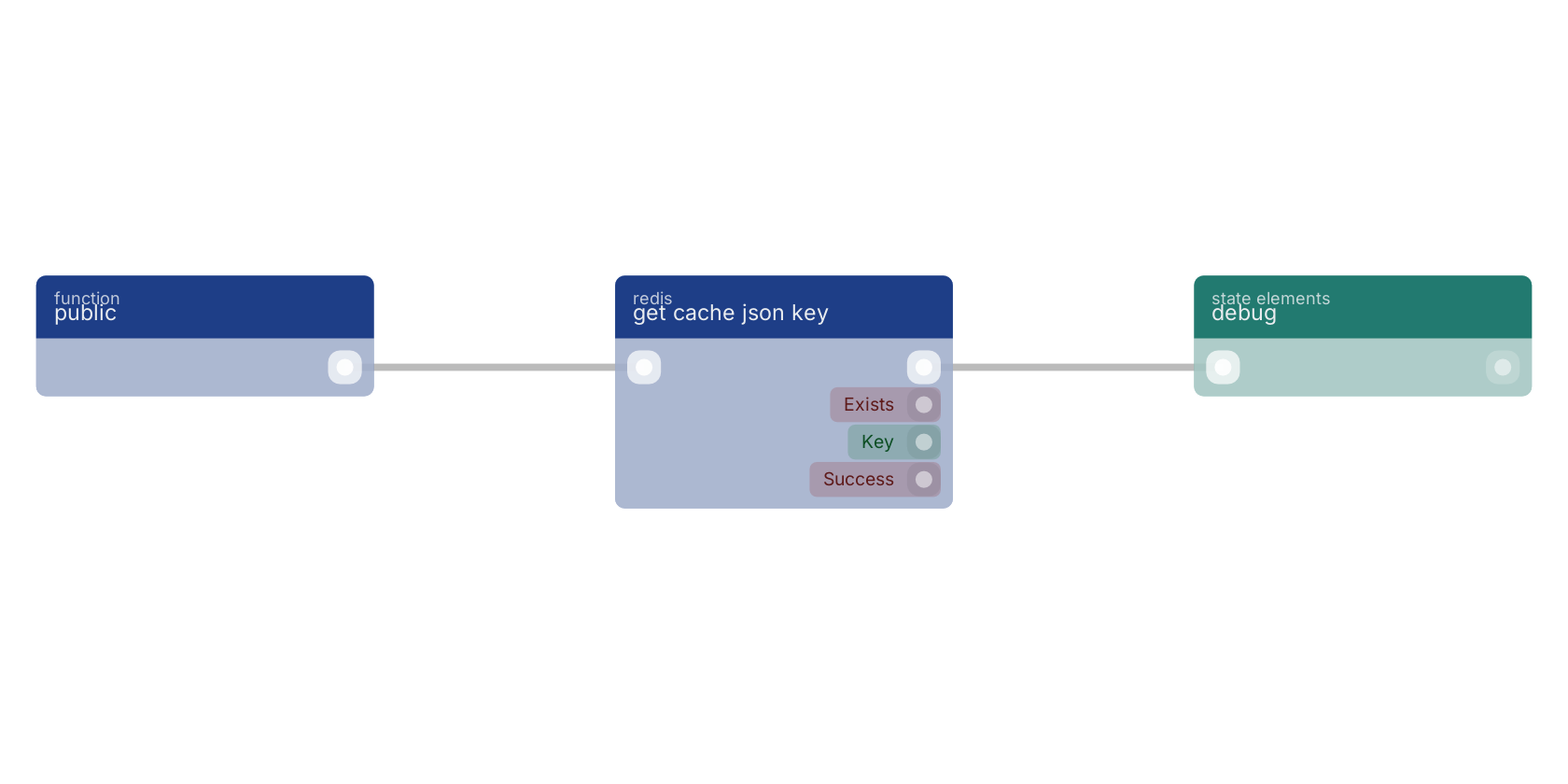
A typical wiring for get cache json key: a function trigger starts the flow; the flow out pin feeds debug.
Version history
Introduced in v13.0.8.
Back to
redis Return to the main group to view all sub-groups Back to redis Return to the group to view all blocks within this group