get key
This block is part of the state ui group and was last modified in core v10.4.28.
Type Selection Required
This block requires you to select the data type you want to work with. You must manually select the type using the type selector modal. To access the modal, click the white button on the block.
Field Selection Required
This block requires field selection (out). You must manually select the fields you want to work with using the field selector modal. To access the modal, click the white button on the block.
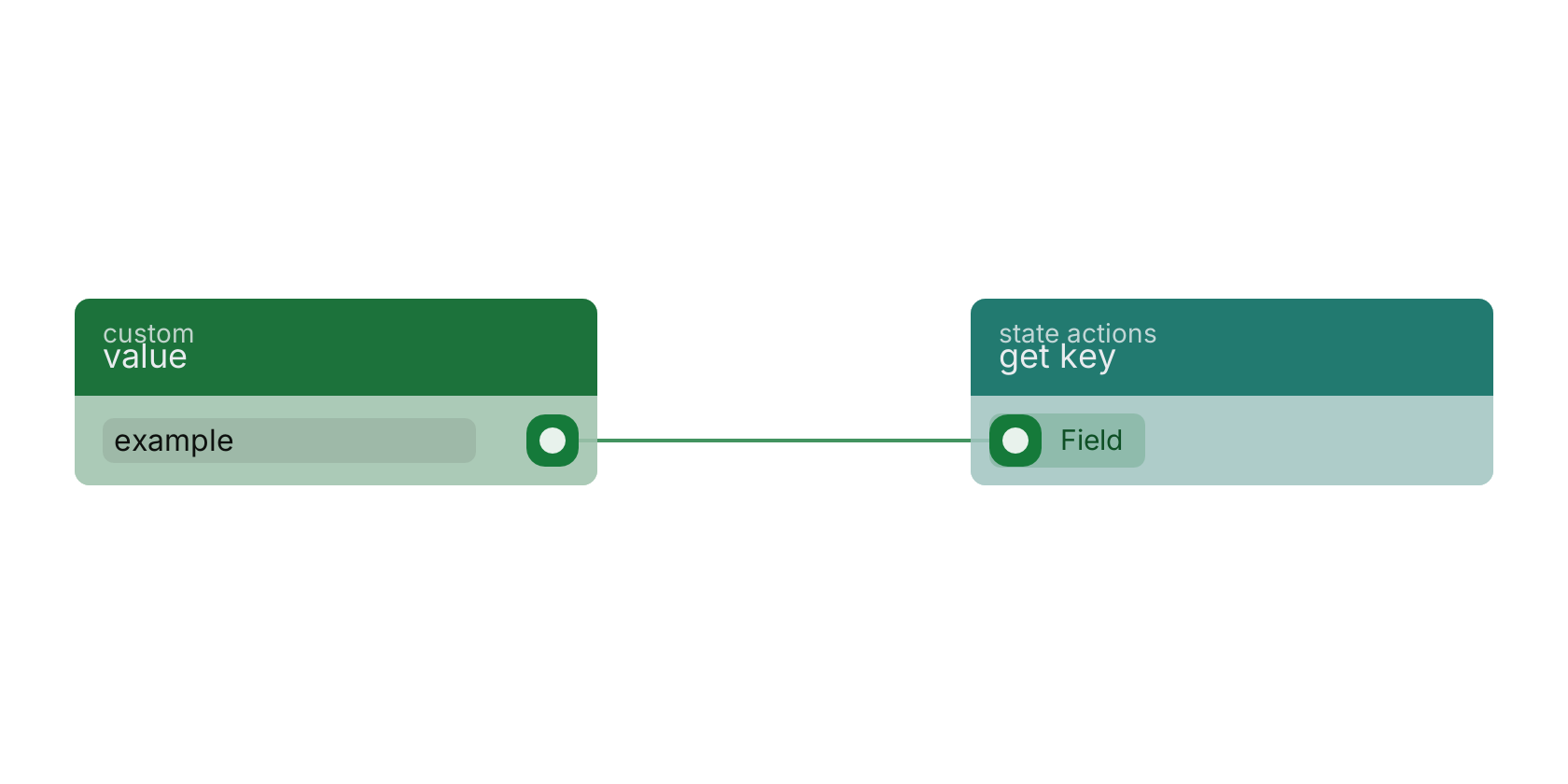
get key v10.4.28 Get given key from the current UI state.
In pins 1
- field required
valueThe name of field to grab from the current UI state. Can be deep-key (e.g.
form.name)
custom field |
Commonly used with
In production blueprints, this block is most often wired together with:
- value: feeds into this block. Simply returns the provided value.
- is not empty: this block feeds into it. checks if the value is filled (not empty).
- if: this block feeds into it. Allows you to use different state UIs based on your given condition.
- custom text: this block feeds into it.
Version history
Introduced in v10.4.28.
Back to
state ui Return to the main group to view all sub-groups Back to state actions Return to the group to view all blocks within this group