select fields
This block is part of the array group and was last modified in core v10.4.28.
Fields Selection Required
This block relies on fields that you selected to perform its data actions. You must manually select the fields you want to use in your flow using the fields selector modal. To access the modal, click the white button on the block.
select fields v10.4.28 Filters all other fields from the objects in this array.
- Array required
array
- Array
array
Projects each item to a NEW object containing only the selected fields (dot paths supported); fields absent on an item are omitted rather than set to null. Item count and order are preserved: a non-object item becomes an EMPTY object, it is not dropped.
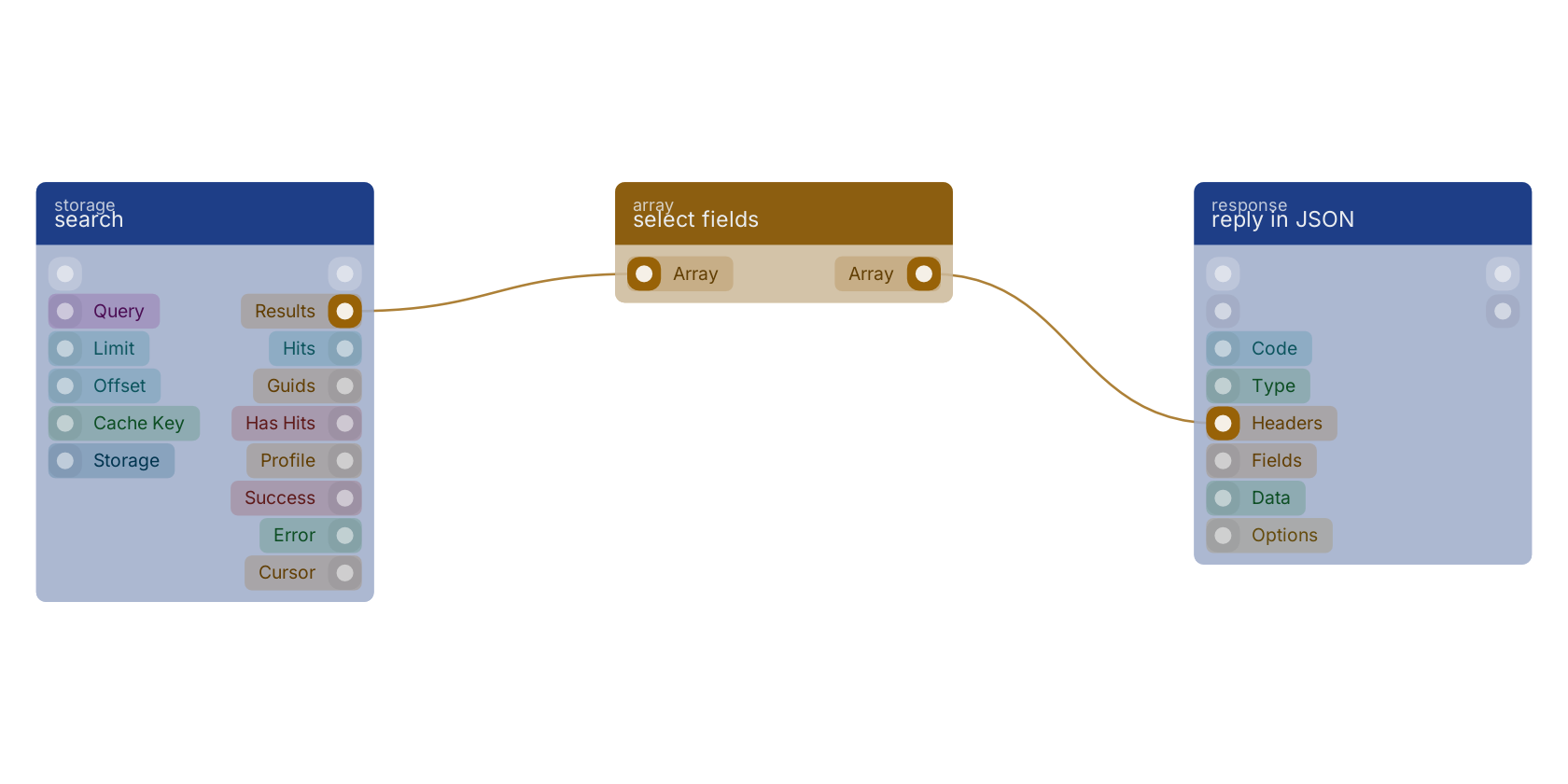
A typical wiring for select fields: search feeds the array pin; the array out pin feeds reply in JSON.
Commonly used with
In production blueprints, this block is most often wired together with:
- search: feeds into this block. searches in the given storage based on a query.
- reply in JSON: this block feeds into it. Reply to any httpconnection as JSON body.
- concat: this block feeds into it. Returns a joined array of two or more arrays.
- filter by geo distance: feeds into this block. Filters an array of objects, keeping only items where the from location is within the distance specified by each item's distance field. The distance unit (km or m) is configurable.
- new object: this block feeds into it. Builds a new object filled with the given fields.
- map: this block feeds into it. Creates a new array with the results of the provided function on every element in the array.
Version history
Introduced in v10.4.28.
Back to
array Return to the main group to view all sub-groups Back to array Return to the group to view all blocks within this group