get last item
This block is part of the array group and was last modified in core v10.4.28.
Type Selection Required
This block requires you to select the data type you want to work with. You must manually select the type using the type selector modal. To access the modal, click the white button on the block.
Field Selection Required
This block requires field selection (out). You must manually select the fields you want to work with using the field selector modal. To access the modal, click the white button on the block.
get last item v10.4.28 Get the last item from the array.
- array required
arrayThe array from which to retrieve the last item.
Outputs the LAST element of the array on the type-selected output pin (pin id value when no type is chosen). An empty or missing array, or a last element that is null, outputs null. The array itself is not modified.
A typical wiring for get last item: cast to array feeds the array pin; the value out pin feeds custom field.
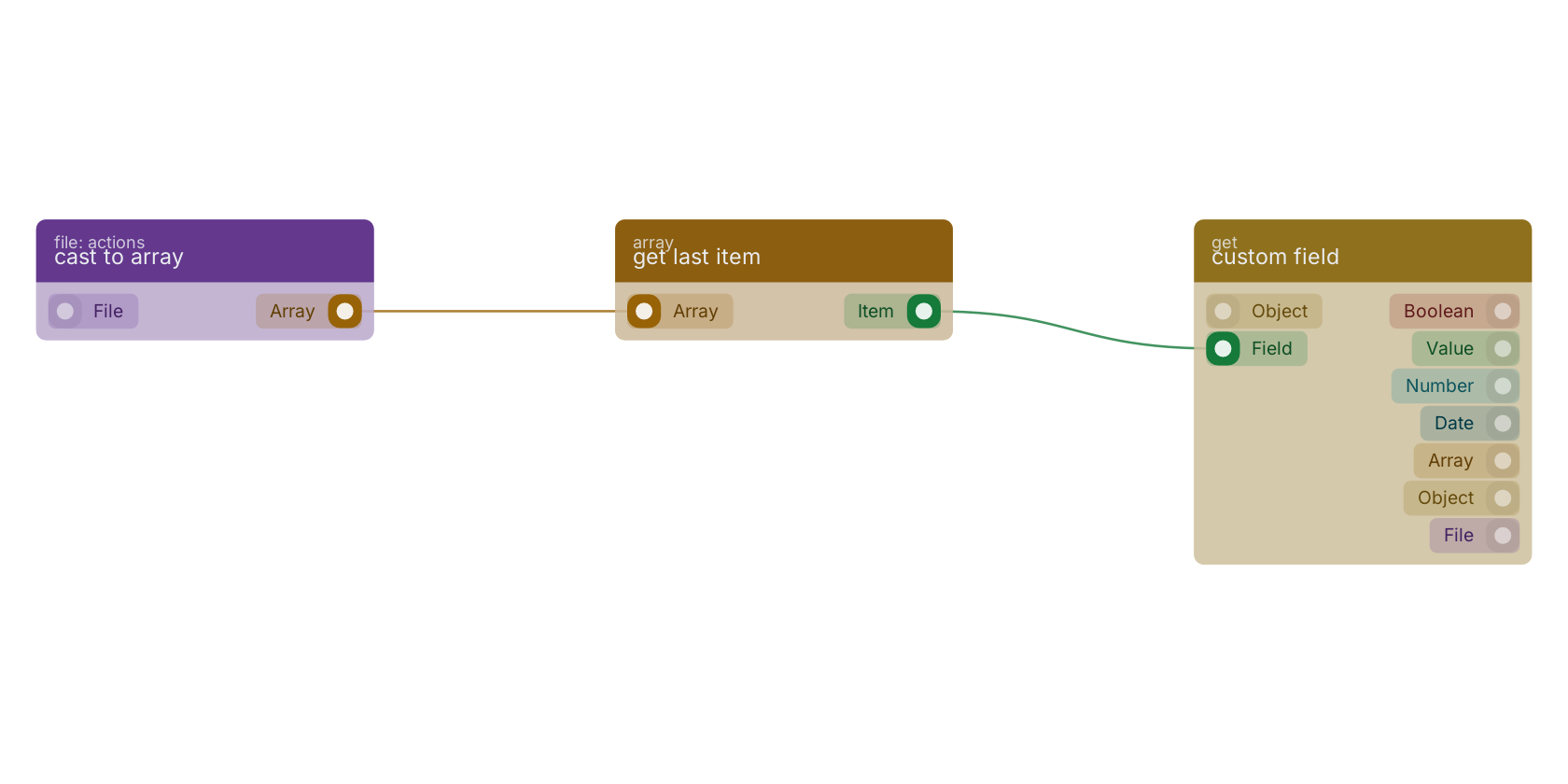
Commonly used with
In production blueprints, this block is most often wired together with:
- custom field: wired in both directions with this block. get the value of a custom field with a custom value block, or dynamic value.
- get fields: wired in both directions with this block. Gets the selected fields from the given object.
- cast to array: feeds into this block. Converts your given file to an array.
- fields: this block feeds into it.
- split: feeds into this block. takes a pattern and divides this string into an ordered list of substrings by searching for the pattern, puts these substrings into an array, and returns the array.
- array includes: this block feeds into it. determines whether an array includes a certain value among its entries.
Version history
Introduced in v10.4.28.
Back to
array Return to the main group to view all sub-groups Back to array Return to the group to view all blocks within this group