set coordinates
This block is part of the dobot group and was last modified in core v14.0.1.
set coordinates v14.0.1 Moves the machine into the given coords using joint motion. When you're using a 4 joint machine, the last 2 joints will be ignored.
In pins 13 + flow
- flow
- connection
dobotconnectionrequired - X
floatrequired - Y
floatrequired - Z
floatrequired - Rx
floatrequired - Ry
floatrequired - Rz
floatrequired - user coordinate
numberNumber of the user coordinate system
- tool coordinate
numberNumber of the tool coordinate system
- acceleration rate
numberPercentage of acceleration, range:
0~100• Max: 100 - velocity rate
numberPercentage of acceleration, range:
0~100• Max: 100 - continuous path
numberContinuous path rate, range:
0~100• Max: 100 - linear mode
conditionMoves to the coords in linear mode
Out pins 3 + flow
- flow
- connection
dobotconnection - finished
conditionIndicates if the machine has reached the given destination
- error
value
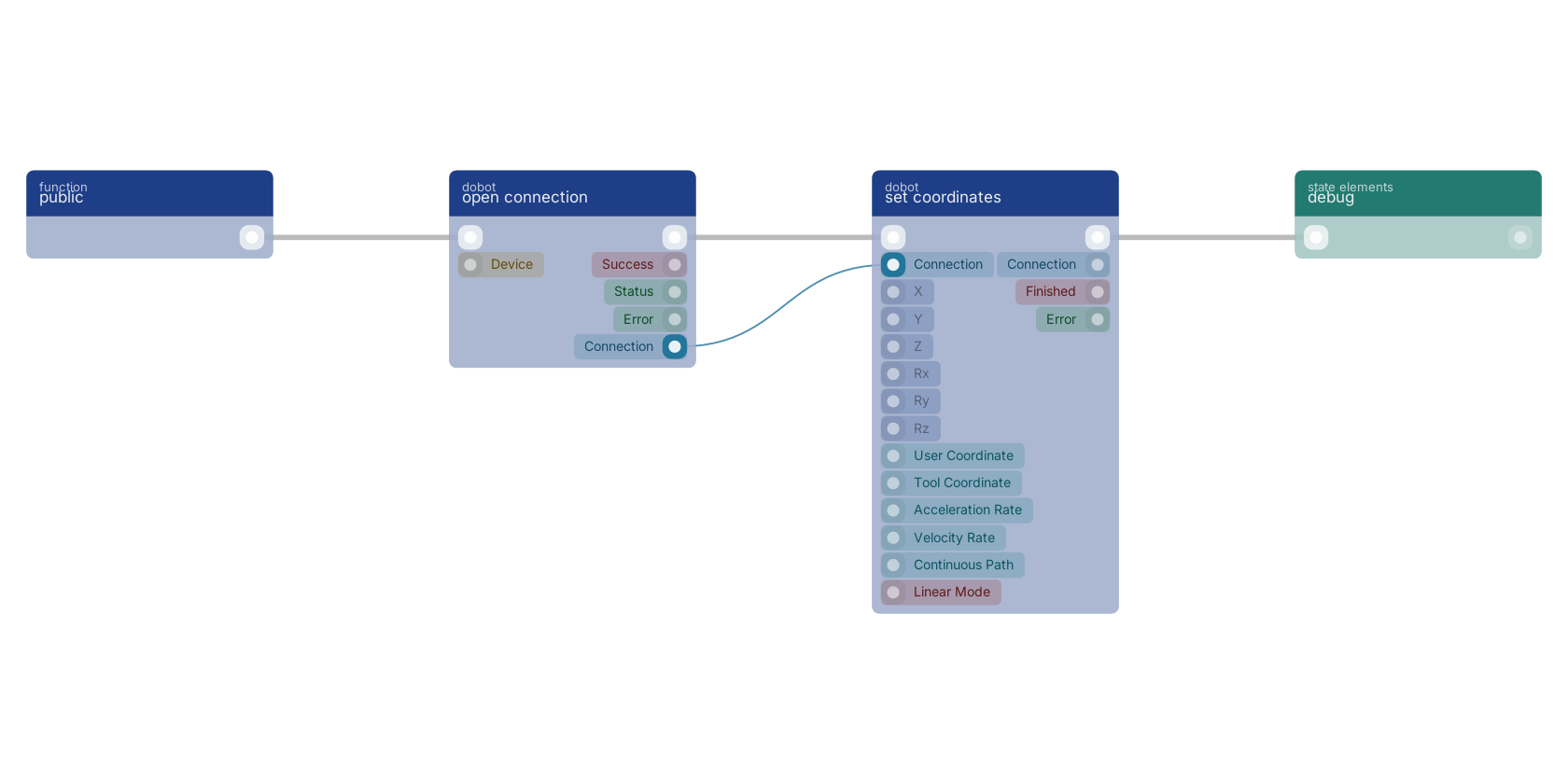
A typical wiring for set coordinates: a function trigger starts the flow; open connection feeds the connection pin; the flow out pin feeds debug.
Version history
Introduced in v14.0.1.
Back to
dobot Return to the main group to view all sub-groups Back to dobot Return to the group to view all blocks within this group